Marketplace and ecommerce listings
Upload the product photo you already use for Amazon, Shopify, or marketplace listings and turn it into a cleaner studio-quality version without reshooting every SKU.
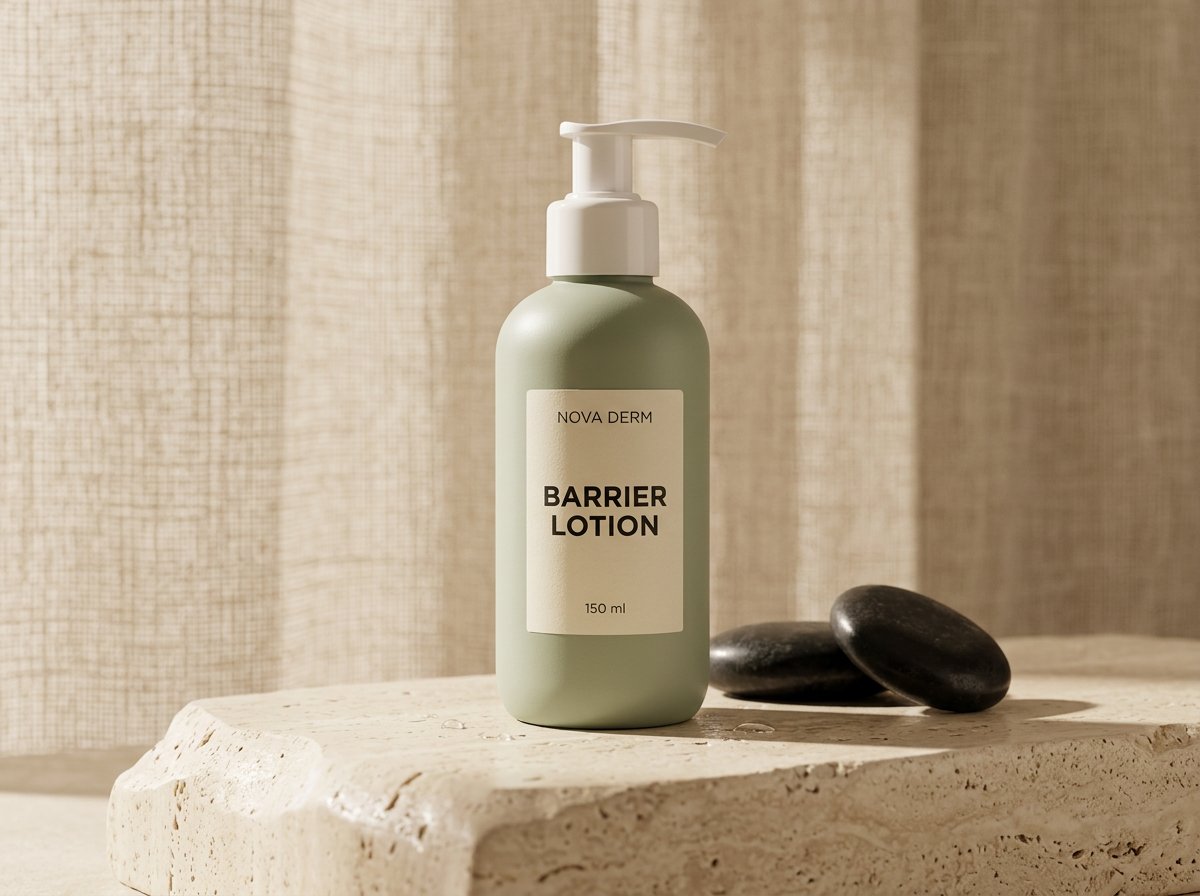
Start with your product photo. Explore cleaner lighting, backgrounds and reflections for your store or next campaign.
Review labels, proportions and materials against the source before publishing.
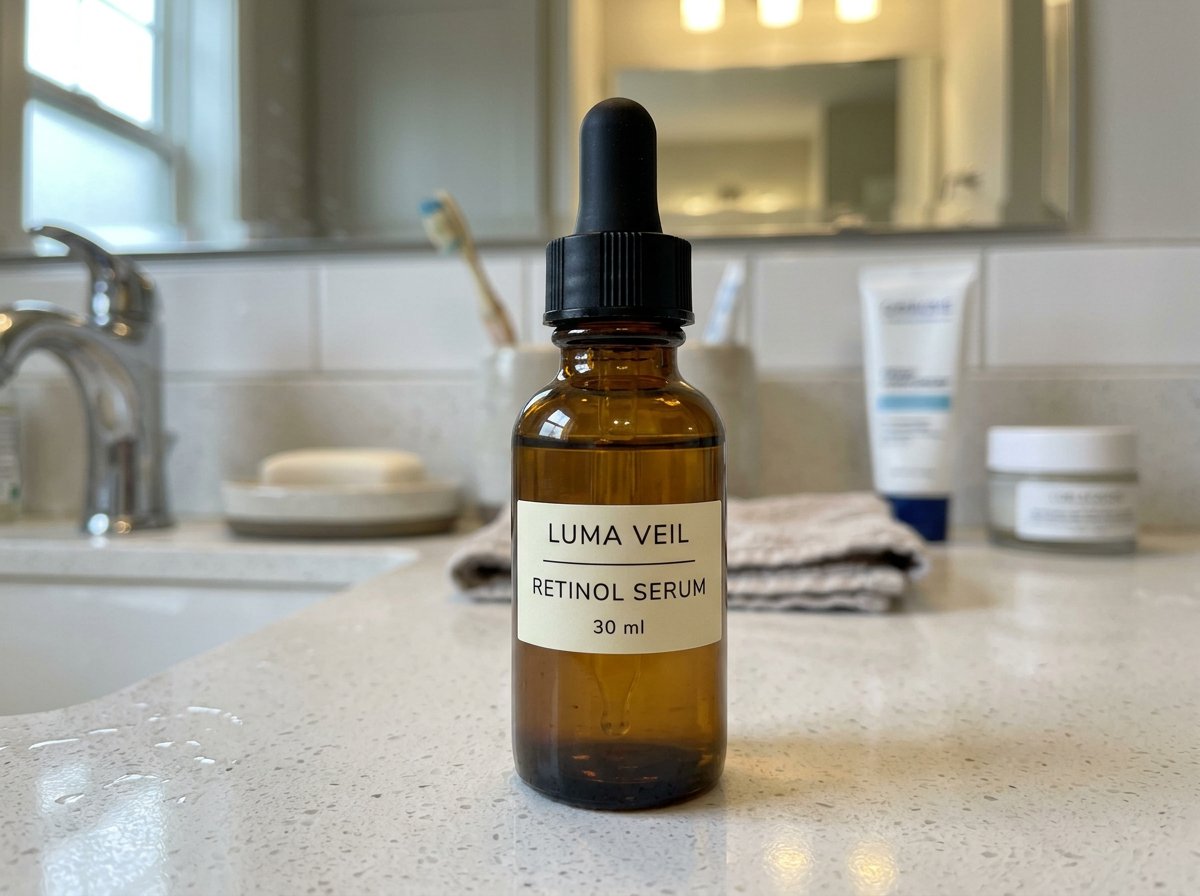
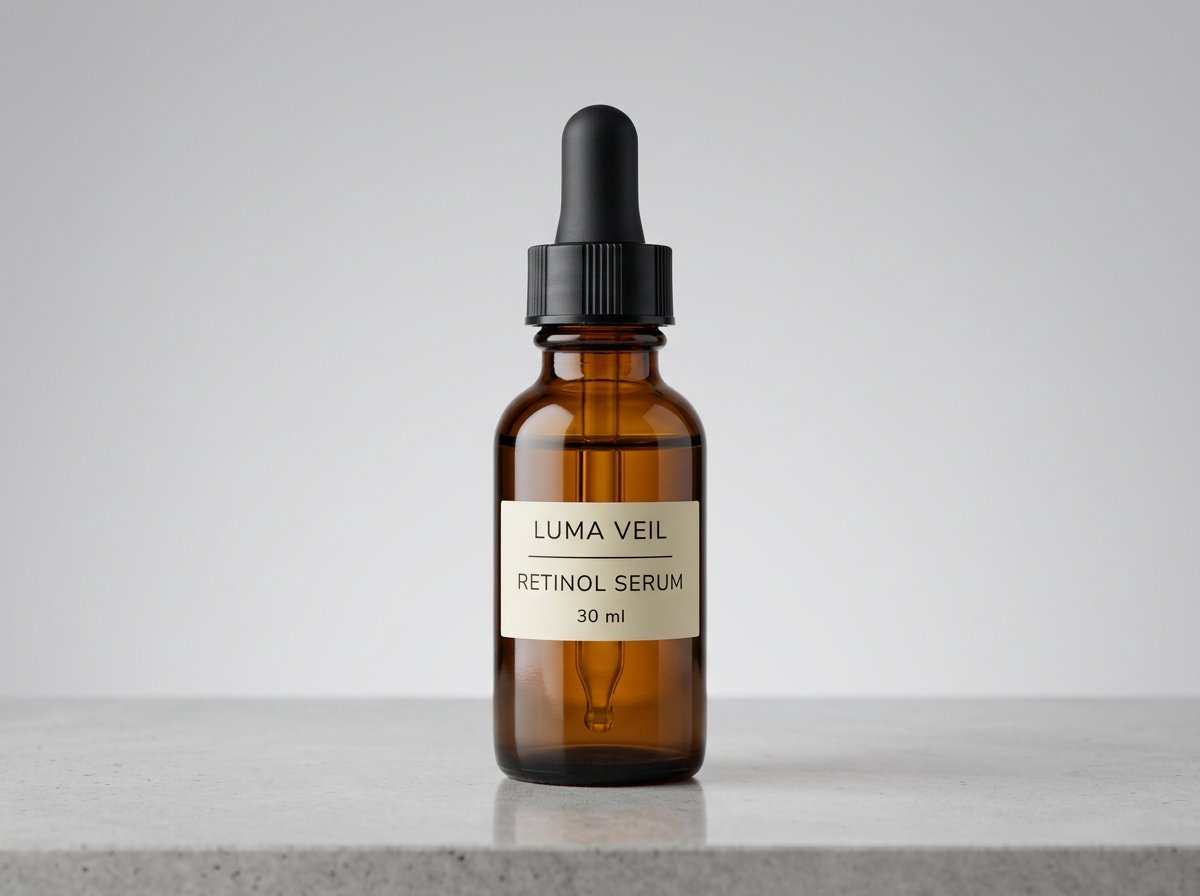
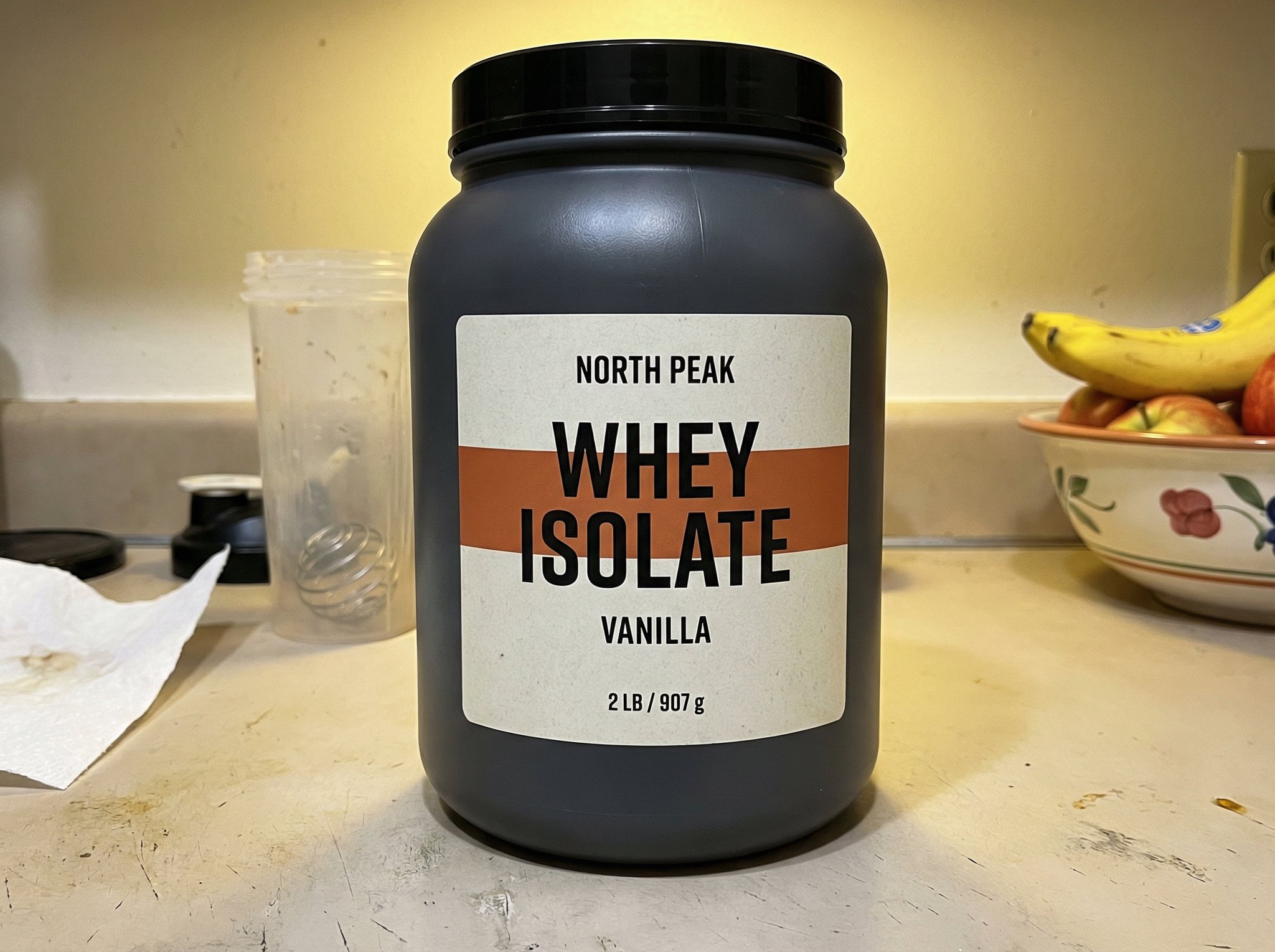
Source to result proof
Start from the clearest source frame you have, then upgrade the frame around it.
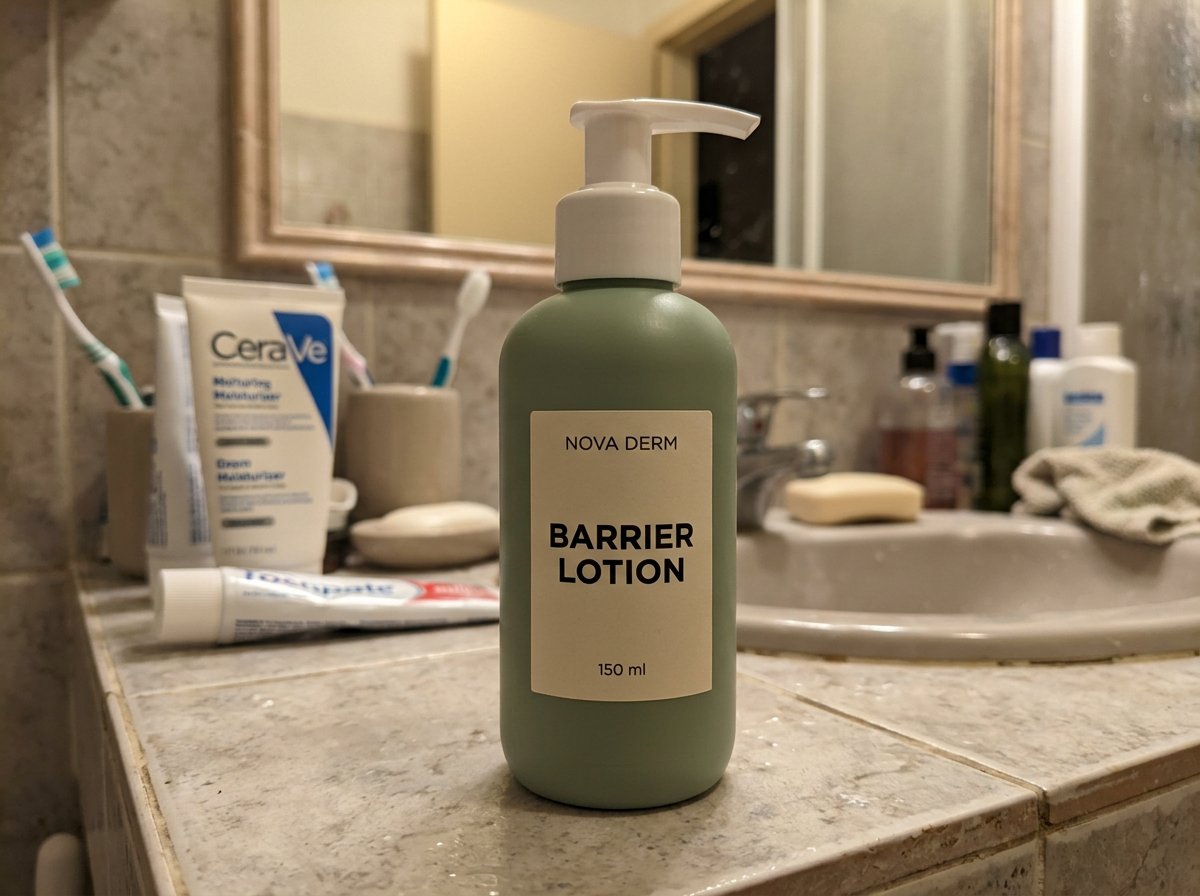
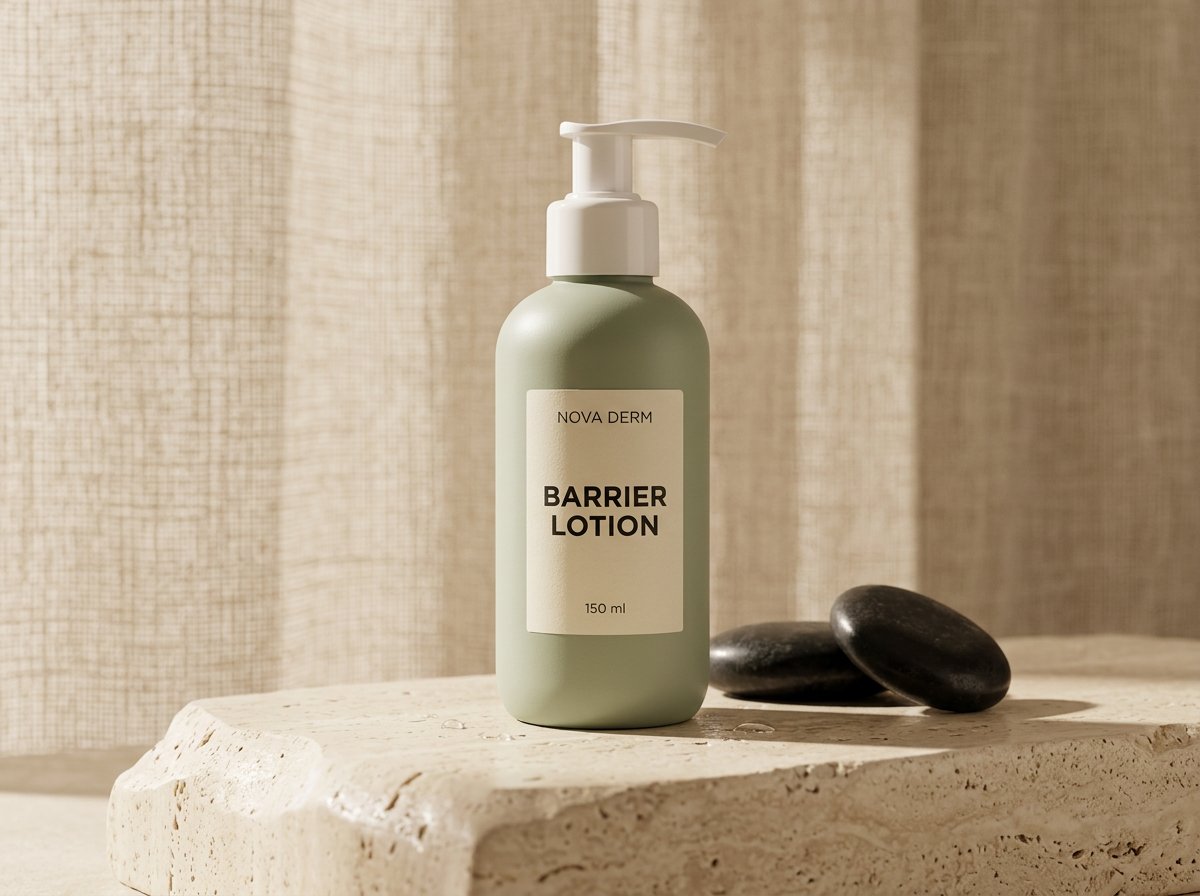
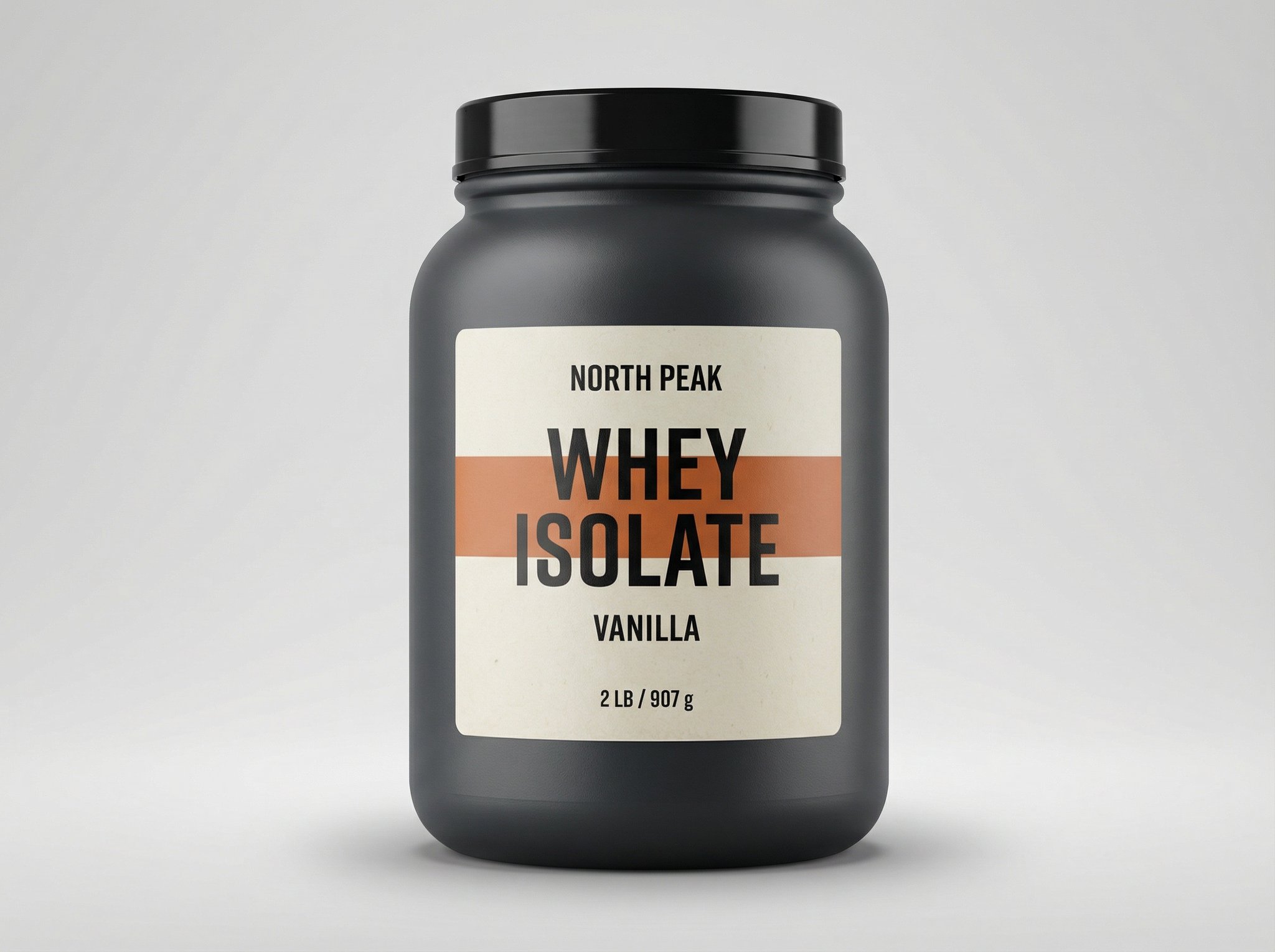
Source to result proof
A cleaner setting and more controlled light can make packaging easier to read. Compare the output with the source before choosing a result.
Check the product as closely as the photograph.
Start from the clearest source frame you have, then upgrade the frame around it.
Best for
Use an existing product photo as the reference for listing images, launches and ad creative.
Upload the product photo you already use for Amazon, Shopify, or marketplace listings and turn it into a cleaner studio-quality version without reshooting every SKU.
Use it when you need stronger product creative for paid media, launches, and seasonal updates without booking a new shoot every time.
Start from the iPhone shot you took on a kitchen table, desk, or warehouse shelf and turn it into something polished enough to sell.
How it works
This usually starts in image-to-image editing. Once the direction works, finish with upscale or batch outputs only if you need more coverage.
Pick the clearest source frame you have with readable packaging, visible edges, and a product angle you want to keep grounded.
Ask for cleaner backgrounds, better lighting, sharper material detail, and more premium styling while explicitly keeping the real product intact.
Once one edit works, use the upscaler for cleaner export quality or batch workflows to carry the same look across more assets.
More transformations
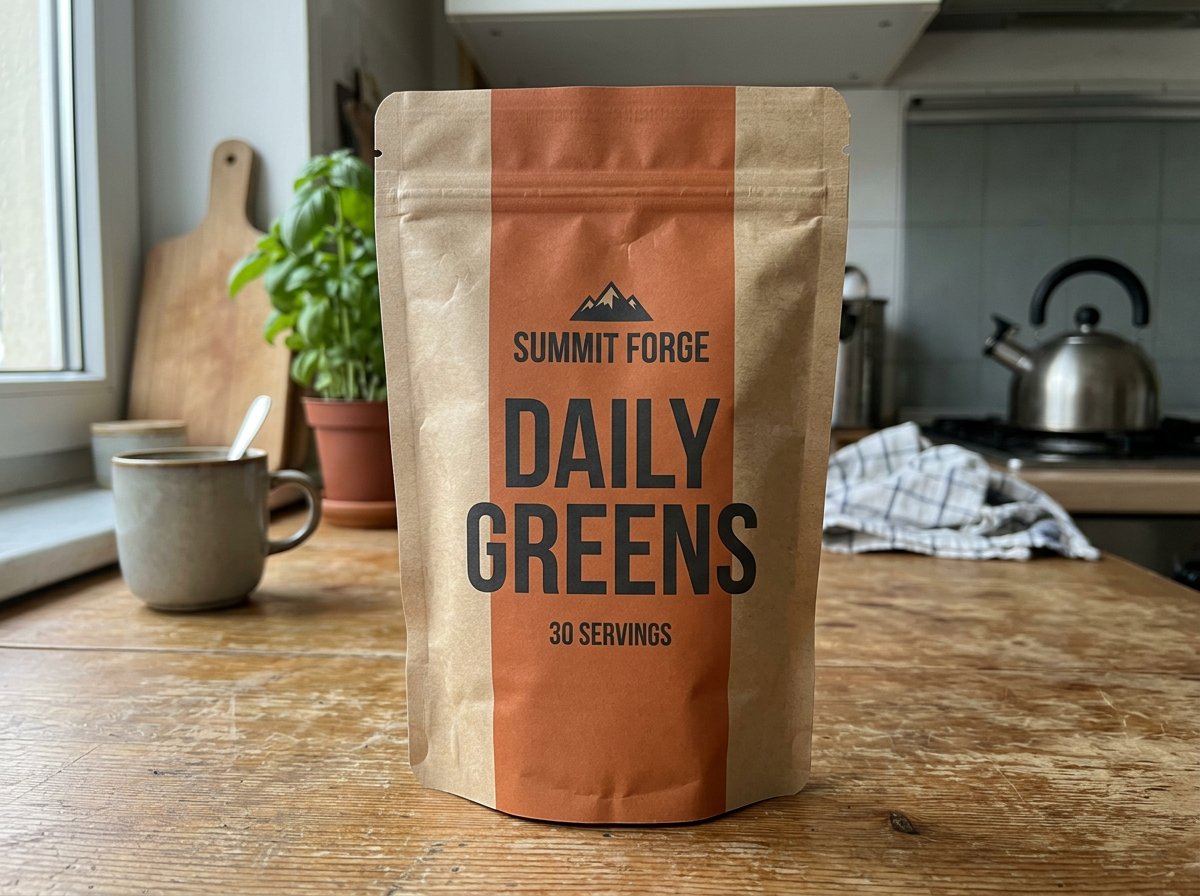
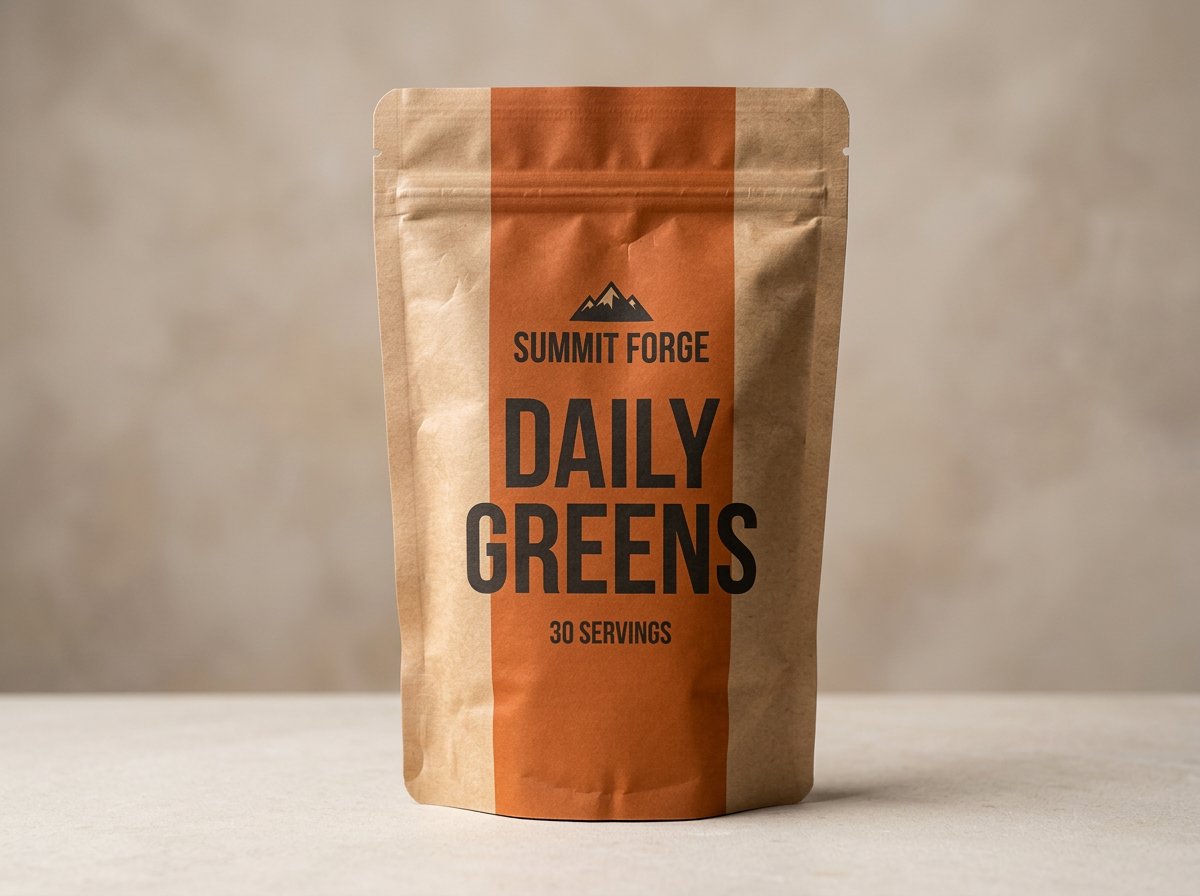
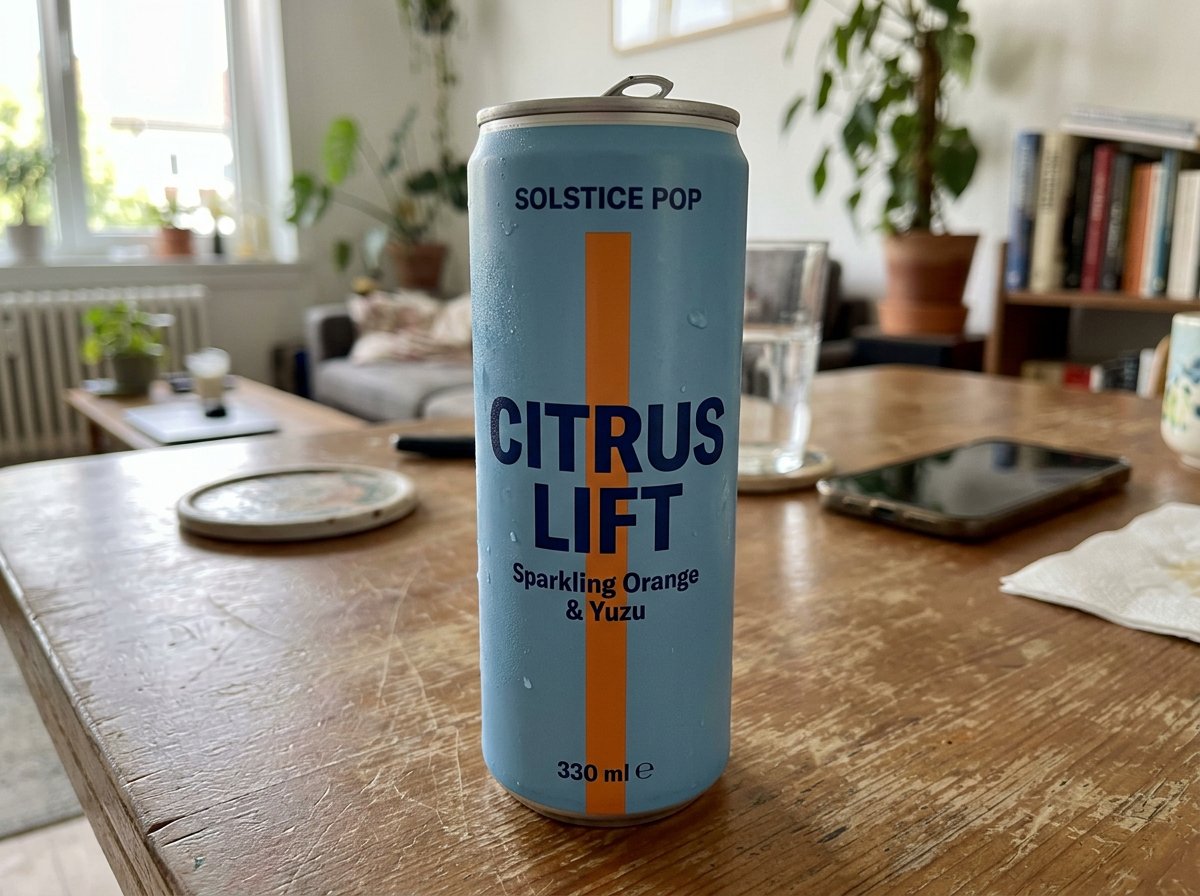
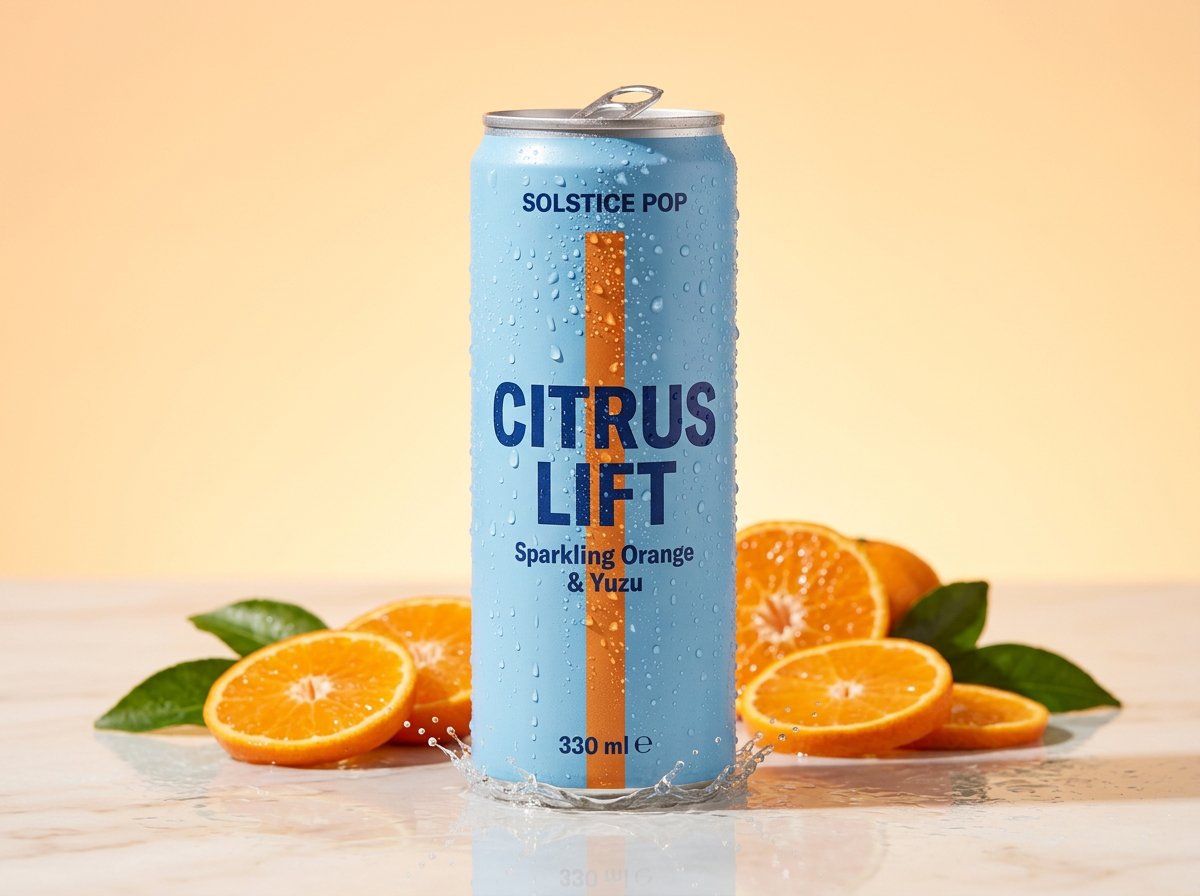
These examples keep the transformation visible so you can judge the edit, not just the finished aesthetic.
Set 01
A rough seller-shot pouch becomes a cleaner premium ecommerce frame with stronger material definition and packaging clarity.
Set 02
A rough can photo becomes a brighter campaign-ready product shot where color, condensation, and art direction do the selling work.
Direction 03
A bathroom-counter source photo becomes a cleaner beauty image with controlled reflections, sharper glass edges, and a more premium finish.
If this page matches the job, the next step is usually the workflow, finishing tool, or inspiration page that gets you moving faster.
Model
OpenAI's GPT Image 2 on HummingBytes for product visuals, ecommerce packshots, social ads, readable layouts, and reference-guided edits.
Open pageModel
A model page for Seedream 5.0 Lite on HummingBytes, with examples for posters, branded layouts, reference-guided edits, and structured commercial images.
Open pageModel
The fast default image model for most HummingBytes users when you want strong generation and editing without paying Pro-level cost.
Open pageFeature
Increase image resolution, then check the details before you download.
Open pageUse case
Keep the product and packaging locked while replacing distracting backgrounds with cleaner catalog or lifestyle scenes.
Open pageFeature
Start from a reference image and transform it into edits, restyles, cleanups, and new visual directions.
Open pageFeature
Launch prompt variations, ratios, and reference sets in one batch so your team reviews the full output set together.
Open pageUse case
Create TikTok Shop listing image variants from real product photos. Explore main images, alternate angles, details and included-items examples with AI prompt starters.
Open pageUse case
Create Amazon listing image variants from your product photos: main images, infographics, lifestyle scenes and detail views. Explore real examples and prompt starters.
Open pageUse case
Turn a simple clothing photo into polished ecommerce apparel images with AI. Create cleaner product shots, lifestyle photos, material close-ups, and styling-reference visuals in HummingBytes.
Open pageReady to upgrade your product photo?
Upload a reference, describe the changes and compare the result with your original.