OpenAI GPT Image 2

Create campaign-ready product visuals with GPT Image 2

Use OpenAI's GPT Image 2 on HummingBytes to create product launch visuals, ecommerce packshots, social ads, reference-guided edits, readable layouts, and 4K-class campaign images.

Create product, ad, and campaign assets from one prompt
Use references to preserve products, packaging, and visual details
Generate square, portrait, landscape, and 4K-class outputs

Available from the Starter plan. Explore directions with smaller drafts, then render the final asset at the size and quality you need.

Example assets

See GPT Image 2 across real campaign jobs

These examples show the jobs GPT Image 2 is best suited for inside HummingBytes: product visuals, reference-guided edits, channel-specific ads, and campaign systems.

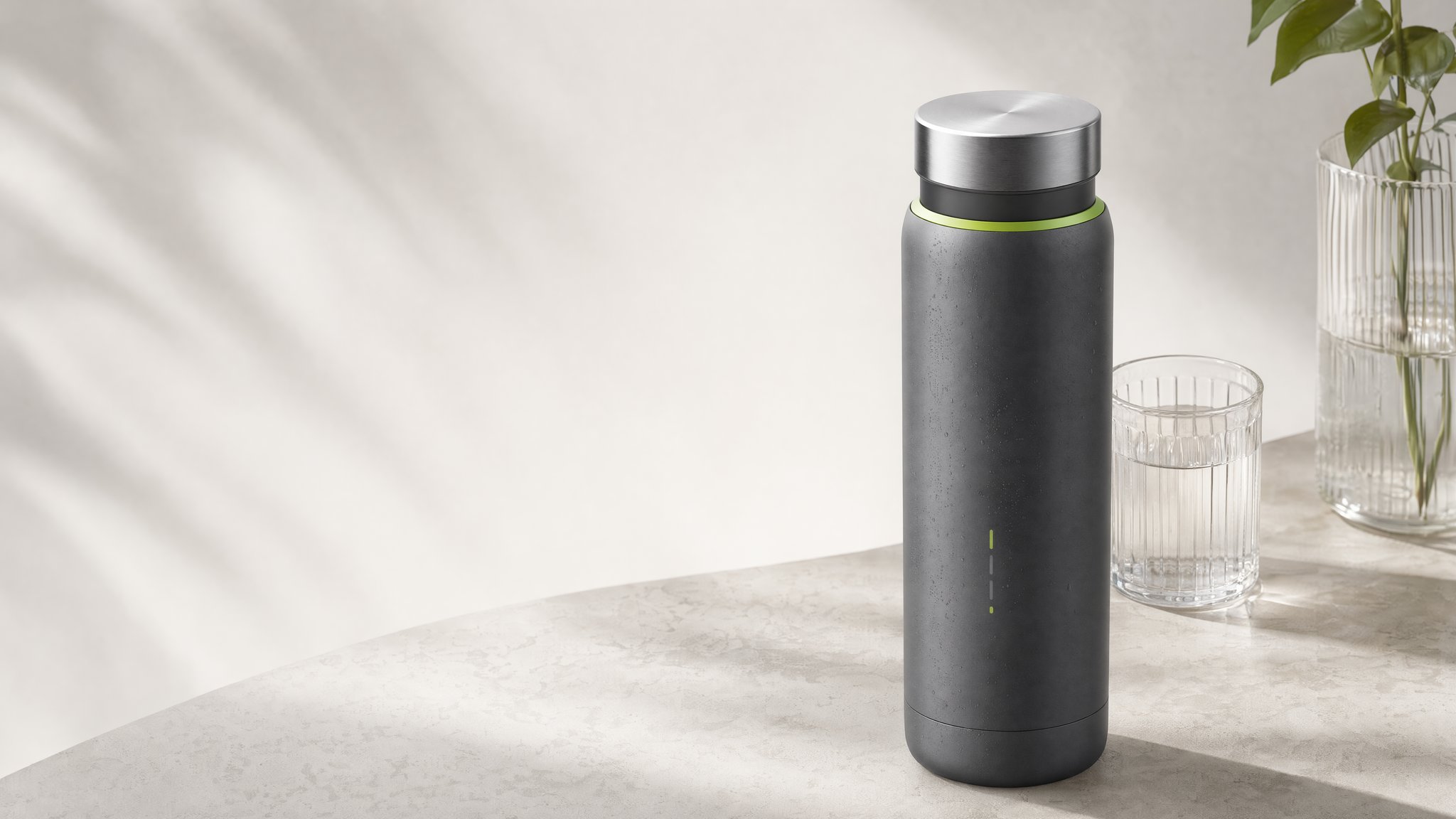
Wide 4K website hero for a smart bottle product launch generated with GPT Image 2
4K launch heroGenerated with GPT Image 2

Website hero generated in a wide frame

A landing-page asset where the value is the final wide frame: negative space for copy, product focus, and enough detail to survive desktop hero placement.

Prompt direction

Photorealistic website hero for a premium smart bottle launch with clean headline space, realistic studio lighting, polished ecommerce-grade materials, and no logo.

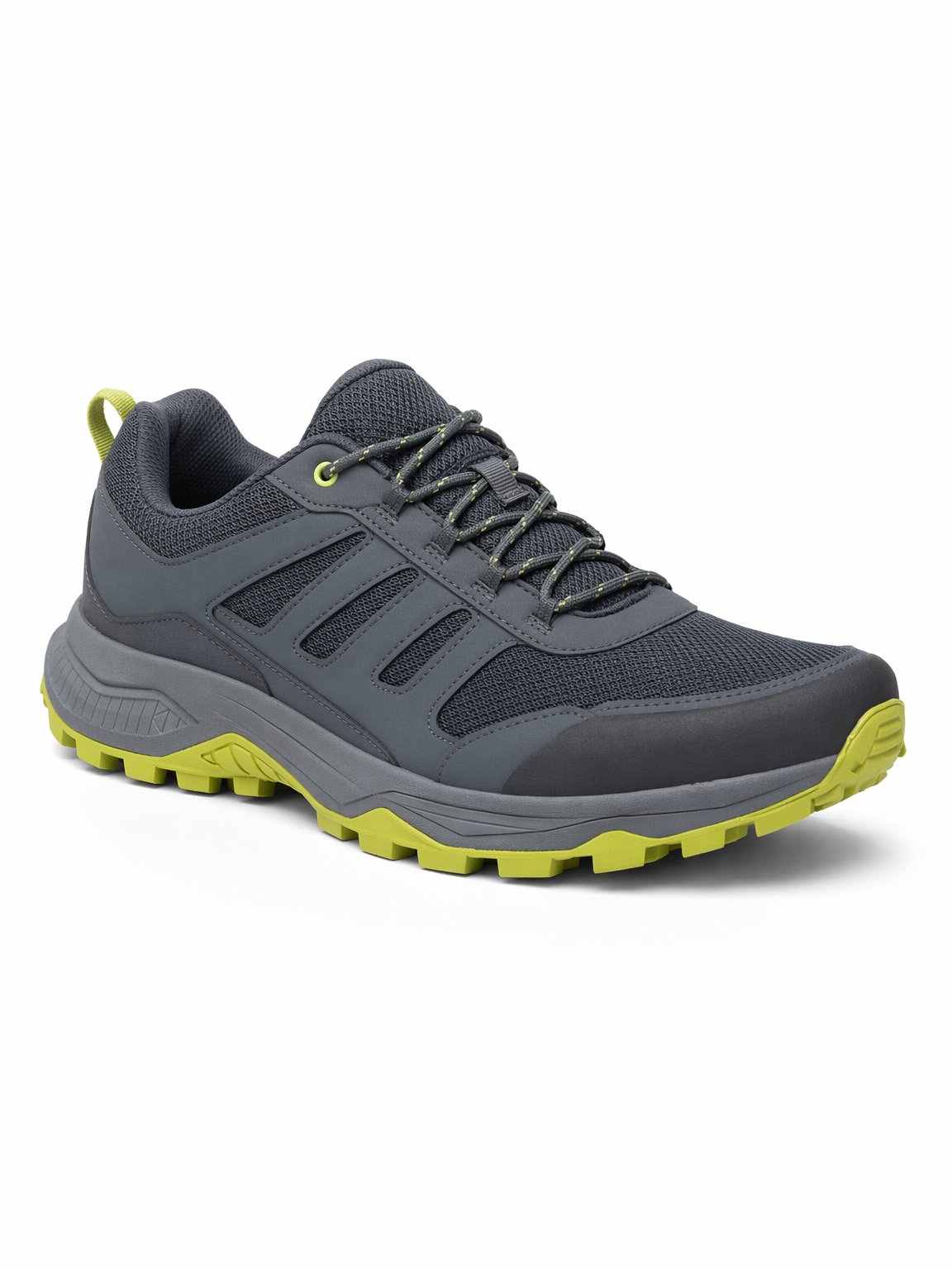
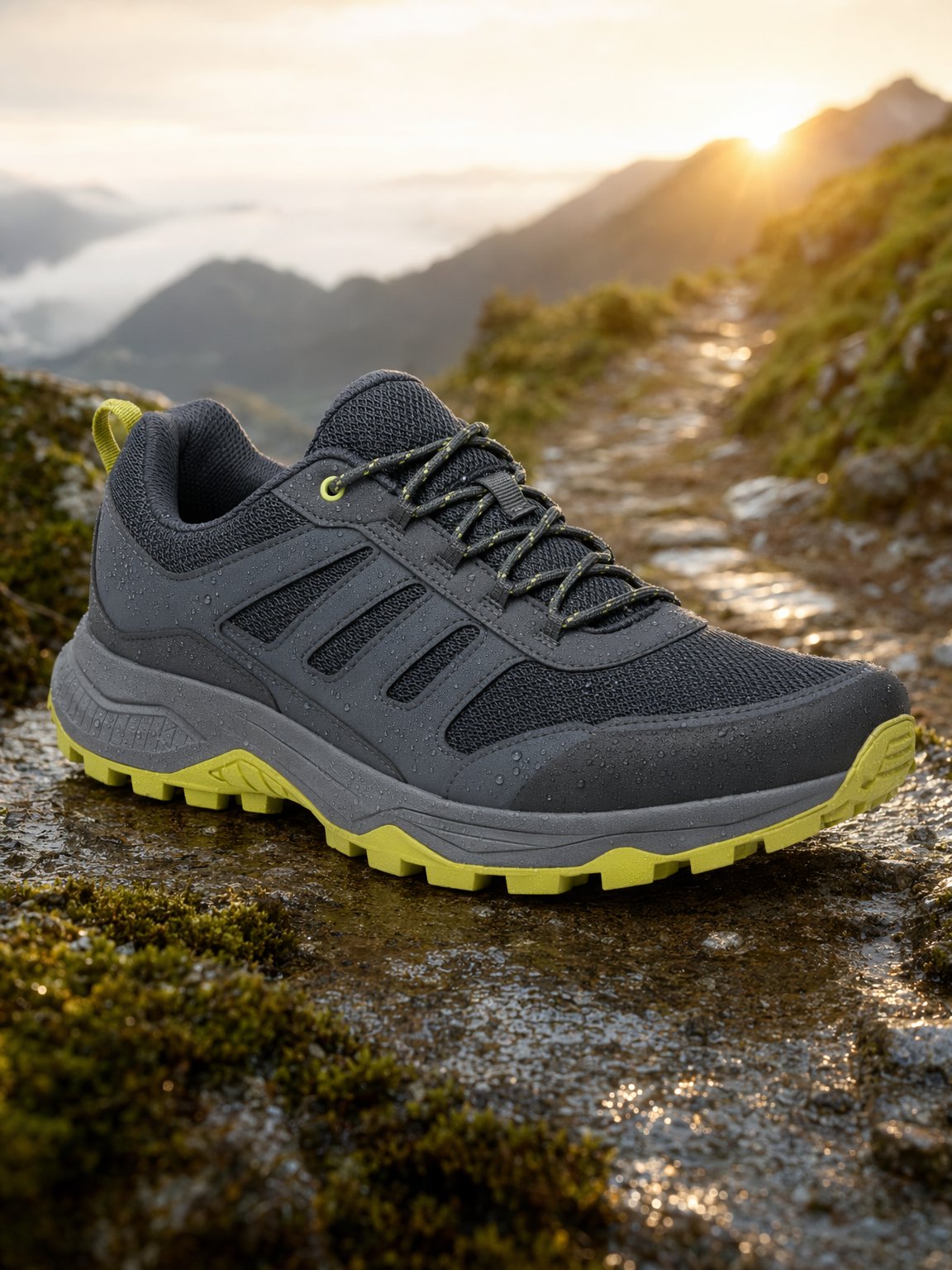
InputGPT Image 2 result
Reference editGenerated with GPT Image 2

Background replacement that preserves product identity

A practical edit brief for ecommerce teams: keep the source shoe intact, change the campaign environment, and generate the final portrait asset at the required size.

Prompt direction

Using the uploaded shoe image, preserve the exact shoe, logo placement, color, laces, sole shape, and camera angle. Replace only the background with a wet mountain trail at sunrise.

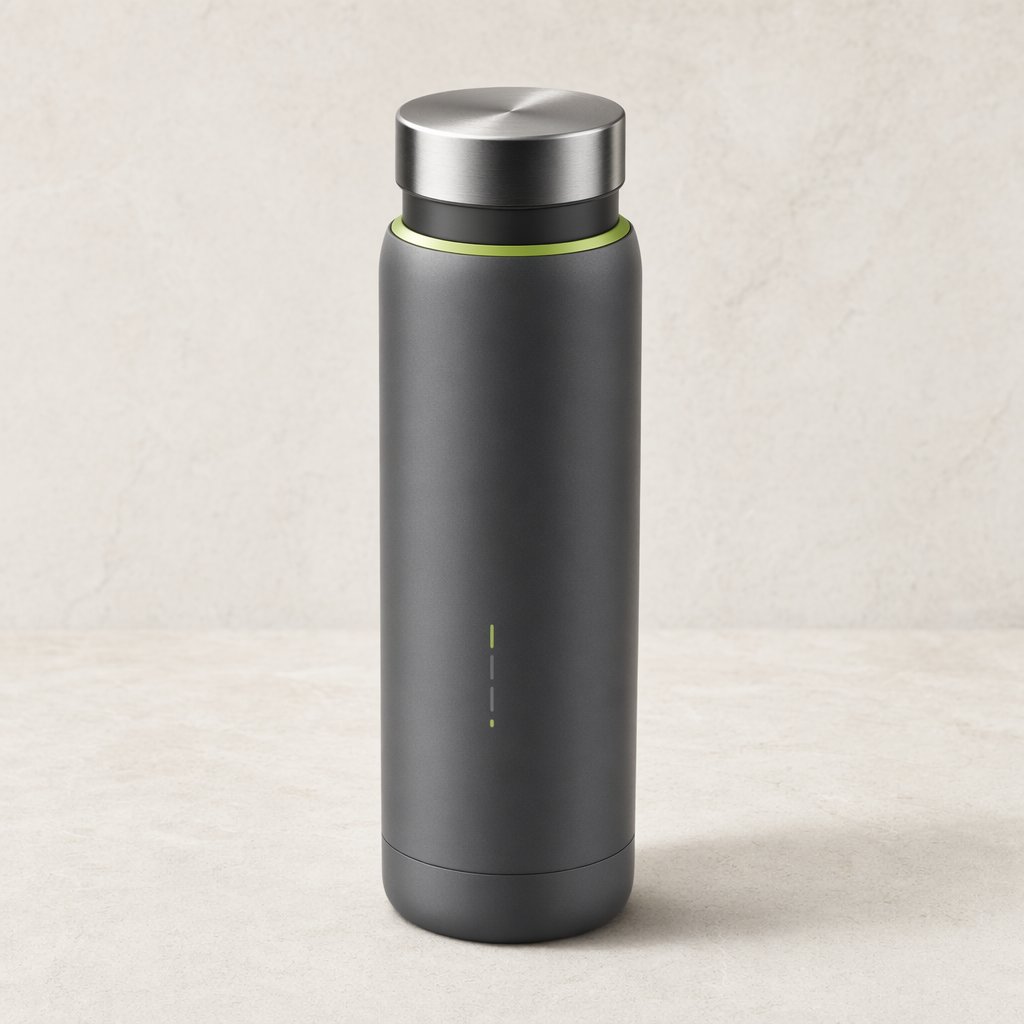
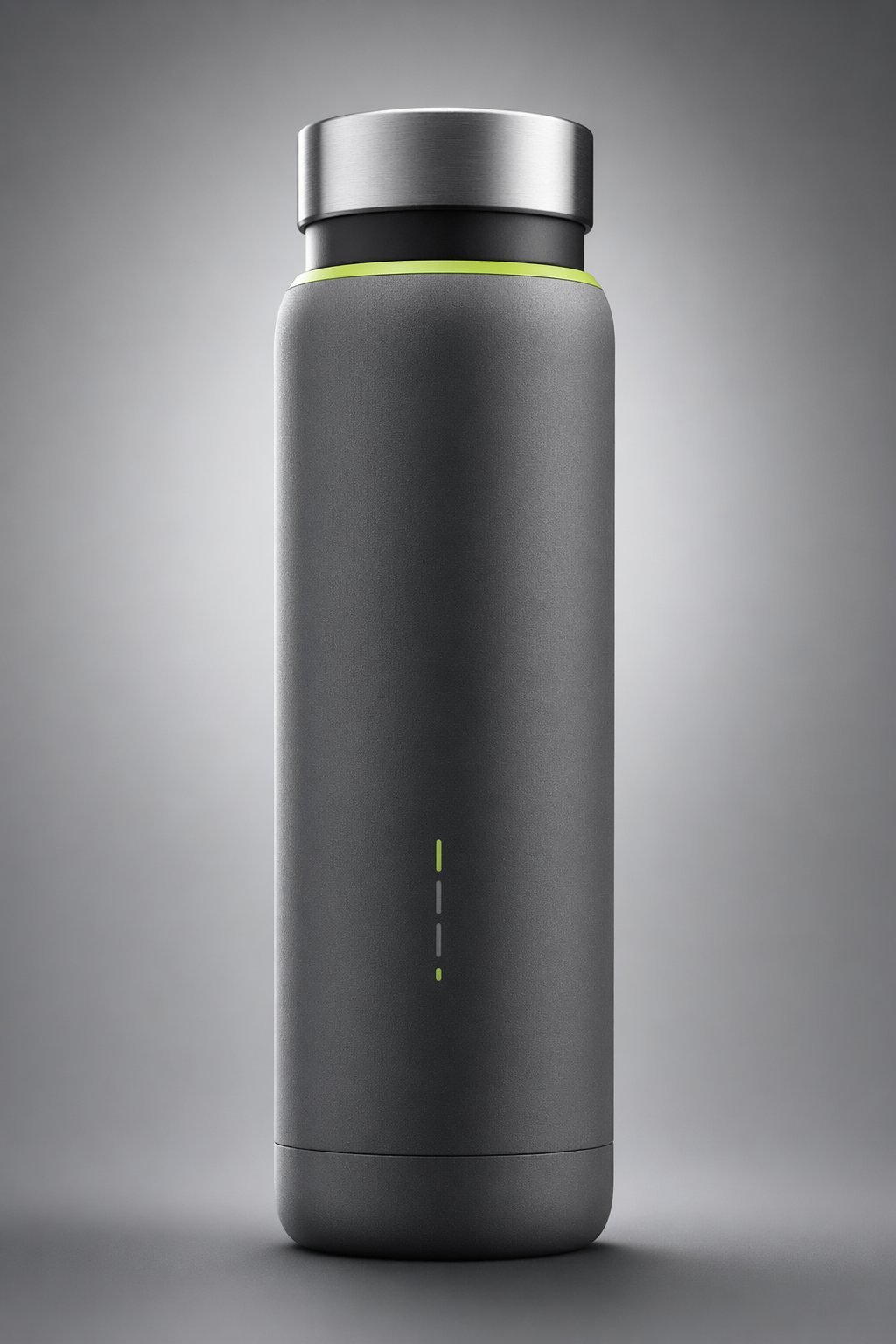
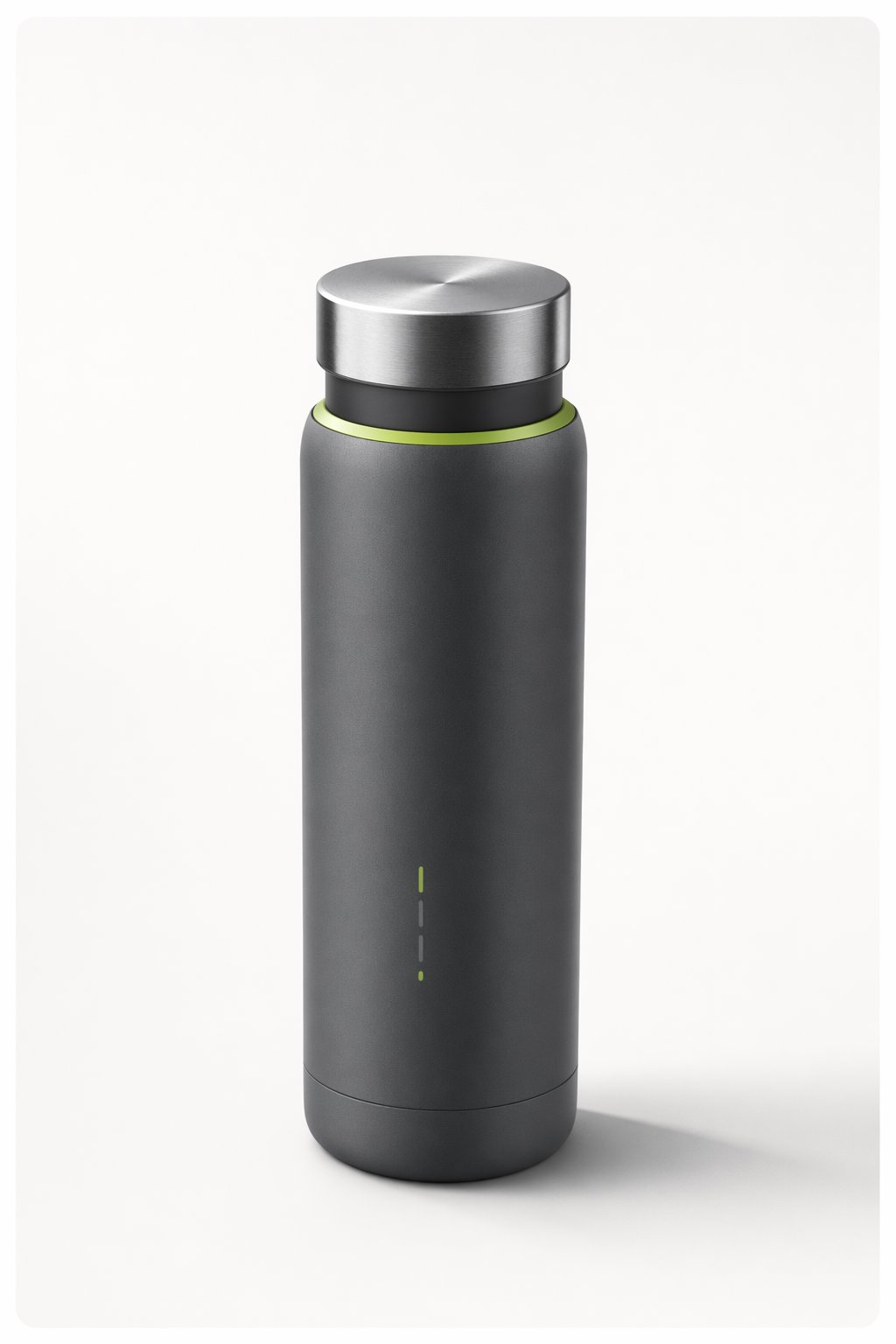
Square marketplace packshot of a matte smart bottle generated with GPT Image 2
Marketplace imageGenerated with GPT Image 2

Square product packshot for catalogs and ads

A square output for the places where brands still need clean, practical imagery: marketplaces, product cards, thumbnails, and retargeting ads.

Prompt direction

Marketplace-ready packshot of a matte smart bottle on light stone, crisp material detail, realistic reflections, clean commercial shadowing, and no competing props.

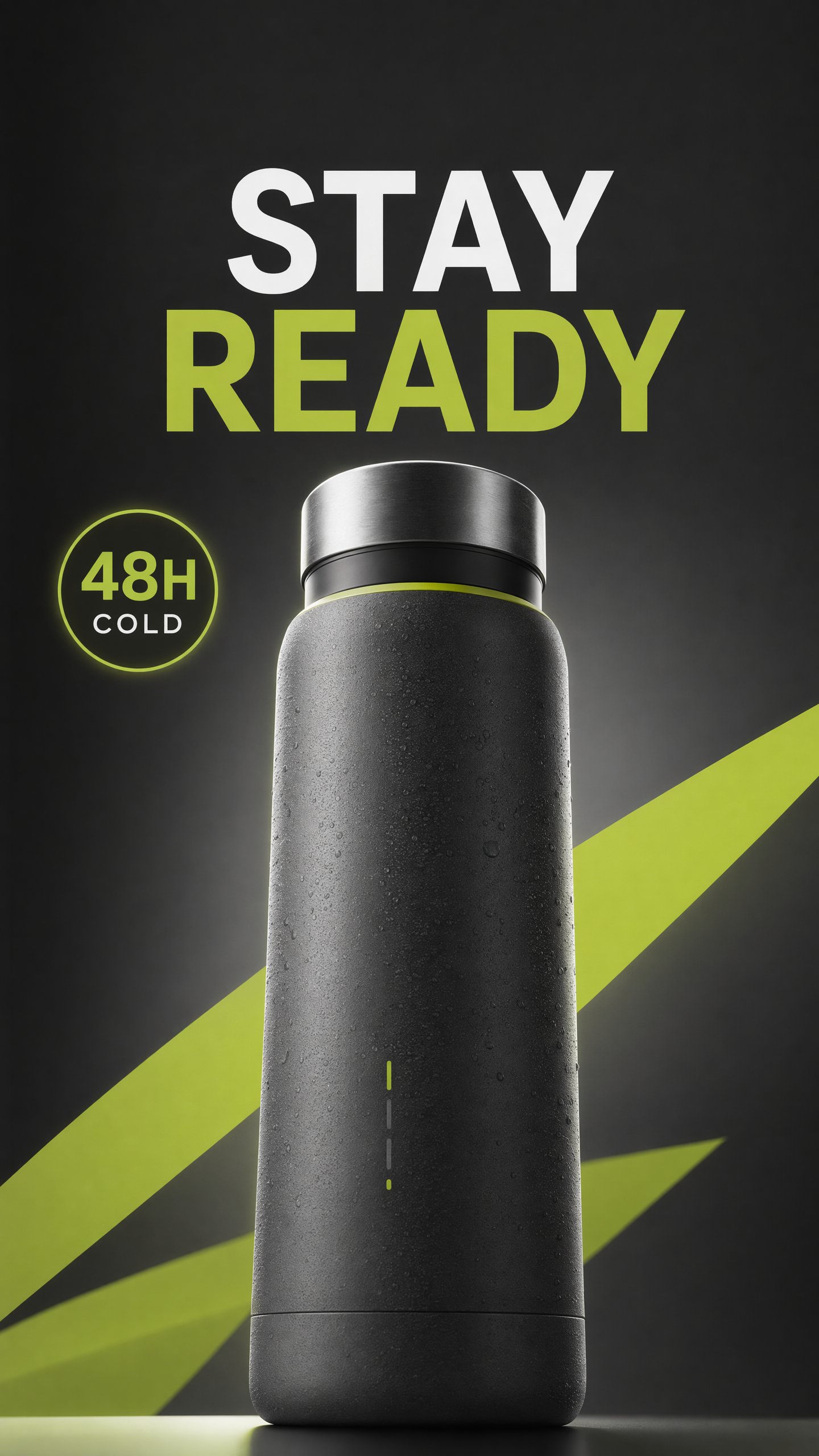
Vertical social story product launch advertisement generated with GPT Image 2
Social storyGenerated with GPT Image 2

Vertical launch creative without post-cropping

A paid-social story frame where the model has to compose for the final phone format from the start: dominant product, readable campaign text, and safe space for social UI.

Prompt direction

Finished mobile paid-social launch ad with the referenced smart bottle large in the lower half, graphite studio lighting, lime accents, readable STAY READY headline, and readable 48H COLD proof point.

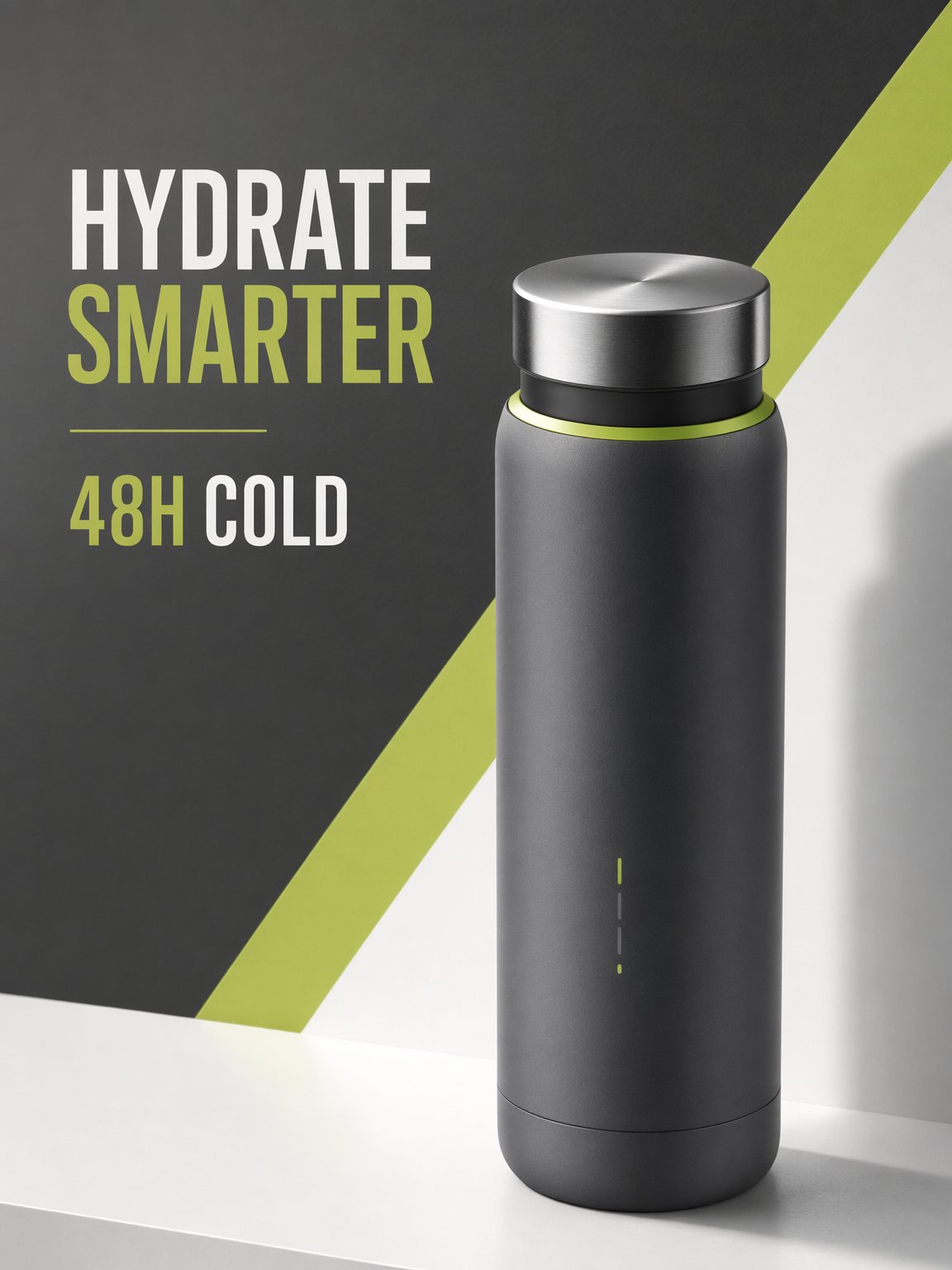
Readable promotional poster for a smart bottle generated with GPT Image 2
Readable promo posterGenerated with GPT Image 2

Short campaign text rendered inside the image

A poster-style ad that puts GPT Image 2's improved text rendering under pressure with two exact lines, product preservation, and a finished commercial layout.

Prompt direction

Promo poster for the referenced smart bottle with exactly two readable text lines, HYDRATE SMARTER and 48H COLD, integrated into a clean graphite, off-white, and lime studio ad.

Vertical product campaign frame for a smart bottle generated with GPT Image 2

Product

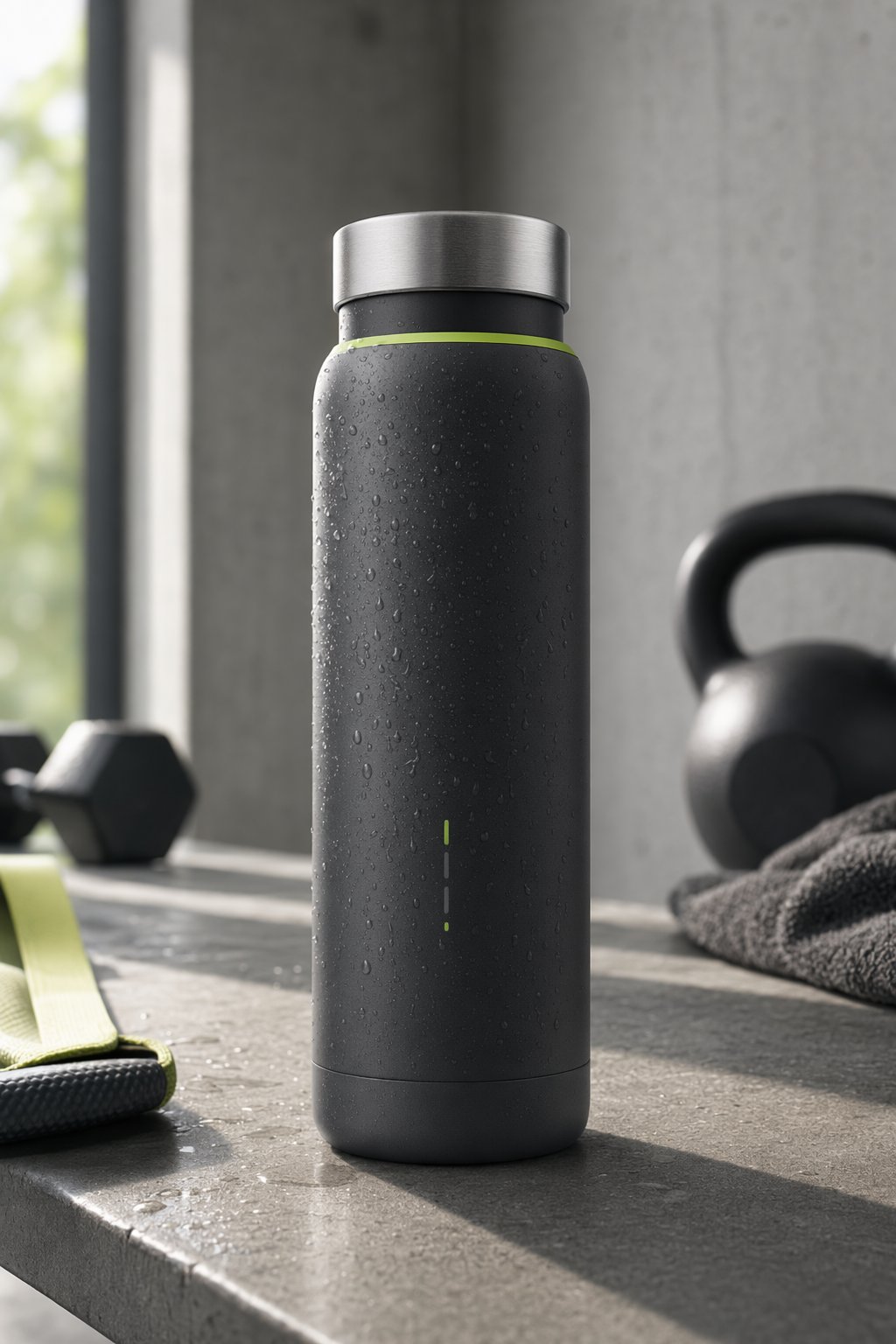
Vertical editorial lifestyle frame for a smart bottle generated with GPT Image 2

Editorial

Vertical commerce-ready frame for a smart bottle generated with GPT Image 2

Commerce

Brand systemGenerated with GPT Image 2

One product direction extended into three vertical assets

A compact campaign system for a team that needs more than one beautiful image: product detail, editorial context, and commerce-ready placement.

Prompt direction

Create three campaign frames for the same premium smart bottle brand: product detail, editorial lifestyle, and commerce-ready placement with consistent materials and color palette.

Where it shines

Where GPT Image 2 pays off

Use it when the output has to be more than a nice image: the product needs to stay recognizable, the format matters, the text has to read, or the asset has to fit a real campaign.

Product and packaging visuals

Keep product shape, materials, labels, and campaign styling clear enough for ecommerce and launch work.

Reference-guided edits

Use source images when a product, subject, or branded object needs to remain recognizable while the scene changes.

Readable text and structured layouts

Create posters, labels, UI-style visuals, and campaign frames where concise copy is part of the asset.

Channel-specific campaign assets

Generate square, portrait, landscape, and 4K-class frames for the places the asset will actually run.

Before you generate

Use GPT Image 2 like a production model: set the placement, feed it the right references, and inspect the output before publishing.

Start with the final placement

Choose square, portrait, landscape, or 4K-class output before you write the prompt.

Upload references when identity matters

Add product, packaging, subject, or style references when the result needs to preserve specific details.

Keep important text concise

GPT Image 2 is much stronger with typography, but ads, labels, UI mockups, and dense layouts still deserve a final review.

Draft small, finish large

Explore directions with smaller or lower-quality renders, then spend credits on the final size once the concept is right.

Where to go next

Model pages are most useful when they connect back into the workflow, use-case, and benchmark pages that help you act on the decision.

GPT Image 2 FAQ

What is GPT Image 2?

GPT Image 2 is OpenAI's newest image generation model available on HummingBytes for high-quality image generation, flexible output sizes, and reference-guided visual workflows. You may also see it referenced as GPT-Image-2, gpt-image-2, or through OpenAI's ChatGPT Images 2.0 launch.

What sizes should I use with GPT Image 2?

Use square, landscape, or portrait sizes that match the final placement. HummingBytes exposes practical presets such as 1024x1024, 1536x1024, 1024x1536, 2560x1440, 1440x2560, 3840x2160, and 2160x3840.

Does GPT Image 2 support reference images?

Yes. Use reference images when product identity, packaging, subject continuity, or brand material needs to stay recognizable across the output.

Should I generate everything at 4K?

No. Use smaller or lower-quality generations for drafts, then move the winning direction to a larger size or higher quality setting for final review.

What can I create with GPT Image 2?

Create product launch images, ecommerce packshots, social ads, posters, UI-style visuals, infographics, reference-guided edits, and 4K-class campaign frames.

Which plan do I need for GPT Image 2?

GPT Image 2 starts on the Starter plan in the current HummingBytes pricing setup.
Ready to create with GPT Image 2?

Generate your next product or campaign asset.

Choose the format, add references when identity matters, and create a first asset ready for review.