One product
1 product × 4 images = 4 images
Product photographer
$200–$1,400
HummingBytes · Starter
$12/month
Starter covers ≈105 images a month.
For Shopify, Amazon, Etsy and TikTok Shop sellers
HummingBytes turns one photo of your product into listing images, lifestyle scenes, campaign shots and short product videos.
 Campaign
 Phone photo
 Listing
 Lifestyle
Examples
Pick a product, switch scenes, and compare each result with the original.
Products

Scene AWalnut table, window light
Fictional sample product · made in HummingBytes
The photoshoot math
Photographers typically charge $50–$350 per image (Shopify, 2026).
1 product × 4 images = 4 images
Product photographer
$200–$1,400
HummingBytes · Starter
$12/month
Starter covers ≈105 images a month.
10 products × 4 images = 40 images
Product photographer
$2,000–$14,000
HummingBytes · Starter
$12/month
Starter covers ≈105 images a month.
25 products × 6 images = 150 images
Product photographer
$7,500–$52,500
HummingBytes · Creator
$29/month
Creator covers ≈260 images a month.
Just one shoot? A one-time credit pack needs no subscription, and its credits last 365 days.
Product video
A 10–30 second product clip typically costs $200–$2,000 to produce (Bambuser, 2026). Here, an 8-second clip uses 96 credits with Veo 3.1 Fast at 720p or 1080p, about $0.96 on Starter. The clips below were made with Veo 3.1, which uses 192 credits for 8 seconds (about $1.92 on Starter).
How it works
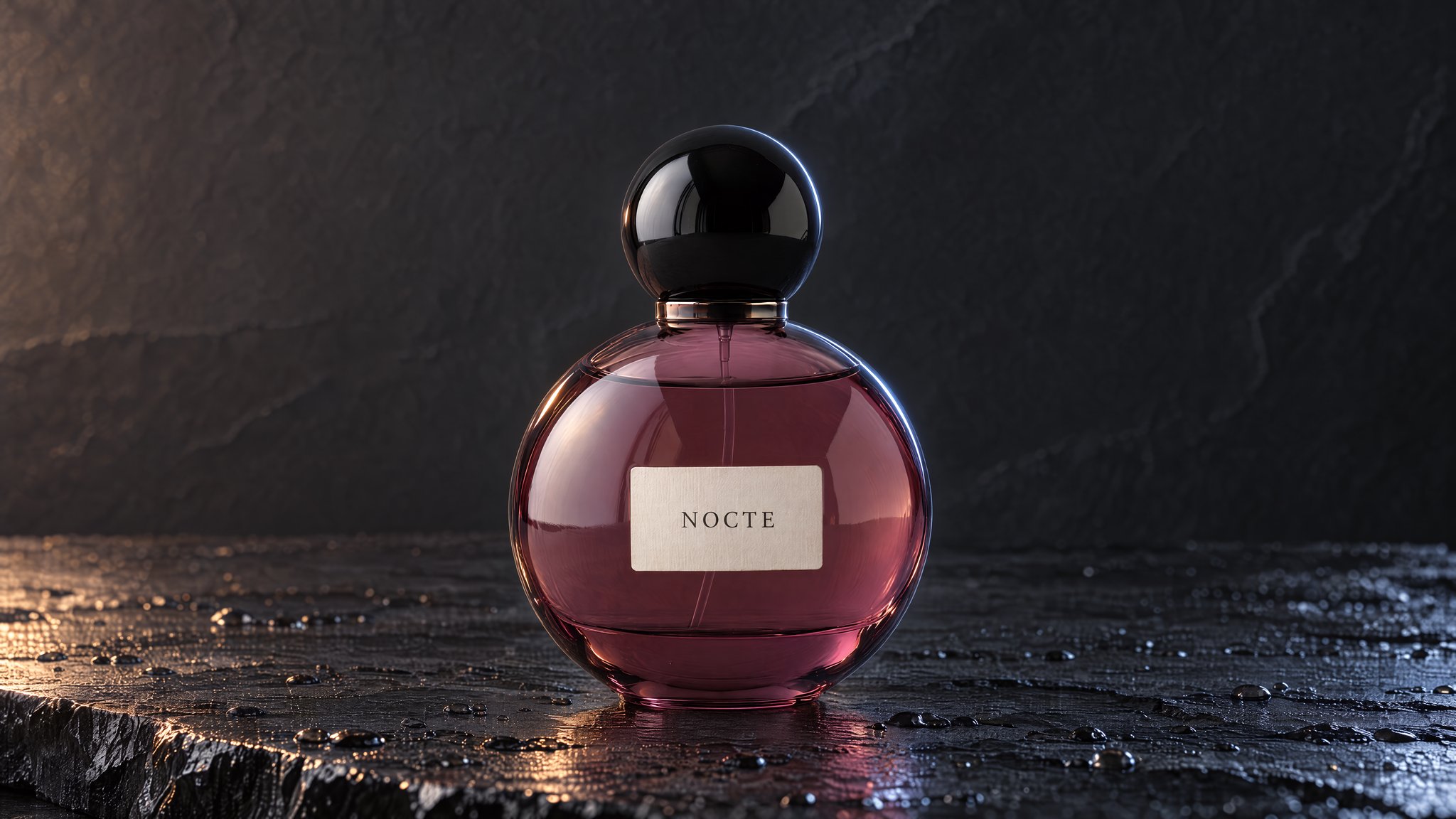
A clear, well-lit phone photo can be enough: the NOMA serum above started as one.
White background, lifestyle or your own custom scene.
Up to 50 images in one run.
Pricing
Images and videos share your monthly credits. Cancel anytime, and get a refund within 7 days if you haven’t used any credits since your latest payment.
$12/month
Billed monthly
For a handful of products.
Recommended
$29/month
Billed monthly
For a growing catalog and regular video. Adds Seedance 2.5.
$59/month
Billed monthly
For large catalogs and frequent launches.
$10/month
$120 billed yearly
For a handful of products.
Recommended
$24.17/month
$290 billed yearly
For a growing catalog and regular video. Adds Seedance 2.5.
$49.17/month
$590 billed yearly
For large catalogs and frequent launches.
1. Starter: $12/month for ≈105 images, at 11 credits for a 2K Standard image (some sizes use fewer; higher quality settings use more). A photographer typically charges $50–$350 per image (Shopify, 2026).
No free trial. You can explore the examples on this page without an account. Plans start at $12/month, and you can cancel anytime.
Yes, within 7 days of a subscription payment if you haven’t used any credits since that payment. Once you use credits on images or videos, that payment is final, because every generation has a real cost. See the refund policy.
Your photo guides every result, but AI can change labels, color, shape, proportions and fine details, so exact fidelity isn’t guaranteed. You can compare an image with the reference photo it was made from in your gallery, so check each one against your real product before you use it.
Videos and images share the same monthly credits. An 8-second Veo 3.1 Fast clip without audio, at 720p or 1080p, uses 96 credits, so Starter’s 1200 credits cover about 12 clips, about 105 images, or a mix. Veo 3.1 is on every plan and Seedance 2.5 is on Creator and Pro. You see the credit cost before you generate.
Yes. Every plan includes commercial-use rights, subject to the HummingBytes and model terms in the Terms of Service.
Monthly credits (1200, 2900 or 5900), all 22 image models including Nano Banana 2.1 and the Nano Banana family (Google) and GPT Image 2.5 Flare and Sunburst (OpenAI), video models, batch image generation, AI Assist to refine your prompts, commercial-use rights and unlimited storage while you’re subscribed.
In Product Images, up to 8 products and 50 images in one run. Standard makes 2K images, and Budget makes 1K images for fewer credits.
It can be. A clear, well-lit shot on a plain background matters most. The NOMA serum at the top of this page started as a phone photo.
Yes, white-background and lifestyle images for Amazon, Shopify, Etsy and TikTok Shop. HummingBytes doesn’t check marketplace rules or publish listings, so confirm each marketplace’s current requirements. See the white background guide.
No. Monthly plan credits don’t roll over to the next month. One-time credit packs need no subscription, and their credits last 365 days.
Your images and videos stay available for 90 days after your subscription ends, so you have time to download them.
About 105 product images or 12 short videos a month on Starter.
Cancel anytime · 7-day refund if you haven’t used credits since paying