
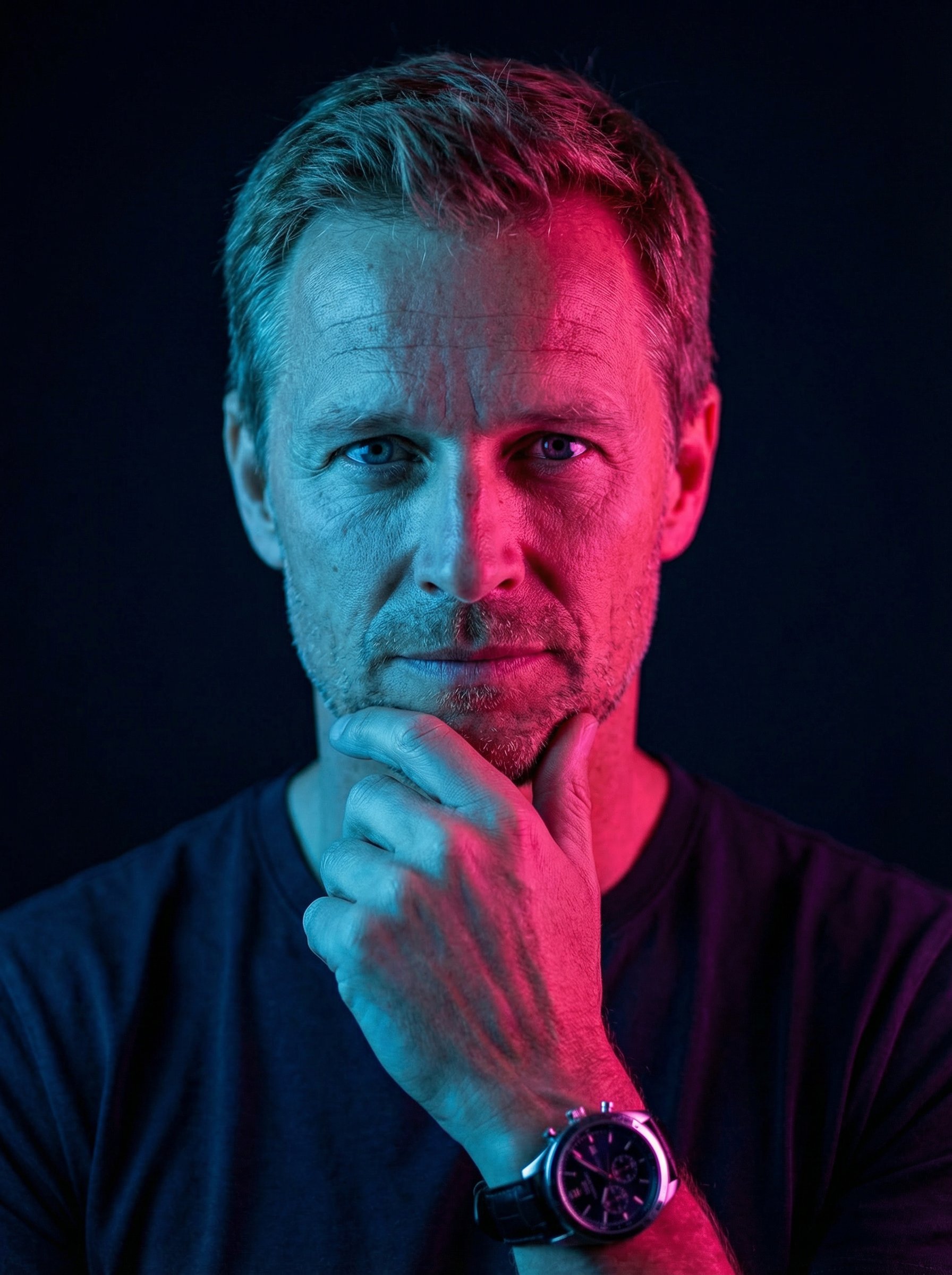
Check reference support
GPT-Image-2, Nano Banana 2 and Seedream 5.0 Lite support reference-led image work. The number of references and settings vary.

Bring a portrait or product photo. Describe the changes you want, then review the result against your reference.
Reference images guide the result. Check faces, labels and fine details.
See the edits
Compare an existing portrait with its generated scene, then explore a second reference across three settings. Results can change identity details, so review each output.
A clear source and a focused edit request give you a useful starting point. Review the output before using it.
Choose a portrait, product photo or other image with visible subject details.
Name what you want to change, such as the setting, wardrobe or lighting, and what should stay recognizable.
Check each result against your reference. Keep a useful variation or adjust the prompt for another pass.
Model guidance
Compare the available model settings and credit estimate before each run. Access depends on your plan.
GPT-Image-2, Nano Banana 2 and Seedream 5.0 Lite support reference-led image work. The number of references and settings vary.
Name the features you want to keep and the changes you want to make. A reference guides the model; it does not guarantee exact preservation.
Compare faces, product shapes, logos and labels against the source. Refine or reject outputs that change important details.
Use a reference when the existing subject matters. Text to image is useful for new concepts; image to video adds motion to a still.
Explore related tools, creative examples and more starting points.
HummingBytes