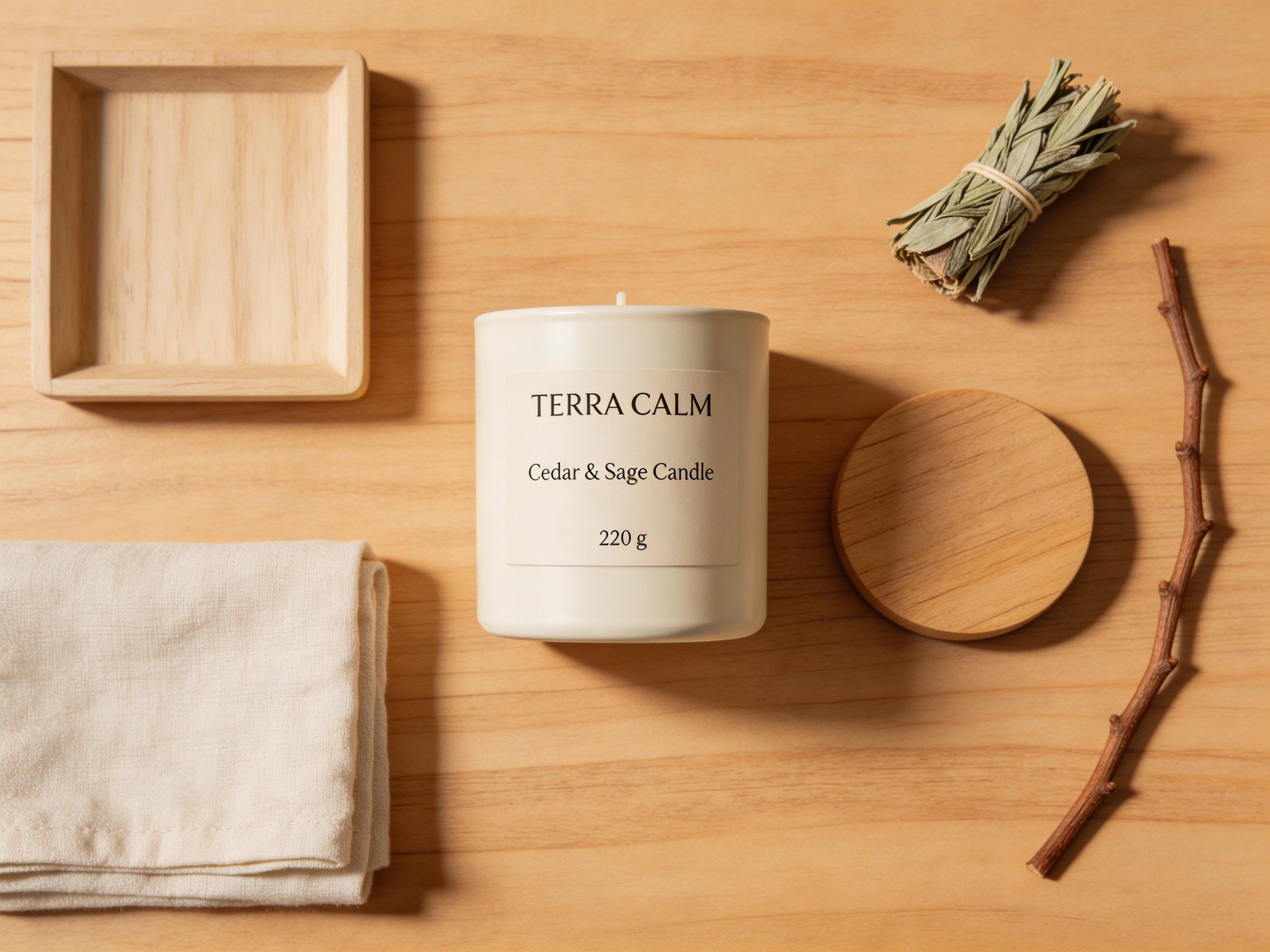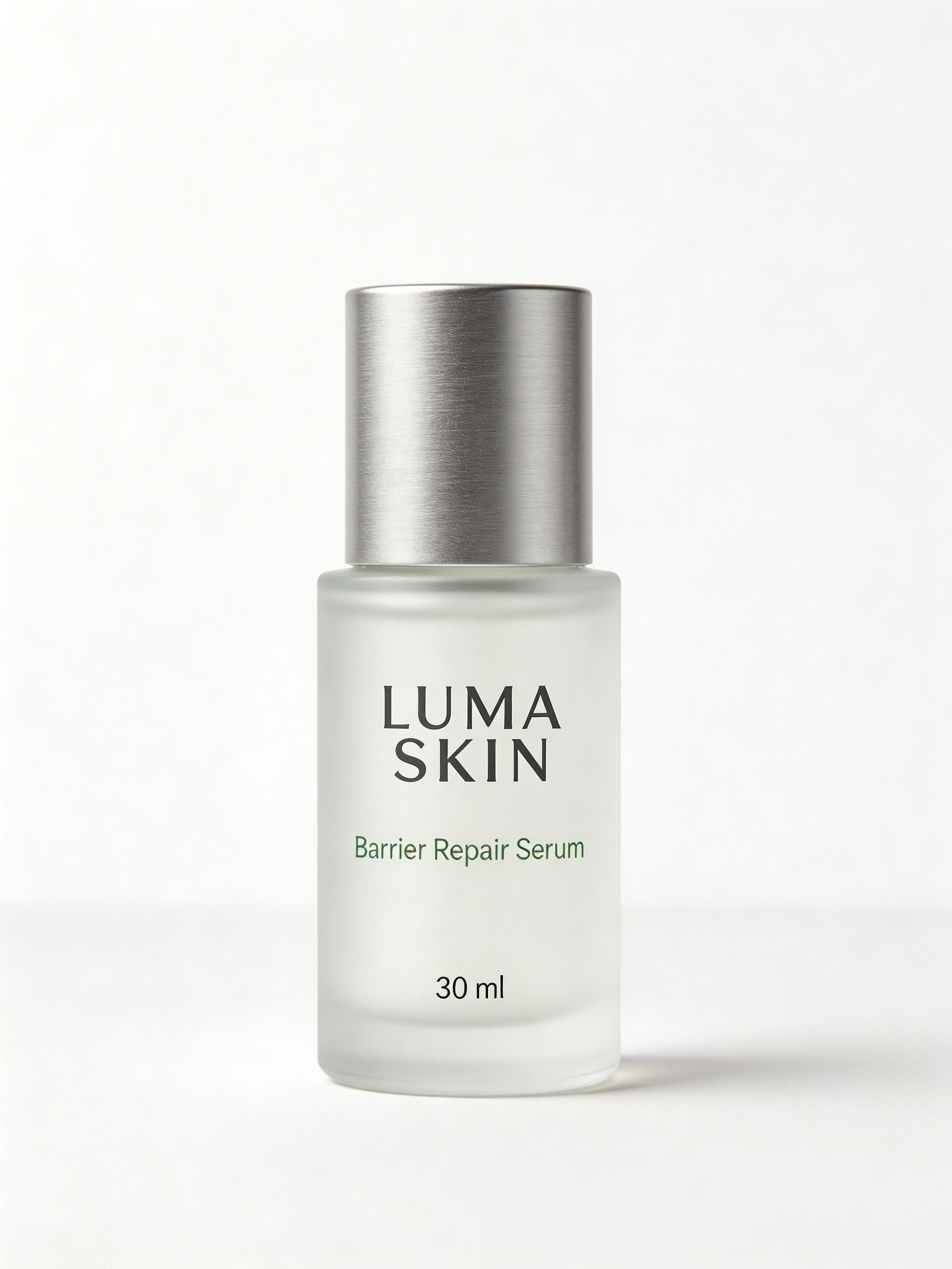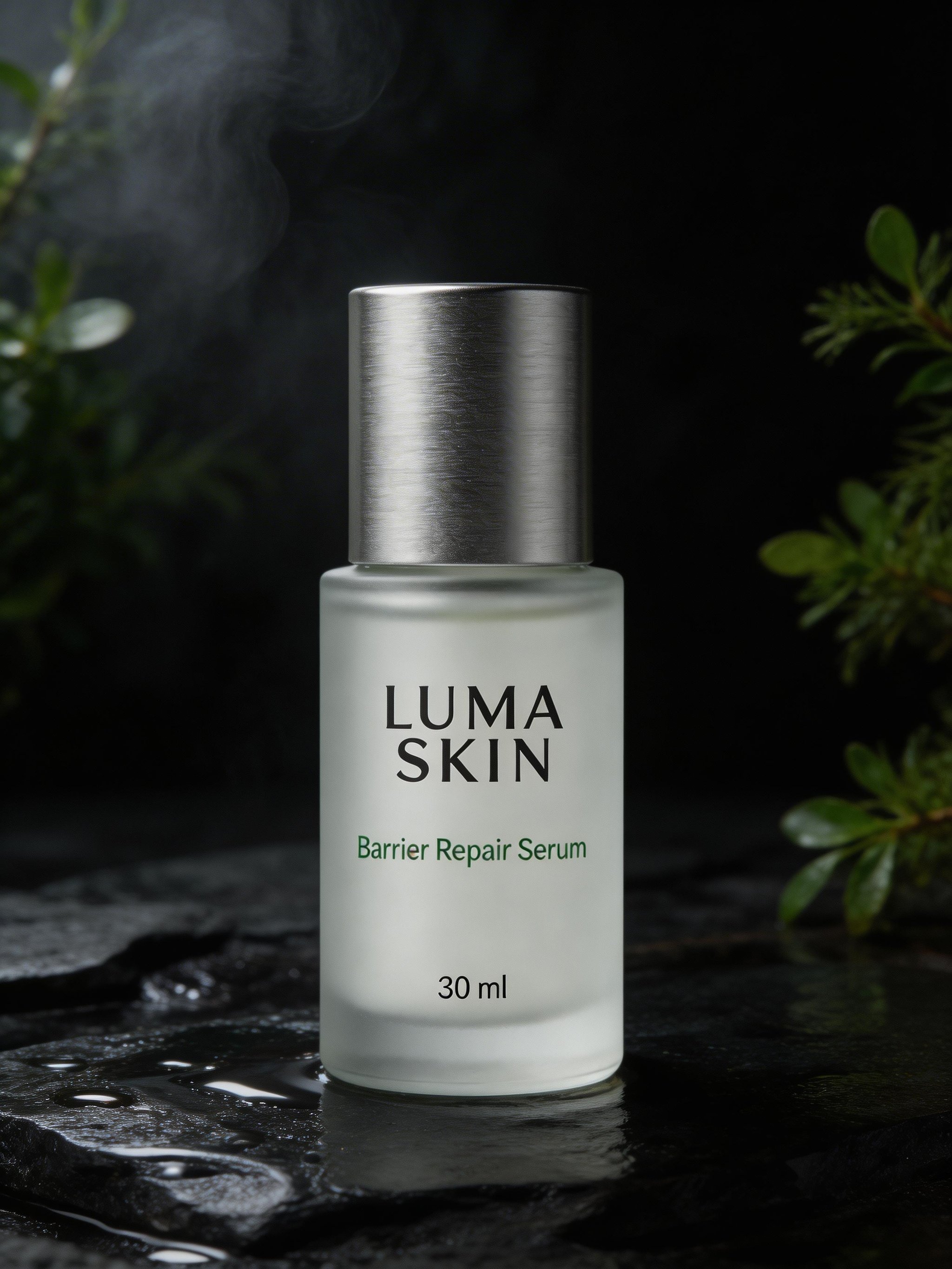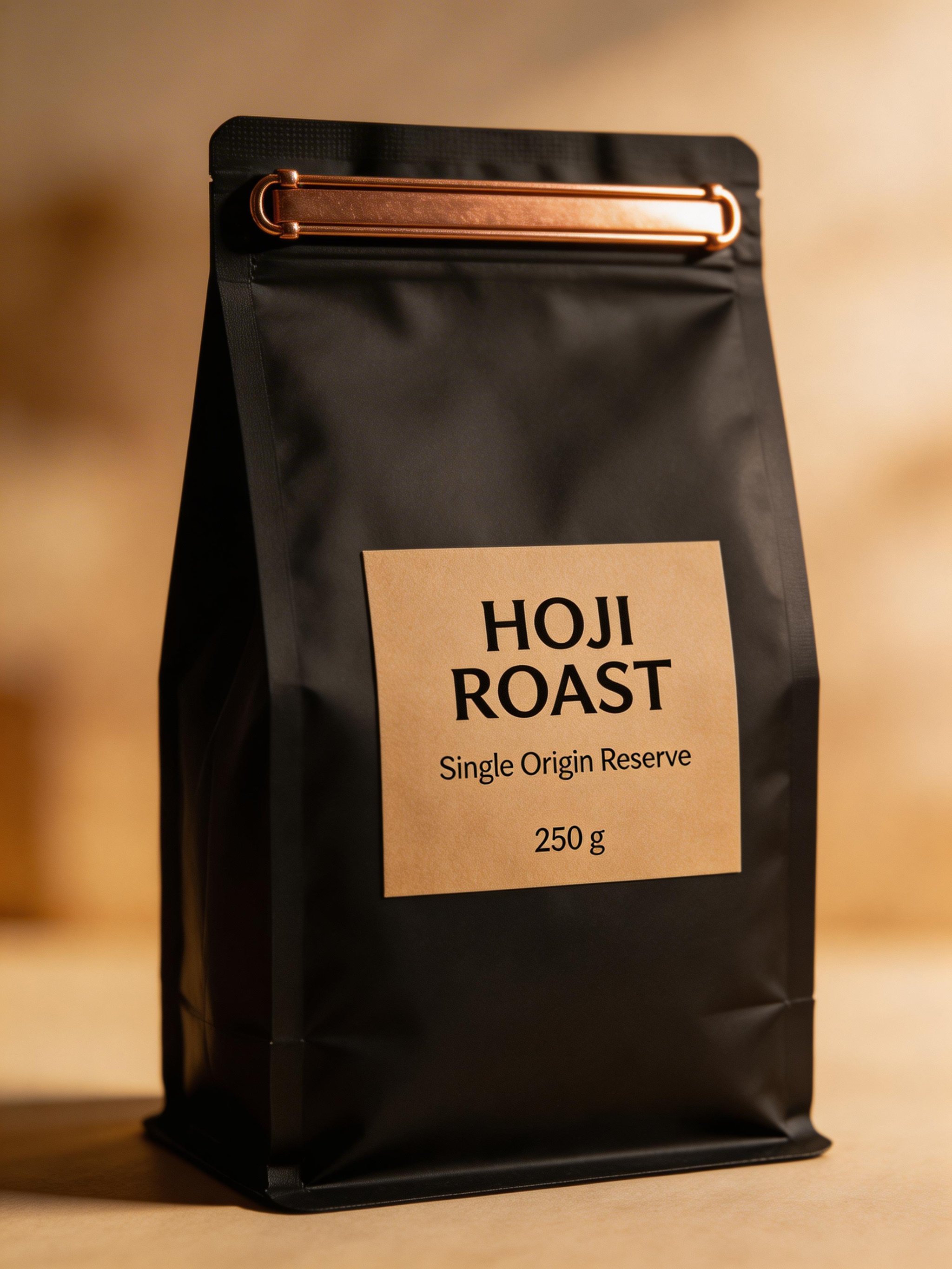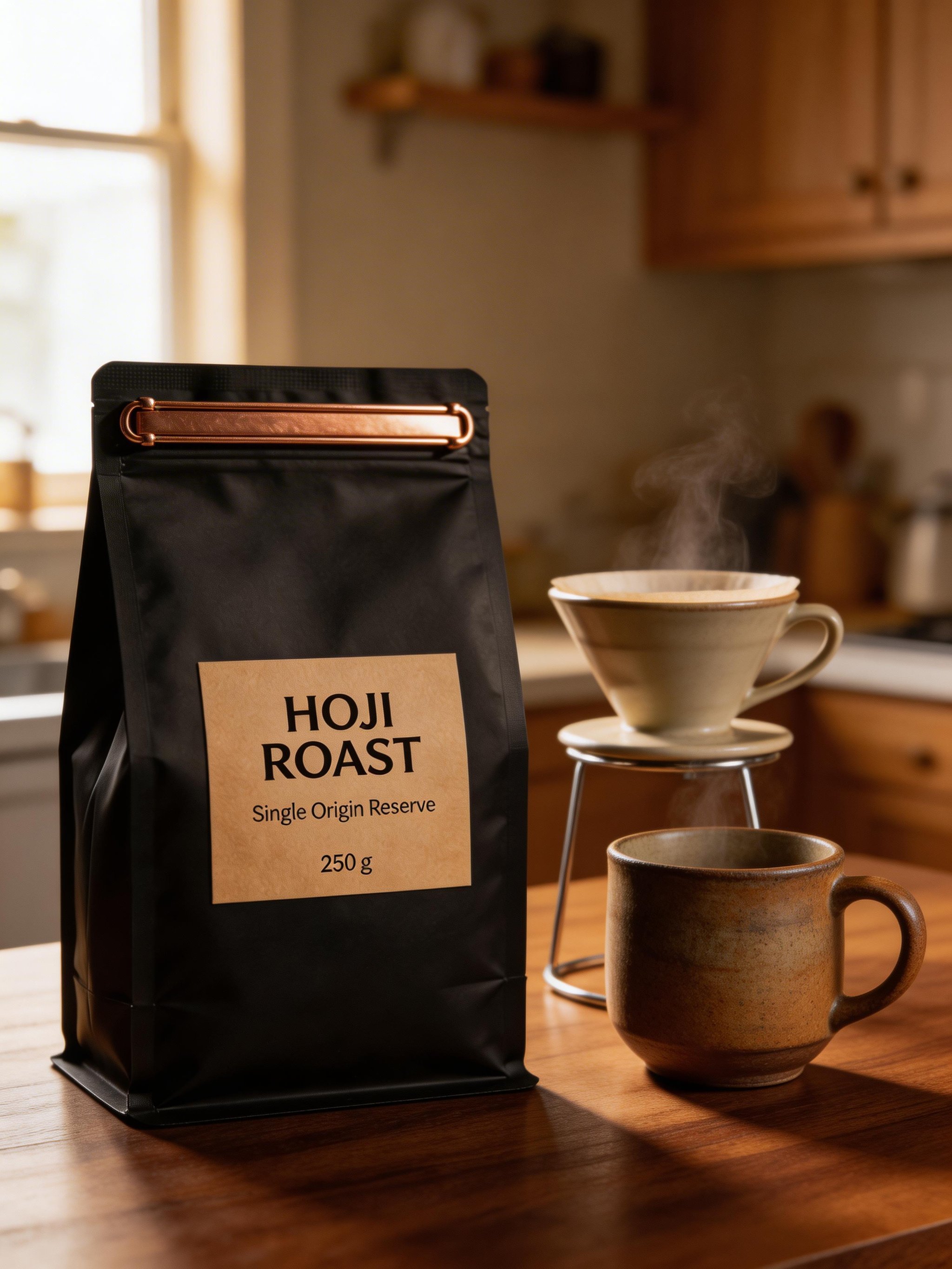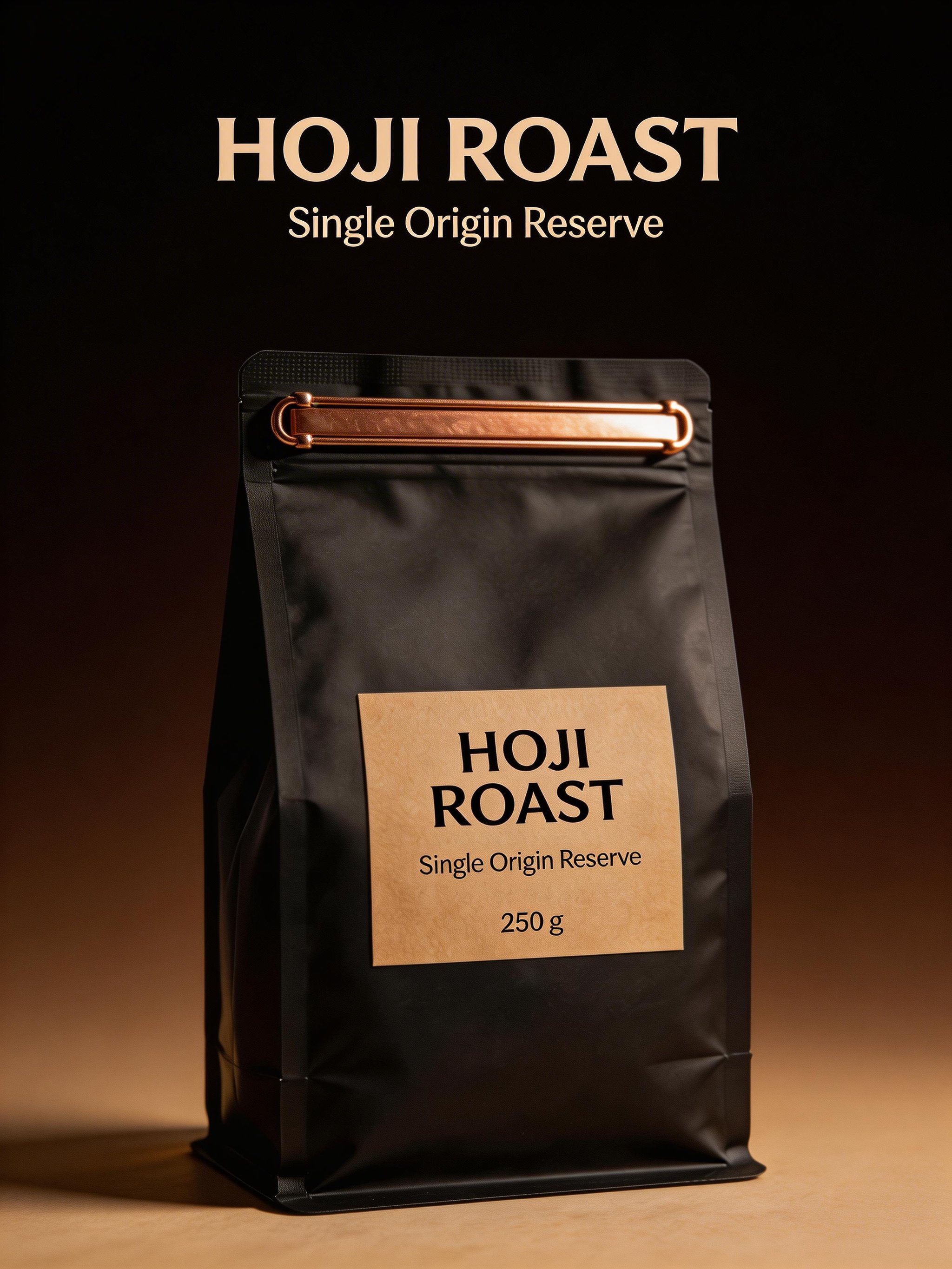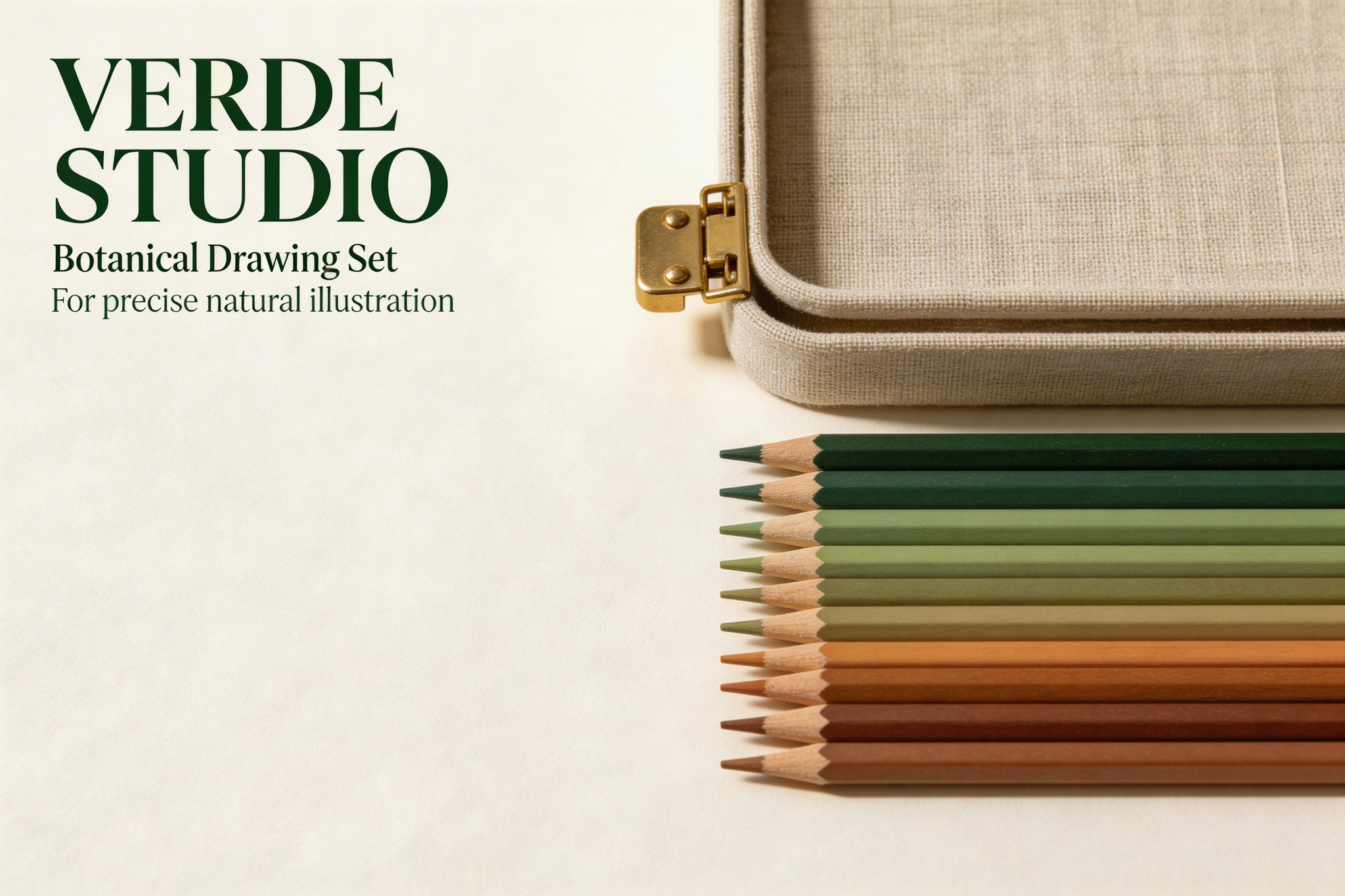
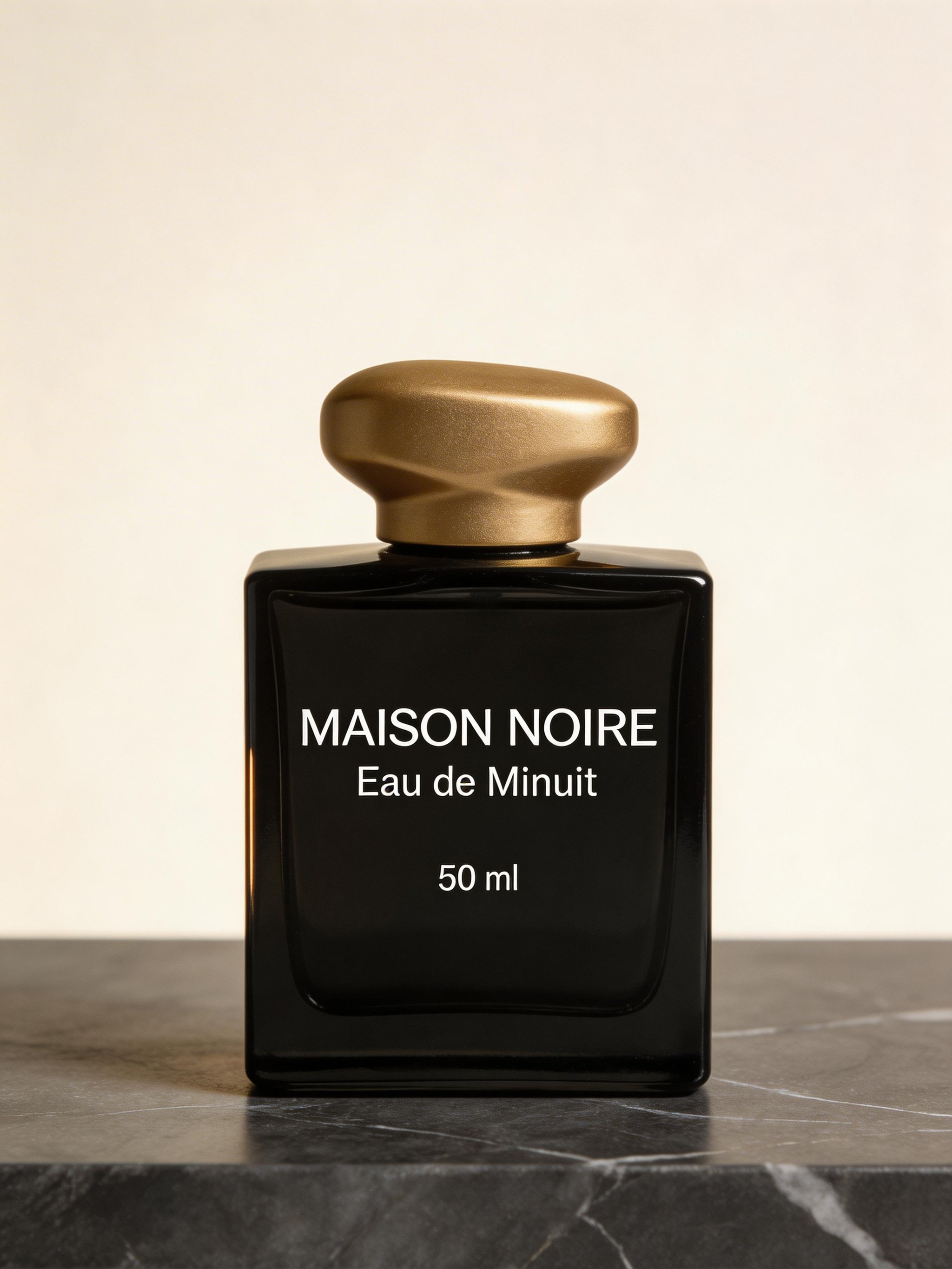
Sage-green serum bottle and ivory carton on limestone, generated with Seedream 5.0 Lite

Seedream 5.0 Lite

Create product visuals, posters and reference-guided variations with control over the composition and text direction.

  • Readable text in posters, labels, and branded layouts
  • Reference-guided edits and product variations
  • Structured commercial images with clear composition

Use your reference images to guide each variation. Check labels, faces and product details in the final output.

See comparison page

Useful for

What people create with Seedream 5.0 Lite

Seedream 5.0 Lite is most relevant when the image brief has structure, the text needs to stay readable, or the workflow starts from a reference image that should stay recognizable.

Product visuals and packaging images

Useful for product heroes, fragrance or skincare packshots, packaging-led posters, and other branded commercial images.

Posters and branded layouts

A fit for prompts where headline hierarchy, readable label text, and controlled composition are part of the result.

Reference-guided edits

Helpful for background replacement, product variations, and controlled edits where the original bottle, subject, or scene should remain recognizable.

Structured flat-lays and multi-object scenes

Useful when object placement, spacing, and visual hierarchy are part of the prompt rather than an afterthought.

Reference-guided campaign variations

A good fit when one branded product needs to be shown across multiple frames, compositions, or environments using the same source identity.

Things to keep in mind

Use the page examples as guidance for how the model behaves on HummingBytes. Some results are easier to reproduce when the prompt is explicit or when a reference image is provided.

Use references for product identity

If the same bottle, subject, or branded object needs to stay visually consistent across multiple outputs, start from a reference image instead of relying on independent generations.

Keep text short and explicit

Readable text is easier when the required copy is short, placed in quotation marks, and clearly tied to a specific surface such as a label or headline area.

Supported workflow settings matter

Use Seedream-supported aspect ratios and current HummingBytes presets when you recreate these examples. This page is based on the product configuration available inside HummingBytes today.

How to use it

How to prompt Seedream 5.0 Lite on HummingBytes

The model performs best when the prompt is concrete about subject, layout, text, and constraints. Use these patterns as starting guidance rather than rigid rules.

A practical prompt pattern for Seedream 5.0 Lite is: subject, composition, exact text, style, lighting, and constraints. Add a reference image when identity consistency matters.

Text and layout prompts

Prompt pattern

Describe the image objective, then specify where text belongs and put literal text in quotation marks so the model treats it as content to render.

Usage note

Keep the copy short and tied to a clear label, poster headline, or UI area rather than asking for dense blocks of tiny text.

Reference-guided edits

Prompt pattern

State exactly what must remain unchanged, such as bottle shape, label text, camera angle, proportions, or subject identity.

Usage note

If continuity matters across multiple outputs, use the same reference source instead of relying on stateless regeneration.

Structured scenes

Prompt pattern

Call out placement, hierarchy, and spacing explicitly when you want flat-lays, diagrams, or multi-object commercial scenes.

Usage note

The more structured the scene, the more helpful it is to name positions and keep the object list concise.

Available on HummingBytes

Before your next generation

These notes summarize the current HummingBytes setup and the prompt habits that make the examples on this page easier to reproduce.

Seedream 5.0 Lite currently runs on HummingBytes with 2K and 3K presets, supported Seedream aspect ratios, and multi-image input for reference-guided workflows.

Literal text works best in quotation marks

When a label, poster, or headline needs exact wording, put the copy in quotation marks inside the prompt.

Reference images are important for consistency

Use an uploaded source image when the same branded product, subject, or object needs to remain stable across edits and campaign variations.

Short commercial prompts are easier to control

Describe the job to be done, then name the layout, exact text, lighting, and constraints instead of writing a long cinematic monologue.

Structured placement can be prompted directly

Top-down scenes, product tables, and branded layouts respond better when position and hierarchy are specified clearly.

Comparison pages are linked separately

If you want head-to-head tradeoffs against other models, use the dedicated comparison pages instead of treating this model page as a verdict page.

Where to go next

Compare model results, explore a feature, or find a starting point for your next project.

Prompt starters

Start with prompts that match the example outputs

These prompt starters are designed to mirror the examples on the page and show practical ways to use Seedream 5.0 Lite on HummingBytes.

Poster

Readable branded launch poster

Create a structured commercial poster for a premium branded product. Show one product hero with a clear headline area, readable support text, controlled spacing, and a composition that feels ready for a real campaign.

Try this prompt
Packaging

Short-label packaging hero

Create a premium ecommerce image of a branded fragrance bottle or coffee package. The label text must be short, readable, and correctly rendered. Keep the materials believable and the frame commercially usable.

Try this prompt
Image edit

Safe environment replacement

Using the uploaded product image, keep the product shape, label, camera angle, and proportions exactly the same. Replace only the background and surrounding environment. Do not redesign the packaging or change the product identity.

Try this prompt
Flat-lay

Controlled object placement

Create a top-down branded product flat-lay with one main object centered and supporting props placed in explicit positions. Keep the spacing intentional and the scene uncluttered.

Try this prompt
Campaign set

Three-frame reference-guided campaign

Create one strong product portrait first, then use it as the reference image for a lifestyle frame and a headline-led promo frame. Preserve the product identity while changing the composition and campaign context.

Try this prompt

Seedream 5.0 Lite FAQ

What is Seedream 5.0 Lite on HummingBytes?
It is an image generation and editing model available on HummingBytes for structured commercial visuals, branded layouts, product images, and reference-guided edits.
What kinds of images can I make with Seedream 5.0 Lite?
Common examples include posters, packaging visuals, product heroes, structured flat-lays, editorial promo layouts, and reference-guided image edits.
Does Seedream 5.0 Lite work well for image editing?
Yes. It is useful for reference-guided edits where the original bottle, subject, or scene should stay recognizable while specific parts of the image change.
How should I prompt Seedream 5.0 Lite for text and layout work?
Use a direct prompt structure: describe the subject, then the composition, then any exact text in quotation marks, followed by style, lighting, and constraints. See the Seedream 5.0 Lite comparison page
Does Seedream 5.0 Lite support 4K or grounded search on HummingBytes?
Not in the current HummingBytes setup. Seedream 5.0 Lite is currently configured for 2K and 3K presets, and Seedream grounding modes are not exposed in the product today.
Where can I compare Seedream 5.0 Lite with other models?
Use the related comparison links on this page when you want head-to-head tradeoffs with other models or other Seedream variants.

Ready to try it?

Bring your brief to Seedream 5.0 Lite.

Use a prompt starter or write your own. Add a reference when specific details matter.