High quality · 2K original · AI-generatedExplore model
Available on Starter, Creator, and Pro
HummingBytes / AI image & video models
Create product photography, campaign images and short videos with leading AI models, in one place.
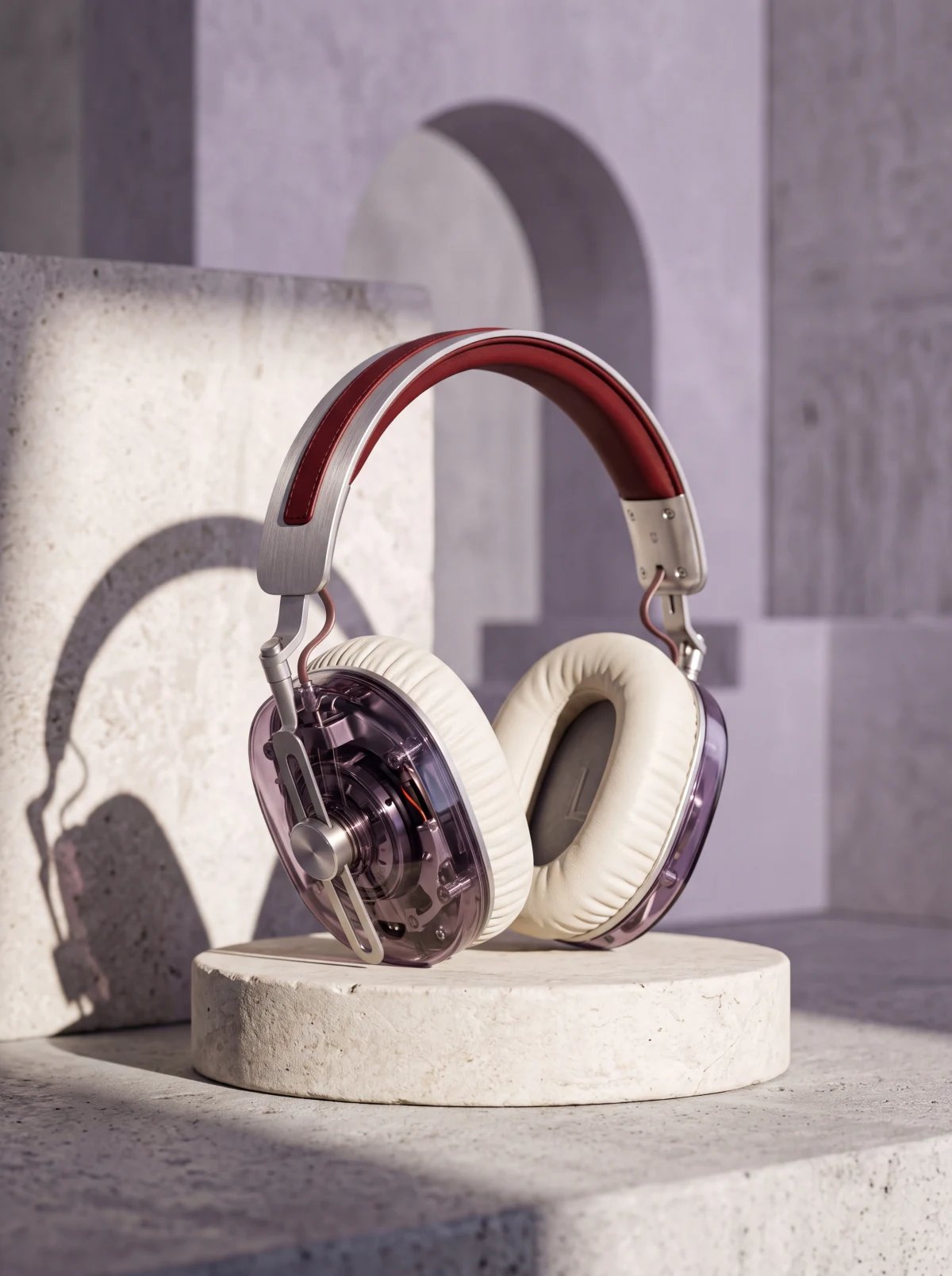
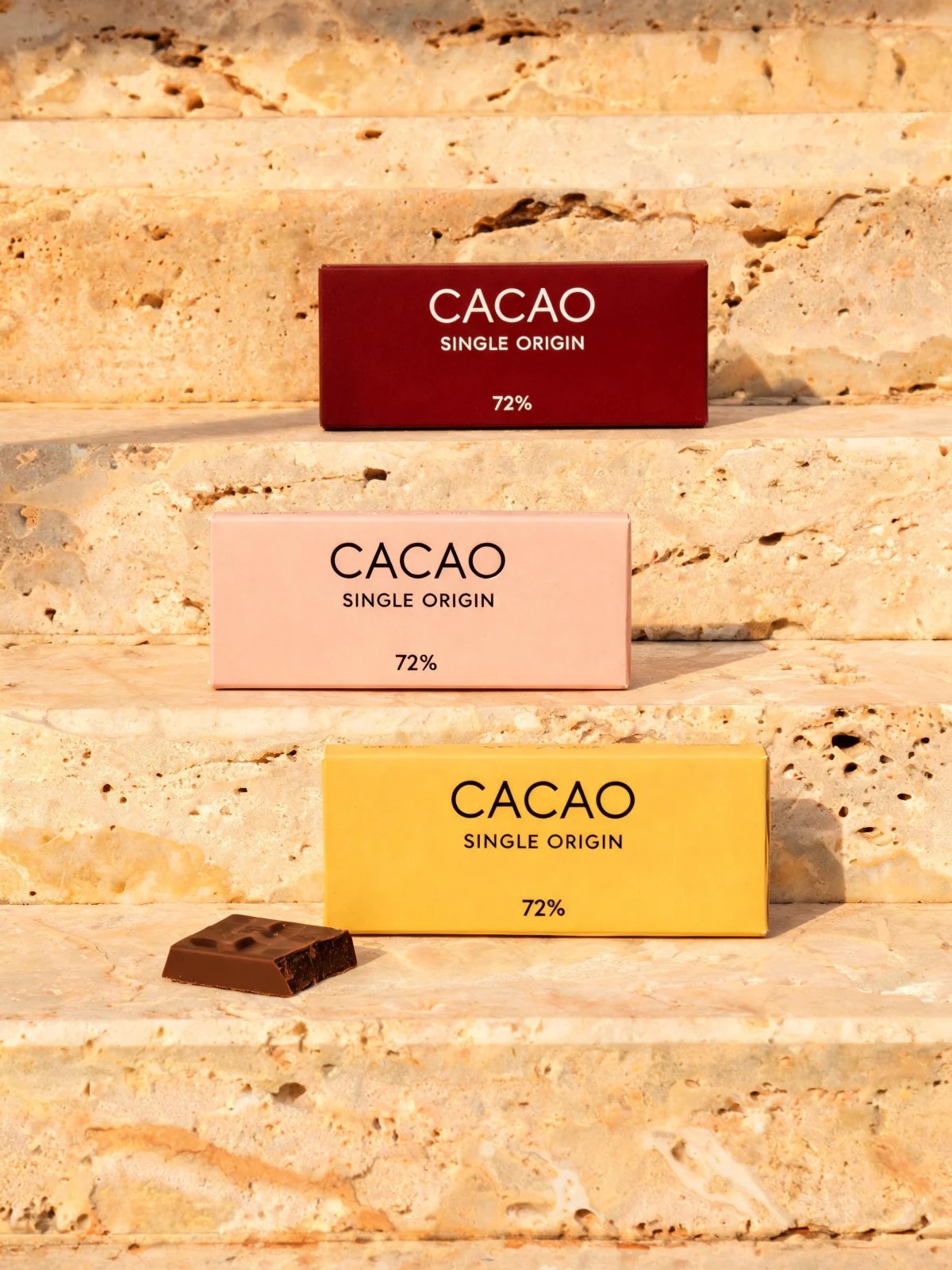

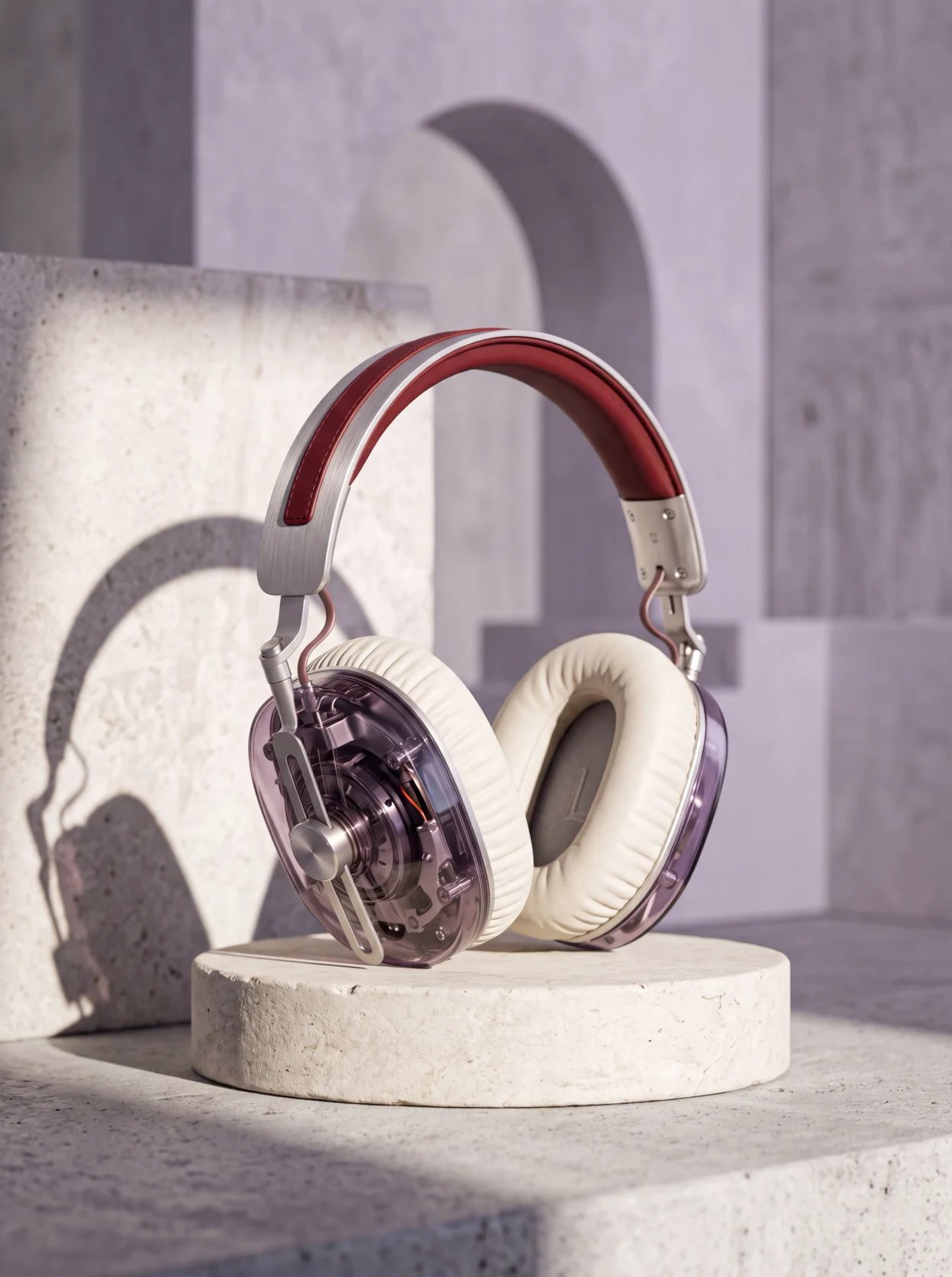
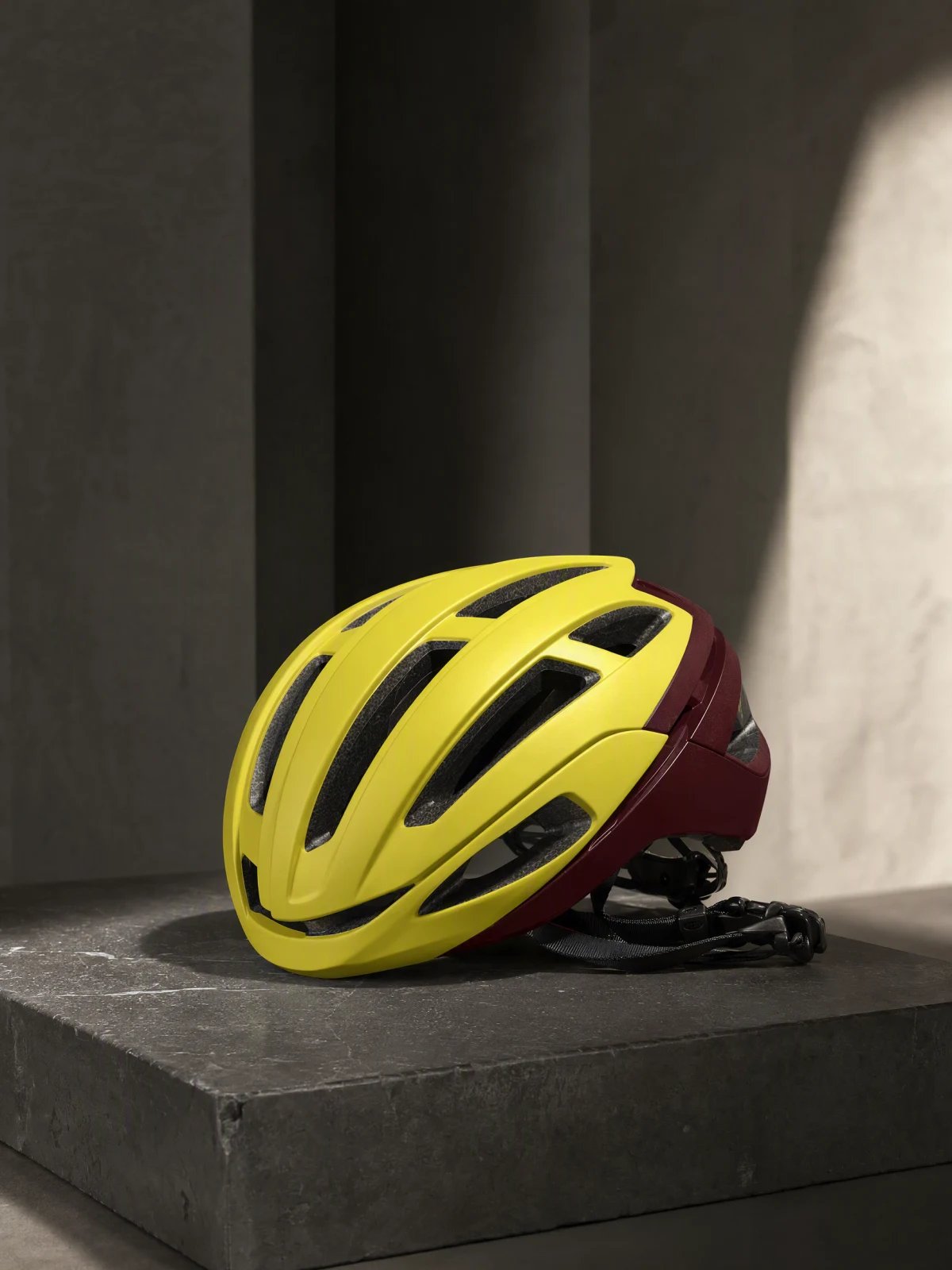
Each example was generated with the model shown. Explore the full lineup for more options.
See the full model lineupA wider creative toolkit
Explore the Nano Banana family, Gemini Omni Flash and more. Check capabilities and plan access before your next generation.
Product photography & reference-led edits
Image02Commercial images & creative variations
Image03Packaging, composition & layouts
Image04Product reveals & controlled camera movement
Video05Reference-led video generation & editing
Video06Image generation and edits with product references.
Image07Generate, animate and edit short videos with supported references.
VideoCloser to a decision?
Look through matched prompts and real outputs before picking your next model. Find the tradeoffs that matter to your work.
Explore model comparisonsMaking your choice
Start with the result you need. For product photography, explore GPT Image 2 and the Nano Banana series. Use the published model examples and matched comparisons to assess the tradeoffs for your product.
Yes. Supported image models accept references for generation and editing. For a set of ecommerce images, Product Images offers White background, Lifestyle and Custom treatments.
Access depends on the model and plan. The labels above show the public plans available for each featured model. Check the model table on Pricing for the full lineup and current credit costs.
Credit usage depends on the model and settings. HummingBytes shows a credit estimate before you generate. Your choice of quality, resolution, duration and references can affect the total.
AI can alter labels, colors, proportions or textures. Compare each result with the real product and review the full video before publishing.
HummingBytes / Create with leading AI models
Product photography. Campaign images. Short videos. Choose your model and make your next creative.
Create my product photosChoose your plan and review credit costs before generating.
