HummingBytes / Batch image generation
One setup.
Many directions.
Run multiple prompts across supported image models without setting up each image separately. Choose aspect ratios and model settings, then review the results together.
Illustrative AI-generated image
What will you make?
Ideas for your next batch
Game assets, professional headshots, product photos. Build each batch around your own prompts, models and output settings.
Game assets
Explore a set of inventory items with separate prompts for weapons, potions and props.
Professional headshots
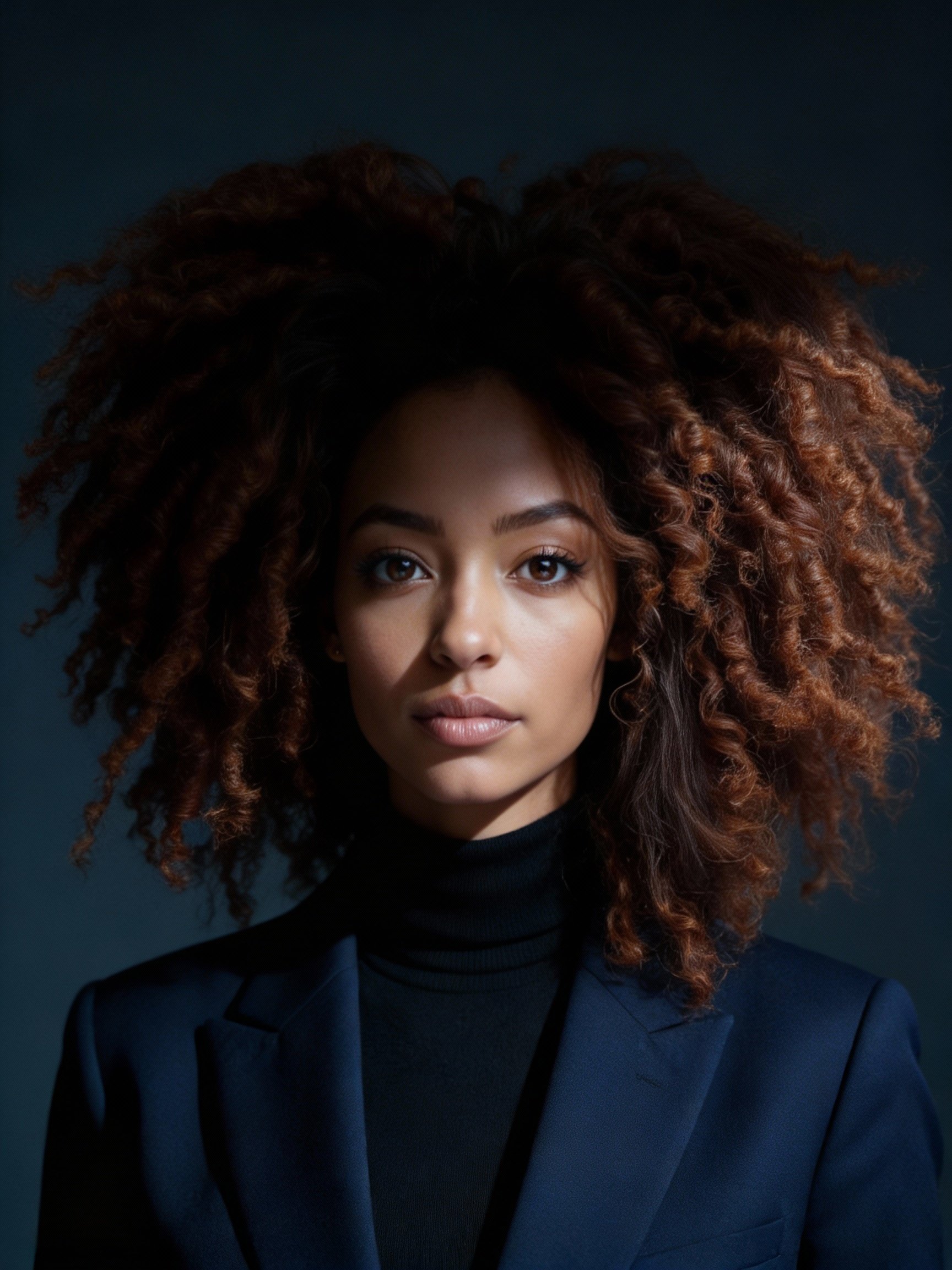
Try different backgrounds, lighting and outfits. Use reference images with a model that supports them.
Product photography
Explore settings and camera angles for a campaign, or run a prompt across several models.
Inside a batch
Set up and launch your batch
Add multiple image models and configure each one. The batch form brings your requests together so you can launch them without repeating the setup for every image.
Choose your models
Choose supported image models and set the available aspect ratios and model-specific options for each one.
Write your prompts
Enter the prompts you want to run with each model. For text-to-image generation, you can start with prompts alone.
Review, then launch
Check the image count and credit total in the app before you start. Review the resulting images together.
Reuse the inputs that matter
- One reference set, several prompts
- Keep the same character or subject as your reference and write a prompt for each scene or treatment.
- Several reference sets, one prompt
- Apply the same prompt to different subjects. Each reference set produces its own generation requests.
- Multiple prompts, no references
- Build a list of scenes, objects or concepts with a text-to-image model. Run each prompt in your selected aspect ratios.
For one model and one reference set, 3 prompts × 2 aspect ratios creates 6 generation requests. Repeat that setup with another model for 12.
Configure and review in one place
Configure each model on the left. Review the grouped results and check the image and credit totals before launching a batch.
Prompts and examples
Find a prompt to build on
Open a showcase to explore its prompt and image gallery, then adapt the idea for your own batch.


Two ways to batch
Choose a batch option
Standard batch generation
Explore variations across supported image models. Configure each workflow, launch the batch, and review the results in one place.
Start a batchGemini Batch API
For larger Nano Banana prompt sets when you can wait. Dedicated queued workflows support up to 100 prompts per workflow and offer lower-cost generation.
Explore Gemini batchesBefore you launch
A few practical details.
Can I use more than one model in a batch?
Yes. Add multiple supported image workflows and configure each one separately. Model access and available settings depend on your plan and the selected workflow.
What are the limits for each workflow?
A standard batch supports up to 10 workflows. Each can use up to 10 prompts, 10 aspect ratios and 10 reference sets, subject to model support. A reference set can contain one or more images; its image limit depends on the model. Gemini Batch API supports up to 100 prompts per workflow.
What is the maximum batch size?
A batch supports up to 1,000 prompt, aspect-ratio and reference-set combinations across all selected workflows. The form shows the total before you launch. Some models can generate more than one image per combination.
Can I use different settings for each model?
Yes. Configure the prompts, aspect ratios, reference sets and available model-specific options separately for each workflow.
Do I need a subscription to generate a batch?
Generation uses credits. An active subscription gives access to the models included in your plan. If you have spendable credits without an active subscription, you can still use a limited set of models. The app shows your available models before you launch.
How do credits work?
Credit requirements depend on the selected models, settings and number of images. The batch form shows the image count and credit total before you launch. See pricing for current model access and rates.
Do I need reference images?
No. Text-to-image workflows can run from prompts alone. If the model supports references, you can add images of a person, object or style as a guide.
Will all the images finish at the same time?
Not necessarily. Completion time varies by model, settings and provider capacity. Batch generation groups the setup and results; it does not guarantee identical finish times.
Is this the same as Gemini Batch API?
No. Standard batch generation groups supported image requests in HummingBytes. The dedicated Gemini Batch API submits queued provider jobs with different prompt limits and turnaround expectations.
Your next set
Your ideas. One batch.
Bring your prompts, choose your models, and configure a batch around the images you want to make.