Show what shoppers are buying.
Turn your product photos into a clearer TikTok Shop gallery: a main image, useful angles and the details buyers want to see.
- Real product references
- Prompts for each image role
- Seller review before publishing
Source and gallery examples
A closer look, from every angle.
Explore the existing lip-oil and serum examples. Each source is paired with its own generated gallery, showing main, angle and detail treatments.
Rough source photo
Generated images
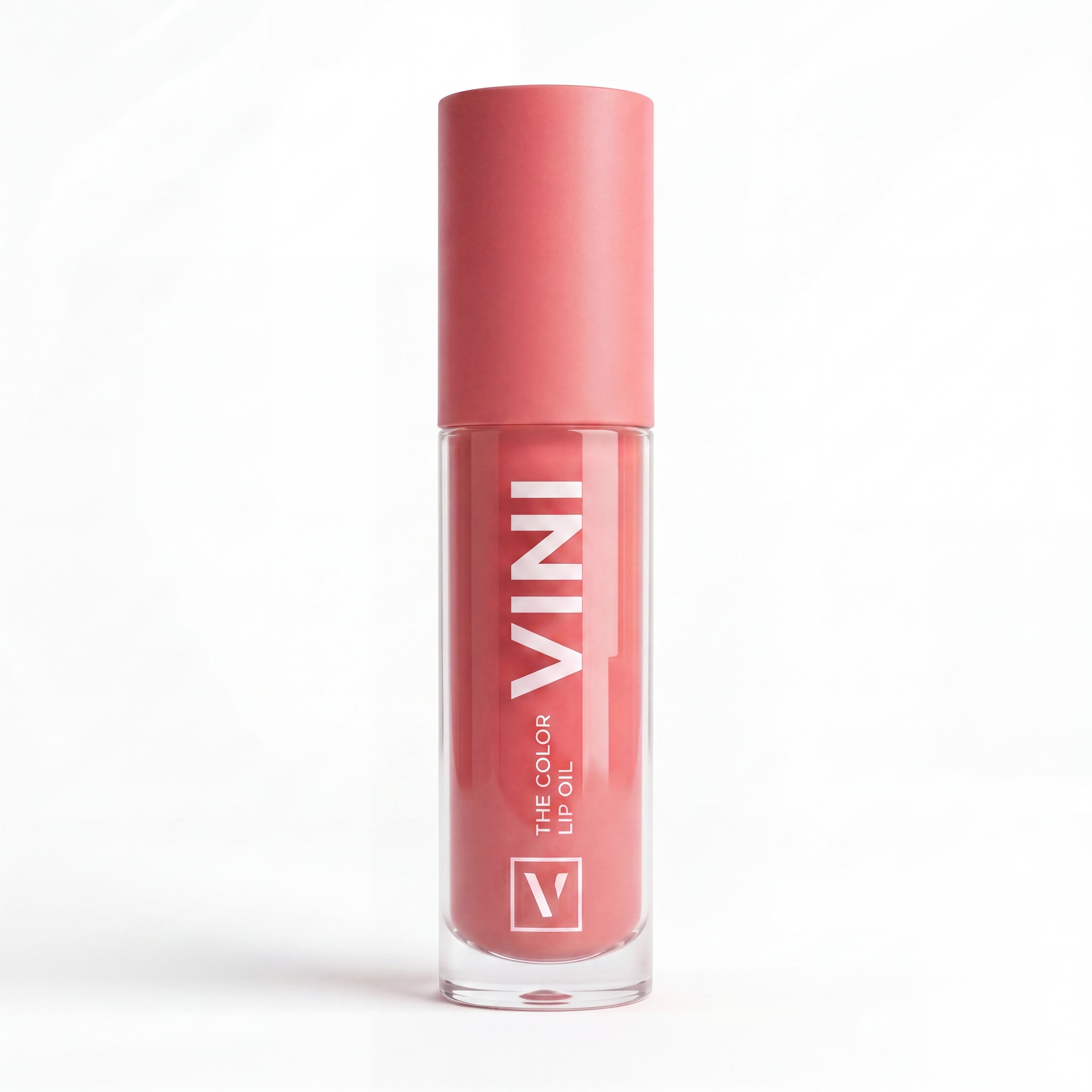
Main image
Clean white-background main image of the color lip oil for a TikTok Shop listing
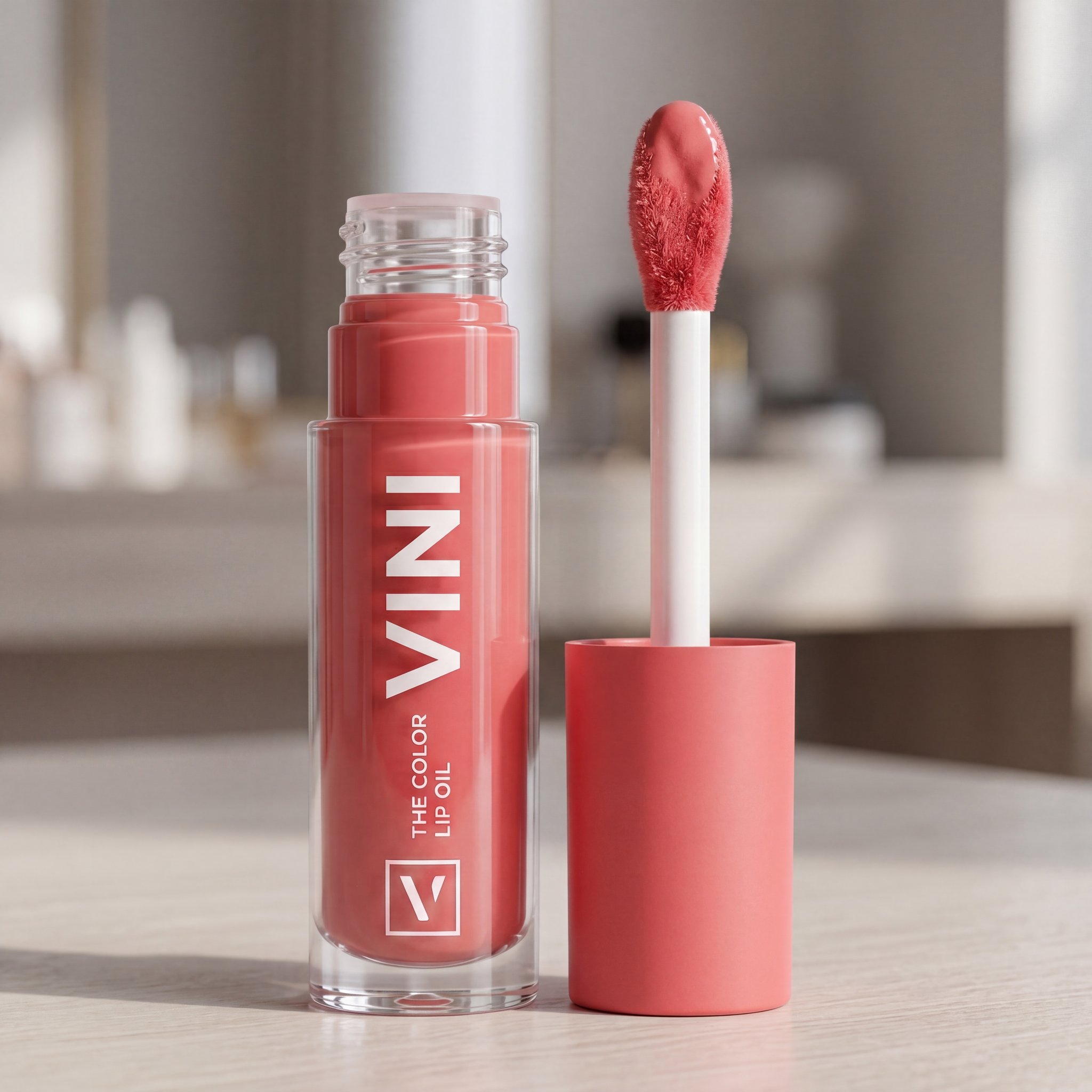
Alternate angle
Open lip oil bottle with applicator showing the product from an alternate angle
Second angle
Second angle of the open lip oil bottle with applicator against a white background
Detail
Macro detail close-up of the lip oil applicator tip and bottle opening
Closed tube
Closed lip oil tube against a light background
Rough source photo
Generated images
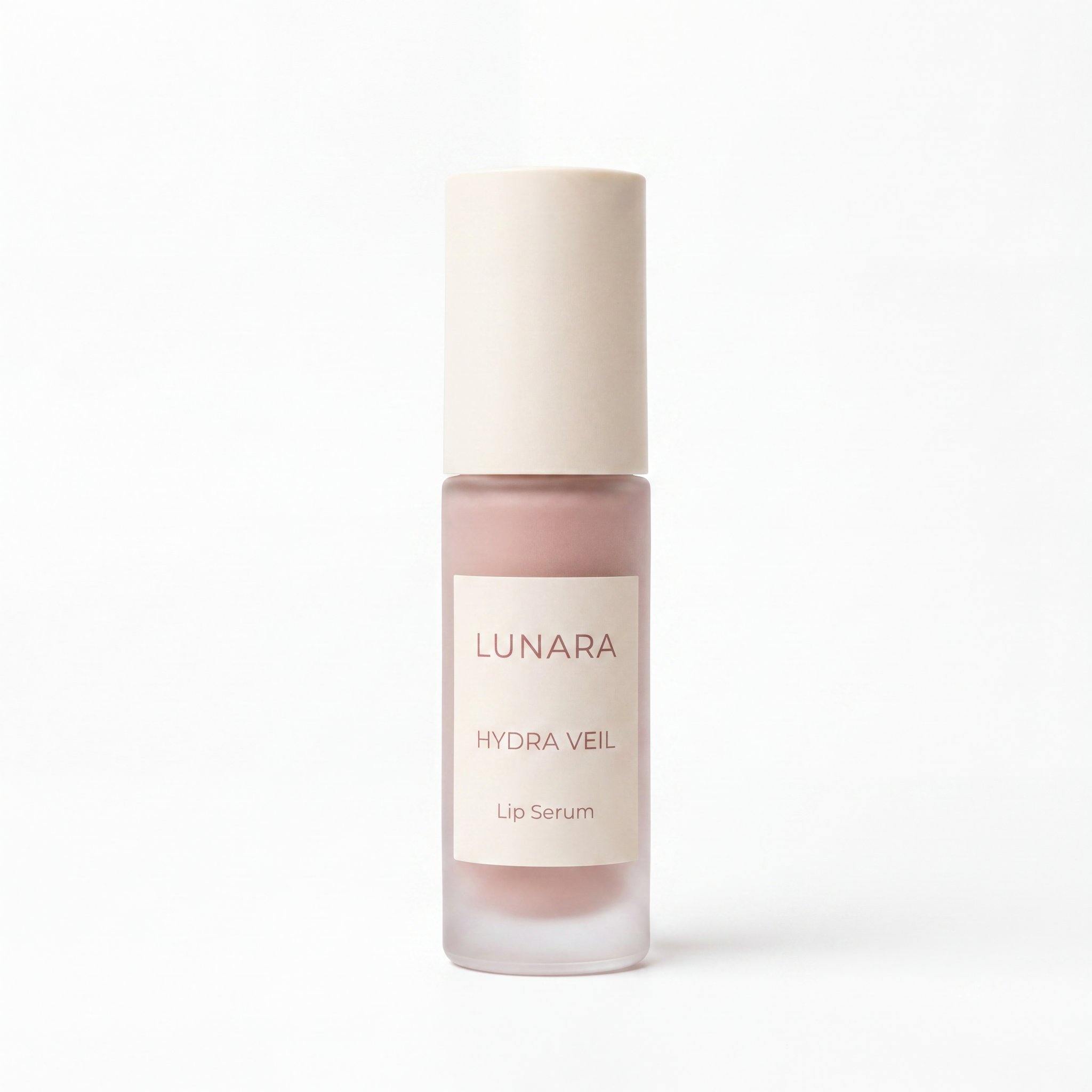
Main image
Clean white-background main image of the skincare serum for a TikTok Shop listing
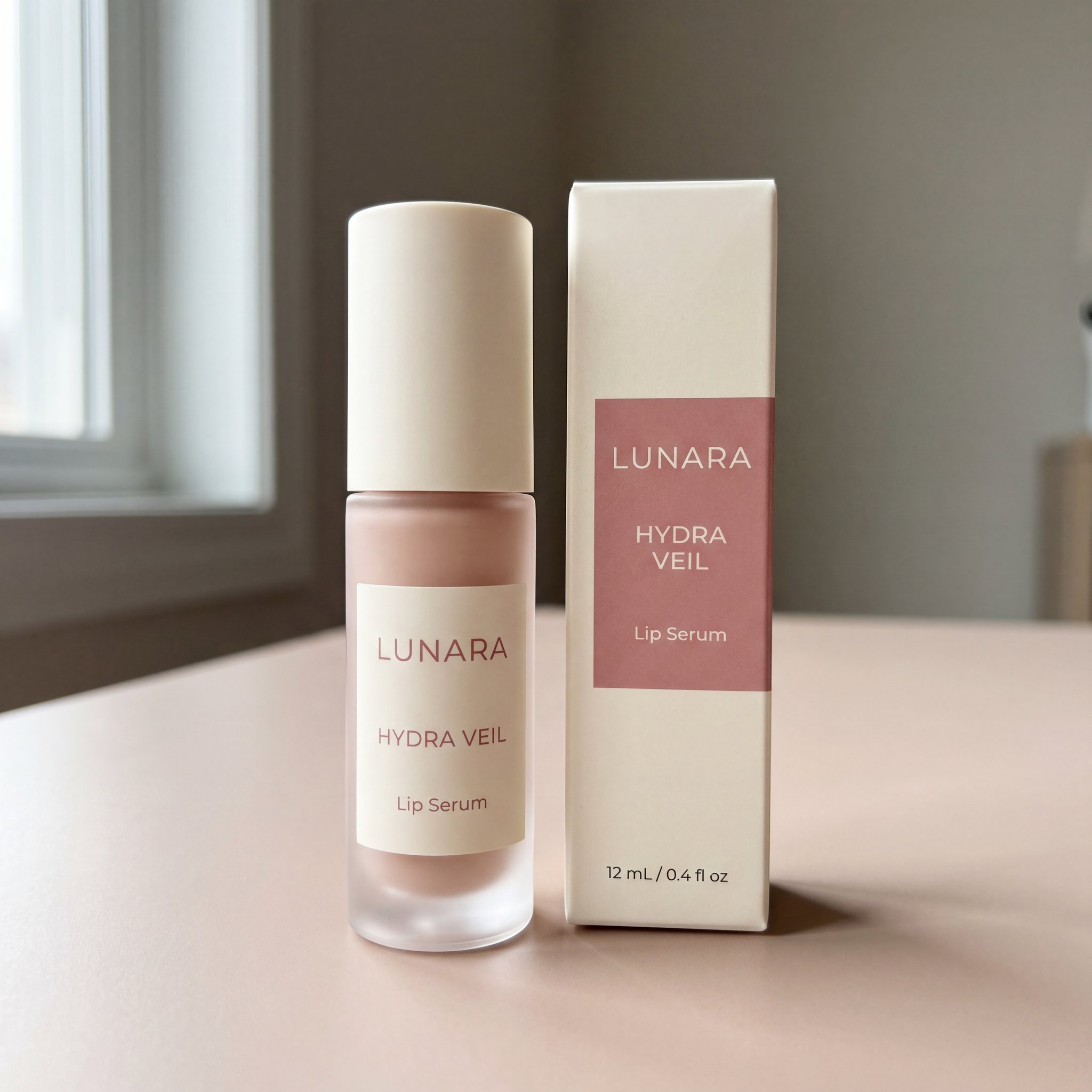
Alternate angle
Square alternate-angle image of the skincare serum for a TikTok Shop gallery
Second angle
Second support angle of the skincare serum showing more physical coverage
Detail
Macro detail close-up of the skincare serum packaging and finish
Included items
Included-items image showing the serum bottle and packaging contents on white
These are generated examples, not approved listings. Check labels, color, geometry and contents against the real SKU. The closed tube is another product view, not evidence of additional included items.
Why this matters
Start with what you actually sell.
Most sellers are not starting with a studio shoot. They have a few phone photos, uneven angles, and packaging shots that do not yet add up to a convincing gallery.
From rough source photos
Start with the front, angle, detail, packaging, and included-items photos you already have instead of rebuilding the listing from scratch.
To a listing-ready gallery
The goal is a coherent square set where each image role supports trust instead of repeating the same weak shot.
Without inventing the product
Use real references to guide the model. AI can invent details; compare every output with the product and reject changes to its identity or contents.
Core images
A gallery that answers questions.
One polished hero image is not enough. A strong listing needs a small square gallery where each image has a clear job and your product looks consistent across every frame.
Main image
Clean front-view hero image
Lead with a clear front view on white so the product is easy to recognize. Check the current rules for your marketplace and category before uploading.
Create a main image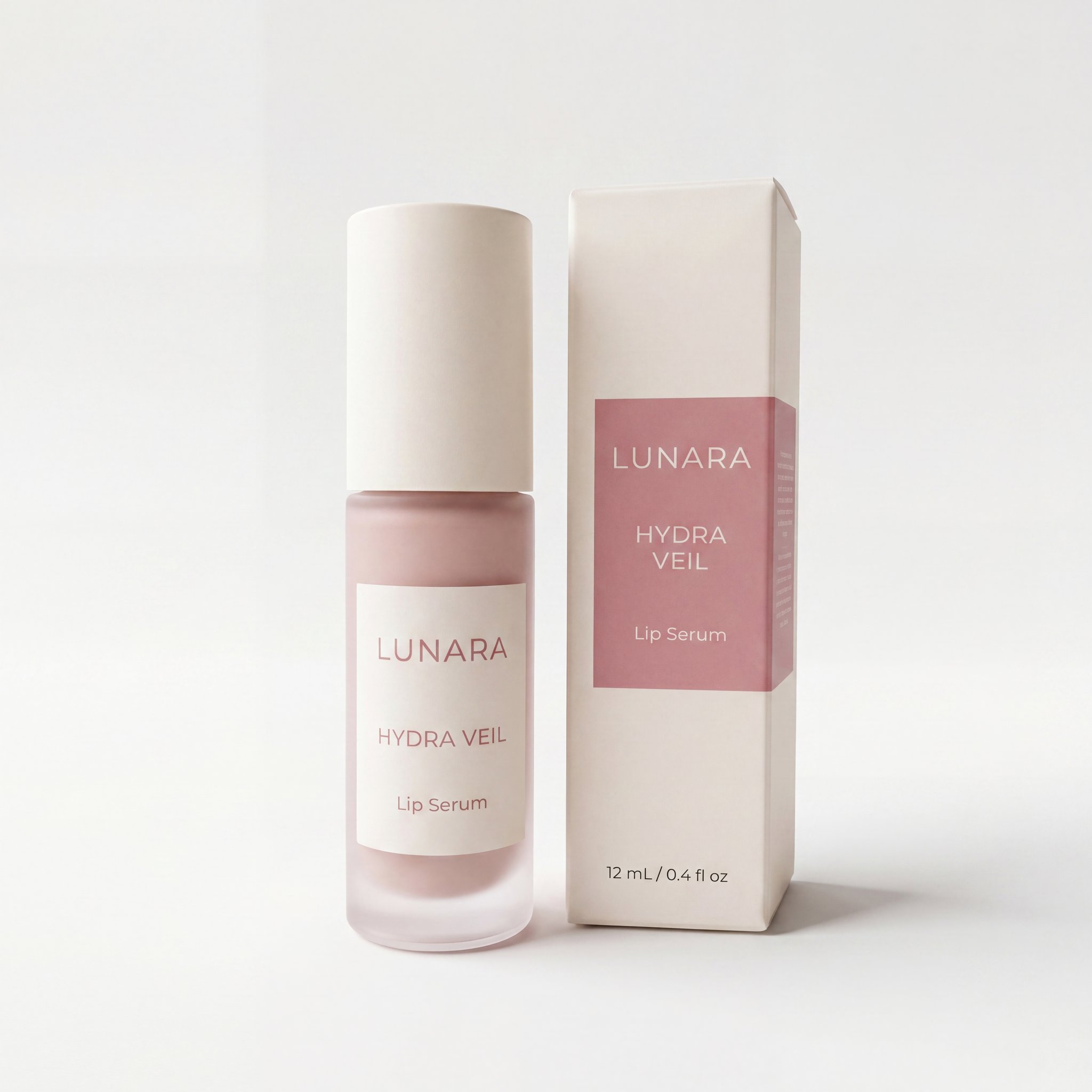
Angle view
Alternate angle or side coverage
Add a different angle so shoppers can understand shape, depth, and silhouette instead of seeing the same front view repeated.
Create an angle image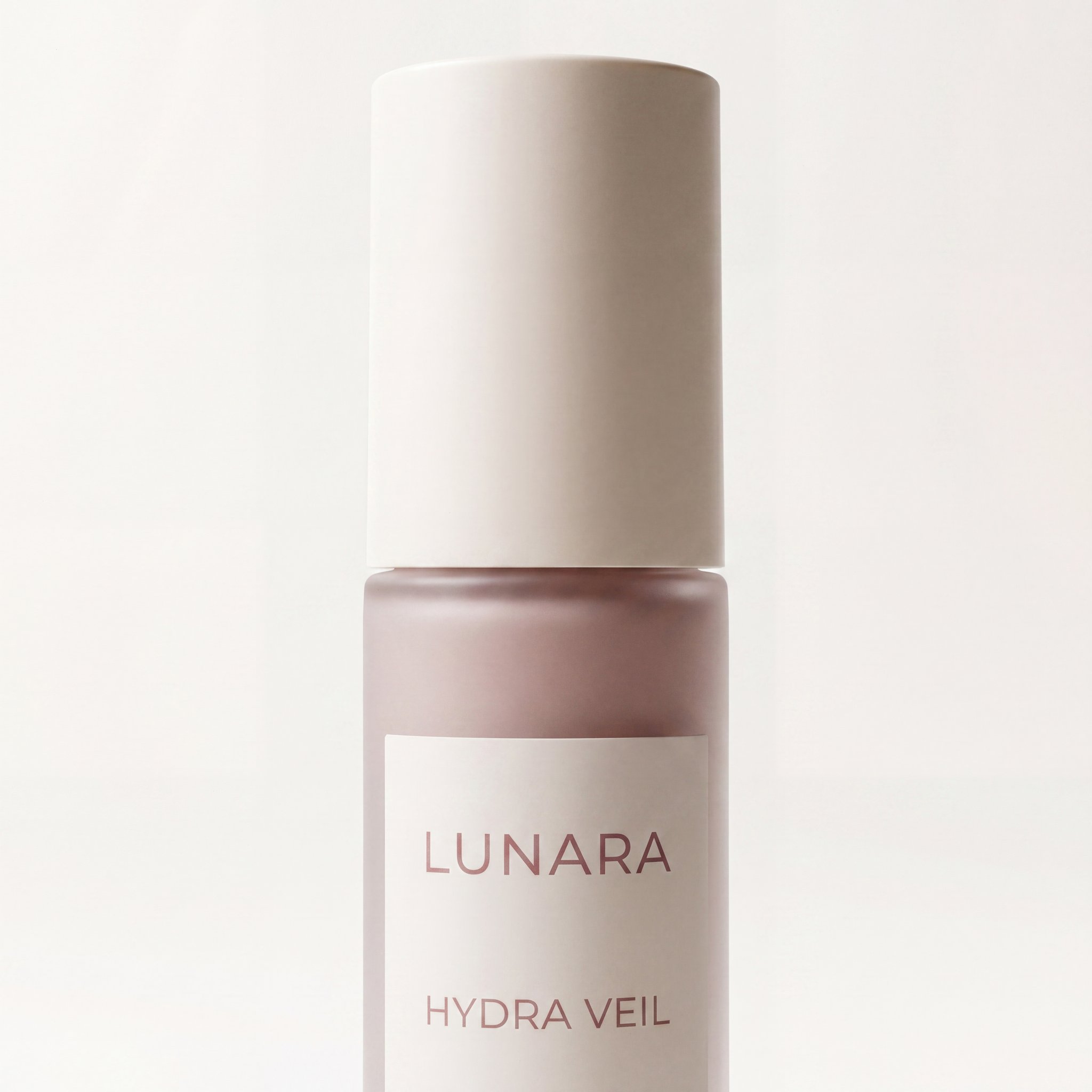
Detail image
Detail close-up that builds trust
Use one close-up to make materials, finishes, textures, or hardware easier to trust while staying true to the real product.
Create a detail image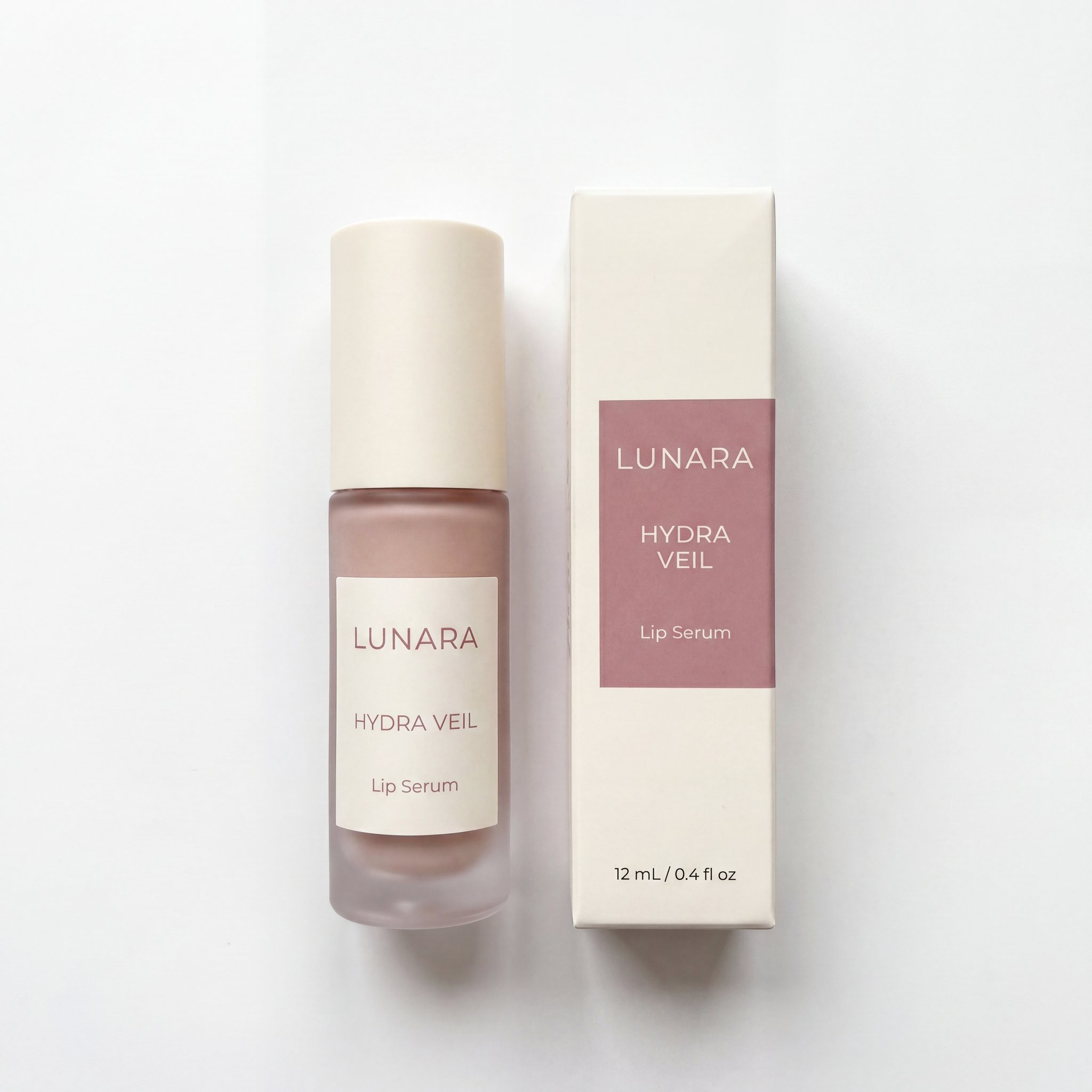
Included items
What is included, clearly arranged
Show the real contents of the package clearly so the gallery answers what comes in the box without depending on listing copy alone.
Create an included-items imageBefore you publish
Review the images as carefully as the listing.
These prompts guide image composition. They do not check compliance or guarantee product fidelity. Confirm current TikTok Shop requirements for your market and category.
- Plan a square gallery; five images are a useful starting point
- Review the front-view main image on white
- Avoid added text, graphics, logos, borders and watermarks
- Show only items that are actually included
- Check labels, proportions, colors and details
Workflow
Create one role, then build on it.
The start action opens image generation with a prompt. Upload references, choose settings and review each result. Use standard batch generation when you want to run several prompts together.
Upload the source photos you already have
Use front, angle, detail, packaging, and included-items references instead of trying to start from a blank prompt.
Add product details that matter
Use product name, brand, features, size, and included contents so the images match what your listing actually says.
Approve the main image first
Anchor the workflow with the clean front-view white-background image before spending effort on the rest of the gallery.
Complete the remaining gallery roles
Finish the angle, detail, and included-items images so the output reads as a full listing set instead of one-off image generation.
Frequently asked questions about TikTok Shop listing images
What kind of product photos should I upload first?
The best starting bundle is one clear front view, one clearly different alternate angle, one useful detail shot, and packaging or included-items photos if you want that support image in the final set.
Can this create the main image on a white background?
Yes. Start with the main-image prompt and a clear front-view reference. Review the generated product and background before creating the other gallery images.
Can I generate multiple TikTok Shop gallery images at once?
Standard batch generation can run multiple prompts or variants. This page provides prompt starting points; it does not automatically guide, assemble or approve a complete TikTok Shop gallery.
Does this page promise TikTok Shop compliance?
No. Review the current rules for your market and category, and inspect the final images before publishing. HummingBytes does not provide automatic compliance checking.
Can I use this for beauty, home, accessories, and similar categories?
Yes. The strongest launch categories are products with clear geometry and clean source references such as beauty, supplements, kitchen tools, and small accessories.
Related workflows and use cases
Other ways to work with the same product photos once your TikTok Shop gallery is done.
Feature
Edit from your product photos
The most direct route when you need controlled edits starting from real product photos rather than generating from scratch.
Open pageFeature
Scale across multiple SKUs
Apply the same image direction across many products or many image roles in one reviewable batch.
Open pageFeature
Generate product concepts from scratch
Start from a text description when you need concept exploration before working from real photos.
Open pageModel
Recommended AI model for ecommerce
Explore Nano Banana 2 for editing with real product references.
Open pageUse case
Create Amazon listing images
Use the same product photos to create Amazon-specific images like infographics, comparisons, and lifestyle slides.
Open pageUse case
Clean up product backgrounds
Explore background edits, then check that the product still matches your source.
Open pageReady to build the gallery?
Your next gallery starts with a real photo.
Generate the clean front image first, then complete the angle, detail, and included-items frames that make the listing feel more complete.