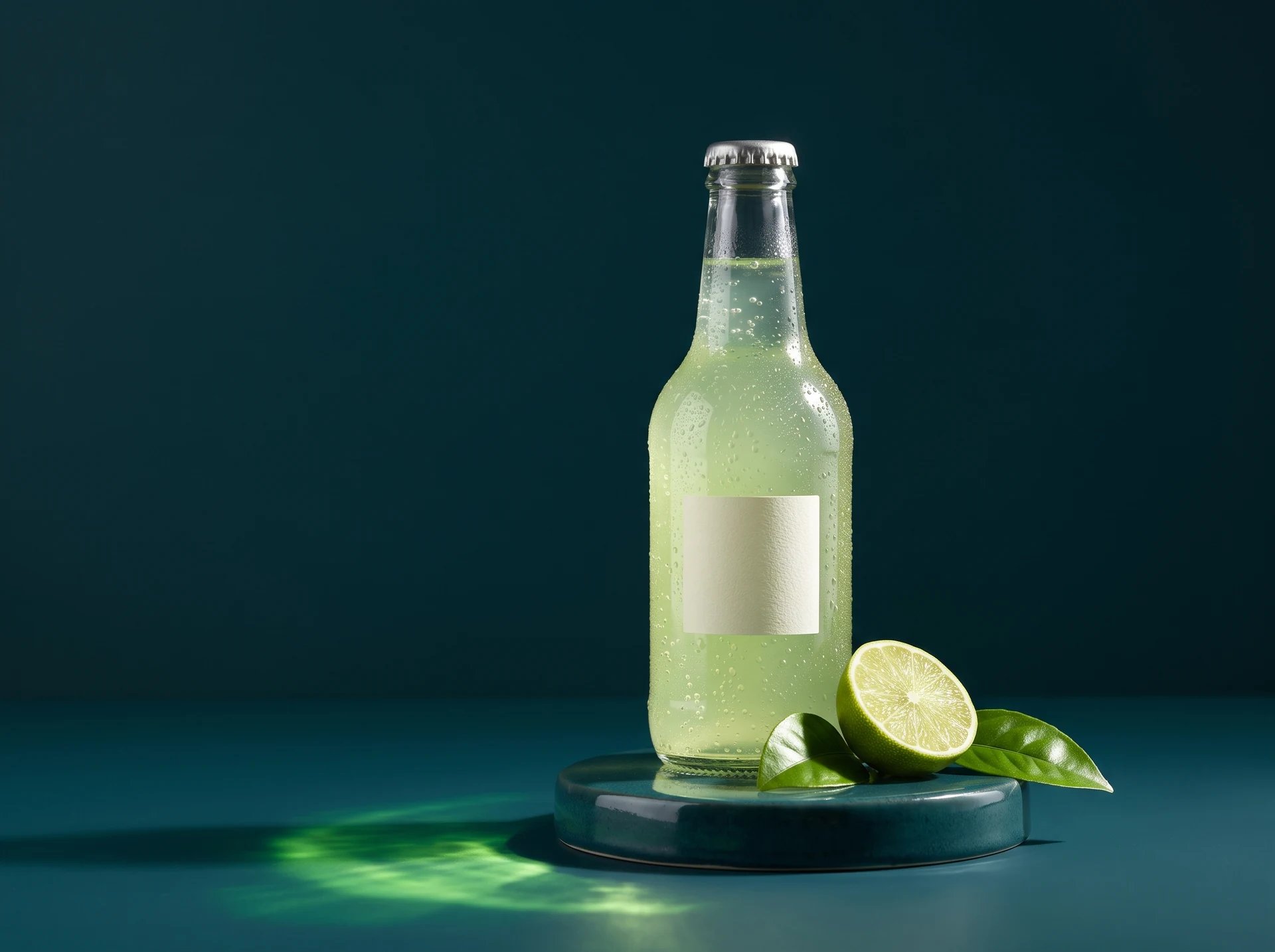
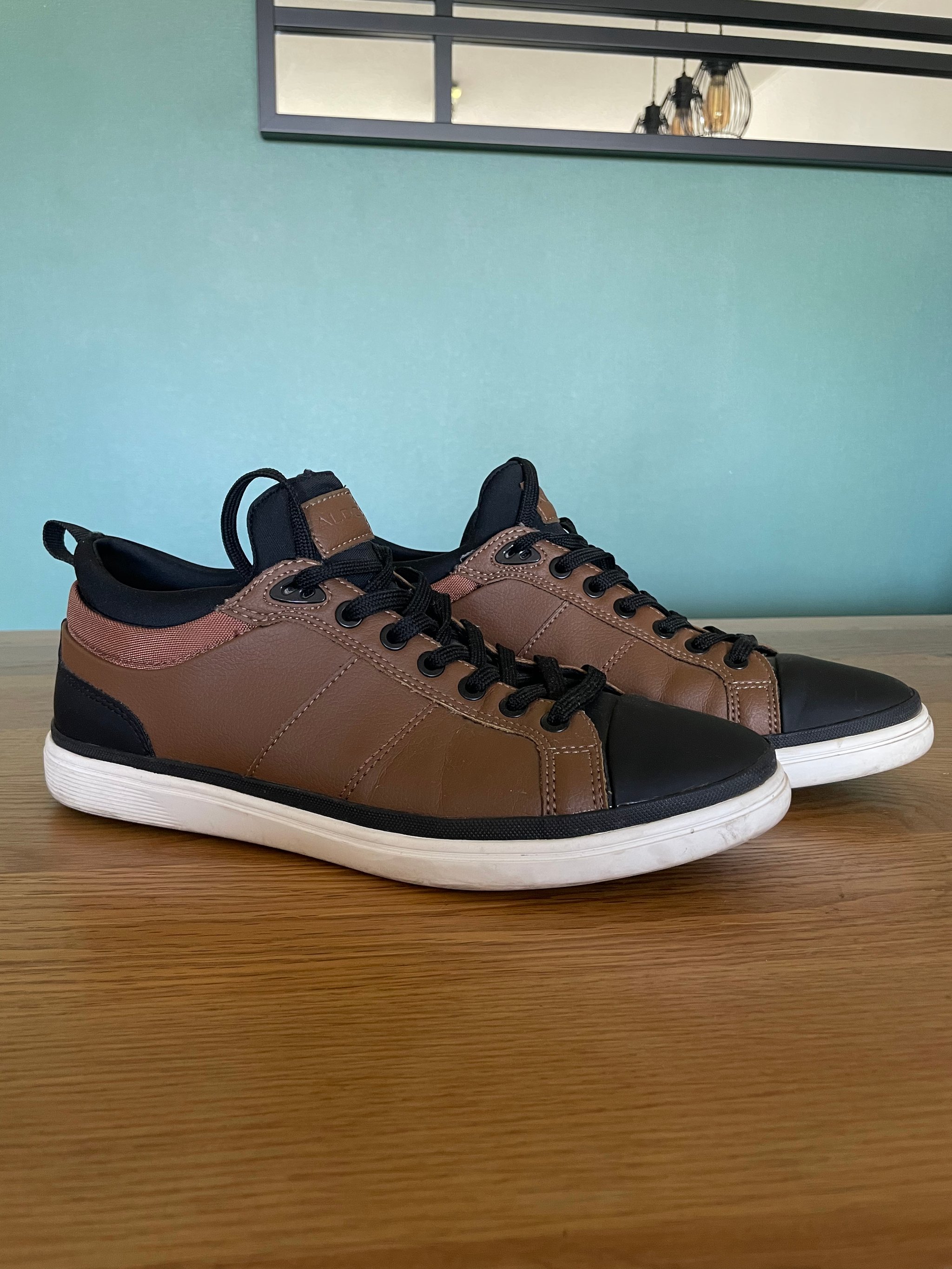
Explore the original examples and their prompt directions. Results vary with your inputs and settings.
Generated with Nano Banana 2
01
Food photography
100%
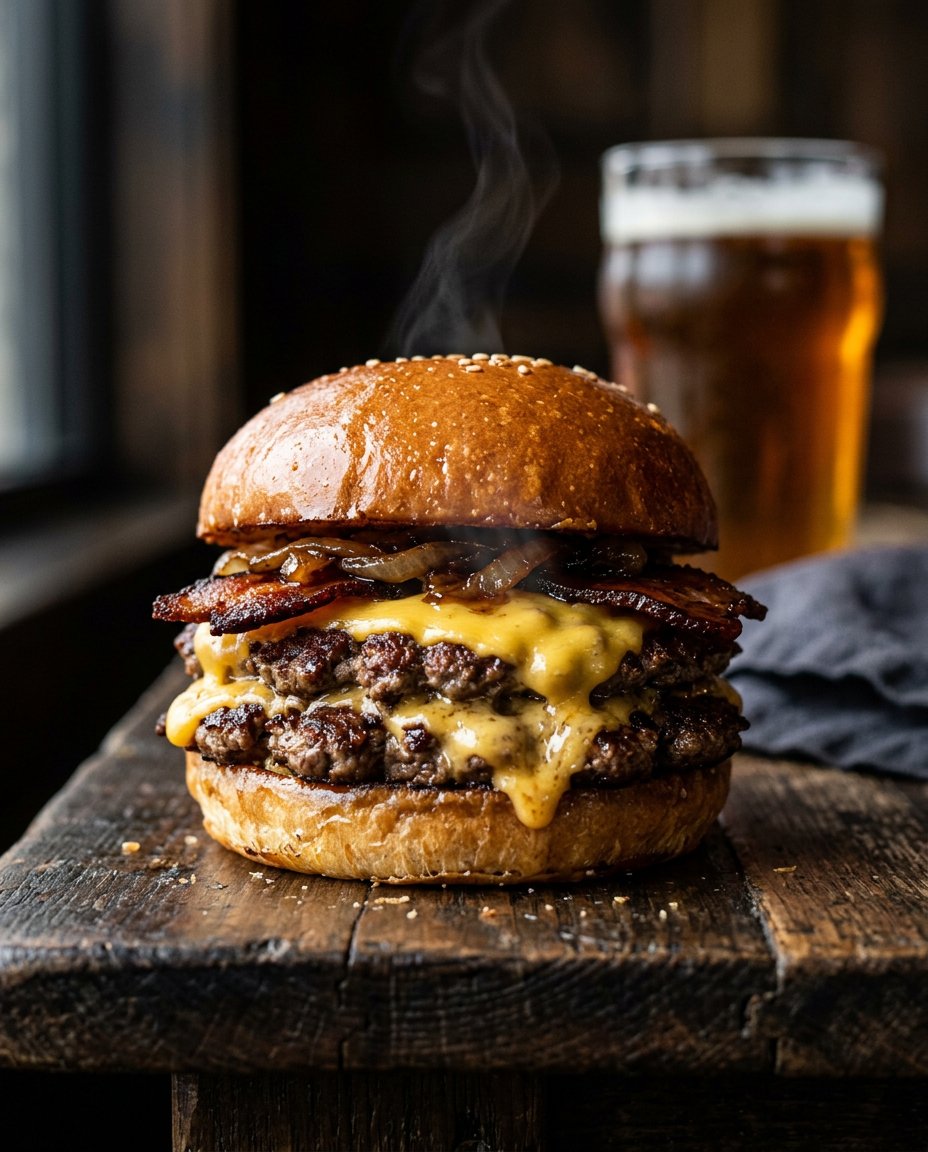
Menu-ready food shot for delivery and restaurant brands
A good fit when the business need is expensive-looking food imagery for landing pages, menus, and delivery listings without staging a real shoot.
Prompt snippet+
Editorial smashburger close-up with realistic steam, texture-rich ingredients, and moody gastropub lighting.
02
Packaging mockup
100%
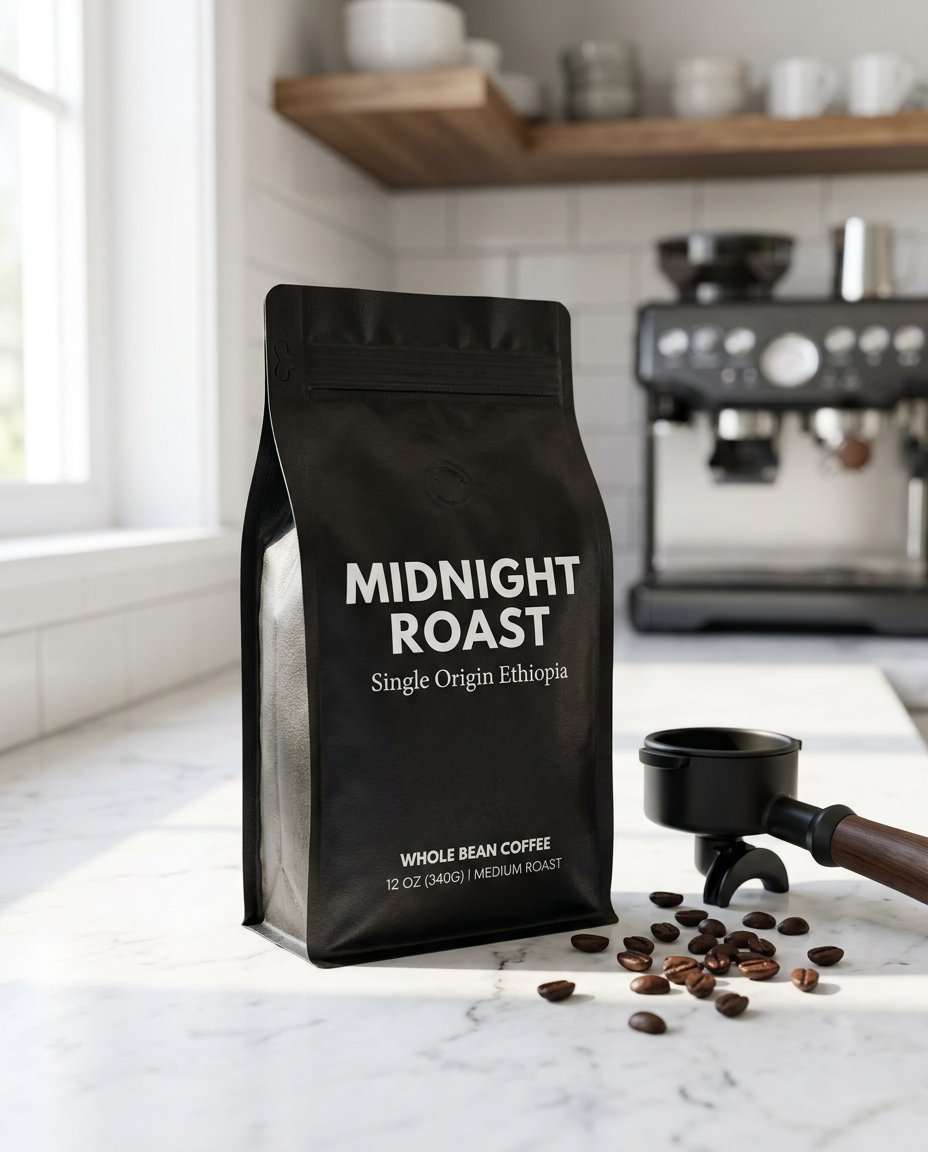
Curved packaging concept with readable on-pack text
This is the kind of output that matters to DTC brands, Amazon sellers, and packaging teams because the value depends on text integration and believable materials, not just a pretty object.
Prompt snippet+
Matte black coffee pouch on a marble counter with readable brand text wrapped naturally around the filled package.
03
Product editing
InputNano Banana 2 result
A product photo in a new setting
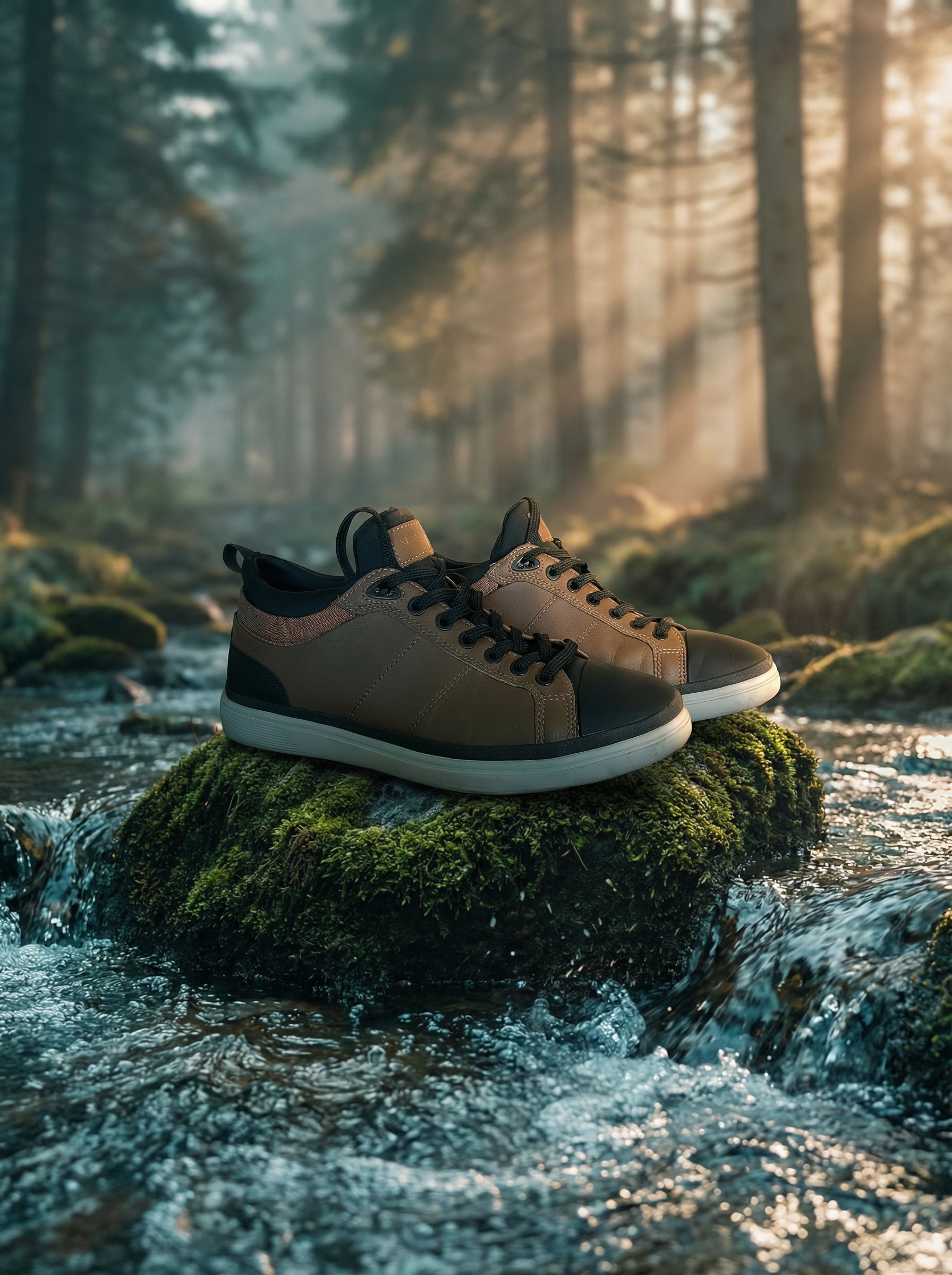
The original hiking boot photo guides this mountain-stream edit. Compare both sides to review changes to the product.
Prompt snippet+
Keep the hiking boot exactly the same. Replace only the white backdrop with a rugged mountain-stream scene and realistic outdoor atmosphere.
04
Grounded marketing
100%
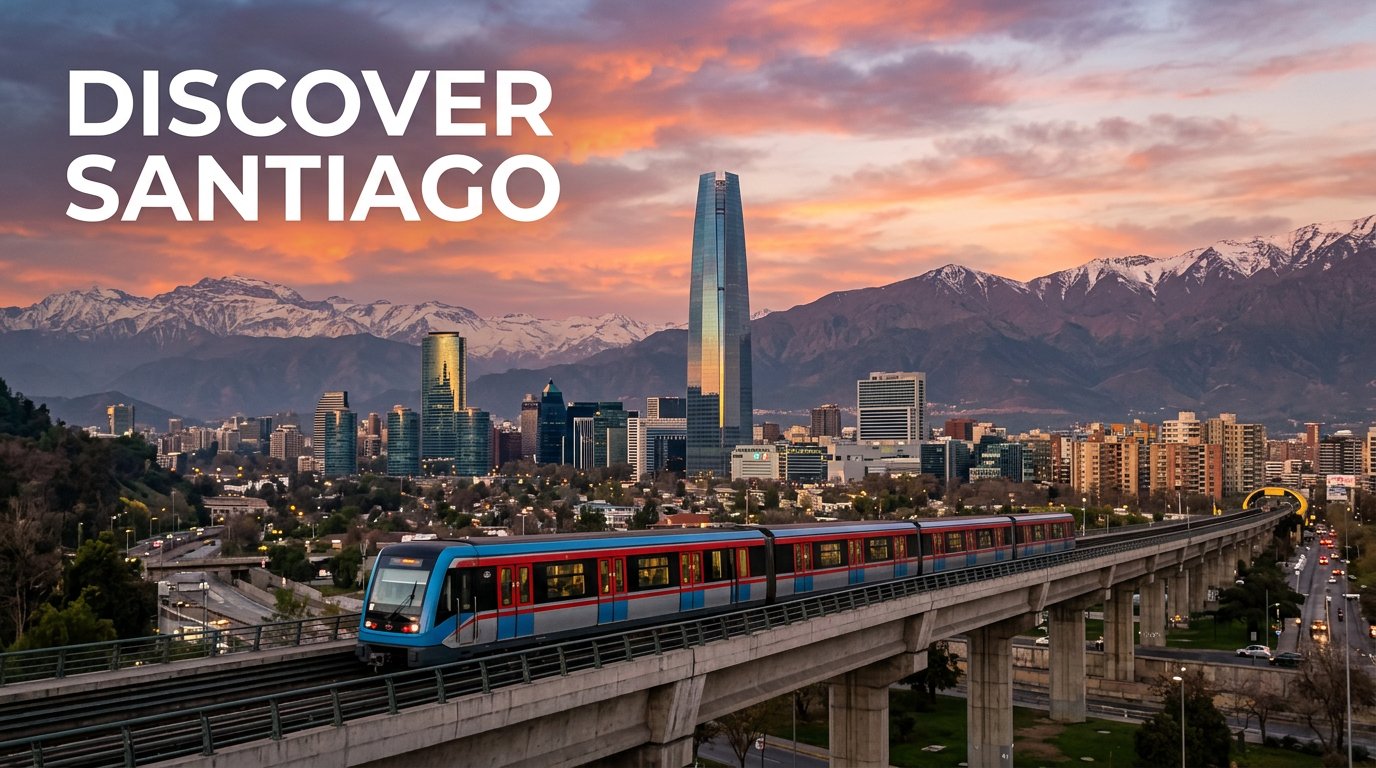
Location-specific campaign creative
A Santiago travel ad directed with Google Search grounding. Verify landmarks and other factual details before publishing.
Prompt snippet+
Travel ad for Santiago, Chile with the Costanera Center skyline, Andes backdrop, metro crossing, and readable campaign headline grounded with Google Search.
05
Social ad with text
100%
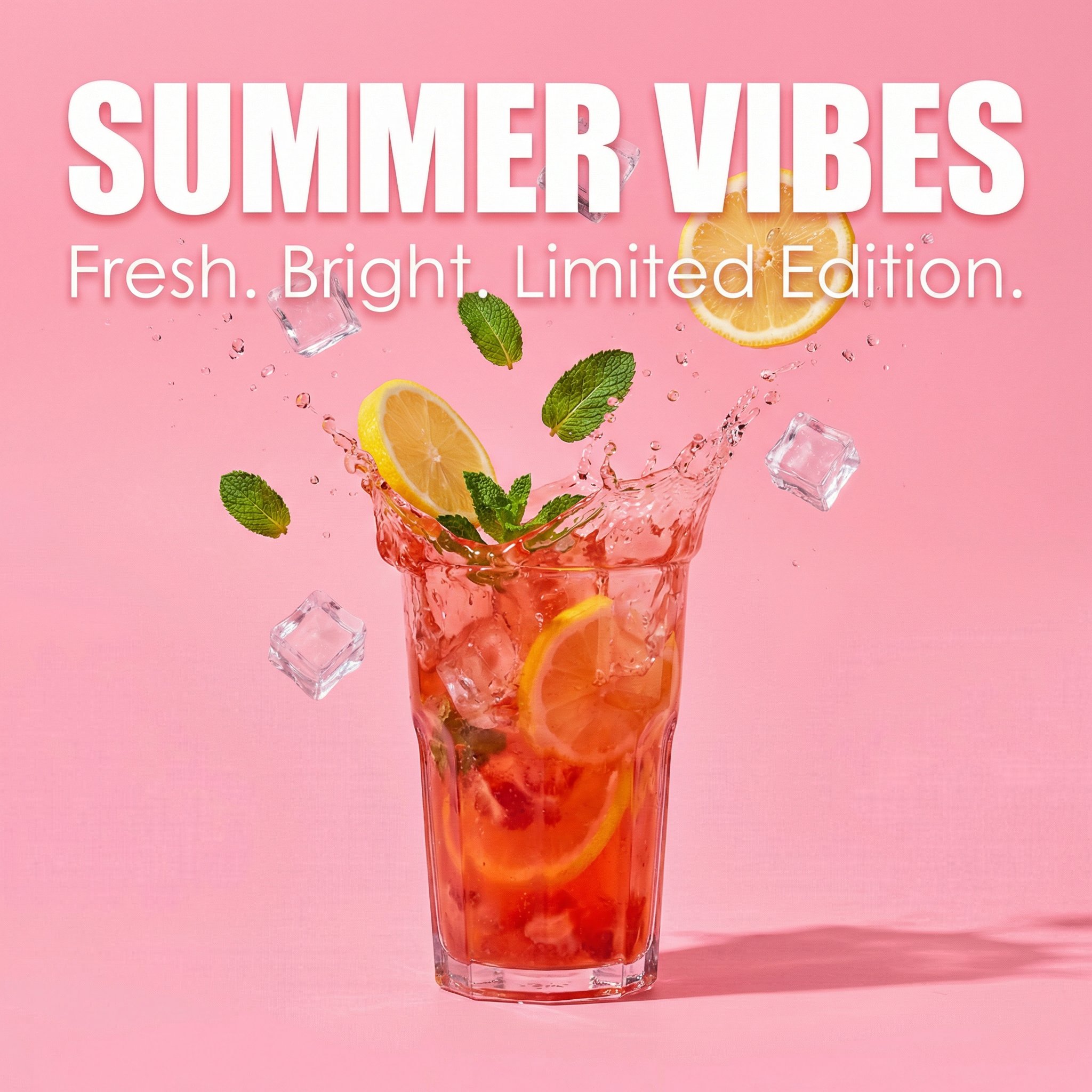
Campaign creative with integrated headline treatment
Useful when the real deliverable is a paid-social asset that needs both image generation and readable text hierarchy without bouncing into Photoshop first.
Prompt snippet+
Square lemonade campaign ad with bold readable headline, controlled hierarchy, and bright pop-art color contrast.
06
Extreme aspect ratio
Ultra-wide banner for web headers and ribbon placements
An 8:1 output for a website ribbon or other placement that needs a very wide frame.
Prompt snippet+
8:1 abstract website ribbon with balanced visual flow, dark studio atmosphere, and crisp edge-to-edge detail.
07
Product photography
100%
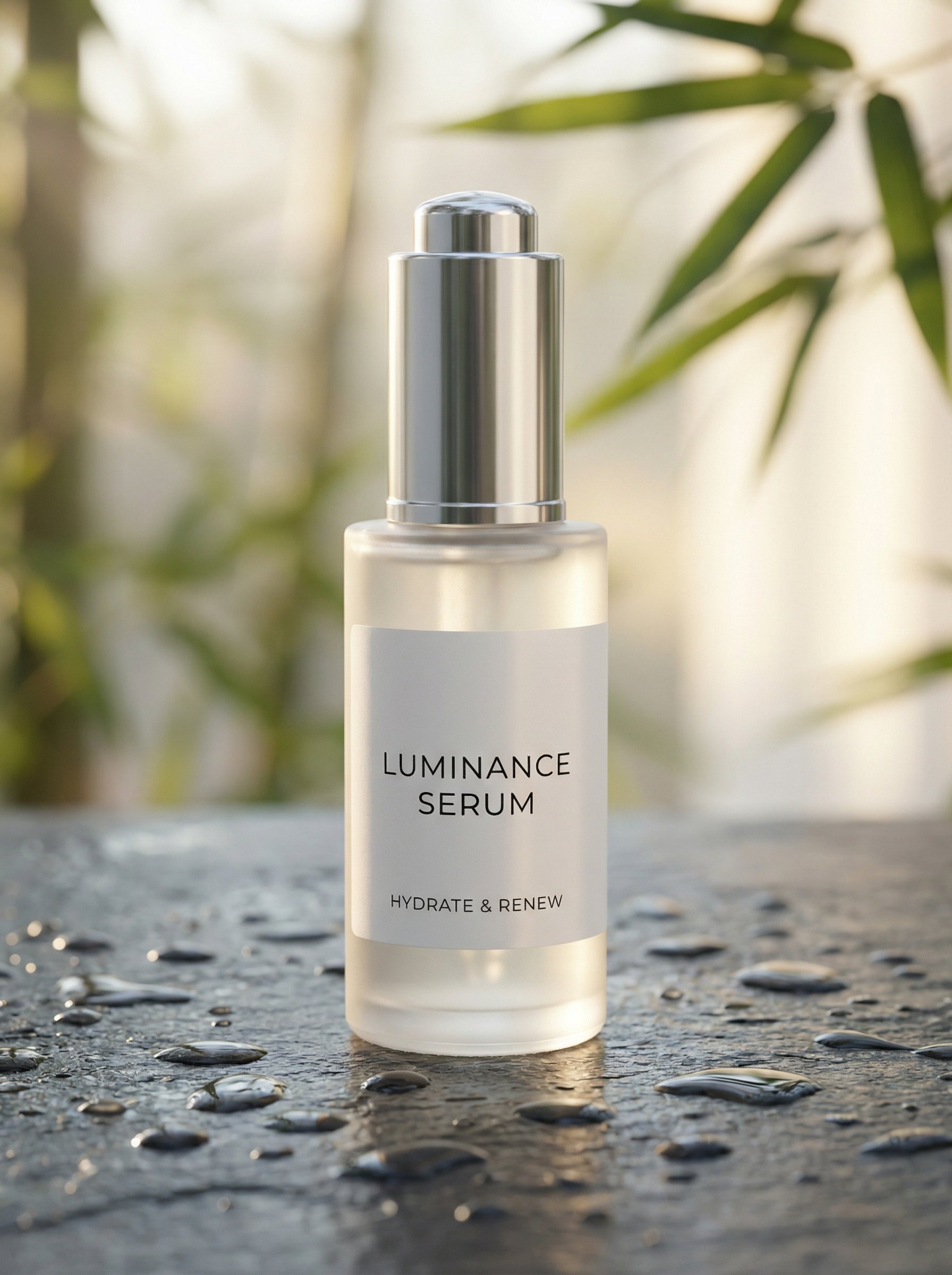
Ecommerce hero image without booking a studio
This is the most direct commercial proof on the page: a polished product hero that looks like the kind of asset brands usually pay a photographer to produce.
Prompt snippet+
Premium skincare bottle hero with clean label readability, realistic reflections, wet slate surface, and soft spa lighting.
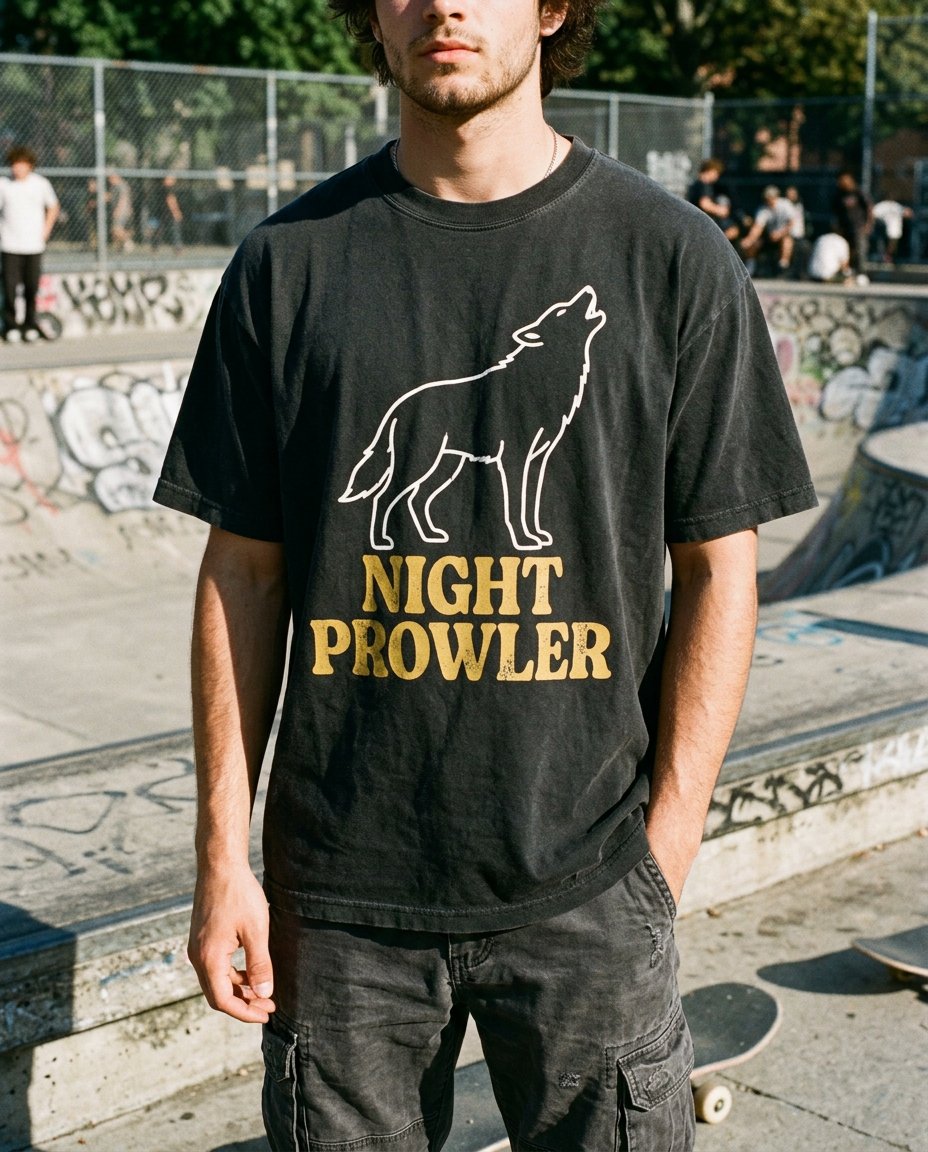
08
Apparel mockup
100%
Print-on-demand lifestyle shot with believable fabric behavior
This is aimed at apparel sellers and merch brands that need something more convincing than flat template mockups, especially when the print has to bend with real folds and fit.
Prompt snippet+
Oversized vintage tee with a printed wolf graphic and headline text that warps naturally with cotton wrinkles.
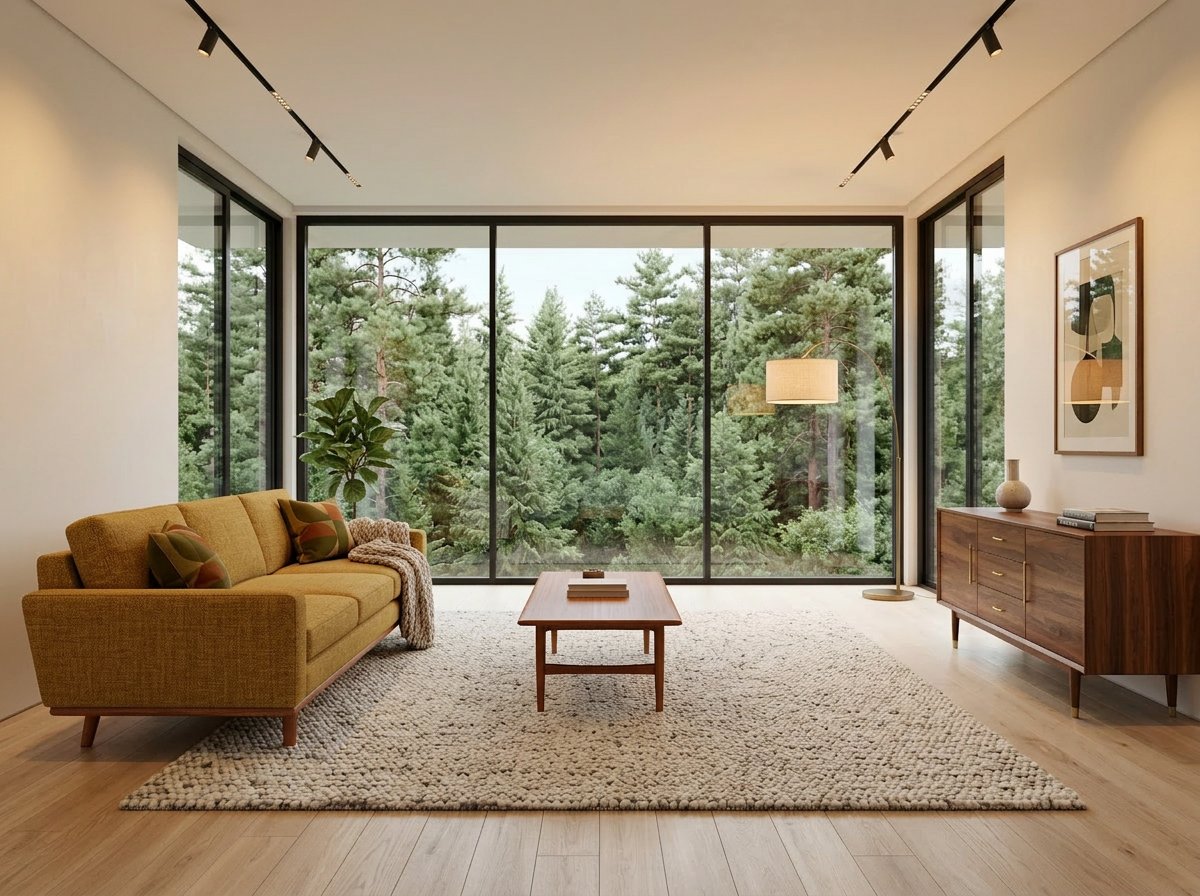
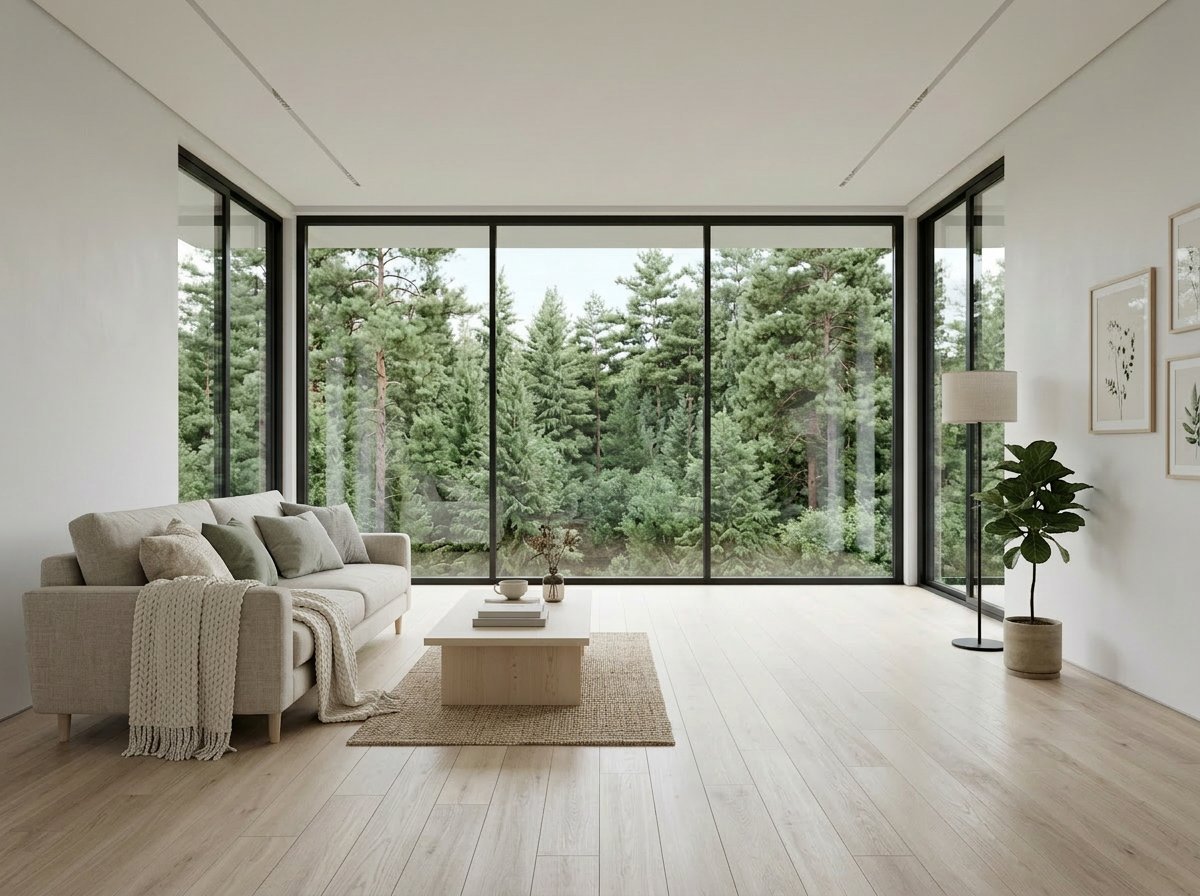
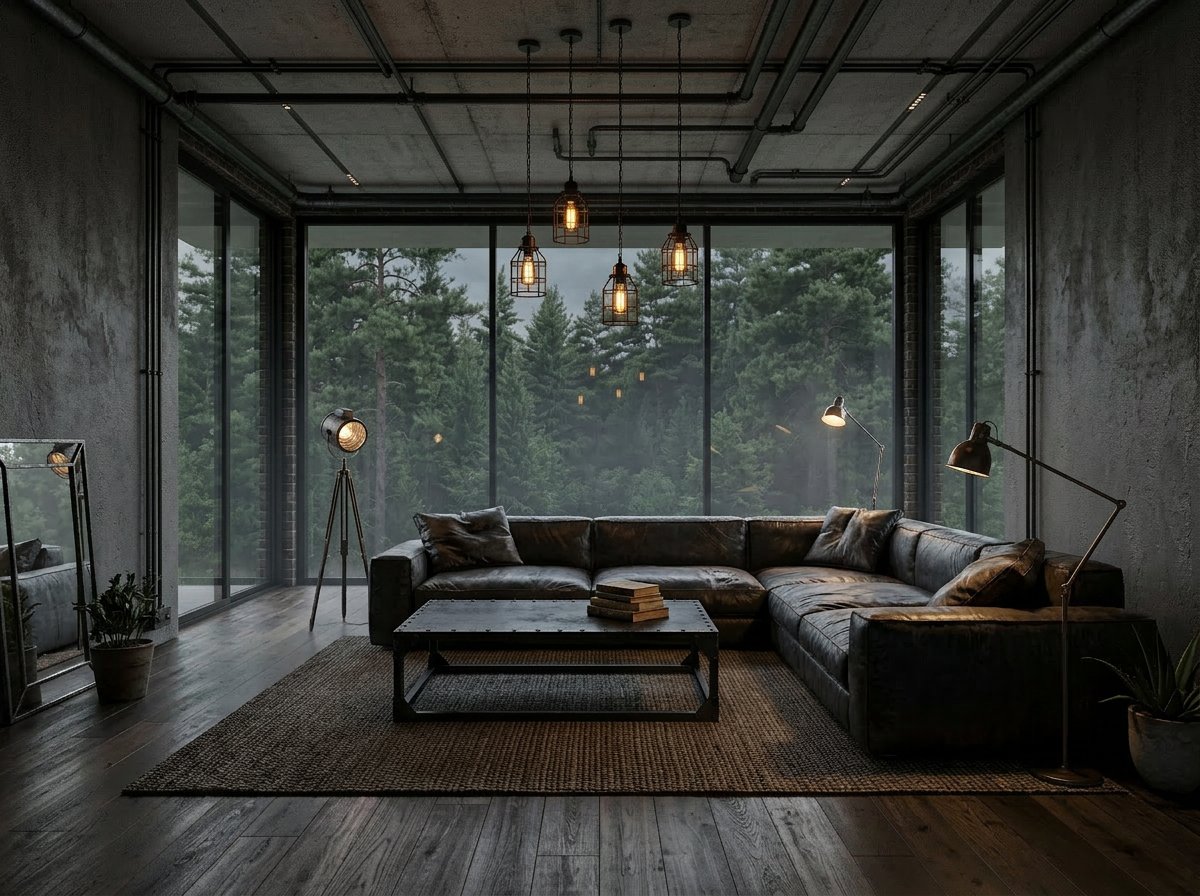
09
Concept iteration
100%
Mid-century
100%
Scandinavian
100%
Industrial
One room shell, three commercial directions
This is where Nano Banana 2 starts paying off for agencies, interior designers, and real estate teams: the structure stays the same while the visual direction changes quickly enough to compare options in one pass.
Prompt snippet+
Keep the exact same room, windows, and camera angle. Restyle the space into distinct client-facing directions.
Who it's for
Who should start with Nano Banana 2
The strongest case for Nano Banana 2 is not abstract capability. It is that it fits the people who need a reliable default, fast turnarounds, and lower creative production cost.
Social media managers
Use it when you need more campaign, thumbnail, and promo variations quickly without turning every post into a premium-model expense.
Ecommerce teams and store owners
A good default when the job is product visuals, banner updates, background changes, and other repeatable commercial image work.
Growth marketers
Strong when the real need is testing more creative directions, refreshing ads faster, and finding one winning concept without burning budget.
Boutique agencies
Useful as the default model for everyday client work, with Nano Banana Pro reserved for the harder, higher-stakes briefs.
Lean creative teams
A good fit when one team needs one dependable image model that can generate, edit, and iterate without bouncing between tools.
Brand and campaign teams
Useful when factual place-based creative, reference-heavy direction, and wide-format assets matter as much as raw generation speed.
Less ideal for
Check these details before committing to a result.
The hardest layout and composition briefs
Dense scenes and complex layouts need careful review. Compare the output with your required object placement and text hierarchy.
Edits with strict preservation requirements
Use the source image to check faces, labels and small details. Try another model or manual editing when the result changes something essential.
A final campaign hero
Review the image at its intended display size. Compare several candidates before choosing the one to publish.
Where it fits
How Nano Banana 2 fits in the current lineup
Choose a model according to your inputs, output requirements and credit budget.
Start with a small set of representative prompts, then compare the results before choosing a model for a larger batch.
Nano Banana 2
Best for
Fast, affordable, general-purpose generation and editing across a wide range of commercial image tasks.
Tradeoff
Review difficult compositions and detailed edits against your references.
Nano Banana Pro
Best for
Another Gemini option to test on detailed compositions, reference-guided edits and text-heavy images.
Tradeoff
Compare the current credit estimate and the outputs from your own prompts.
Other image models
Best for
Trying a different approach to lighting, typography, product scenes or editing.
Tradeoff
Available settings and results vary by model. The linked comparisons show specific test sets.
Working with the model
Plan your next image set
Start with a few directions, review the results, then choose the settings for the larger set.
When the workload gets large, the next step is Gemini Batch API inside HummingBytes for cheaper high-volume generation rather than running everything interactively. When accuracy or consistency matters, you can also ground prompts with Google Search and work from up to 14 reference images.
Explore variations
Try different ad, banner, poster and product-image directions in one working session.
Check the credit estimate
Choose the model and output settings, then check the total before starting a larger run.
Fewer tool switches
Handle prompt-based generation, text-heavy visuals, and conversational edits in one model instead of splitting the work across multiple specialist tools.
Cheaper high-volume runs
Push larger workloads into Gemini Batch API when you need dozens or hundreds of images and want the cost per result to come down.
Review before repeating
Use a small trial to find a useful direction before generating more variations.
Where to go next
Compare model results, explore a feature, or find a starting point for your next project.
Start with a prompt that matches the way this model is actually used
Keep the list short and varied. These prompts are meant to help you get moving immediately, not fill the page with generic examples.
Product photo
Premium ecommerce hero shot
Create a premium ecommerce hero image of a skincare bottle on a clean stone surface with soft daylight, crisp label readability, realistic reflections, and a polished but believable commercial finish.
Design a cinematic poster for a Patagonia photo exhibition with one clean headline, restrained typography, deep navy negative space, and premium editorial composition.
Create a realistic lifestyle ad image of a couple sharing coffee on a bright city terrace, shot with natural light, believable styling, and a polished commercial feel.
Using the uploaded image, keep the subject's identity, expression, clothing, and framing intact. Replace only the background with a modern hotel lobby lit by soft daylight.
Create a grounded travel campaign image for Santiago, Chile with an accurate Costanera Center skyline, Andes mountains, a sleek metro crossing at sunset, and one clean campaign headline in the open sky.
Nano Banana 2 is Gemini 3.1 Flash Image, available on HummingBytes for image generation and prompt-based editing.
Is Nano Banana 2 good for image editing?+
It supports prompt-based edits from reference images. Compare the result with the source to check product details, faces and any parts that should remain unchanged.
Is Nano Banana 2 good for text rendering?+
Yes. It is one of the better starting points for posters, menus, tickets, labels, and other images where readable text matters.
When should I use Nano Banana 2 instead of Nano Banana Pro?+
Try both with a representative prompt and compare the result and credit estimate. The linked comparison page shows matched examples to help you choose.
Can I use Nano Banana 2 for product photos?+
Yes. It is a good fit for product-photo generation and product-photo editing when the job values speed, readability, and strong commercial polish.
Can I run Nano Banana 2 in batch for cheaper large-volume image generation?+
Yes. When you need dozens or hundreds of Nano Banana 2 images and turnaround is less urgent, Gemini Batch API is the cheaper path inside HummingBytes. See Gemini Batch image generation
Your next image
Try Nano Banana 2 with your own idea.
Write a prompt, add a reference if needed, and review your first result.