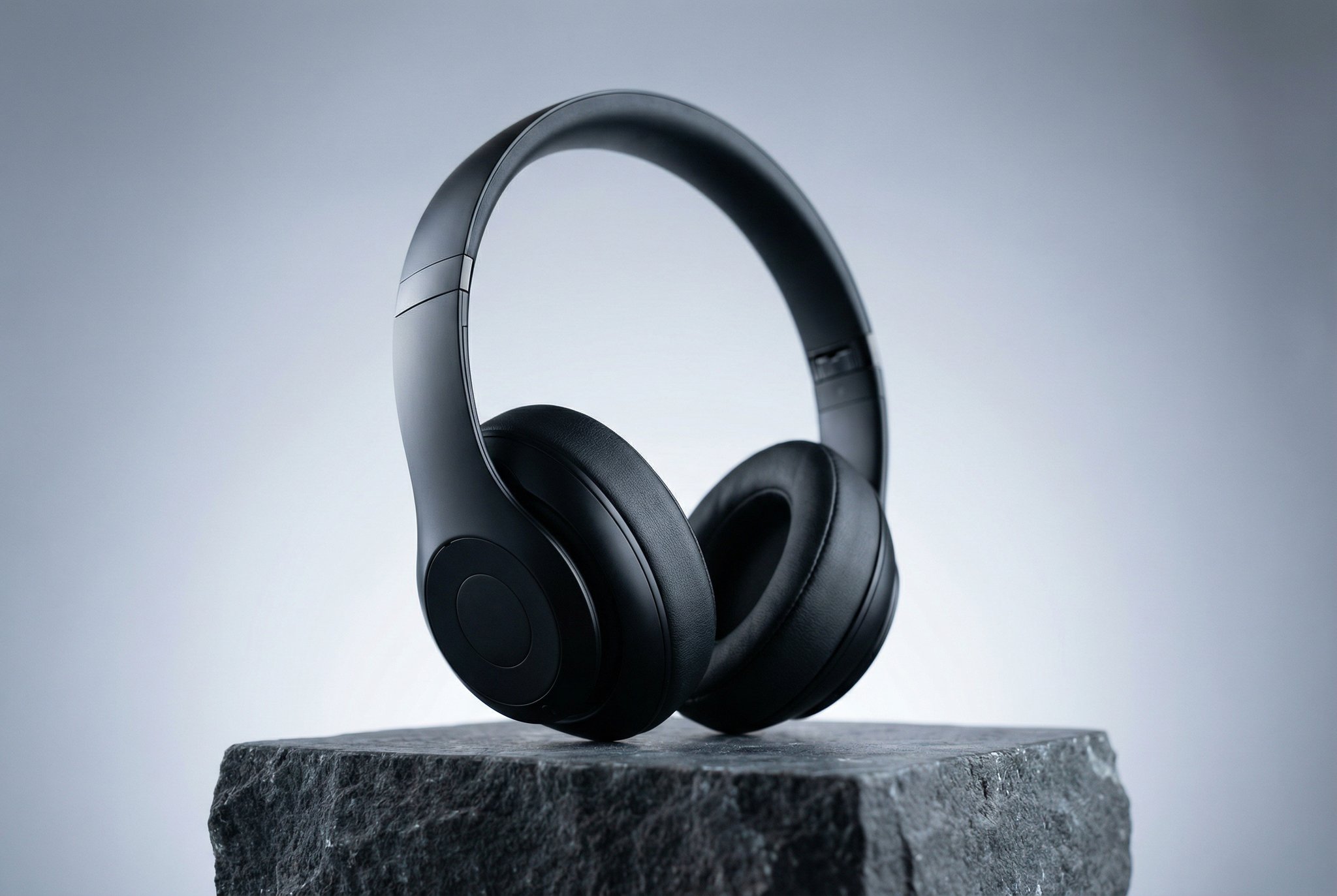
 Example direction: black headphones, stone plinth, soft studio light.
Turn an idea into an image.
Describe a product scene or ad concept. Explore it with text-to-image models.
HummingBytes / Features
Create product photos, edit images, and make short videos. Start with the photos you already have.
White backgrounds · Lifestyle scenes · Custom directions
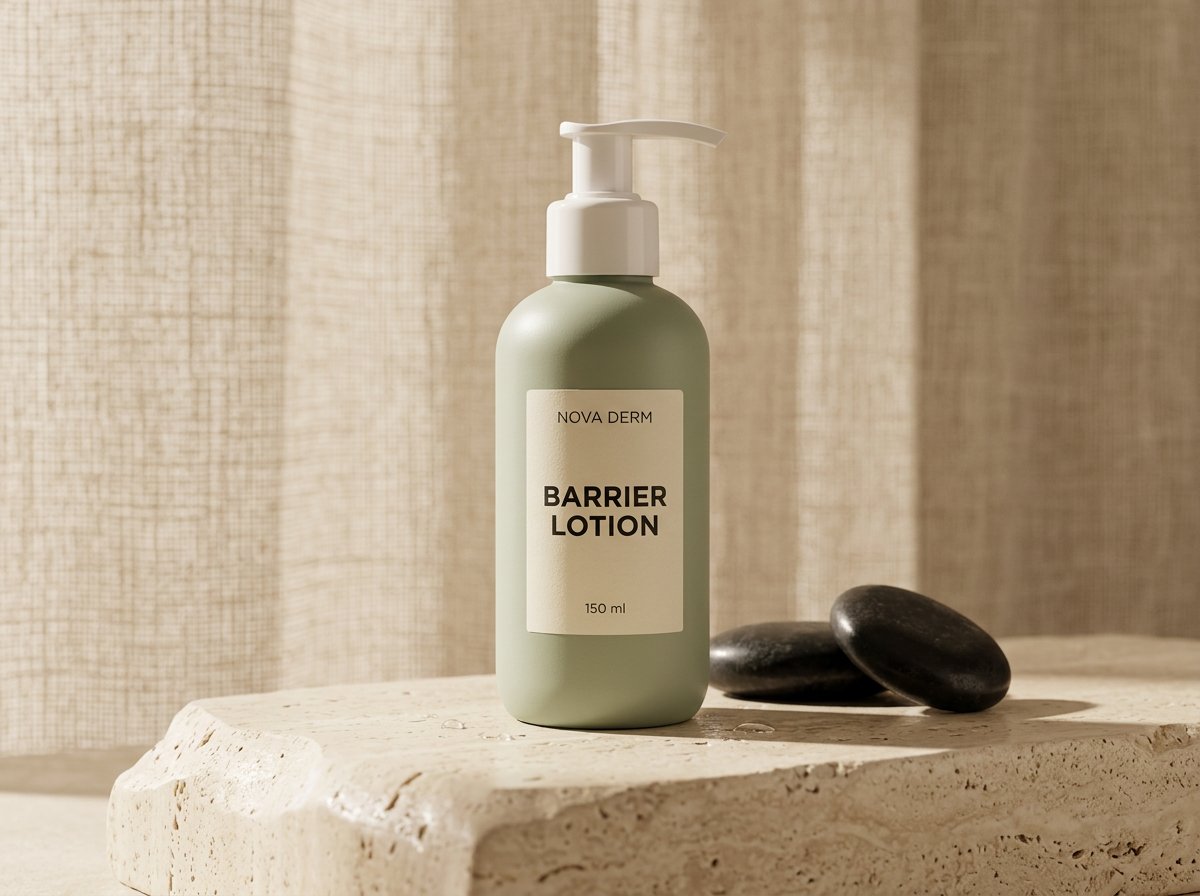
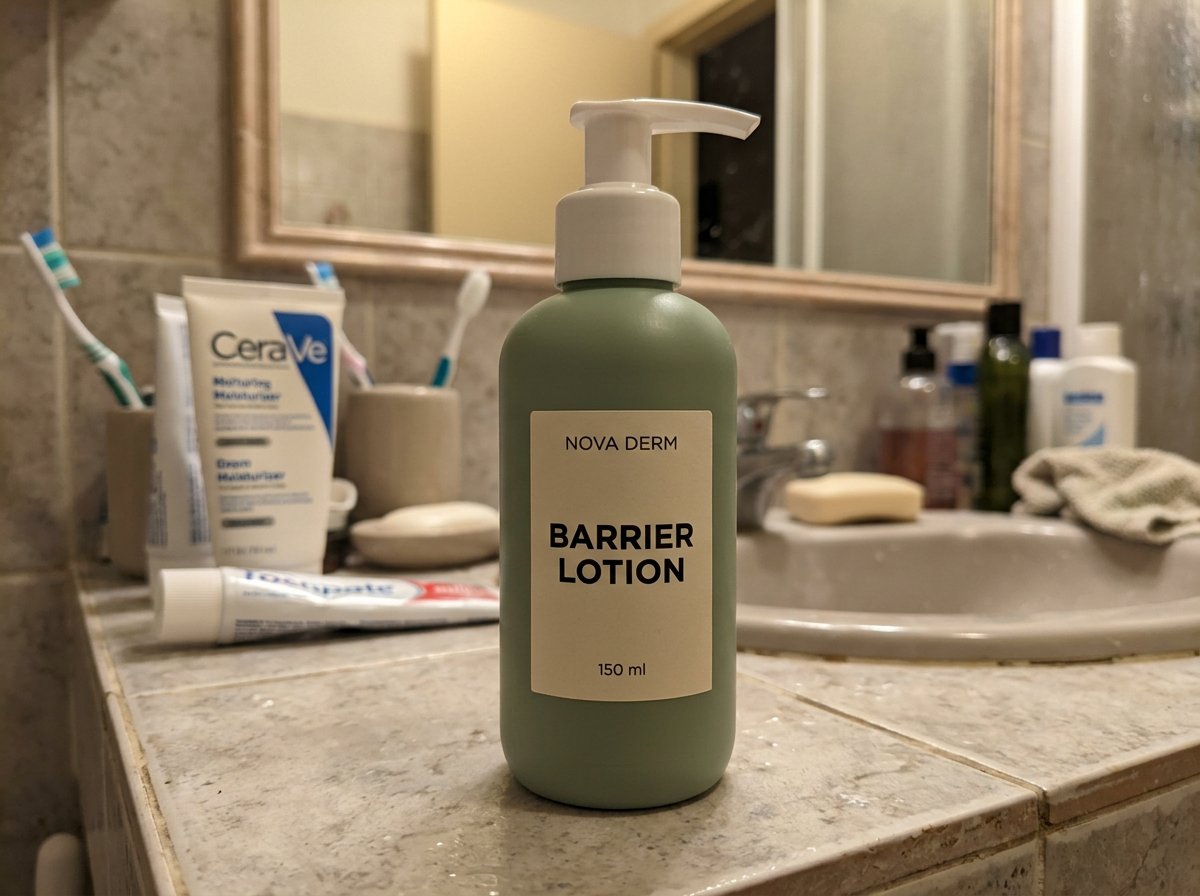
Original photo. AI-generated result.
01 / Product Images
Add your products, choose a treatment, and review your images together.
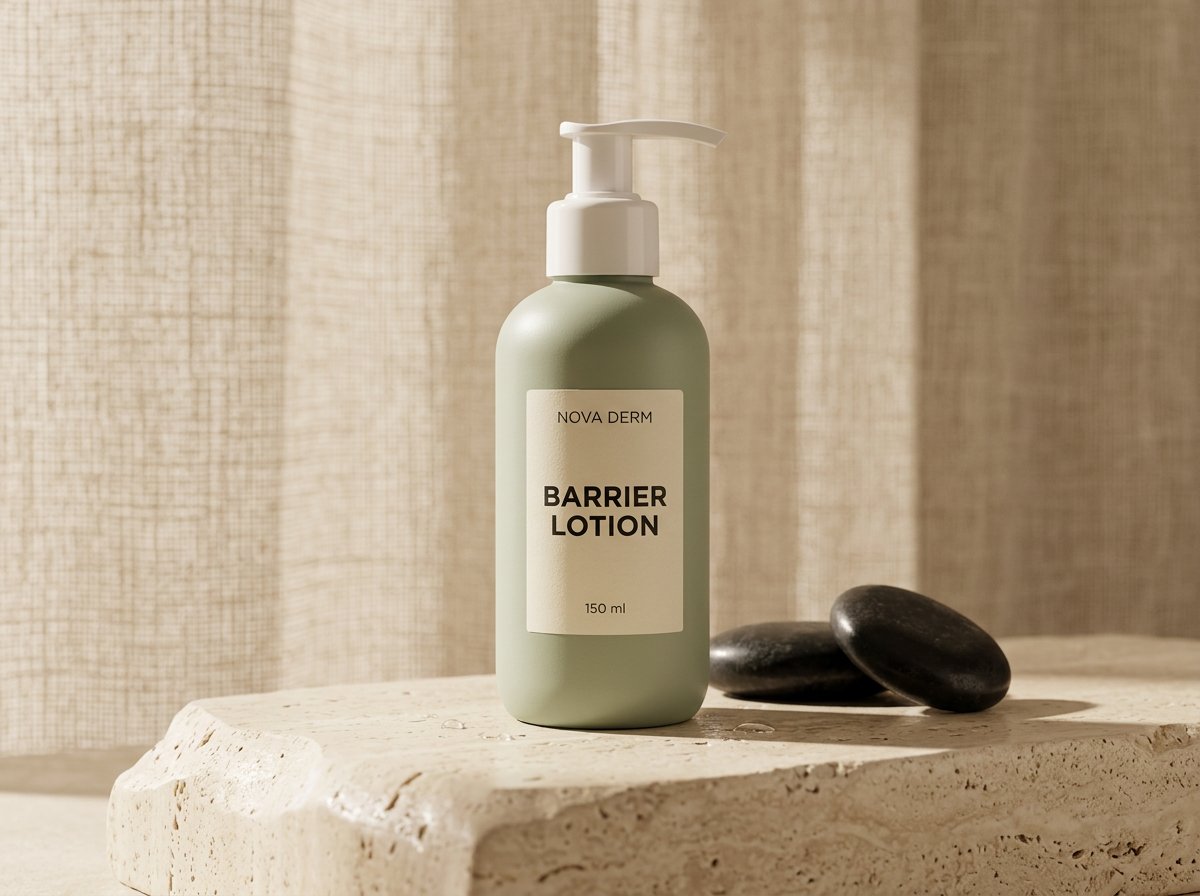
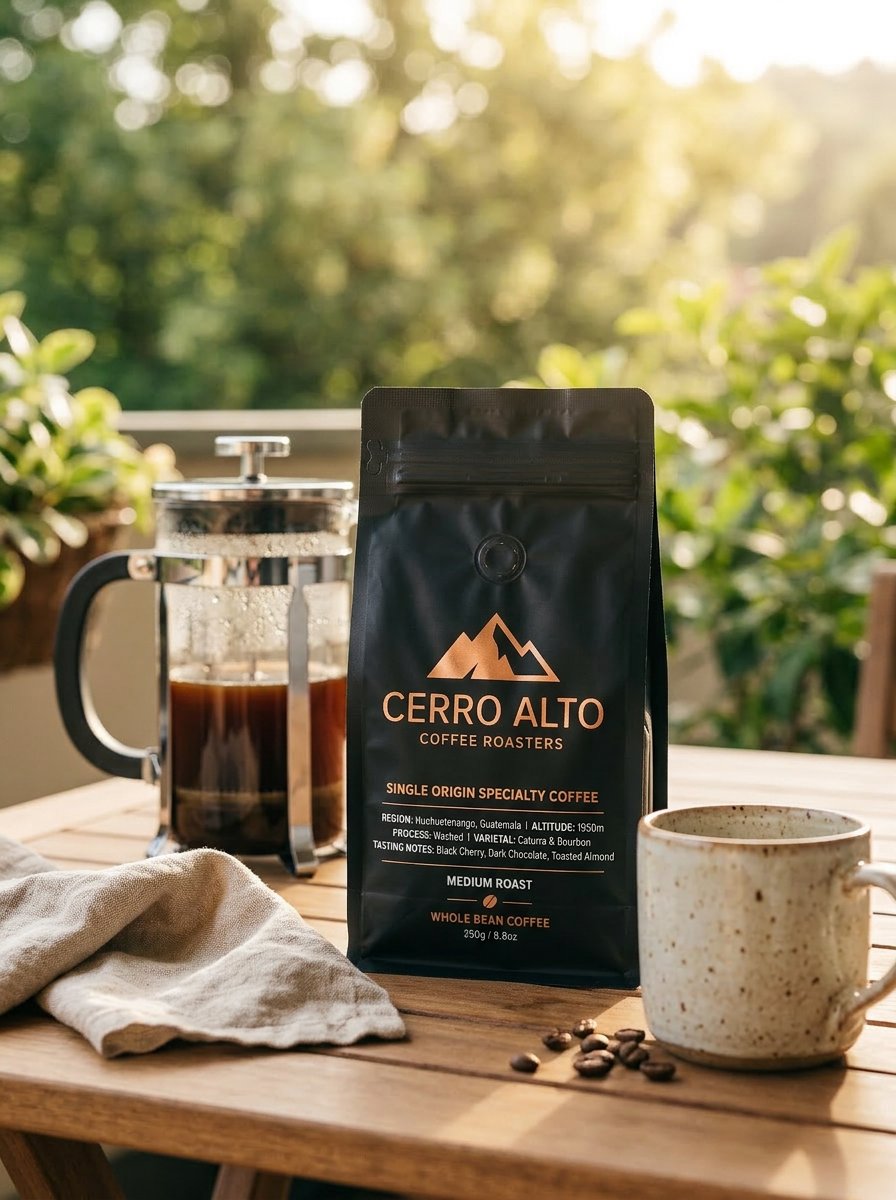
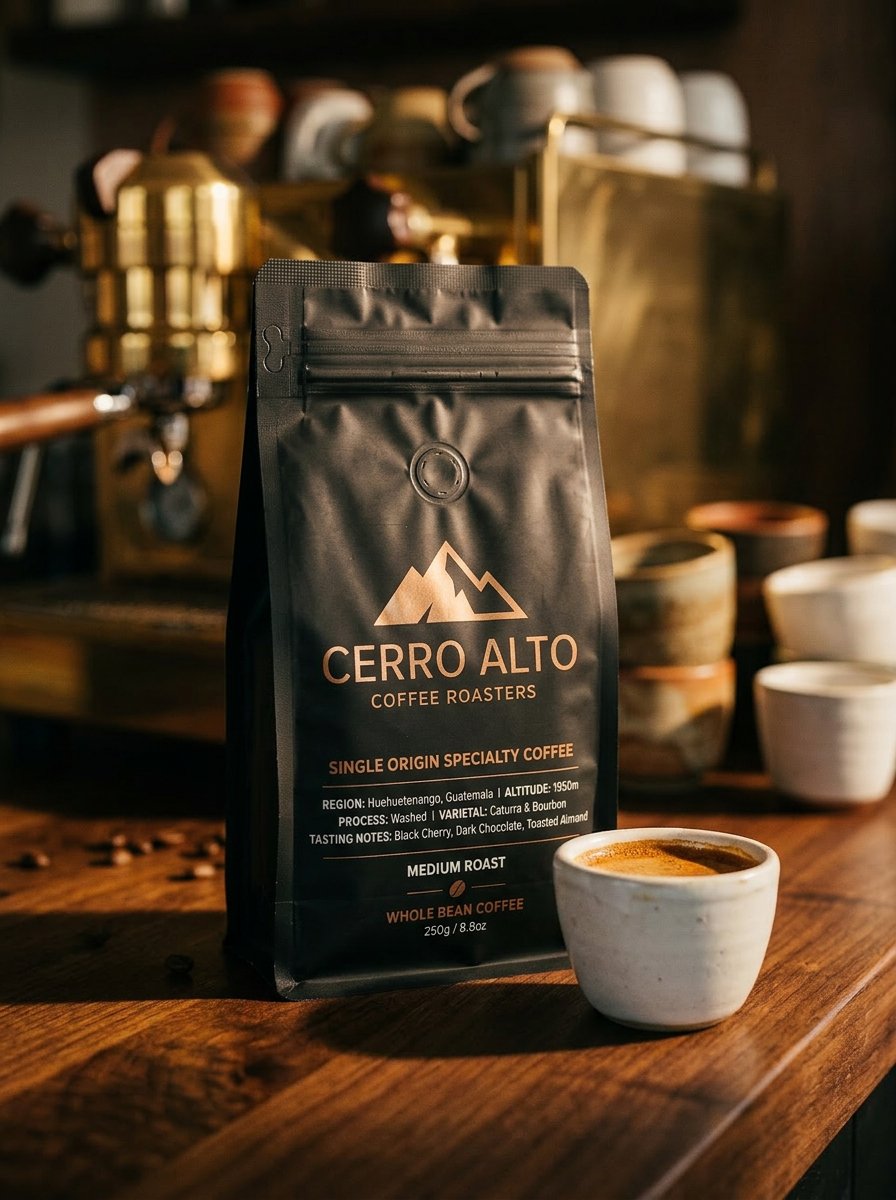
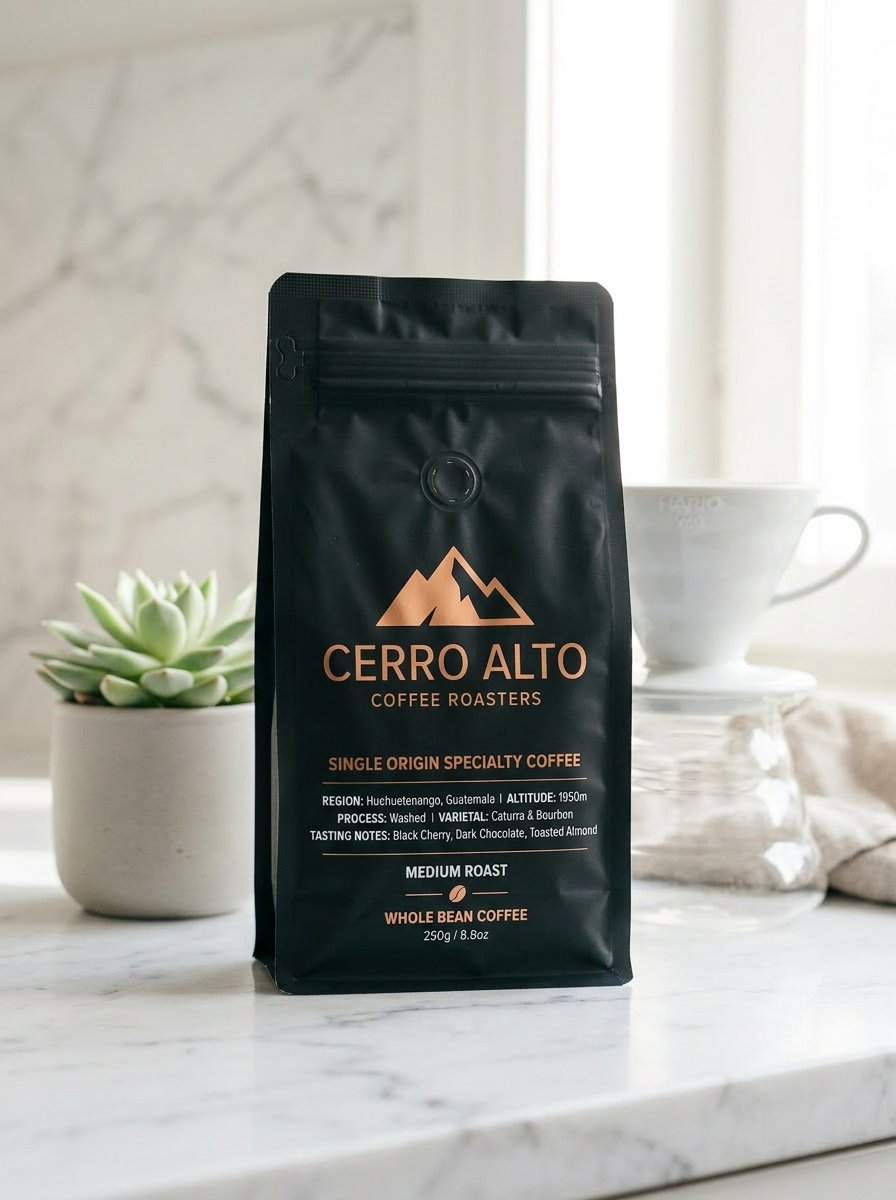
Use Product Images to apply White background, Lifestyle, or Custom treatments. Choose each product’s direction and the image shapes you need.
02 / More ways to create
Choose the tool for the change you want. Each one starts with a prompt, an image, or both.
Example direction: black headphones, stone plinth, soft studio light.Describe a product scene or ad concept. Explore it with text-to-image models.
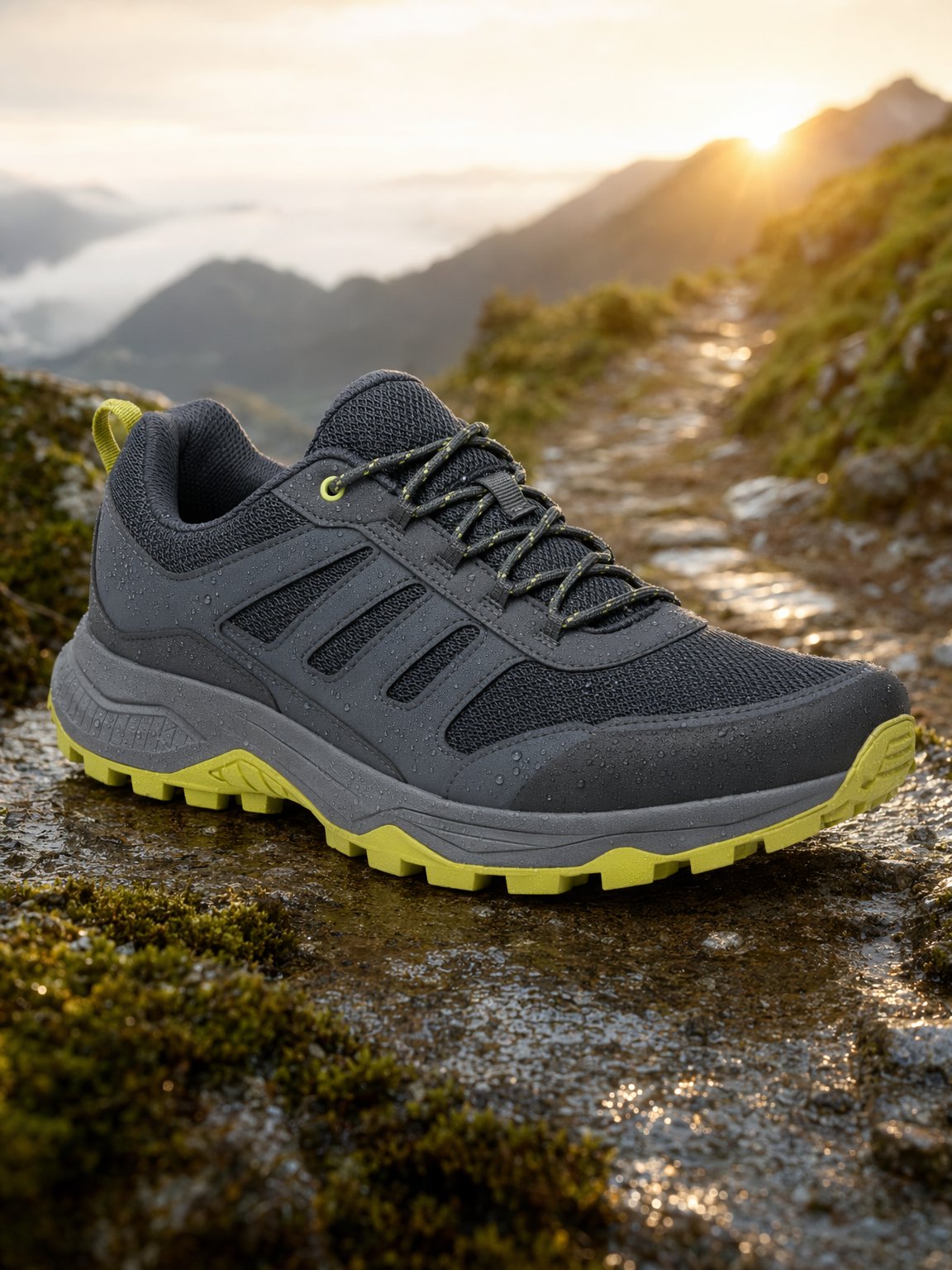
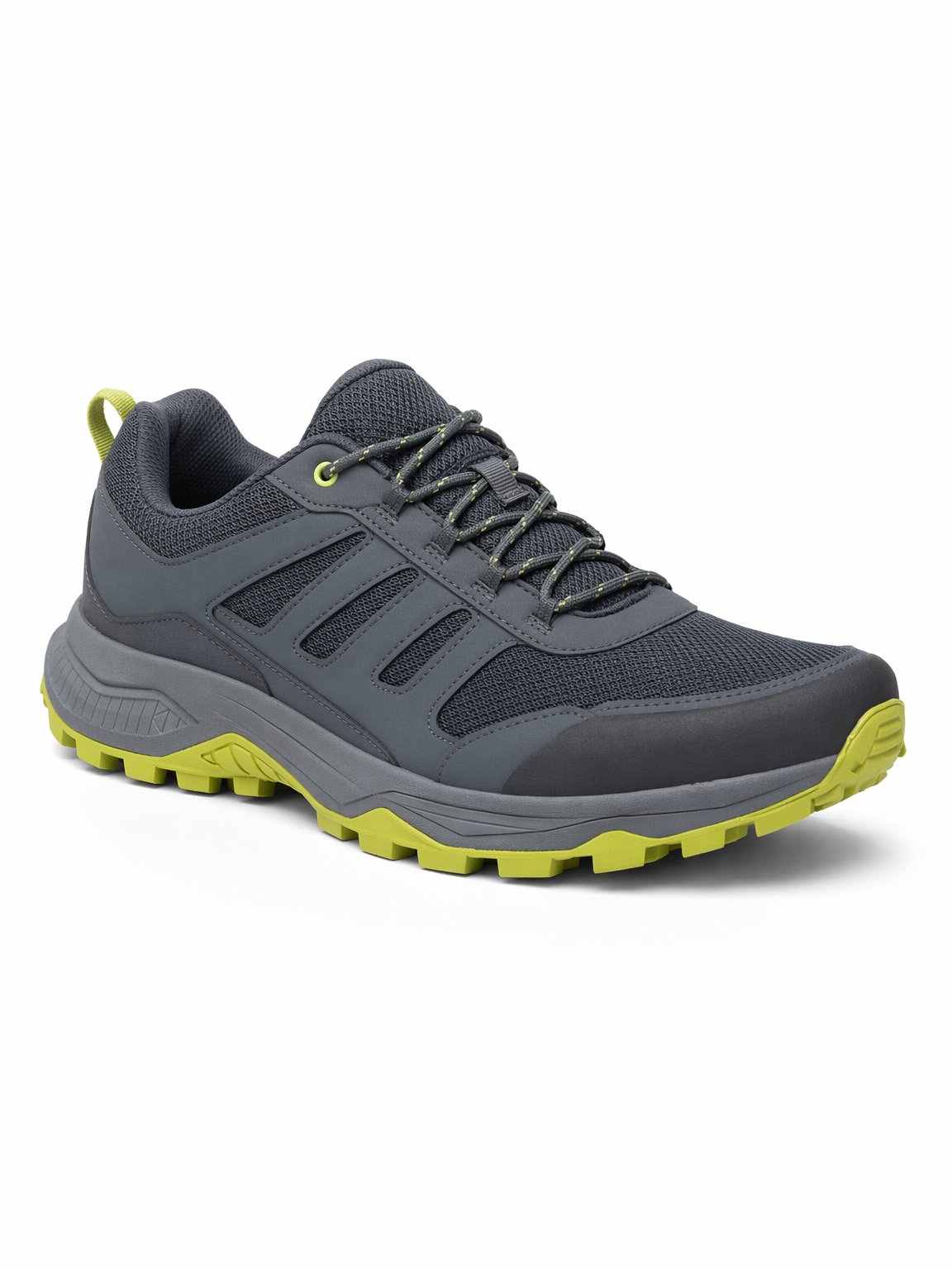
Use reference images and prompts to change a background, lighting, or visual direction.
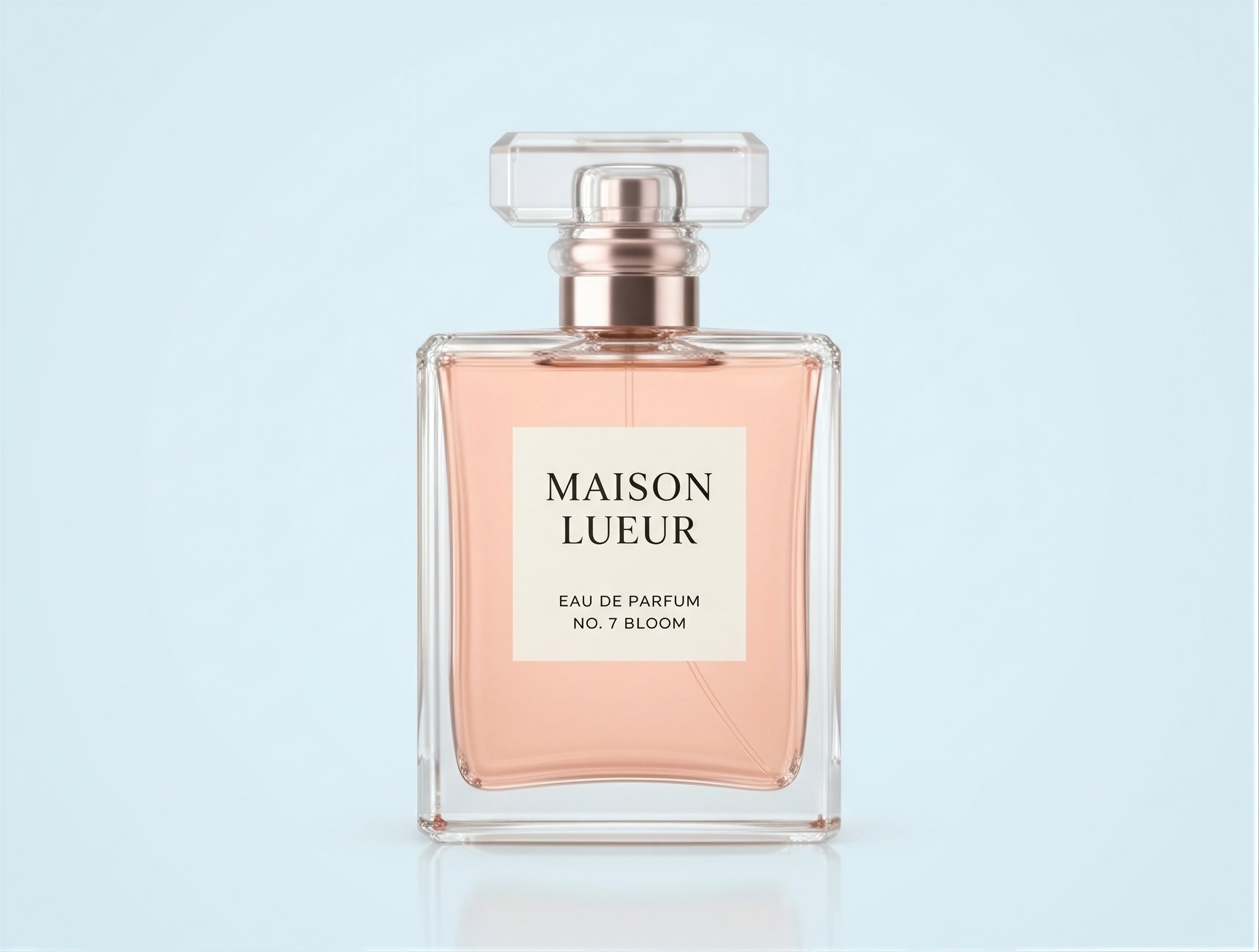
Increase image resolution with the AI upscaler. Compare the result before you download.
Turn an image into a short video. Guide the scene and camera movement with your prompt.
03 / Batch generation
Explore different prompts, image shapes, and reference sets in a single batch.
Run variations across supported image models and review the results together.
Explore standard batchesQueue 1K images at lower cost when you can wait longer. Supports Nano Banana 2 Lite, Nano Banana 2, and Nano Banana Pro.
Explore queued batchesSave a product once and reuse it in Product Images when the next campaign comes around.
Save, tag, and reuse prompts in your personal library for image, video, and standard batch generation.
Start with something you sell.
Add your product. Choose a direction. See the cost before you generate.
Explore use cases