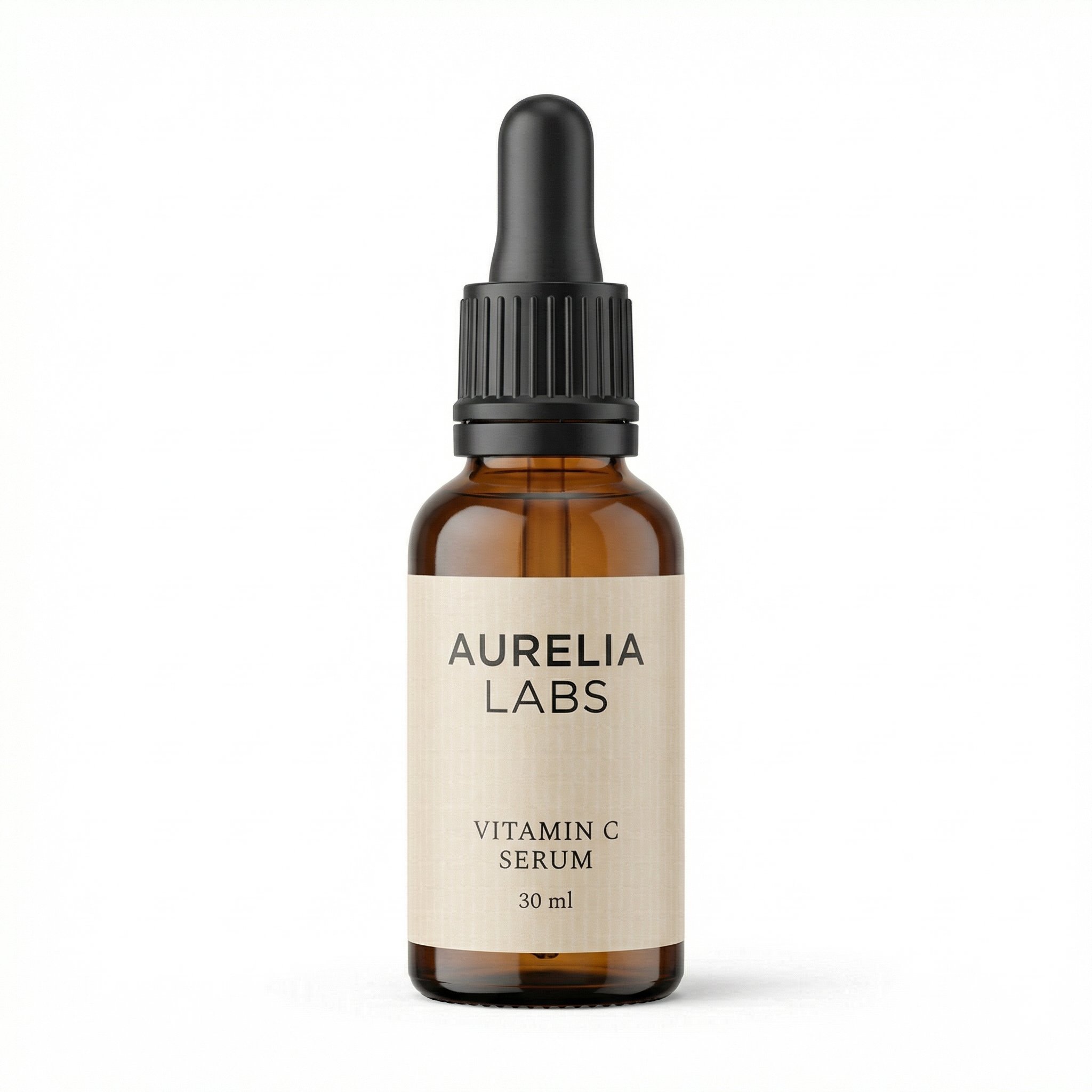
1. Main image
Use a clean white-background hero image to win the first click and make the product instantly recognizable.
Common mistake: Cluttered backgrounds or weak framing that make the SKU feel off-spec.
Create a main image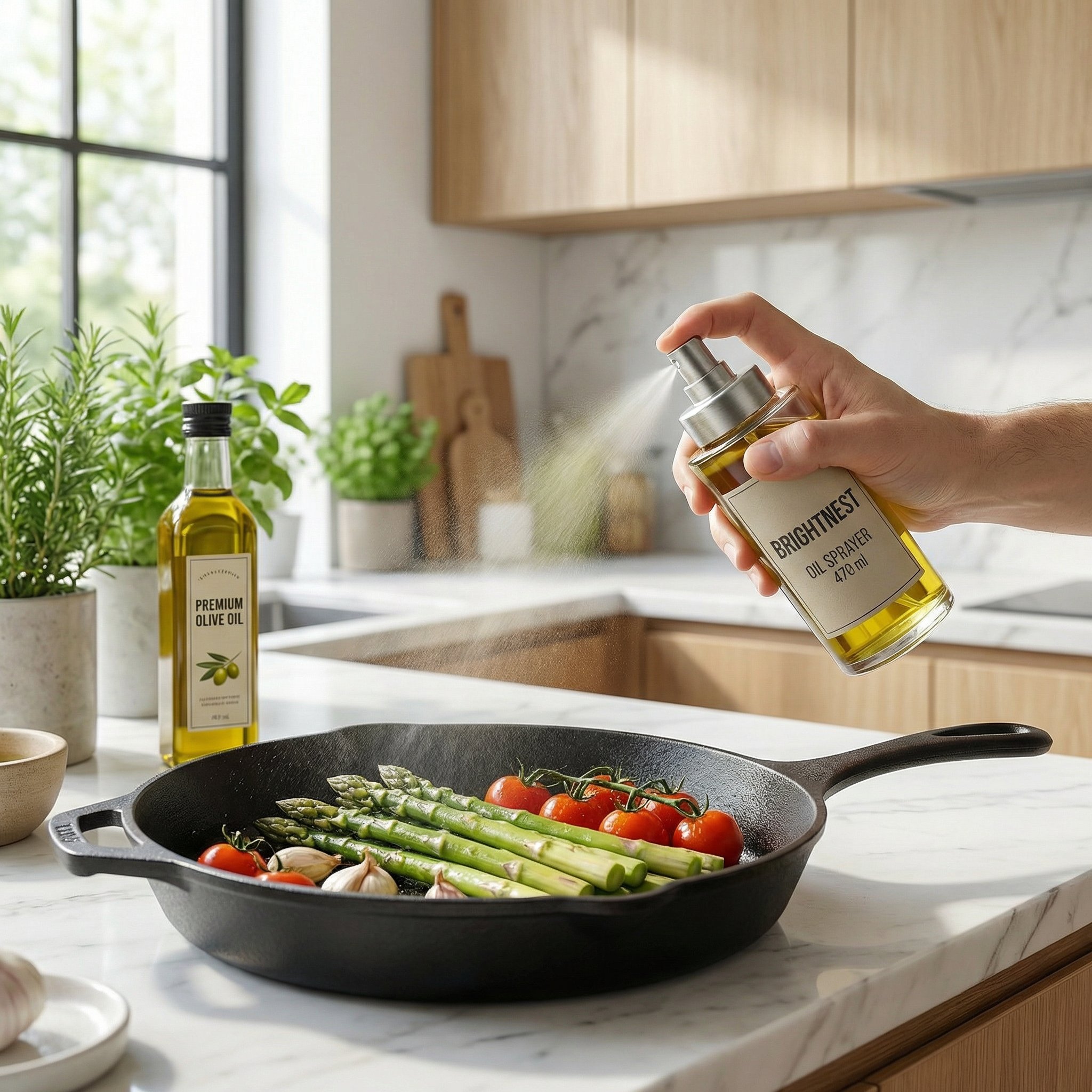
Create main images, feature graphics and lifestyle scenes from your product photos. Build your set with AI prompts, then review every detail.
Prompt starting points, single-image editing and batch variants. Review product accuracy and current category requirements before publishing.
Example listing sets
Use each frame to answer a different shopper question. These examples show composition ideas; verify every ingredient, dimension and comparison claim against your own product.
This Brightnest set shows how a main image, feature graphic, lifestyle frame, and comparison slide work together as one Amazon-specific system.
Start with your product photoA clear product view for the first gallery image.
The feature graphic explains specific product details.
The context image shows how the product is used.
The comparison layout illustrates differences to verify.
This Aurelia Labs set shows how a source photo becomes a polished main image and a mobile-readable infographic for a skincare Amazon listing.
Start with your product photoThe source photo before cleanup or styling.
The generated product view on a white background.
An example ingredient and benefit layout; verify the claims.
Core framework
Start with a clear main image. Use supporting images to explain features, show real use and make details visible. Adapt the mix to your product and category.
Use a clean white-background hero image to win the first click and make the product instantly recognizable.
Common mistake: Cluttered backgrounds or weak framing that make the SKU feel off-spec.
Create a main image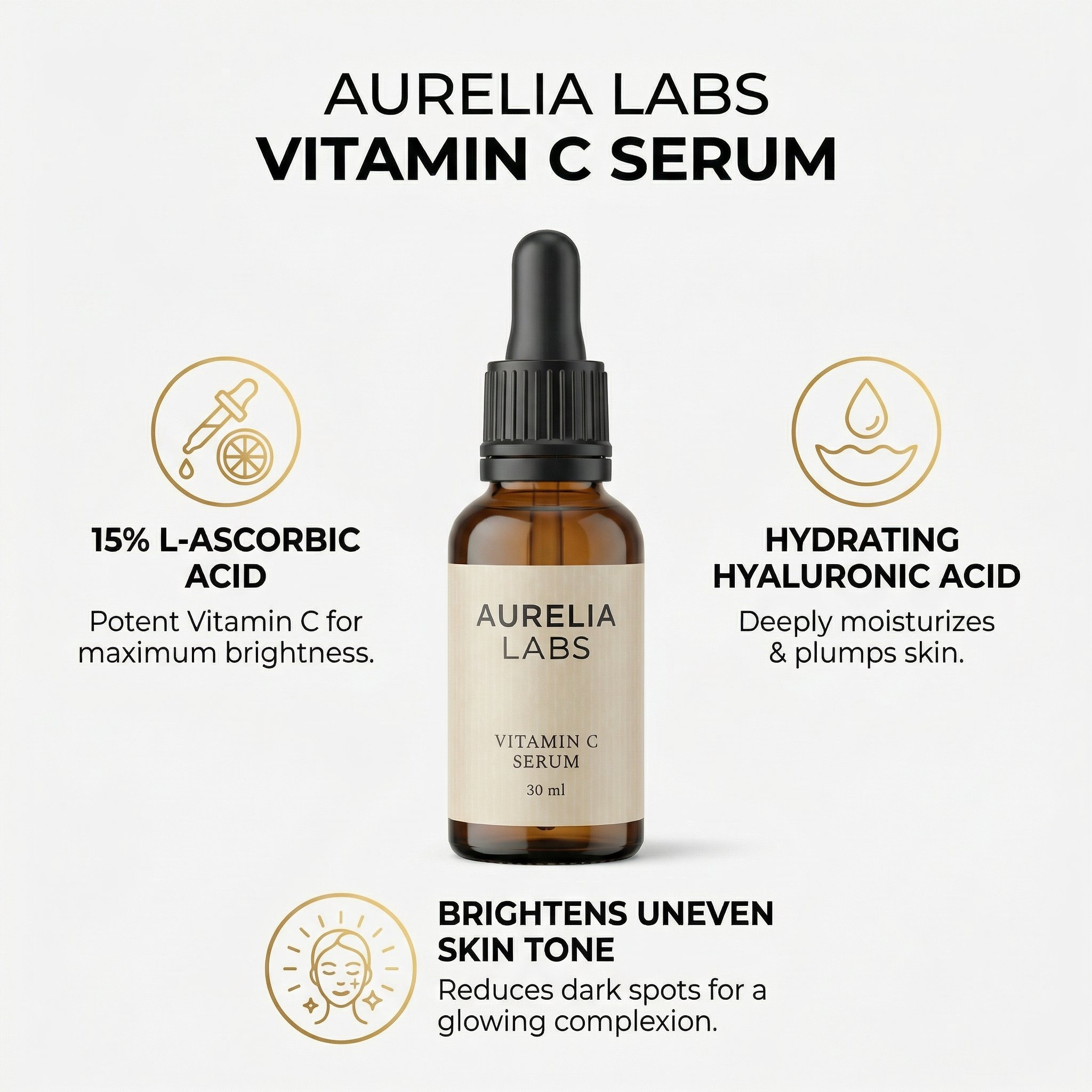
Use one supporting graphic to explain benefits, dimensions, ingredients, or product highlights without forcing the shopper into body copy.
Common mistake: Trying to fit too much tiny text into one slide.
Generate an infographic image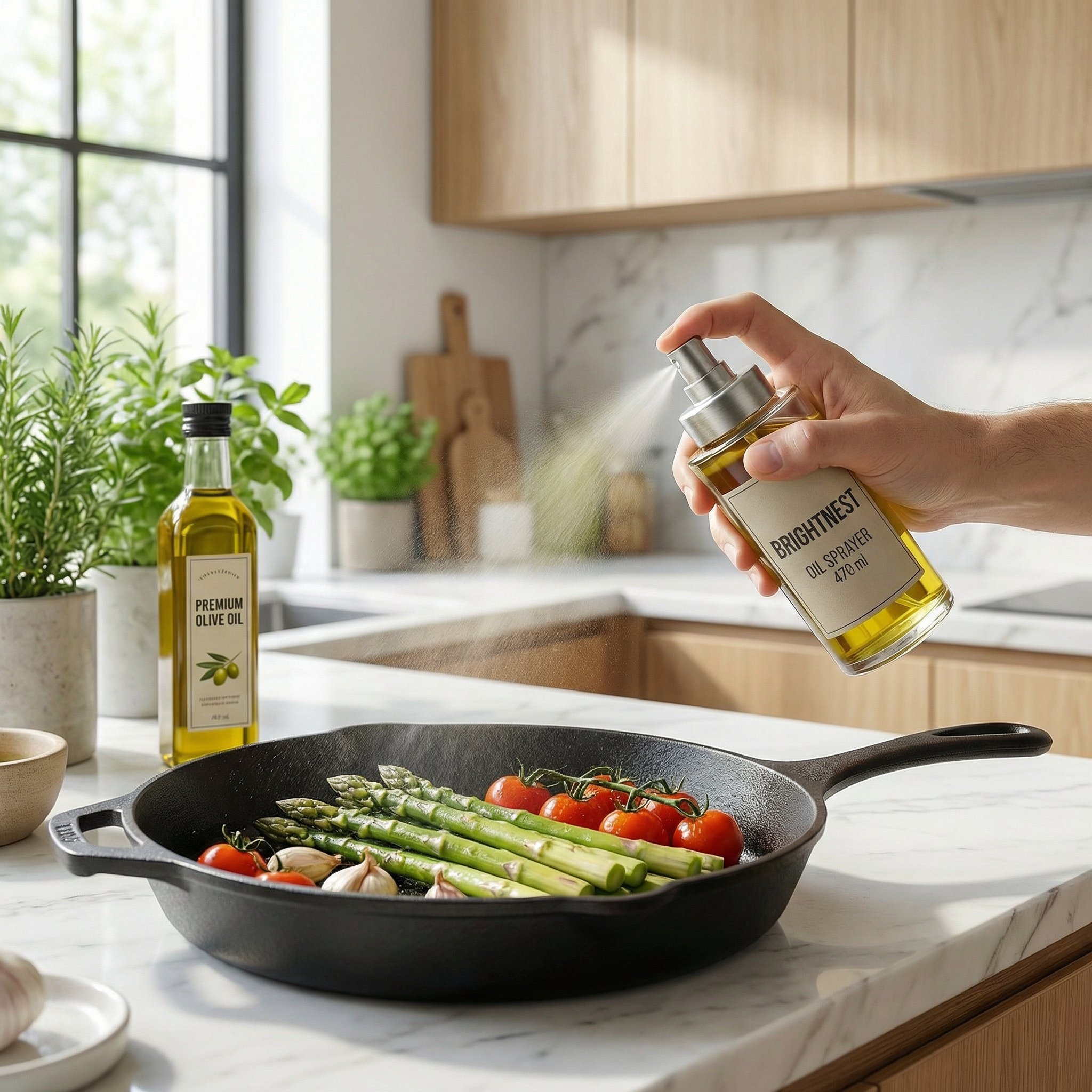
Use one believable context image to show how the product fits into real use and why it feels worth buying.
Common mistake: Using unrealistic or irrelevant context that makes the product feel fake.
Create a lifestyle shot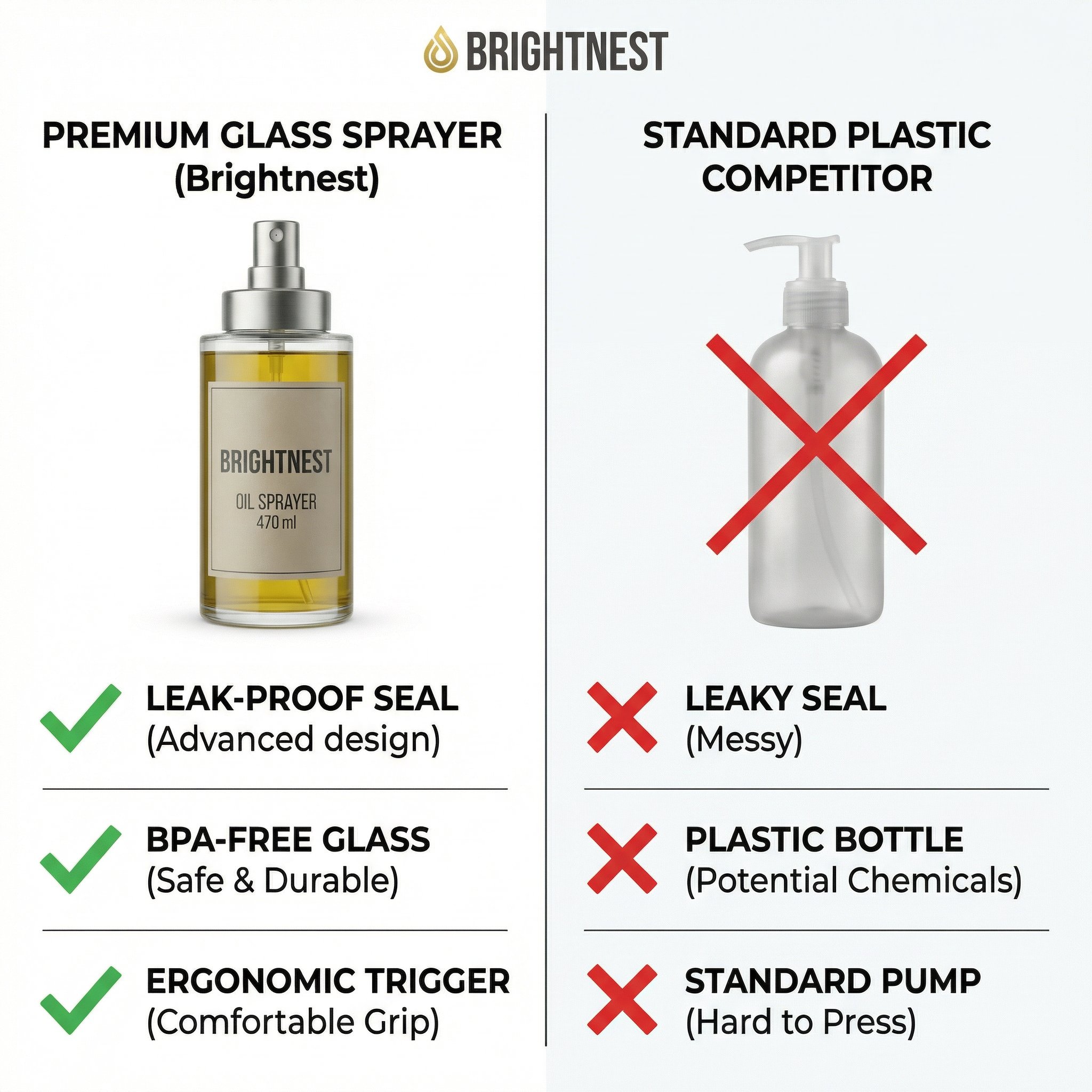
Use a close-up, comparison, or differentiator frame to remove doubt and make the product's edge easier to understand.
Common mistake: Weak crops or unclear visual comparisons that do not help the shopper decide.
Generate a comparison imageSource and outputs
The same serum source sits beside its generated main image and infographic. Compare the bottle, label and packaging before deciding what to keep.
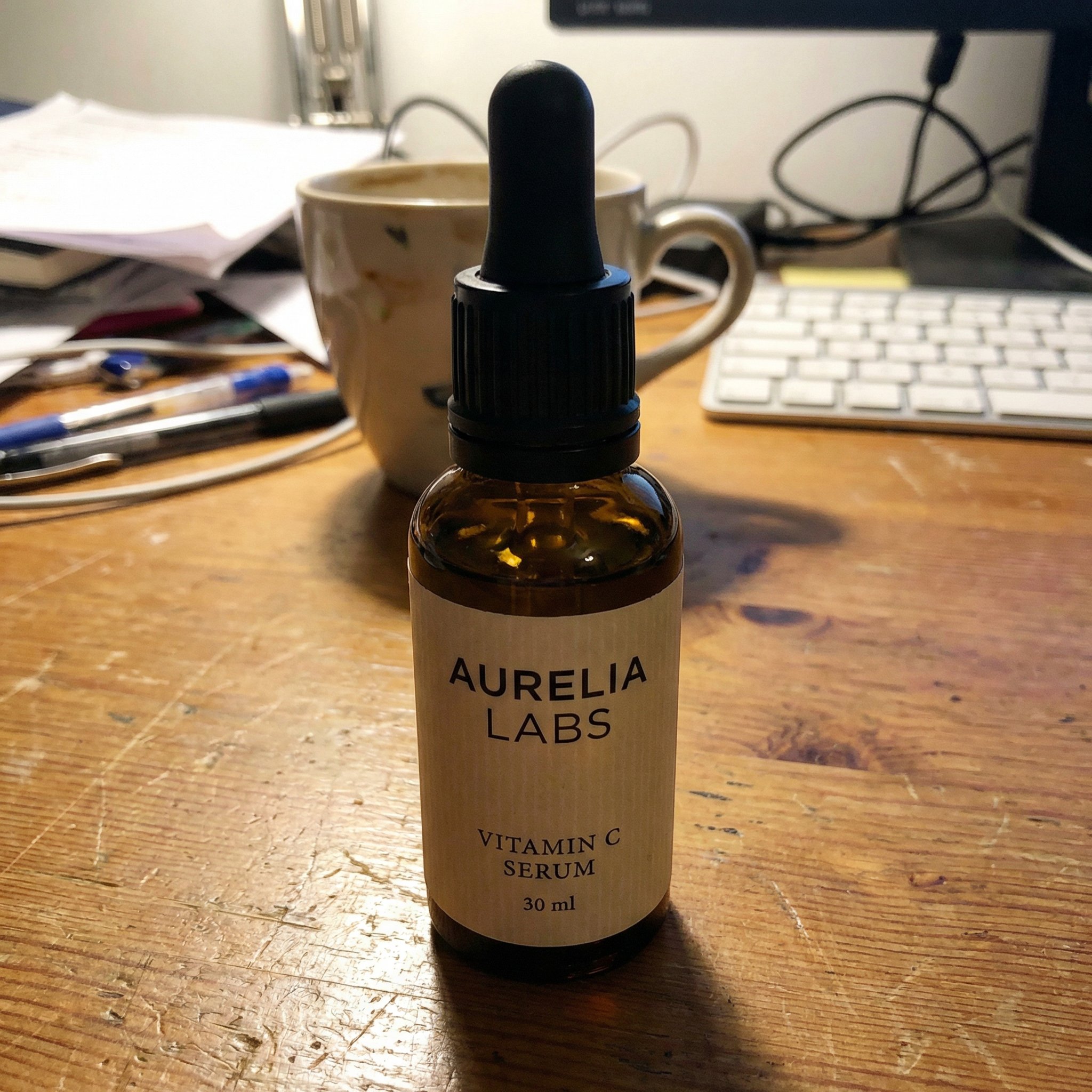
Basic source photo
AI can change labels, shapes, colors and small details. Review every output against the real SKU. Example graphics are not evidence for ingredient, benefit or competitor claims.
Generated examples
The first transformation is the clean hero image that makes the product look more credible in search and on the listing.
The second transformation turns the same source into an educational graphic that helps the shopper understand value faster.
Workflow
Start with a product photo and a prompt for the image you need. The Amazon batch preset provides separate prompt starters; you choose the settings and review the outputs.
Upload the product image you already have instead of rebuilding the listing from scratch.
Generate the main image, infographic, lifestyle shot, and comparison or detail frame from the same source.
Check labels, shape, color, dimensions and claims against your real product. Refine lighting and framing, reject invented details and review current marketplace rules before publishing.
Once a set is promising, generate stronger variations without booking a new photoshoot.
Prompt starters
Pick the image type you need, start from your product photo, and refine from there.
Create a clean white-background main image for this product to be used as the primary image on an Amazon listing. Keep it premium, realistic, and easy to understand at a glance.
Create an infographic image for this product to be used on an Amazon listing. Highlight the most important features clearly and make sure the final image is mobile optimized.
Create a lifestyle image of this product to be used on an Amazon listing. Keep the product as the hero and place it in a believable setting with a clean premium feel.
Create a detail or comparison image for this product to be used on an Amazon listing. Make the differentiator obvious, keep the composition simple, and make sure the final image is mobile optimized.
Most listings benefit from a clean main image, one infographic or feature graphic, one lifestyle image, and one detail or comparison frame.
Yes. Upload your product photo to image generation, choose a prompt and review the result before building out the rest of the set.
Yes. You can generate feature callouts and infographic-style supporting images that explain benefits, ingredients, dimensions, or differentiators.
Yes. HummingBytes can turn the same product source into a believable lifestyle image so you do not need a separate studio shoot for every concept.
A good main image is clean, product-centered, easy to understand at a glance, and visually strong enough to earn the first click.
You can build a set with individual prompts or the Amazon batch preset. HummingBytes does not automatically assemble or approve a complete listing. You choose the settings and check product accuracy, text and current marketplace requirements.
If this page matches the job, explore the workflows, features, and use cases that connect to the same Amazon listing image workflow.
Feature
Generate product visuals from a prompt when you need a new concept before working from a source photo.
Open pageFeature
Refine, restyle, or edit an existing product photo into a stronger listing asset.
Open pageFeature
Generate multiple listing image variations in one workflow when the product line is large.
Open pageModel
Explore Nano Banana 2 for image editing with product references.
Open pageUse case
Broader product photography workflows beyond Amazon-specific listing images.
Open pageUse case
Explore background edits and review the result against your source photo.
Open pageReady to build your set?
Choose a prompt, upload your reference and generate the next image your listing needs.