Nano Banana 2 Lite
Gemini 3.1 Flash-Lite Image Batch
The lowest-cost Nano Banana batch option for exploring a larger set of prompts.
HummingBytes / Gemini batch generation
Generate 1K Nano Banana images for fewer credits than the same models in interactive mode. Use batches when you can wait longer for the results.
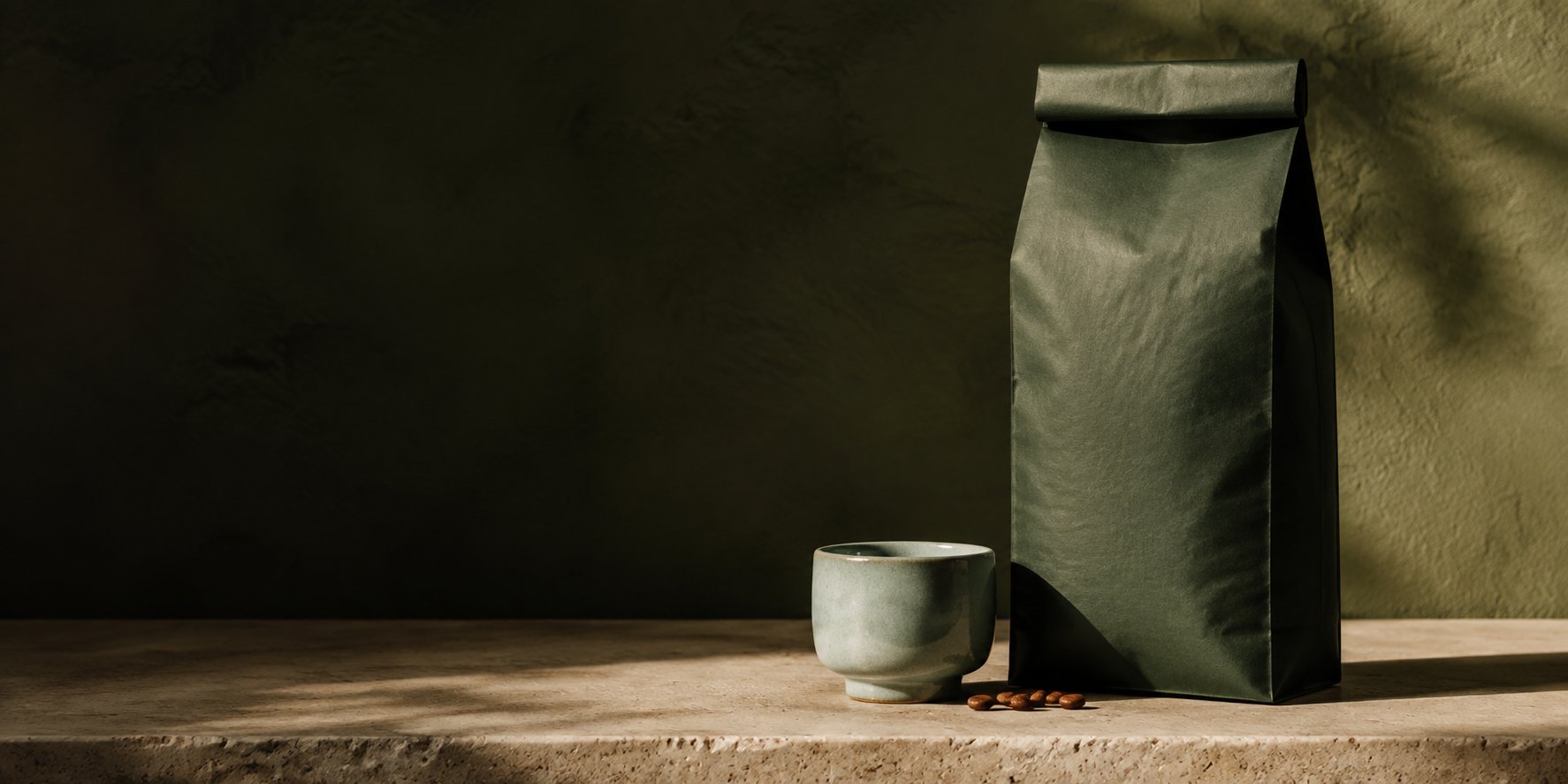
Illustrative AI-generated image
The cost and timing tradeoff
Gemini Batch API offers lower-cost generation than the matching interactive workflows. It suits work you can queue and review later.
Gemini batch
Run prompt variations, character scenes or product images together when you can wait longer for the results.
Start a Gemini batchInteractive generation
Choose interactive generation for a quick experiment or when your next prompt depends on the image you are about to see.
Explore faster Nano Banana generationThree supported models
Choose from three Nano Banana models for your batch. Each generates 1K images.
Gemini 3.1 Flash-Lite Image Batch
The lowest-cost Nano Banana batch option for exploring a larger set of prompts.
Gemini 3.1 Flash Image Batch
Use Nano Banana 2 for image generation and reference-guided variations across your prompt set.
Gemini 3 Pro Image Batch
Use Nano Banana Pro for detailed compositions and reference-guided edits across a planned image set.
Available on Starter, Creator and Pro. Review the credit estimate in the app before you submit your batch. View plans and credits
One subject, different directions
Change the scene, lighting or composition across a set. These coffee images show the kinds of variations you can plan.
Explore a darker setting with warm light and coffee-bar details.
Try a brighter scene with pale surfaces and soft daylight.
Place the coffee bag on an outdoor breakfast table.
From prompts to queued results
Choose a batch model. Add prompts, aspect ratios and optional reference image sets, then review the image count and credit estimate.
Launch the queued job. You can leave the page and return to check its progress.
Open the batch to review the images as they become available. Download the completed results you want to keep.
Set up your prompts and model settings, then review your batch images in HummingBytes.
Beyond one type of image
Explore backgrounds, compositions and lighting across a product campaign or a group of reference images.
Write a prompt for each scene or outfit. Add reference images to guide the character's appearance.
Prepare prompts for environments, props or storyboards and review the different directions together.
Before you queue
These workflows use Gemini Batch API for queued generation. Their credit prices are lower than the matching interactive workflows, with longer completion times. Check the credit estimate before launching for the total with your selected model and settings.
Nano Banana 2 Lite, Nano Banana 2 and Nano Banana Pro have dedicated batch workflows: Gemini 3.1 Flash-Lite Image Batch, Gemini 3.1 Flash Image Batch and Gemini 3 Pro Image Batch.
The current Gemini batch workflows generate 1K images. Choose from the aspect ratios supported by the model. For other image sizes, check the options in its interactive workflow.
Gemini batches are queued and take longer than interactive generation. Completion time varies with the provider queue and the work submitted. You can leave the page and return to check the batch. Choose interactive generation to test and adjust with less waiting.
Gemini batch supports up to 100 prompts per workflow, up to 10 workflows, and up to 1,000 total generation items per batch. Each workflow can include up to 10 aspect ratios and 10 reference image sets, subject to the model’s supported options. Prompt, aspect-ratio and reference-set combinations count toward the total.
Yes. Configure the prompts, supported aspect ratios, reference image sets and available settings for each model. References are optional for text-to-image generation. Review the image and credit totals in the app before you submit.
Starter, Creator and Pro include all three Gemini batch models. The Lite plan excludes Gemini batch generation, including Nano Banana 2 Lite Batch. You need enough credits to cover the batch you submit.
Standard batch groups generation requests across supported image models and allows up to 10 prompts per workflow. Gemini batch uses dedicated queued Nano Banana workflows, offers lower-cost 1K generation and allows up to 100 prompts per workflow. Choose based on the models, cost and timing your work needs.
Your next set of images
Choose a Nano Banana batch model, review the credits and let the set run while you move on to other work.