HummingBytes benchmark · Reviewed May 2026
Veo 3.1 vs Veo 3.1 Lite
Lower-cost drafts or a more polished finish? Watch matched prompts to compare continuity, lip sync and product detail.
Compare Veo modelsVeo 3.1 · Product Reveal (Wristwatch)
Which Veo model should you use?
Start here
Veo 3.1 Lite
Lower-cost 1080p drafts, prompt tests, social variations, and early product-video ideas.
Upgrade when it matters
Veo 3.1
4K output, stronger dialogue/lip sync, cleaner image-to-video finish, and harder first/last-frame transitions.
Choose what to compare
Follow a criterion to inspect the supporting clips. Results describe this test set.
Veo 3.1
Stronger subway lip sync and performance.
Veo 3.1 Lite
Less convincing after the line finishes.
Veo 3.1
Misses the five-lantern constraint; duplicates the chip.
Veo 3.1 Lite
Keeps five lanterns; also duplicates the chip.
Veo 3.1
Cleaner candle detail, with an unrequested zoom.
Veo 3.1 Lite
Follows the motion well, with more pixelation.
Veo 3.1
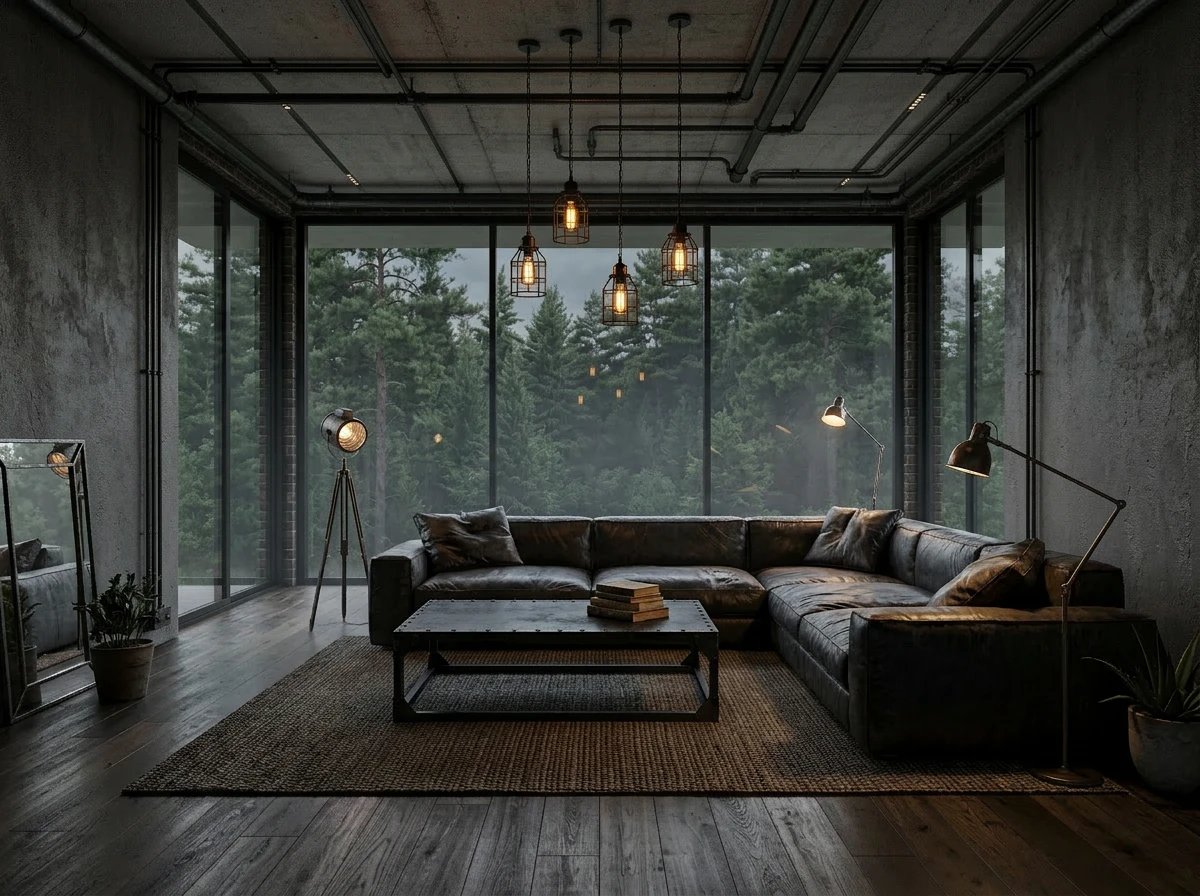
Builds the target room more coherently.
Veo 3.1 Lite
Invents interim styling, then jumps to the last frame.
Veo 3.1
4K sample available.
Veo 3.1 Lite
No 4K output; shown clips are 1080p.
About these tests
We used matched prompts and the same references where supported, generated multiple candidates, and selected the strongest output from each model. The 4K example is Veo-only, not a matched Lite comparison.
The clips are from our May 2026 review. Timing figures describe the recorded HummingBytes sample, not a delivery-time guarantee.
Full testing details
All outputs shown on this page were generated inside HummingBytes using matched prompts, the same aspect ratio and references where supported, and comparable settings when both models supported them. For each scenario, we generated multiple candidates per model and selected the strongest result from each side. No post-processing or manual video editing was applied to the outputs shown.
Watch the matched clips below. The useful differences show up in continuity, lip sync, product detail, reference-guided motion, 4K support, and first/last-frame transitions.
We used matched prompts and the same references where supported, then compared the strongest output from each model side by side.
- Product Reveal (Reflective Glass)
- Subway Dialogue (Motion Sync & Lip Sync)
- Neon Alley Atmosphere (Ambiance & Audio)
- Lantern Constraint (Multi-Subject Consistency)
- Data Chip Sequence (Macro Camera Panning)
- 4K Travel Aerial (Resolution Stress-Test)
- Image-to-Video Reference Guided Motion
- First & Last Frame Room Transition
Cinematic Control & Text-to-Video
Matched prompt tests for reflections, movement control, product detail, and basic dialogue staging.
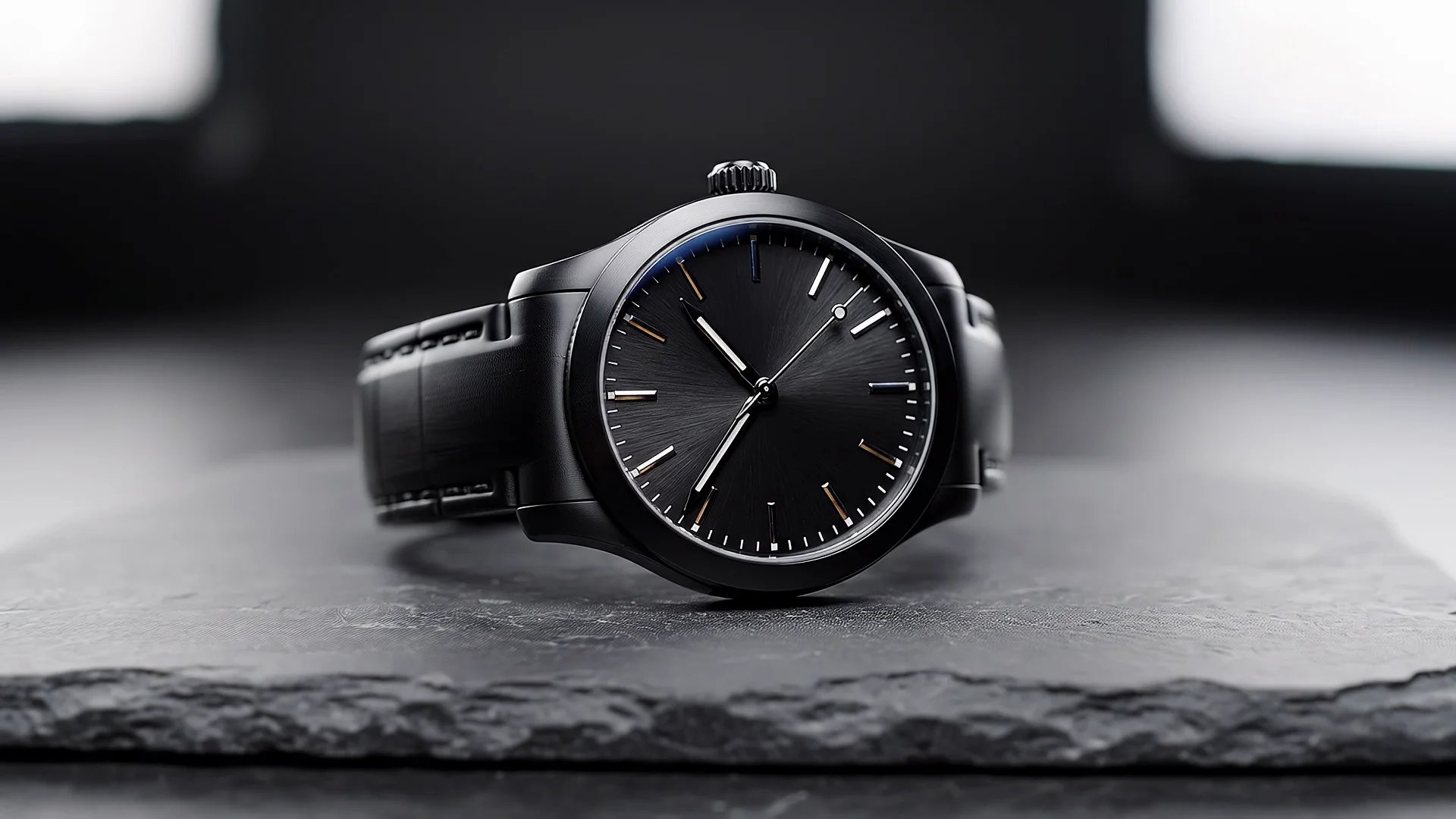
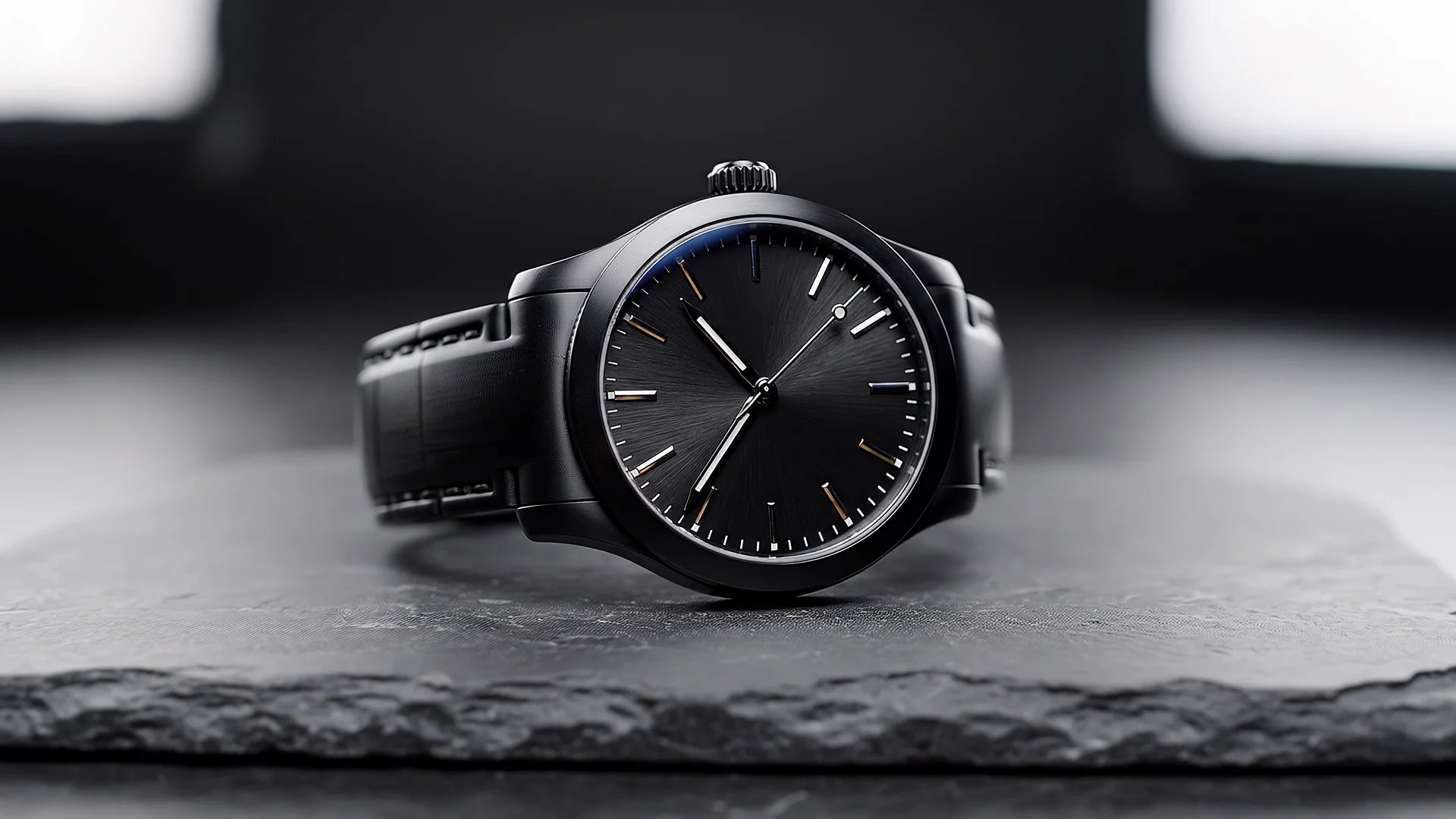
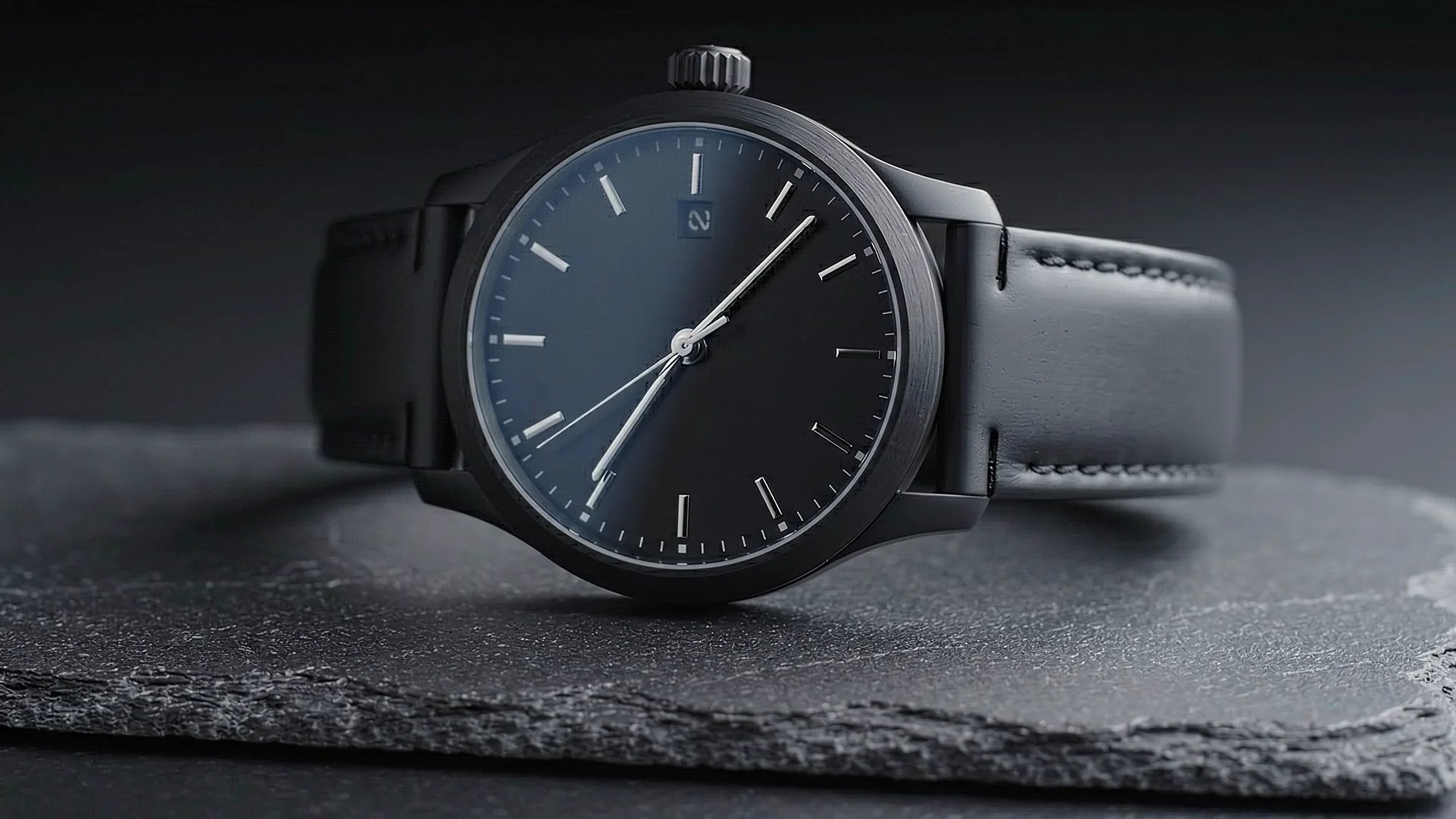
Product Reveal (Wristwatch)
What this test checks
Checks material surface reflections, fine details, and rotation/dolly-in path stability. This classic product showcase exposes any micro-flicker or loss of edge/layout stability on high-end objects.
Verdict:
Veo 3.1Why this winner
Both models produce a strong luxury watch shot, but Veo 3.1 keeps the dial, hands, and specular reflections more stable throughout the move. Veo 3.1 Lite introduces more drift on the watch face, including a spurious dial mark that appears during the push-in.
Subway Dialogue (Motion Sync & Lip Sync)
What this test checks
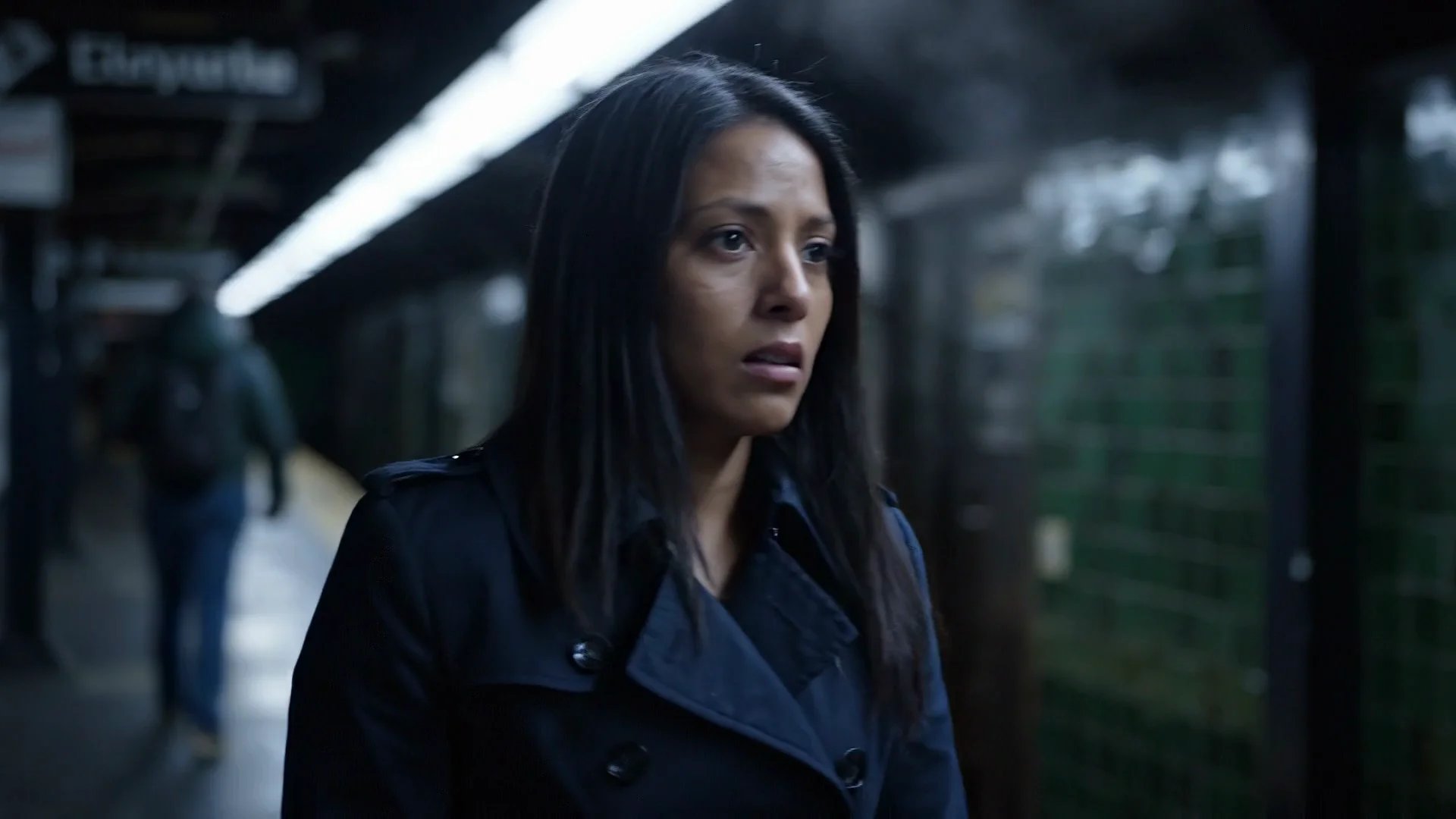
Tests temporal coherence of human movement, camera panning in narrow spaces, and matching generated audio with lip movement.
Verdict:
Veo 3.1Why this winner
Veo 3.1 handles the dialogue beat more convincingly. After the line lands, the performance still feels connected to the scene, while Veo 3.1 Lite becomes less convincing in the post-speech frames. Veo 3.1 also tracks the cold platform mood and lip sync more reliably overall.

Audio, Dialogue & Lip Synchronization
How well each model handles spoken beats, ambient sound, and scene cohesion after the first impressive frame.
Neon Alley Atmosphere (Ambiance & Audio)
What this test checks
Checks dense urban detail rendering and ambient audio generation, including footsteps, rain, and distant city hum.
Verdict:
Veo 3.1 LiteWhy this winner
Veo 3.1 Lite wins because it actually holds the requested wide, low-angle alley composition while the hooded figure crosses through the steam. Veo 3.1 looks more aggressive and cinematic, but it abandons the restrained wide-shot brief by pushing the figure into an oversized foreground pass.


Narrative Sequencing & Physics Constraints
How well each model tracks exact counts, preserves continuity, and keeps multi-step actions believable.
Lantern Constraint (Multi-Subject Consistency)
What this test checks
A multi-subject consistency and spatial constraint test tracking the exact count and movement of multiple drifting objects.
Verdict:
Veo 3.1 LiteWhy this winner
Veo 3.1 Lite wins this one on the core instruction that actually matters: it is the only version that keeps exactly five lanterns visible throughout the clip. Veo 3.1 looks more atmospheric, but it breaks the central constraint and finishes with seven lanterns, which makes it the weaker benchmark result.


Data Chip Sequence (Macro Camera Panning)
What this test checks
Macro camera panning across a complex micro-texture surface, testing close-up focus pull, object extraction, and sudden movement pacing.
Verdict:
Too close to callWhy this winner
This one is effectively a draw because both models keep making the same class of continuity mistake. Veo 3.1 can extract the chip with one hand and then reveal another chip elsewhere in the shot, while Veo 3.1 Lite removes one chip from the book only to leave another chip visibly underneath it. Across repeated attempts, both models stayed visually compelling but structurally unreliable.


Reference Guided Motion (Image-to-Video)
How well each model preserves a source image while introducing believable camera motion and subject stability.
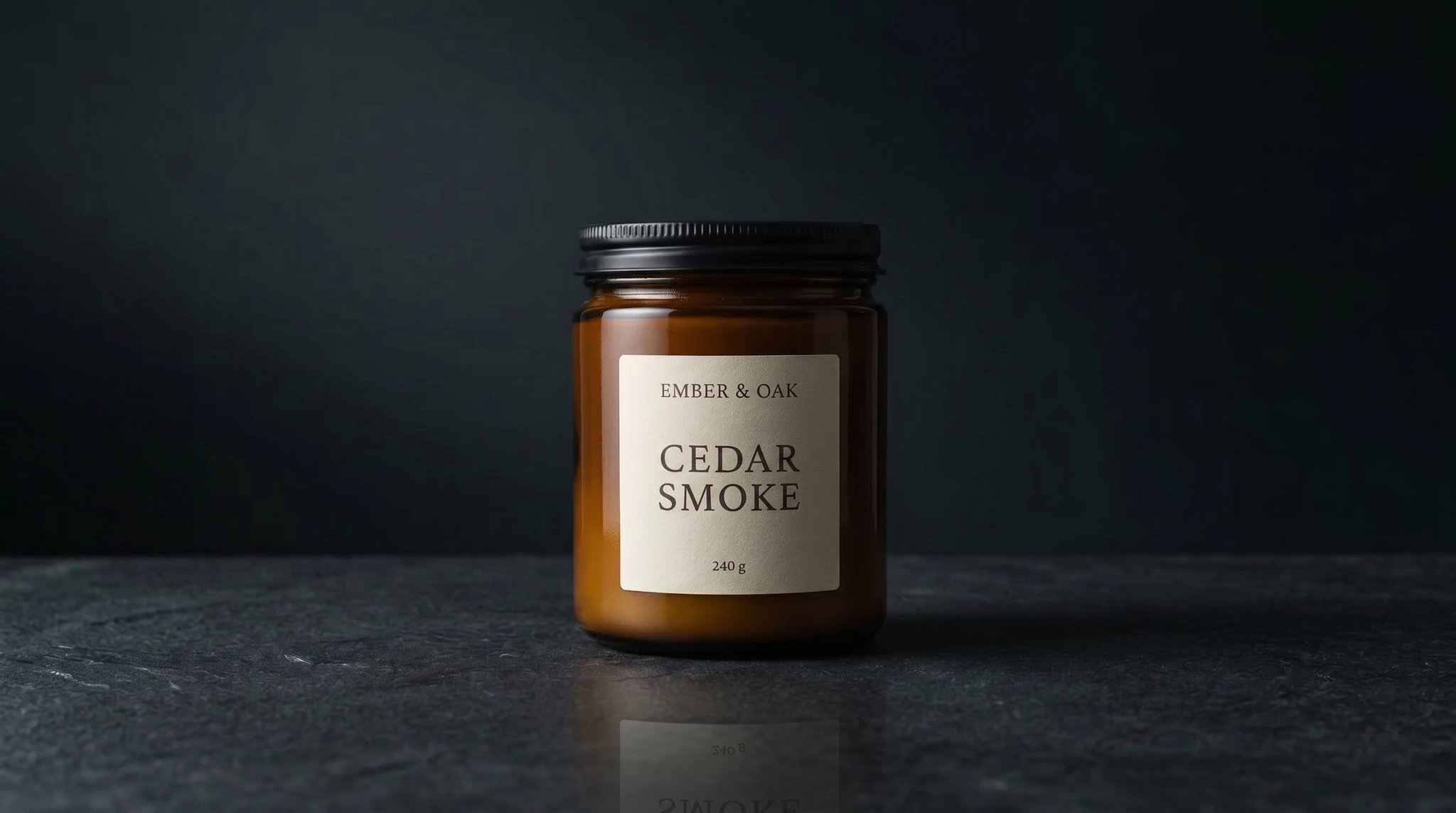
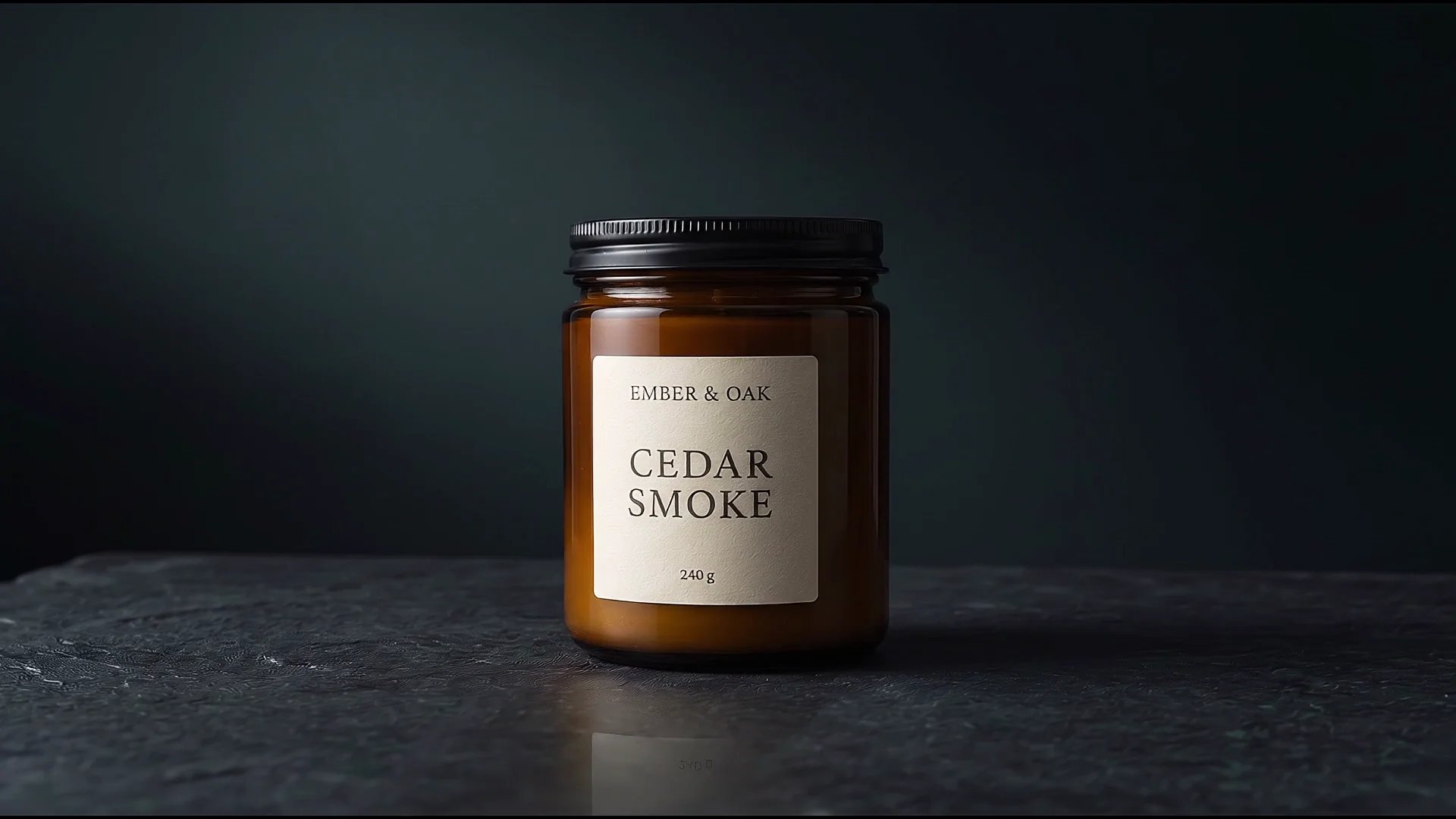
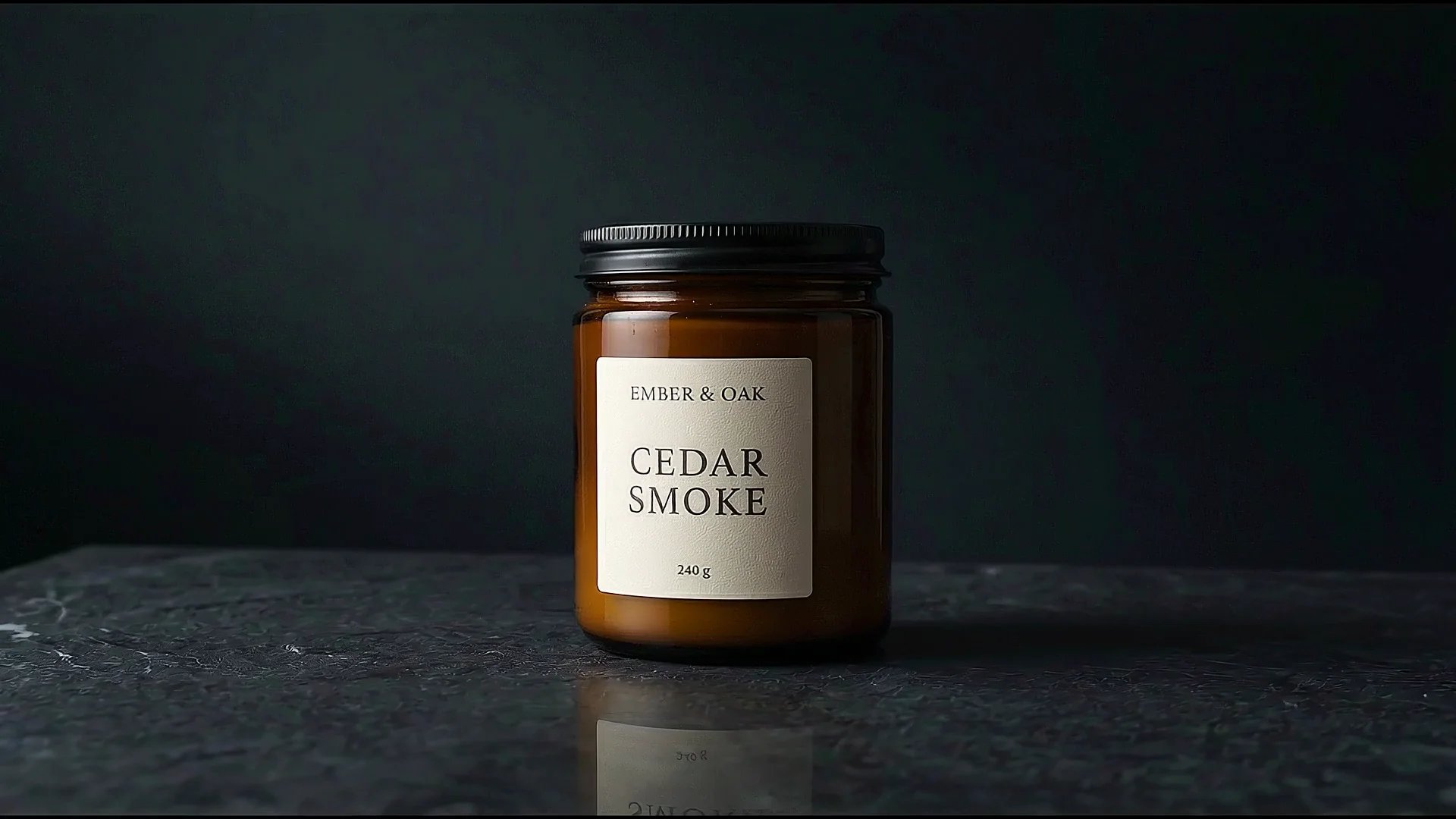
Image-to-Video Reference Guided Motion
What this test checks
Tests the capability of keeping a reference image's subject and details consistent while generating realistic motion.
Verdict:
Veo 3.1Why this winner
Both models do a strong job here, so the margin is narrow. Veo 3.1 wins on finish quality: the glass, label, and overall presentation look cleaner and more premium, even though it introduces a slight zoom that was not requested. Veo 3.1 Lite follows the motion well too, but it shows more visible pixelation and therefore lands with a slightly weaker final impression.
First & Last Frame Transition
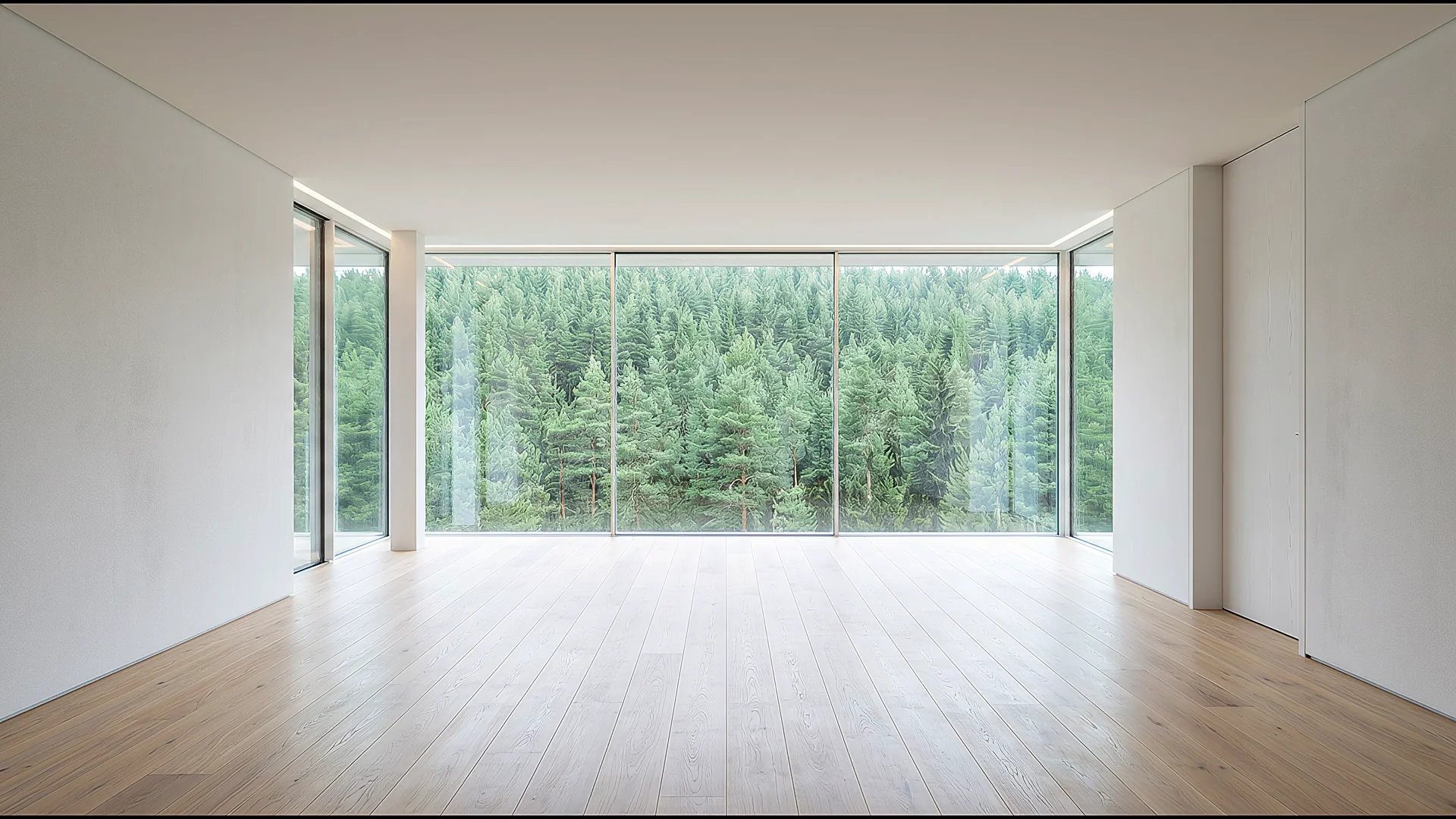
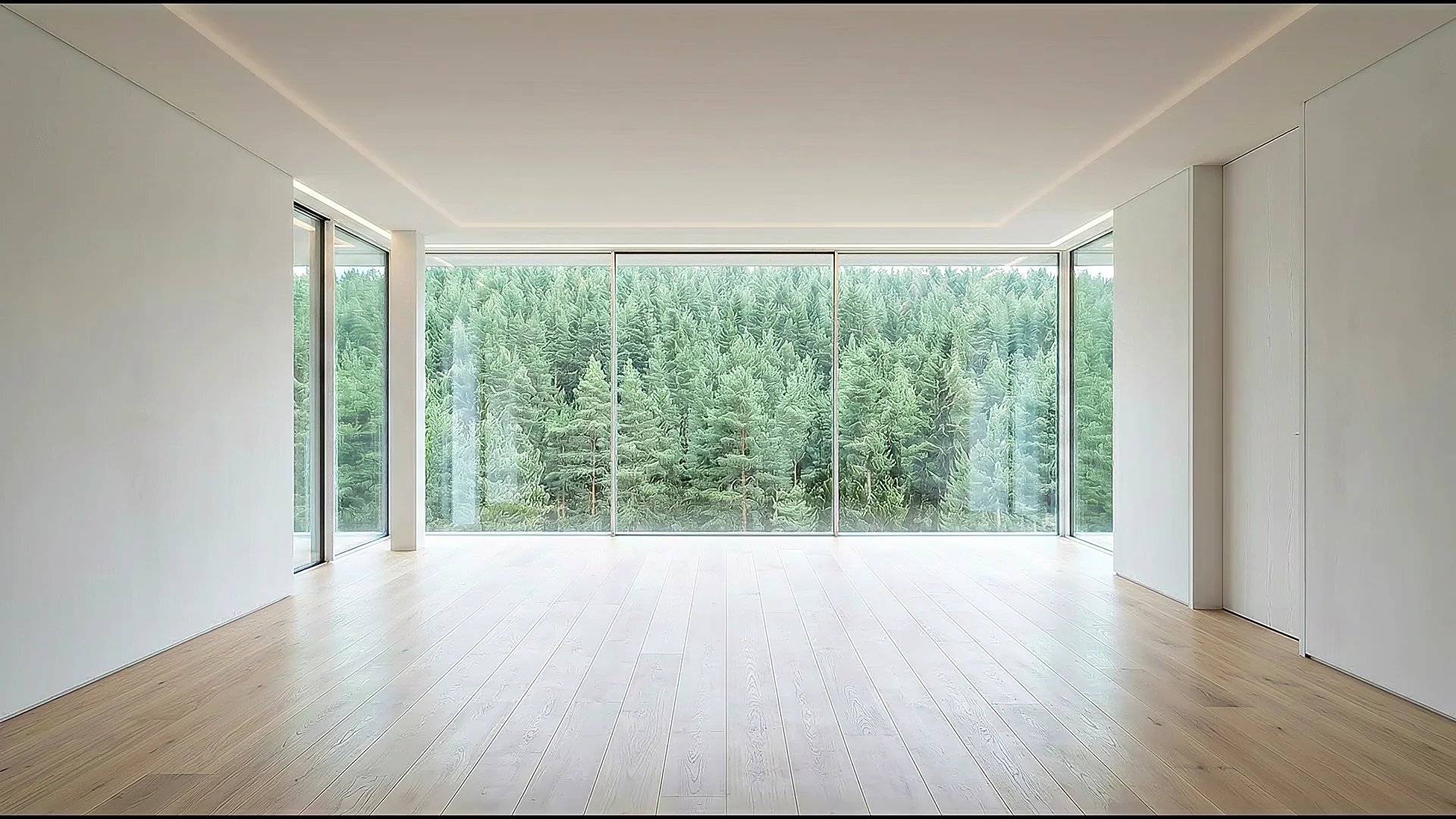
How well each model preserves room geometry and converges cleanly from an empty first frame to a fully styled target frame.
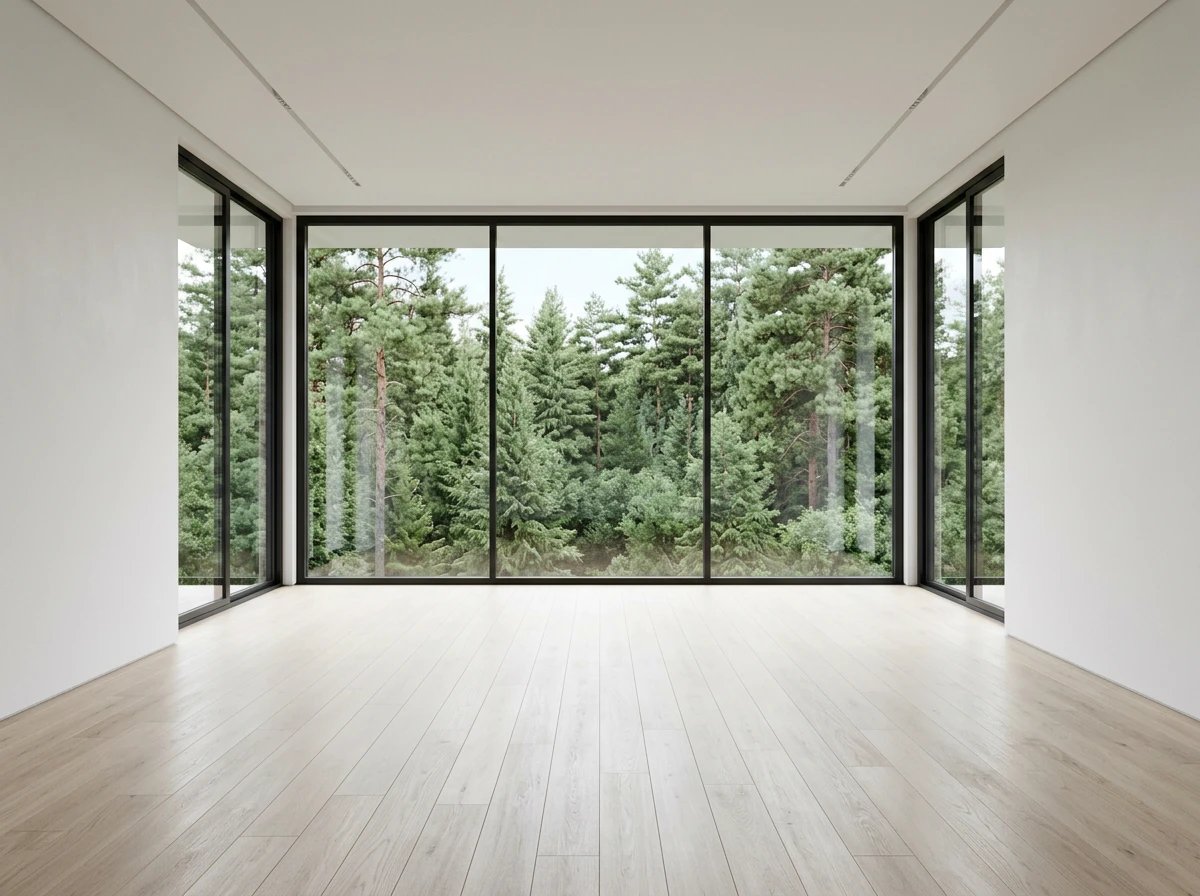
First & Last Frame Room Transition
What this test checks
Tests how accurately the model can preserve room geometry while transitioning from an empty interior to a fully furnished target scene using paired guidance frames.
Verdict:
Veo 3.1Why this winner
Veo 3.1 is clearly stronger on this benchmark. It builds the final room coherently, introducing the target furniture and mood piece by piece so the transition feels intentional. Veo 3.1 Lite repeatedly invents unrelated styling in the middle of the clip, then abruptly jumps to the target last frame, making the transition feel disconnected.
4K output for client reviews, landing pages, and paid ads.
This is the clearest hard limit in the comparison: Veo 3.1 supports 4K output; Veo 3.1 Lite does not. If the final video is for a client review, large display, landing page hero, or paid ad delivery, Veo 3.1 is the safer choice.
- True 4K UHD output
- Same 8-second clip length in our current setup
- Better fit for client presentations and large-screen playback
- A cleaner option when visible detail matters more than iteration cost
4K Travel Aerial (Resolution Stress-Test)
What this test checks
A resolution stress-test assessing details, dynamic range, and texture representation under 4K.
Verdict:
Veo 3.1Why this winner
Veo 3.1 is the only model that supports true 4K video rendering. It captures fine details in the road's asphalt texture, waves crashing against the rocky base, and dynamic atmospheric mist that is completely unavailable on Veo 3.1 Lite.

Veo 3.1 vs Veo 3.1 Lite (Quick Summary)
The real tradeoff is lower-cost iteration versus stronger reliability on harder video generation tasks.
Max resolution
Veo 3.1
4K (UHD)
Veo 3.1 Lite
1080p (FHD)
Max duration in this setup
Veo 3.1
Up to 8 seconds
Veo 3.1 Lite
Up to 8 seconds
Audio reliability
Veo 3.1
Stronger overall
Veo 3.1 Lite
Good enough for most drafts
Image-to-video quality
Veo 3.1
Stronger and cleaner
Veo 3.1 Lite
Strong
Cost per Generation
Veo 3.1
Higher cost
Veo 3.1 Lite
Lower cost
Best use case
Veo 3.1
Customer-facing clips, 4K, and harder scenes
Veo 3.1 Lite
Cheap drafts and idea development
Bottom line
Veo 3.1
Best when the shot has to hold up
Veo 3.1 Lite
Best for low-cost iteration
Before you run your own comparison
- Budget for iteration. Use lower-cost Lite drafts to settle camera movement, pacing and direction, then choose one or two prompts to rerun in Veo 3.1 when the final clip needs the extra finish or 4K.
- Inspect the middle of the clip as well as its endpoints. Check dialogue after the line finishes, track object counts, and look for invented details. Both models fail the data-chip continuity test.
- Keep the prompt, aspect ratio and references comparable where both workflows support them. These are selected best candidates, so one attempt may not reproduce the displayed quality.
Veo Prompting Guide
Prompt patterns that help both Veo 3.1 and Veo 3.1 Lite produce more usable video generations
The best Veo prompts are structured and chronological. Lead with camera and subject, describe the action clearly, then lock the environment, lighting, and audio.
The Veo Prompt Formula
Ratio, shot size, and camera movement.
Who or what is in the shot, including look and attire.
Chronological timeline of movement.
Location details, weather, time, and mood.
Resolution, textures, film speed, and detail level.
Specific sound effects separated from visuals.
Veo Prompting Rules
Lead with the camera configuration
Explicitly declare aspect ratio first, followed by shot scale, angle, and camera motion. It anchors the scene rendering.
Describe chronological action arcs
Lay out the sequence of actions in order, from the first frame to the closing beat. Do not list multiple competing actions simultaneously.
Separate sound design instructions
Keep visual instructions and auditory instructions separate. Always prefix sound cues with "Audio:" at the very end of the prompt.
Prefer concrete details over negation
AI models struggle with negation, such as "no cars". Describe exactly what should be visible, such as "an empty, quiet street".
Which model should you use?
Veo 3.1
Choose Veo 3.1 for 4K delivery or the stronger lip sync, product finish and room transitions seen in these tests. Its higher cost does not guarantee better constraint following.
Veo 3.1 Lite
Start with Lite for lower-cost drafts and idea development. Its wins on the wide alley and five-lantern scene make it worth testing for a tightly specified shot, too.