HummingBytes / Fast Nano Banana
Less waiting.
More creating.
Fast image generation with Nano Banana 2 and Nano Banana Pro. Review the result, adjust your prompt and keep testing ideas.
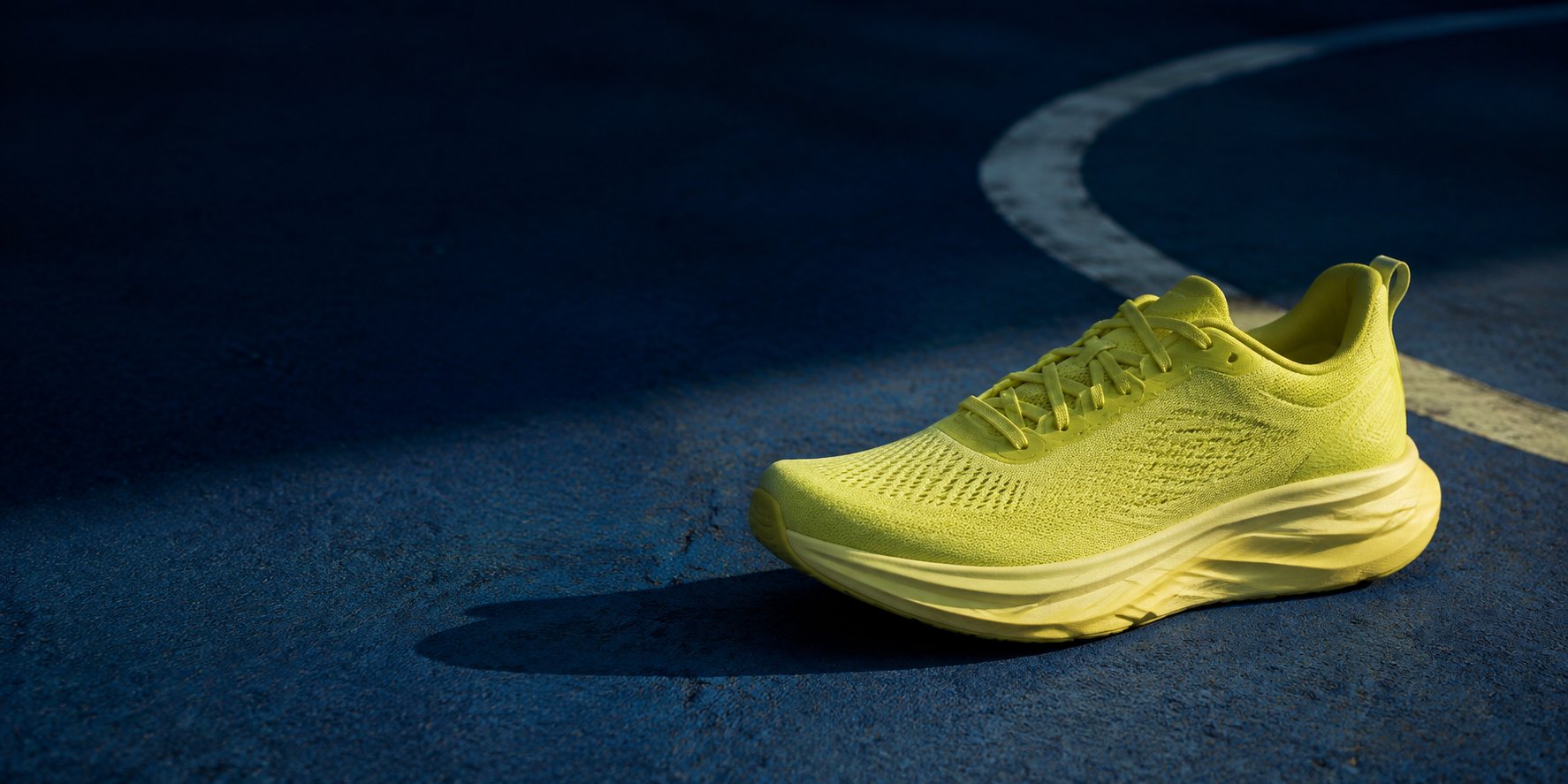
Explore the generation timesIllustrative AI-generated image.
Generation times / Published May 2026
How long did the images take?
A historical snapshot of completed HummingBytes generations, grouped by model and resolution. A useful reference for the wait, not a promise for your next image.
Nano Banana 2
| Size | Median | P95 | < 2 min |
|---|---|---|---|
| 1K | 17.6s | 38.8s | 99.6% |
| 2K | 51.7s | 145.9s | 91.3% |
| 4K | 51.0s | 99.8s | 97.1% |
Nano Banana Pro
| Size | Median | P95 | < 2 min |
|---|---|---|---|
| 1K | 24.0s | 50.4s | 98.6% |
| 2K | 41.8s | 109.7s | 97.0% |
| 4K | 67.5s | 121.2s | 94.7% |
Published in May 2026. Completed generations only; failed and unfinished requests are excluded. These figures have not been refreshed and do not show the share of all requests that succeeded.
Median is the middle completion time. P95 is the time within which 95% of completed requests finished. The final column shows the share of completed requests that took less than two minutes.
From one prompt to the next
Find the detail you want to change.
Explore a color palette, a setting or a different composition. Use each result to decide what to try next.
Start with a prompt
Describe the subject and scene. Try 1K while exploring the composition.
Look closely at the result
Check the lighting, textures and framing. Pick the detail you want to keep or change.
Refine the next generation
Change your prompt or add a reference image to guide the next result.
Color and background
The blue blouse picks up the color of the floral backdrop.
Setting and texture
Look at the knit texture, seated pose and soft daylight.
Ad creative iteration
Try different compositions, backgrounds or text for an ad. Compare the images and refine the direction you want to use.
Client concepts
Turn a client brief into visual options. Use their feedback to adjust the setting, style or composition in your next prompt.
Product and social assets
Explore product scenes, campaign images and social thumbnails. Change the framing or aspect ratio for each placement.
Choose your model
Two ways to try your next prompt.
Both models generate images from text and accept reference images. Compare their results with the kind of prompt you actually use.
Nano Banana 2
0.5K · 1K · 2K · 4K
Choose from four output sizes. The 0.5K option gives you a smaller image when you are exploring an idea.
Explore modelNano Banana Pro
1K · 2K · 4K
Try the same brief with Pro for another interpretation of the scene. Choose the output size your work needs.
Explore modelYou need a plan that includes your model and enough credits for the request. Review the credit estimate before generating.
See plans and creditsHave more prompts and time to wait?
Gemini batch generation uses fewer credits than the same models in interactive generation. It produces 1K images and can take longer to finish.
Before you generate
Timing, credits and image sizes.
Will every image finish in under two minutes?
No. Generation times vary with the model, resolution, request and provider load. The table is a historical snapshot published in May 2026, not a deadline or a live estimate.
Where do the generation times come from?
The figures were published with this page in May 2026 from completed Nano Banana 2 and Nano Banana Pro generations in HummingBytes. They exclude failed and unfinished requests. The original measurement period and sample sizes are not recorded in this snapshot.
What do median and P95 mean?
The median is the middle completion time. P95 is the time within which 95% of completed requests finished. Neither measure tells you how many submitted requests succeeded, and neither guarantees the time for your next generation.
Does HummingBytes offer unlimited Nano Banana generations?
No. Generation uses credits. You need a plan with access to the selected model and enough credits to cover the request. The app shows a credit estimate before you submit.
Which image sizes can I choose?
Nano Banana 2 supports 0.5K, 1K, 2K and 4K. Nano Banana Pro supports 1K, 2K and 4K. These are resolution presets; the dimensions depend on your aspect ratio. The historical timing table covers 1K, 2K and 4K only.
Can I use a reference image?
Yes. Both models accept reference images alongside your prompt. Use them to guide the subject, appearance or composition, and inspect the generated result before using it.
How is this different from Gemini batch generation?
Interactive generation suits trying a prompt and adjusting the next request after seeing the result. Gemini batch lets you submit many prompts for 1K output at a lower credit cost than the same models in interactive generation, with a longer wait. Starter, Creator and Pro include Gemini batch; the Lite plan does not.
HummingBytes / Nano Banana
Give your next prompt a go.
Choose a model and start with the image you have in mind.