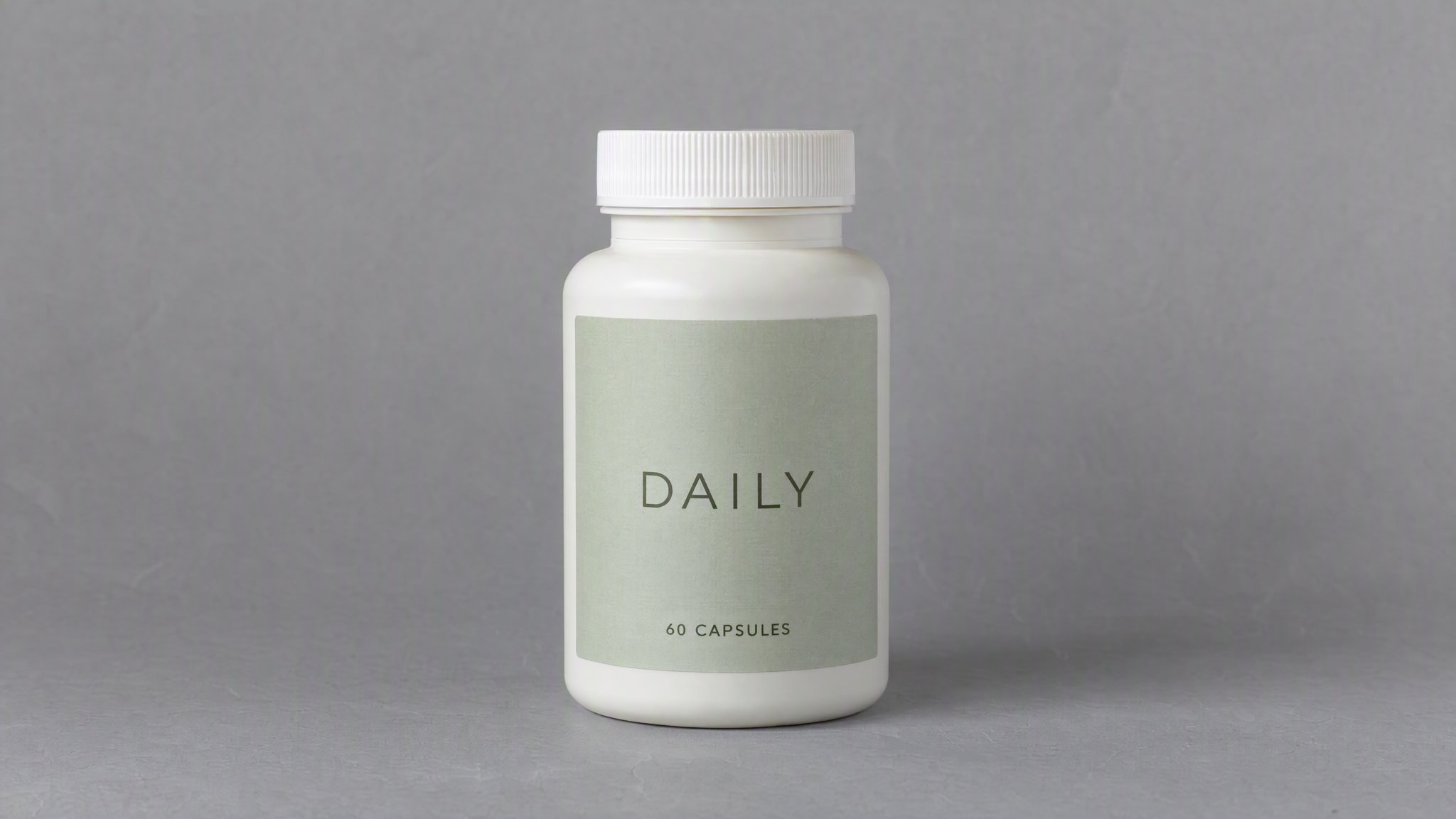
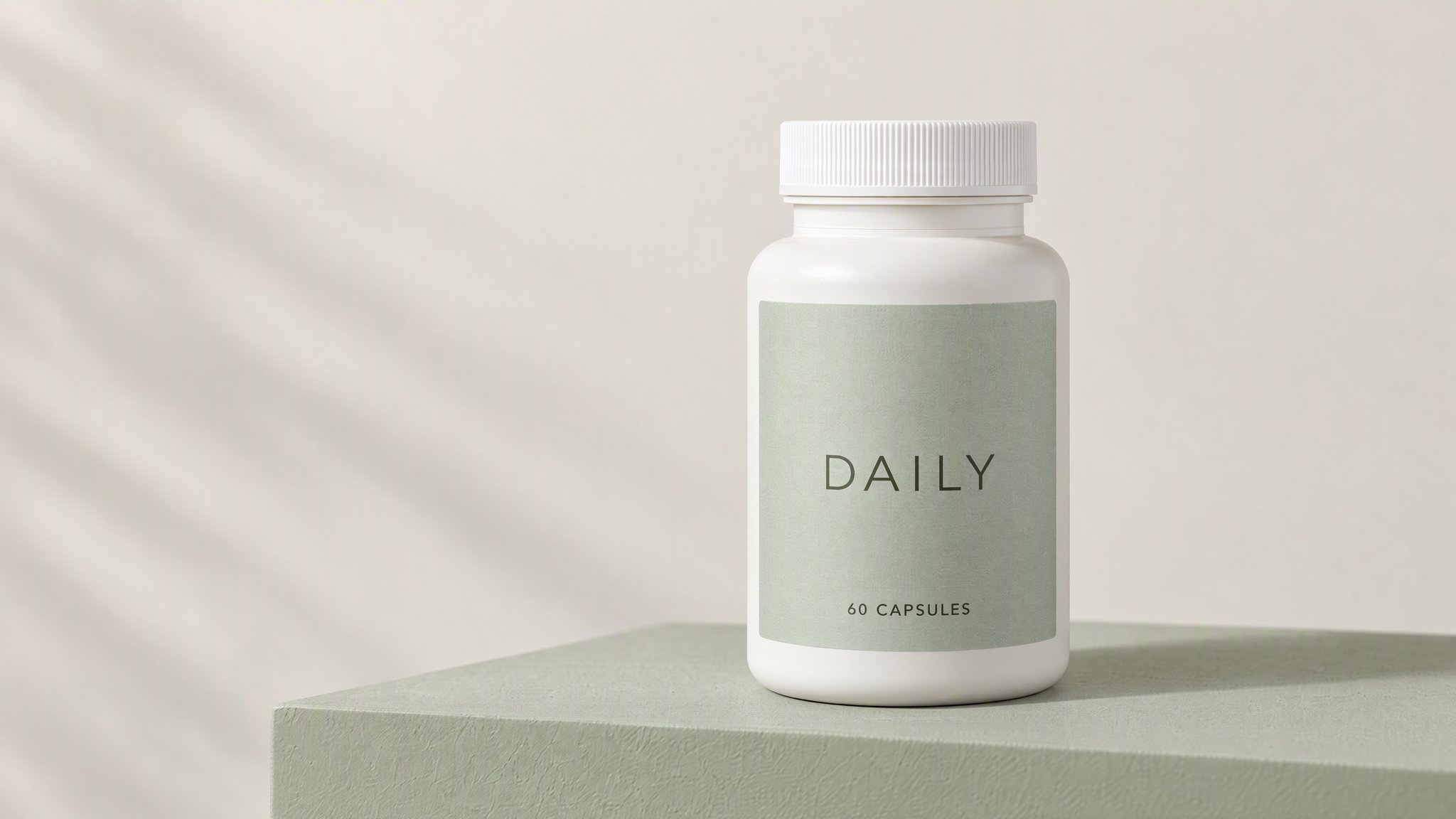
Studio composition
Use a plinth for a campaign image, with room around the packaging for your intended crop.
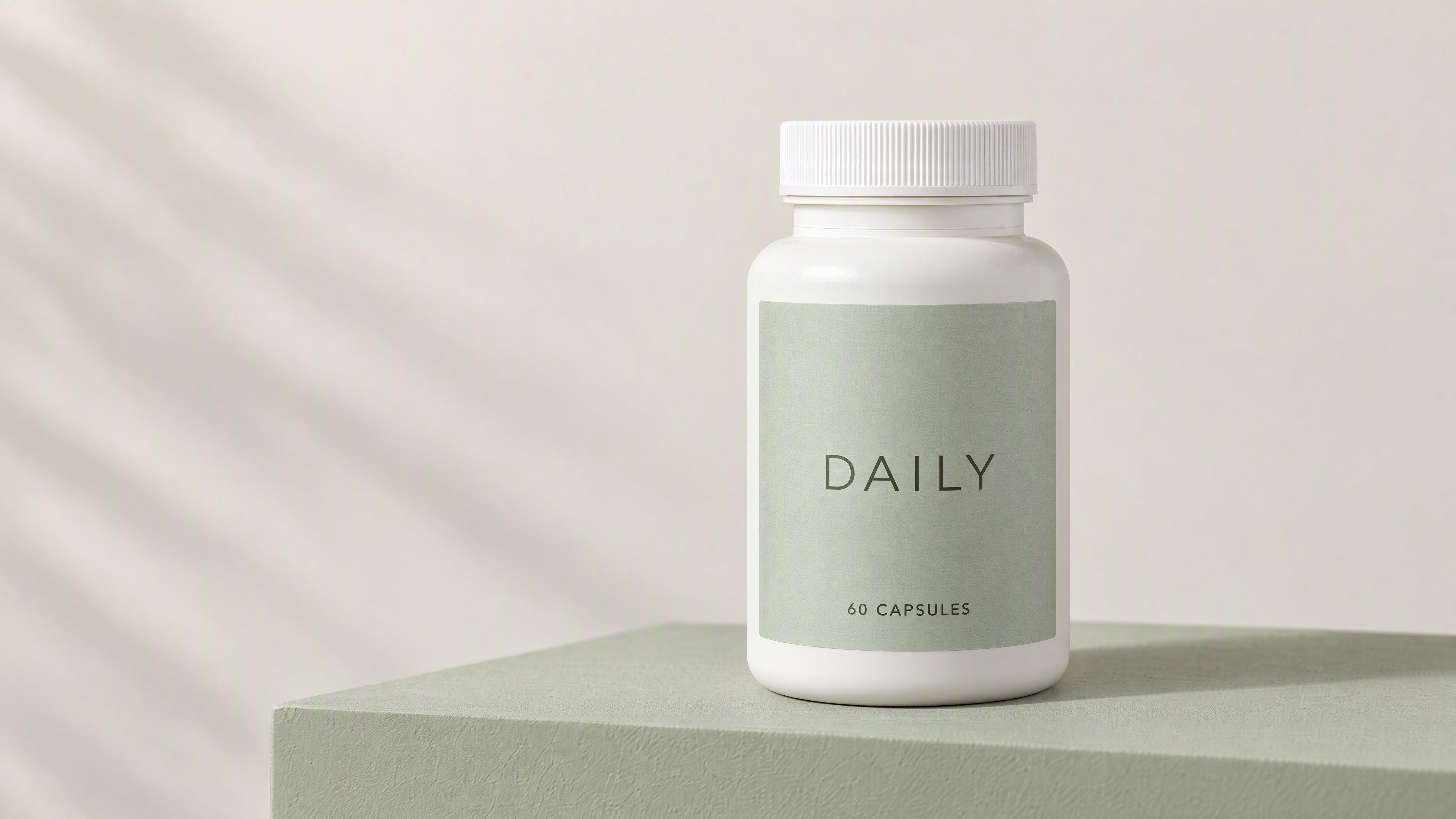
Use your packaging photo to try a studio background or tabletop setting in HummingBytes. Compare AI edits of a capsule bottle, a pouch and a dropper before adapting a prompt to your product.
Paid plan required · Upload your product photo
Example and prompt
Use a sage-colored plinth and soft daylight for a studio composition. Show the whole bottle and illuminate the front label without a reflection across the wording.
Bottle, pouch and dropper
We created these fictional products and edits in HummingBytes using GPT Image 2.5 Sunburst at Maximum quality, 3840 × 2160.
Prompt to adapt
Use the supplement bottle in my photo. Place it on a pale sage plinth with soft daylight and even light across the front label. Preserve the bottle, cap, label and wording. Add no pills, ingredients, health claims, medical symbols or text.
Styling ideas
Use a styled scene for a campaign image or a plain view to show the packaging in your store.
Use a plinth for a campaign image, with room around the packaging for your intended crop.
Try a tabletop image in your store's product gallery. Choose props that do not imply ingredients or health benefits you cannot support.
Use a plain view when shoppers need to see the container's shape and front label. Keep the whole package inside the frame.
How to try it
Sign in and choose a paid plan if needed. The image studio opens with the first example's prompt. Upload your photo or replace the prompt to try another setting. Review the cost before generating.
Upload a sharp photo of your current packaging with its front label visible.
Adjust the surface, lighting and props in the prompt to suit your product.
Check the container's shape, closure and printed information against your photo. Review the requirements for the listing where you plan to use it.
More examples
Use each prompt with a photo of your own product.
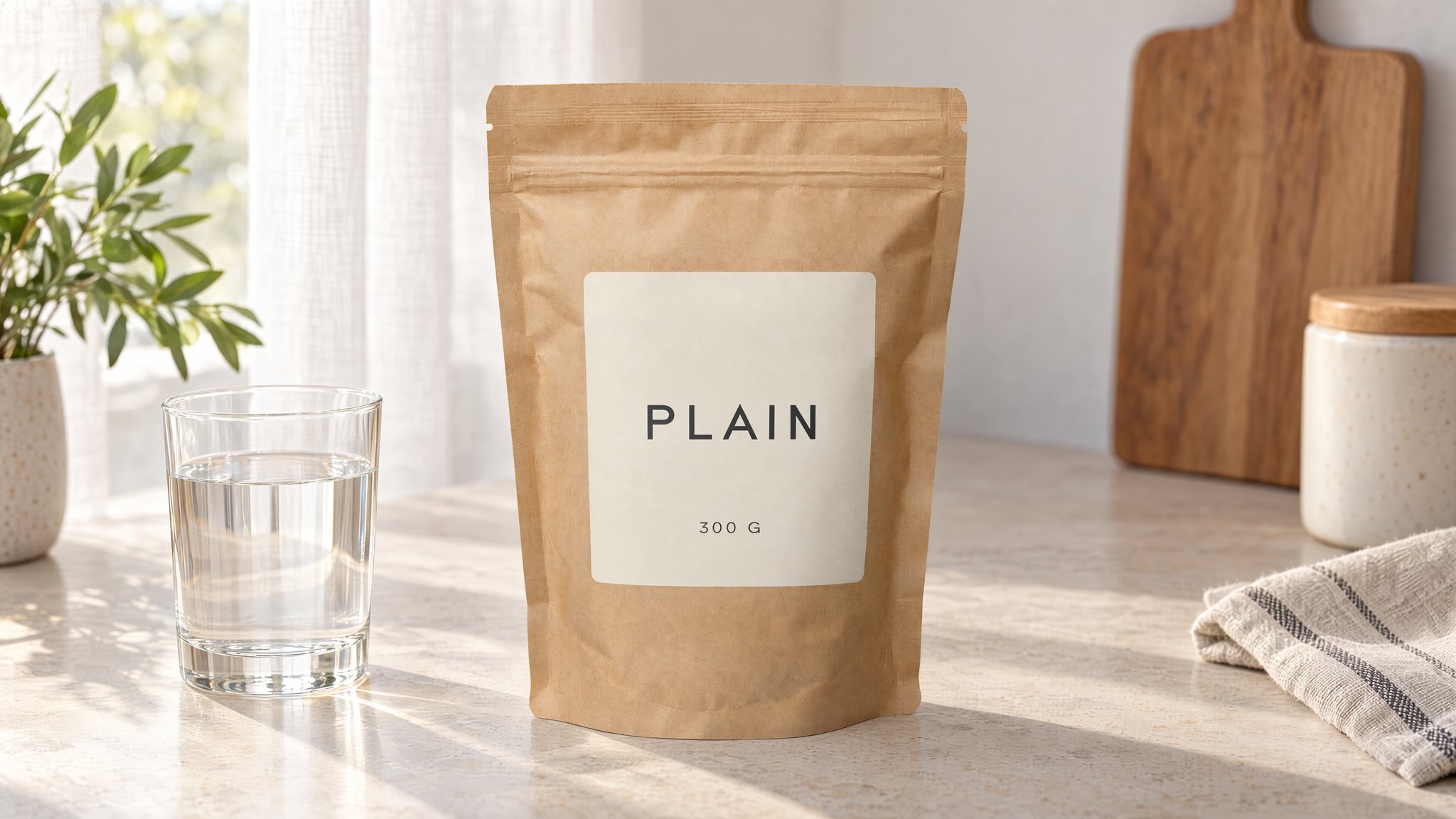
Pouch on a table
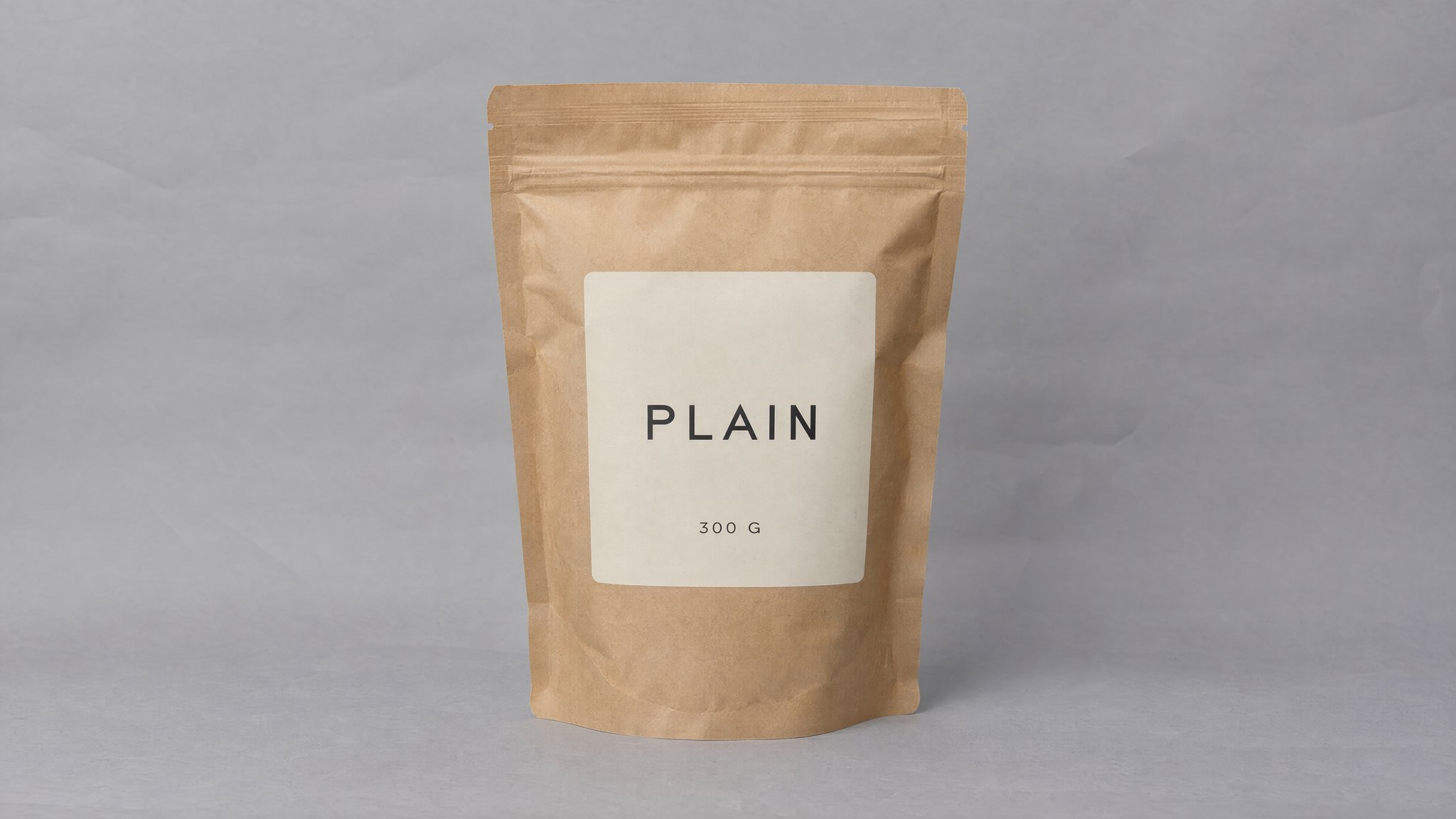
Keep the pouch seams and label in view. Place the glass beside the pouch so it does not obscure the packaging.
Prompt to adapt
Use the supplement pouch in my photo. Place it upright on a pale kitchen table beside a clear glass of water, with soft light through a linen curtain. Preserve the seams, resealable top, label and wording. Add no powder, ingredients, pills, people or health claims.
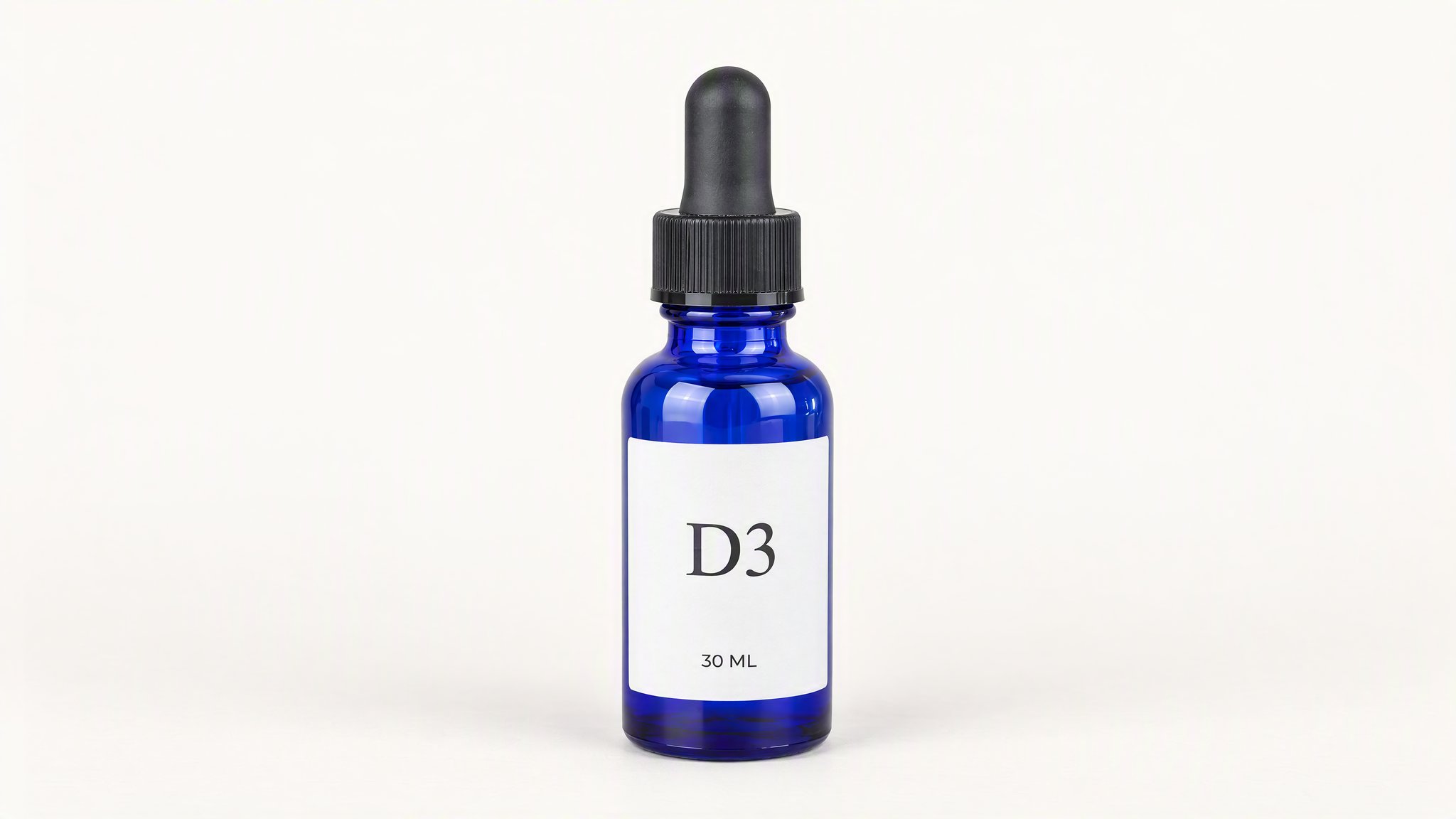
Dropper catalog view
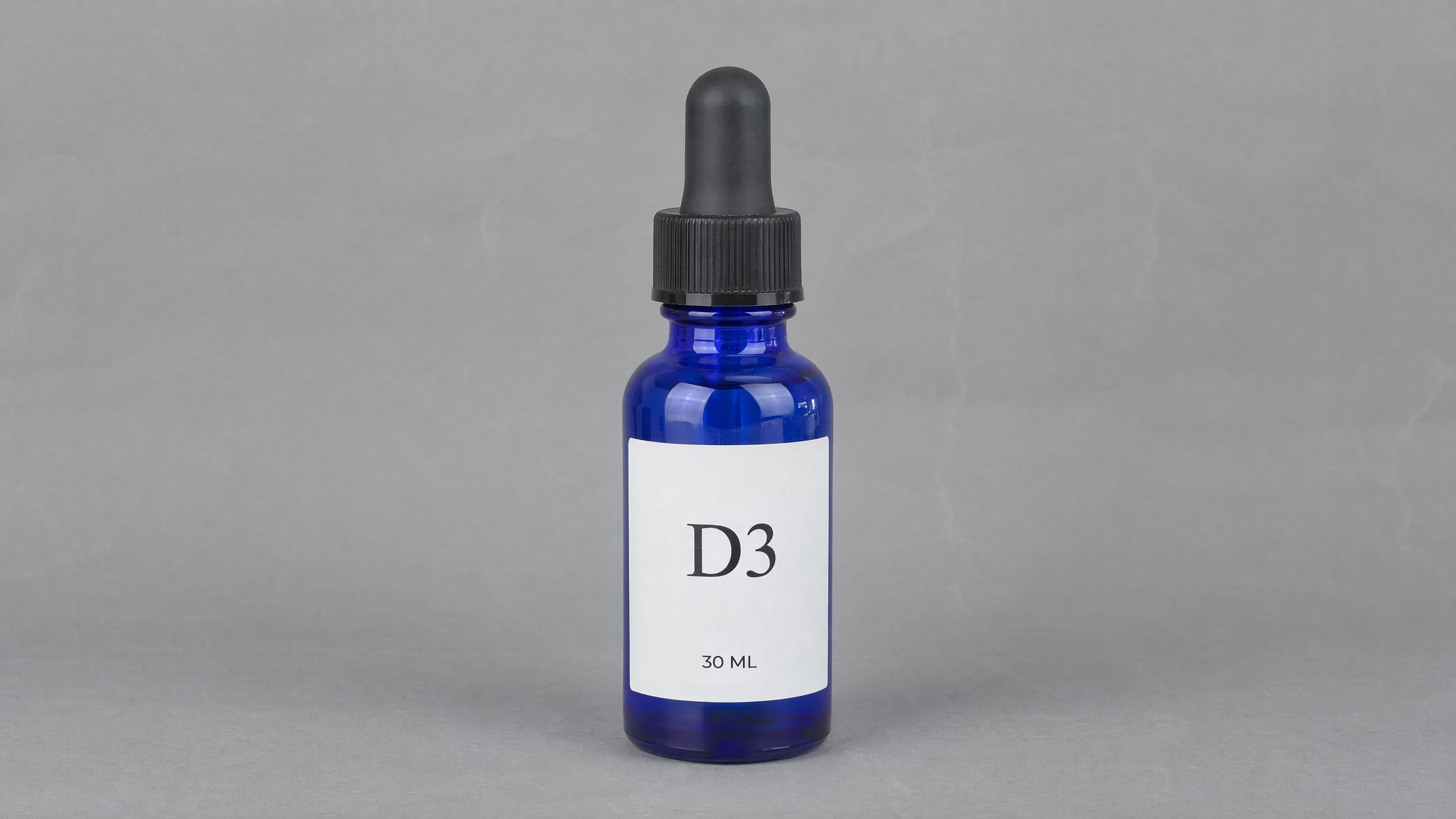
Use even front lighting to show the blue glass and white label. Keep the bulb and bottle base inside the frame.
Prompt to adapt
Use the dropper bottle in my photo. Stand it against a pale ivory background with even front light and a soft contact shadow. Preserve the blue glass, black bulb, collar and label wording. Add no props, medical symbols or health claims.
If this page matches the job, the next step is usually the workflow, finishing tool, or inspiration page that gets you moving faster.
Feature
Start from a reference image and transform it into edits, restyles, cleanups, and new visual directions.
Open pageUse case
Turn a phone-shot or rough source image into a studio-quality ecommerce product photo without changing the product itself.
Open pageUse case
Keep the product and packaging locked while replacing distracting backgrounds with cleaner catalog or lifestyle scenes.
Open pageYour product
Upload a sharp photo of your current packaging and adapt the studio prompt to its shape. A paid plan is required.