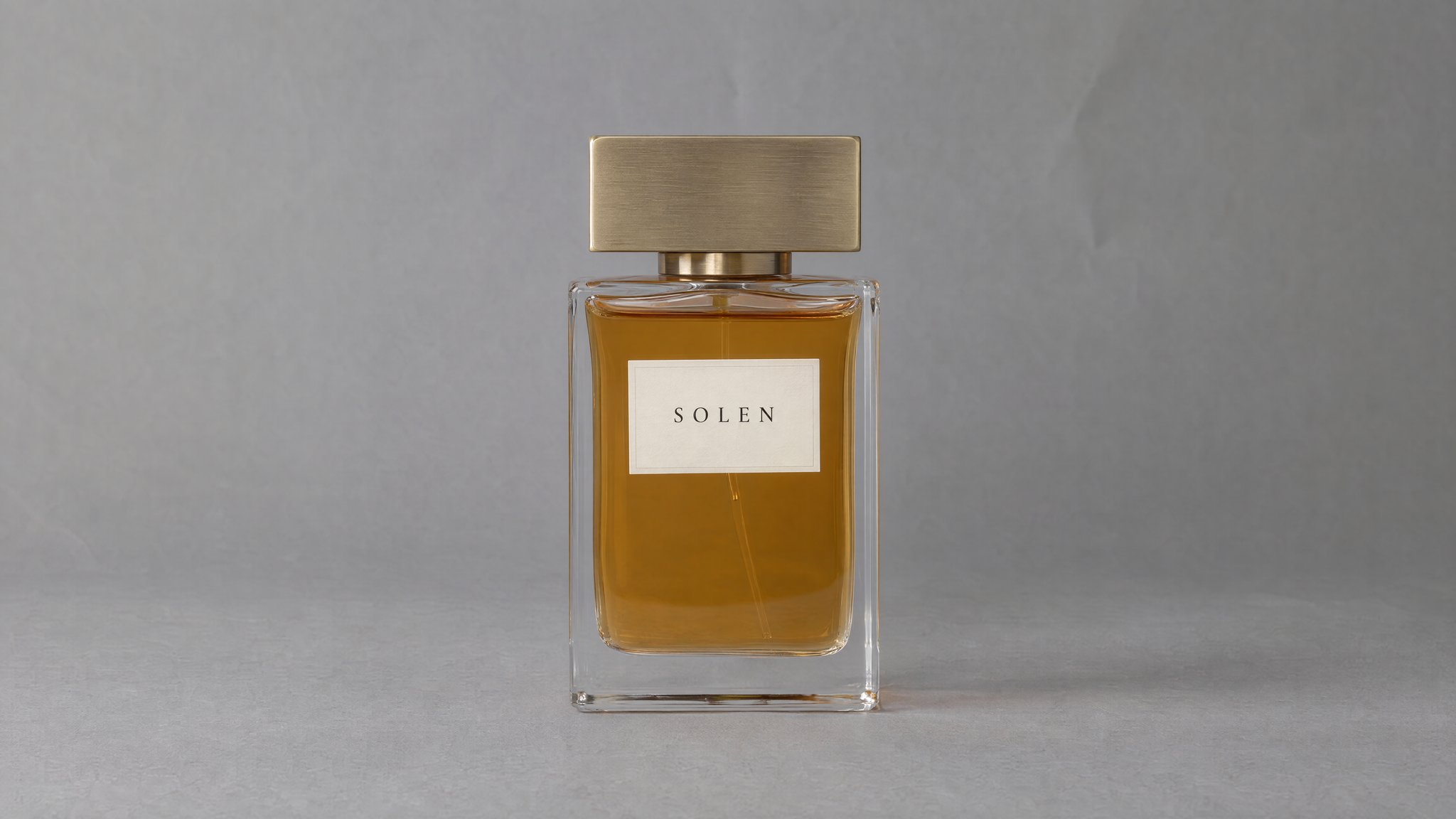
Keep reflections off the label
Ask for light from the side and a reflection away from the printed wording. Check the label at full size after the edit.
See how to light an amber bottle, outline curved glass and show a frosted finish. Compare each AI edit with its reference, then adapt the prompts to your perfume photo.
Paid plan required · Upload your product photo
Example and prompt
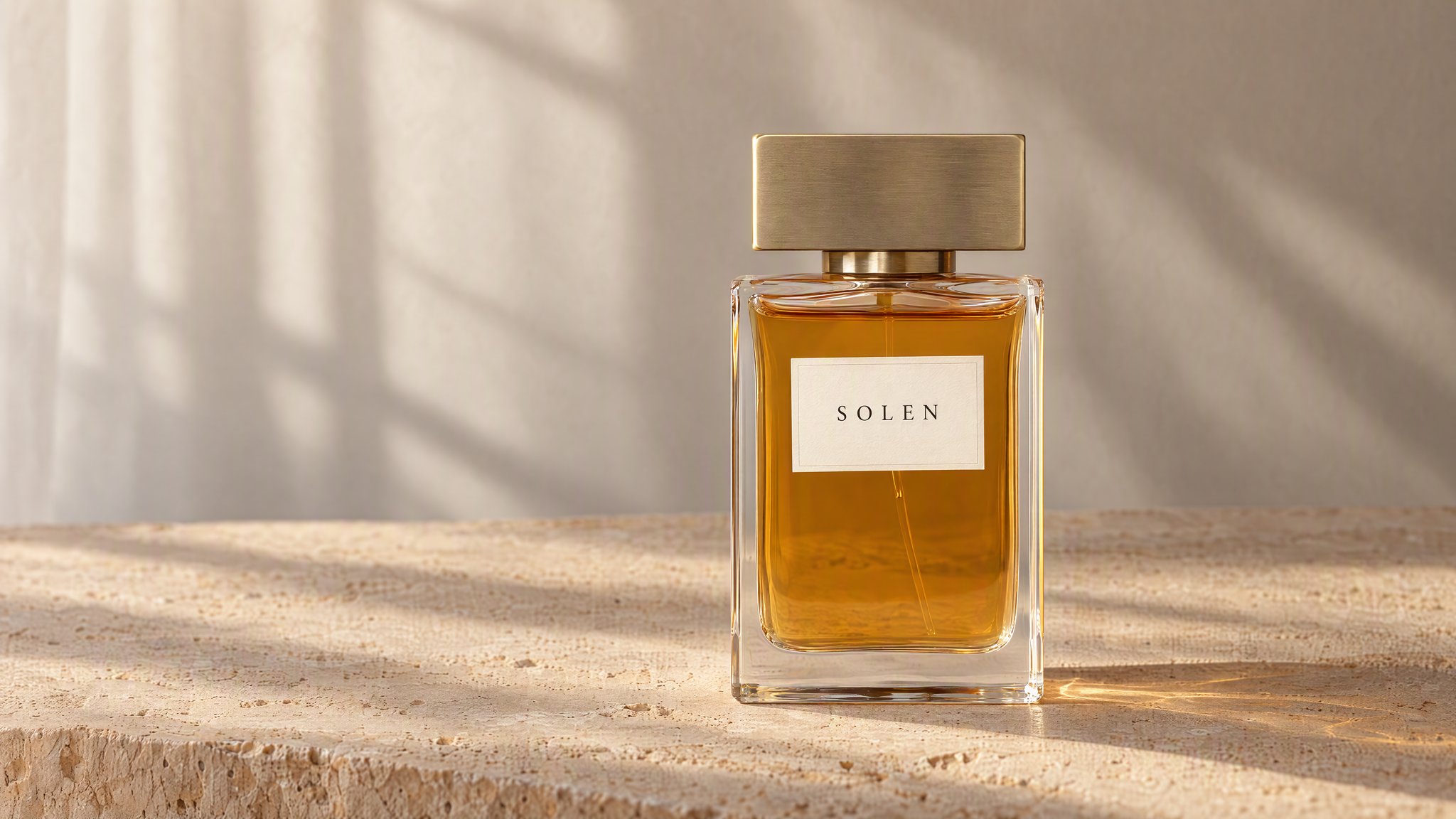
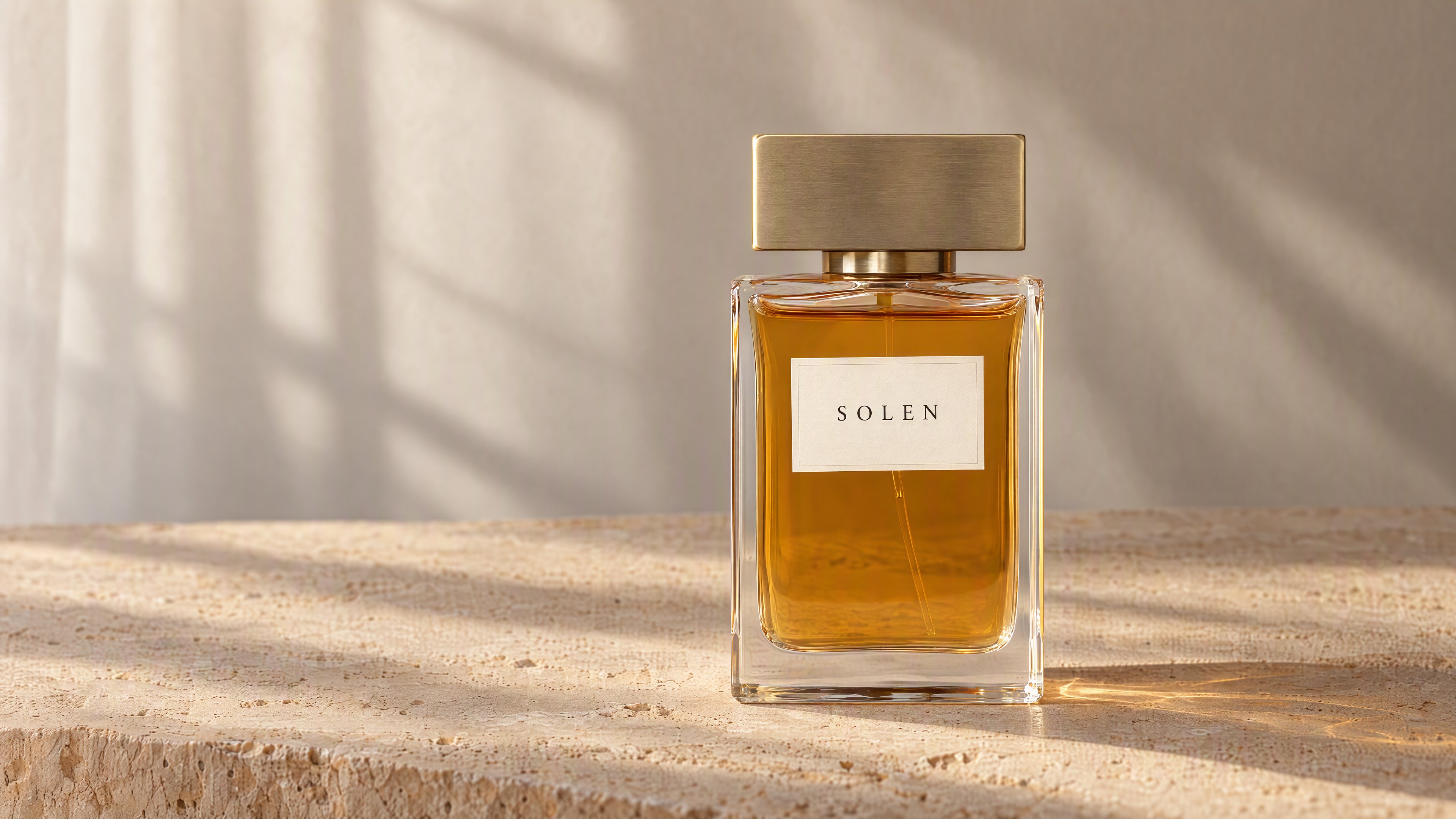
Place the bottle on sand-colored stone and ask for afternoon light from the side. Keep the brightest reflections away from the front label.
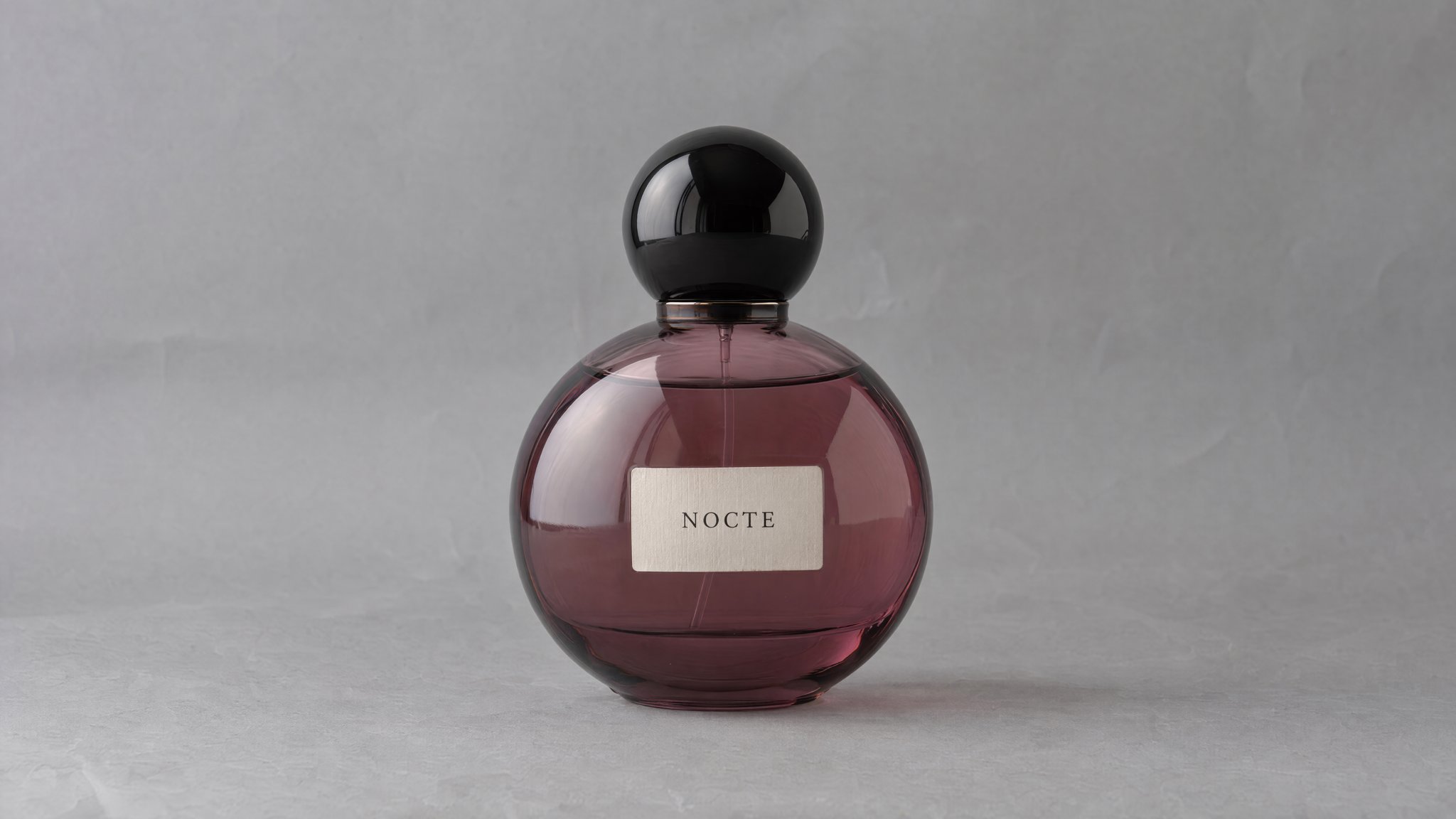
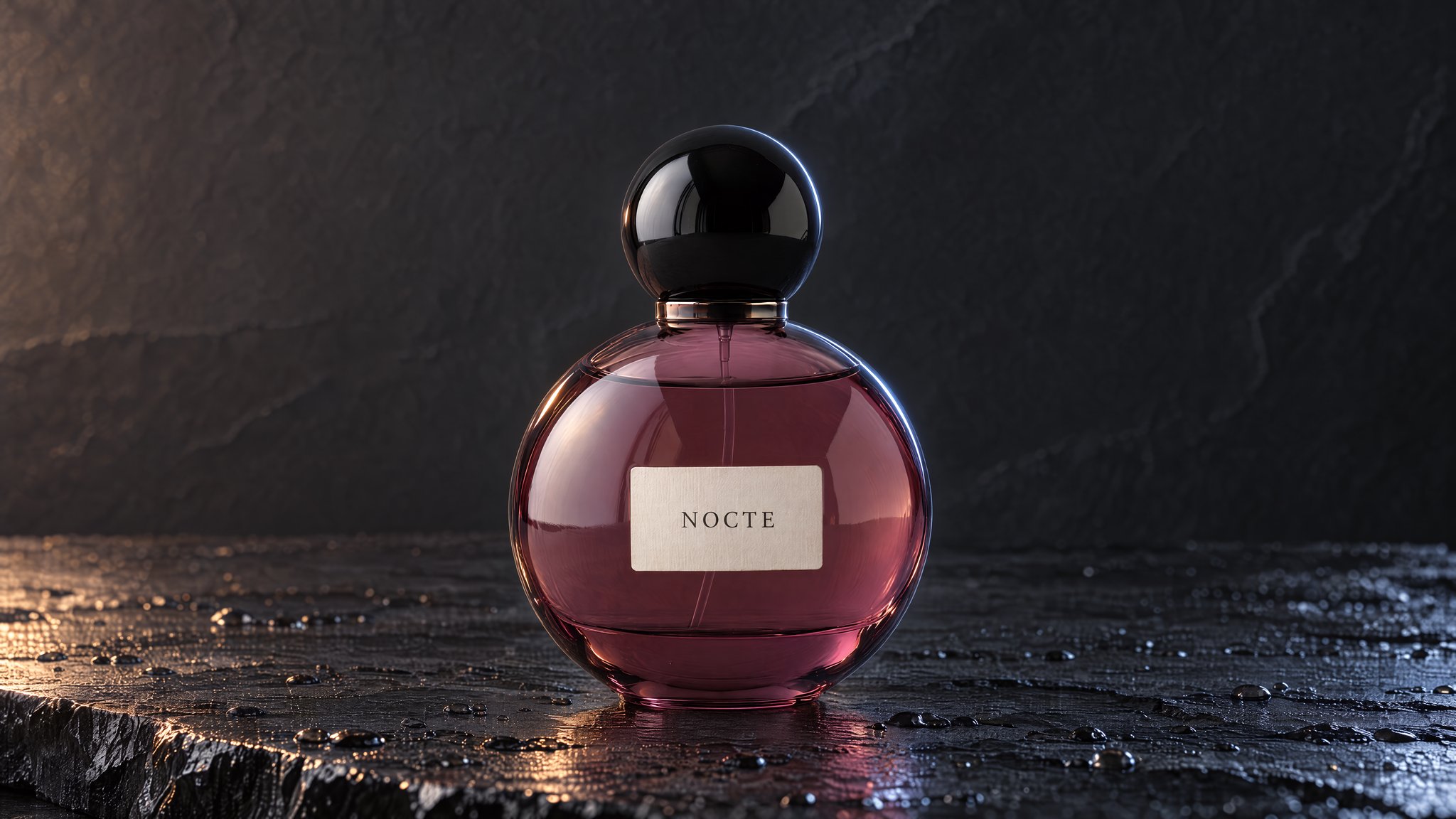
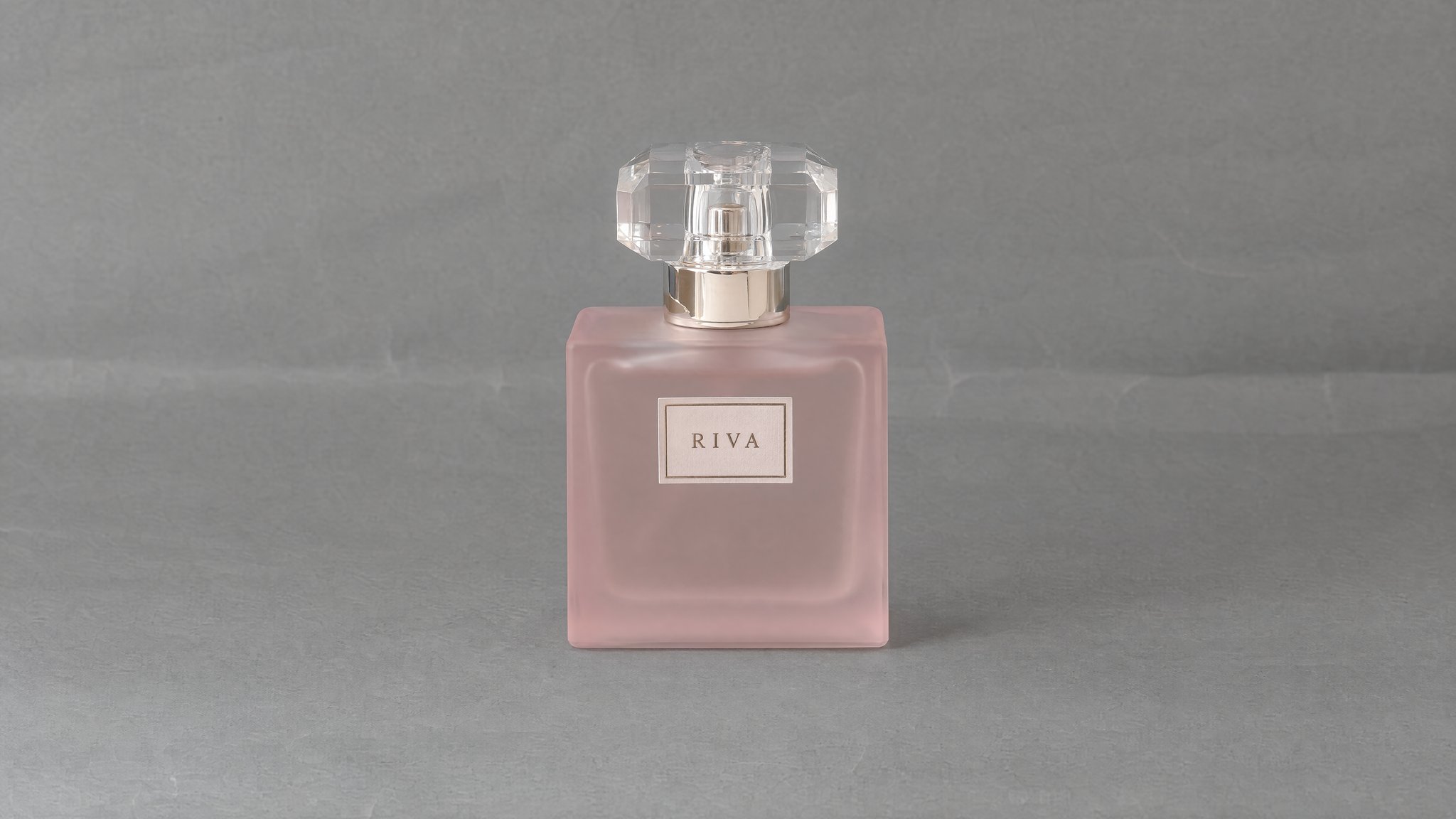
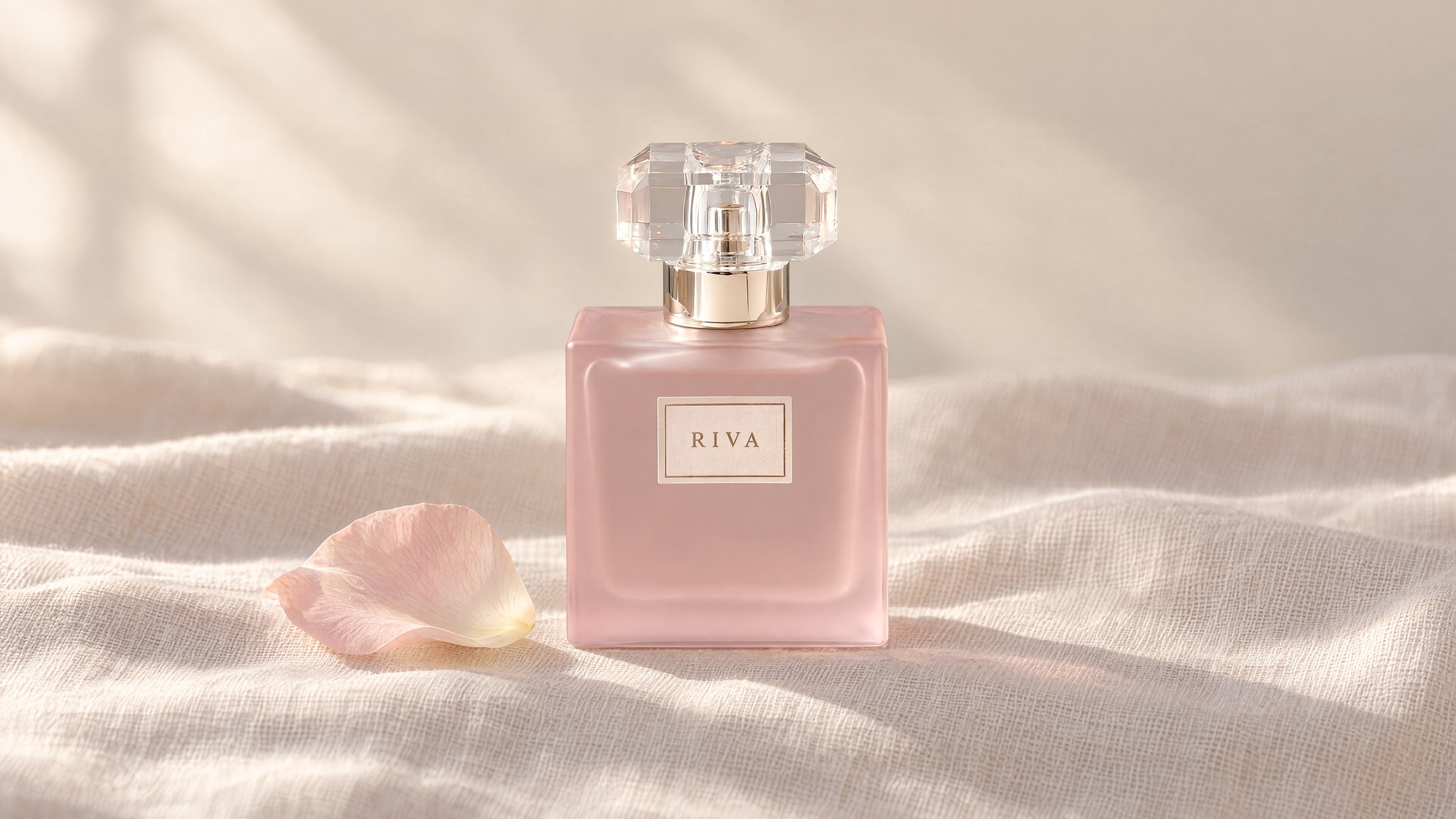
Three bottles, three finishes
We created these fictional products and edits in HummingBytes using GPT Image 2.5 Sunburst at Maximum quality, 3840 × 2160.
Prompt to adapt
Use the perfume bottle in my photo. Place it upright on sand-colored stone with soft afternoon light from the side. Keep highlights off the label. Preserve the bottle shape, cap, liquid level and label wording. Add no text.
Styling ideas
Start with the part of the bottle you need to show: the label, the outline or the glass texture.
Ask for light from the side and a reflection away from the printed wording. Check the label at full size after the edit.
Use a narrow edge highlight against a dark background. Leave enough light on the bottle to show its shape and liquid level.
Ask for diffused light with gentle shading across the glass. Use scent props only when they match the fragrance you sell.
How to try it
Sign in and choose a paid plan if needed. The image studio opens with the first example's prompt. Upload your photo or replace the prompt to try another setting. Review the cost before generating.
Use a sharp photo of the whole bottle with its front label visible.
Adjust the surface, lighting and props in the prompt to suit your product.
Inspect the cap, label spelling and bottle proportions. AI can change transparent edges or invent reflections that distort the product.
More examples
Use each prompt with a photo of your own product.
Plum glass on slate
Outline curved glass with a narrow rim light. Keep water droplets on the slate and leave the label clear.
Prompt to adapt
Use the perfume bottle in my photo. Stand it on dark wet slate with small water droplets on the slate only. Add a narrow cool rim light and a restrained warm reflection. Preserve the curved glass, cap, liquid level and label wording.
Frosted glass on linen
Use pale linen and diffused light around frosted glass. Add a rose petal only when it fits the fragrance you sell.
Prompt to adapt
Use the perfume bottle in my photo. Place it on pale linen beside one pale rose petal in soft morning light. Use a warm cream background and gentle glass highlights. Preserve the bottle, cap, liquid level and label.
If this page matches the job, the next step is usually the workflow, finishing tool, or inspiration page that gets you moving faster.
Feature
Start from a reference image and transform it into edits, restyles, cleanups, and new visual directions.
Open pageUse case
Turn a phone-shot or rough source image into a studio-quality ecommerce product photo without changing the product itself.
Open pageUse case
Keep the product and packaging locked while replacing distracting backgrounds with cleaner catalog or lifestyle scenes.
Open pageYour product
Upload your perfume photo and start with the warm-stone prompt. A paid plan is required.