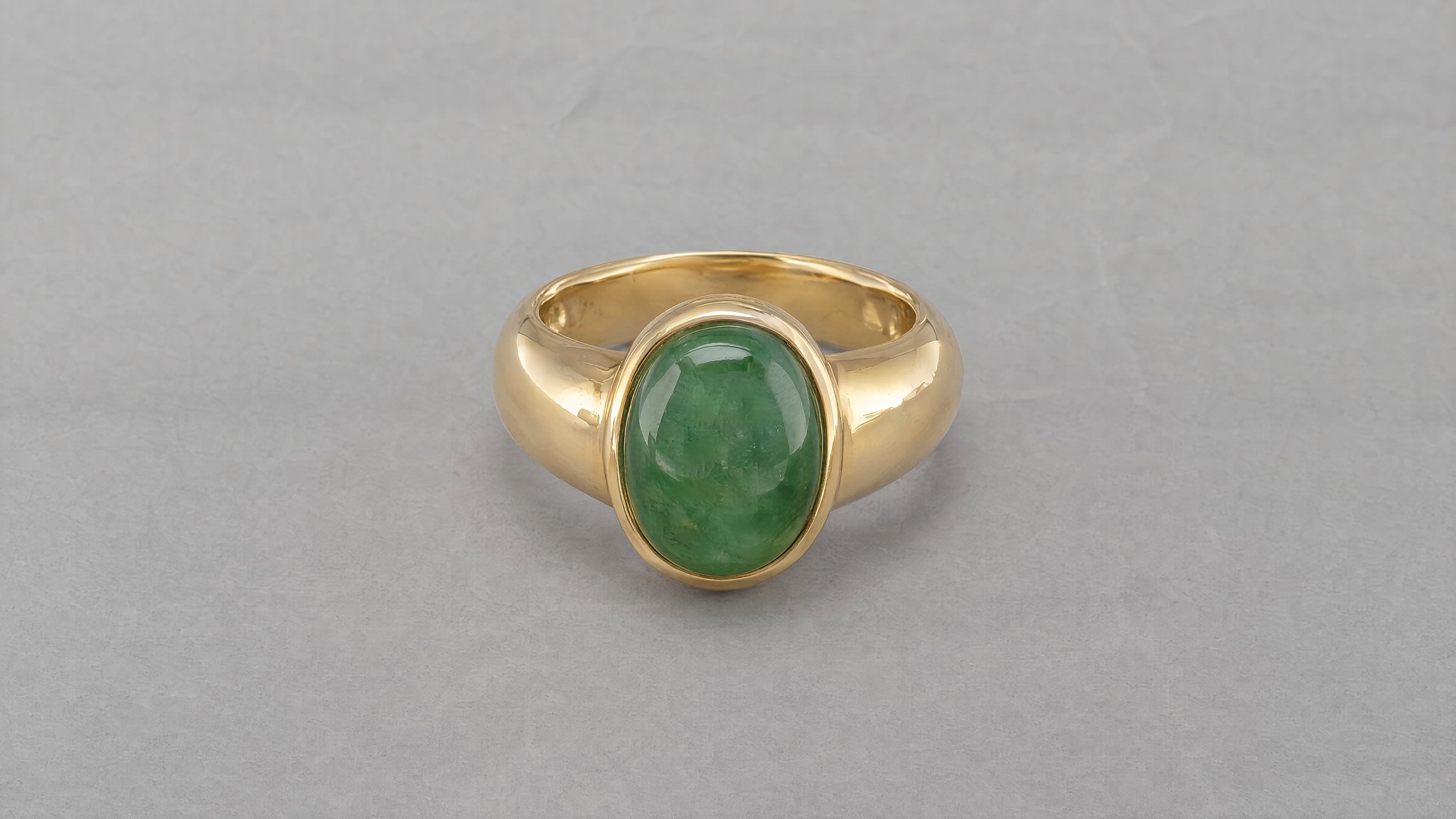
Leave room around a ring
Keep the band and setting inside the frame. For a wider ring, allow more space on either side so the stone does not dominate the crop.
Explore a gold ring on travertine, pearl earrings on velvet and a pendant necklace in a ceramic dish. Compare each edit with its own reference, then adapt the prompts to your jewelry.
Paid plan required · Upload your product photo
Example and prompt
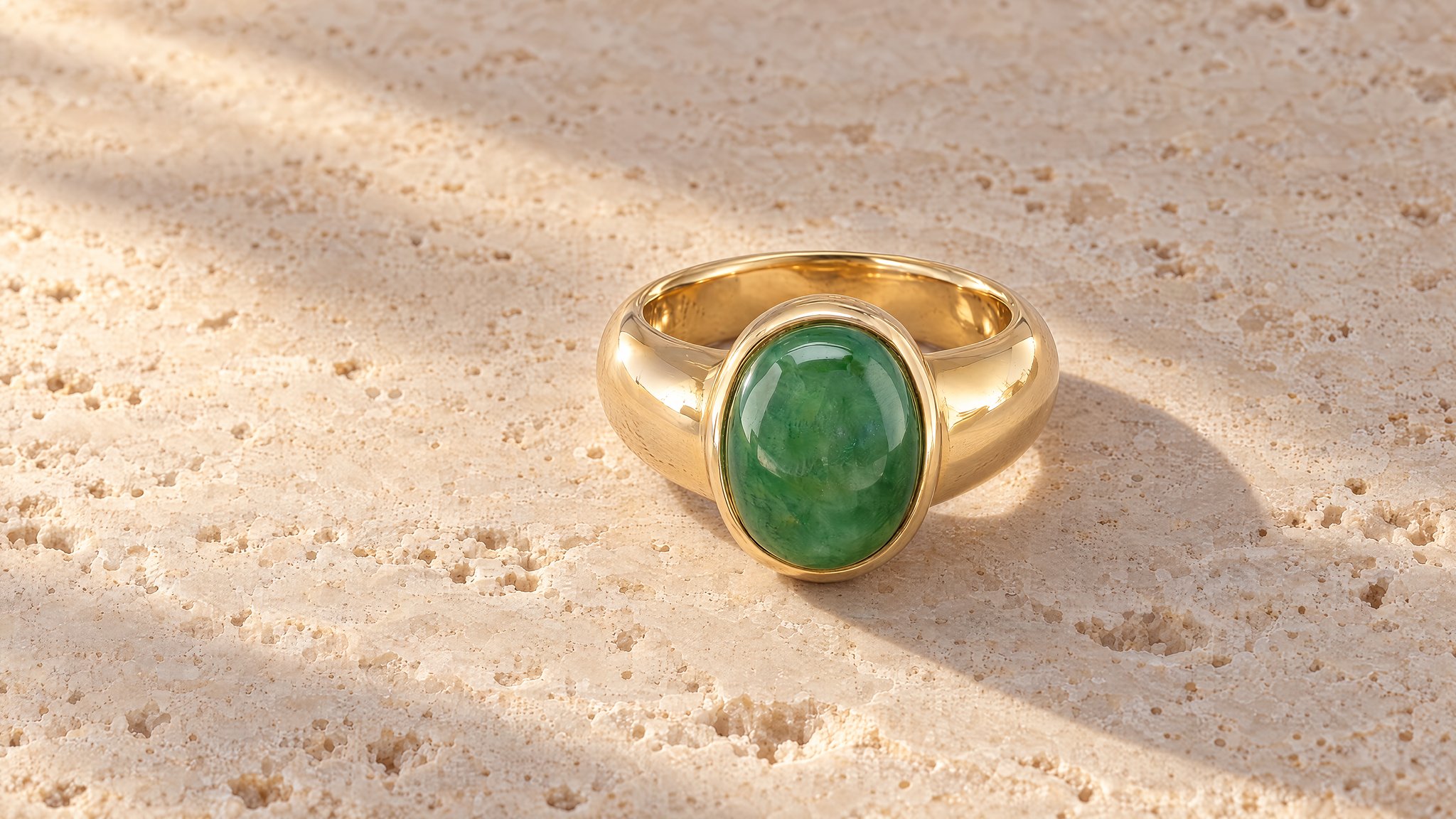
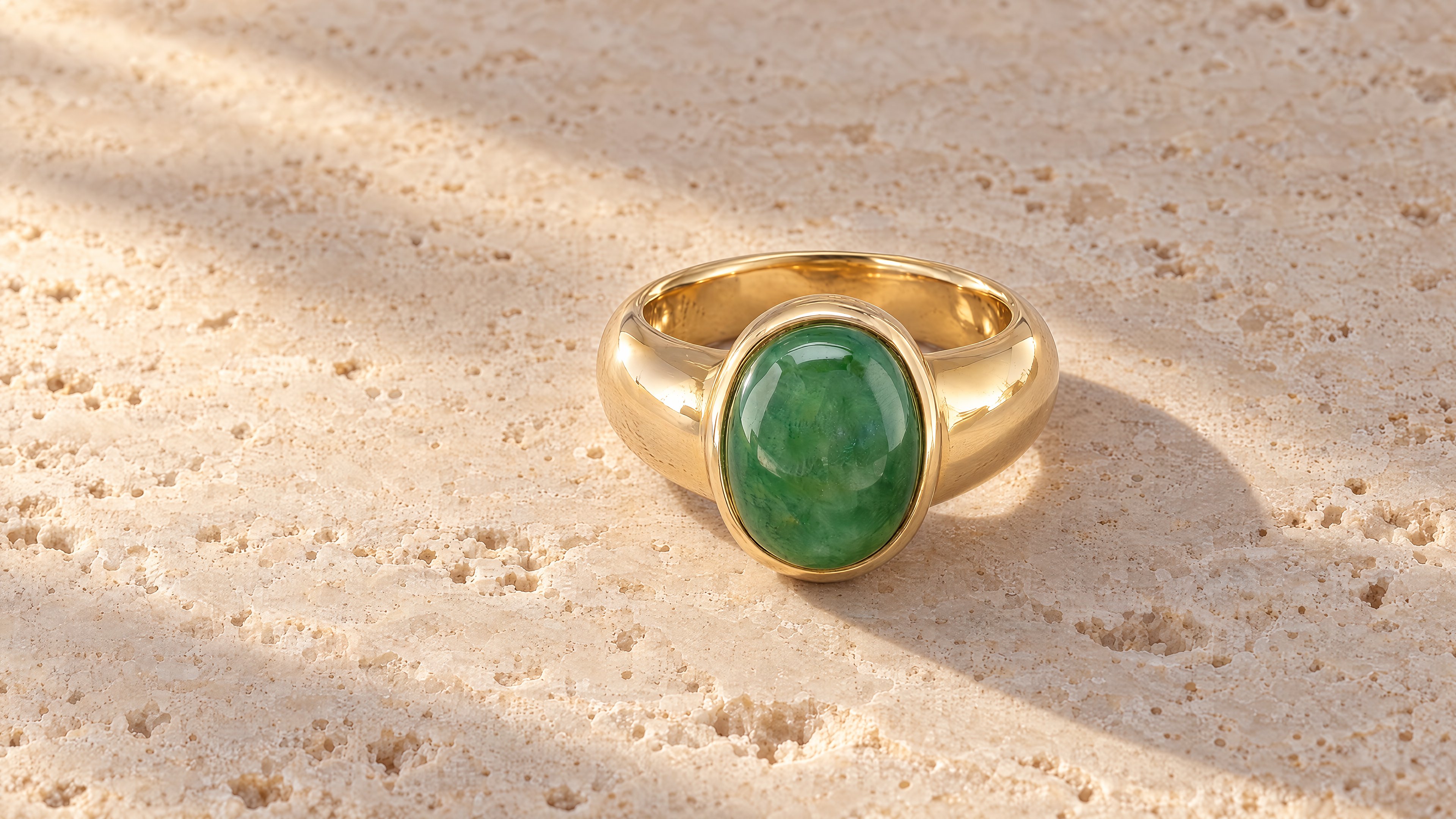
Use pale travertine and side light to separate the ring from the background. Leave space around the band so its outline remains visible in a shop thumbnail.
Ring, earrings and necklace
We created these fictional products and edits in HummingBytes using GPT Image 2.5 Sunburst at Maximum quality, 3840 × 2160.
Prompt to adapt
Use the ring in my photo. Place it on pale travertine with warm light from the side and a soft shadow behind it. Show the whole ring. Keep its stone, setting, band and metal color unchanged.
Styling ideas
Choose a surface that contrasts with the metal or stone. Adjust the space around the piece to suit its shape.
Keep the band and setting inside the frame. For a wider ring, allow more space on either side so the stone does not dominate the crop.
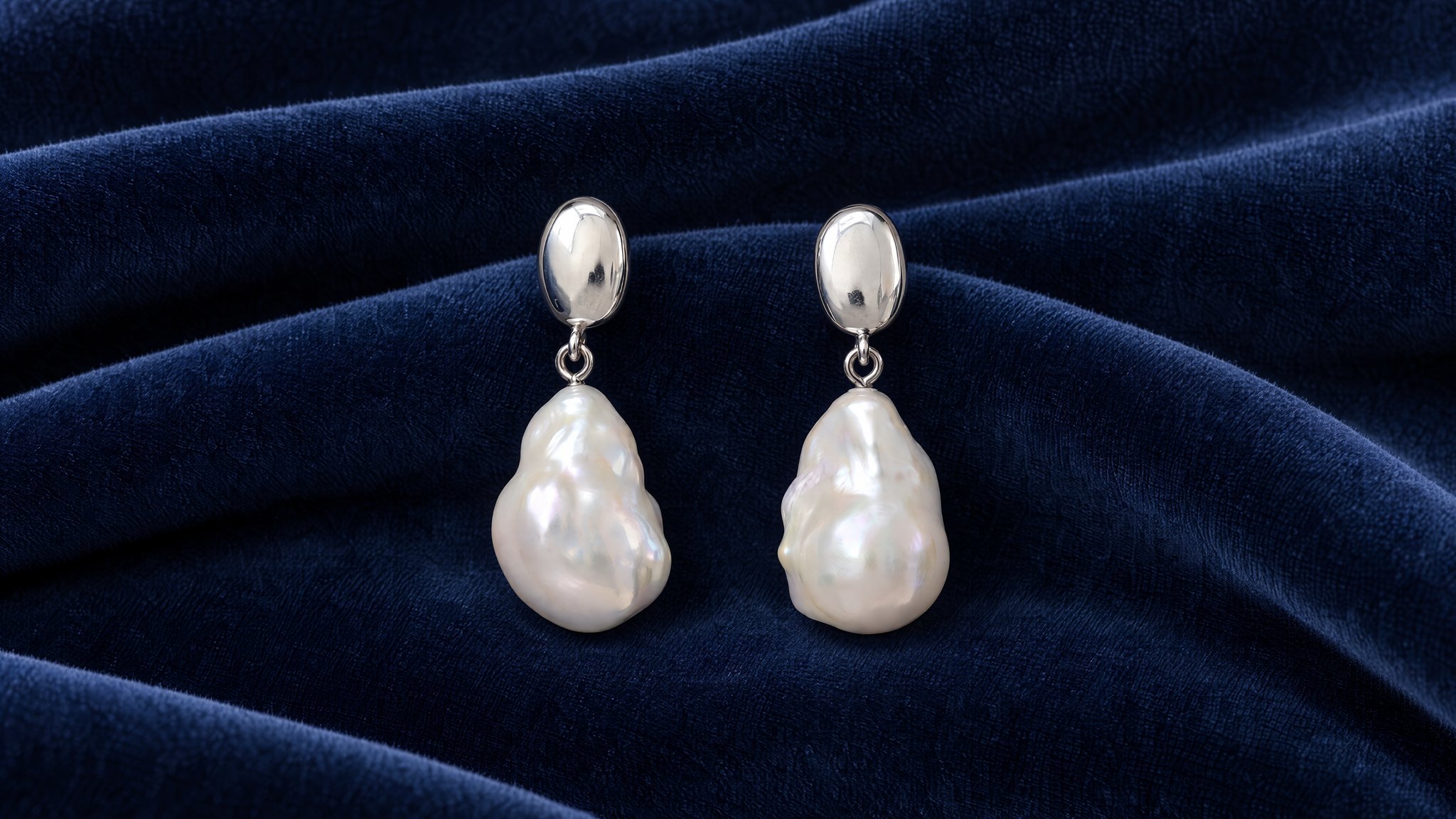
Use dark velvet behind pale pearls. Try a pale matte surface behind darker stones, with the fabric or stone texture away from small details.
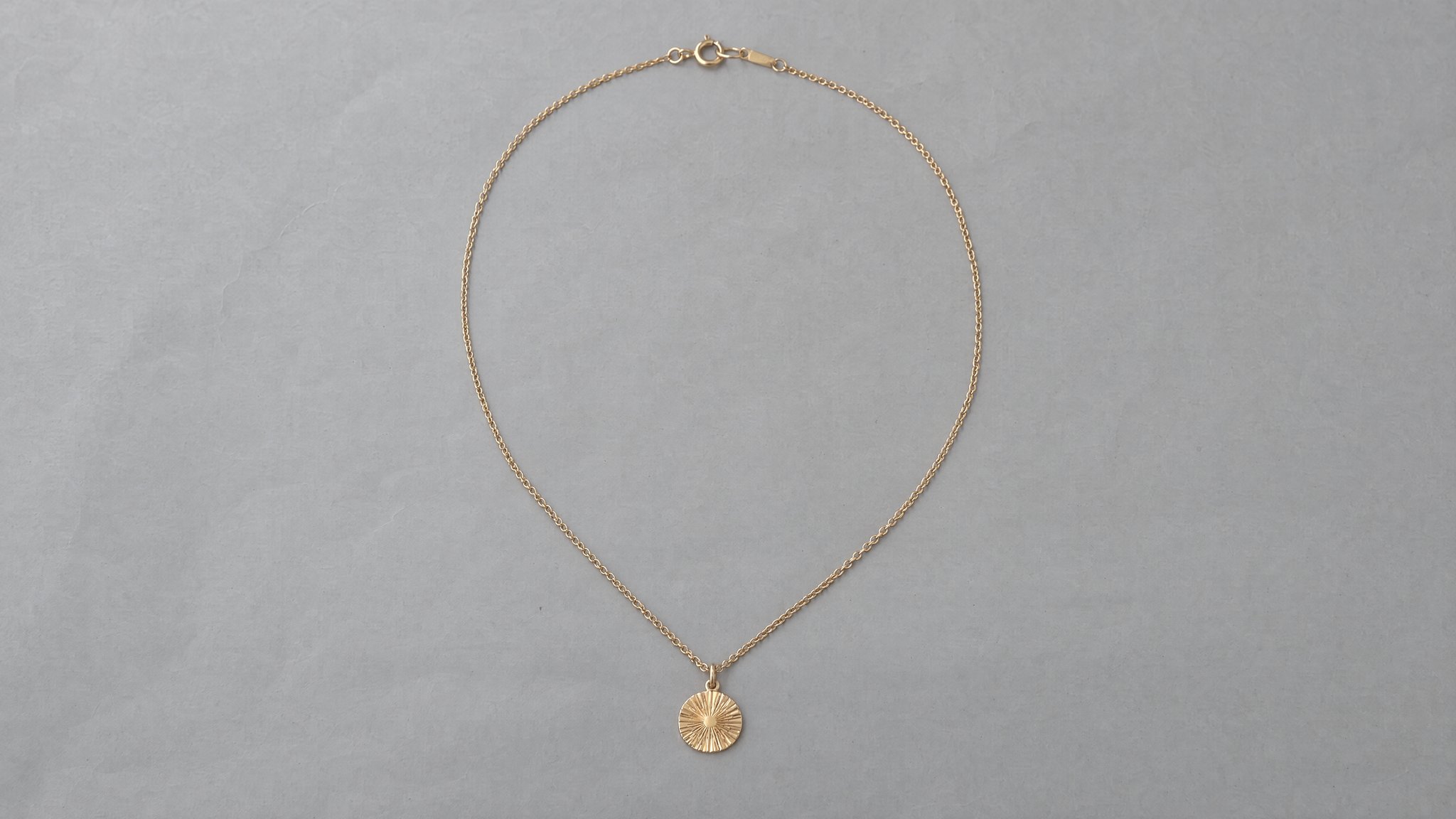
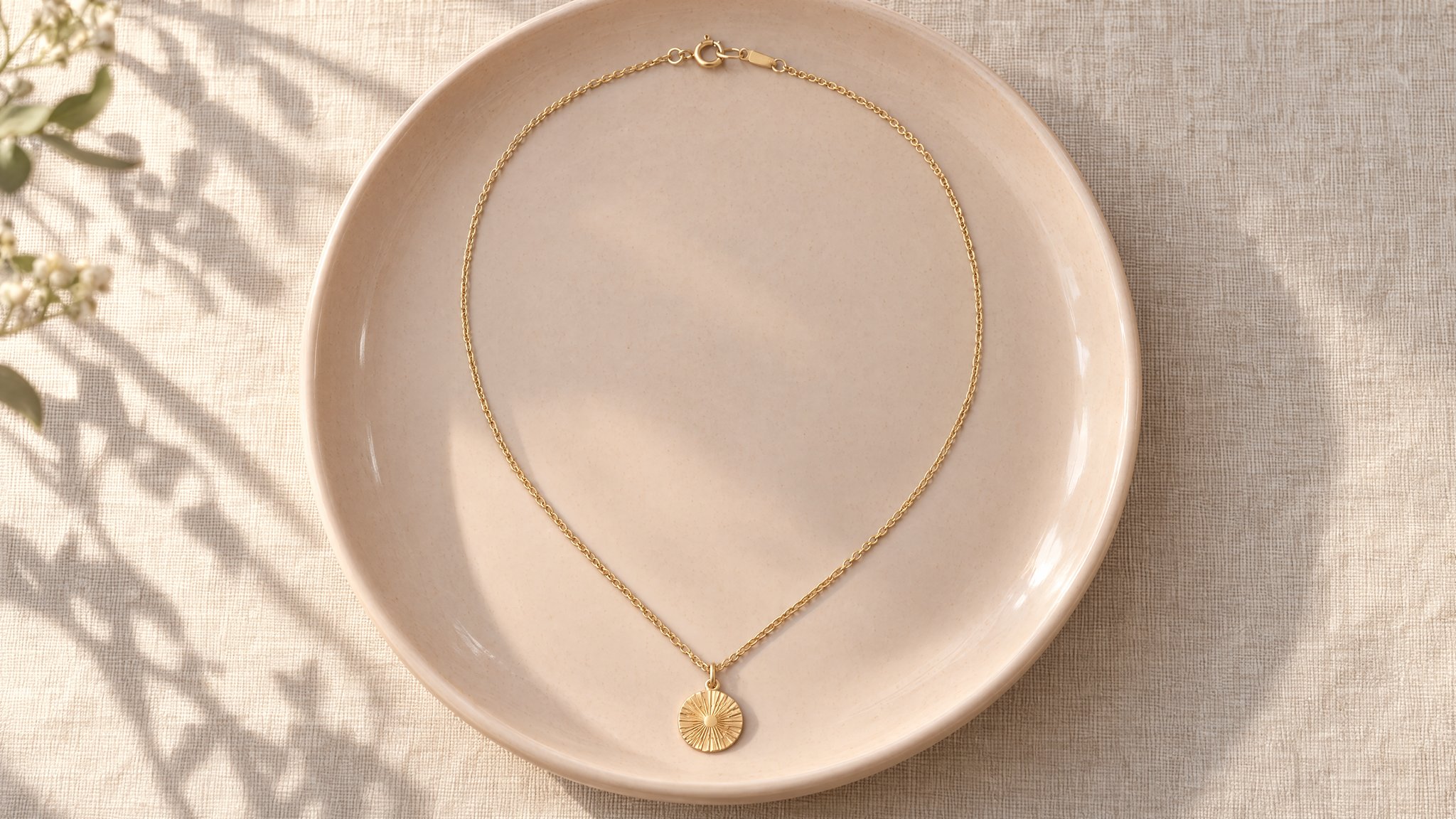
Use a wider dish or a loose curve for a long necklace. Keep the clasp visible and avoid piling the chain over the pendant.
How to try it
Sign in and choose a paid plan if needed. The image studio opens with the first example's prompt. Upload your photo or replace the prompt to try another setting. Review the cost before generating.
Start with the whole piece in focus. A straight, uncluttered photo makes clasps, settings and chain links easier to compare.
Adjust the surface, lighting and props in the prompt to suit your product.
Zoom in on prongs, stones, engravings and closures. Reject a result if the setting or stone count changes, even when the lighting looks good.
More examples
Use each prompt with a photo of your own product.
Pearls on velvet
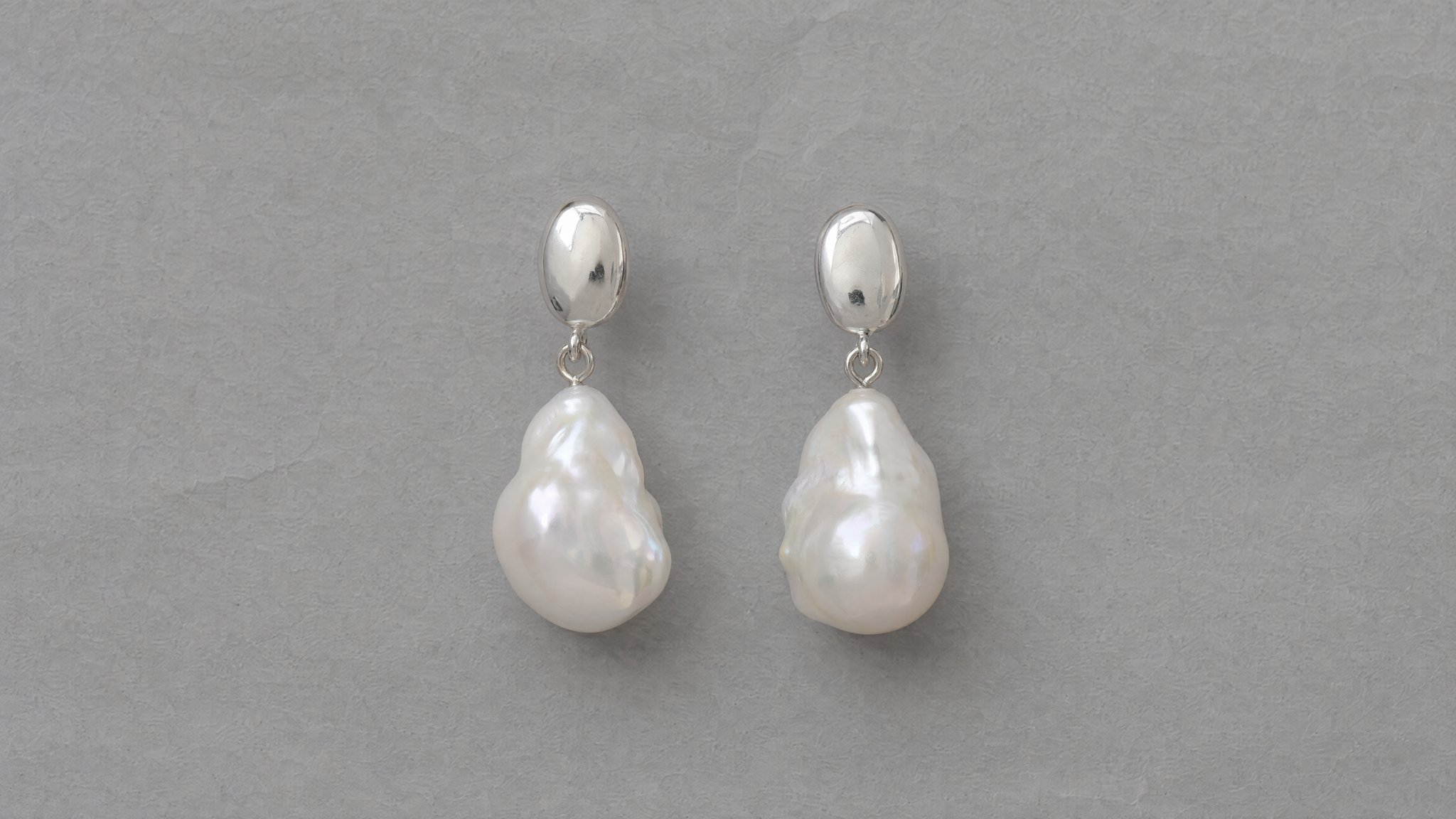
Use dark velvet to contrast with white pearls and silver. Keep both earrings complete and the fabric folds behind them.
Prompt to adapt
Use the earrings in my photo. Arrange both on midnight-blue velvet with soft side light. Keep the folds behind them and both earrings complete. Preserve the studs, pearl shapes, metal color and number of pieces.
Necklace still life
Lay the necklace in a pale dish on linen. Keep the chain and clasp visible, with a soft botanical shadow on the background.
Prompt to adapt
Use the necklace in my photo. Lay it in a pale peach ceramic dish on natural linen with morning window light. Keep the chain and clasp visible and add a soft botanical shadow behind the dish. Preserve the pendant, chain links, clasp and gold color.
If this page matches the job, the next step is usually the workflow, finishing tool, or inspiration page that gets you moving faster.
Feature
Start from a reference image and transform it into edits, restyles, cleanups, and new visual directions.
Open pageUse case
Turn a phone-shot or rough source image into a studio-quality ecommerce product photo without changing the product itself.
Open pageUse case
Keep the product and packaging locked while replacing distracting backgrounds with cleaner catalog or lifestyle scenes.
Open pageYour product
Upload a clear photo of your piece and start with the travertine prompt. A paid plan is required.