Tiny Streetwear Icon Chibi
Edit this image into “Tiny Streetwear Icon — coffee run drip”: a cute chibi-style small character standing in a minimalist beig...
Generate a photo like thisExplore the prompt- Recommended Workflows
- Gemini 3 Pro Image
- Recommended Aspect Ratio
- 3:4
- Reference Images Required
- 1 image
01 / The recipe
Prompt variants
Use these as short alternate directions for Tiny Streetwear Icon Chibi; each variant keeps the recipe recognizable while pushing a different outcome.
Edit this image into “Tiny Streetwear Icon — coffee run drip”: a cute chibi-style small character standing in a minimalist beige studio, one hip popped to the side and one hand in their pocket, the other holding an iced coffee cup with a straw. They wear an oversized white t-shirt tucked loosely into light blue mom-jeans, chunky white sneakers, round dark sunglasses, and a cream baseball cap with long wavy hair in a ponytail spilling out the back. Add soft shadows on the floor, gentle warm daylight from the left, and a subtle vignette so they look like a stylish young influencer ready for a photoshoot, ultra-clean, high-detail 3D.
02 / Make it yours
A little direction goes a long way.
Create a Tiny Streetwear Icon Chibi with a cinematic character treatment with costume, atmosphere, and story-driven mood. Start from the reference image so the subject, source structure, or key visual details stay anchored while the style changes. This recipe is useful for character portraits, roleplay concepts, story references, posters, and cinematic campaign visuals.
Best for / not ideal for
Use this section to decide whether Tiny Streetwear Icon Chibi is the right recipe before spending credits on variations.
Best for
- Tiny Streetwear Icon Chibi concepts where the example image is close to the result you want.
- Visual directions built around a cinematic character concept with clear costume, mood, and story cues.
- Compositions that benefit from a story-rich environment that supports the character without overwhelming them.
- Fast testing with Gemini 3 Pro Image in 3:4.
Not ideal for
- Tasks where the prompt direction is unrelated to the example style.
- Strict documentation, compliance images, or untouched source-photo cleanup.
- Final assets that need exact text, measured layouts, or production typography.
- Projects where a different recipe already matches the target look more closely.
How to adapt the prompt
Keep the core idea of Tiny Streetwear Icon Chibi, then change the details that control identity, style, color, background, and framing.
Subject and likeness
Style intensity
Color palette
Background simplicity
Composition and crop
Common fixes
If Tiny Streetwear Icon Chibi is close but not usable yet, make one of these targeted prompt edits before changing everything.
Subject drift
Too busy or chaotic
Colors overpower the subject
Image feels flat
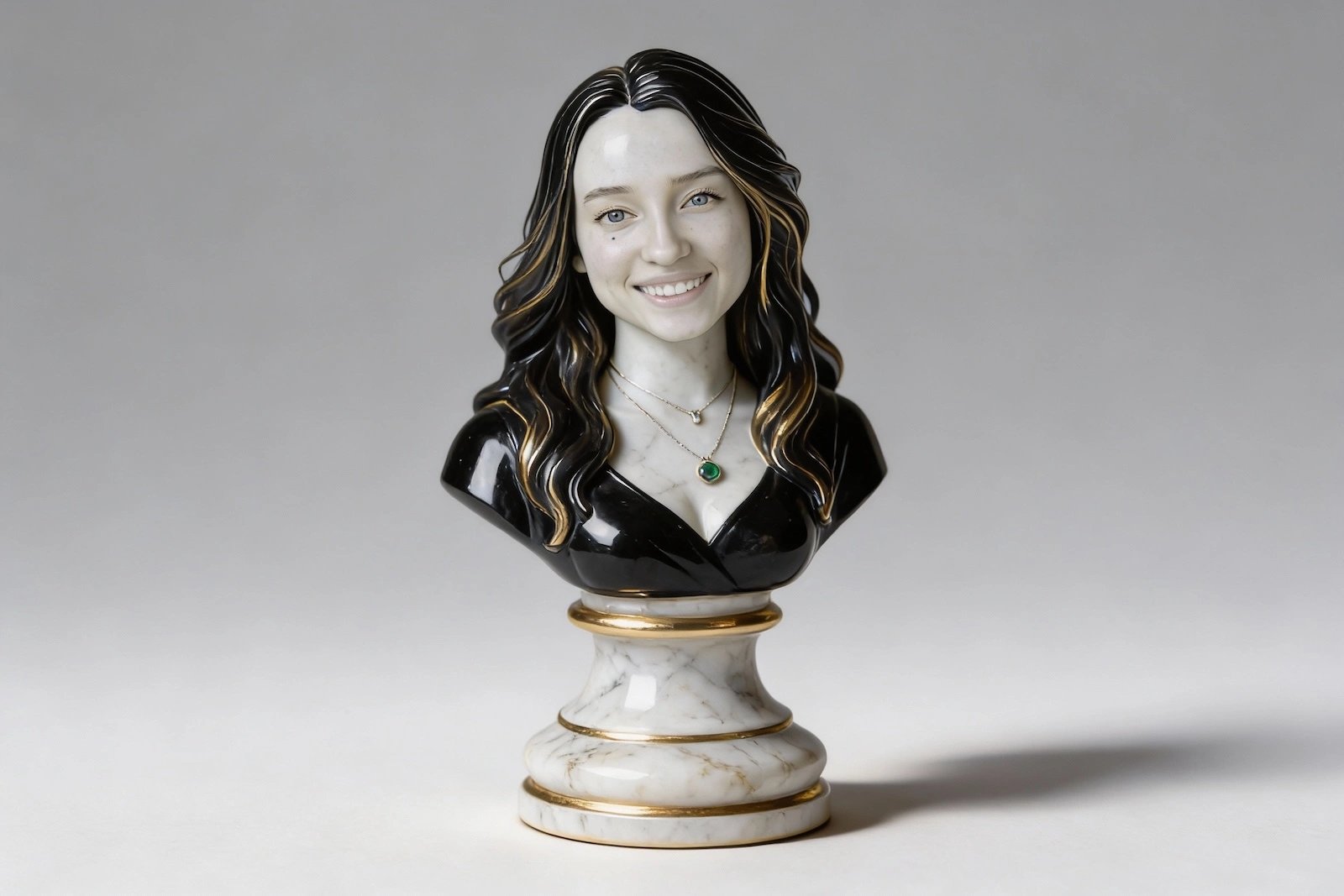
3D chess piece
3D chess piece creates a cinematic character concept with stronger costume, atmosphere, and story cues.

Stylized illustration portrait
Stylized illustration portrait creates a cinematic character concept with stronger costume, atmosphere, and story cues.
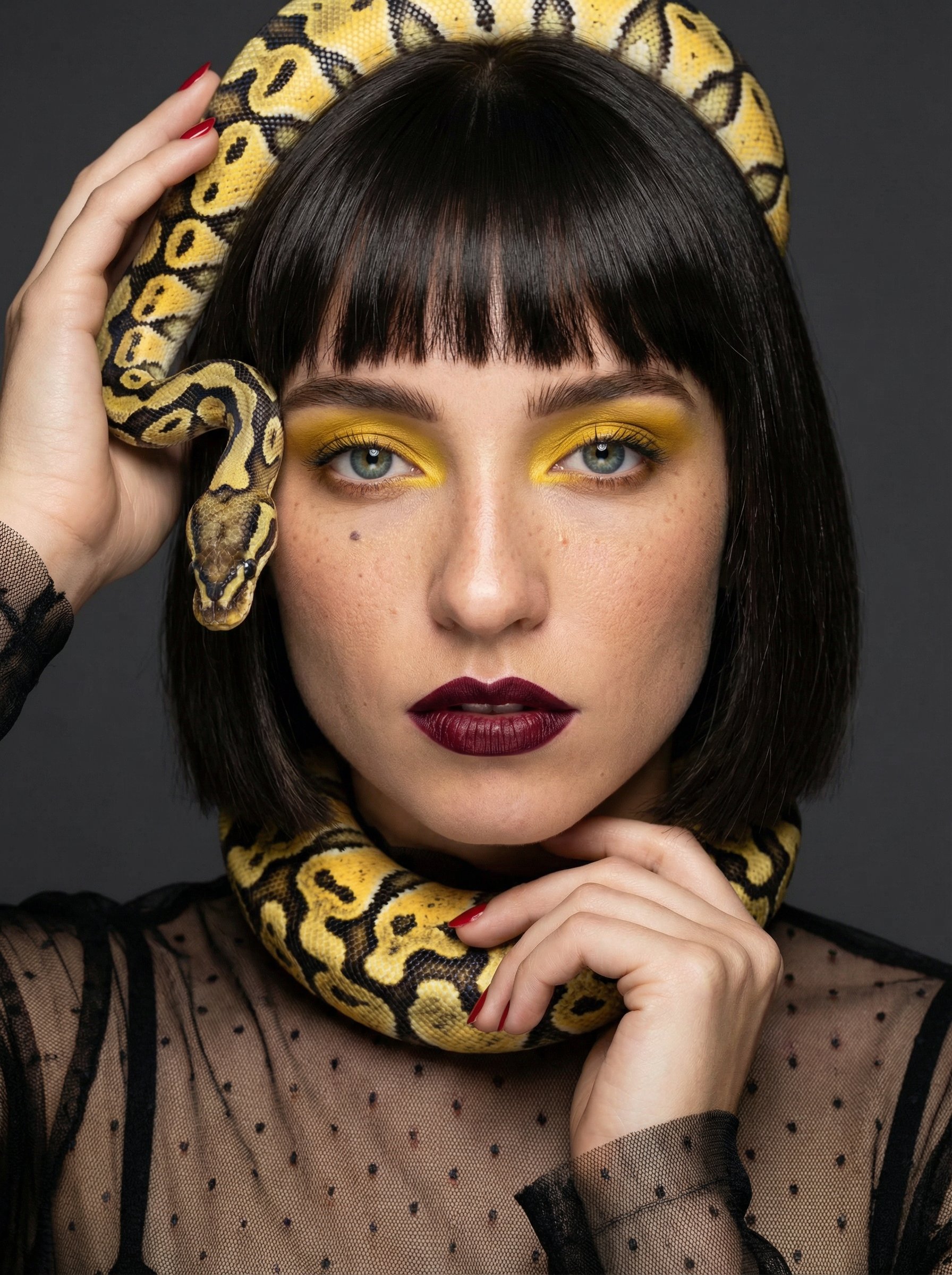
Snake Couture Fantasy Portrait
Snake Couture Fantasy Portrait creates a cinematic character concept with stronger costume, atmosphere, and story cues.
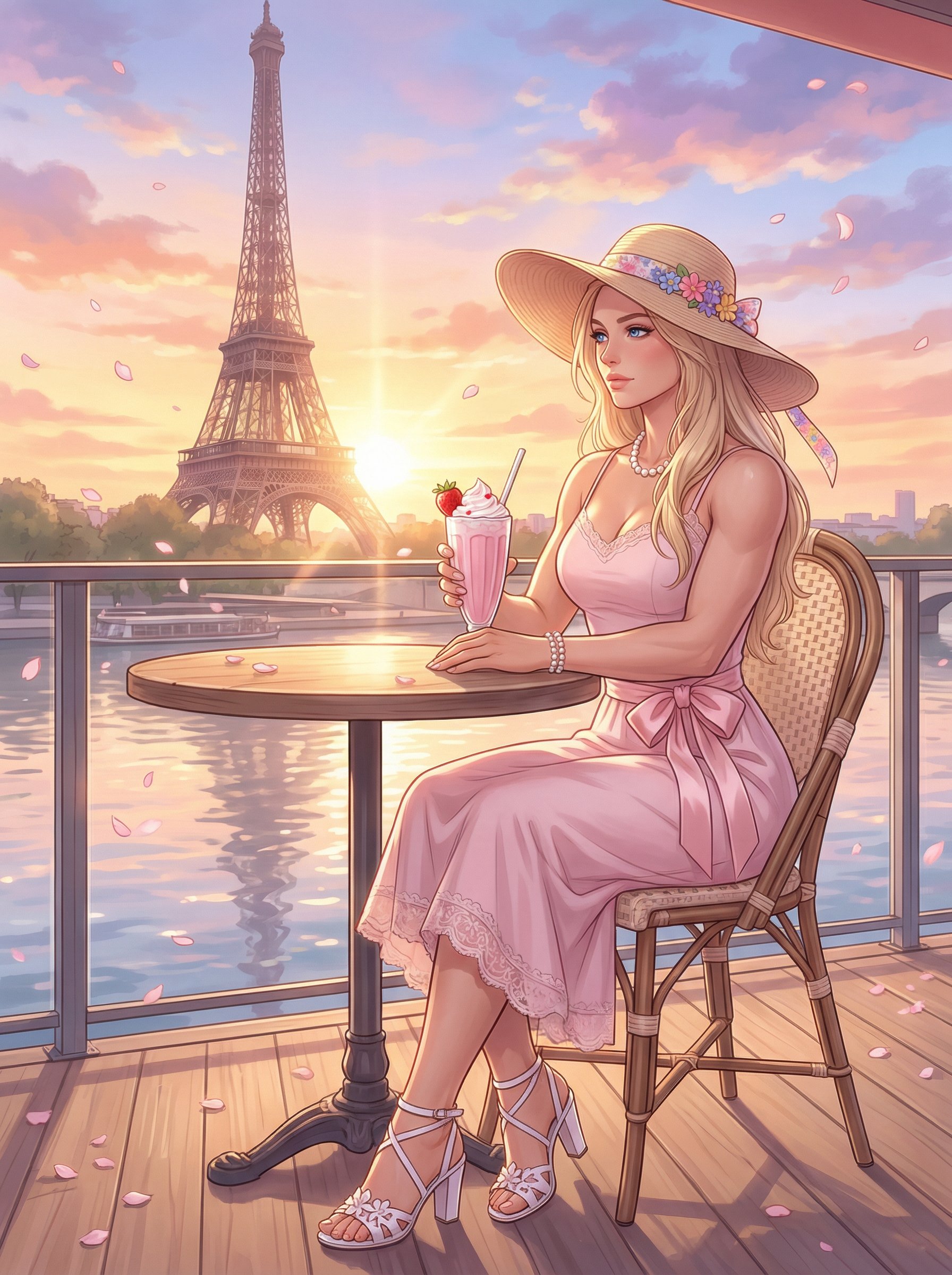
Paris Cafe Sunset Anime Illustration
Paris Cafe Sunset Anime Illustration uses a stylized art direction for portraits, avatars, posters, and expressive personal visuals.

Frozen princess portrait
Frozen princess portrait creates a cinematic character concept with stronger costume, atmosphere, and story cues.
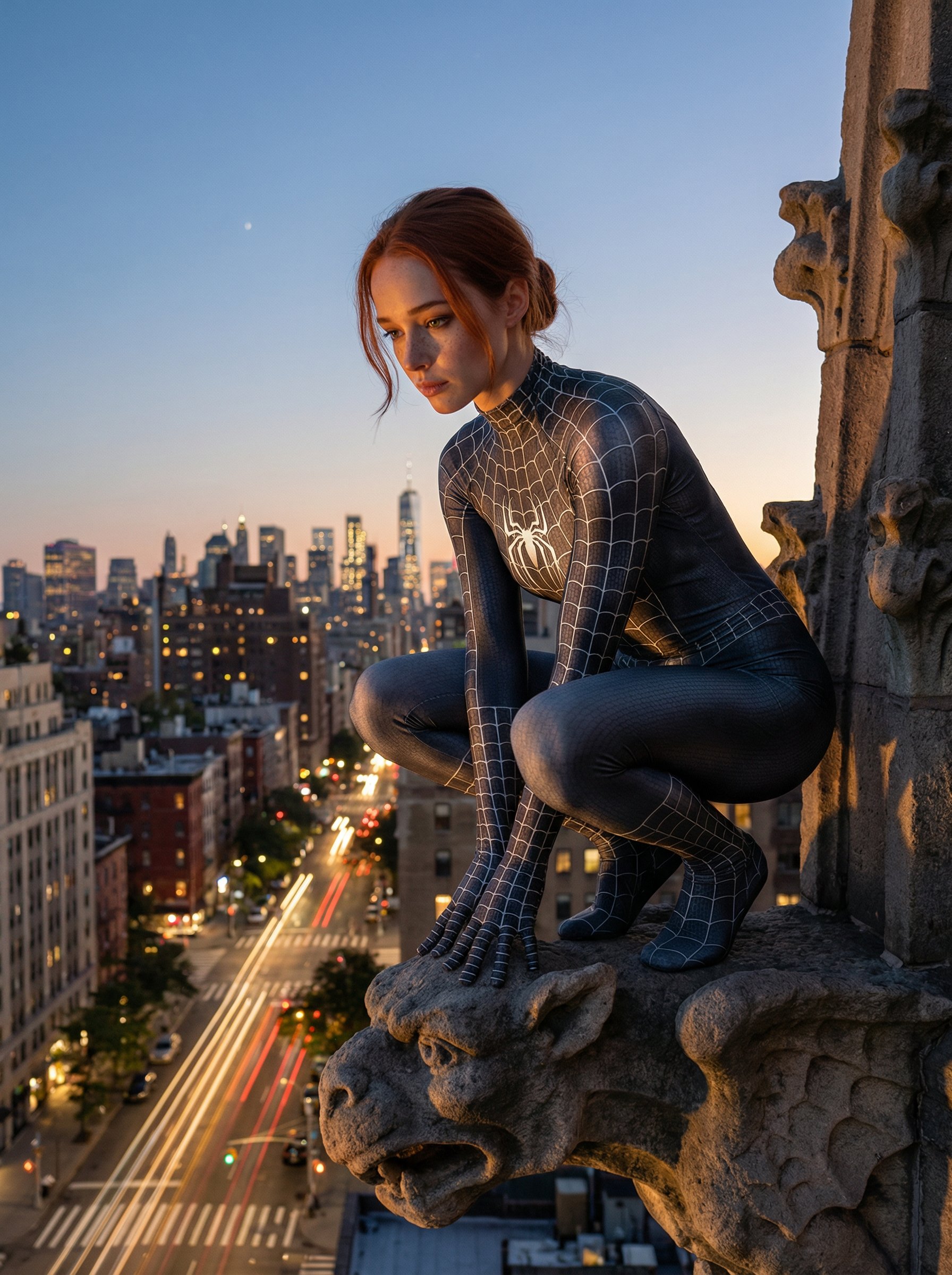
Spider-Woman gargoyle vigil
Spider-Woman gargoyle vigil creates a cinematic character concept with stronger costume, atmosphere, and story cues.
Make it yours
Create with this recipe.
Open this recipe in the generator and add your details.
Generate a photo like this