3D chess piece
Turn a portrait into a marble-and-gold collectible chess piece.
Generate a photo like thisExplore the prompt- Recommended Workflows
- Seedream 4.5
- Reference Images Required
- 1 image
01 / The recipe
Prompt variants
Use these as short alternate directions for 3D chess piece; each variant keeps the recipe recognizable while pushing a different outcome.
A hyper-detailed 3D render of a collectible chess piece designed as the subject from the provided reference image. The figure is sculpted in polished marble and gold accents, with a stylized base resembling a classic chess piece. The character’s iconic features, clothing, or accessories are faithfully captured in a simplified but instantly recognizable form. Studio lighting with soft reflections, dramatic shadows, photorealistic textures, cinematic presentation. Centered on a clean neutral background, 3:2 aspect ratio.
02 / Make it yours
A little direction goes a long way.
Create a 3D chess piece with a cinematic character treatment with costume, atmosphere, and story-driven mood. Start from the reference image so the subject, source structure, or key visual details stay anchored while the style changes. This recipe is useful for character portraits, roleplay concepts, story references, posters, and cinematic campaign visuals.
Best for / not ideal for
Use this section to decide whether 3D chess piece is the right recipe before spending credits on variations.
Best for
- 3D chess piece concepts where the example image is close to the result you want.
- Visual directions built around a cinematic character concept with clear costume, mood, and story cues.
- Compositions that benefit from a story-rich environment that supports the character without overwhelming them.
- Fast testing with Seedream 4.5 in the recipe default canvas.
Not ideal for
- Tasks where the prompt direction is unrelated to the example style.
- Strict documentation, compliance images, or untouched source-photo cleanup.
- Final assets that need exact text, measured layouts, or production typography.
- Projects where a different recipe already matches the target look more closely.
How to adapt the prompt
Keep the core idea of 3D chess piece, then change the details that control identity, style, color, background, and framing.
Subject and likeness
Style intensity
Color palette
Background simplicity
Composition and crop
Common fixes
If 3D chess piece is close but not usable yet, make one of these targeted prompt edits before changing everything.
Subject drift
Too busy or chaotic
Colors overpower the subject
Image feels flat
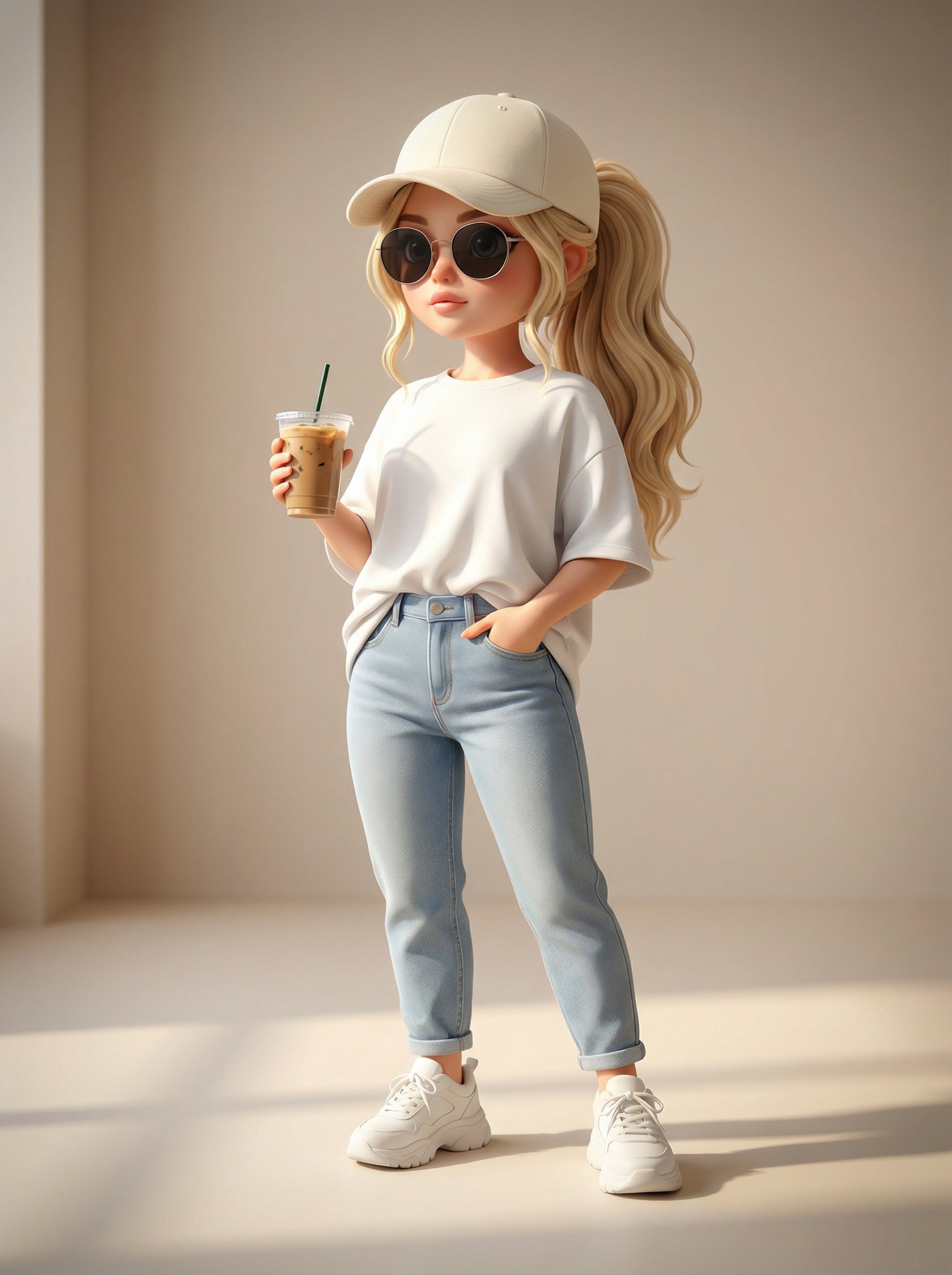
Tiny Streetwear Icon Chibi
Tiny Streetwear Icon Chibi creates a cinematic character concept with stronger costume, atmosphere, and story cues.
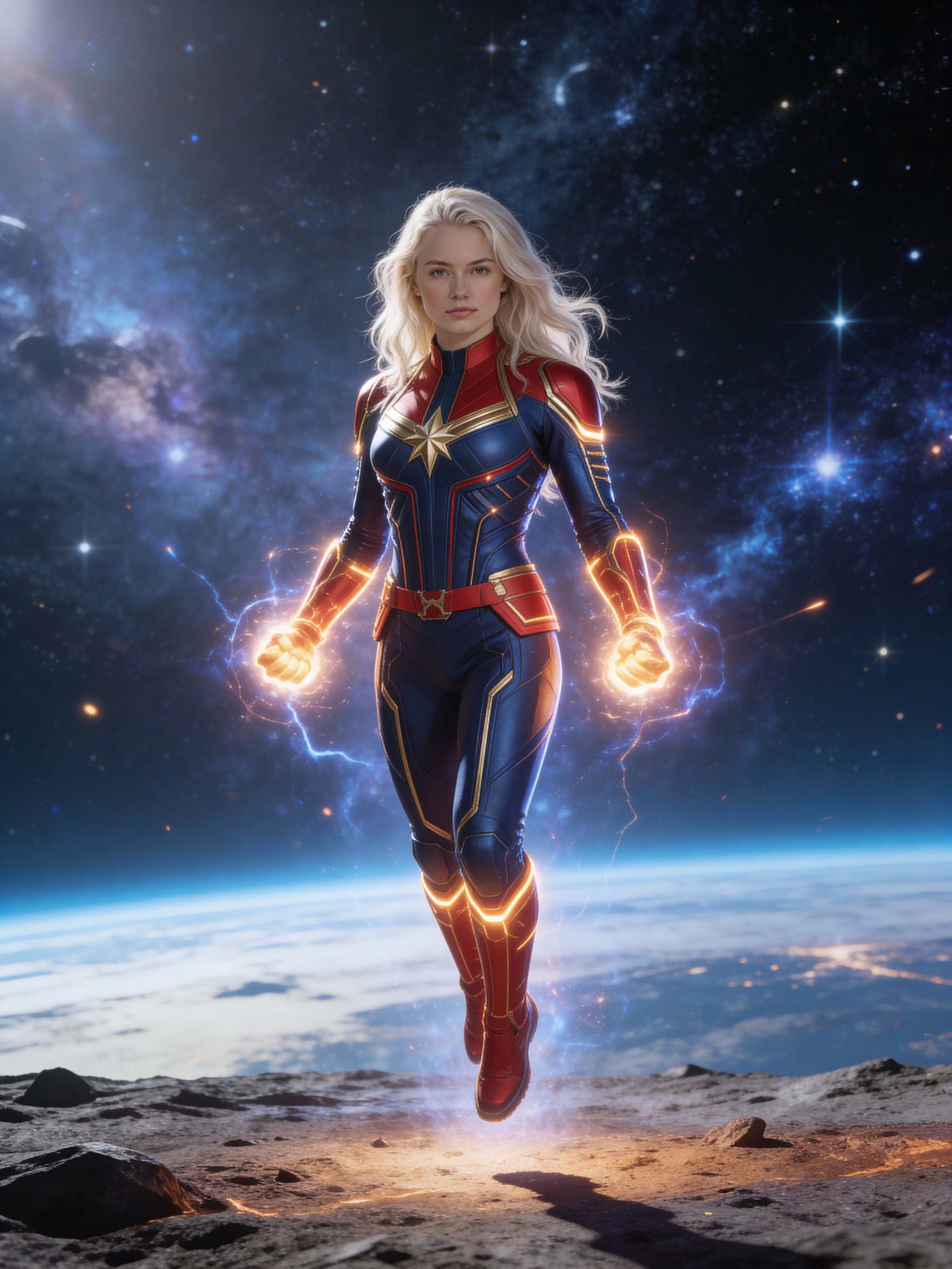
Captain Marvel cosmic portrait
Captain Marvel cosmic portrait creates a cinematic character concept with stronger costume, atmosphere, and story cues.
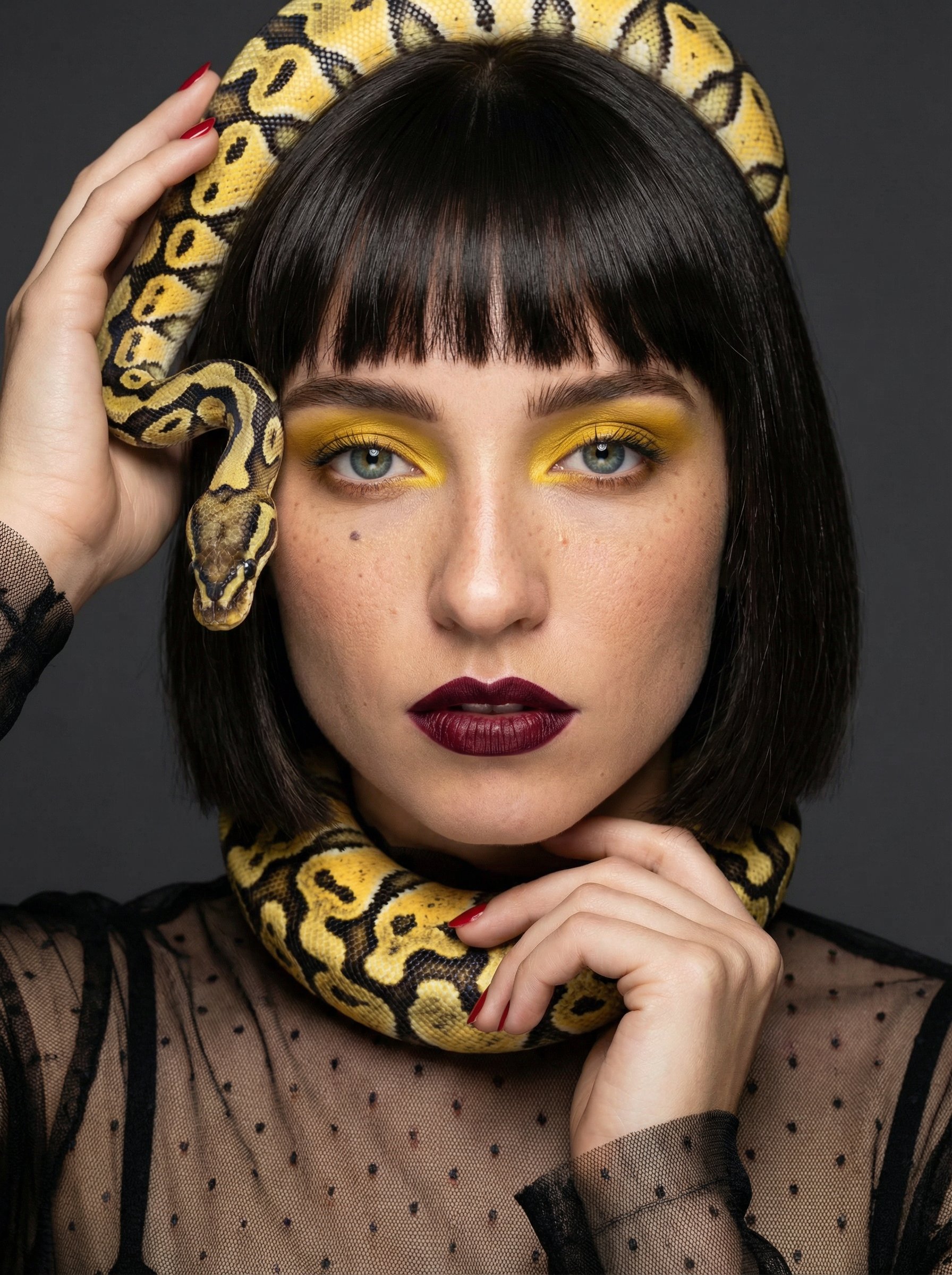
Snake Couture Fantasy Portrait
Snake Couture Fantasy Portrait creates a cinematic character concept with stronger costume, atmosphere, and story cues.
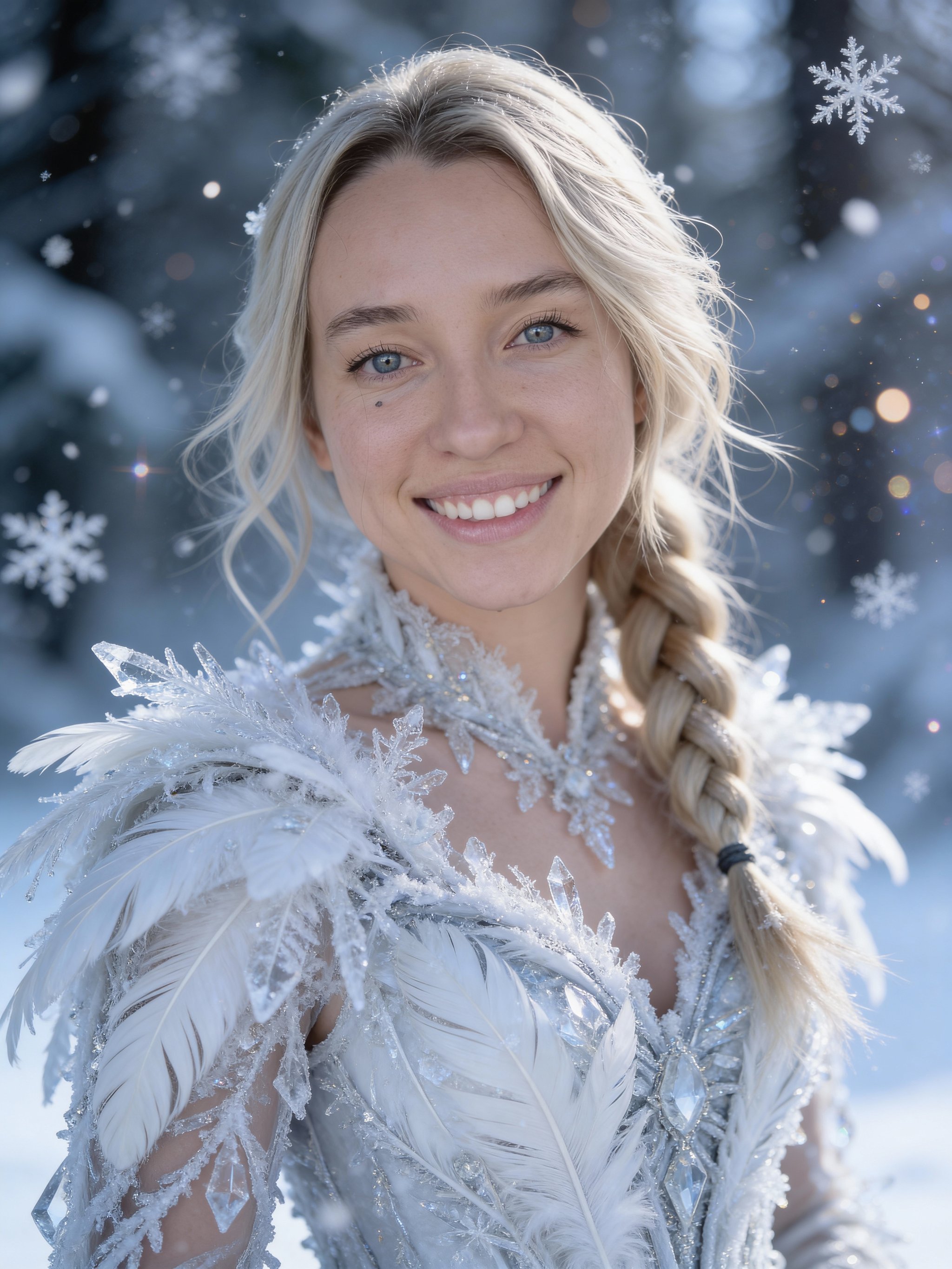
Frozen princess portrait
Frozen princess portrait creates a cinematic character concept with stronger costume, atmosphere, and story cues.
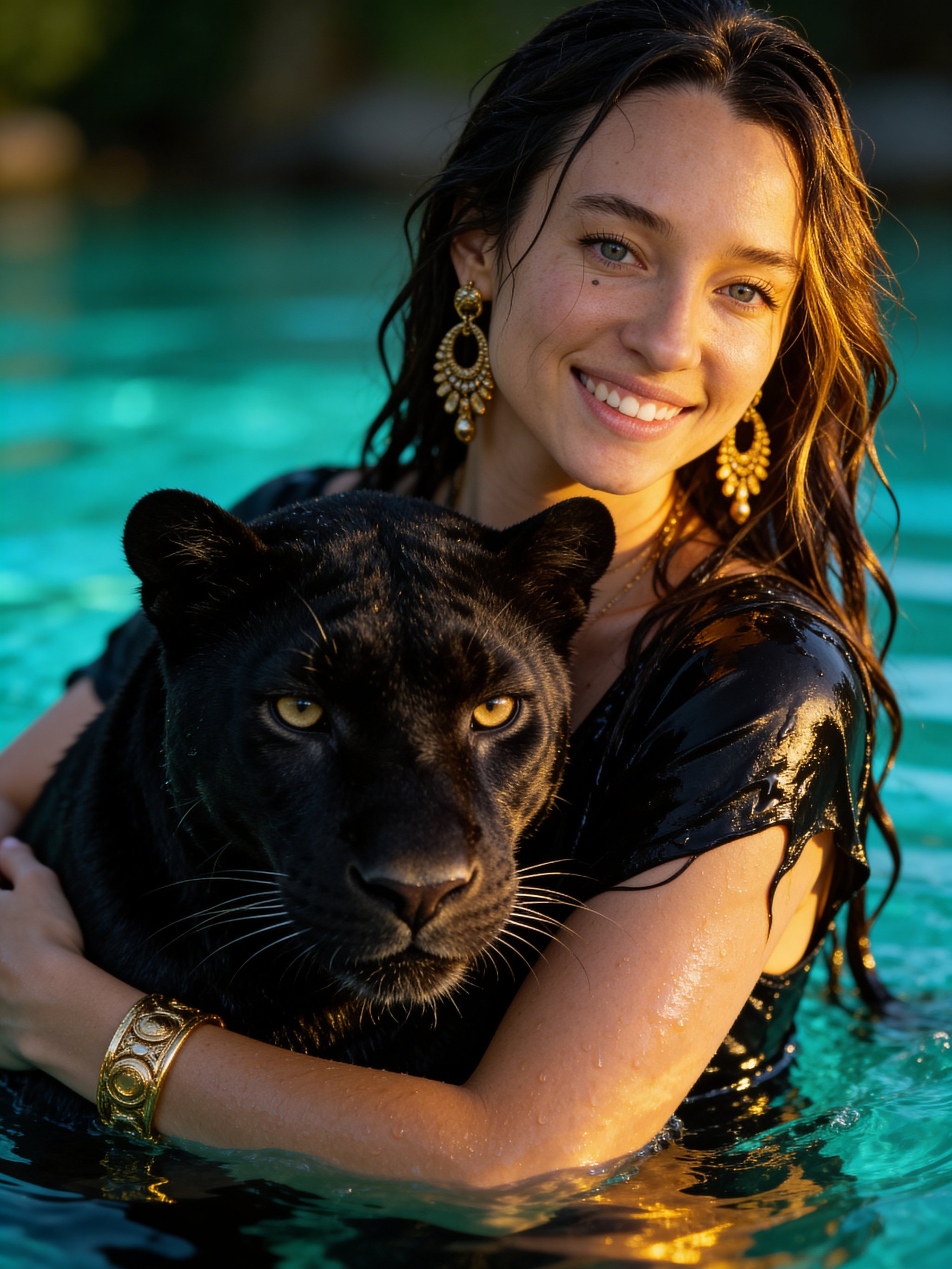
Panther Water Fantasy Portrait
Panther Water Fantasy Portrait creates a cinematic character concept with stronger costume, atmosphere, and story cues.
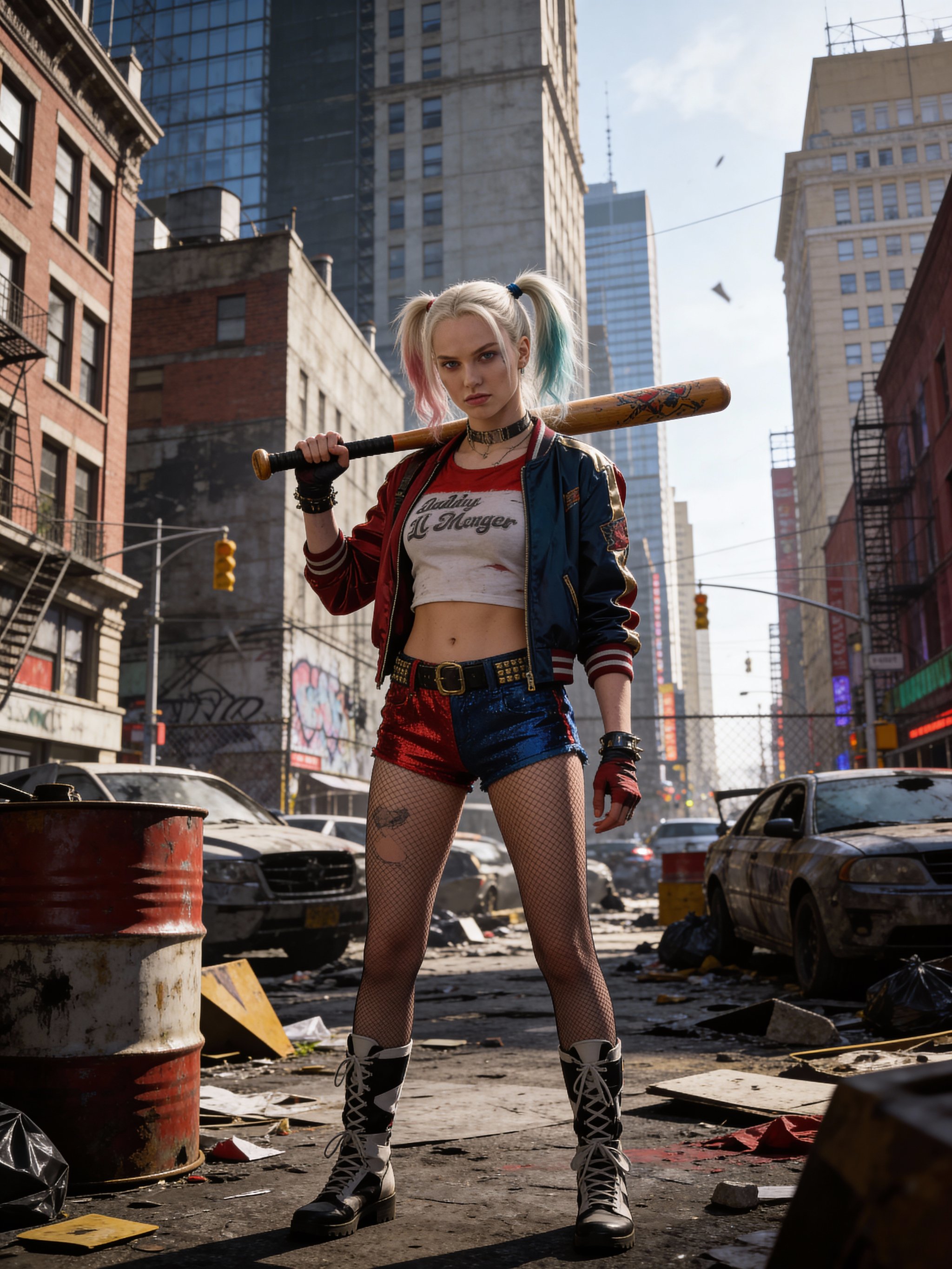
Harley Quinn cosplay portrait
Harley Quinn cosplay portrait creates a cinematic character concept with stronger costume, atmosphere, and story cues.
Make it yours
Create with this recipe.
Open this recipe in the generator and add your details.
Generate a photo like this