Stylized illustration portrait
A high-detail illustrated portrait with bold color and linework.
Generate a photo like thisExplore the prompt- Recommended Workflows
- Gemini 3 Pro Image, GPT Image 1.5, Seedream 4.5
- Recommended Aspect Ratio
- 3:4
- Reference Images Required
- 1 image
01 / The recipe
Prompt variants
Use these as short alternate directions for Stylized illustration portrait; each variant keeps the recipe recognizable while pushing a different outcome.
Transform the reference image into a high-detail stylized illustration with preserved likeness and playful exaggeration. Output must be Ultra HD, print-ready digital artwork with layered, blended stylistic influences. Primary Style Direction Playful caricature form with personality-led distortions Expressive proportions while maintaining recognizable facial features Lively, energetic, fun emotional tone Line & Ink Treatment Organic, hand-drawn ink lines with strong expressive contours Crisp, confident outlines with enhanced edge clarity Modern comic illustration feel Color & Shading Bold, high-saturation color palette Flat cel-shaded fills with minimal blending Hard-edged, high-contrast shadows Light cross-hatching and gesture strokes where appropriate Vibrant illustration-grade color tuning Animation & Cartoon Influence Kodomo-style anime influence with smooth, rounded shapes Bright, solid tones and cheerful, light-hearted mood Classic slapstick cartoon energy with elastic squash-and-stretch poses Over-the-top, animated facial expressions and high-motion exaggeration Composition & Scene Centered character focus Clean white minimalist background Noise-free, studio-clean presentation Subtle illustrative motion accents (kinetic lines, energy marks) Final Output Goals Ultra-sharp linework Vector- and animation-ready aesthetic Modern, polished, expressive character illustration 4K, 3:4 aspect ratio.
02 / Make it yours
A little direction goes a long way.
Create a Stylized illustration portrait with a cinematic character treatment with costume, atmosphere, and story-driven mood. Start from the reference image so the subject, source structure, or key visual details stay anchored while the style changes. This recipe is useful for character portraits, roleplay concepts, story references, posters, and cinematic campaign visuals.
Best for / not ideal for
Use this section to decide whether Stylized illustration portrait is the right recipe before spending credits on variations.
Best for
- Stylized illustration portrait concepts where the example image is close to the result you want.
- Visual directions built around a cinematic character concept with clear costume, mood, and story cues.
- Compositions that benefit from a story-rich environment that supports the character without overwhelming them.
- Fast testing with Gemini 3 Pro Image, GPT Image 1.5, and Seedream 4.5 in 3:4.
Not ideal for
- Neutral photorealistic portraits with minimal visible styling.
- Technical diagrams, product packshots, or plain background documentation.
- Projects where every line must follow brand guidelines exactly.
- Subtle face cleanup that should still look like an untouched camera photo.
How to adapt the prompt
Keep the core idea of Stylized illustration portrait, then change the details that control identity, style, color, background, and framing.
Subject and likeness
Style intensity
Color palette
Background simplicity
Composition and crop
Common fixes
If Stylized illustration portrait is close but not usable yet, make one of these targeted prompt edits before changing everything.
Subject drift
Too busy or chaotic
Colors overpower the subject
Image feels flat
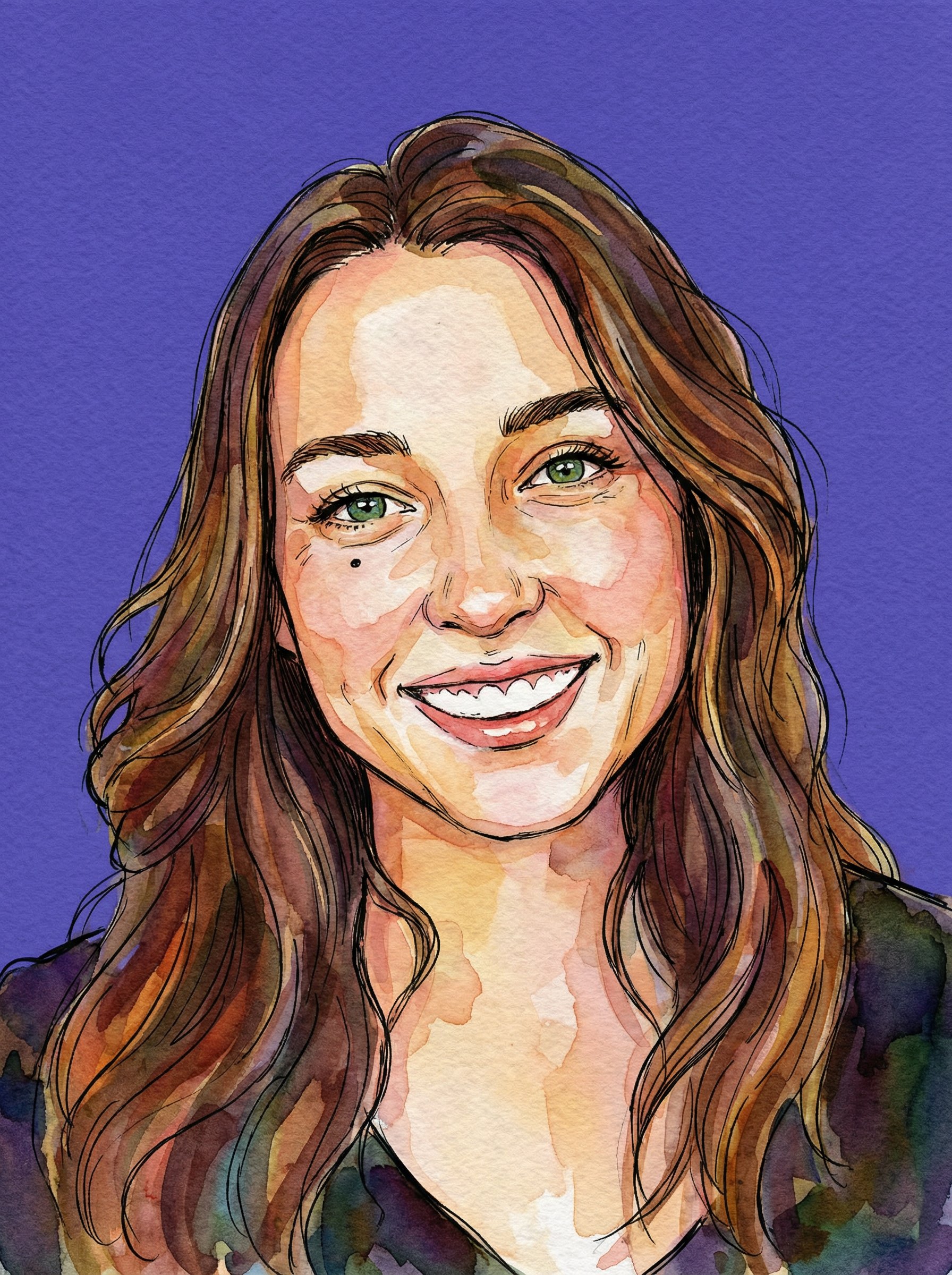
Watercolor Ink Purple Backdrop Portrait
Watercolor Ink Purple Backdrop Portrait uses a stylized art direction for portraits, avatars, posters, and expressive personal visuals.
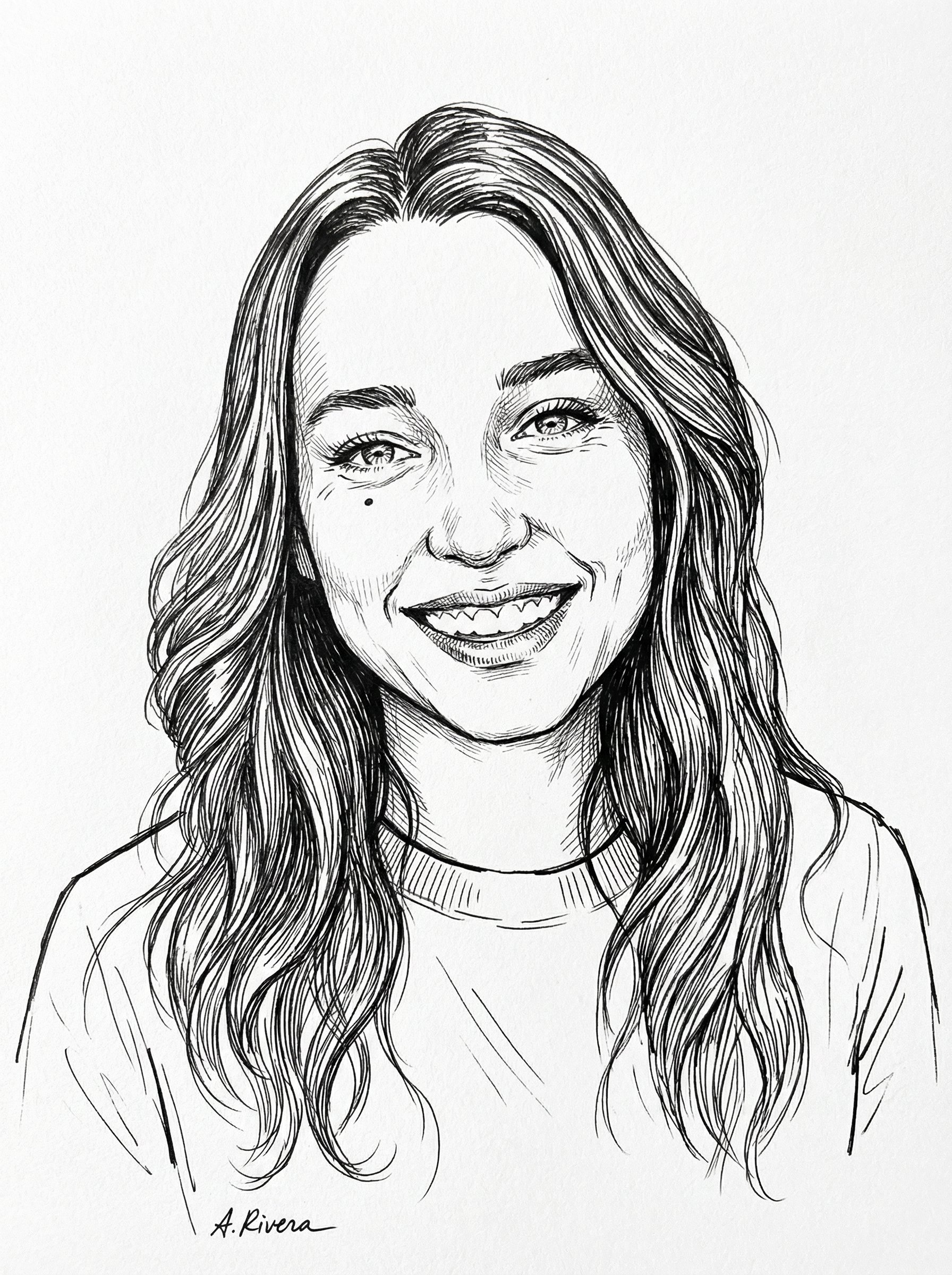
Black Ink Sketch Portrait
Black Ink Sketch Portrait uses a stylized art direction for portraits, avatars, posters, and expressive personal visuals.
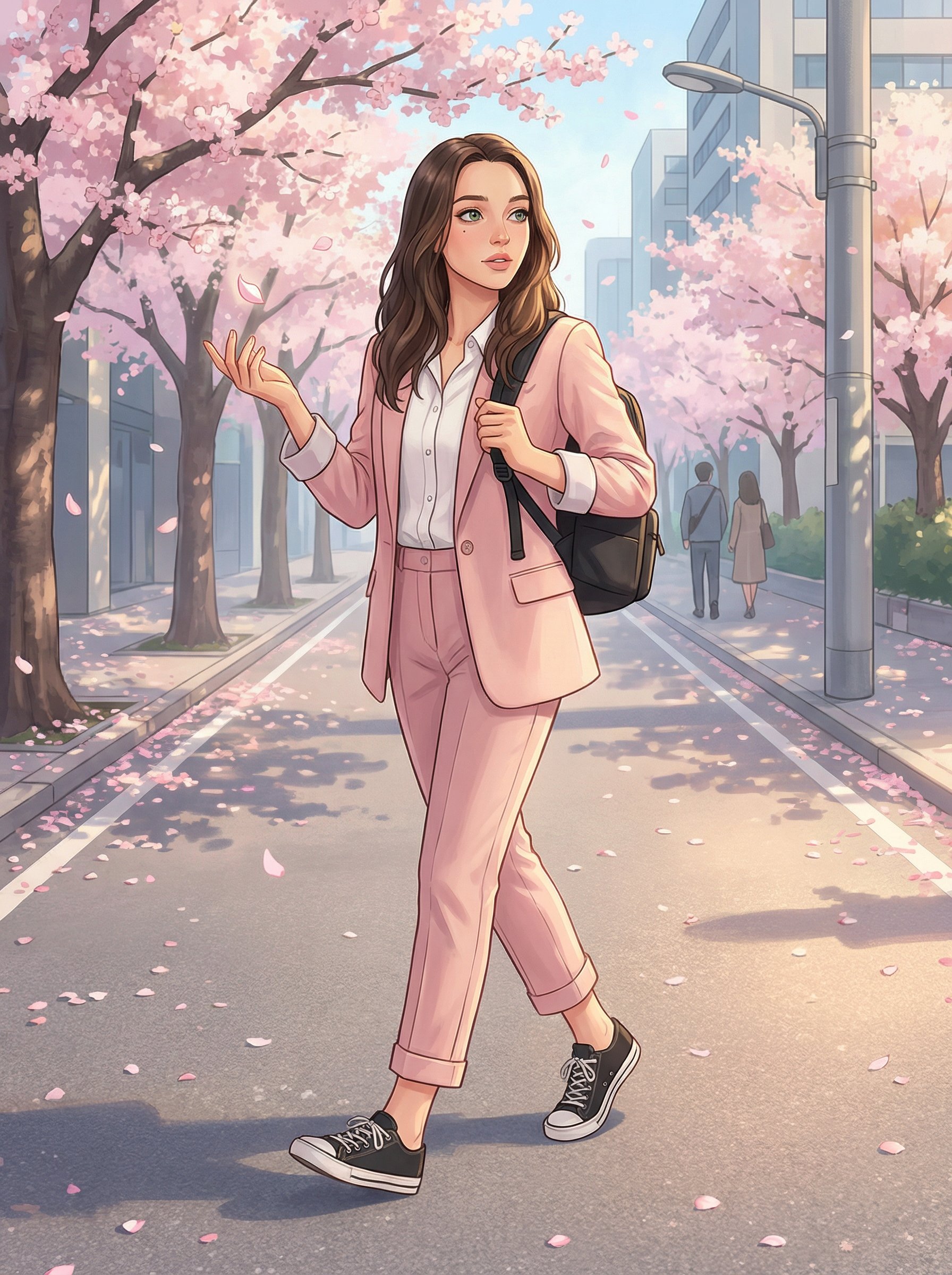
Cherry Blossom Anime Street Illustration
Cherry Blossom Anime Street Illustration uses a stylized art direction for portraits, avatars, posters, and expressive personal visuals.
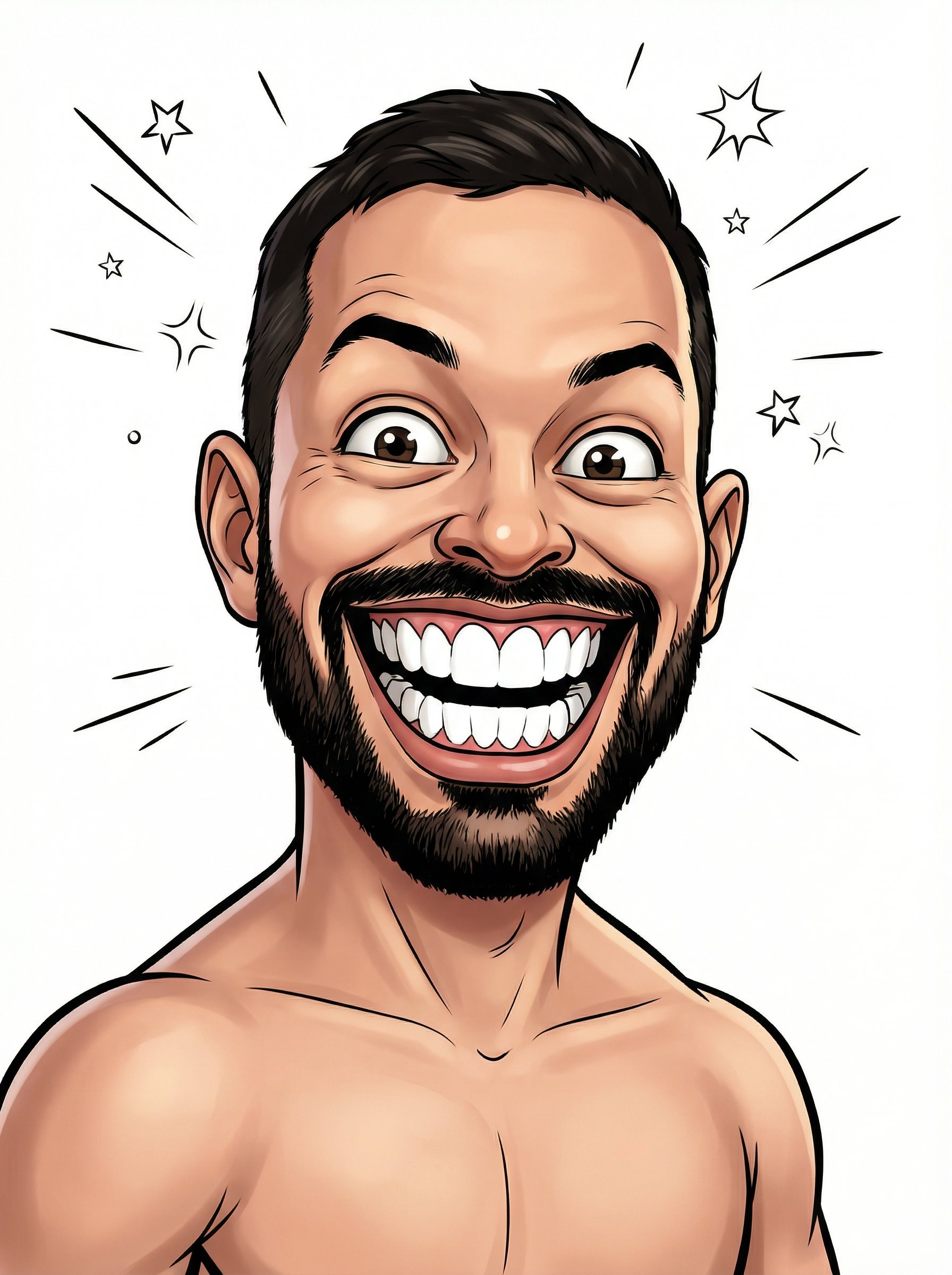
Shirtless Comic Caricature Portrait
Shirtless Comic Caricature Portrait uses a stylized art direction for portraits, avatars, posters, and expressive personal visuals.
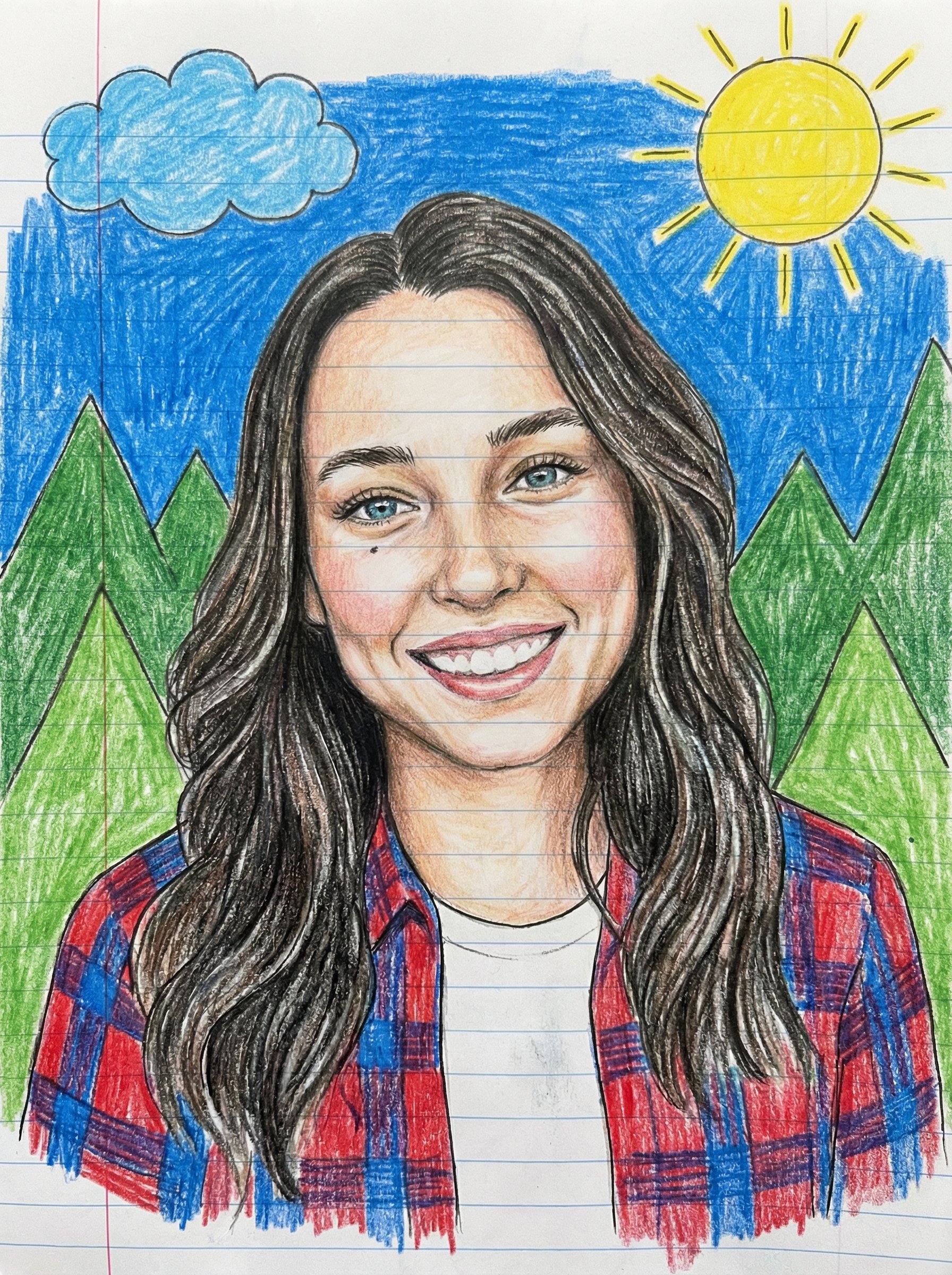
Childlike Colored Pencil Portrait
Childlike Colored Pencil Portrait uses a stylized art direction for portraits, avatars, posters, and expressive personal visuals.
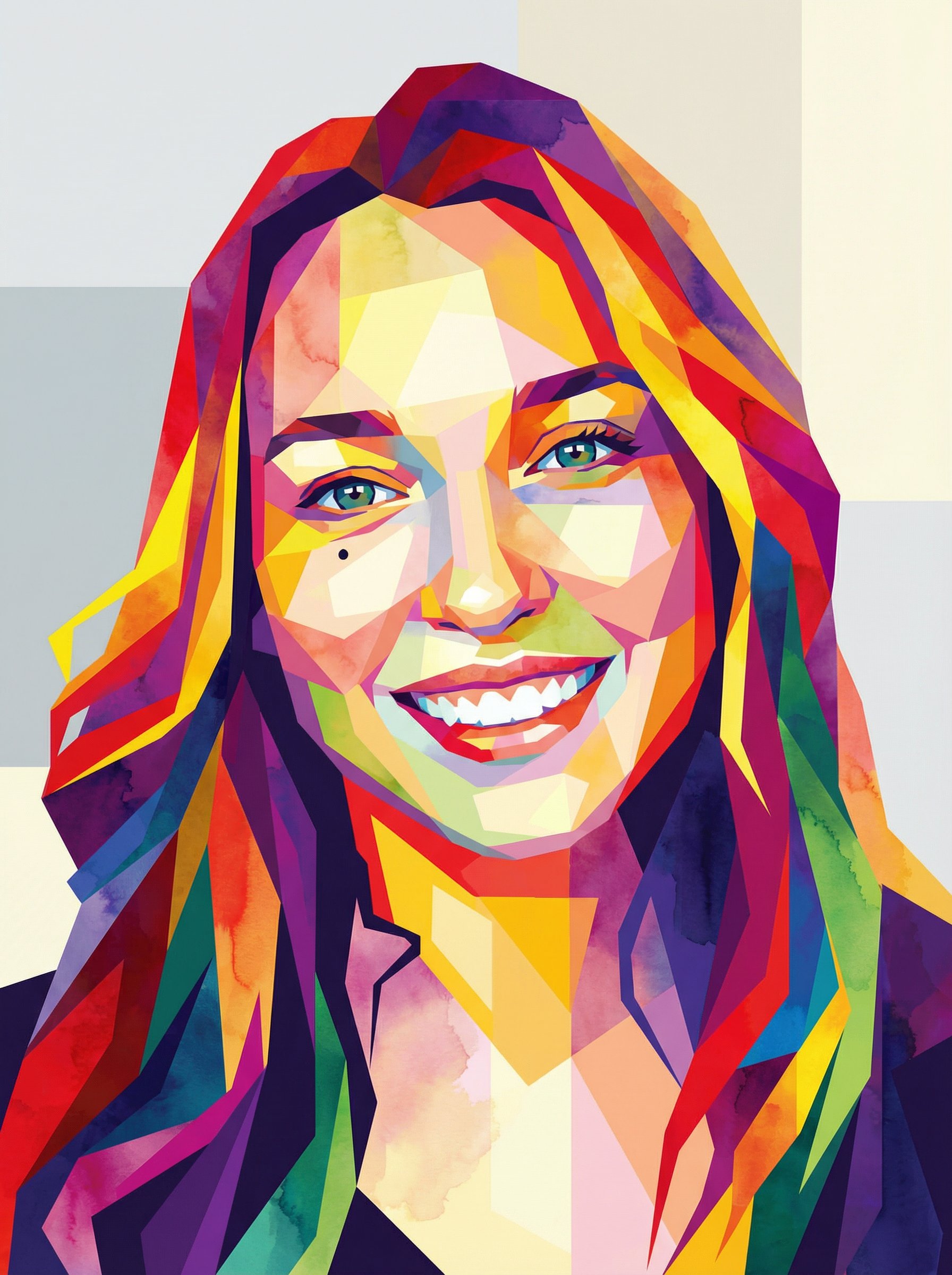
Abstract Geometric Polygon Portrait
Abstract Geometric Polygon Portrait uses a stylized art direction for portraits, avatars, posters, and expressive personal visuals.
Make it yours
Create with this recipe.
Open this recipe in the generator and add your details.
Generate a photo like this