Agents moving fast on new listings
Polish a full listing set on MLS deadlines without changing the actual room layout, furniture placement, or exterior truth buyers will see in person.
Work on exposure, color and straight lines in your existing property photos. Keep the edit grounded in the real space.
Review every result for changes to layout, fixtures or condition before publishing.
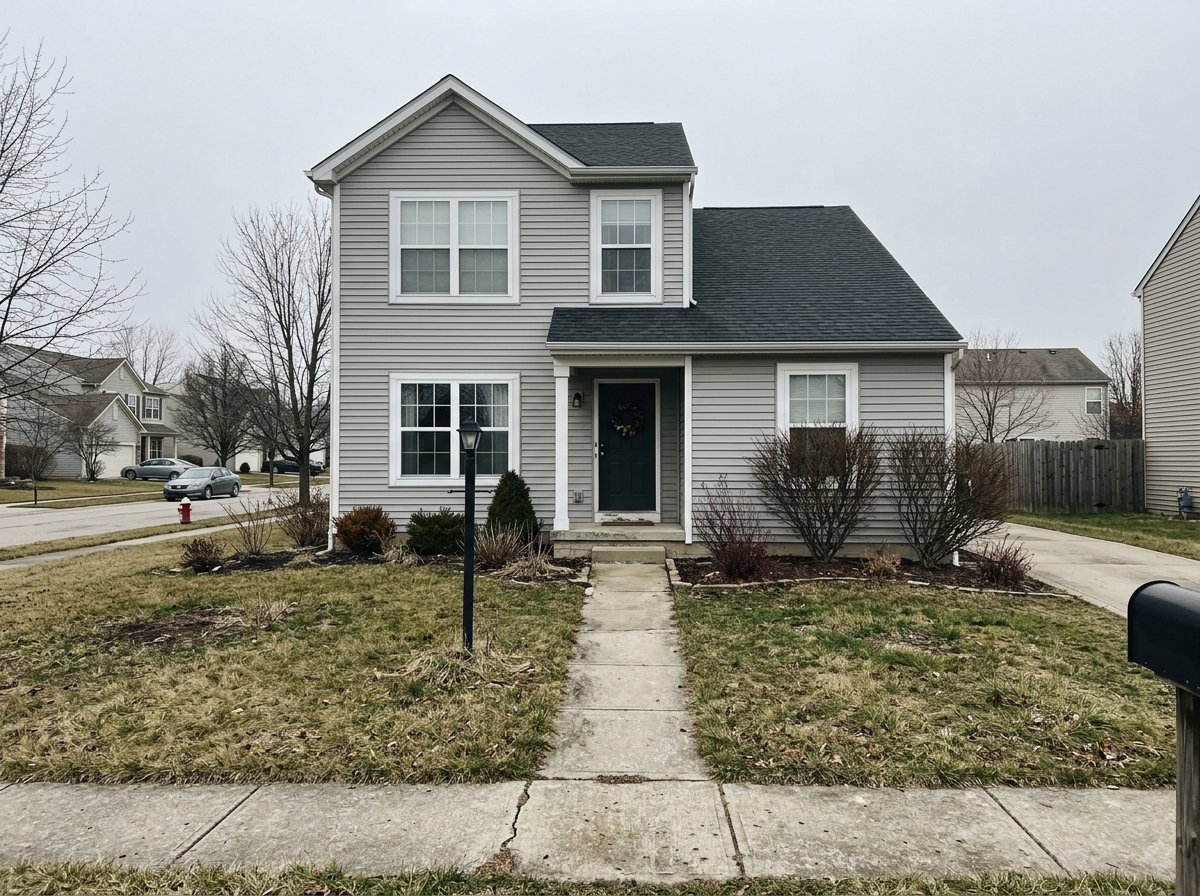
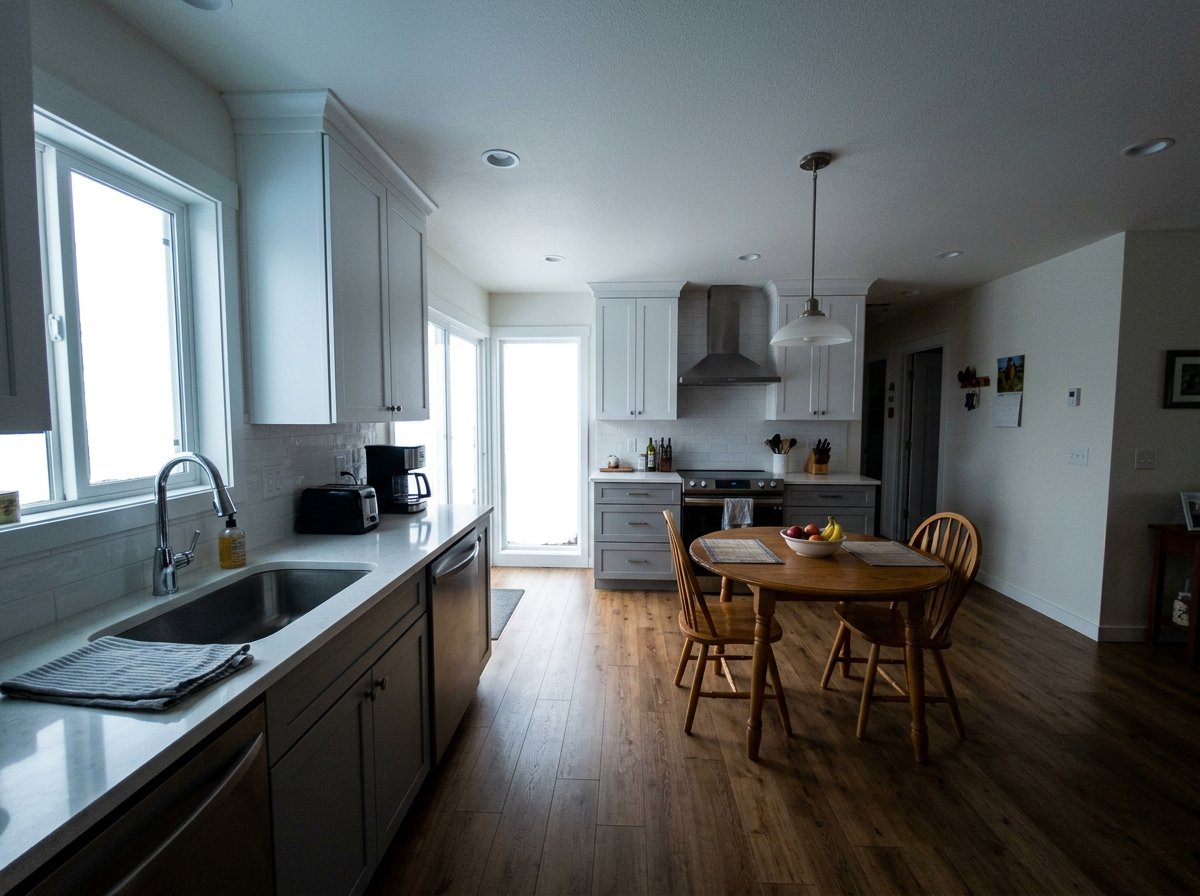
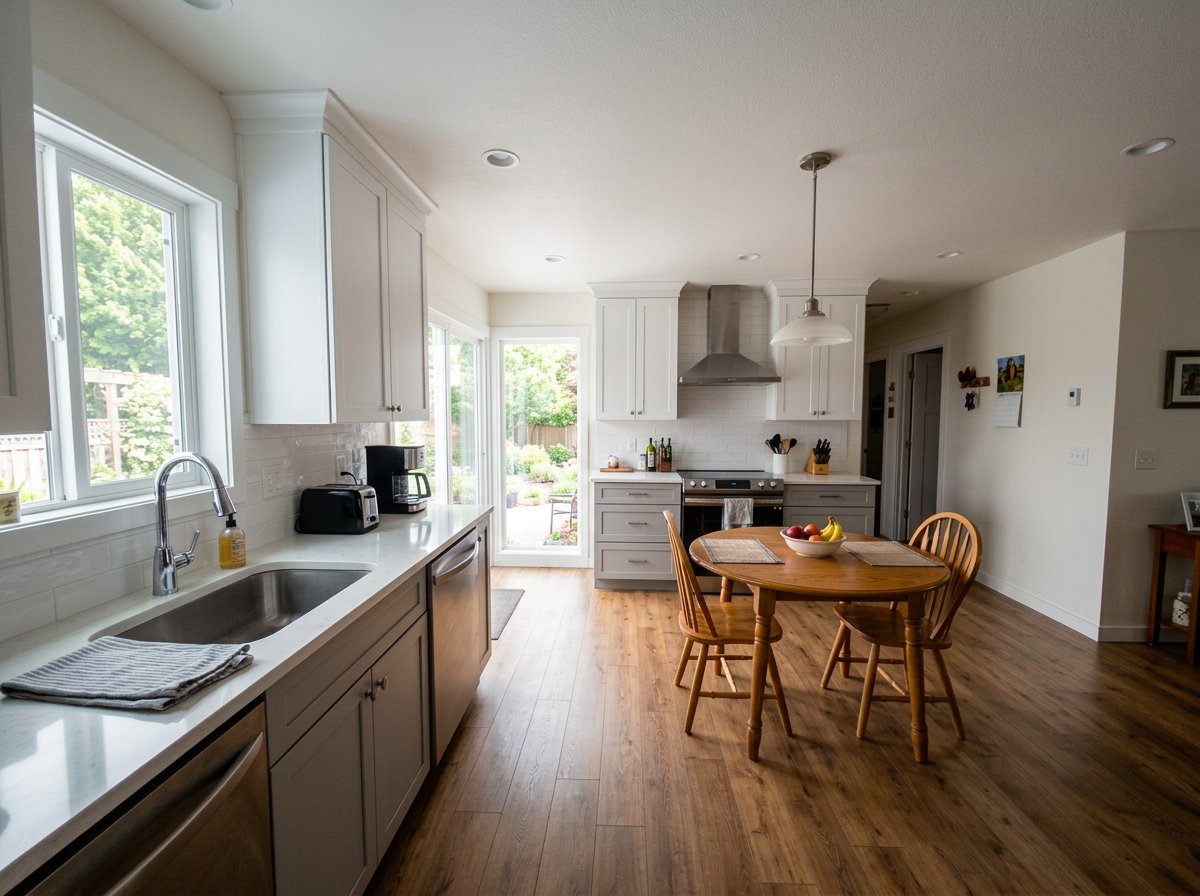
Source and edited photo
Call out preserved layout, honest verticals, improved white balance, cleaner shadows, and minor cleanup. Avoid prompts that add furniture, remove major furniture, reshape rooms, or alter the structure.
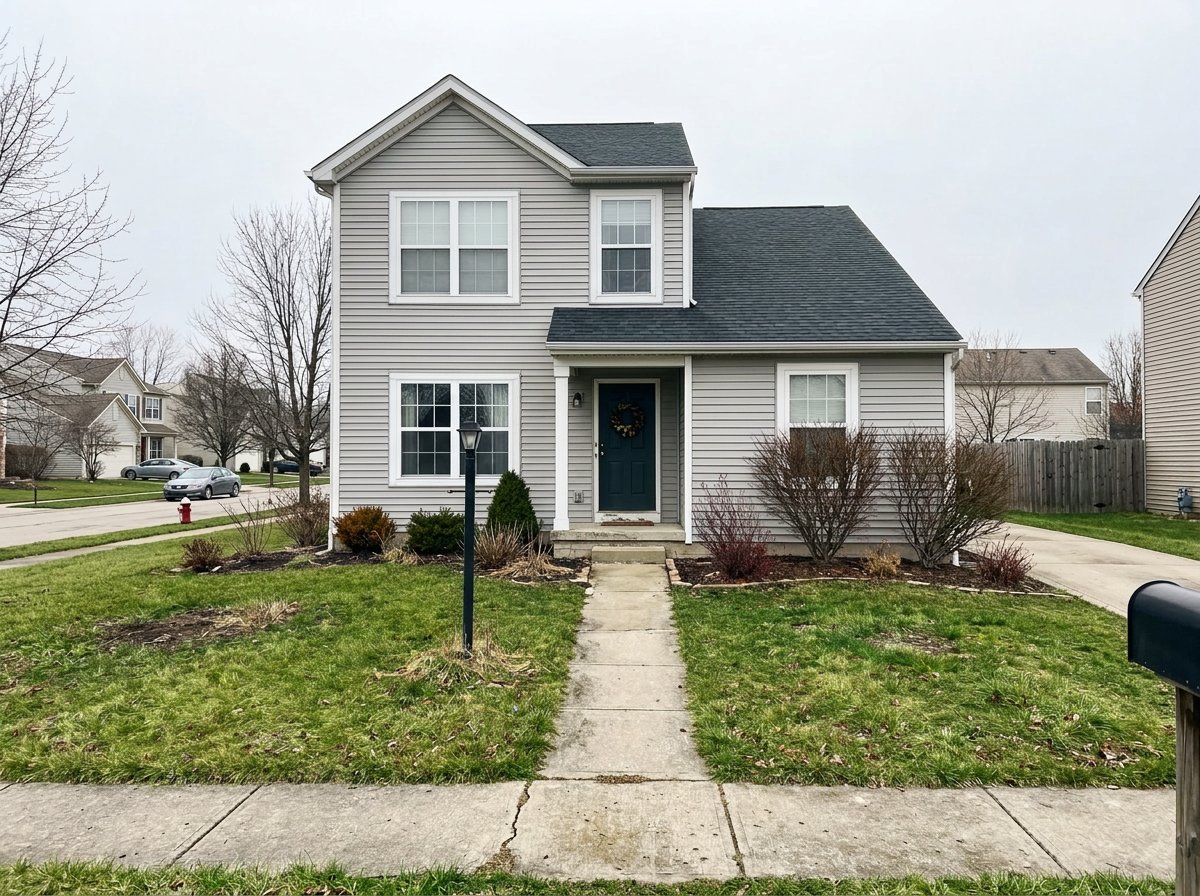
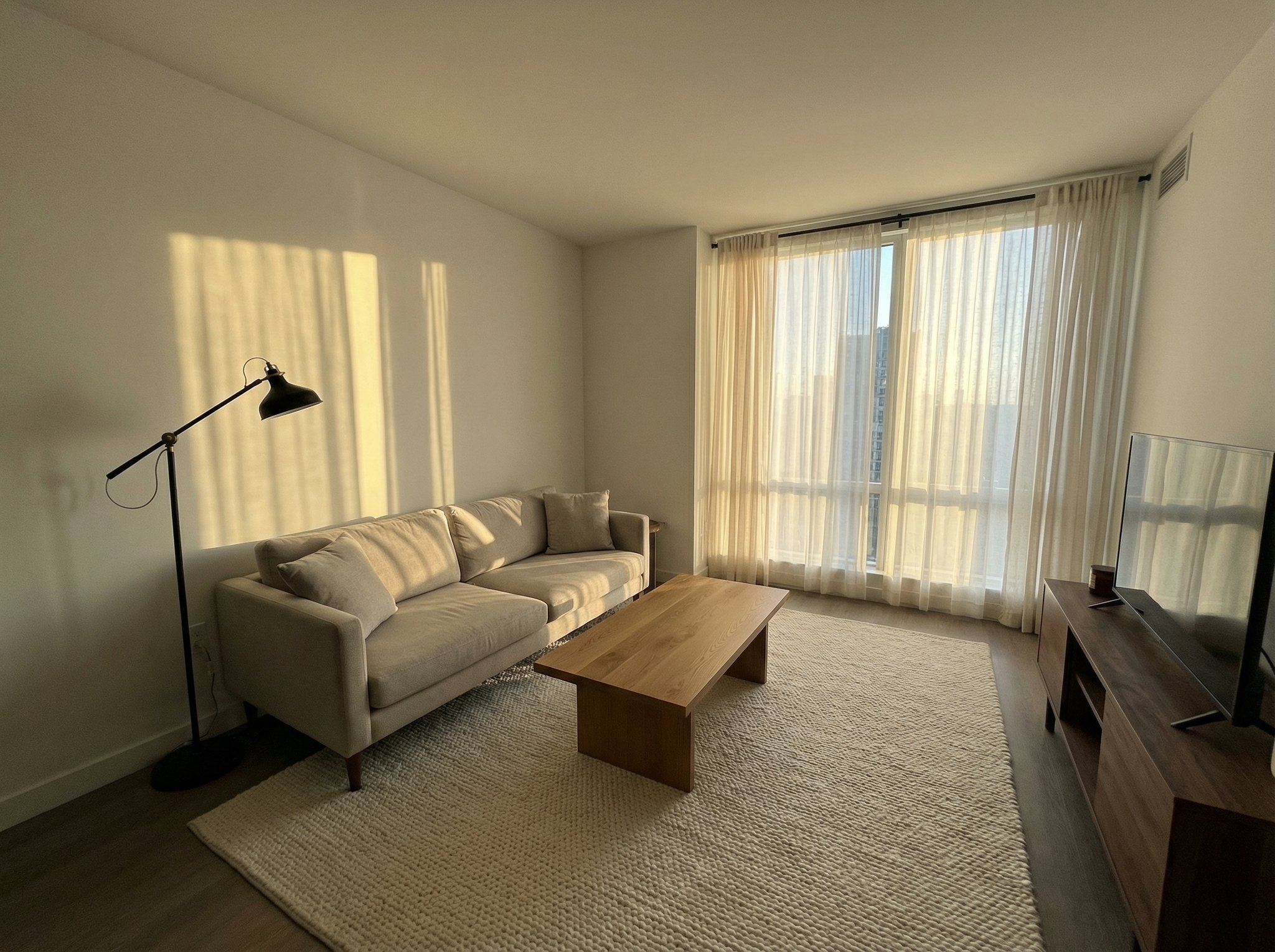
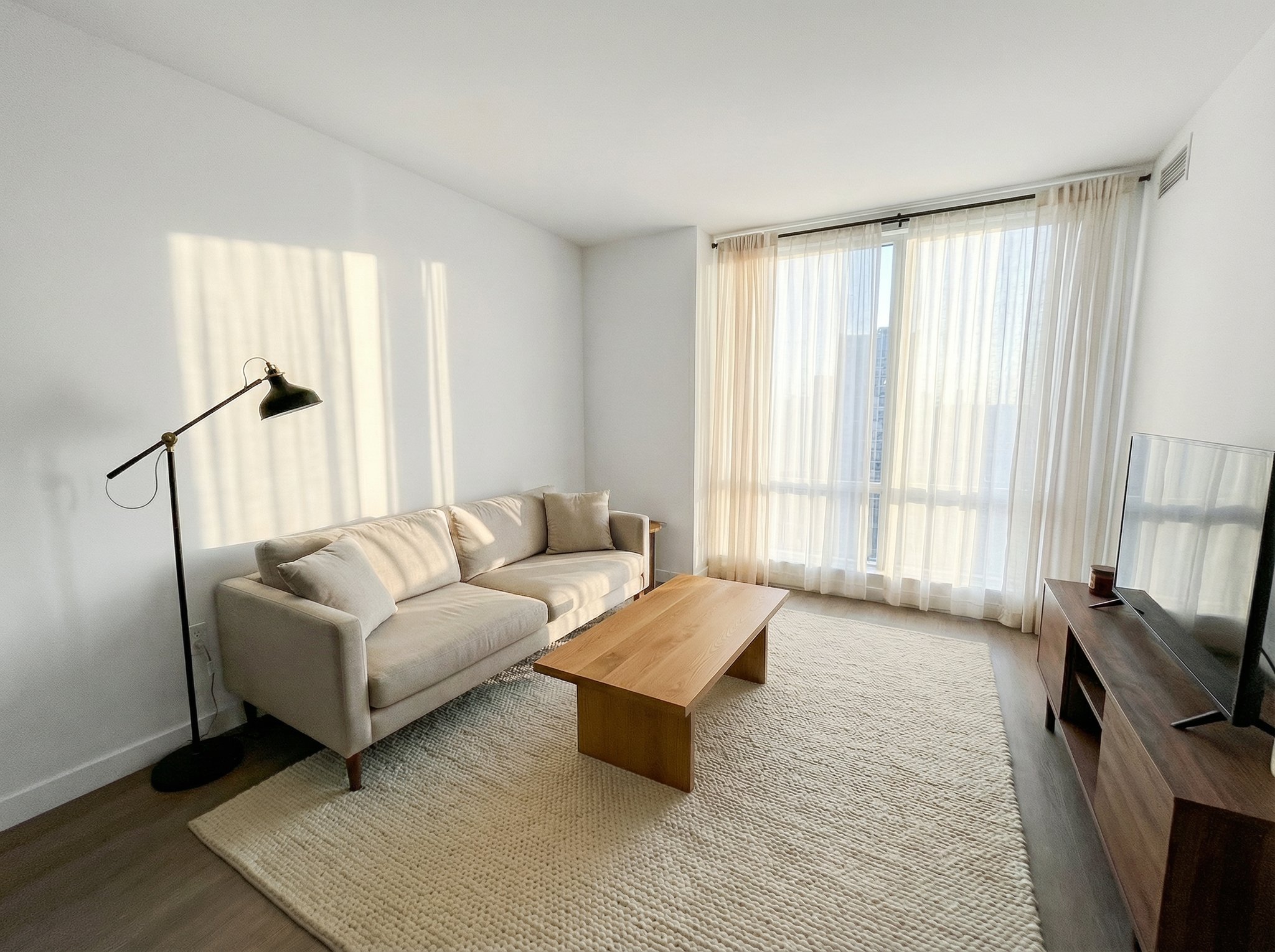
Source and edited photo
Compare exposure, white balance and vertical lines. Reject edits that change the property or hide its condition.
Keep the property. Fix the photo quality.
Call out preserved layout, honest verticals, improved white balance, cleaner shadows, and minor cleanup. Avoid prompts that add furniture, remove major furniture, reshape rooms, or alter the structure.
Best for
Real estate photo enhancement works best when the property itself is already presentable and the job is to make listing photos cleaner, more consistent, and more trustworthy before they go live.
Polish a full listing set on MLS deadlines without changing the actual room layout, furniture placement, or exterior truth buyers will see in person.
Use it for the final delivery pass when white balance, vertical correction, window balance, and cleaner shadows matter more than stylized retouching.
Make agent-shot, phone-shot, and pro-shot listing images feel more consistent across a property set without drifting into misleading edits.
How it works
This use case is a preservation-first edit, not virtual staging. The key instruction is to improve presentation while keeping the real architecture, room layout, and furniture arrangement intact.
Pick your best angle of the room or exterior, even if the lighting, exposure, or straightness are not great yet.
Ask for better exposure, white balance, clarity, vertical alignment, and minor cleanup while explicitly preserving the real architecture and layout.
Once the enhancement pass looks right, use the image upscaler to deliver a sharper export for listing platforms, brochures, or paid media.
Supporting examples
These examples show the kinds of interior and exterior scenes where gentle enhancement can make a listing look more professional without changing the space itself.
Example 01
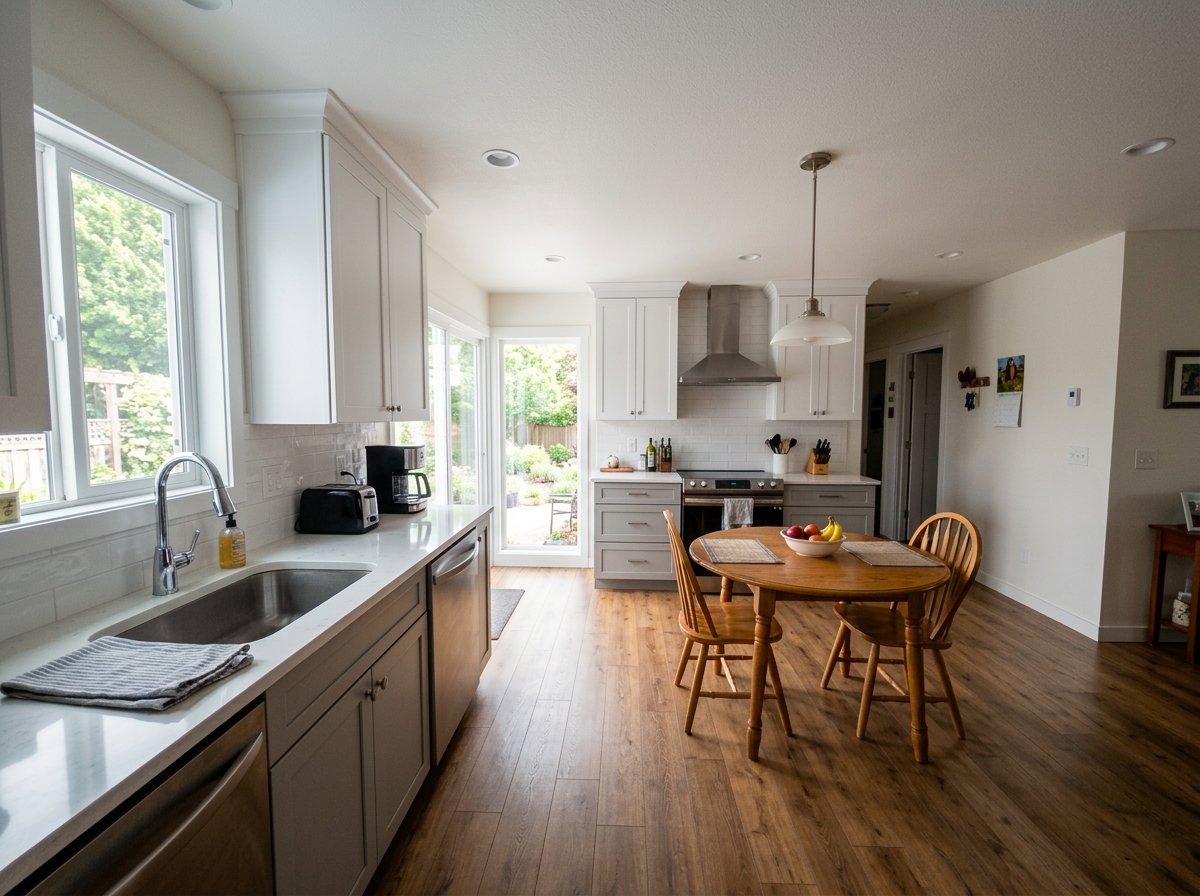
A window-heavy room where the kitchen and dining area become easier to read without changing the space itself.
Example 02
A cleaner exterior hero shot with stronger curb appeal while keeping the same house, yard, and sky conditions.
Example 03
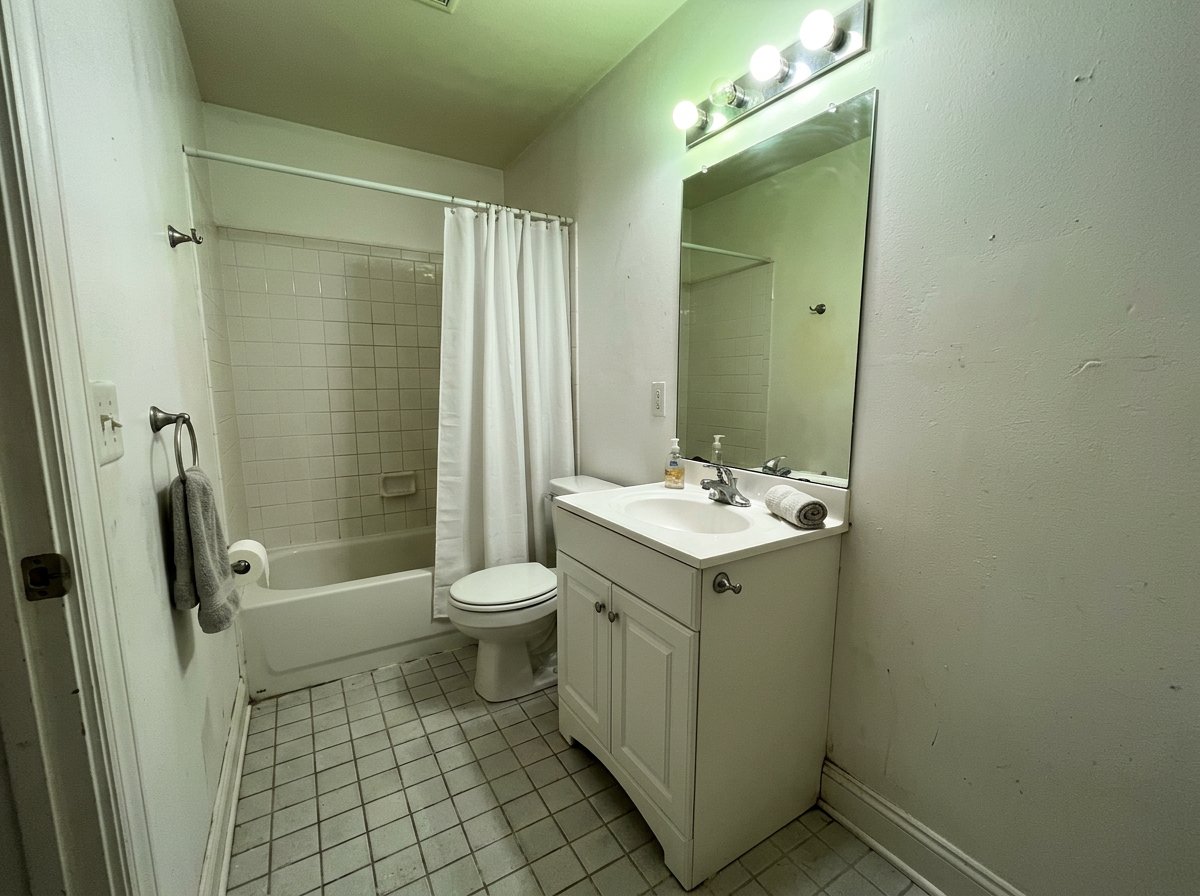
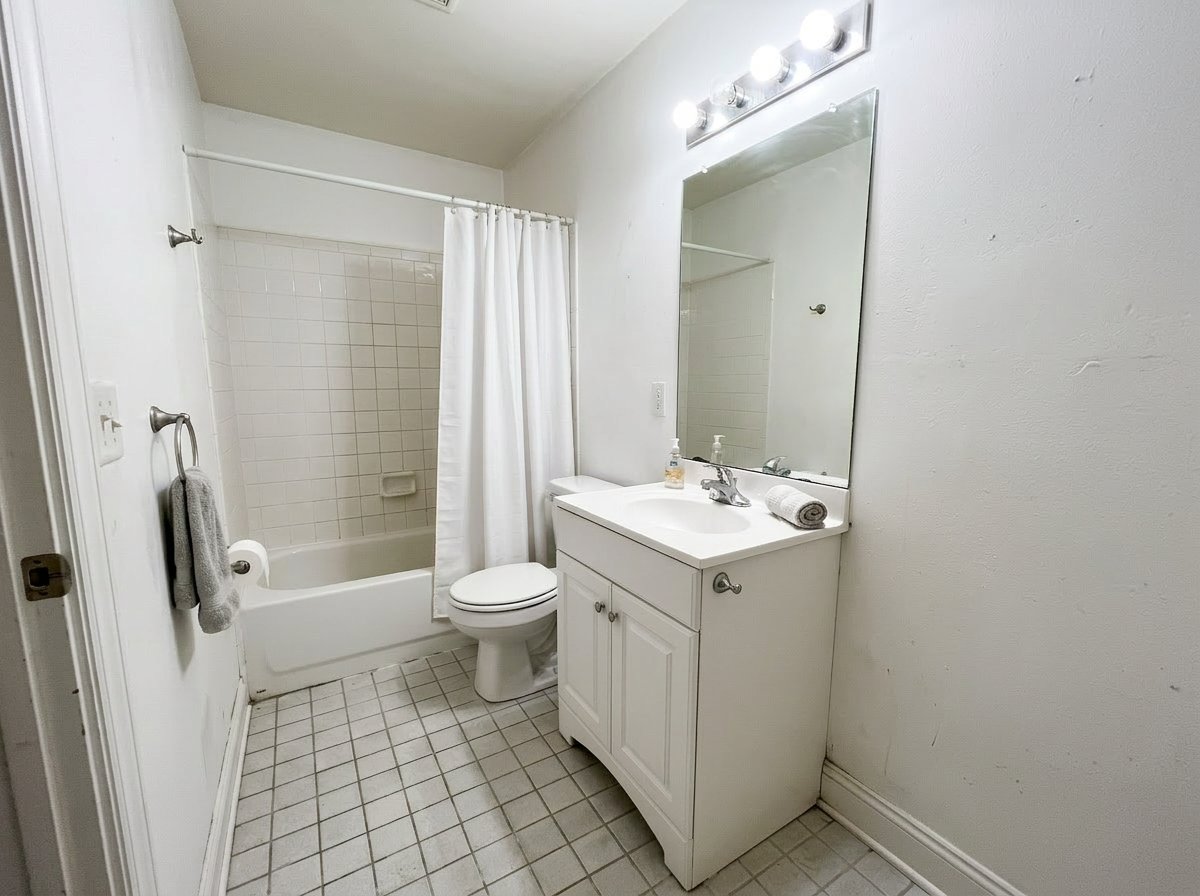
A hard-to-shoot bathroom where color cast, glare, and shadows are corrected without changing the actual room.
If this page matches the job, the next step is usually the workflow, finishing tool, or inspiration page that gets you moving faster.
Feature
Increase image resolution, then check the details before you download.
Open pageFeature
Launch prompt variations, ratios, and reference sets in one batch so your team reviews the full output set together.
Open pageFeature
Start from a reference image and transform it into edits, restyles, cleanups, and new visual directions.
Open pageUse case
Turn empty or weak room photos into furnished, marketable listing visuals with AI. Create staged room images for real estate and rental listings with HummingBytes.
Open pageReady to polish the listing photo?
Describe the lighting and color changes you need, then check the result against the actual property.