AI warm bokeh headshot
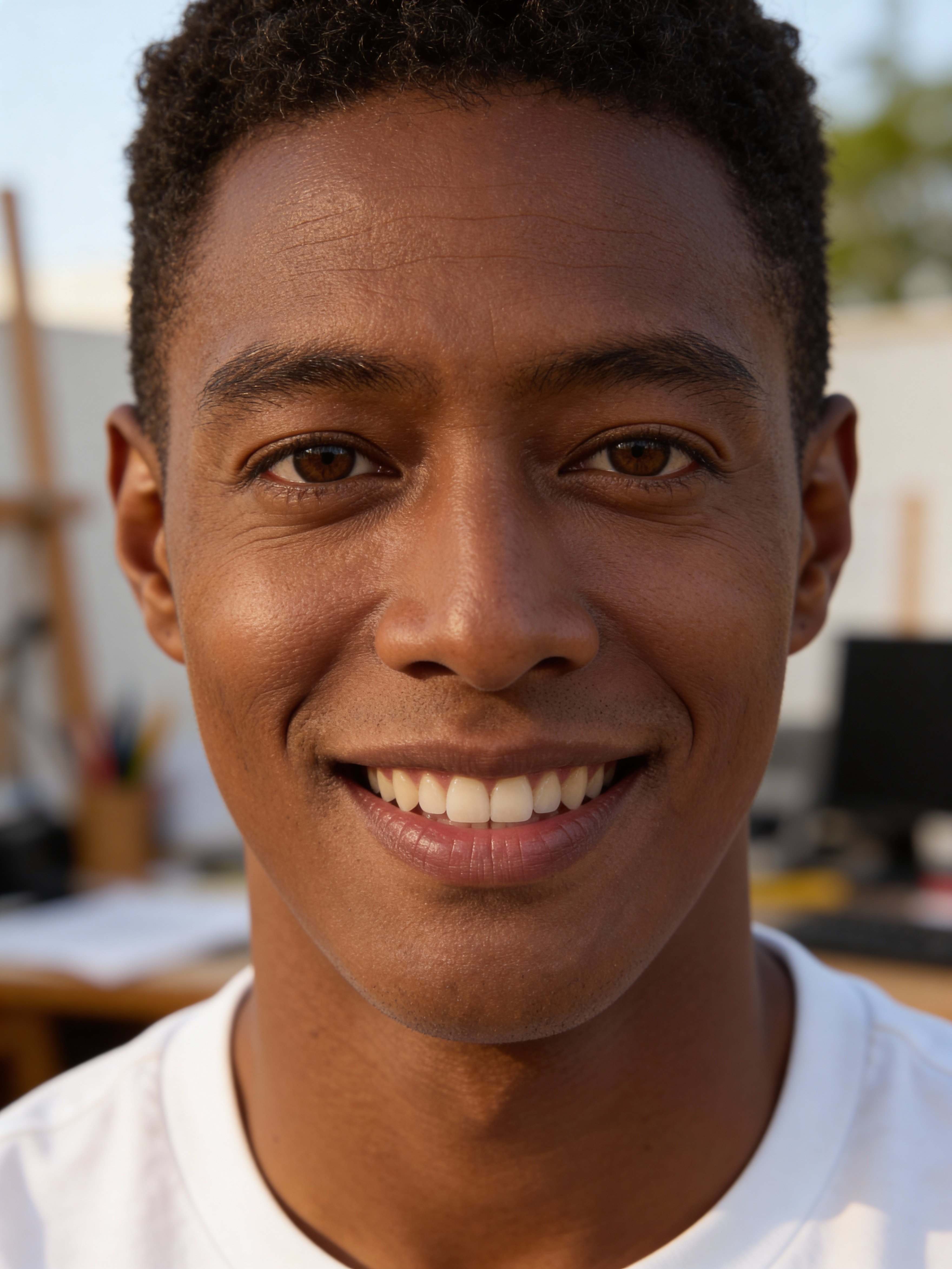
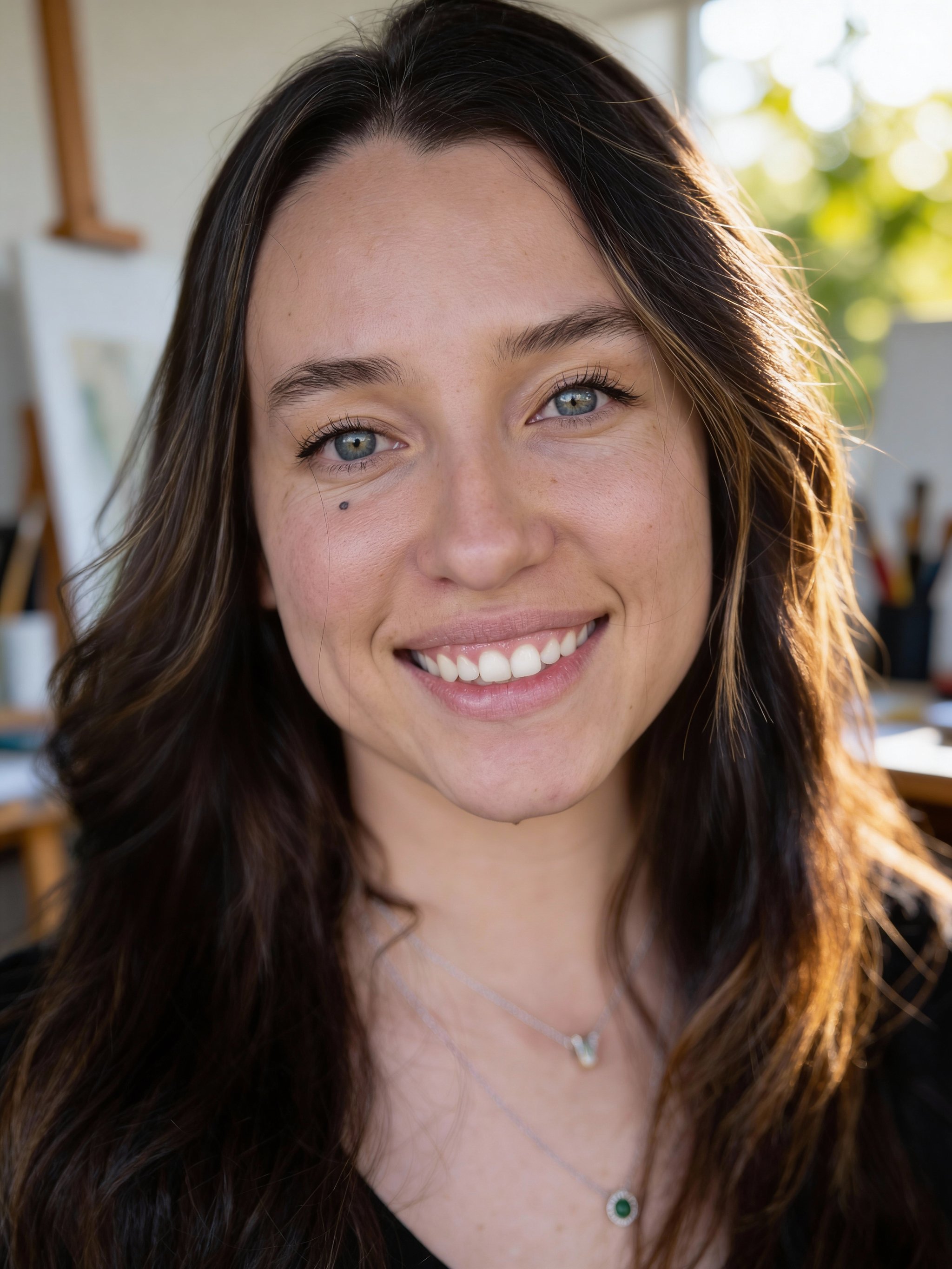
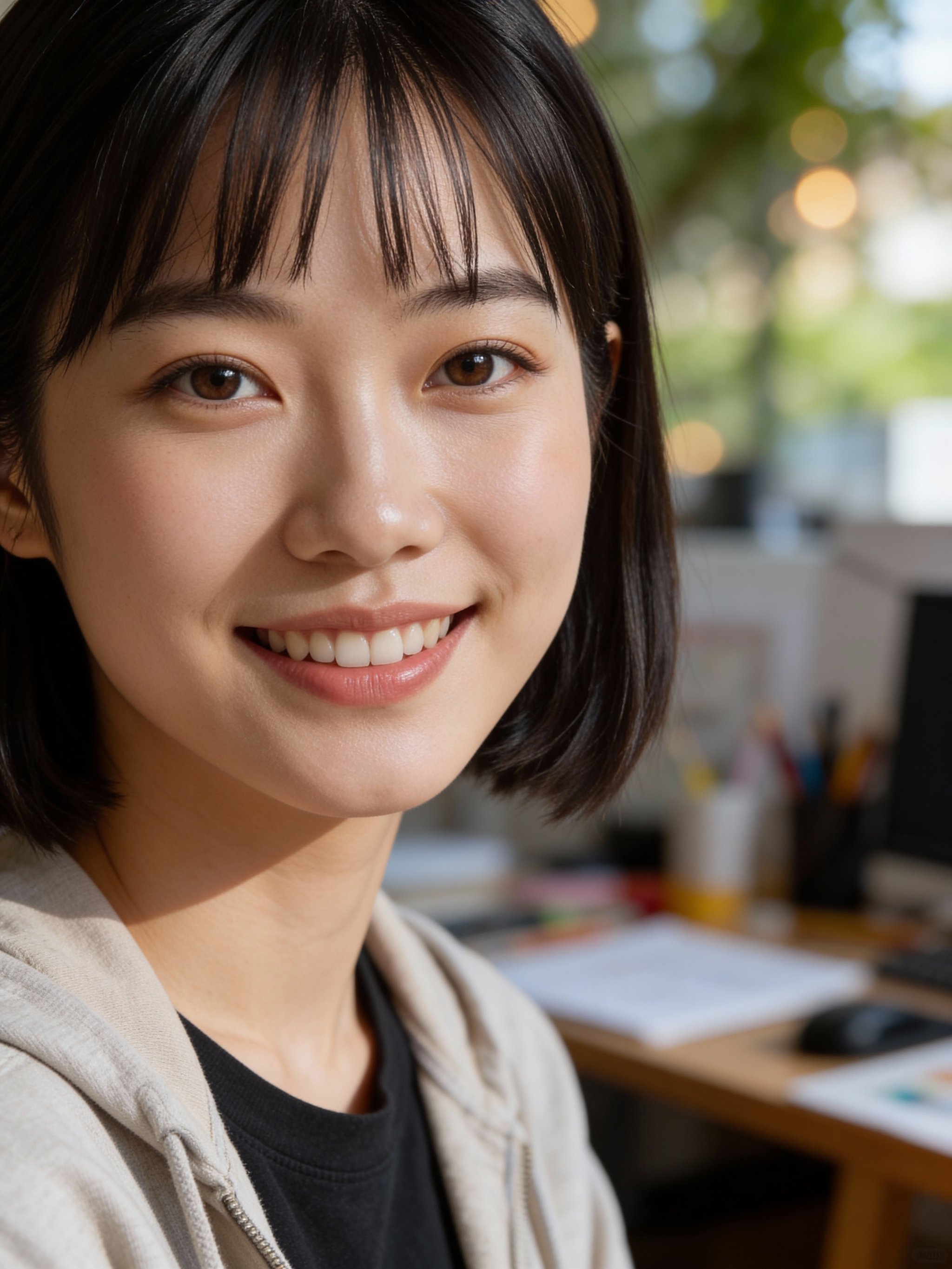
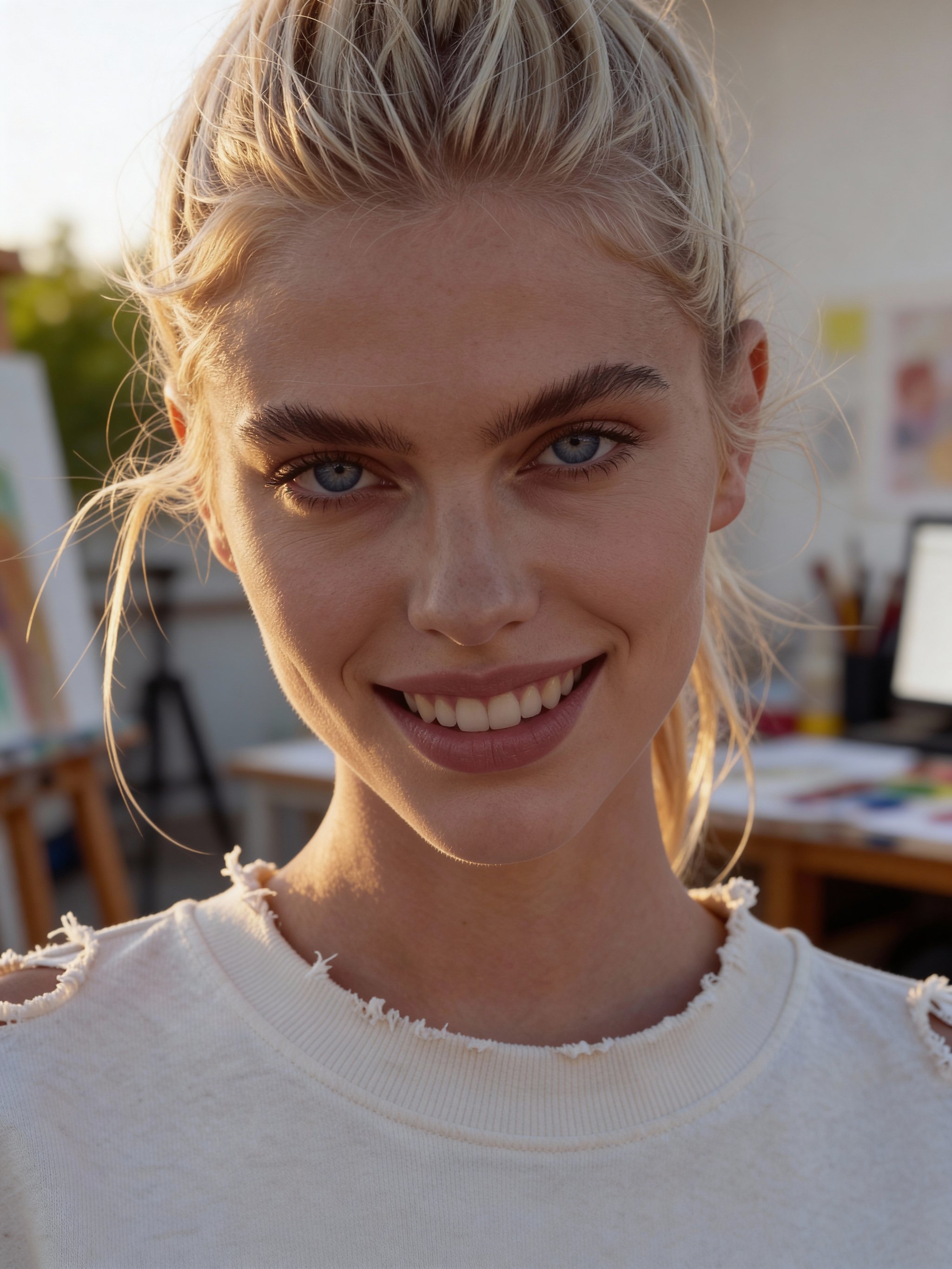
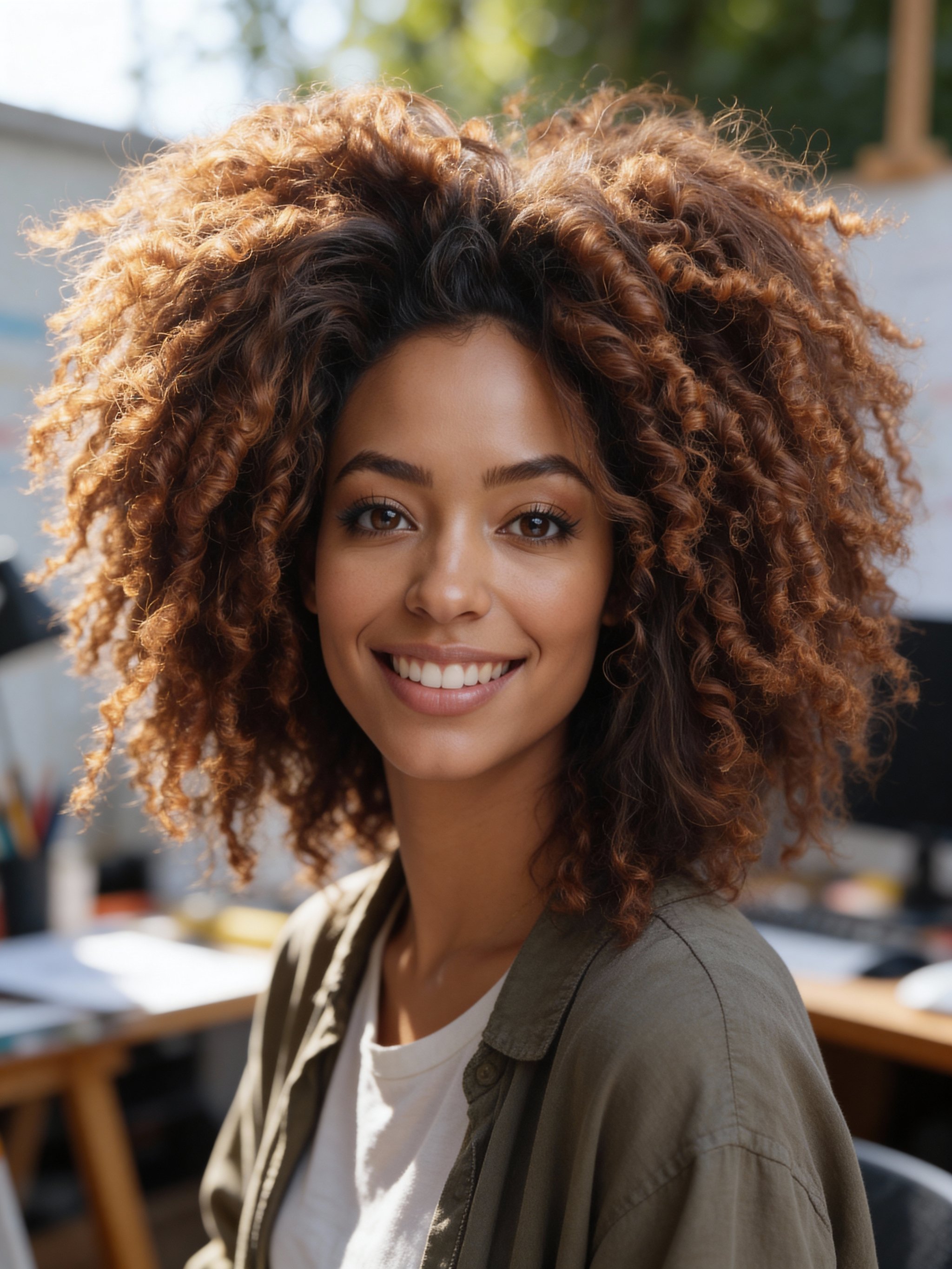
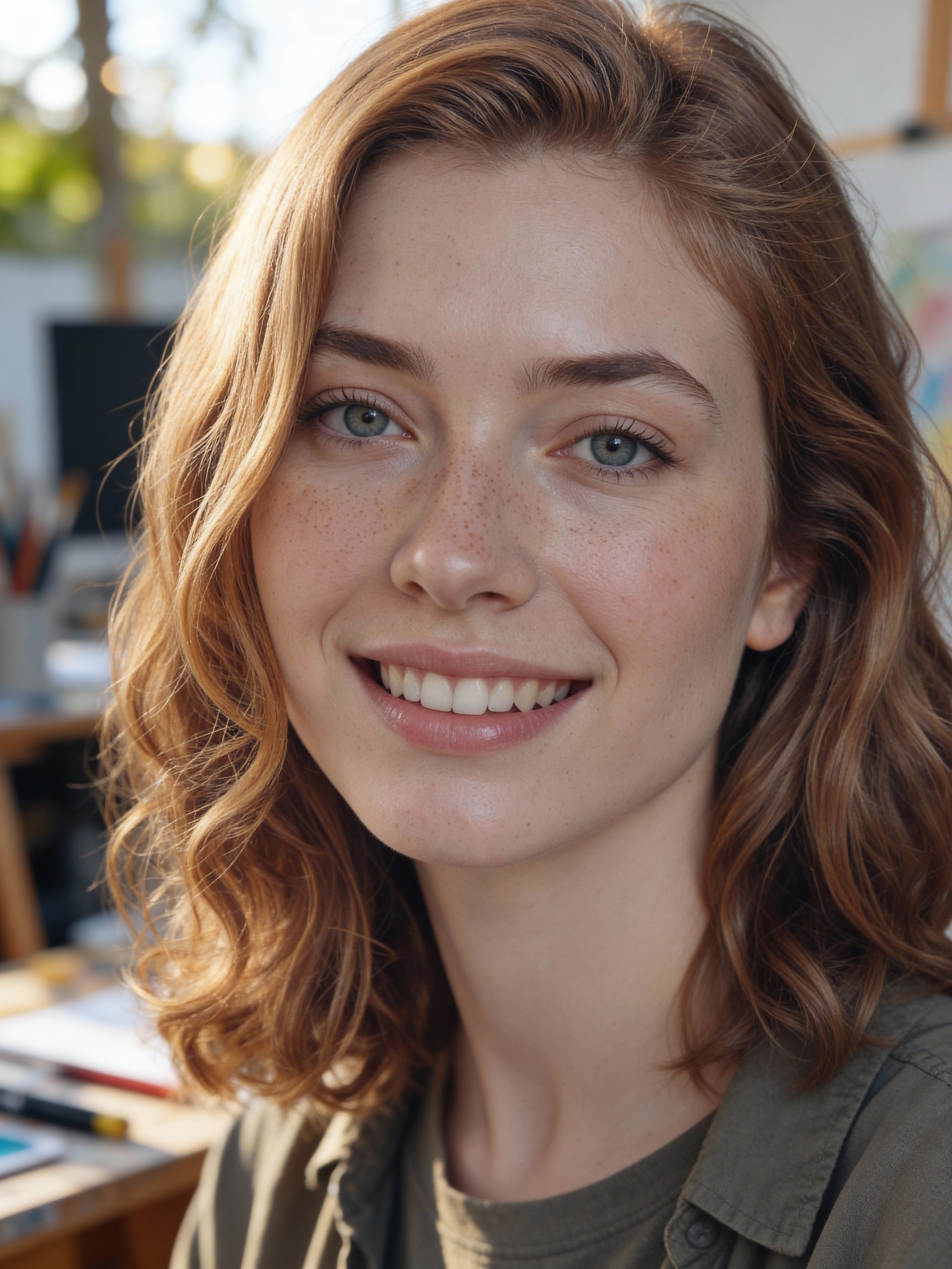
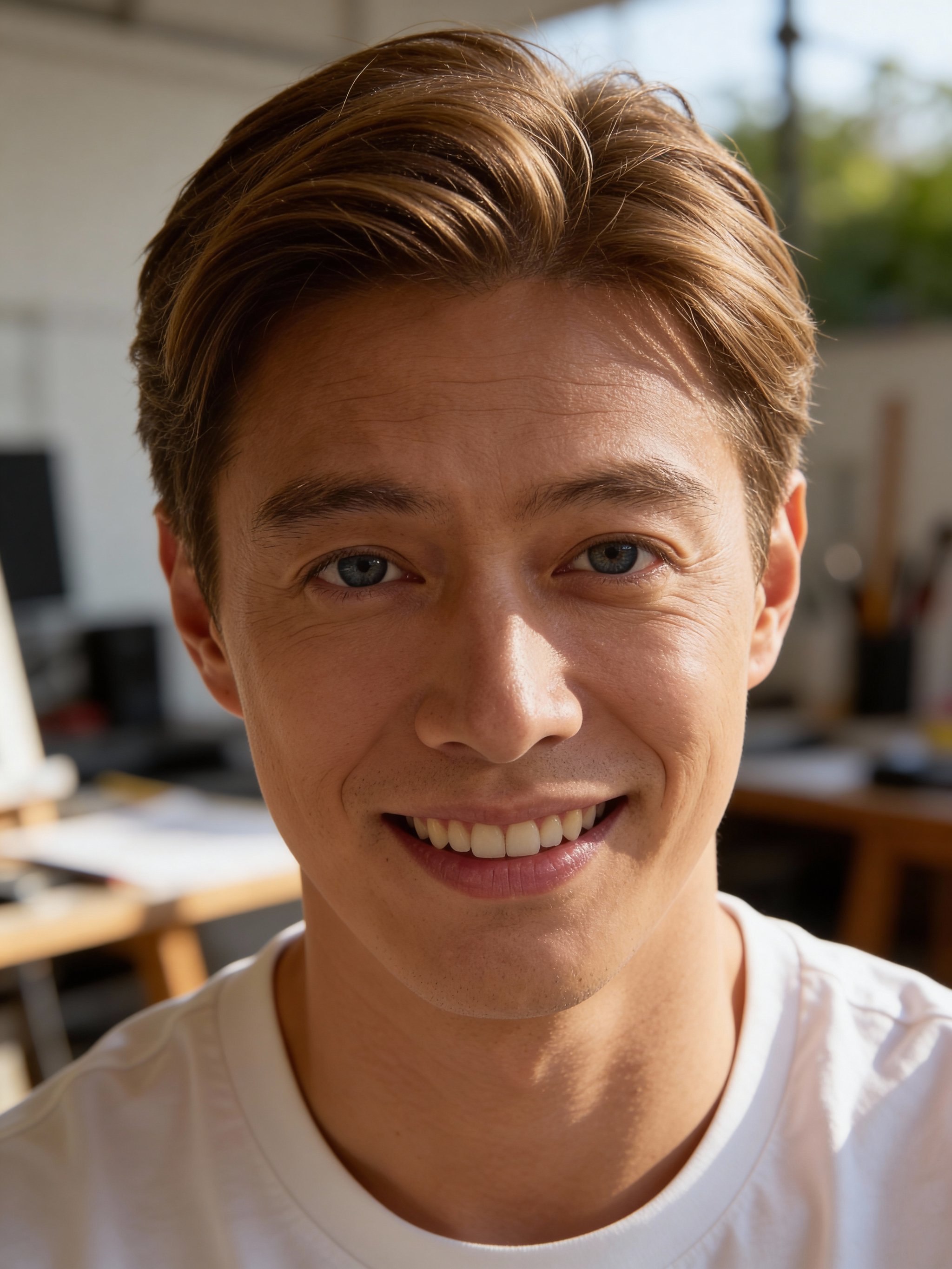
Close-up portraits with soft bokeh and warm, natural light.
This recipe creates a warm, close-up headshot with a soft bokeh background and inviting light. It keeps the subject’s likeness while delivering a relaxed, creative-professional aesthetic.
Upload a clear reference photo and generate consistent portraits without training a custom model. It works well for creator profiles, portfolio pages, and modern personal branding.
Why creators use this
Warm, friendly tone
Natural light and soft bokeh feel approachable and modern.
Close-up detail
Tight framing emphasizes facial features and expression.
No custom model training required
Consistent, high-quality headshots without expensive model training or long setup.
How it works
Prompt template
Transform this photo into a close-up portrait with shallow depth of field creating soft bokeh background. Warm, natural lighting highlighting subject’s features. Casual attire and genuine, engaging smile. Subject fills more of the frame....
Upload a clean reference
Front-facing, sharp focus, even lighting. Avoid sunglasses and heavy filters.
Keep it warm
Choose casual styling and a relaxed expression for a friendly look.
Generate and select
Save a main headshot plus 2-3 alternates for different contexts.


Warm bokeh headshot FAQs
Answers for sellers creating Amazon, TikTok Shop, ecommerce, and campaign-ready product images
Will it preserve my exact likeness?
Do I need to train a custom model?
Can I use the headshot commercially?
What photo works best?
Generate this at scale
Need more than one variation?
After you pick the look, multi-workflow batch generation lets you run prompts, reference images, and aspect ratios in parallel from one workspace.