Steel engraving portrait
A 19th-century banknote-style portrait with dense facial cross-hatching and minimalist clothing outlines.
Generate a photo like thisExplore the prompt- Recommended Workflows
- Gemini 3 Pro Image
- Recommended Aspect Ratio
- 3:4
- Reference Images Required
- 1 image
01 / The recipe
Prompt variants
Use these as short alternate directions for Steel engraving portrait; each variant keeps the recipe recognizable while pushing a different outcome.
A detailed engraving-style portrait of the subject from the uploaded reference image, framed from the shoulders up. Strictly preserve the subject’s facial features and identity exactly as they appear in the source photo. Style & Technique: Apply a classic 19th-century steel engraving or banknote illustration aesthetic. Use dense, intricate cross-hatching and line work on the face to create depth, shadow, and contour. Clothing Constraint: In sharp contrast to the highly detailed face, render the clothing with minimalist outlines only, completely void of hatching, shading, or internal details.
02 / Make it yours
A little direction goes a long way.
Create a Steel engraving portrait with a polished artistic treatment that preserves the subject while giving the image a clear illustrated style. Start from the reference image so the subject, source structure, or key visual details stay anchored while the style changes. This recipe is useful for profile pictures, editorial avatars, poster art, and stylized personal branding images.
Best for / not ideal for
Use this section to decide whether Steel engraving portrait is the right recipe before spending credits on variations.
Best for
- Steel engraving portrait concepts where the example image is close to the result you want.
- Visual directions built around an art-led portrait treatment that keeps likeness readable while making the style expressive.
- Compositions that benefit from a visual setting that reinforces the artwork while leaving the portrait easy to read.
- Fast testing with Gemini 3 Pro Image in 3:4.
Not ideal for
- Neutral photorealistic portraits with minimal visible styling.
- Technical diagrams, product packshots, or plain background documentation.
- Projects where every line must follow brand guidelines exactly.
- Subtle face cleanup that should still look like an untouched camera photo.
How to adapt the prompt
Keep the core idea of Steel engraving portrait, then change the details that control identity, style, color, background, and framing.
Subject and likeness
Style intensity
Color palette
Background simplicity
Composition and crop
Common fixes
If Steel engraving portrait is close but not usable yet, make one of these targeted prompt edits before changing everything.
Subject drift
Too busy or chaotic
Colors overpower the subject
Image feels flat
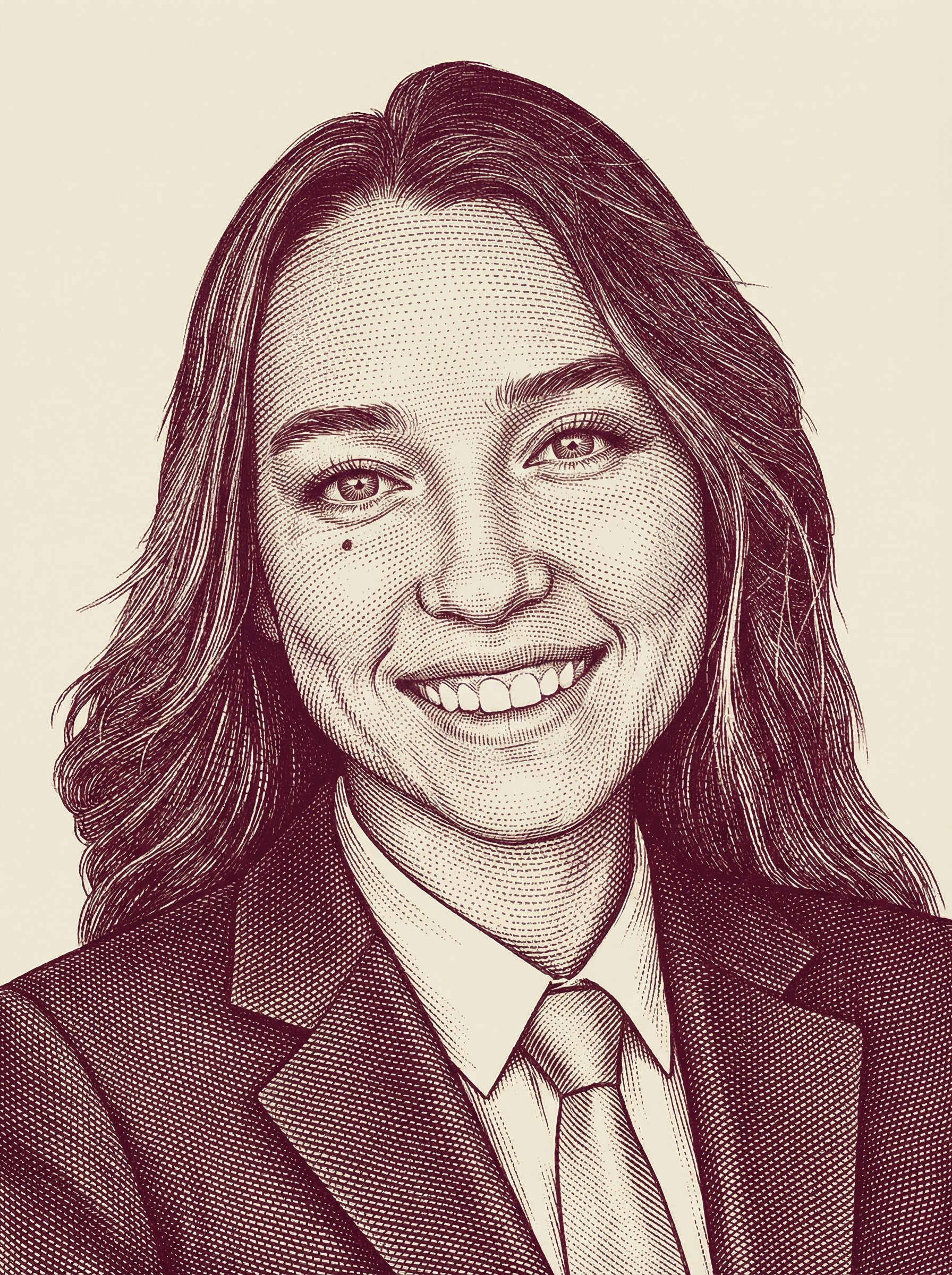
Wine-beige banknote engraving portrait
Wine-beige banknote engraving portrait uses a stylized art direction for portraits, avatars, posters, and expressive personal visuals.
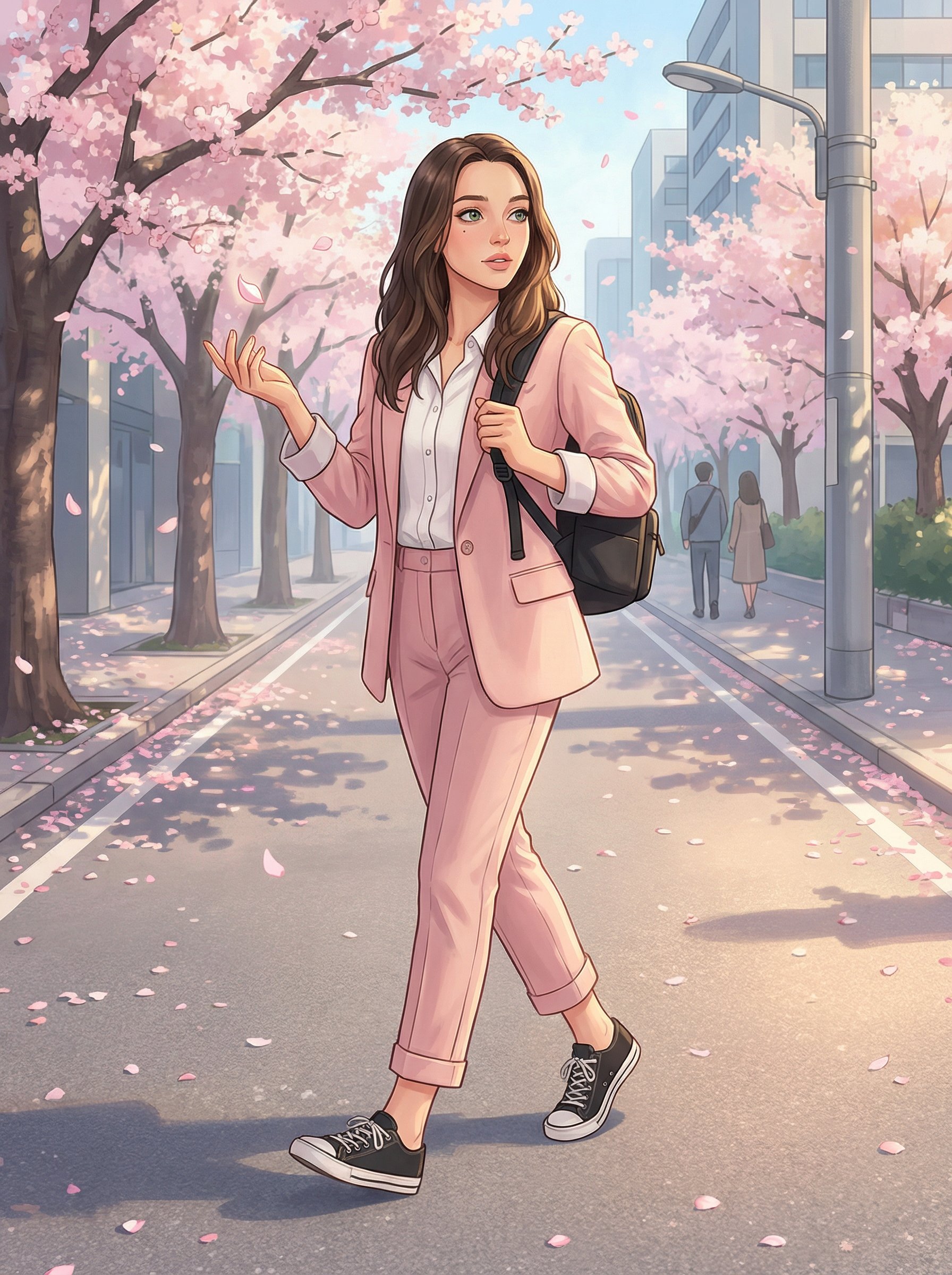
Cherry Blossom Anime Street Illustration
Cherry Blossom Anime Street Illustration uses a stylized art direction for portraits, avatars, posters, and expressive personal visuals.
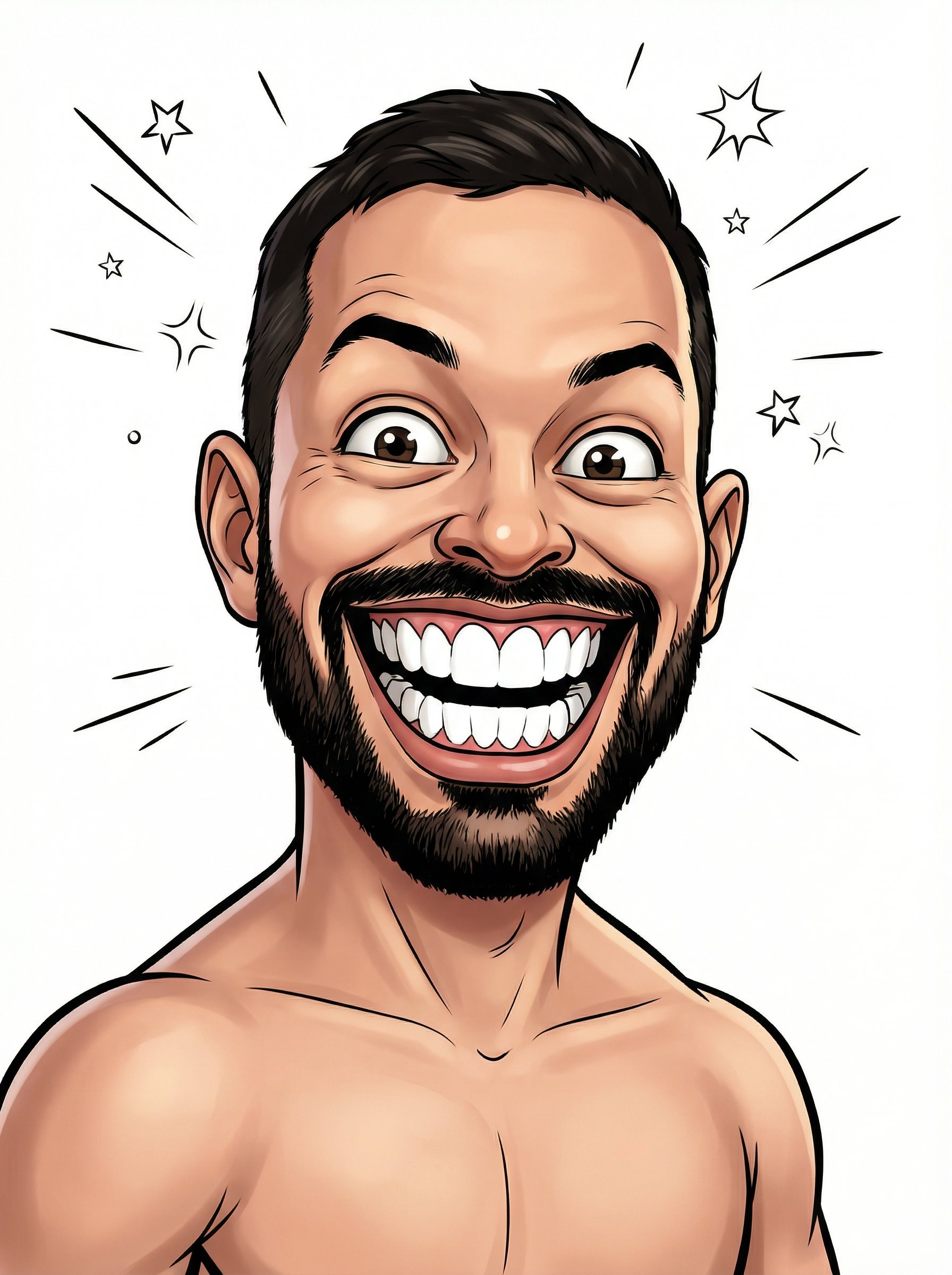
Shirtless Comic Caricature Portrait
Shirtless Comic Caricature Portrait uses a stylized art direction for portraits, avatars, posters, and expressive personal visuals.
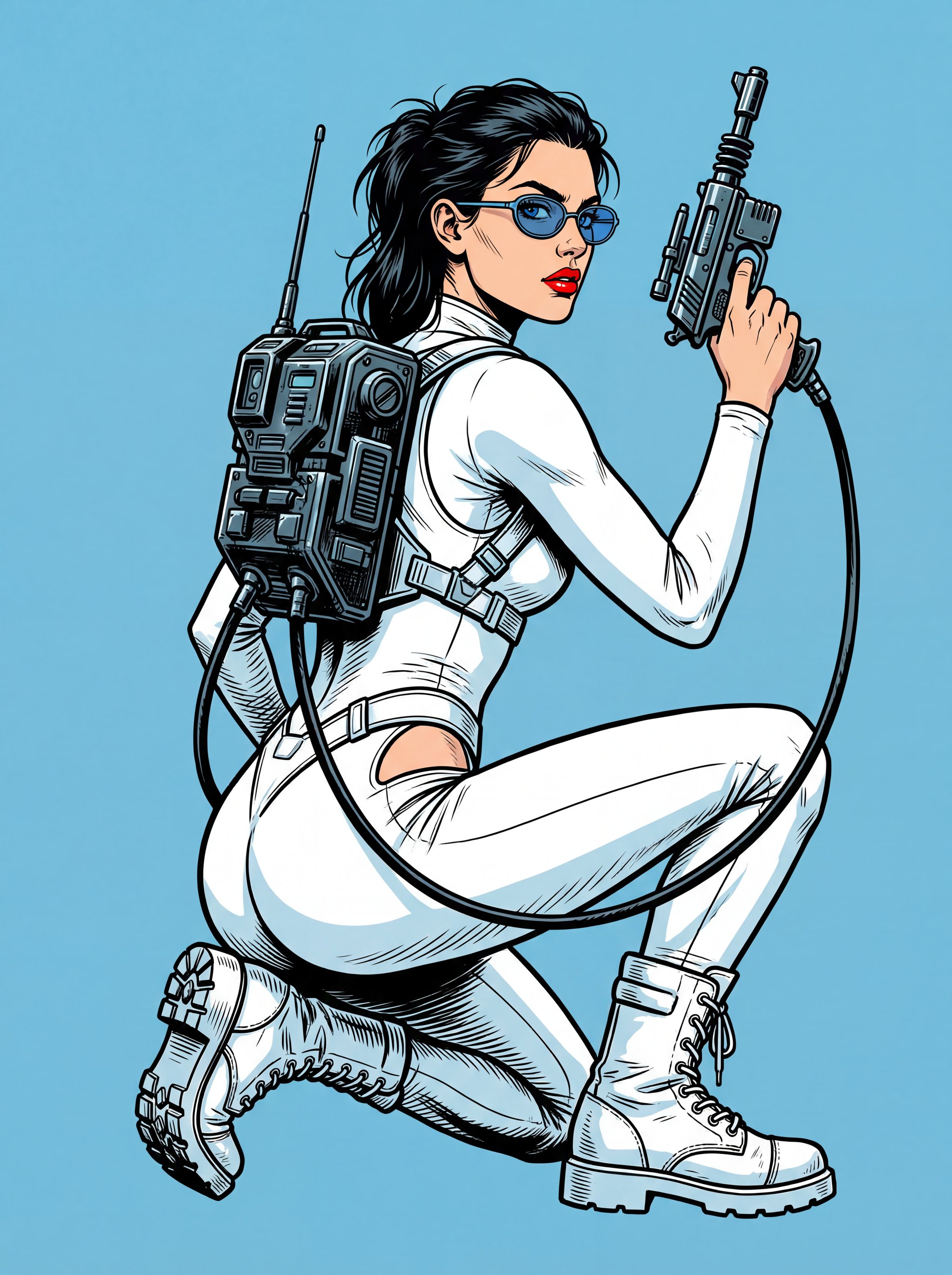
Retro-futuristic comic portrait
Retro-futuristic comic portrait uses a stylized art direction for portraits, avatars, posters, and expressive personal visuals.
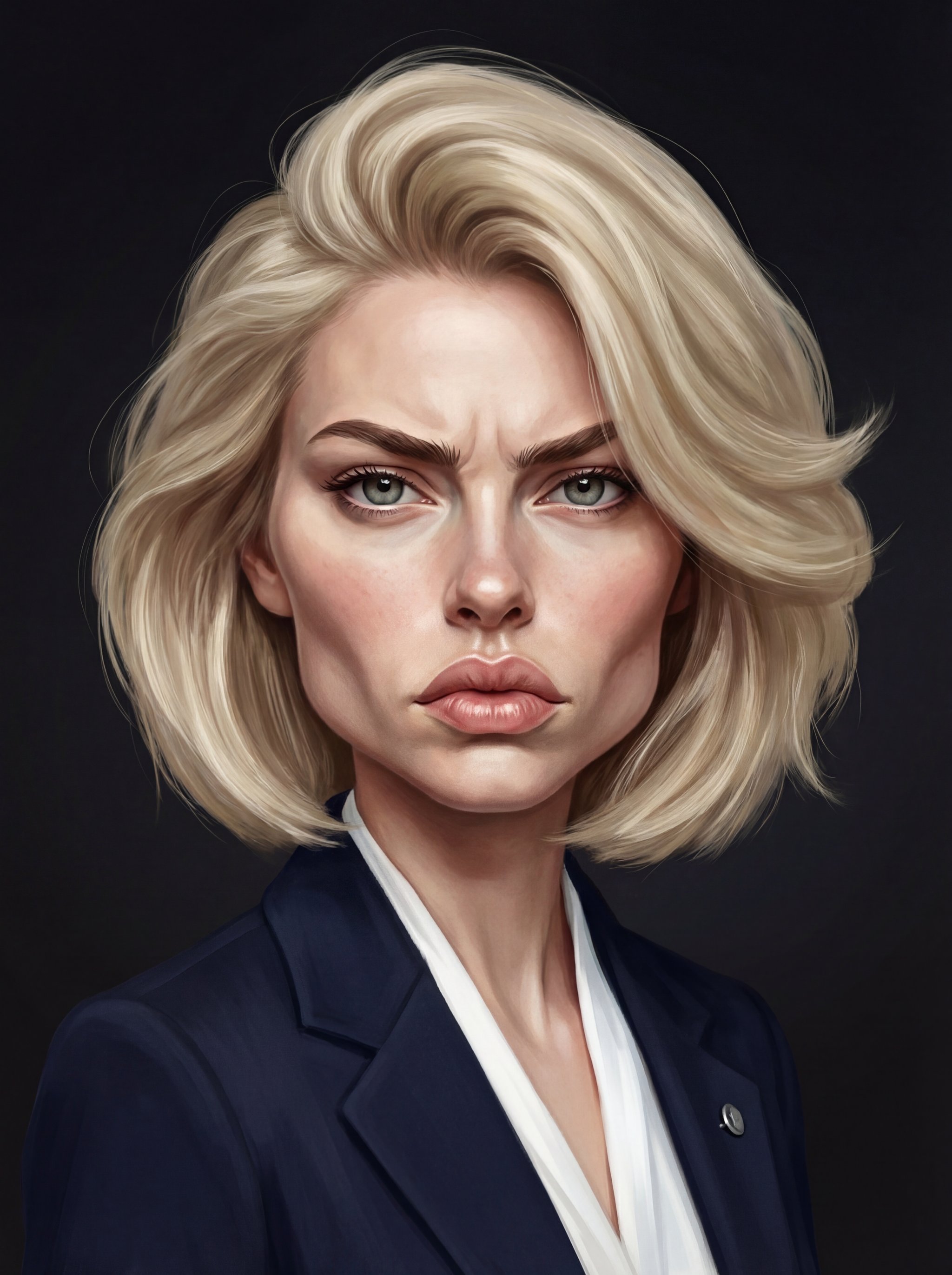
Hyperrealistic caricature portrait
Hyperrealistic caricature portrait uses a stylized art direction for portraits, avatars, posters, and expressive personal visuals.
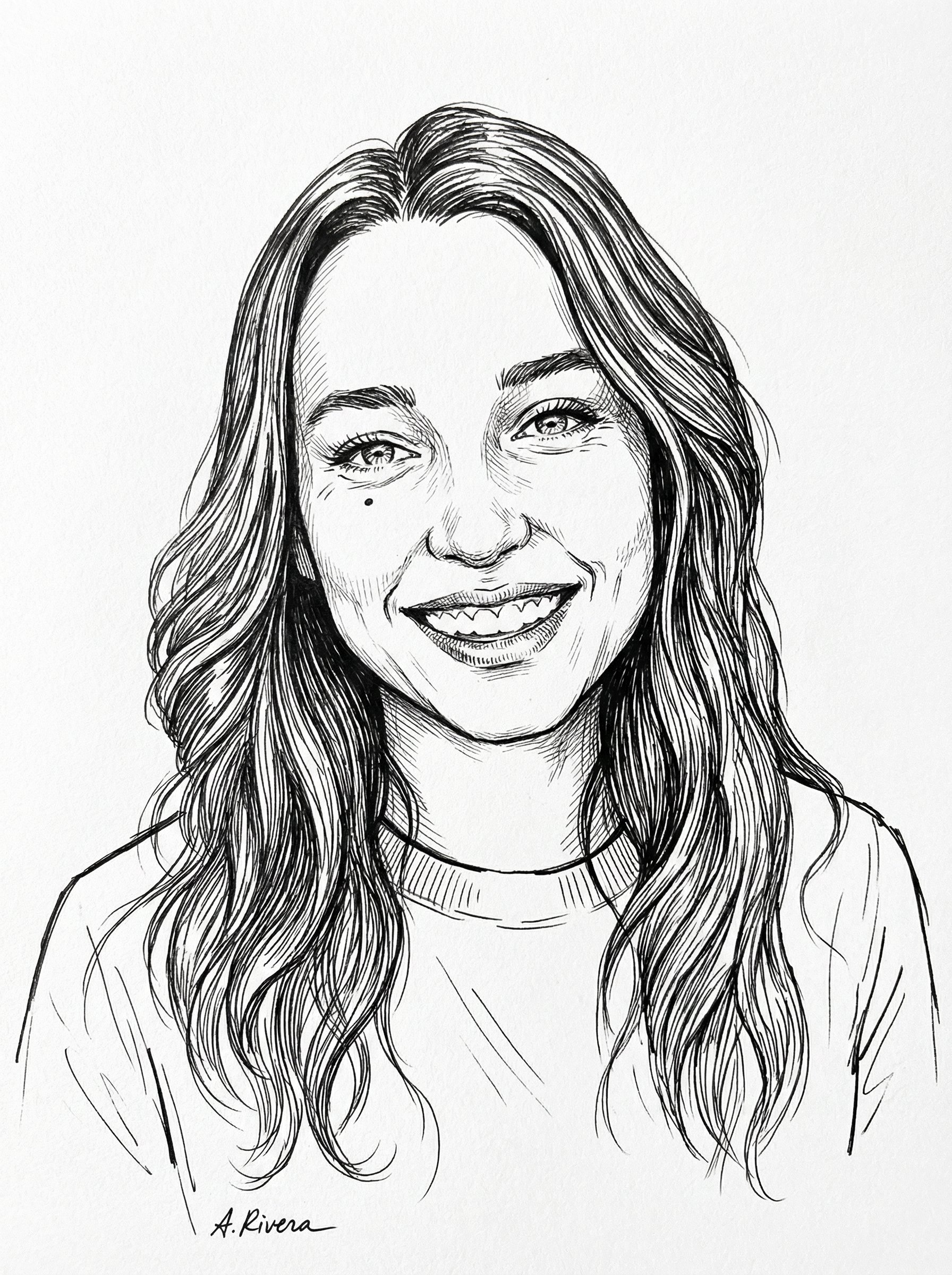
Black Ink Sketch Portrait
Black Ink Sketch Portrait uses a stylized art direction for portraits, avatars, posters, and expressive personal visuals.
Make it yours
Create with this recipe.
Open this recipe in the generator and add your details.
Generate a photo like this