YOURNEXTHELLO. Professional studio profile photo
Professional studio profile photo
A clean backdrop. Soft studio light. A professional portrait, starting with your own photo.
Generate a photo like thisExplore the prompt- Recommended Workflows
- Gemini 3 Pro Image
- Recommended Aspect Ratio
- 3:4
- Reference Images Required
- 1 image
01 / The recipe
Prompt variants
Use these as short alternate directions for Professional studio profile photo; each variant keeps the recipe recognizable while pushing a different outcome.
A professional, high-resolution profile photo, maintaining the exact facial structure, identity, and key features of the person in the input image. The subject is framed from the chest up, with ample headroom. The person looks directly at the camera. They are styled for a professional photo studio shoot, wearing a premium smart casual blazer in a subtle charcoal gray. The background is a solid #225C8F neutral studio color. Shot from a high angle with bright and airy soft, diffused studio lighting, gently illuminating the face and creating a subtle catchlight in the eyes, conveying a sense of clarity. Captured on an 85mm f/1.8 lens with a shallow depth of field, exquisite focus on the eyes, and beautiful, soft bokeh. Observe crisp detail on the fabric texture of the blazer, individual strands of hair, and natural, realistic skin texture. The atmosphere exudes confidence, professionalism, and approachability. Clean and bright cinematic color grading with subtle warmth and balanced tones, ensuring a polished and contemporary feel.
02 / Make it yours
A little direction goes a long way.
Create a Professional studio profile photo with clean studio styling, flattering light, and a credible professional finish. Start from the reference image so the subject, source structure, or key visual details stay anchored while the style changes. This recipe is useful for LinkedIn photos, founder pages, press kits, team profiles, and polished professional portraits.
Best for / not ideal for
Use this section to decide whether Professional studio profile photo is the right recipe before spending credits on variations.
Best for
- Professional studio profile photo concepts where the example image is close to the result you want.
- Visual directions built around a clean professional portrait treatment with credible polish, approachability, and restrained styling.
- Compositions that benefit from a clean studio or workplace background that keeps attention on the person.
- Fast testing with Gemini 3 Pro Image in 3:4.
Not ideal for
- Formal ID photos, passport photos, or strict corporate headshots.
- Subtle retouching where the original photo should barely change.
- Product-only images with no person or character as the subject.
- Cases where exact wardrobe, pose, and lighting must be legally or medically precise.
How to adapt the prompt
Keep the core idea of Professional studio profile photo, then change the details that control identity, style, color, background, and framing.
Subject and likeness
Style intensity
Color palette
Background simplicity
Composition and crop
Common fixes
If Professional studio profile photo is close but not usable yet, make one of these targeted prompt edits before changing everything.
Subject drift
Too busy or chaotic
Colors overpower the subject
Image feels flat
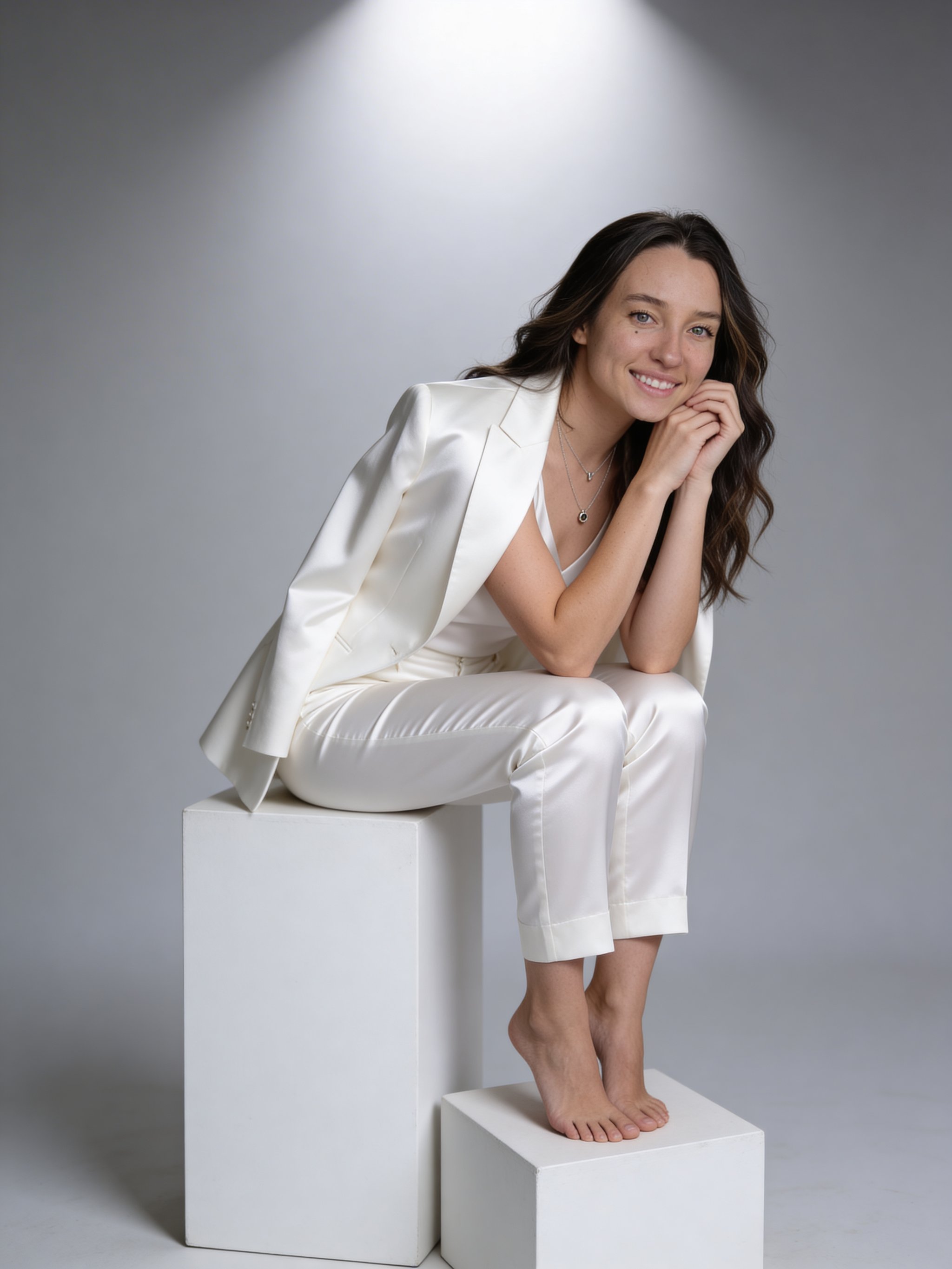
Woman White Cubes Studio Portrait
Woman White Cubes Studio Portrait creates a polished professional portrait for profiles, press kits, team pages, and business use.
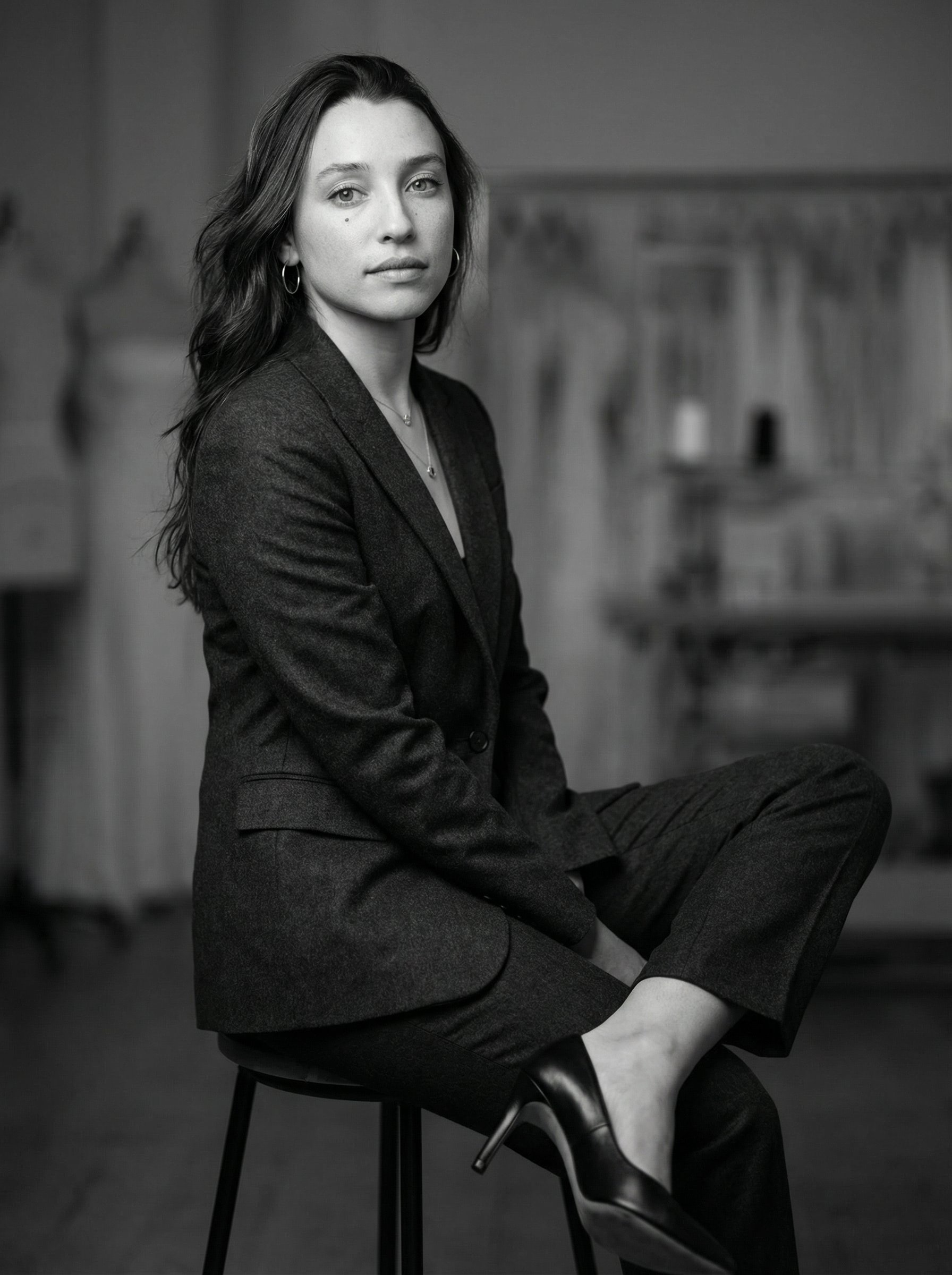
Black And White Haute Couture Suit Portrait
Black And White Haute Couture Suit Portrait creates a polished professional portrait for profiles, press kits, team pages, and business use.
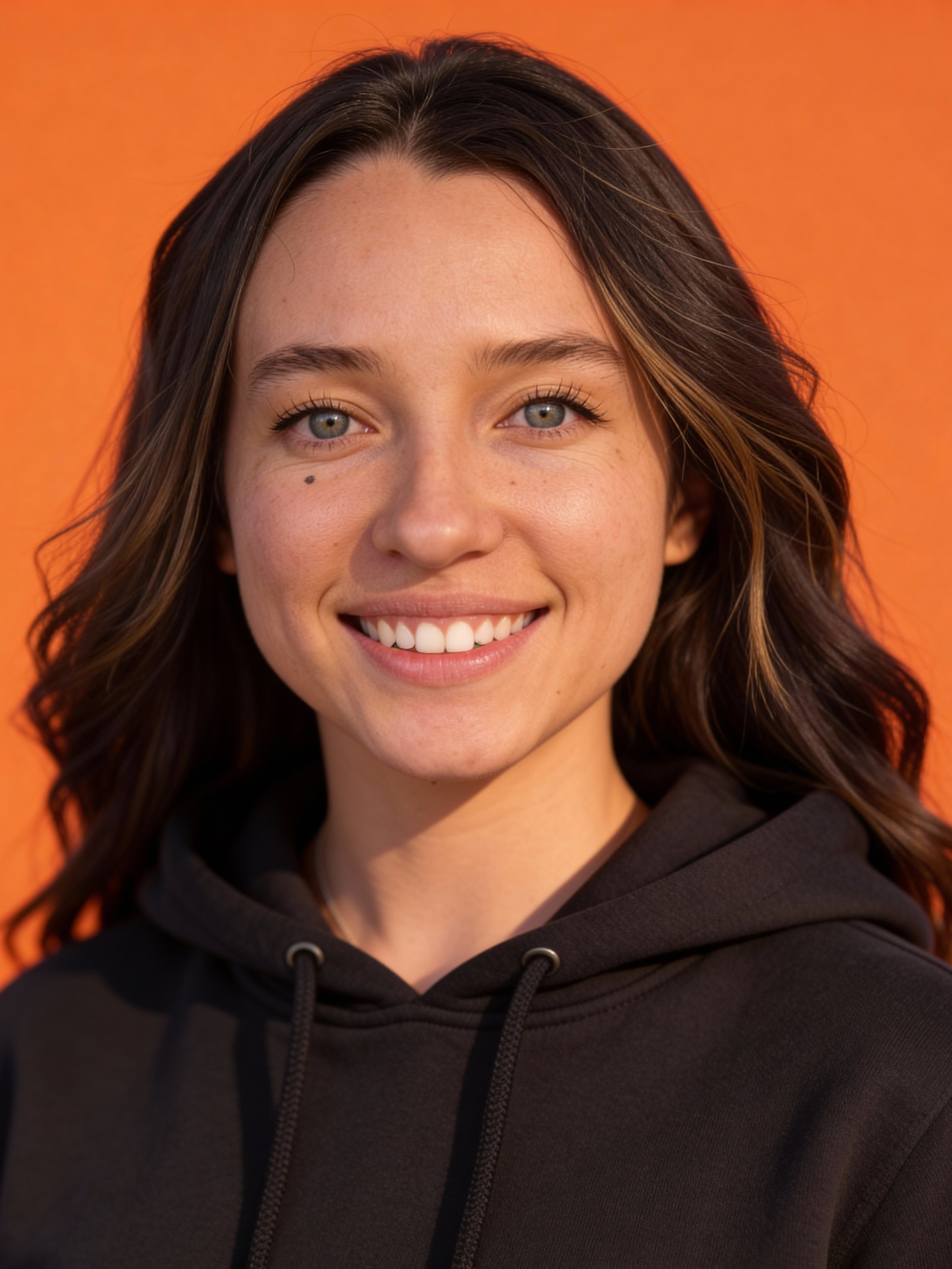
Orange studio headshot
Orange studio headshot creates a polished professional portrait for profiles, press kits, team pages, and business use.
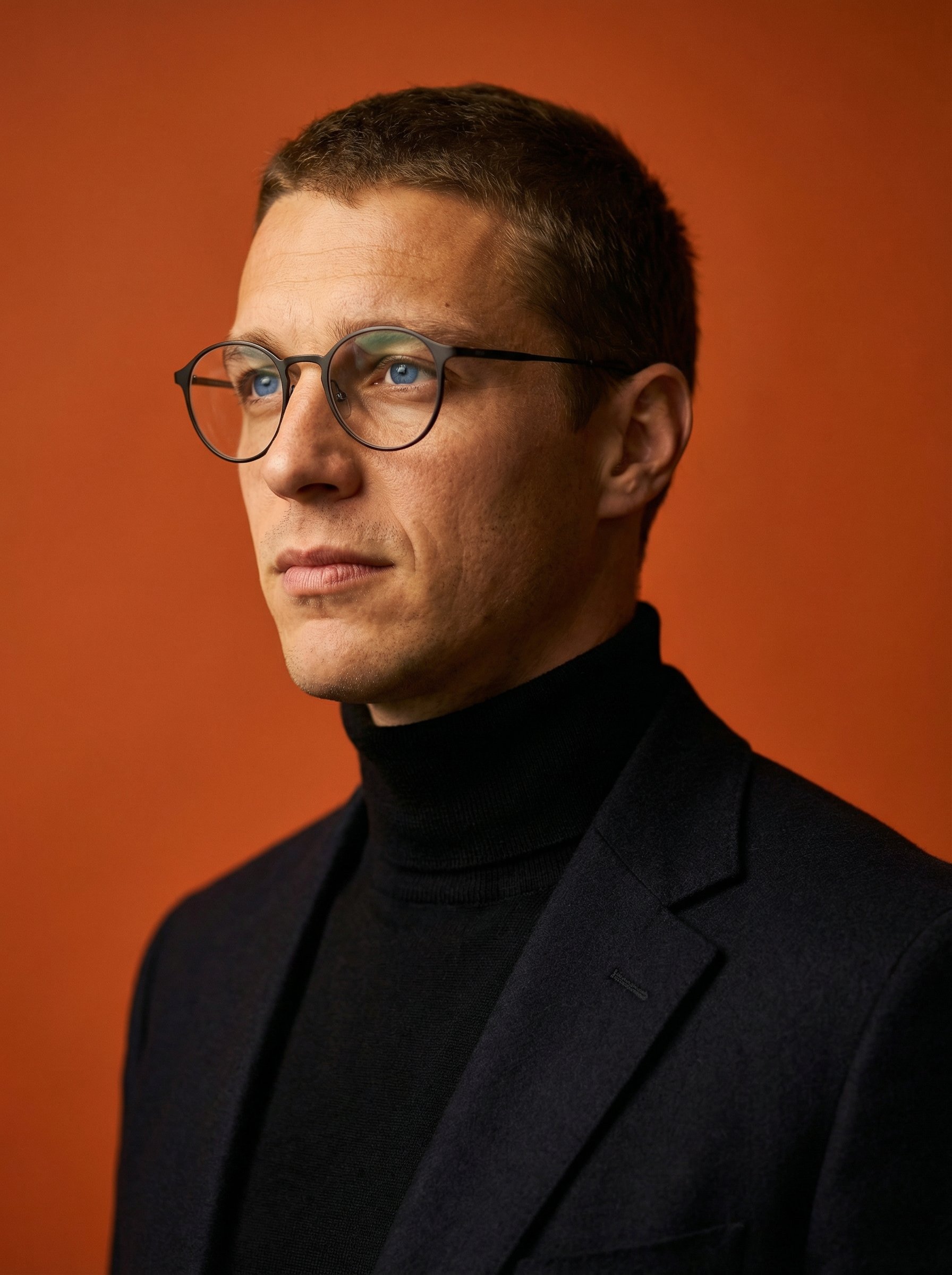
Terracotta Turtleneck Studio Closeup Portrait
Terracotta Turtleneck Studio Closeup Portrait creates a polished professional portrait for profiles, press kits, team pages, and business use.
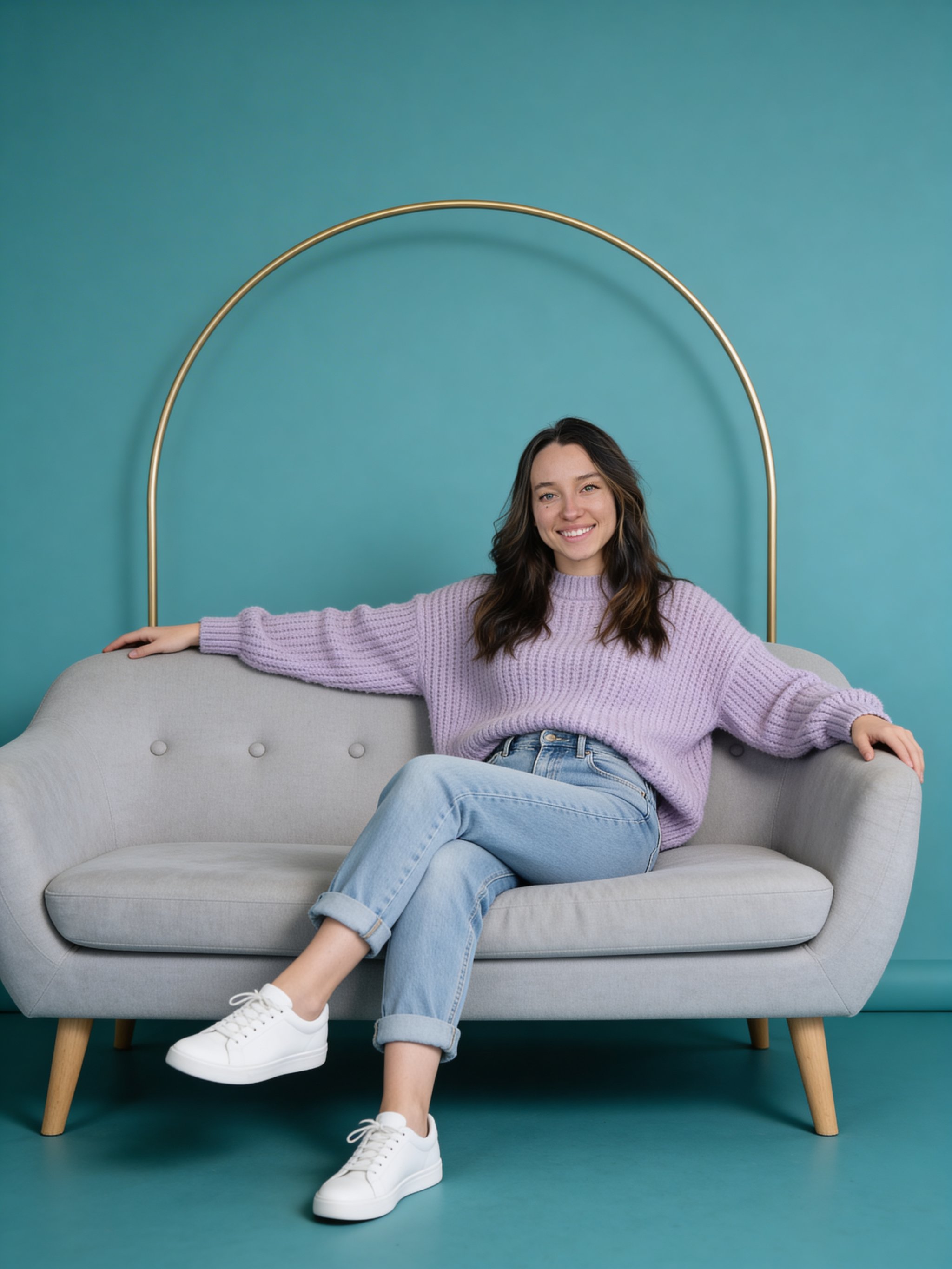
Lavender Sweater Teal Studio Portrait
Lavender Sweater Teal Studio Portrait creates a polished professional portrait for profiles, press kits, team pages, and business use.
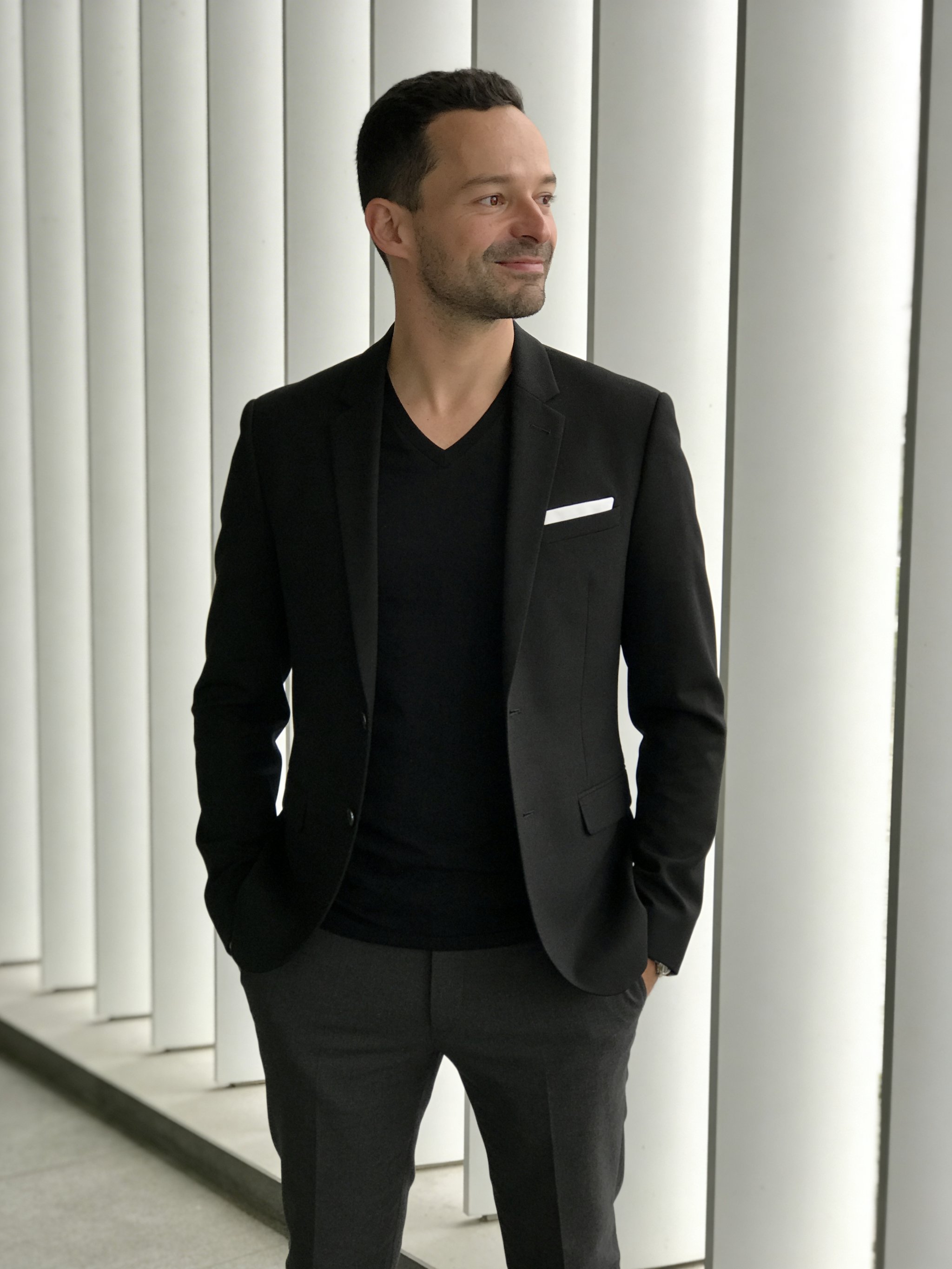
Black Blazer Architectural Panel Portrait
Black Blazer Architectural Panel Portrait creates a polished professional portrait for profiles, press kits, team pages, and business use.
Make it yours
Create with this recipe.
Open this recipe in the generator and add your details.
Generate a photo like this