HummingBytes / Inspiration
Find your next headshot.
AI headshot recipes for LinkedIn, team pages and personal brands. Choose a look, then make it with your own photo.
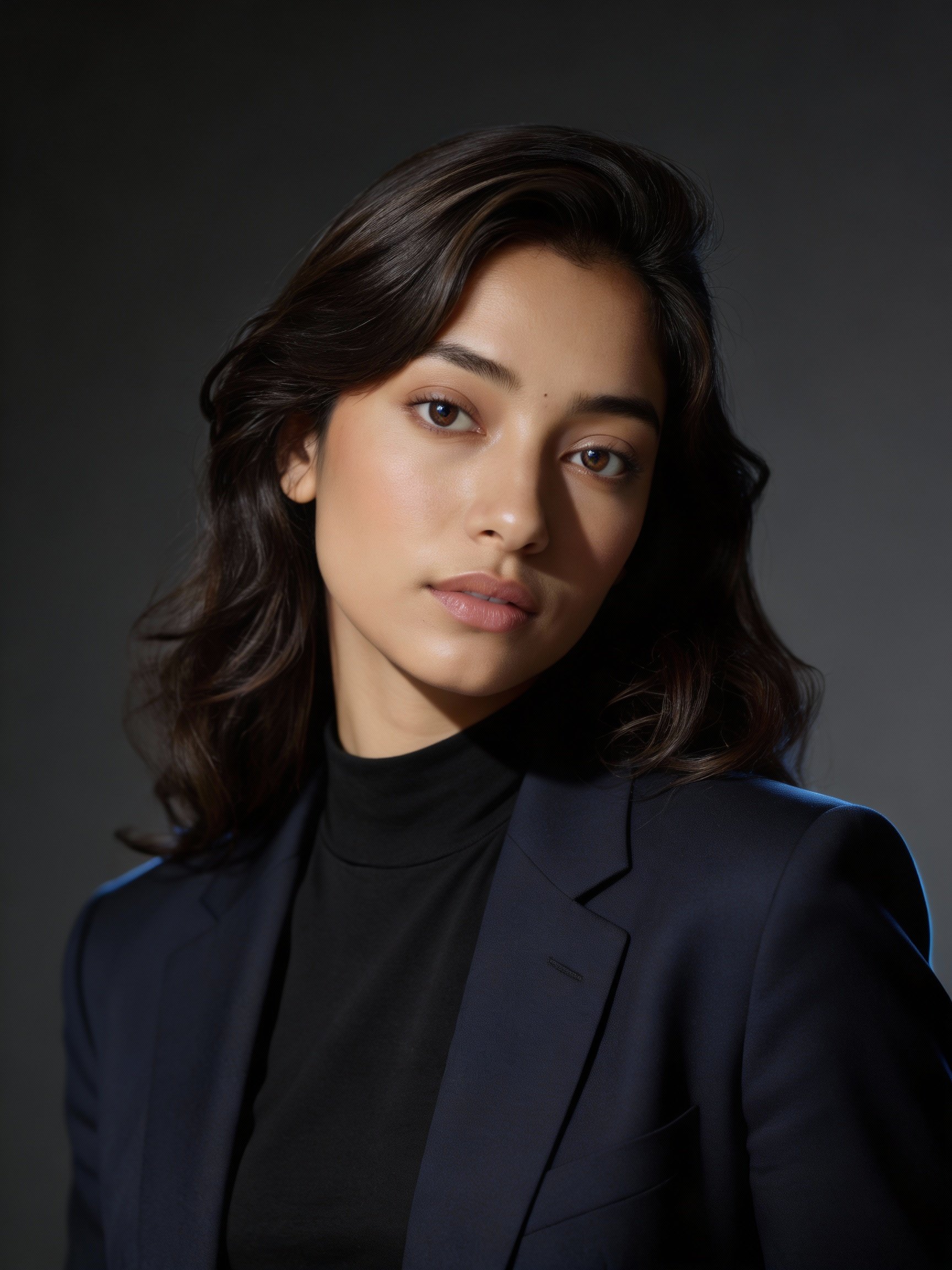
Choose an AI headshot style to generate
Each recipe below is optimized for a specific professional use case and can be generated from your photo.
Not sure where to start? Most people generate a professional or natural-light headshot for LinkedIn first, then compare a second style for personal branding or creative work.
Looking for real estate examples? Explore real estate headshotsLinkedIn & Corporate
Clean, credible looks that read as professional at a glance.
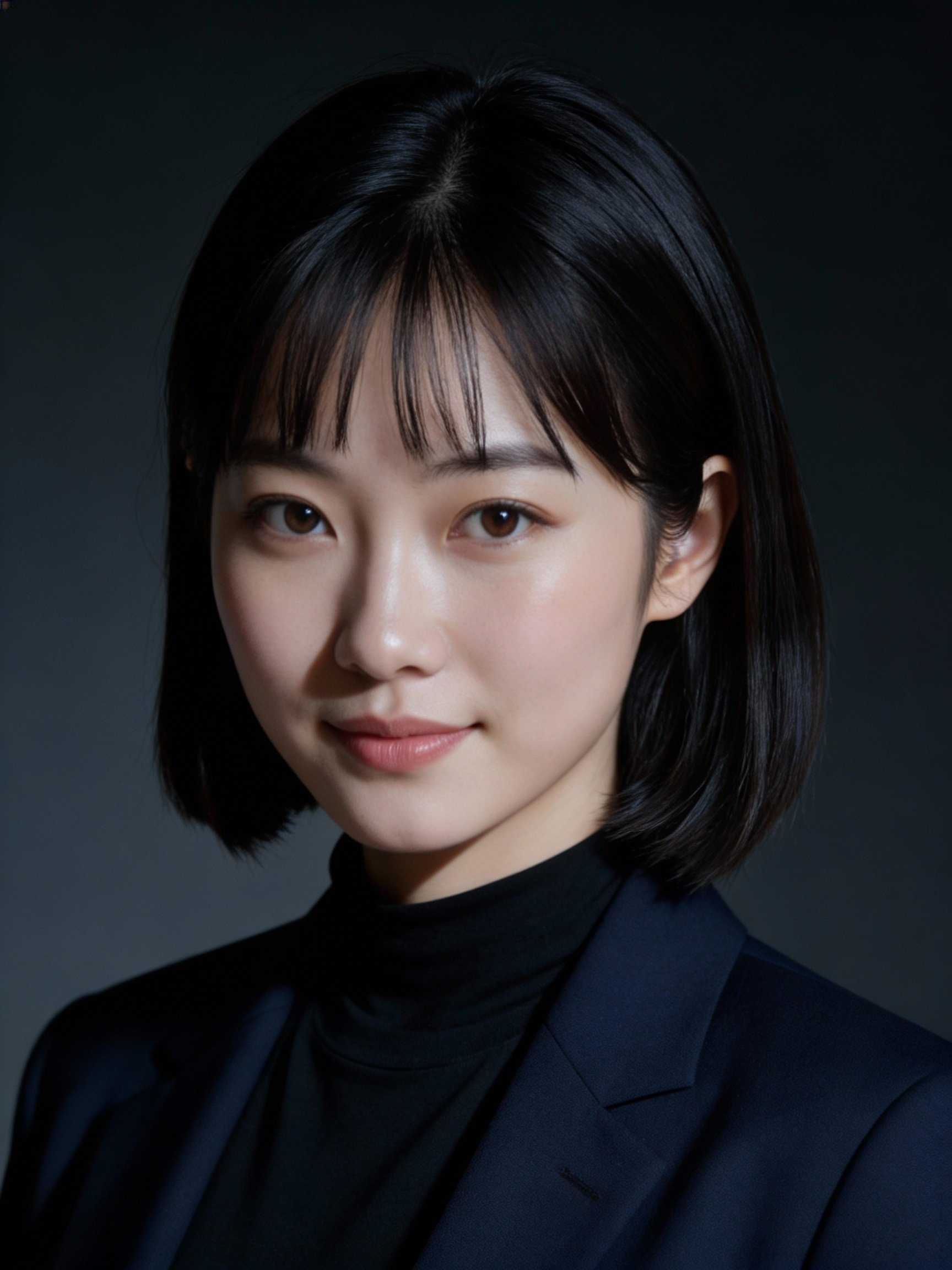
Best for LinkedIn & company sites
Professional CEO headshot
Studio-grade executive portraits that look modern, credible, and ready for press kits.
View recipe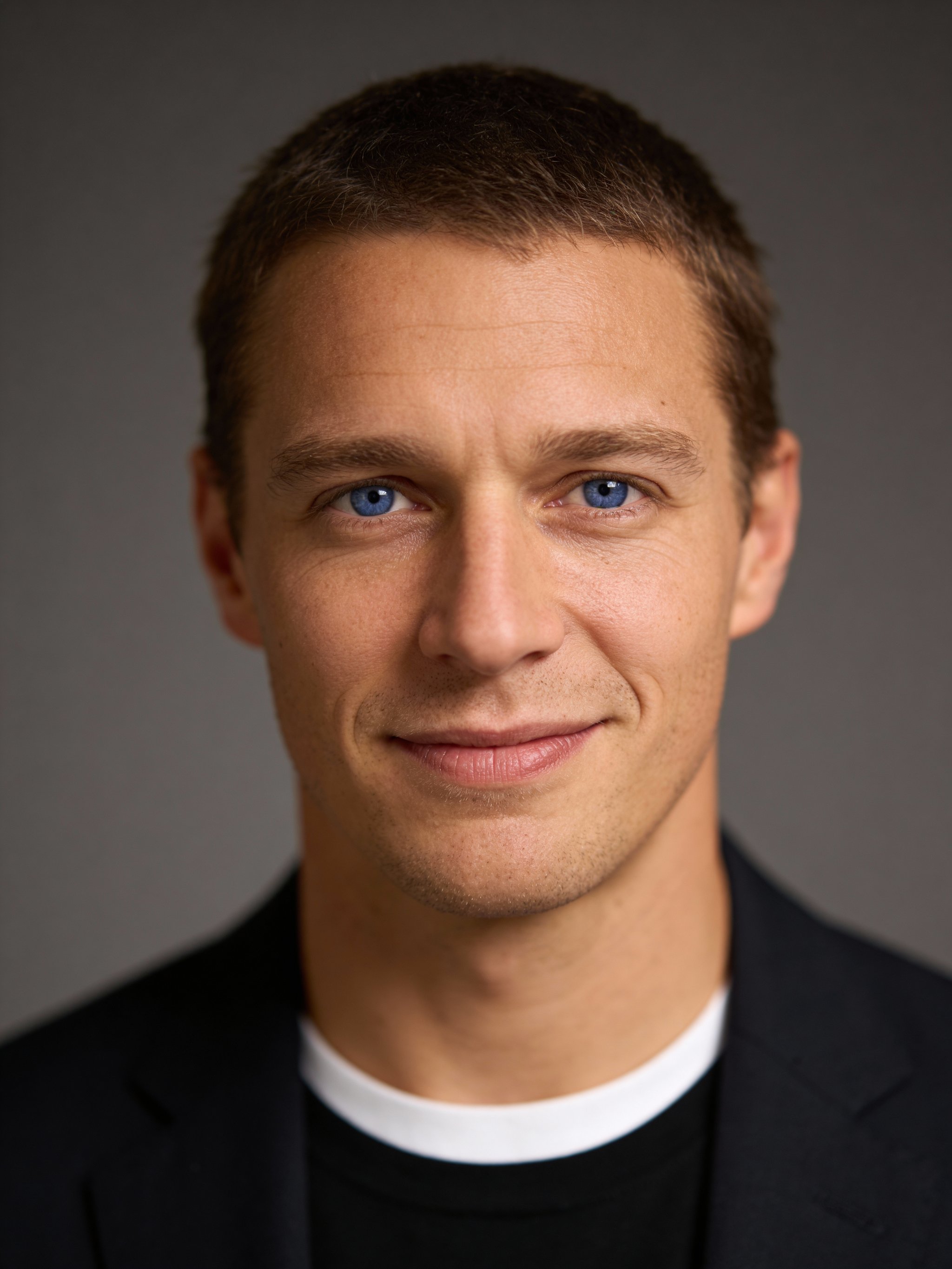
Best for LinkedIn & resumes
AI professional headshot
Classic studio portraits with neutral styling and crisp detail.
View recipe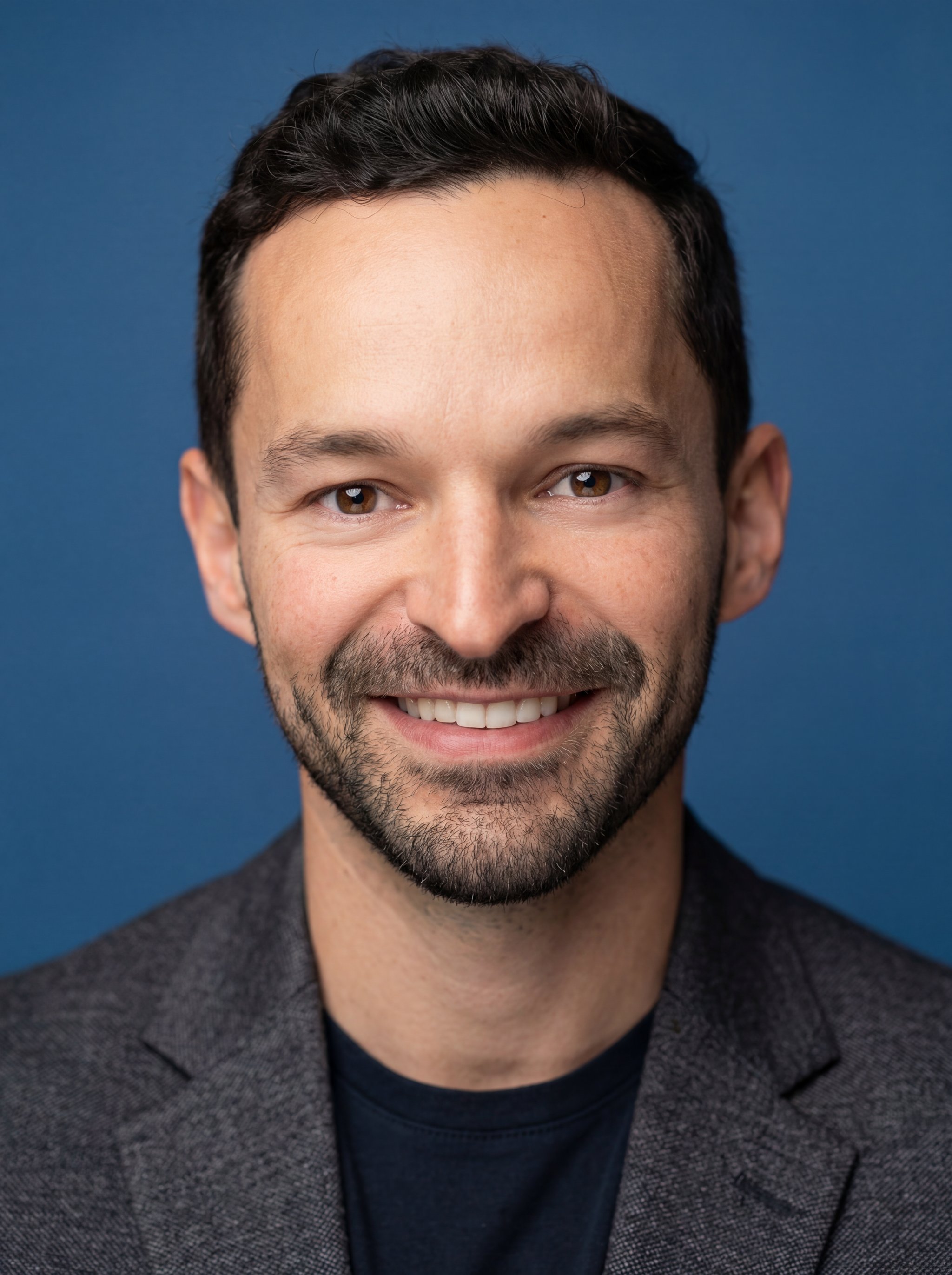
Best for LinkedIn & company sites
Professional studio profile photo
A clean, high-resolution chest-up profile photo with soft studio light and confident business styling.
View recipe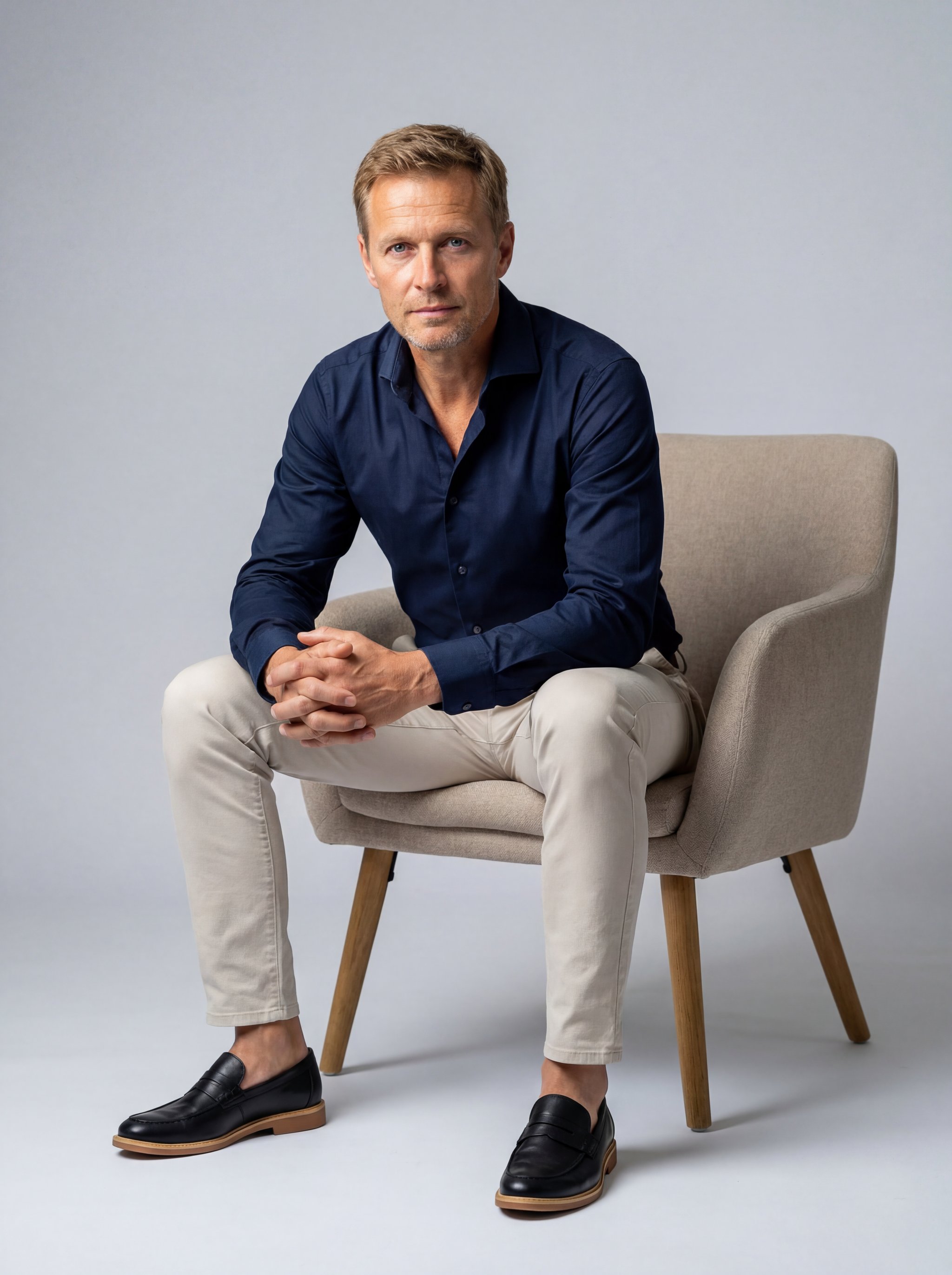
Best for corporate profiles
Studio man armchair portrait
A cinematic full-body studio portrait with a confident pose, tailored outfit, and clean gradient background.
View recipe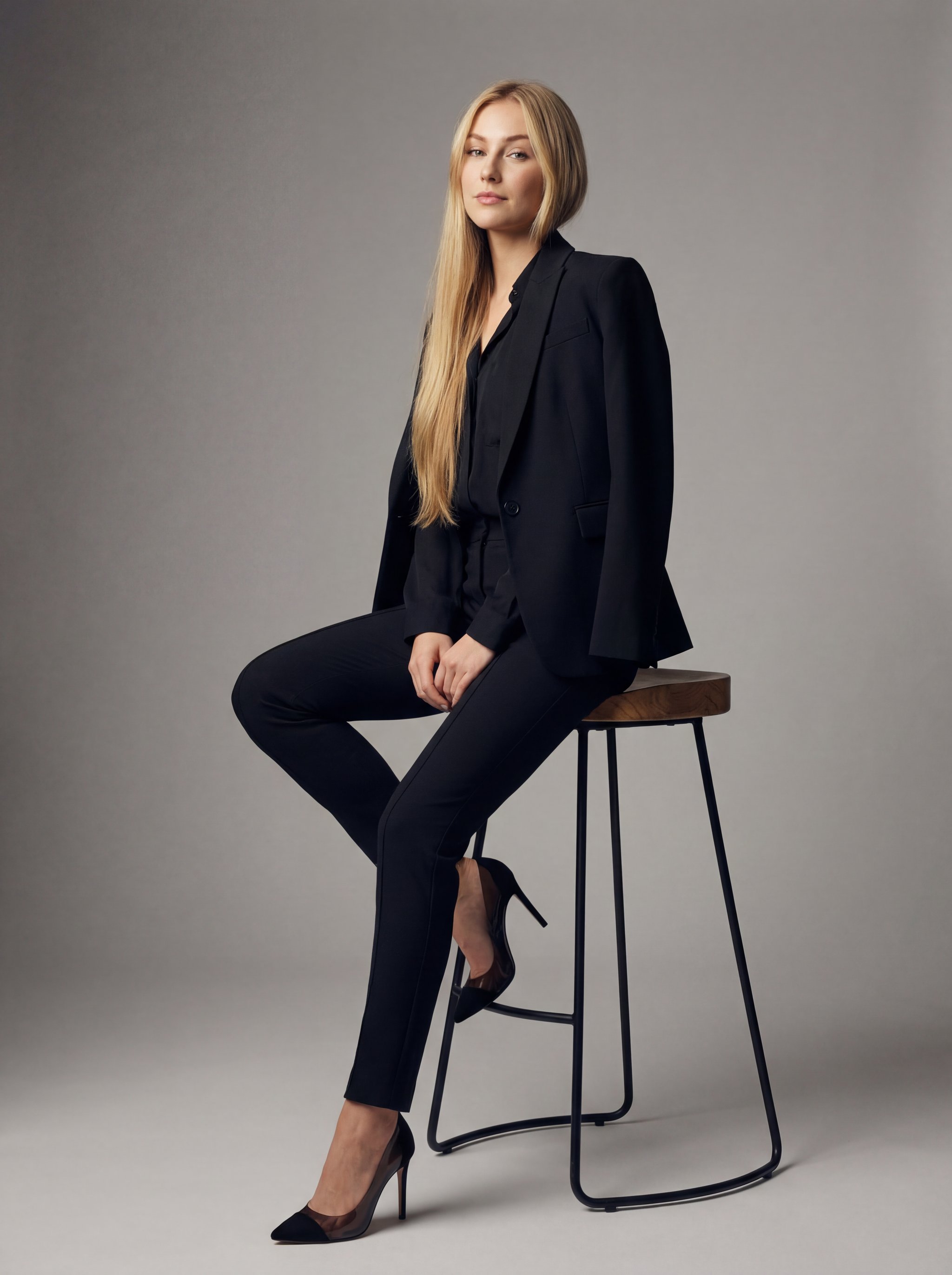
Best for modern teams
Ultra-realistic woman studio portrait
A premium all-black editorial studio portrait with balanced directional light and elegant posture.
View recipe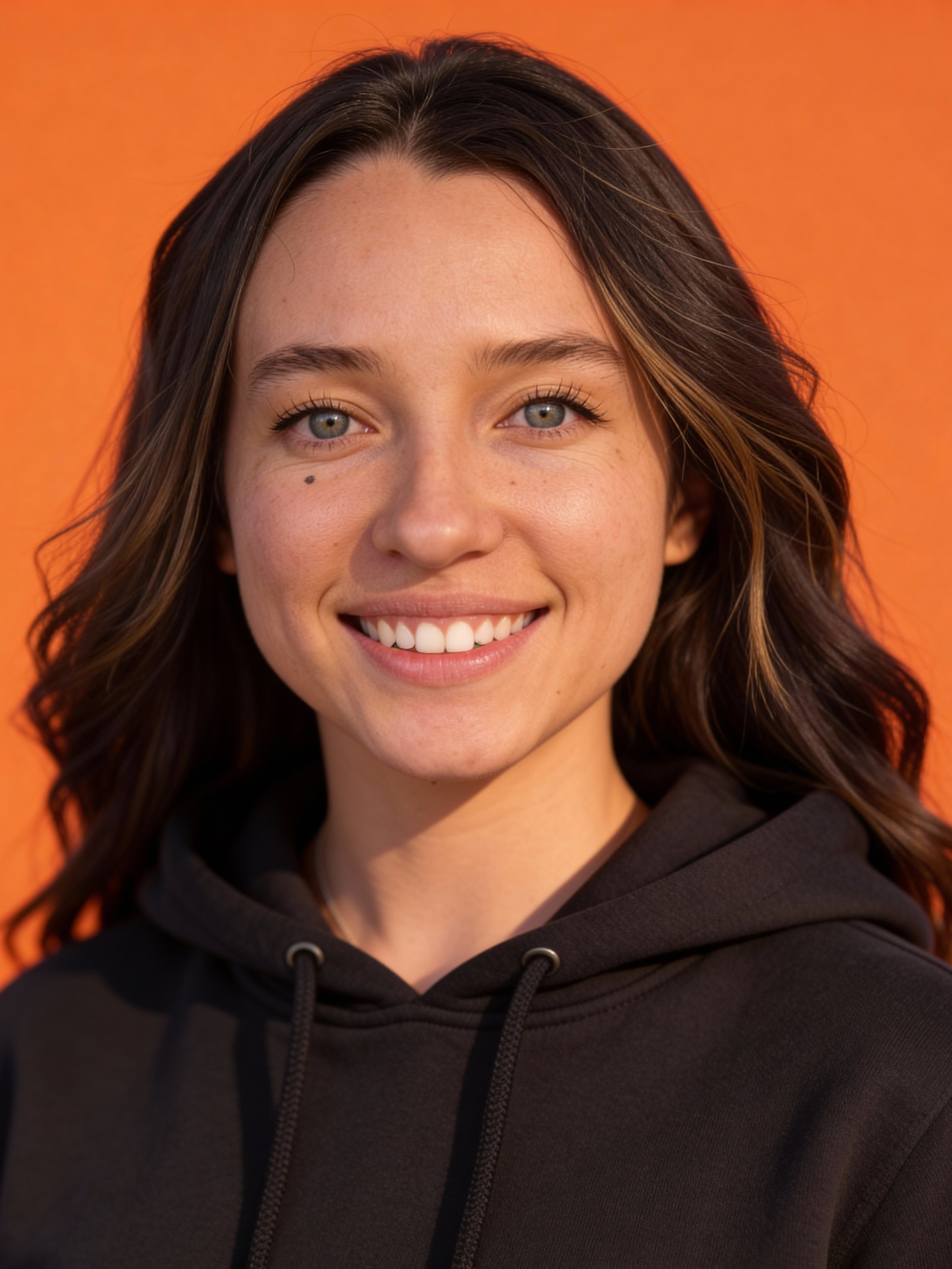
Best for company teams
AI orange background headshot
High-contrast studio portraits with a bold, brand-ready backdrop.
View recipe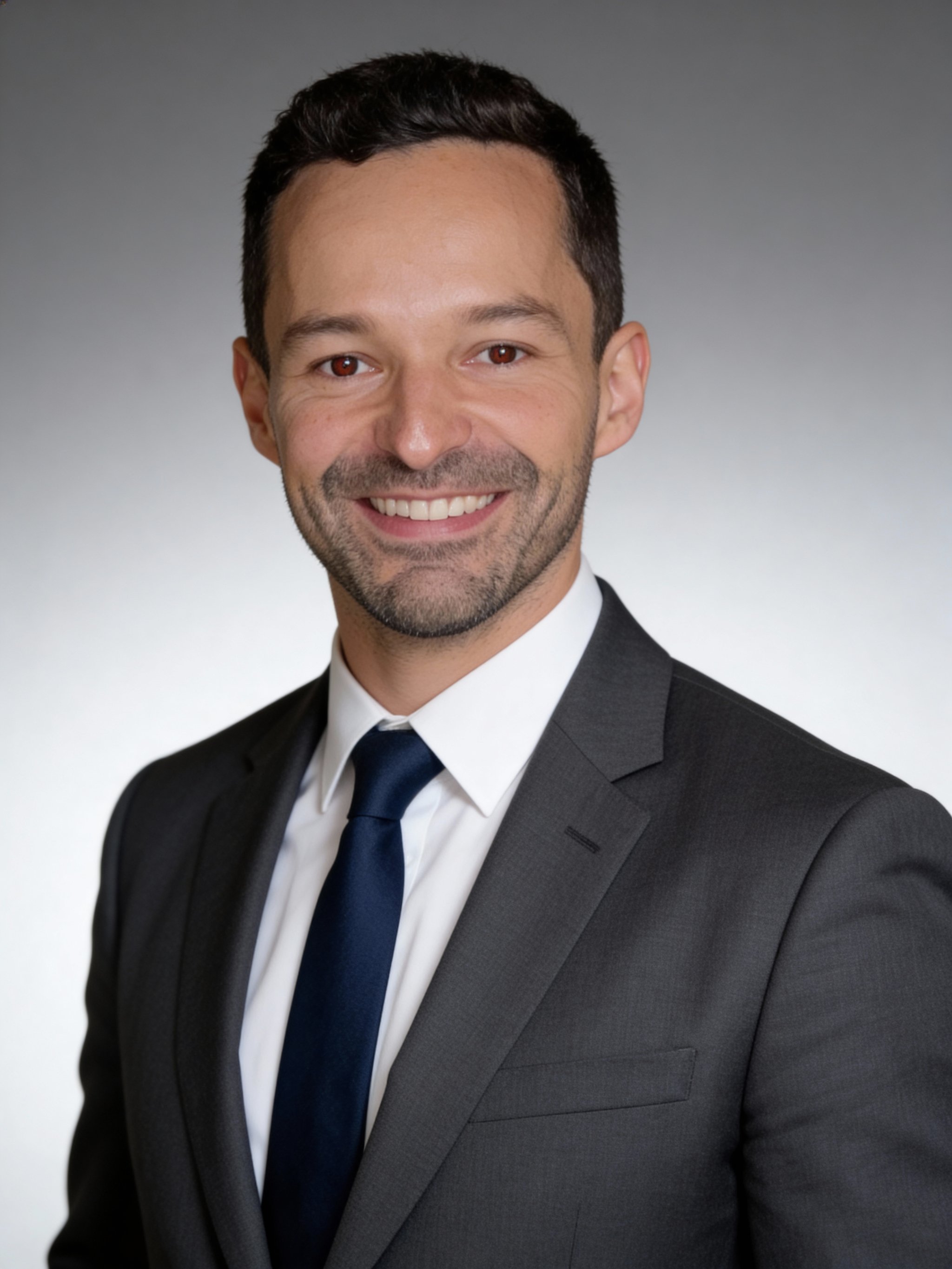
Best for corporate profiles
AI corporate headshot
Premium corporate portraits with clean lighting and a timeless look.
View recipe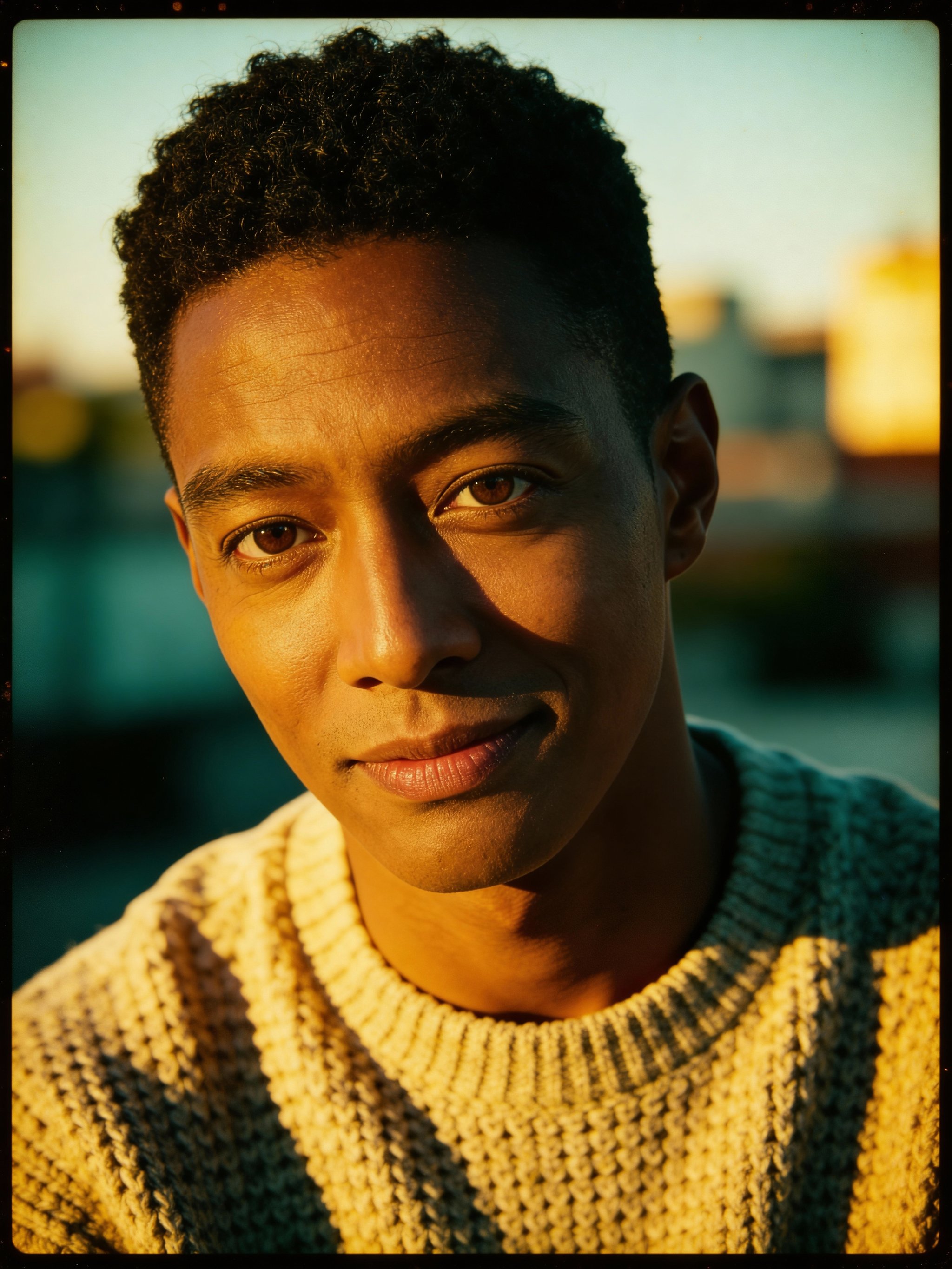
Best for editorial storytelling
AI vintage film portrait
Warm 35mm-inspired portraits with golden-hour glow and soft bokeh.
View recipe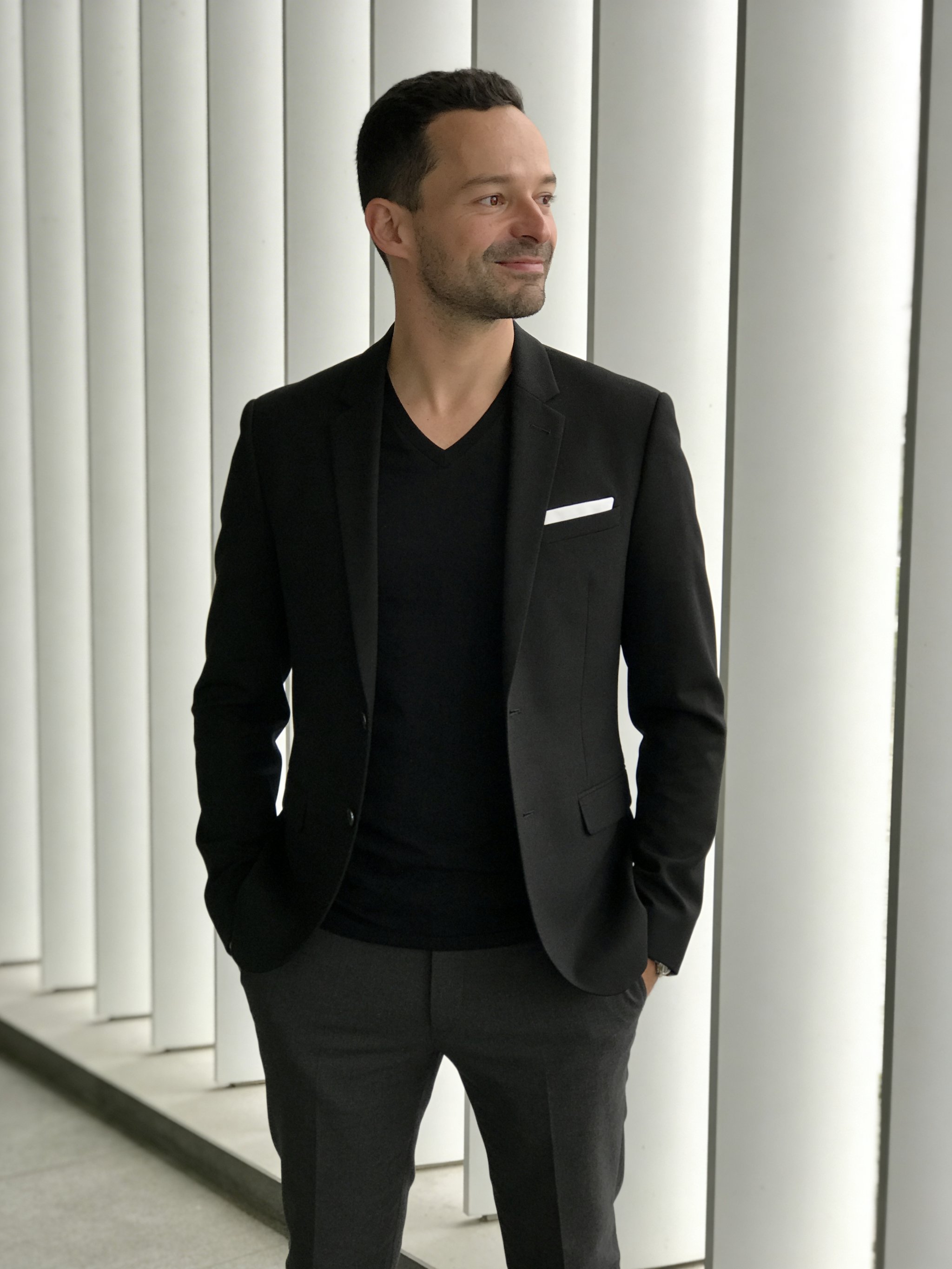
Best for executive branding
Black blazer architectural panel portrait
A contemporary business portrait with architectural paneling, tailored styling, and crisp studio balance.
View recipe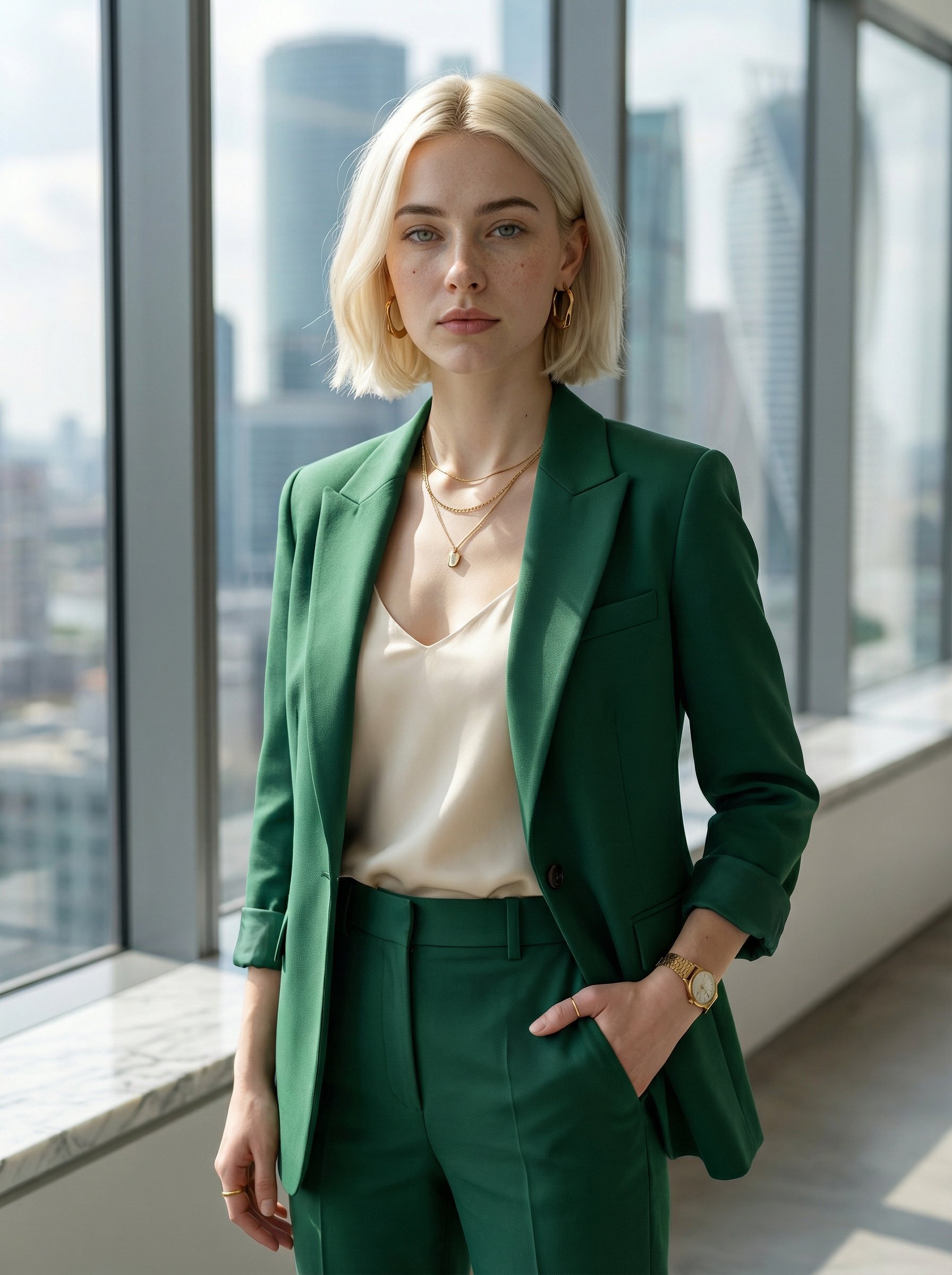
Best for premium corporate profiles
Emerald suit corporate office portrait
A premium office portrait with emerald tailoring, natural window light, and elevated corporate polish.
View recipe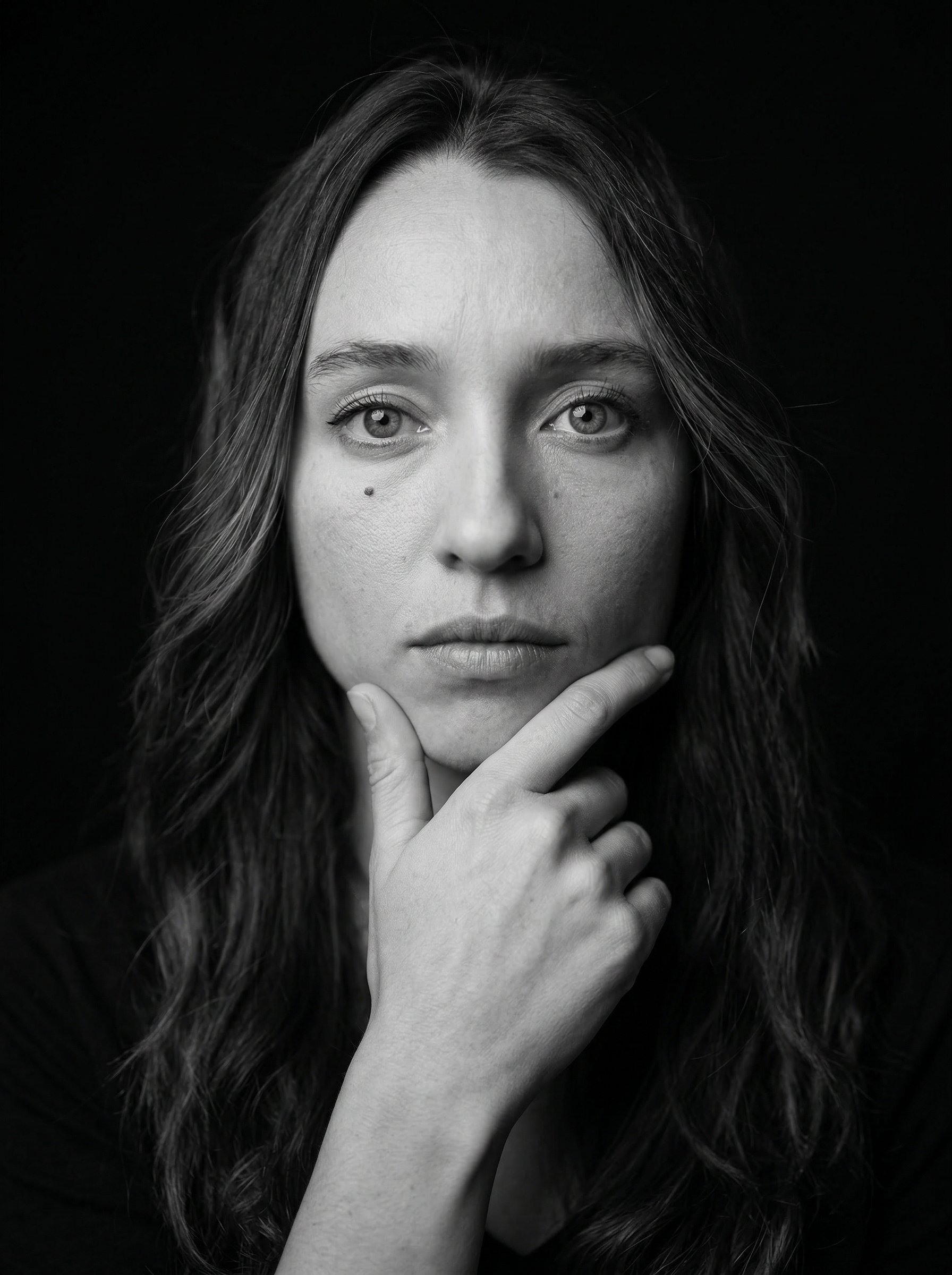
Best for artistic personal brands
Fine-art monochrome thinker portrait
A contemplative monochrome portrait with fine-art framing, sculptural light, and editorial depth.
View recipe
Best for healthcare profiles
Healthcare professional headshot
A crisp studio headshot in a white medical coat with controlled lighting.
View recipe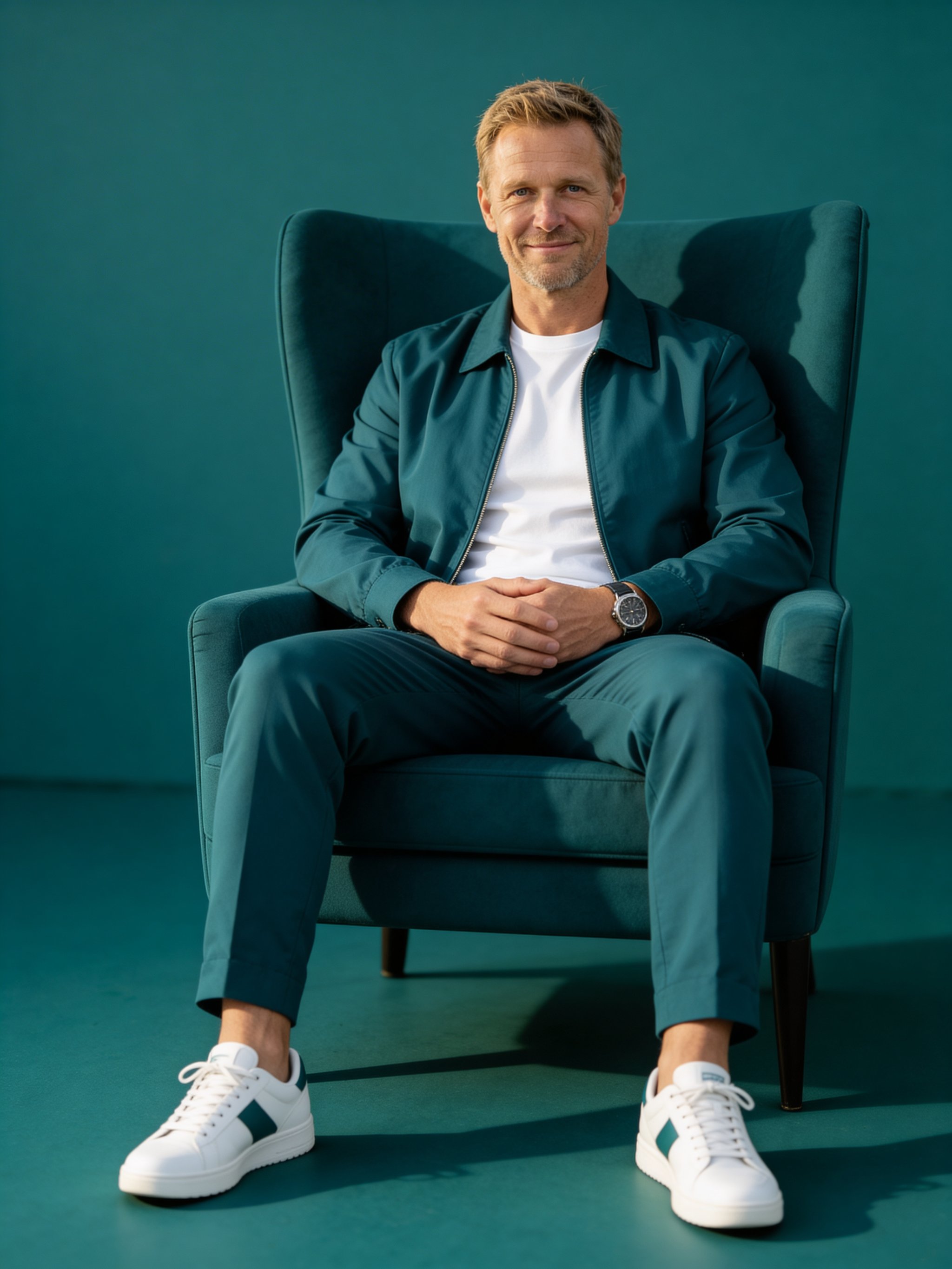
Best for monochrome editorial looks
Monochrome armchair studio portrait
A minimalist monochrome studio setup with coordinated wardrobe and high-fashion composition.
View recipeBest for LinkedIn & company sites
Professional CEO headshot
Studio-grade executive portraits that look modern, credible, and ready for press kits.
View recipe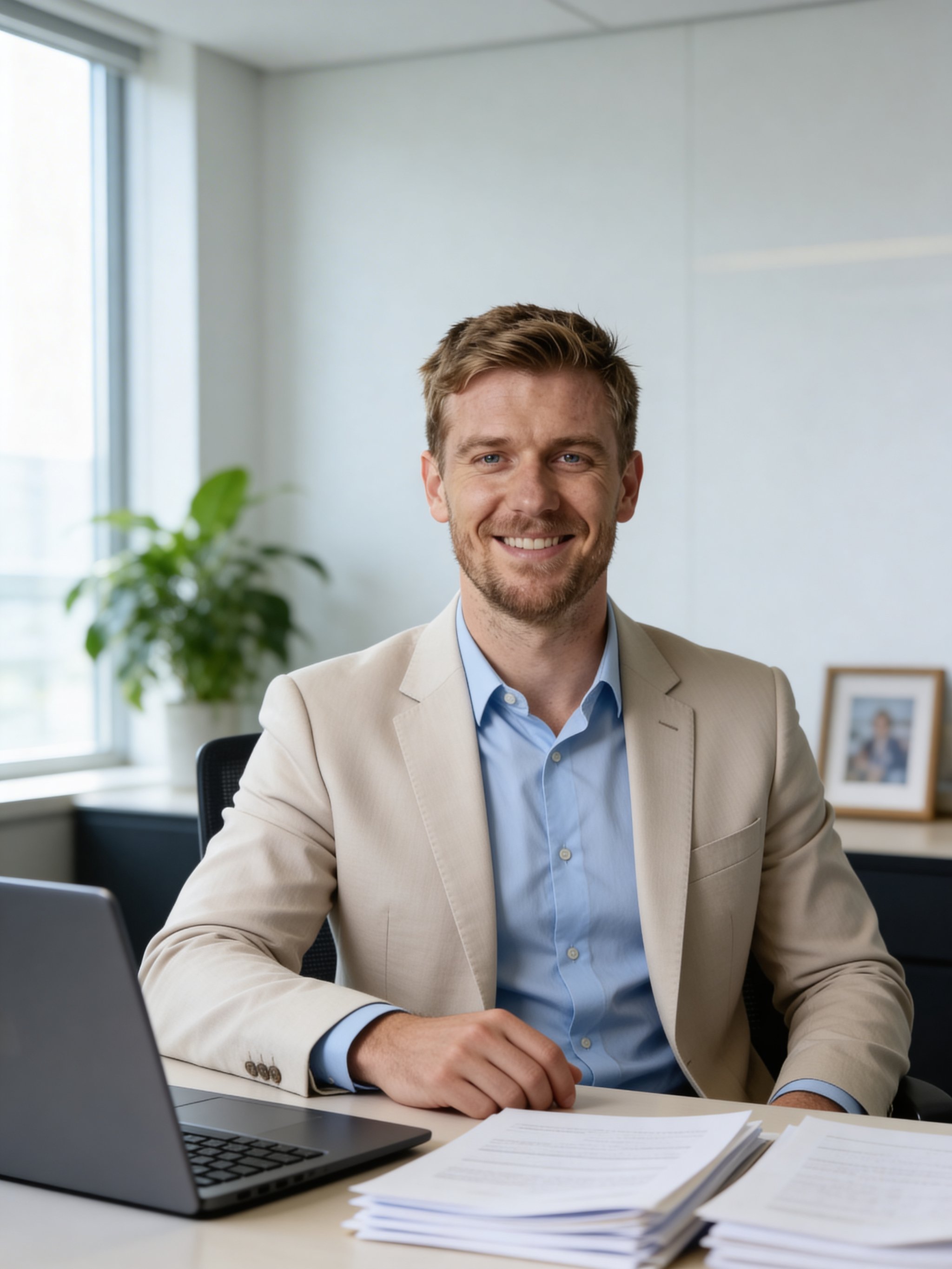
Best for executive office branding
Executive office desk portrait
A polished office portrait with confident posture, natural daylight, and premium business styling.
View recipe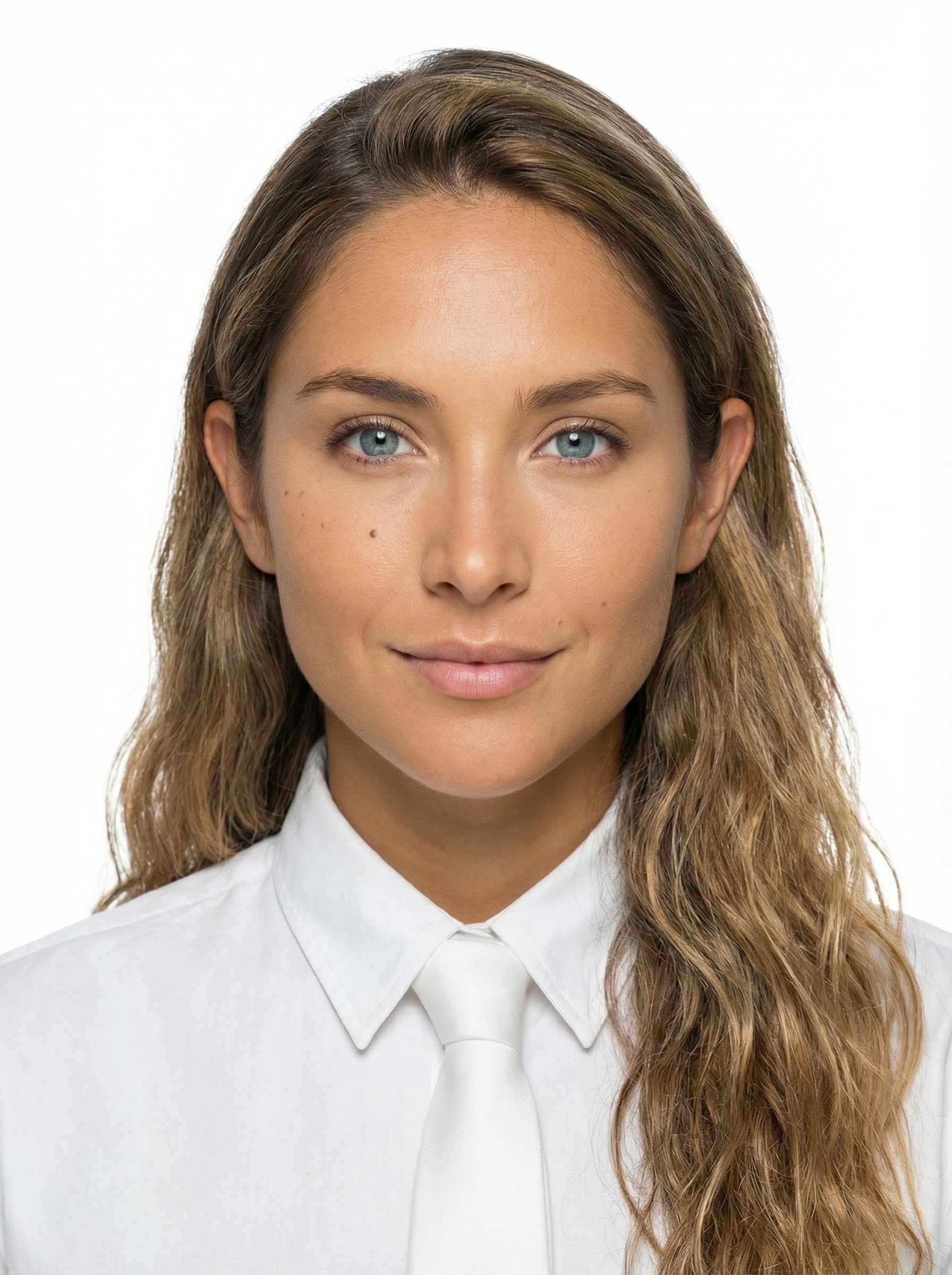
Best for formal ID-style portraits
Professional passport studio portrait
A clean, official-ready passport-style studio portrait with centered head-and-shoulders framing.
View recipe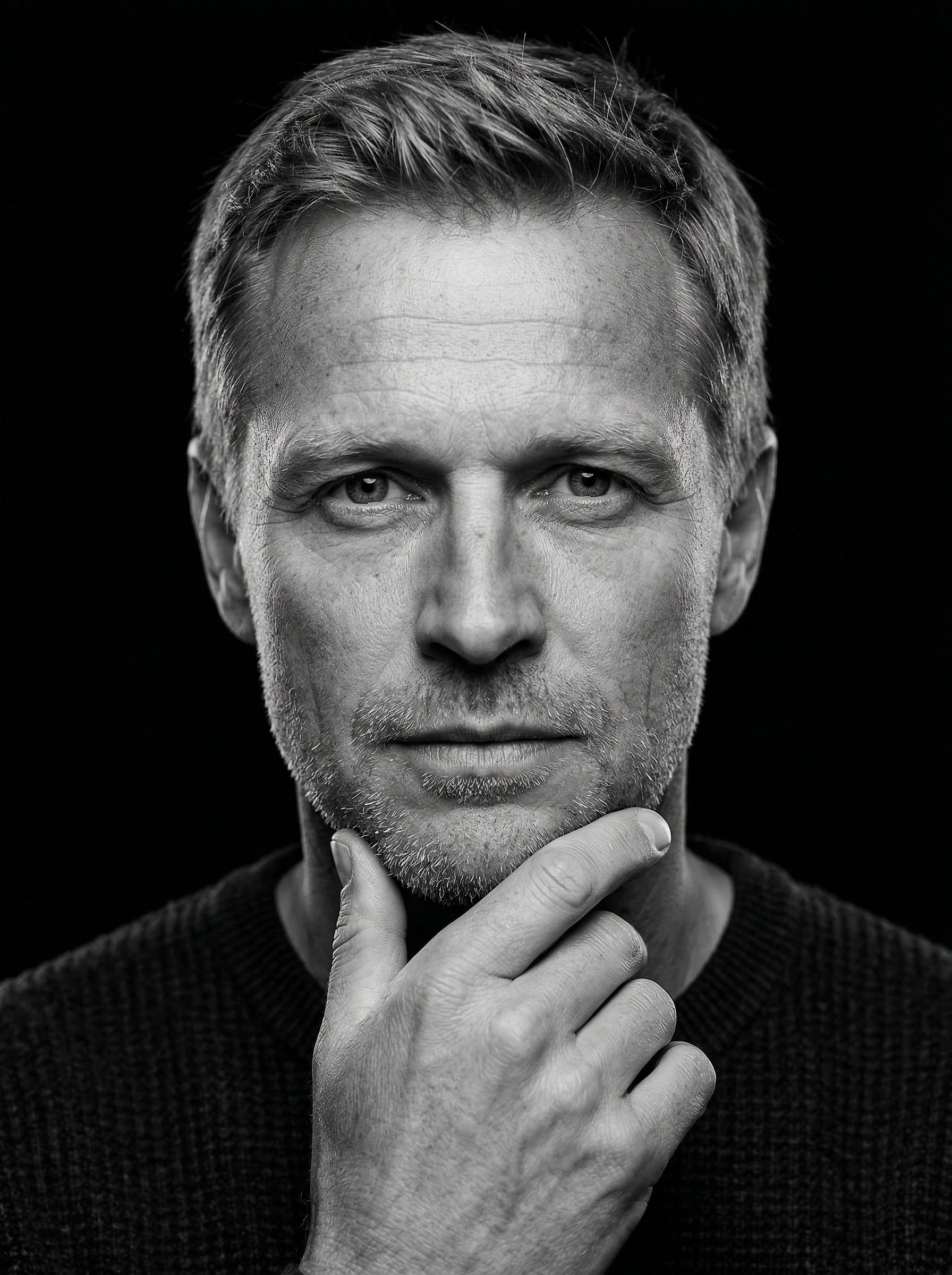
Best for dramatic monochrome portraits
Rembrandt monochrome male portrait
A dramatic black-and-white portrait inspired by Rembrandt lighting and timeless studio contrast.
View recipe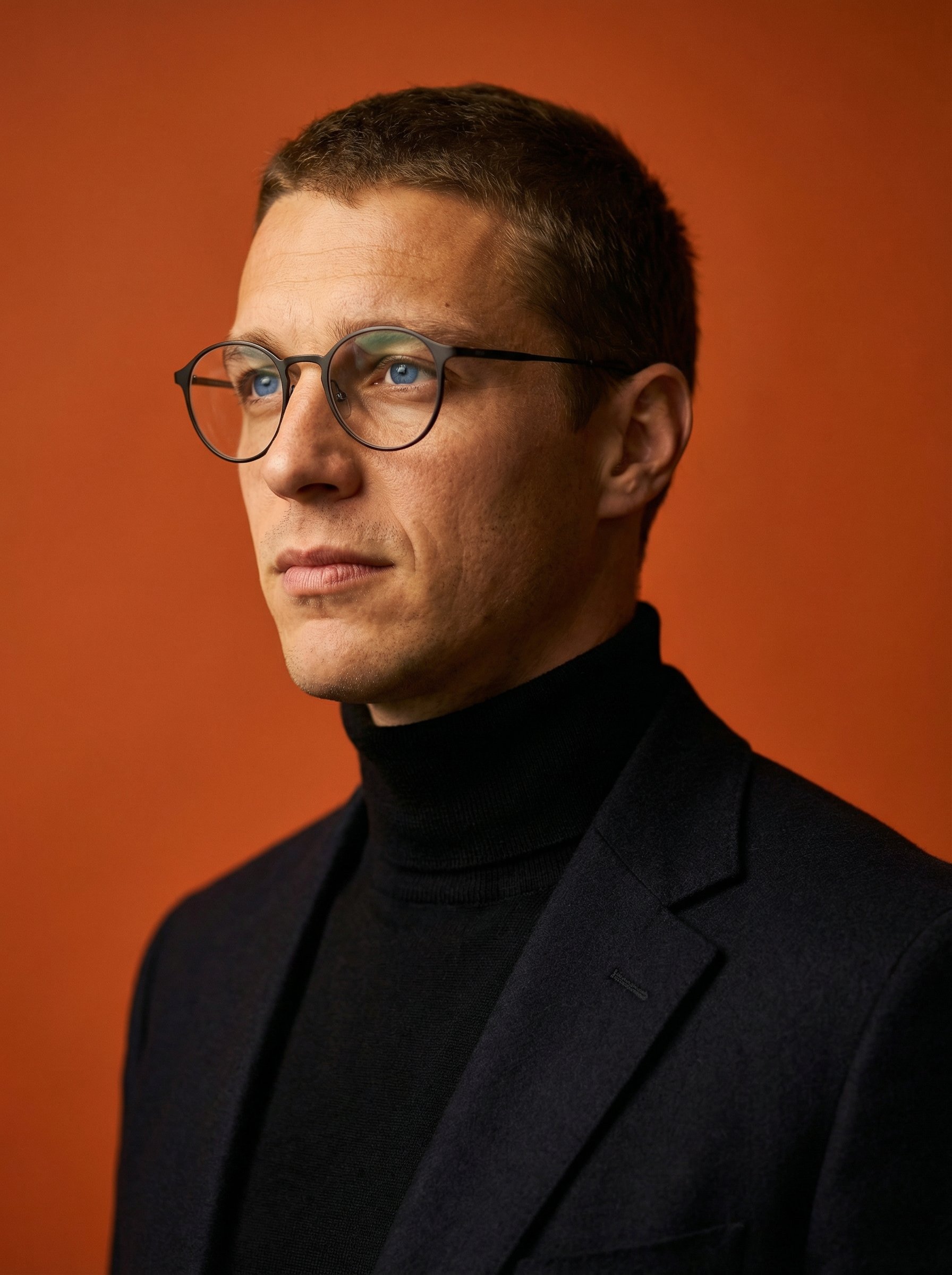
Best for polished studio close-ups
Terracotta turtleneck studio closeup portrait
A polished chest-up studio portrait with warm terracotta styling and premium close-up detail.
View recipe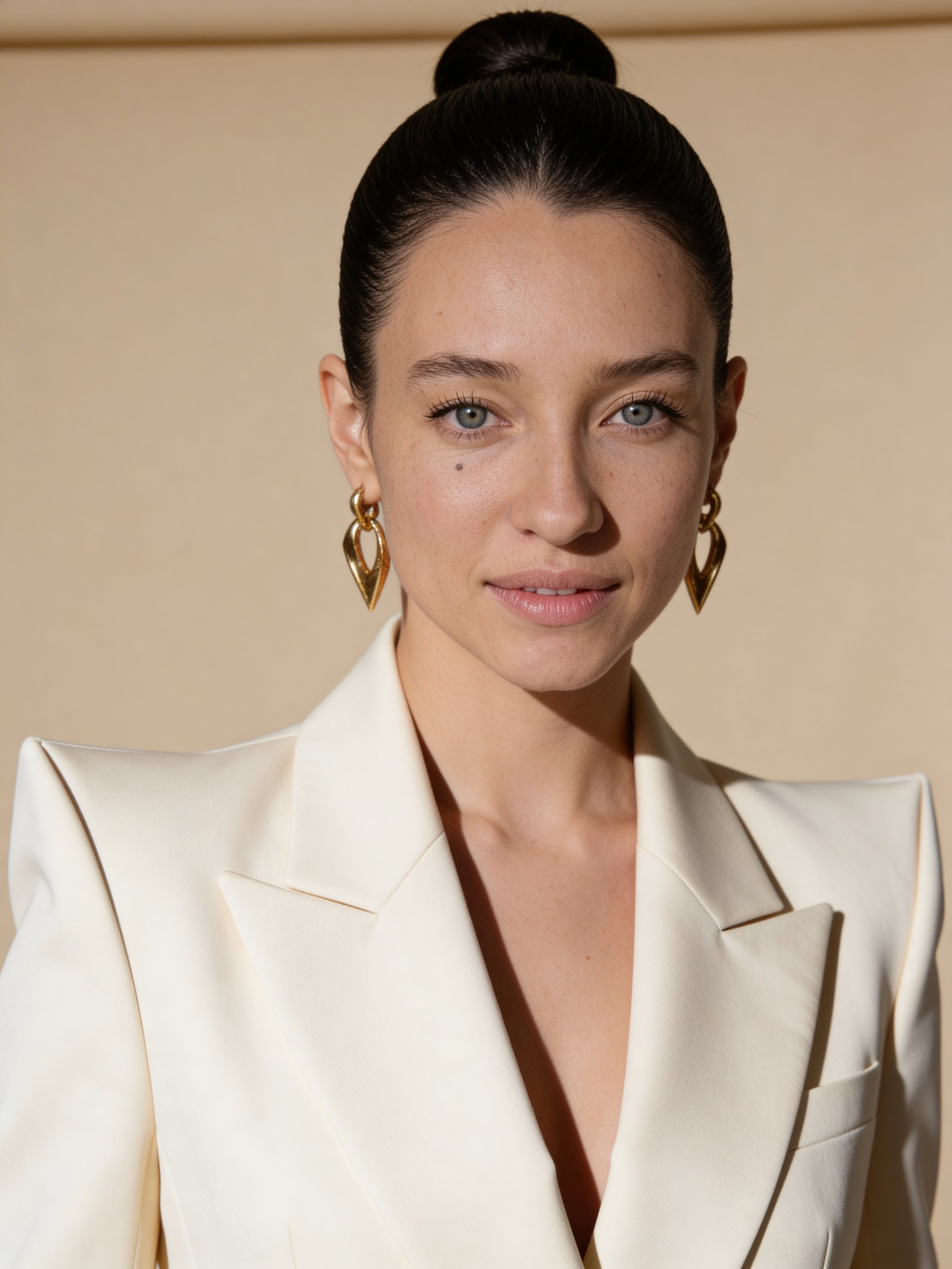
Best for editorial business portraits
Woman cream blazer editorial studio portrait
A high-end editorial studio portrait with structured fashion styling, dramatic flattering light, and premium skin detail.
View recipe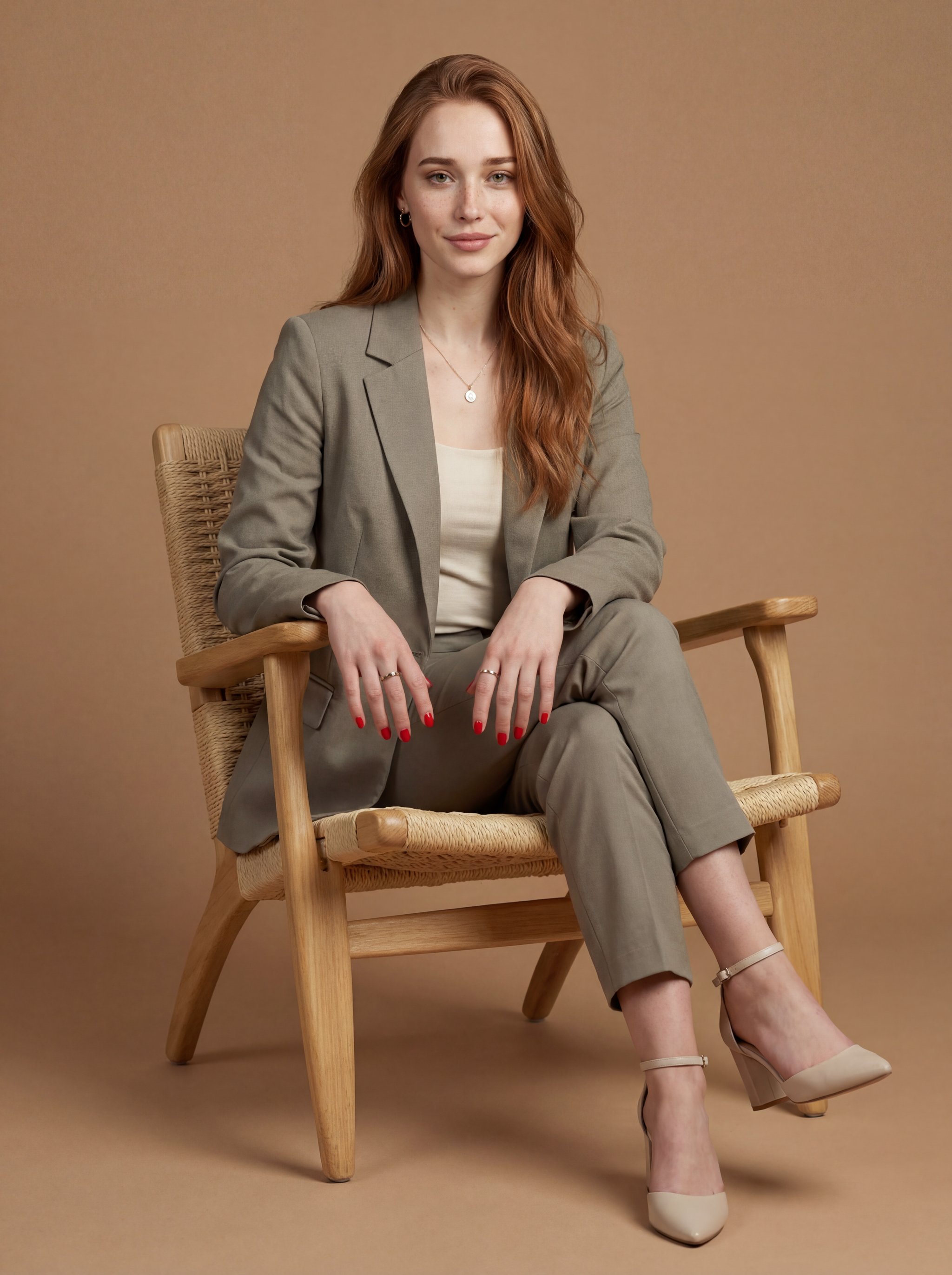
Best for modern professional portraits
Woman neutral suit studio portrait
A full-length professional studio portrait with clean neutral styling and soft directional light.
View recipe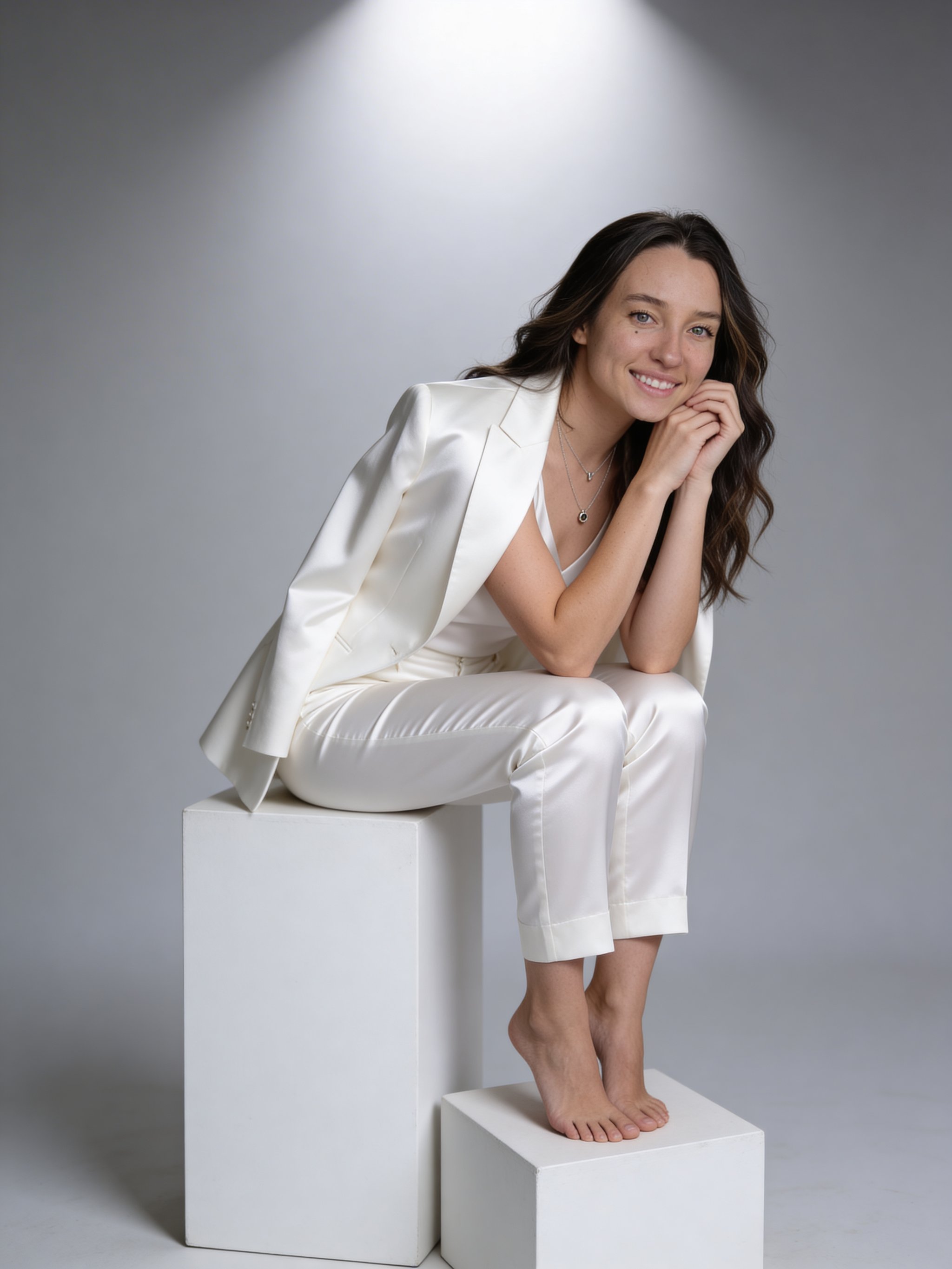
Best for minimalist studio branding
Woman white cubes studio portrait
A minimalist studio portrait framed by sculptural white cubes and clean editorial light.
View recipeFounders & Personal Brands
Approachable, modern looks for social profiles and personal websites.
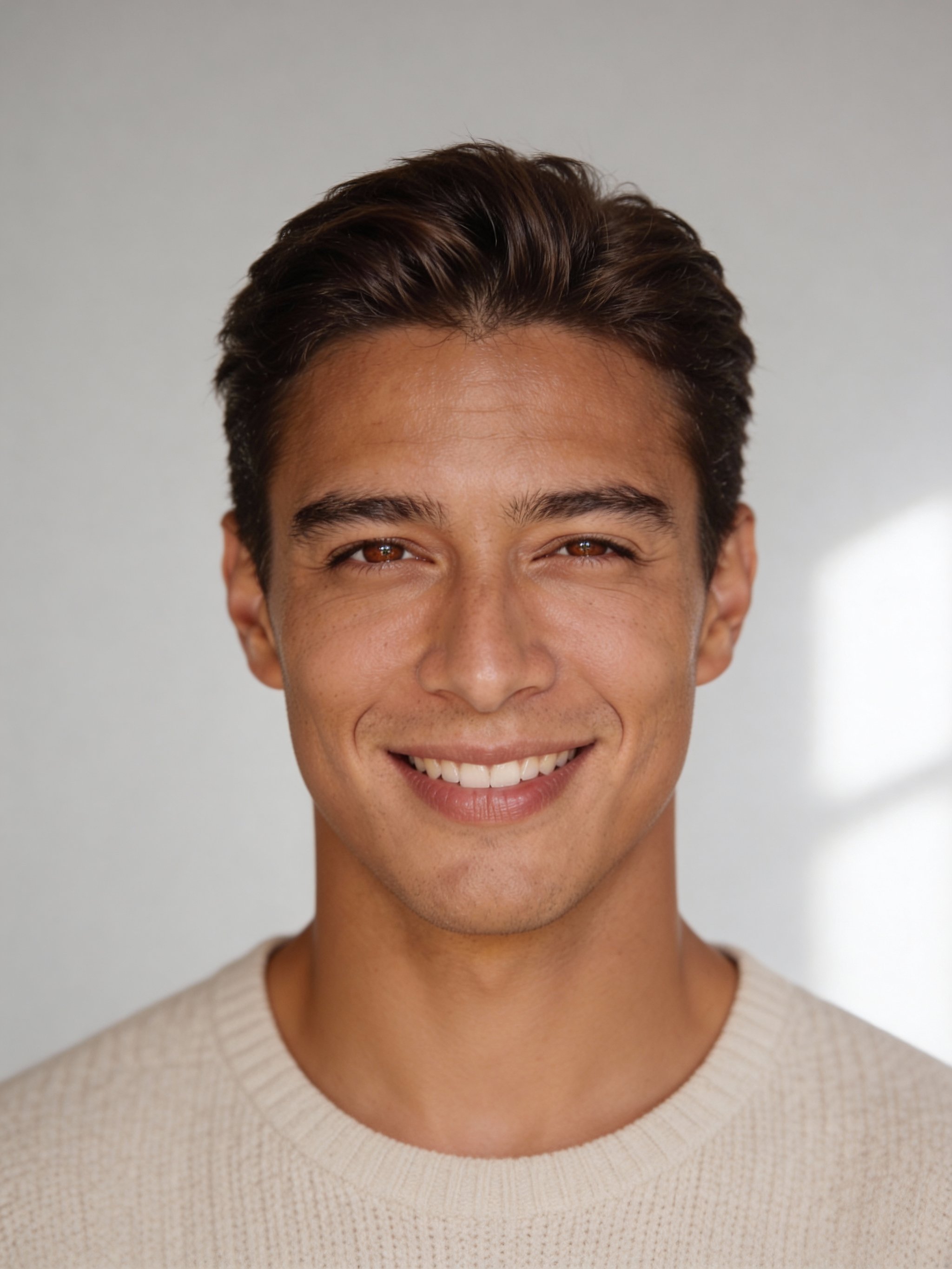
Best for founders & personal brands
AI natural light headshot
Soft, daylight portraits with a warm, approachable feel.
View recipe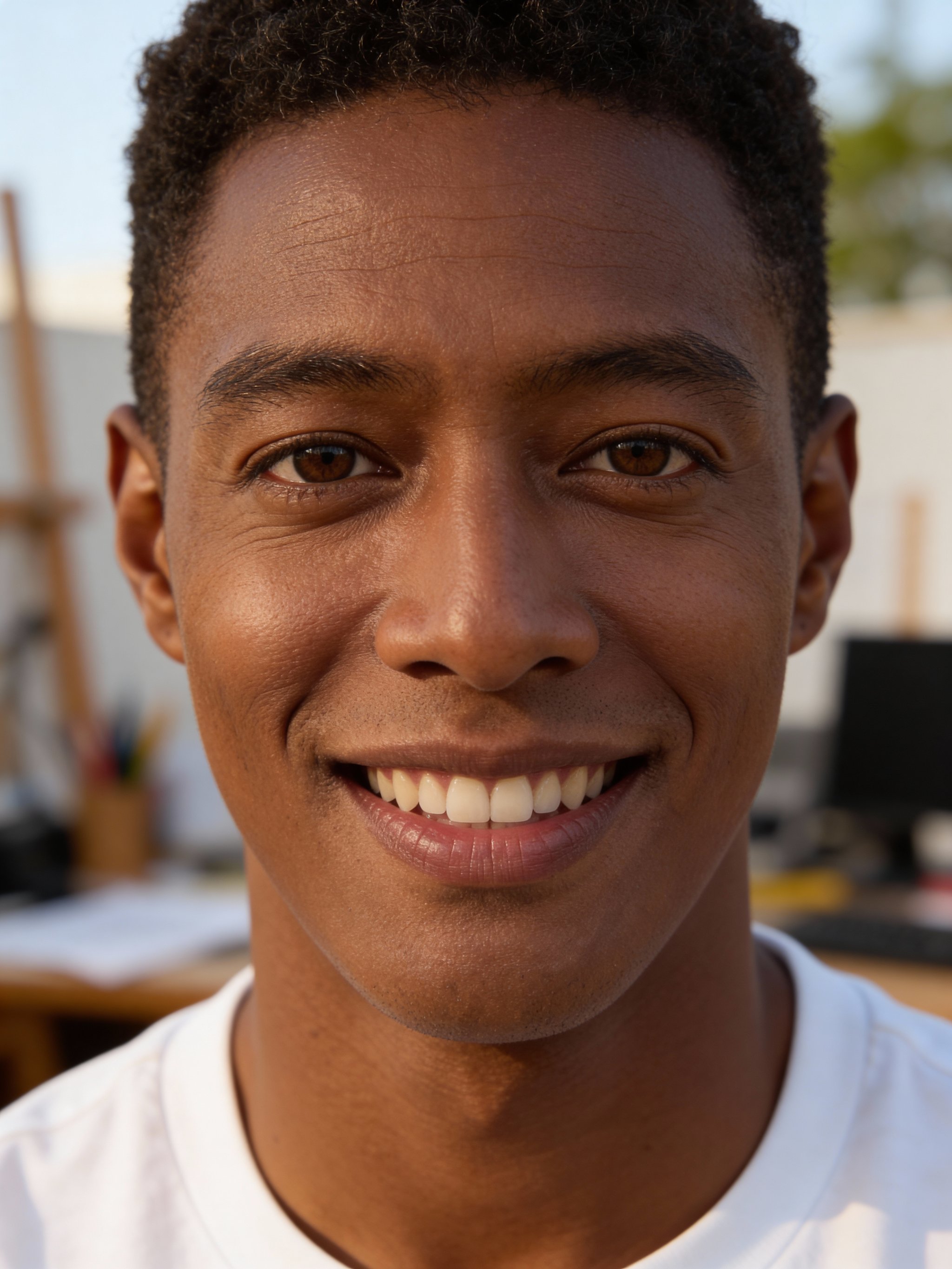
Best for personal brands
AI warm bokeh headshot
Close-up portraits with soft bokeh and warm, natural light.
View recipe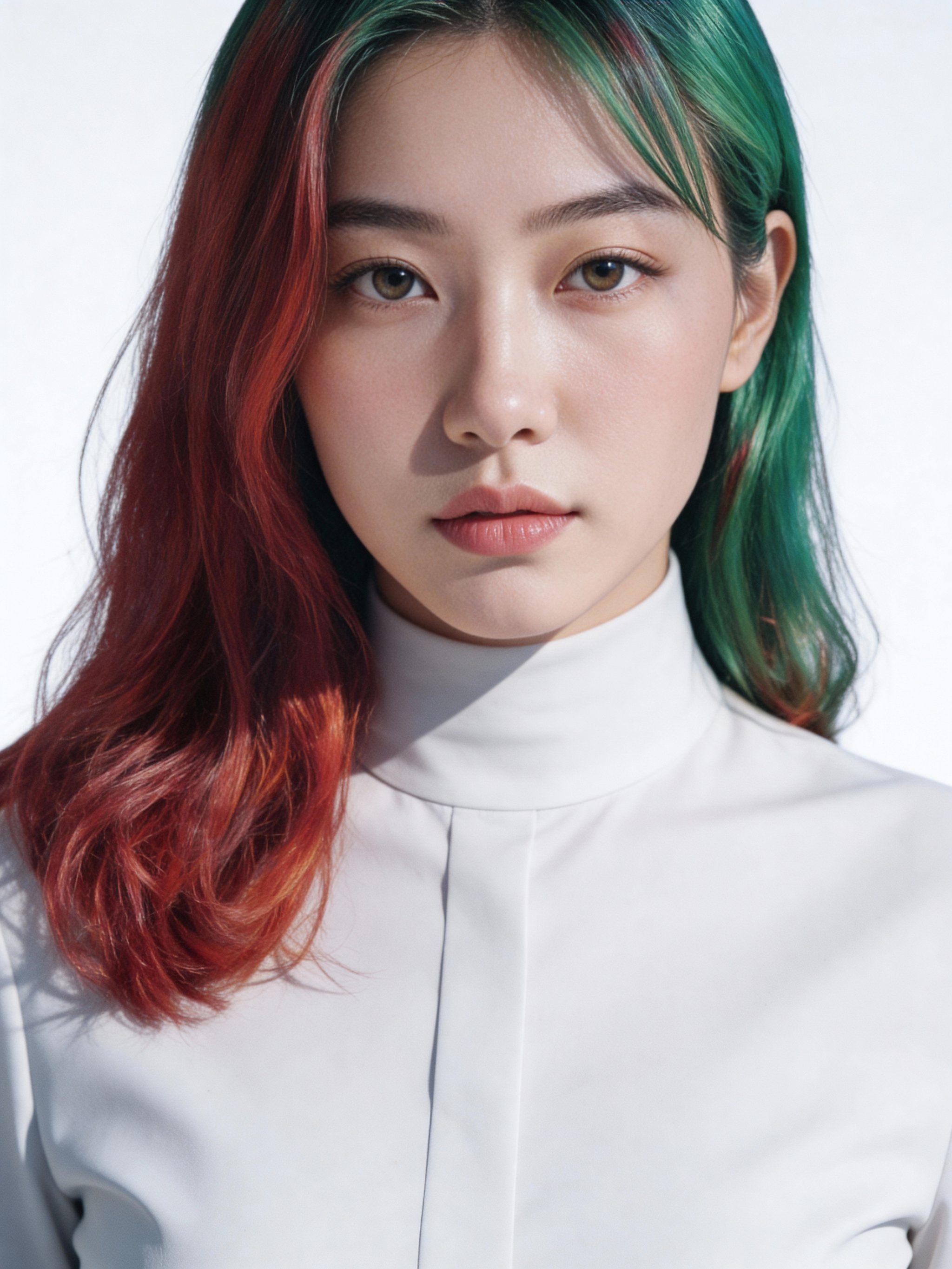
Best for modern teams
AI modern minimalist headshot
Bright, high-key portraits with crisp detail and minimal styling.
View recipeCreative & Editorial
Bold, stylized looks that help you stand out in press or portfolios.
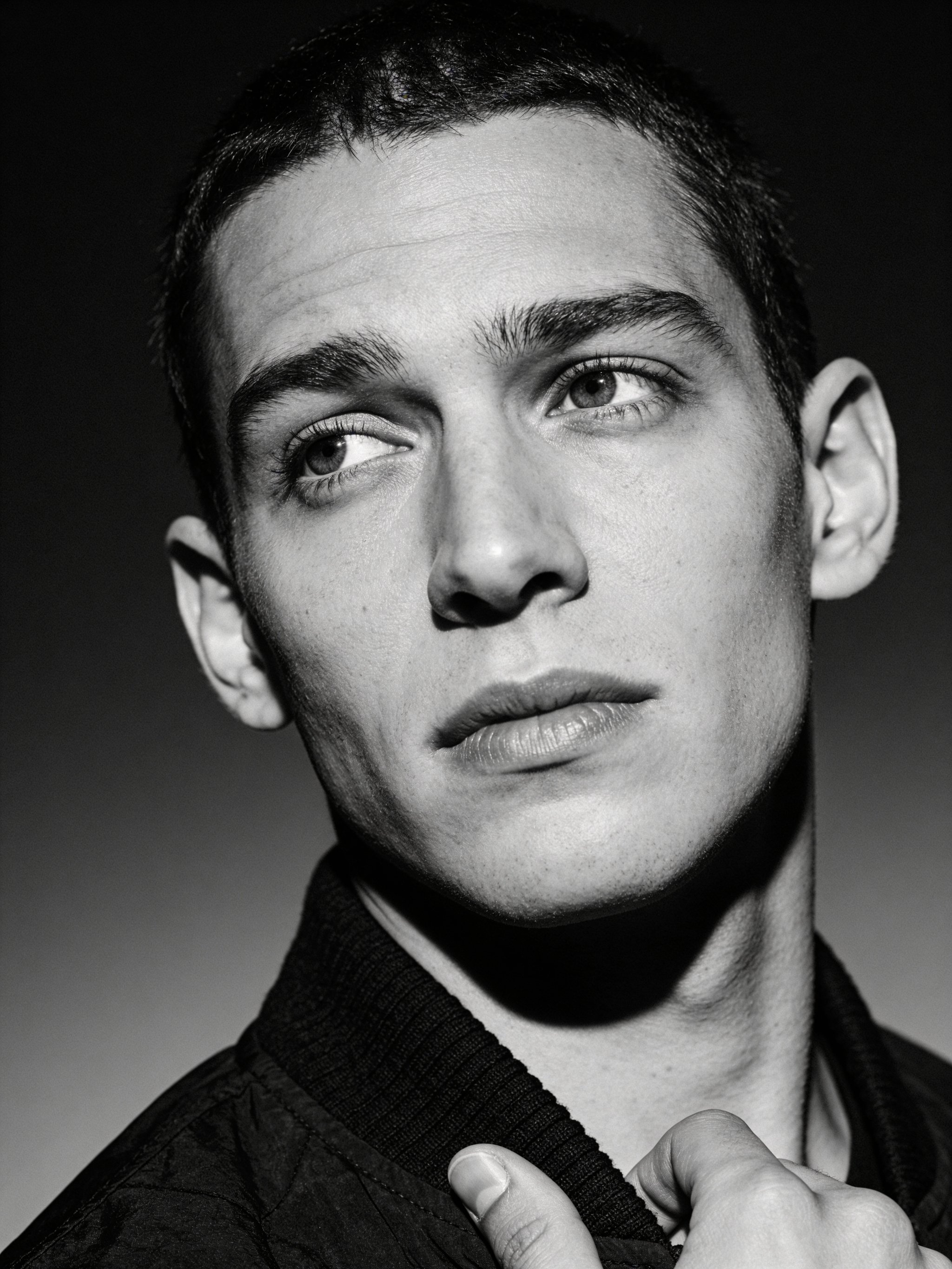
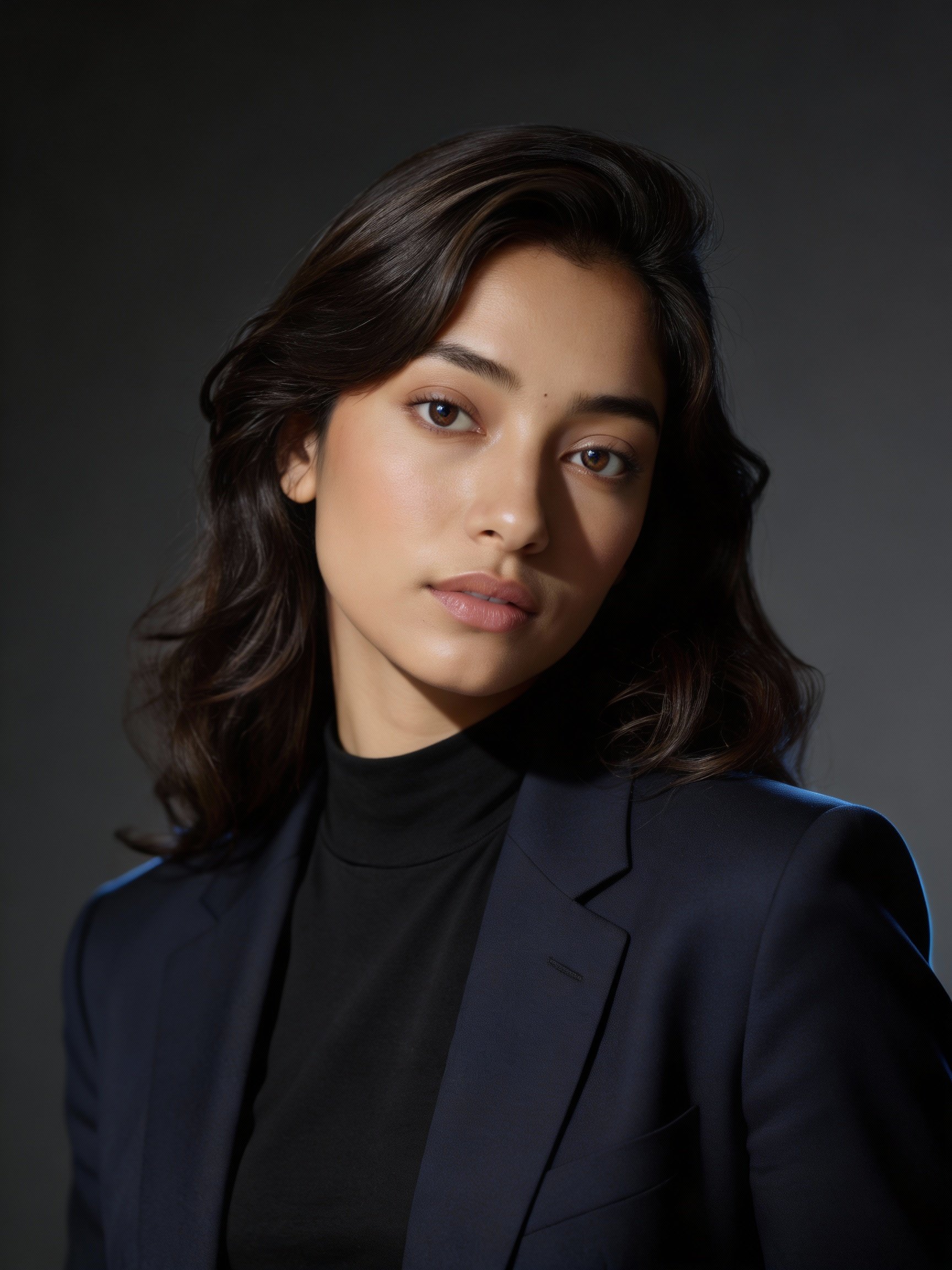
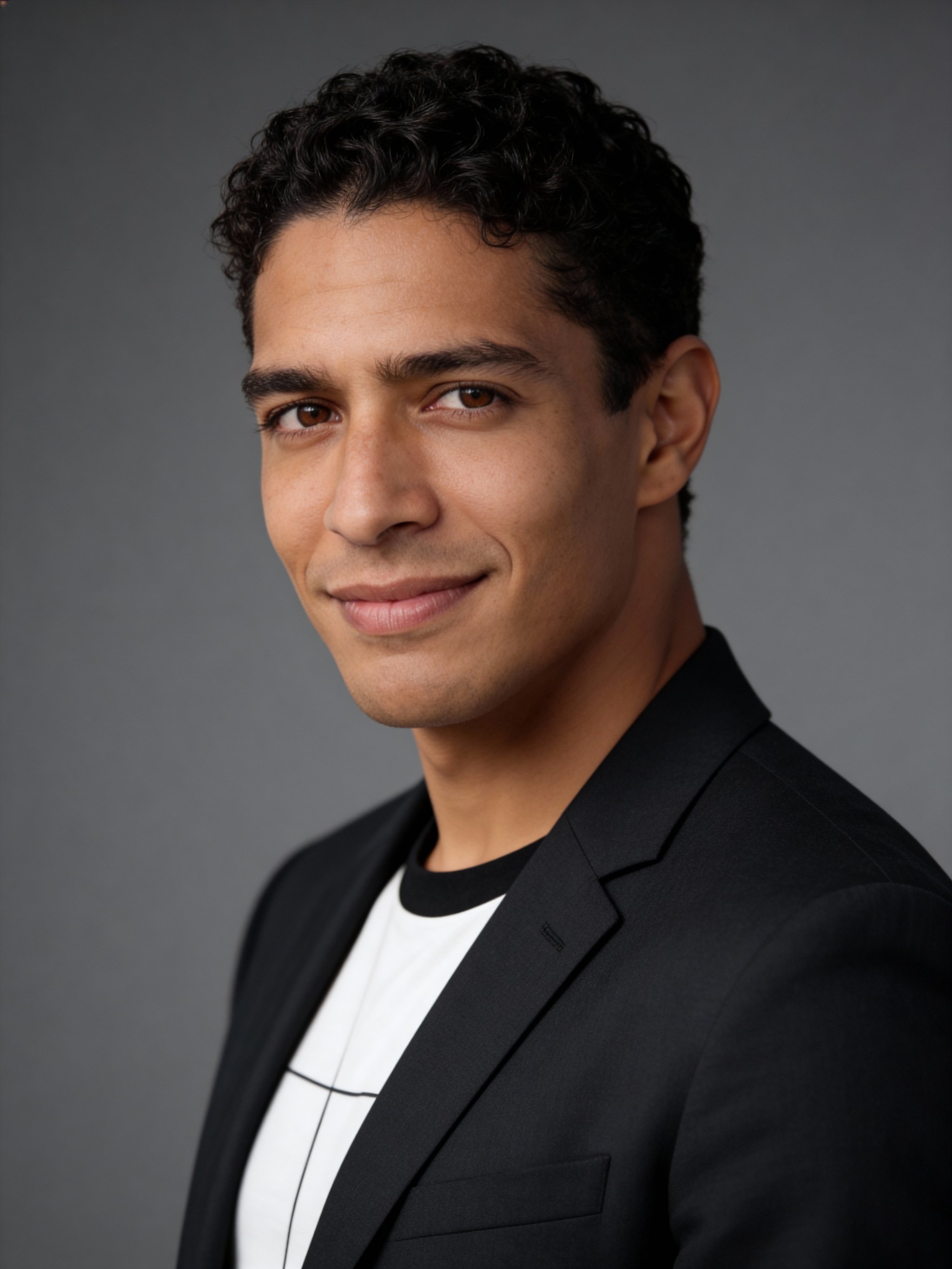
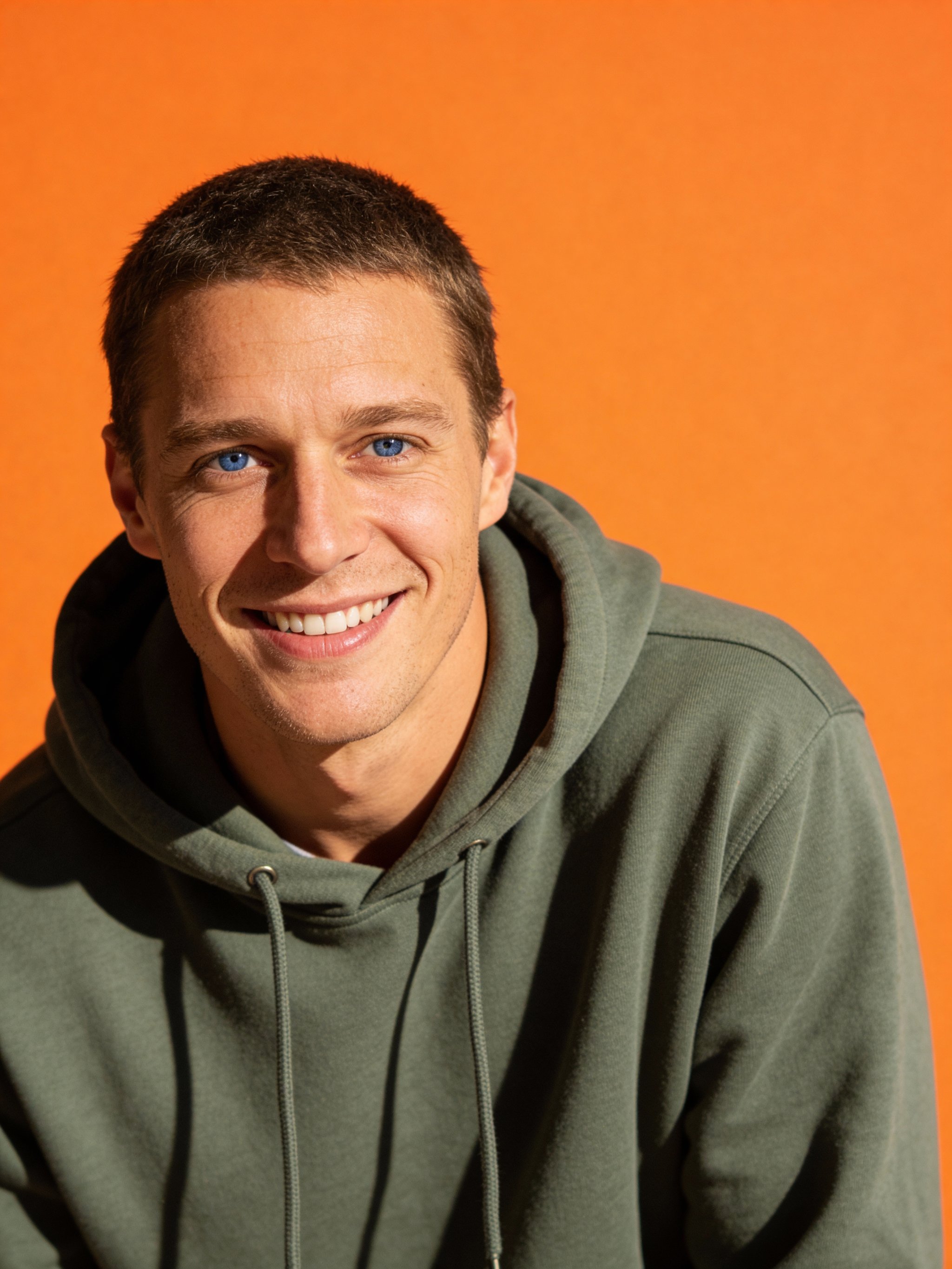
Real AI headshot generator examples
Headshots generated with HummingBytes. Compare lighting, wardrobe and backgrounds.
AI-generated examples. Your results will vary with the photo, prompt and model.
Click any example to generate a similar headshot.
How the AI headshot generator works
Use a recipe as a starting point, then review the result for your profile or bio.
LinkedIn profiles · Team pages · Founder bios · Speaker profiles · Press kits · Resumes
- 01
Upload a clear photo
Start with one front-facing photo with good lighting and a visible face.
- 02
Choose the right look
Pick a studio, natural-light, or editorial style based on where you will use the headshot.
- 03
Generate and download
Create multiple professional options, then save the version that fits LinkedIn, your team page, or your bio.
Which AI headshot style should you generate?
Studio headshot
Best for: LinkedIn, resumes, corporate websites
Clean, neutral, and professional. Ideal if you want to look credible, polished, and universally appropriate.
Natural light headshot
Best for: founders, freelancers, personal brands
A softer, more approachable look that feels modern and authentic without sacrificing professionalism.
Editorial / black and white
Best for: creatives, speakers, press kits
High-contrast, expressive portraits that stand out. Not recommended for conservative corporate roles.
A strong headshot helps you look credible before anyone reads your profile, bio, or resume. LinkedIn profiles, company team pages, founder bios, and personal brands all benefit from a clear, polished photo.
This AI headshot generator helps you upload a photo, choose the right look, and create professional results fast. Browse the examples and recipes below to pick the style that fits your role, platform, and goals.