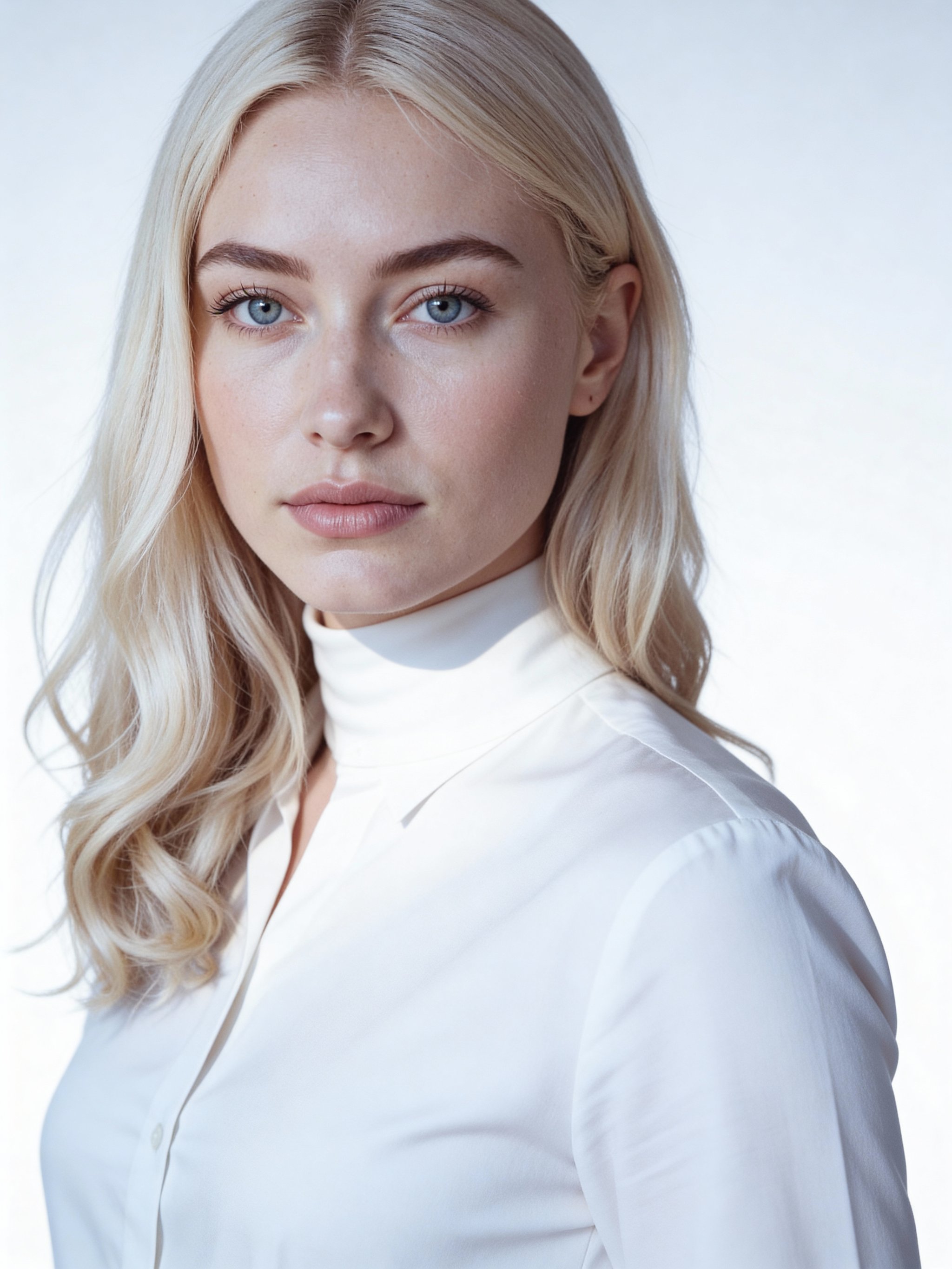
AI modern minimalist headshot
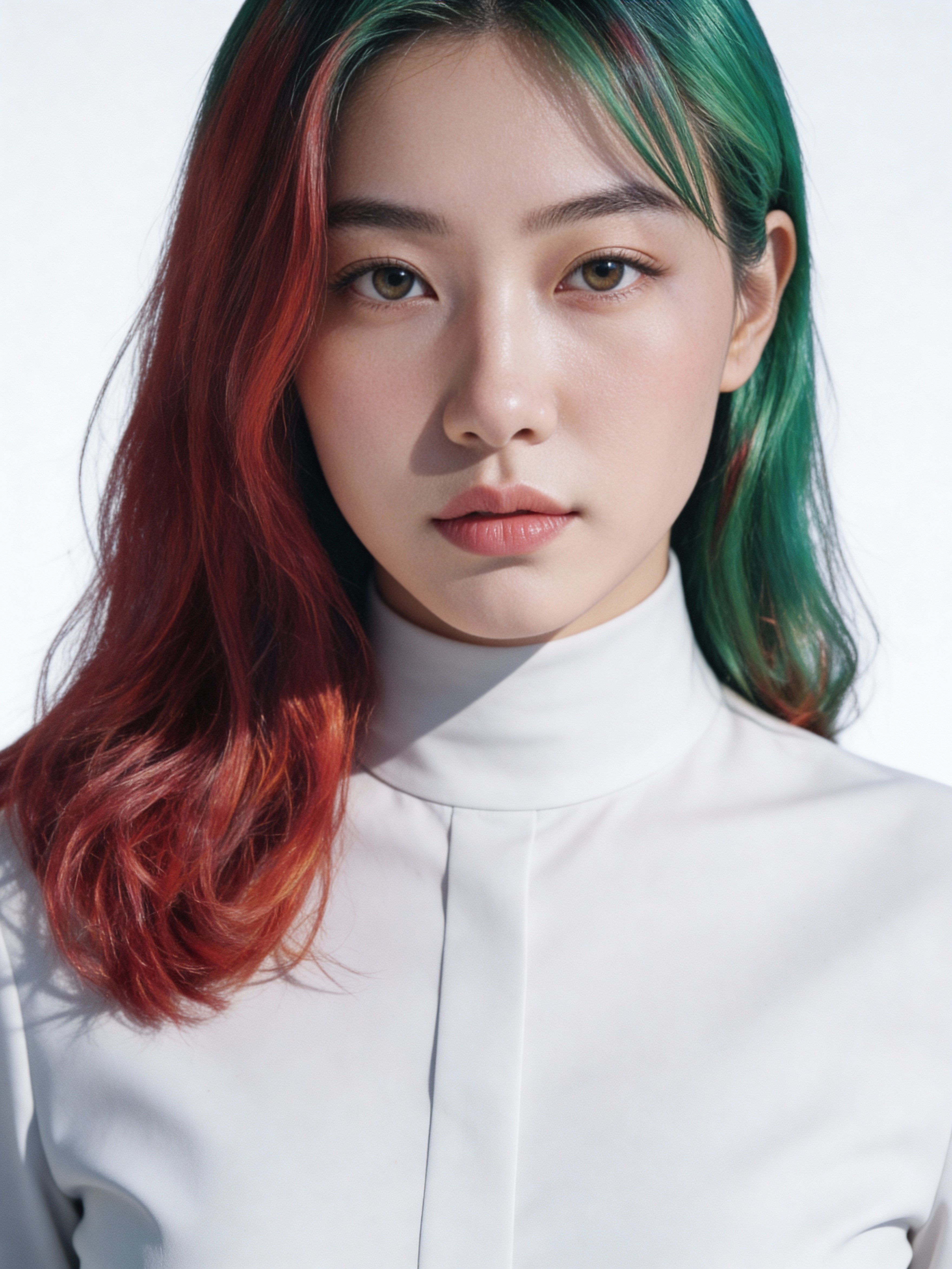
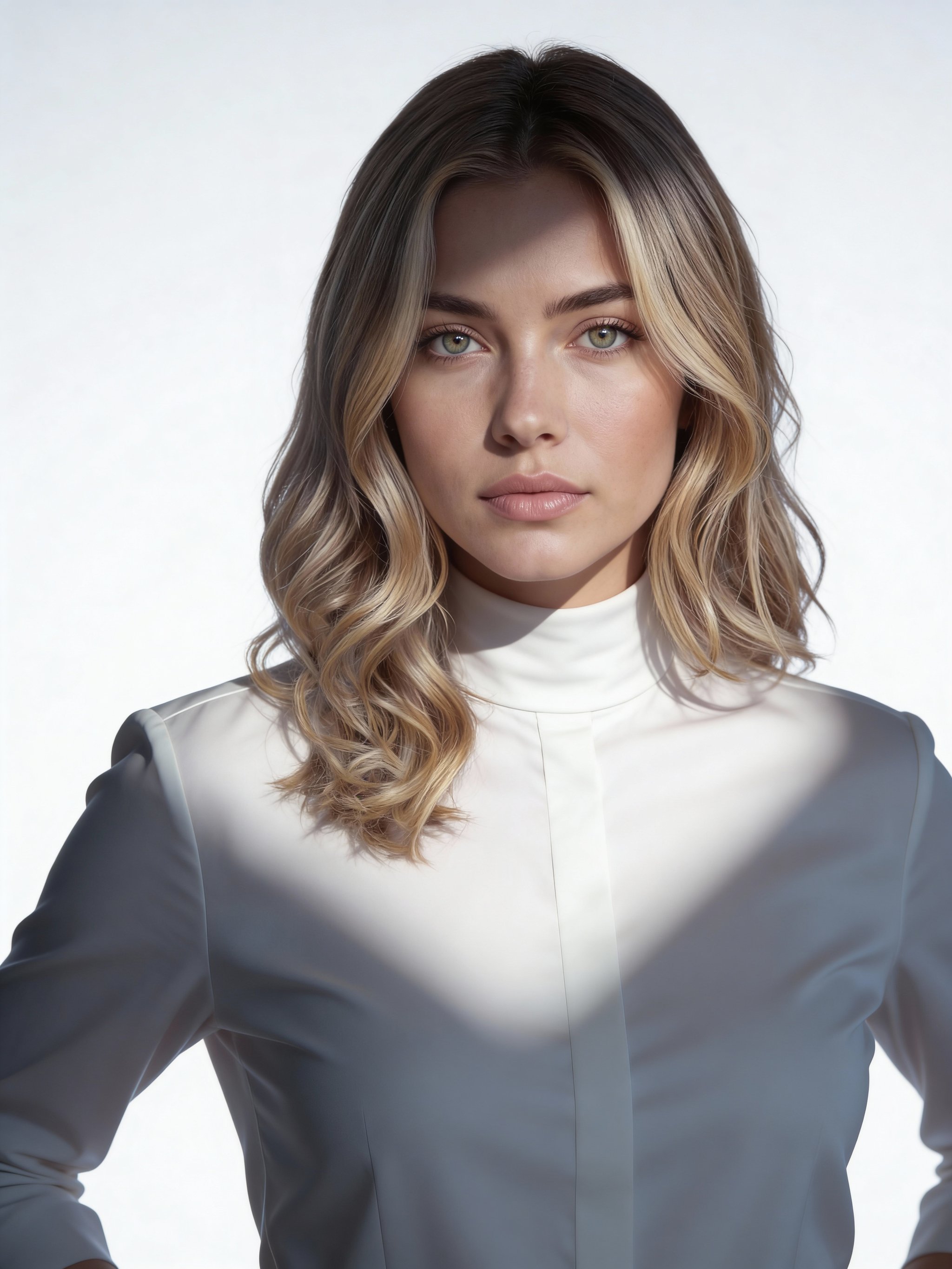
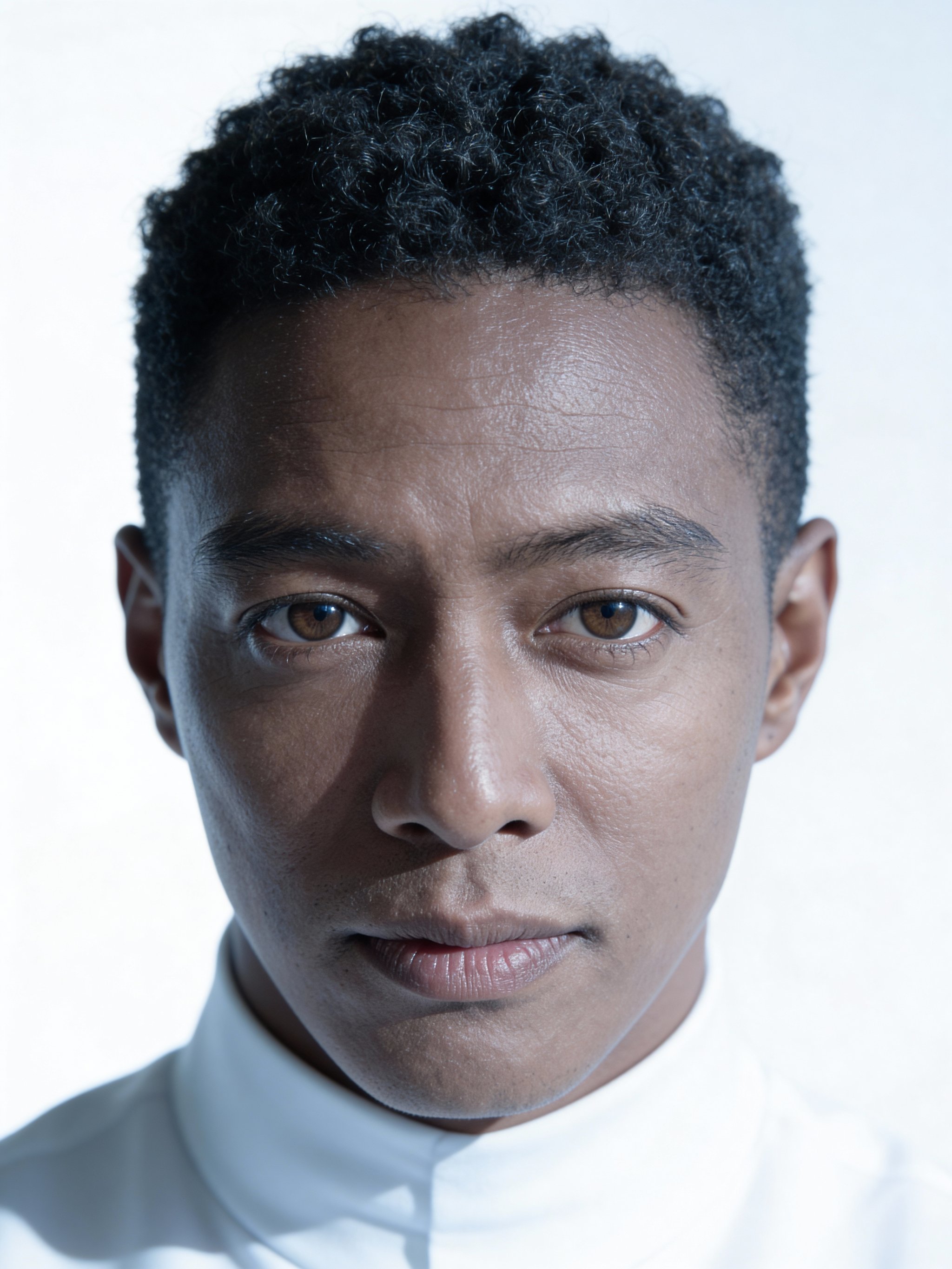
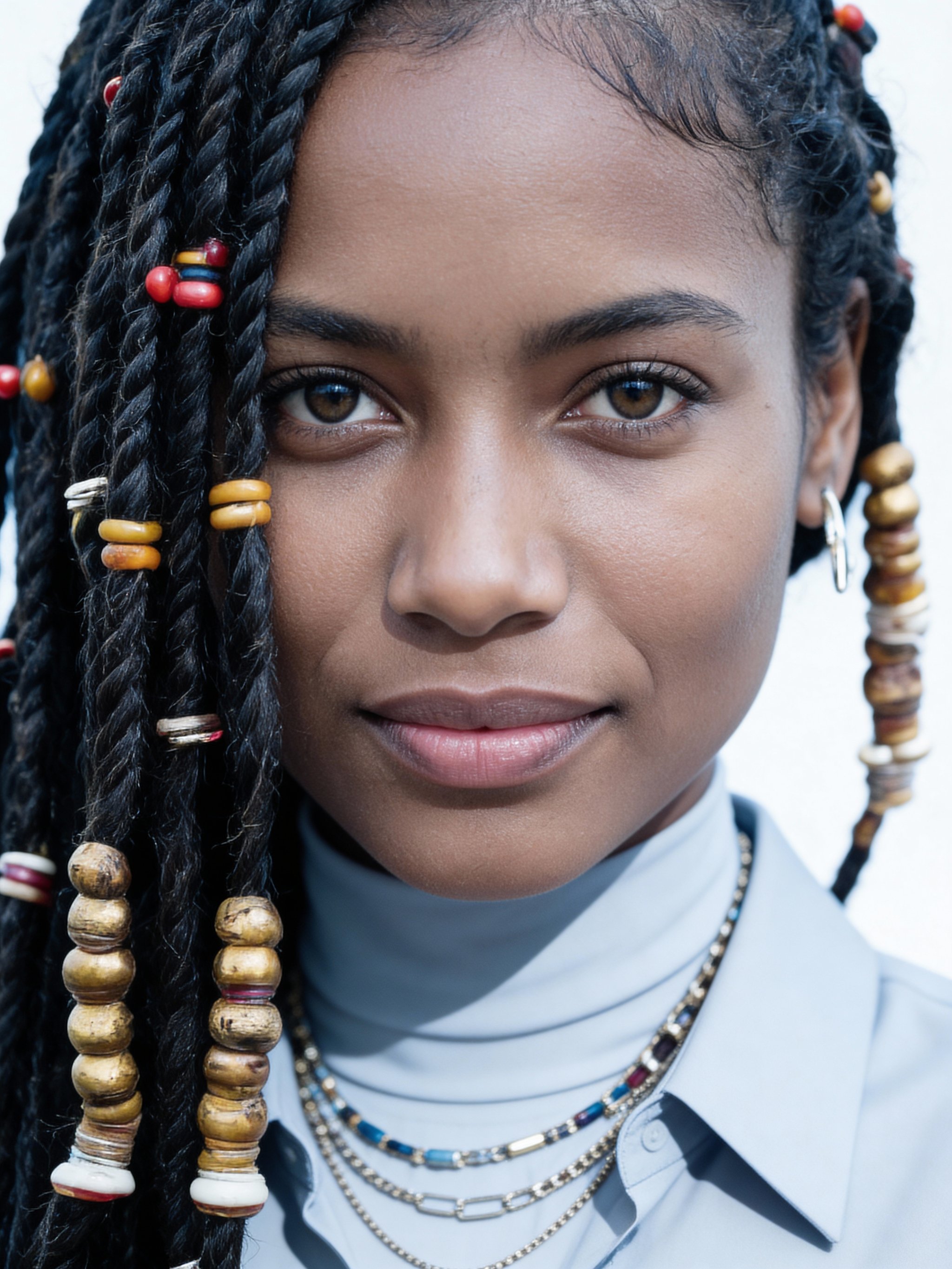
Bright, high-key portraits with crisp detail and minimal styling.
This recipe delivers a clean, high-key editorial headshot with crisp lighting and a pure, minimalist backdrop. It keeps the subject’s likeness while giving a sharp, forward-thinking look.
Upload a clear reference photo and generate consistent portraits without training a custom model. The result feels like a modern tech executive or design leader headshot.
Why creators use this
High-key clarity
Bright, clean lighting sculpts facial features without harsh shadows.
Minimalist focus
Neutral styling keeps attention on the subject’s face and expression.
No custom model training required
Consistent, high-quality headshots without expensive model training or long setup.
How it works
Prompt template
Transform this photo into a ultra-modern, high-key editorial portrait. Preserve the subject’s authentic architecture of face and character. Apply these specifications: crisp and clean lighting (butterfly or beauty dish lighting) to...
Upload a clean reference
Front-facing, sharp focus, even lighting. Avoid sunglasses and heavy filters.
Keep it minimal
Choose solid colors and simple wardrobe for a clean look.
Generate and select
Save a main headshot plus 2-3 alternates for different contexts.
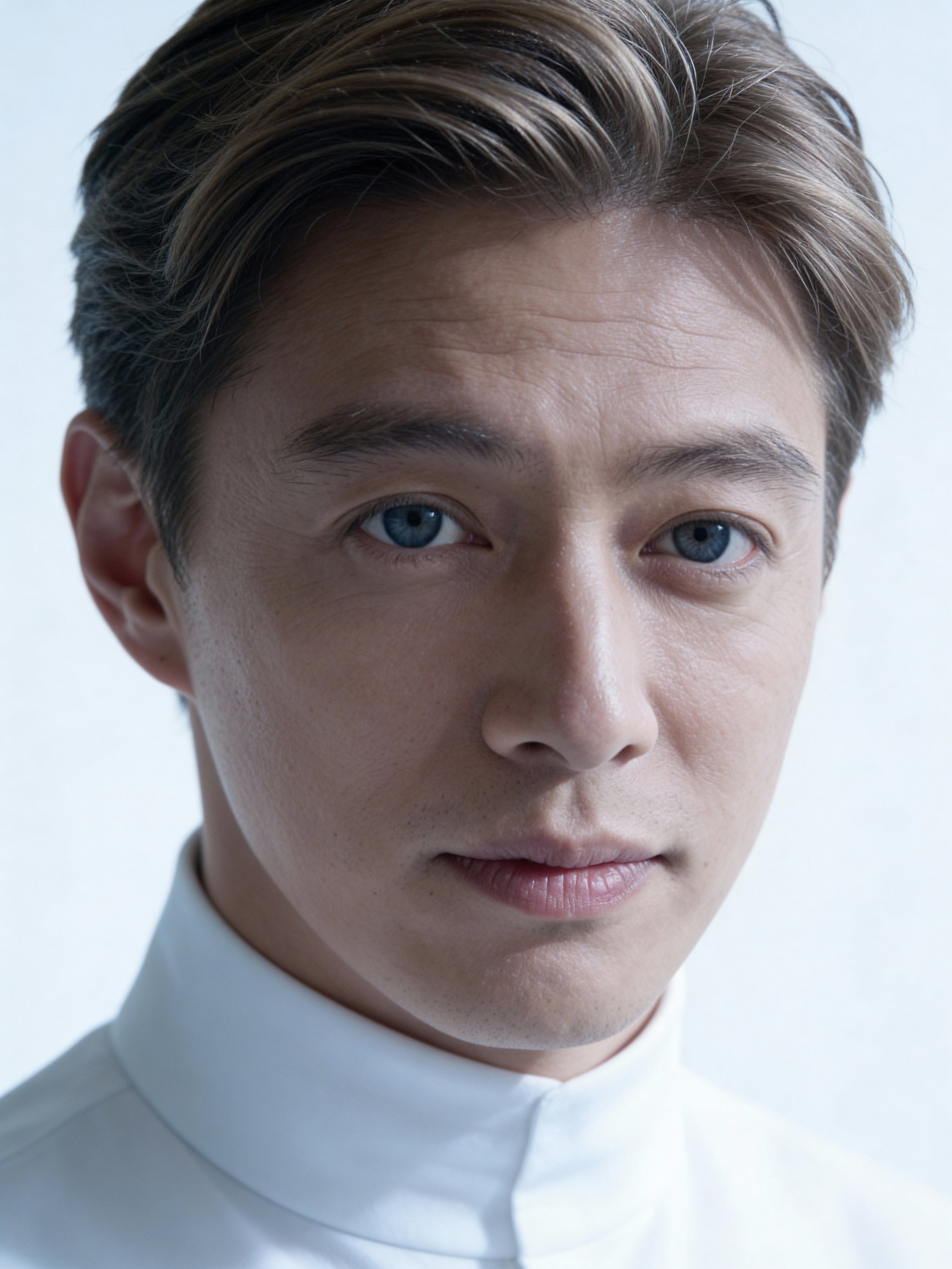
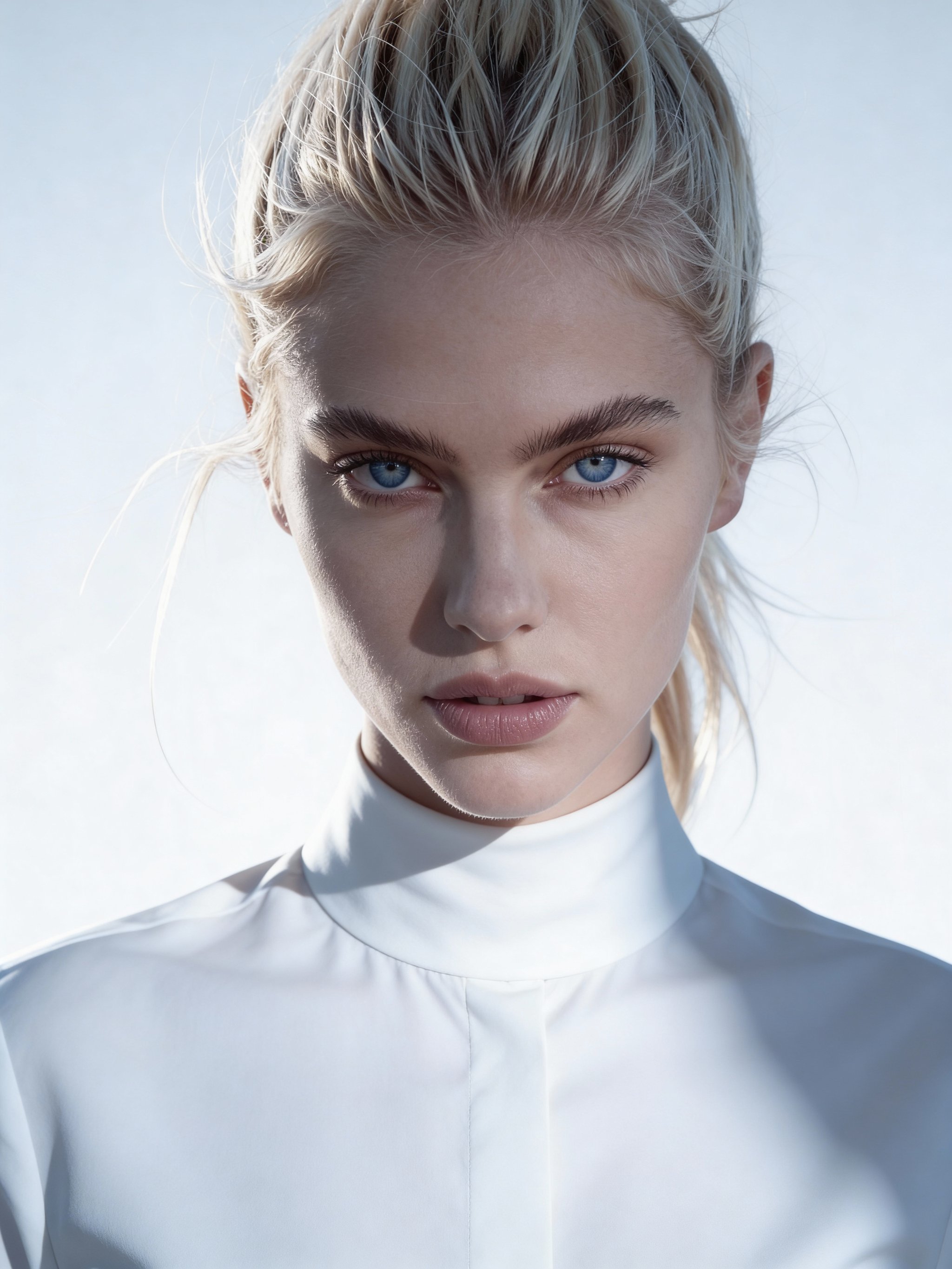
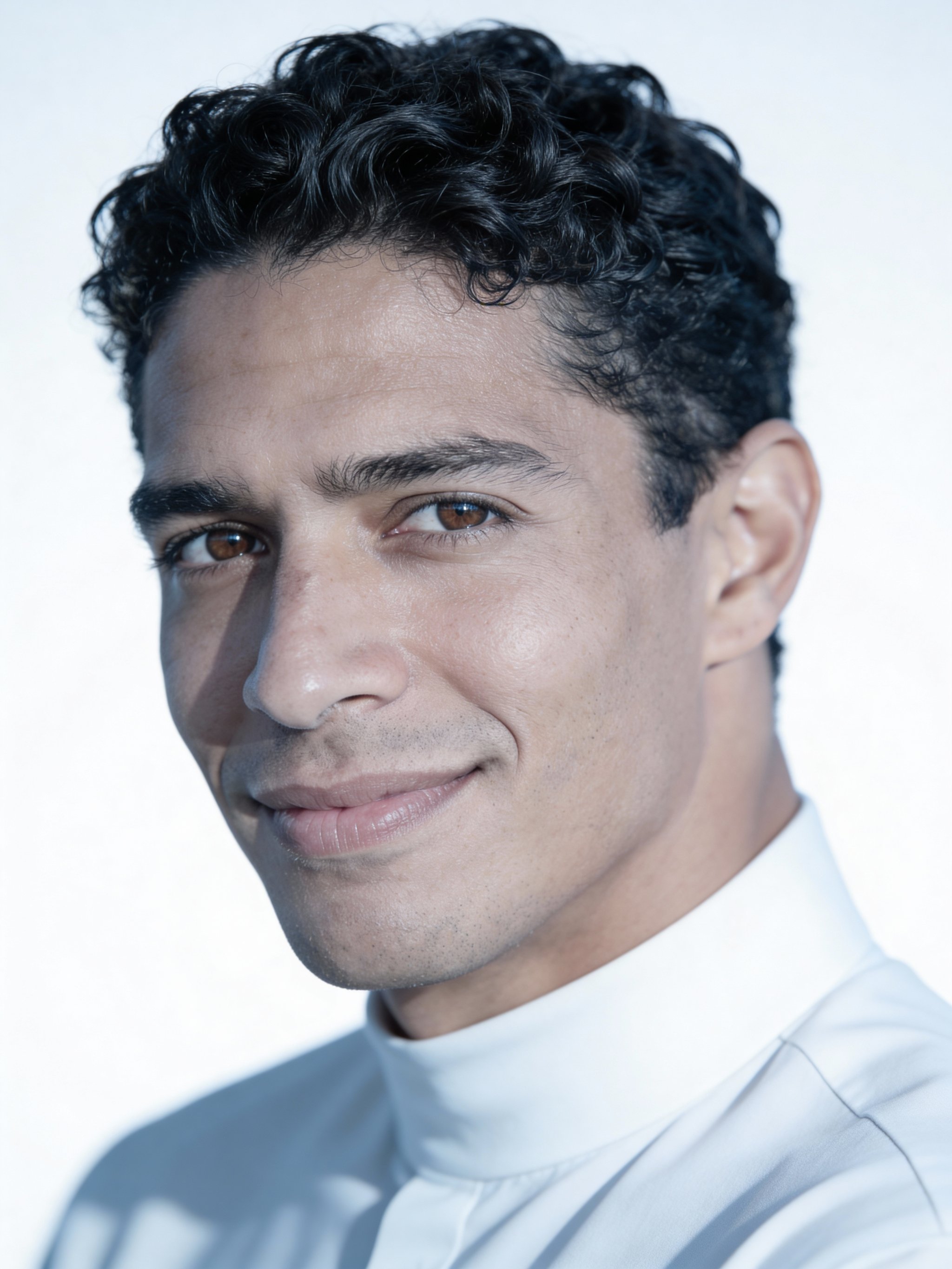
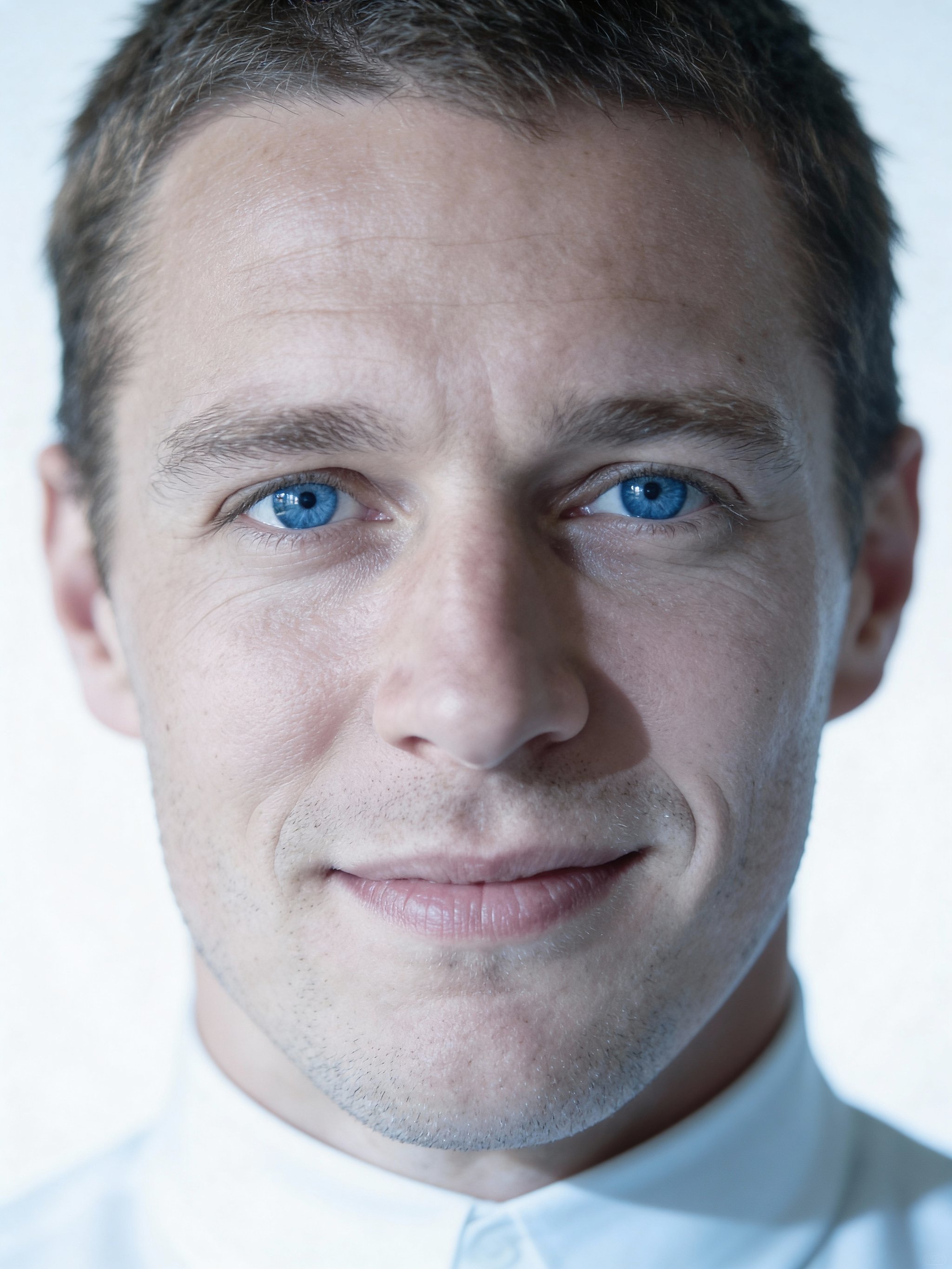
Modern minimalist headshot FAQs
Answers for sellers creating Amazon, TikTok Shop, ecommerce, and campaign-ready product images
Will it preserve my exact likeness?
Do I need to train a custom model?
Can I use the headshot commercially?
What photo works best?
Generate this at scale
Need more than one variation?
After you pick the look, multi-workflow batch generation lets you run prompts, reference images, and aspect ratios in parallel from one workspace.