PGA golf portrait
A serene golden-hour golf portrait with manicured course detail.
Generate a photo like thisExplore the prompt- Recommended Workflows
- Gemini 3 Pro Image
- Reference Images Required
- 1 image
01 / The recipe
Prompt variants
Use these as short alternate directions for PGA golf portrait; each variant keeps the recipe recognizable while pushing a different outcome.
Generate a cinematic golf portrait of this subject. Apply the Phase 1 "One Glove" logic and randomly select a Phase 2 Scenario. Ensure the lighting captures the "Early Morning" aesthetic.
02 / Make it yours
A little direction goes a long way.
Create a PGA golf portrait with an energetic sports treatment that highlights the athlete, action, and competitive moment. Start from the reference image so the subject, source structure, or key visual details stay anchored while the style changes. This recipe is useful for athlete posters, team graphics, social sports edits, campaign visuals, and action-led portraits.
Best for / not ideal for
Use this section to decide whether PGA golf portrait is the right recipe before spending credits on variations.
Best for
- PGA golf portrait concepts where the example image is close to the result you want.
- Visual directions built around an action-focused sports image with energy, movement, and a clear athlete or moment.
- Compositions that benefit from a venue or action setting that adds context without hiding the athlete.
- Fast testing with Gemini 3 Pro Image in the recipe default canvas.
Not ideal for
- Tasks where the prompt direction is unrelated to the example style.
- Strict documentation, compliance images, or untouched source-photo cleanup.
- Final assets that need exact text, measured layouts, or production typography.
- Projects where a different recipe already matches the target look more closely.
How to adapt the prompt
Keep the core idea of PGA golf portrait, then change the details that control identity, style, color, background, and framing.
Subject and likeness
Style intensity
Color palette
Background simplicity
Composition and crop
Common fixes
If PGA golf portrait is close but not usable yet, make one of these targeted prompt edits before changing everything.
Subject drift
Too busy or chaotic
Colors overpower the subject
Image feels flat
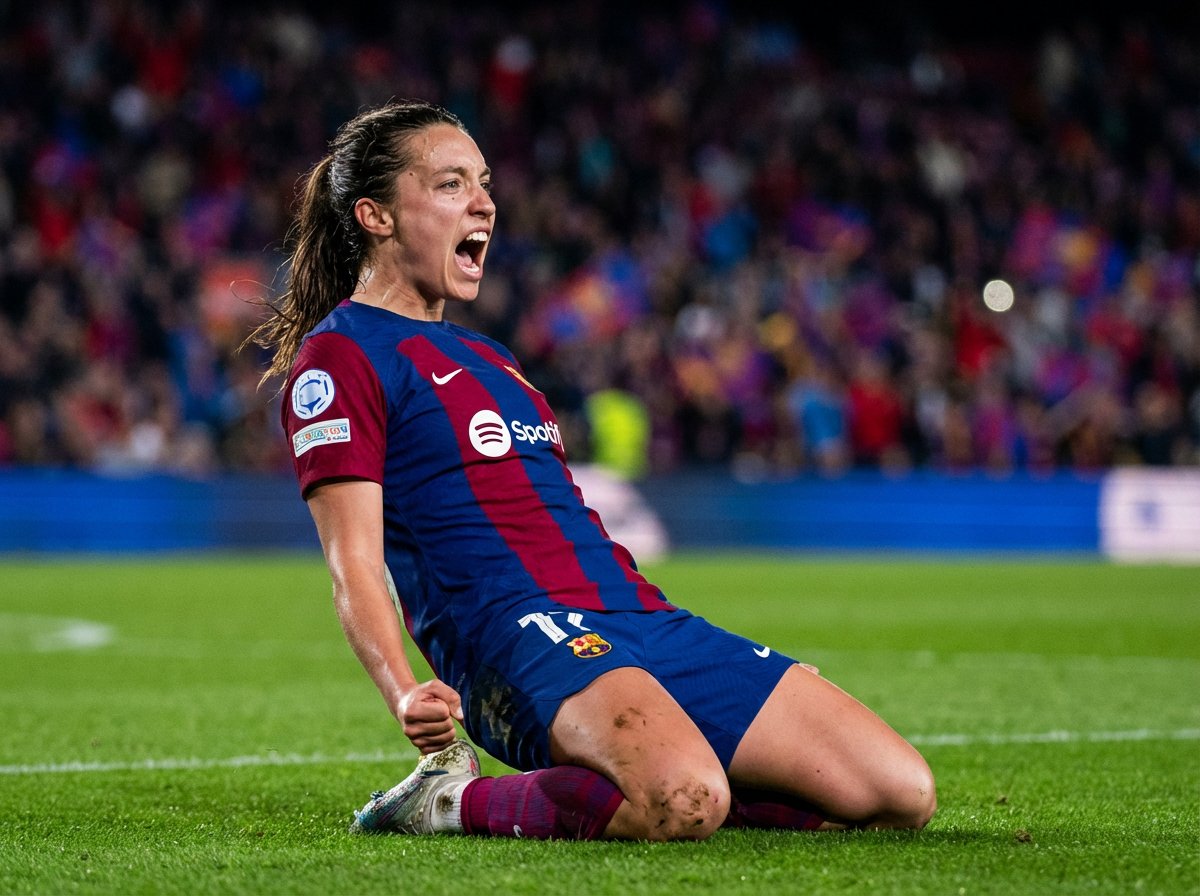
Professional football portrait
Professional football portrait turns an athlete or action moment into a polished sports visual for posters, teams, and social campaigns.
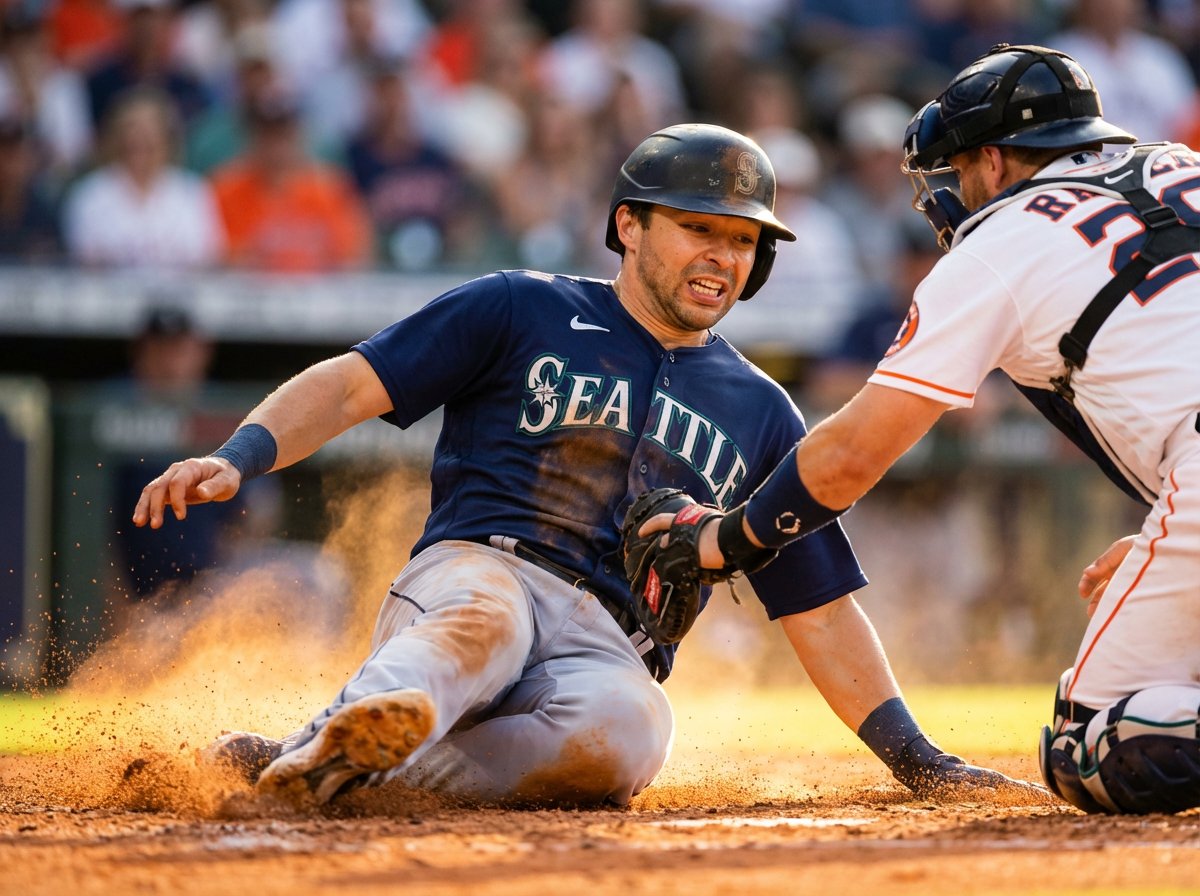
Major League baseball action
Major League baseball action turns an athlete or action moment into a polished sports visual for posters, teams, and social campaigns.
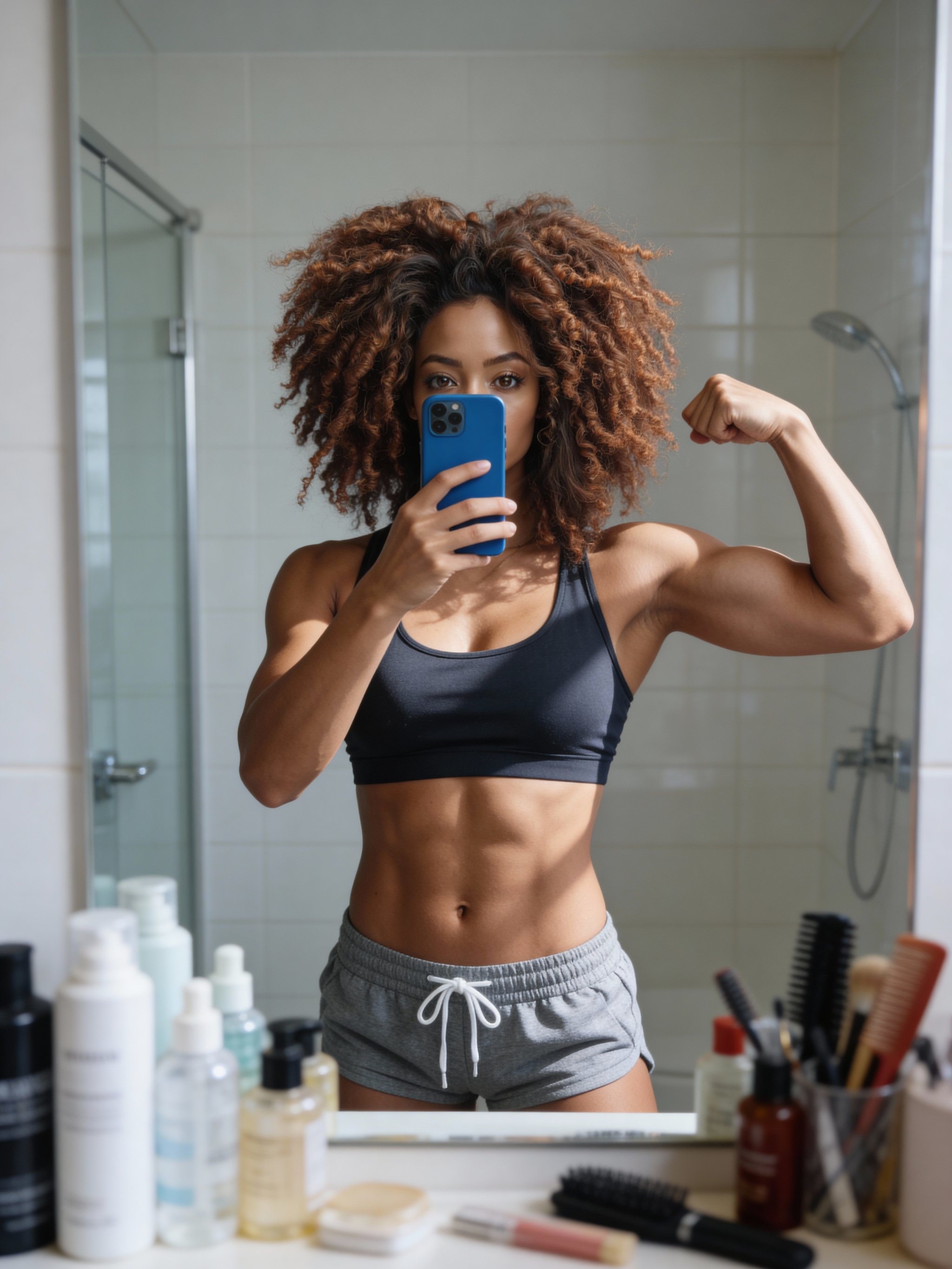
Bathroom mirror selfie (woman)
Bathroom mirror selfie (woman) turns an athlete or action moment into a polished sports visual for posters, teams, and social campaigns.
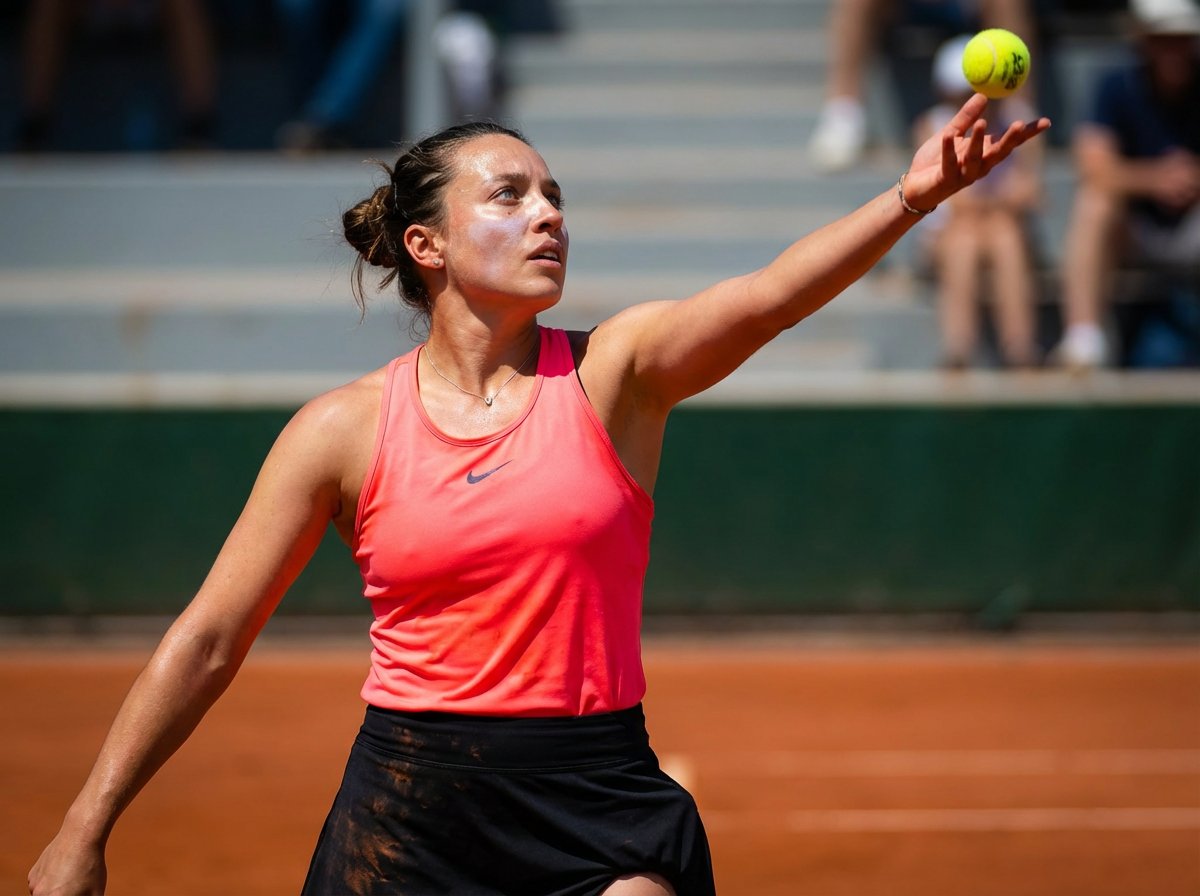
Grand Slam tennis action
Grand Slam tennis action turns an athlete or action moment into a polished sports visual for posters, teams, and social campaigns.
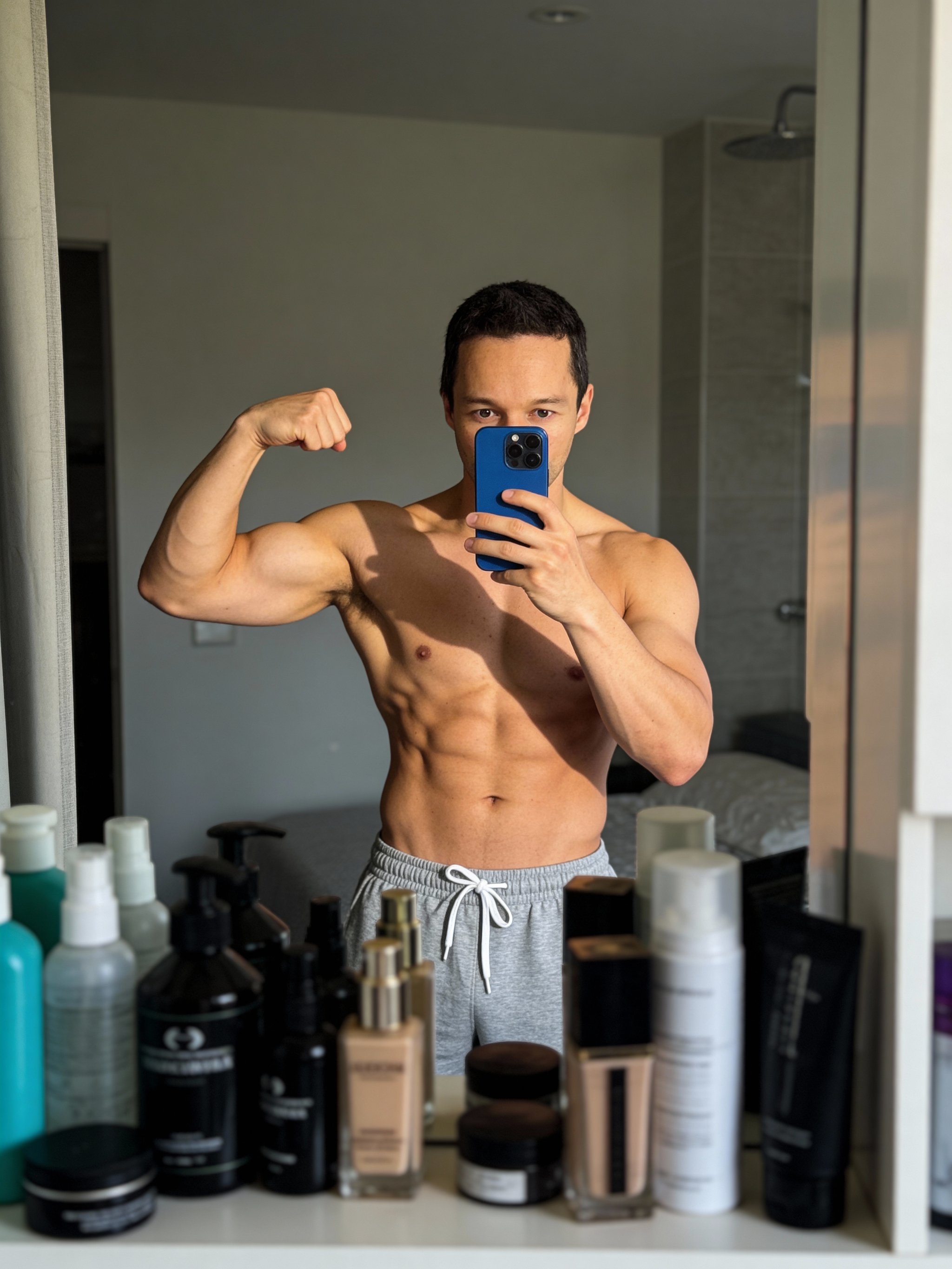
Bathroom mirror selfie
Bathroom mirror selfie turns an athlete or action moment into a polished sports visual for posters, teams, and social campaigns.
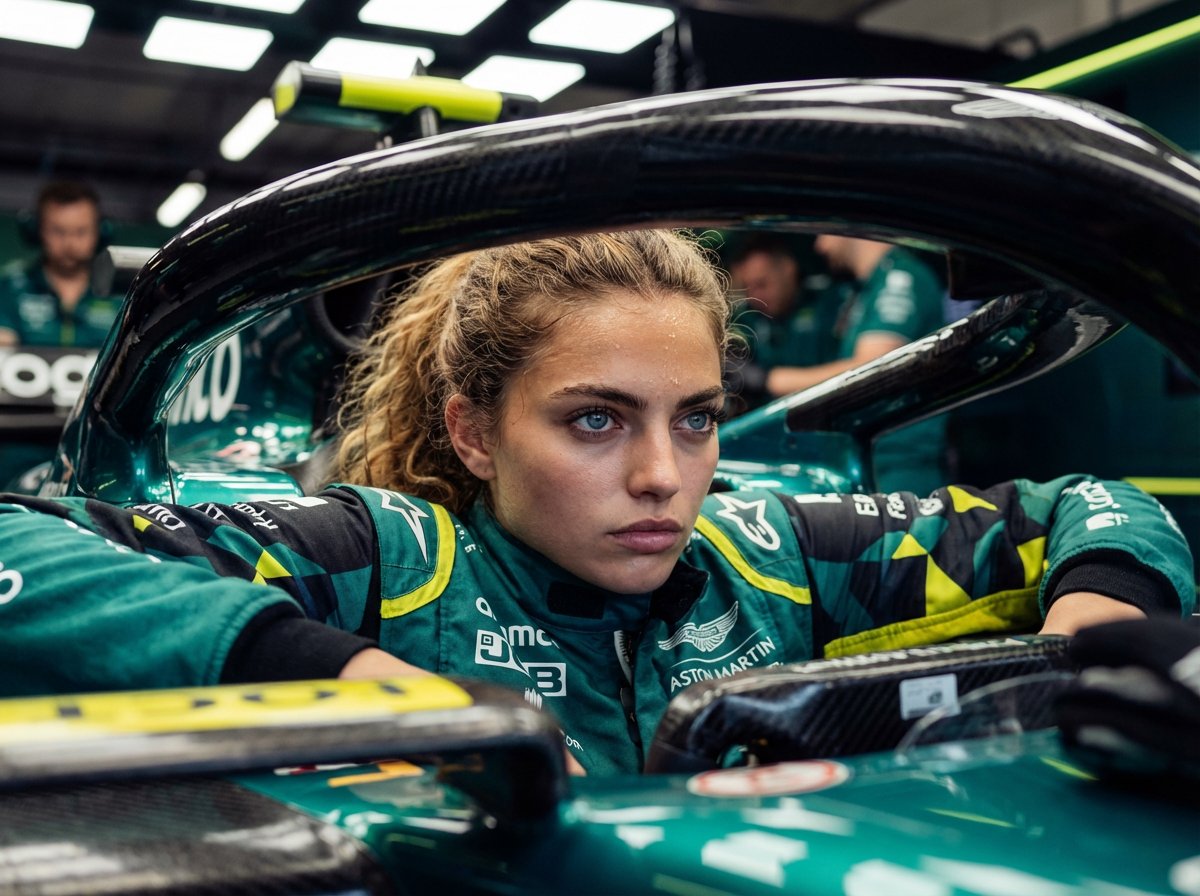
Formula 1 driver portrait
Formula 1 driver portrait turns an athlete or action moment into a polished sports visual for posters, teams, and social campaigns.
Make it yours
Create with this recipe.
Open this recipe in the generator and add your details.
Generate a photo like this