Bathroom mirror selfie
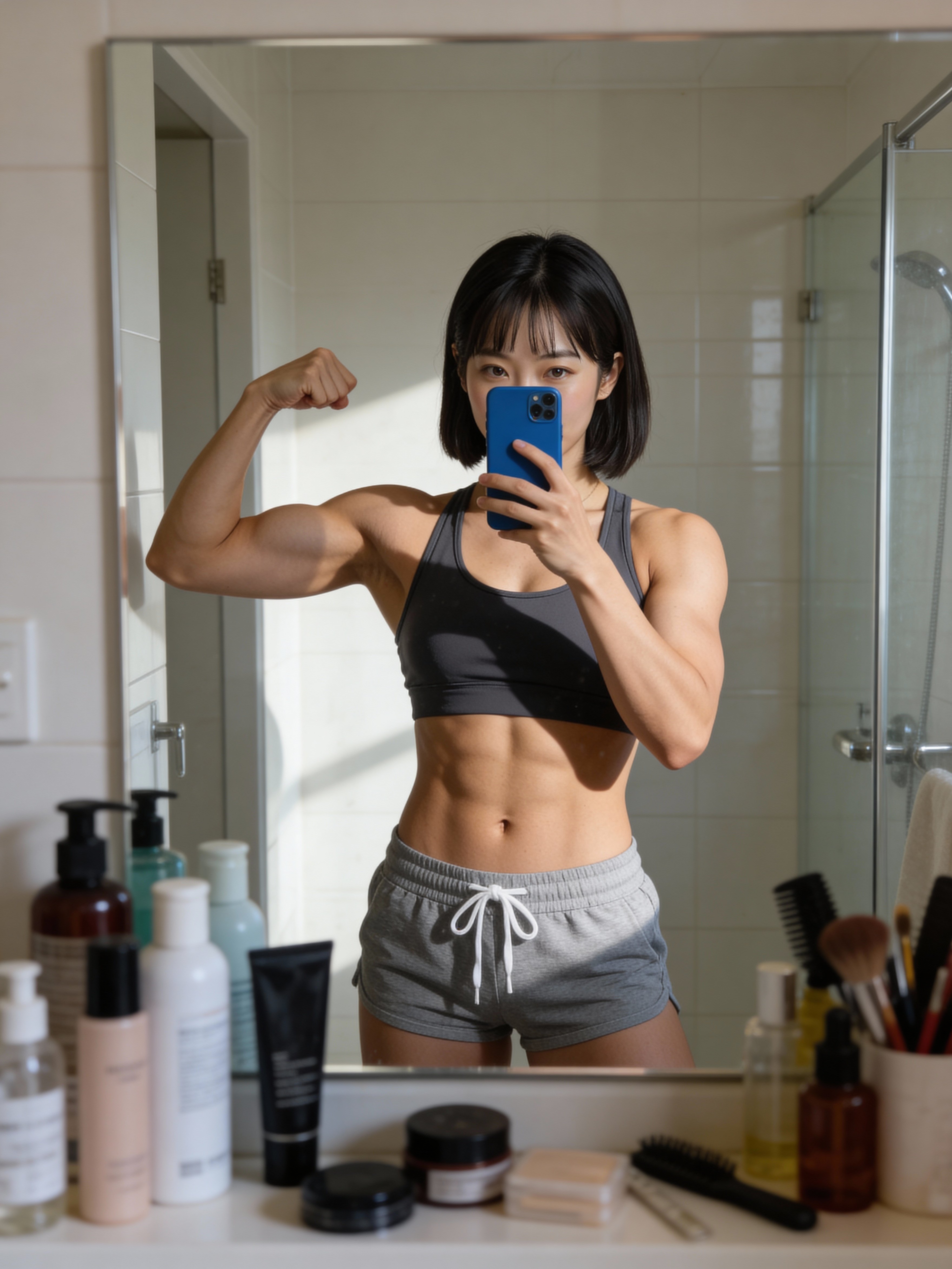
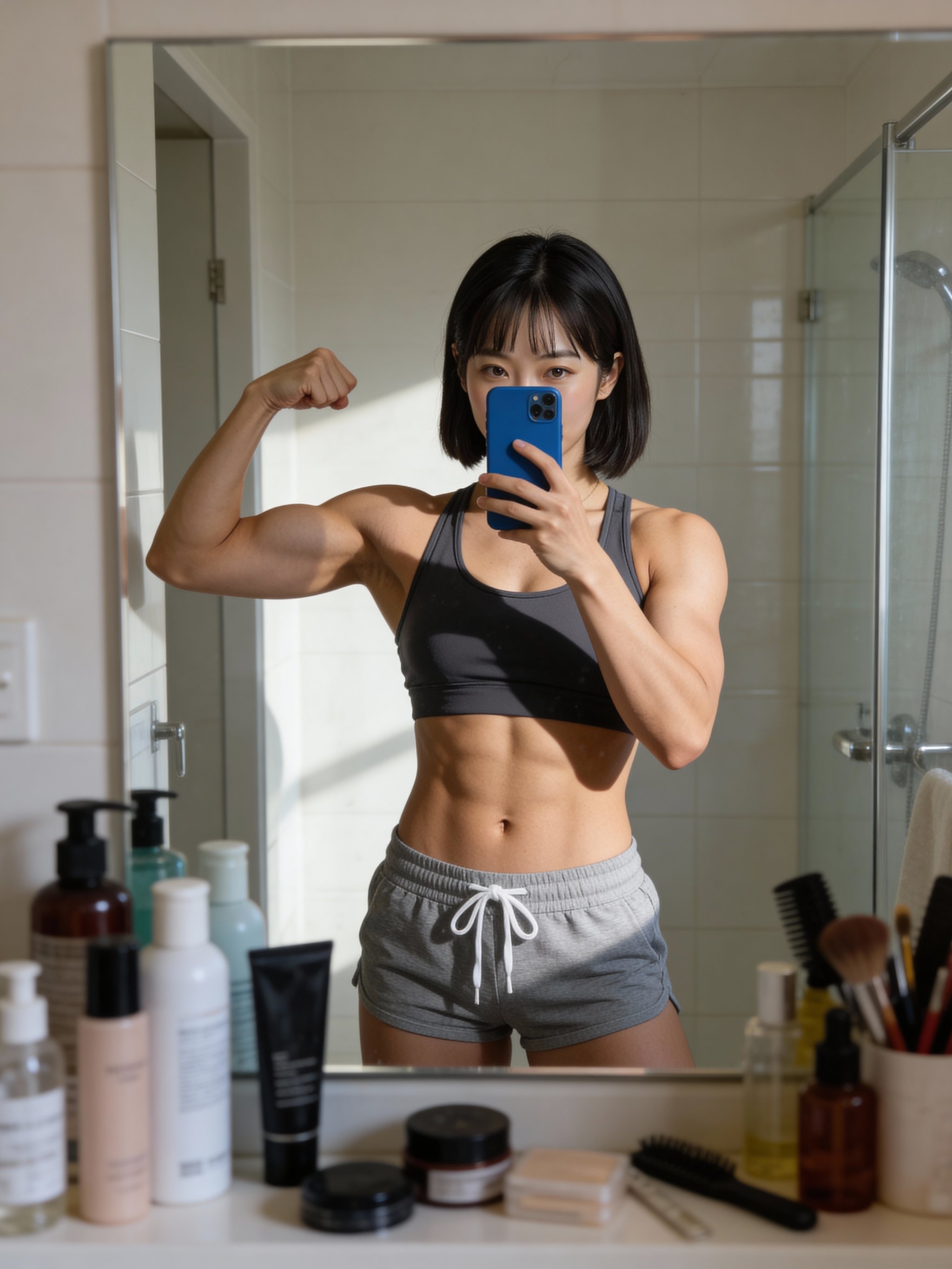
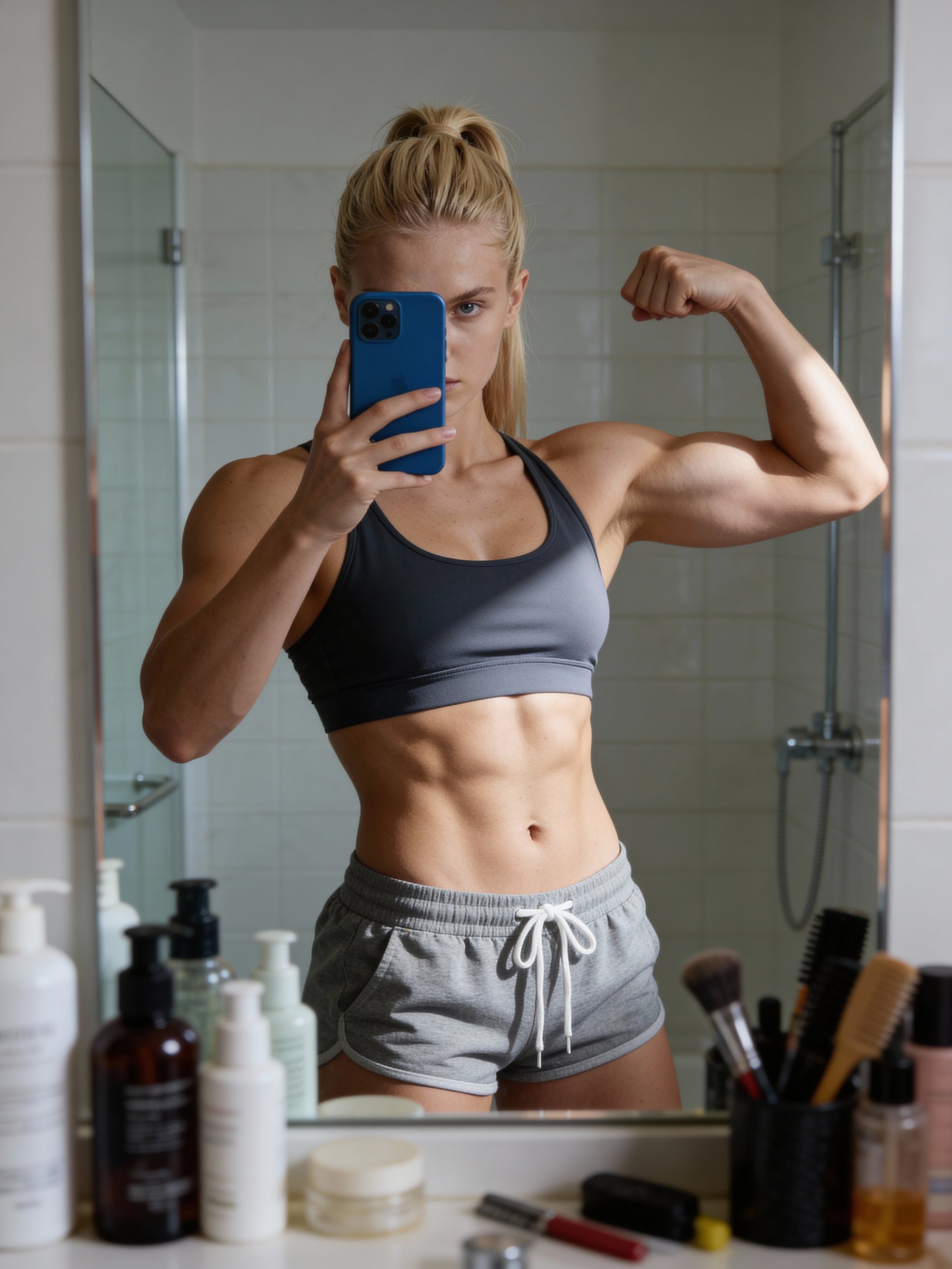
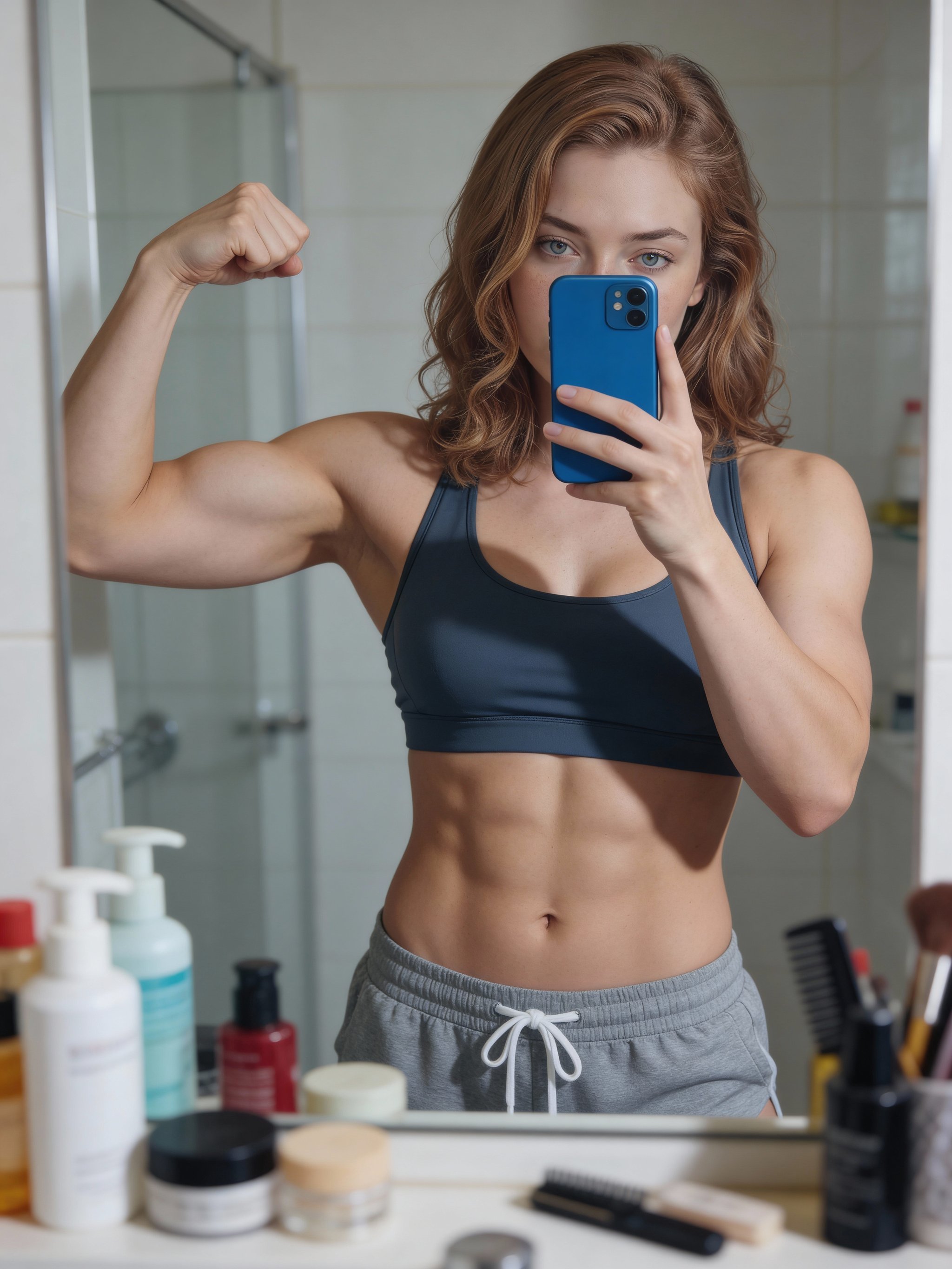
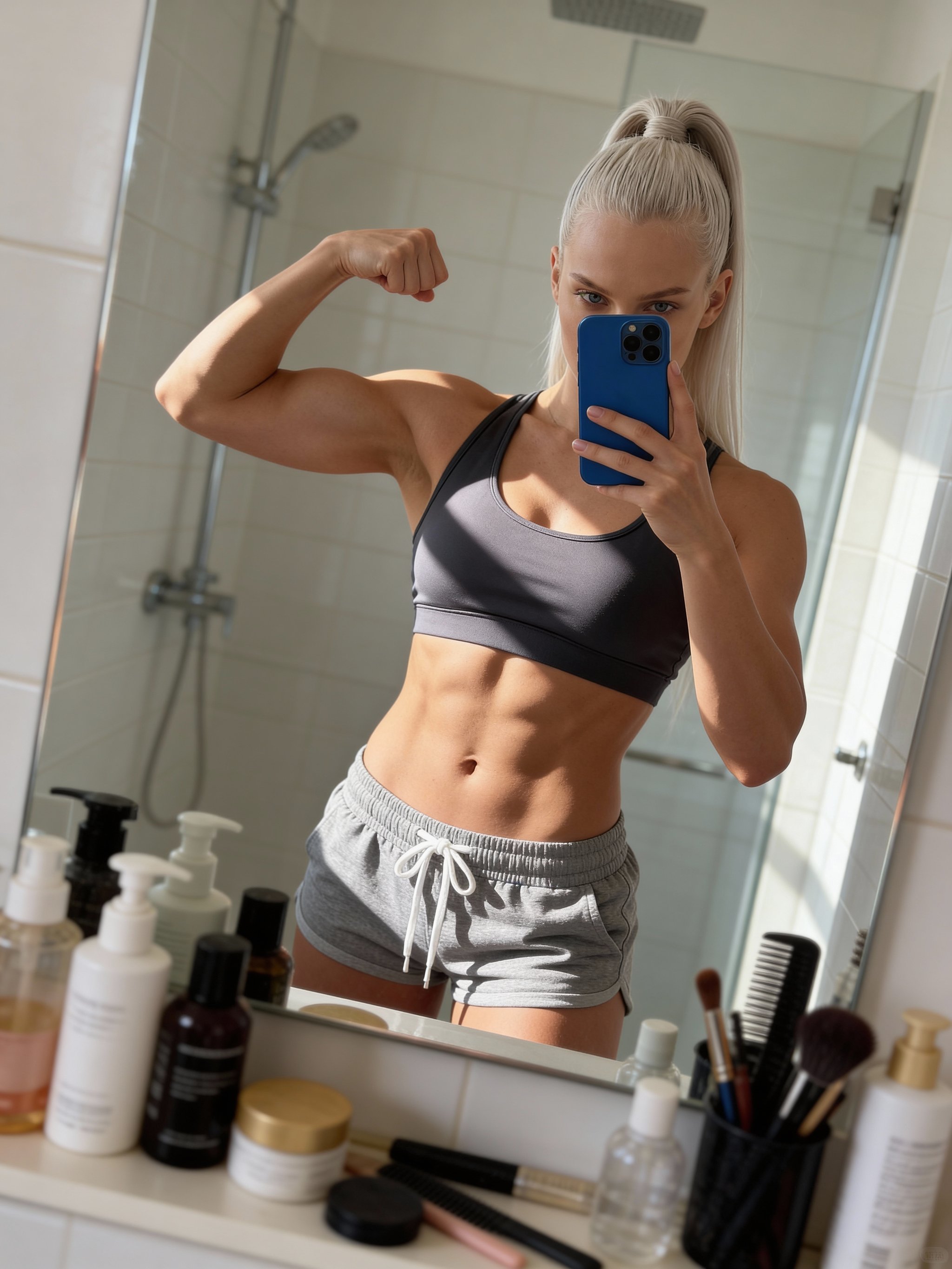
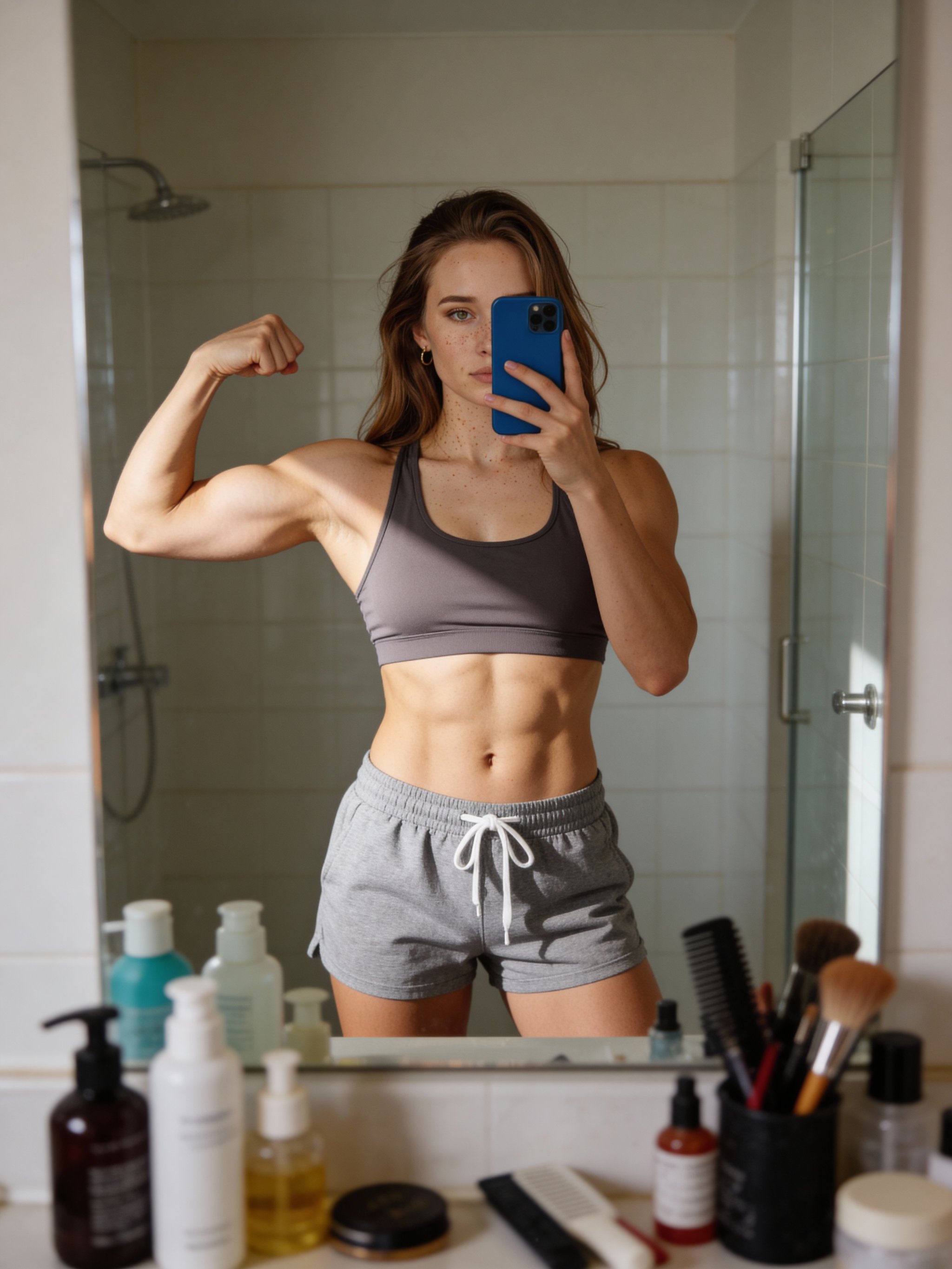
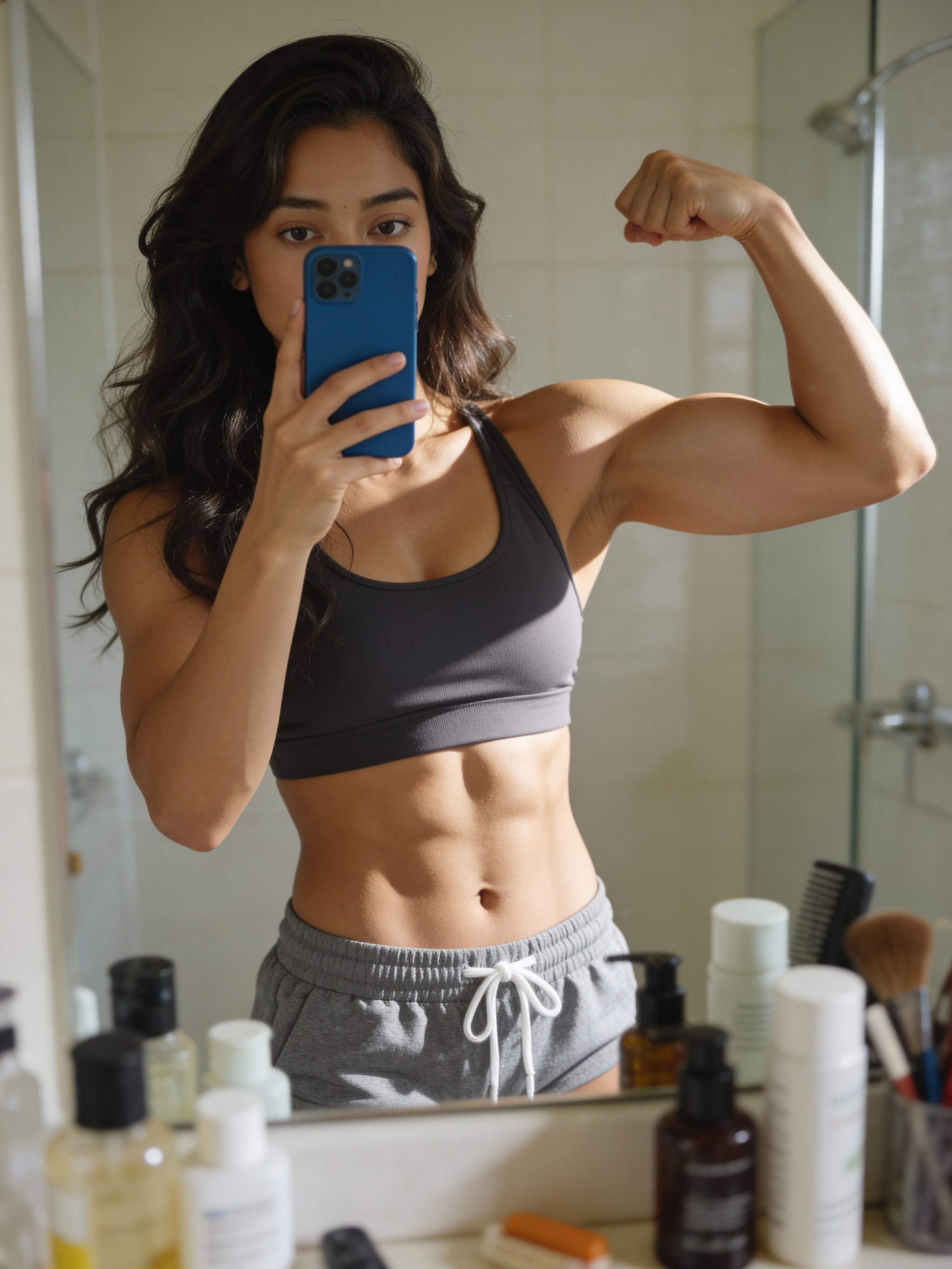
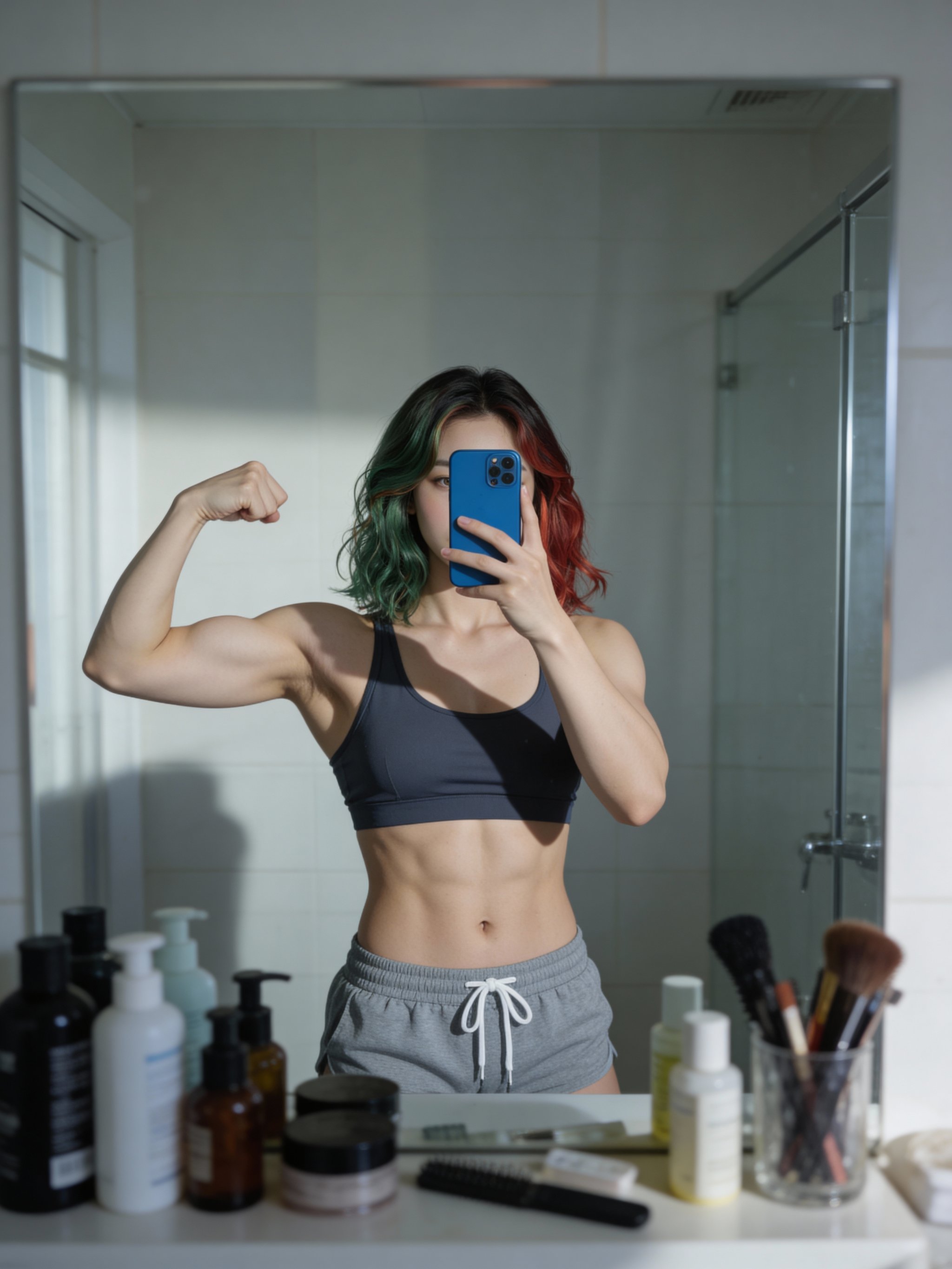
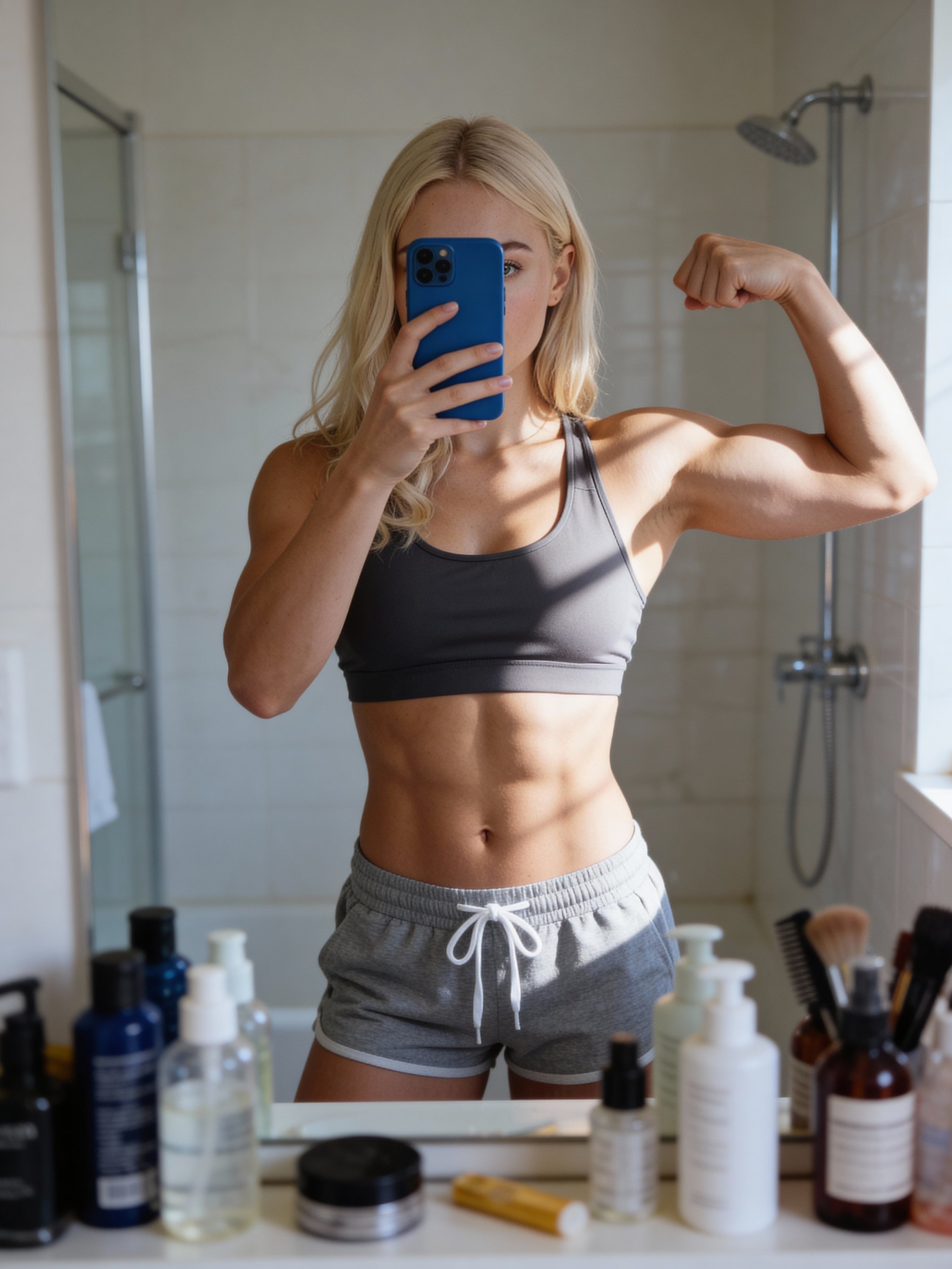
Realistic fitness mirror selfies with soft light and crisp definition.
This recipe recreates the classic bathroom mirror selfie: natural light, subtle depth, and strong definition that still feels authentic. The mirror framing and bathroom details ground the scene while keeping the subject sharp and recognizable.
Upload a clear reference photo and generate a set of options for fitness updates, progress shots, or lifestyle content—without needing a full photo shoot.
Why creators use this
Fitness definition
Highlights core and arm definition with soft, flattering shadows.
Natural bathroom light
Daylight-style lighting keeps the selfie believable and clean.
Authentic mirror details
Mirror framing, counter items, and subtle bokeh add realism.
How it works
Prompt template
Create a realistic mirror selfie of a muscular young woman posing in a bathroom. She is wearing a fitted sports bra, showcasing a highly defined six-pack abdomen and a flexed right bicep. She is holding a blue smartphone in front of her...
Upload a clean reference
Use a sharp, well-lit photo with the face unobstructed.
Set the vibe
Adjust styling, background details, and expression to match the look.
Generate and select
Pick your best frame and save alternates for variety.
Mirror selfie FAQs
Answers for sellers creating Amazon, TikTok Shop, ecommerce, and campaign-ready product images
Will it preserve my exact likeness?
Can I use the selfie commercially?
What photo works best?
Generate this at scale
Need more than one variation?
After you pick the look, multi-workflow batch generation lets you run prompts, reference images, and aspect ratios in parallel from one workspace.