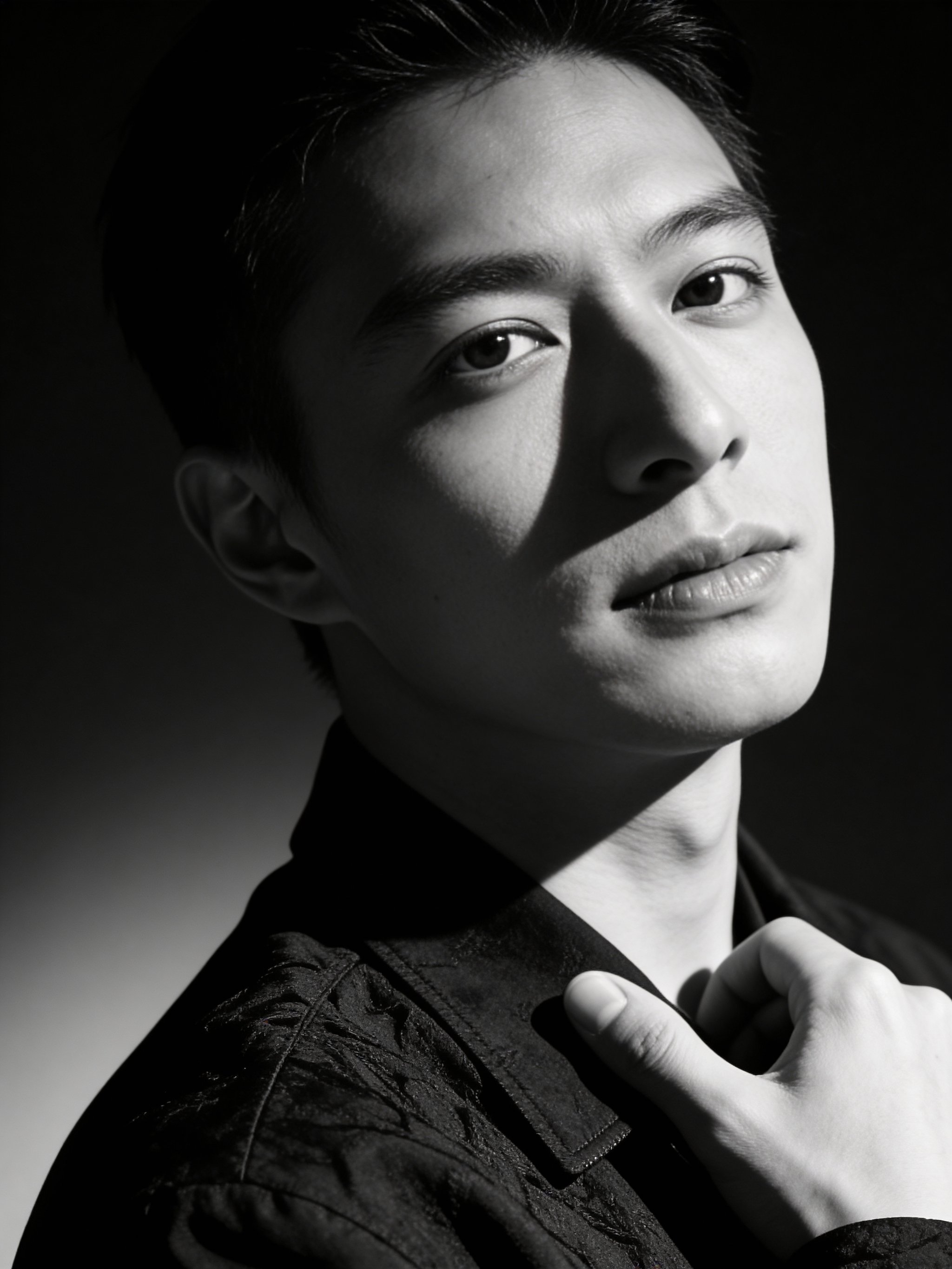
AI editorial black & white headshot
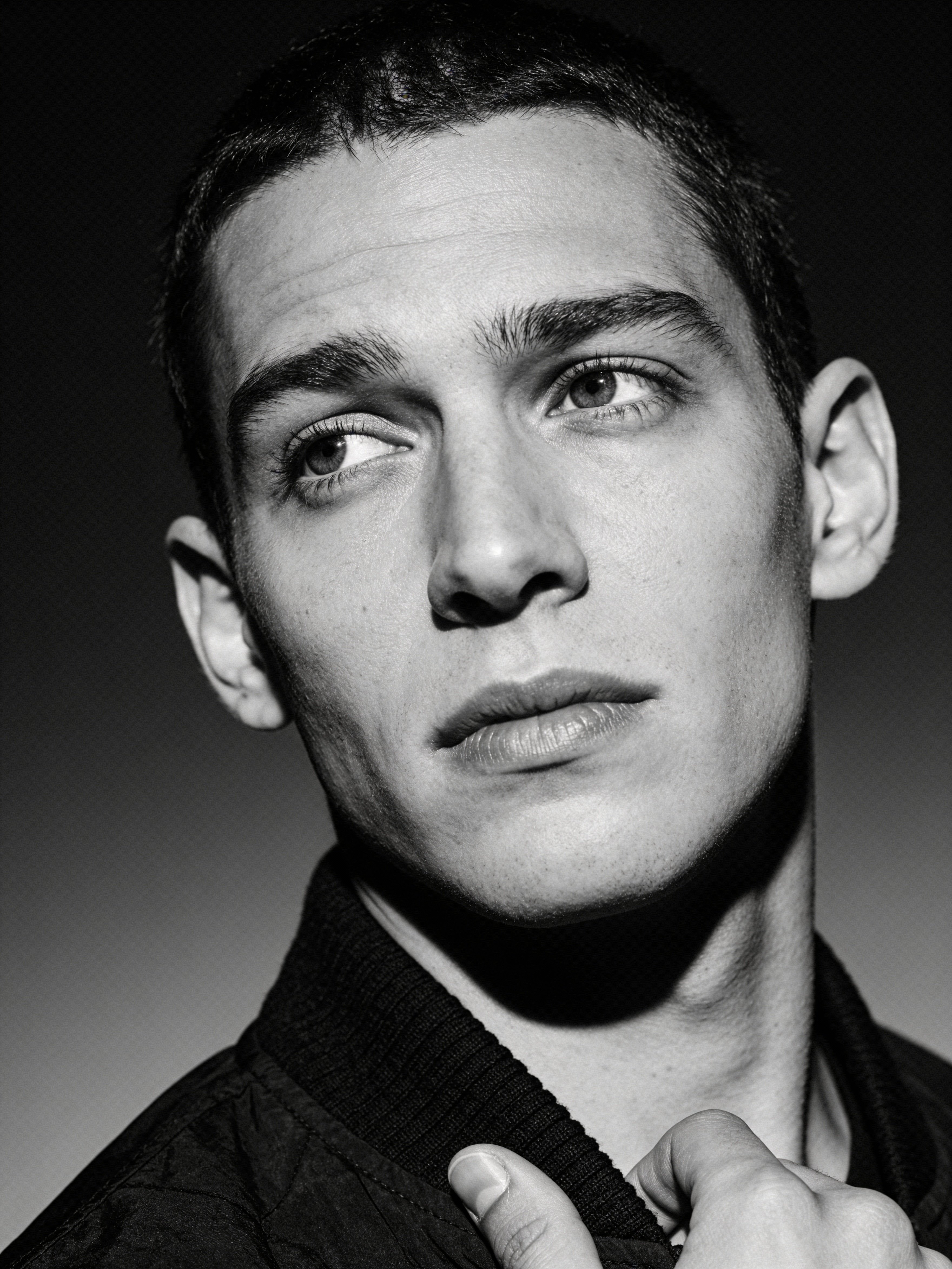
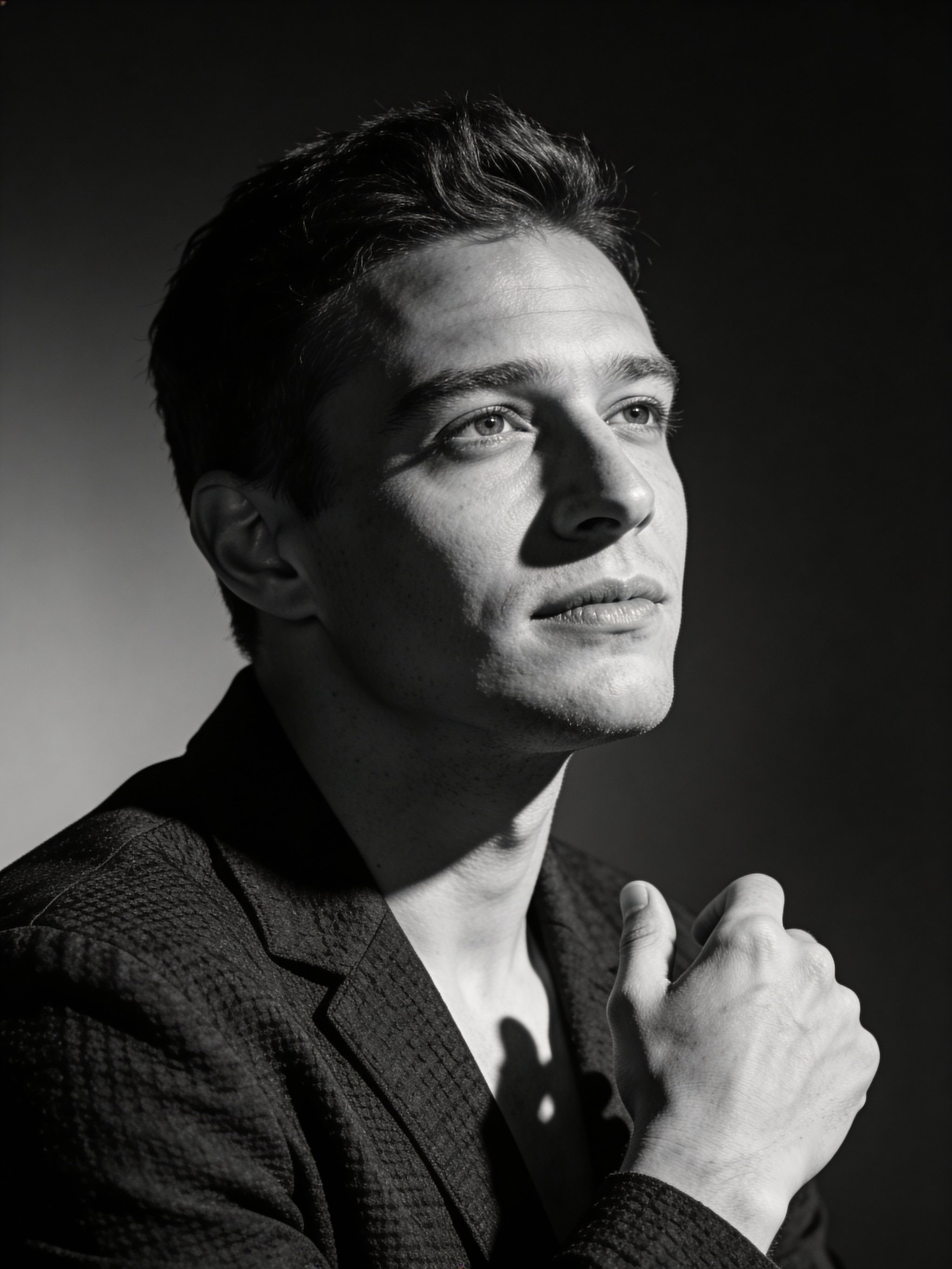
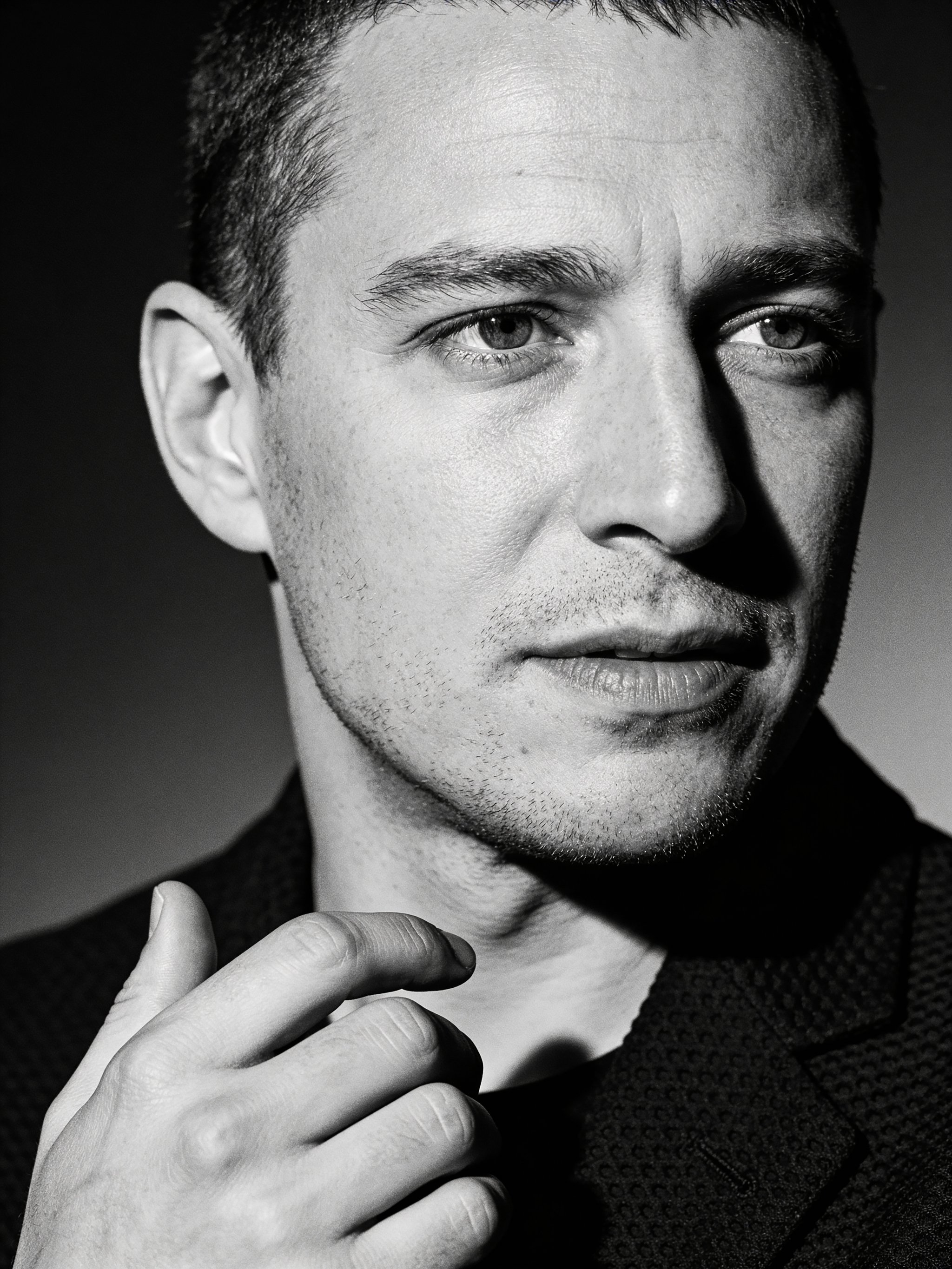
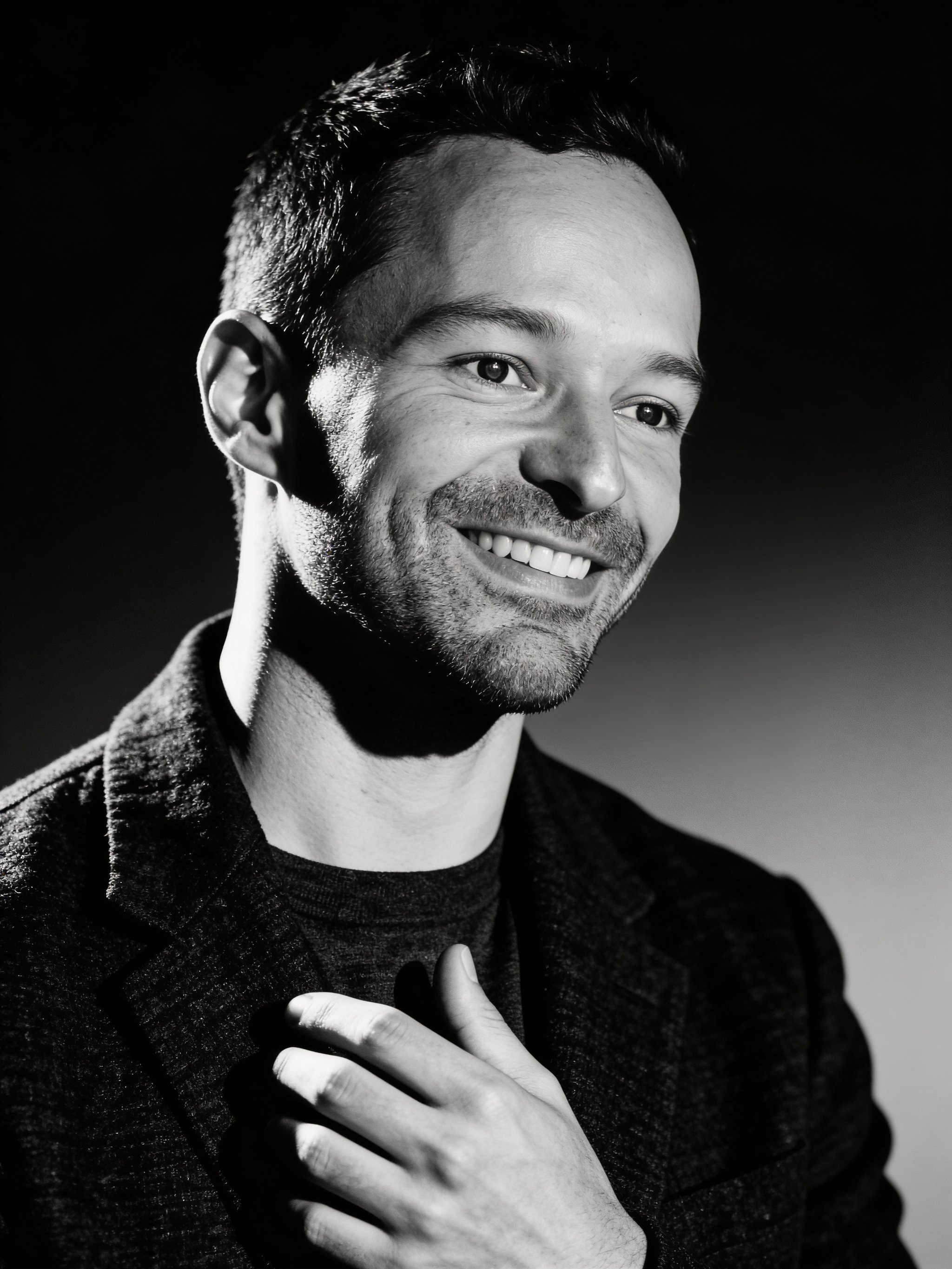
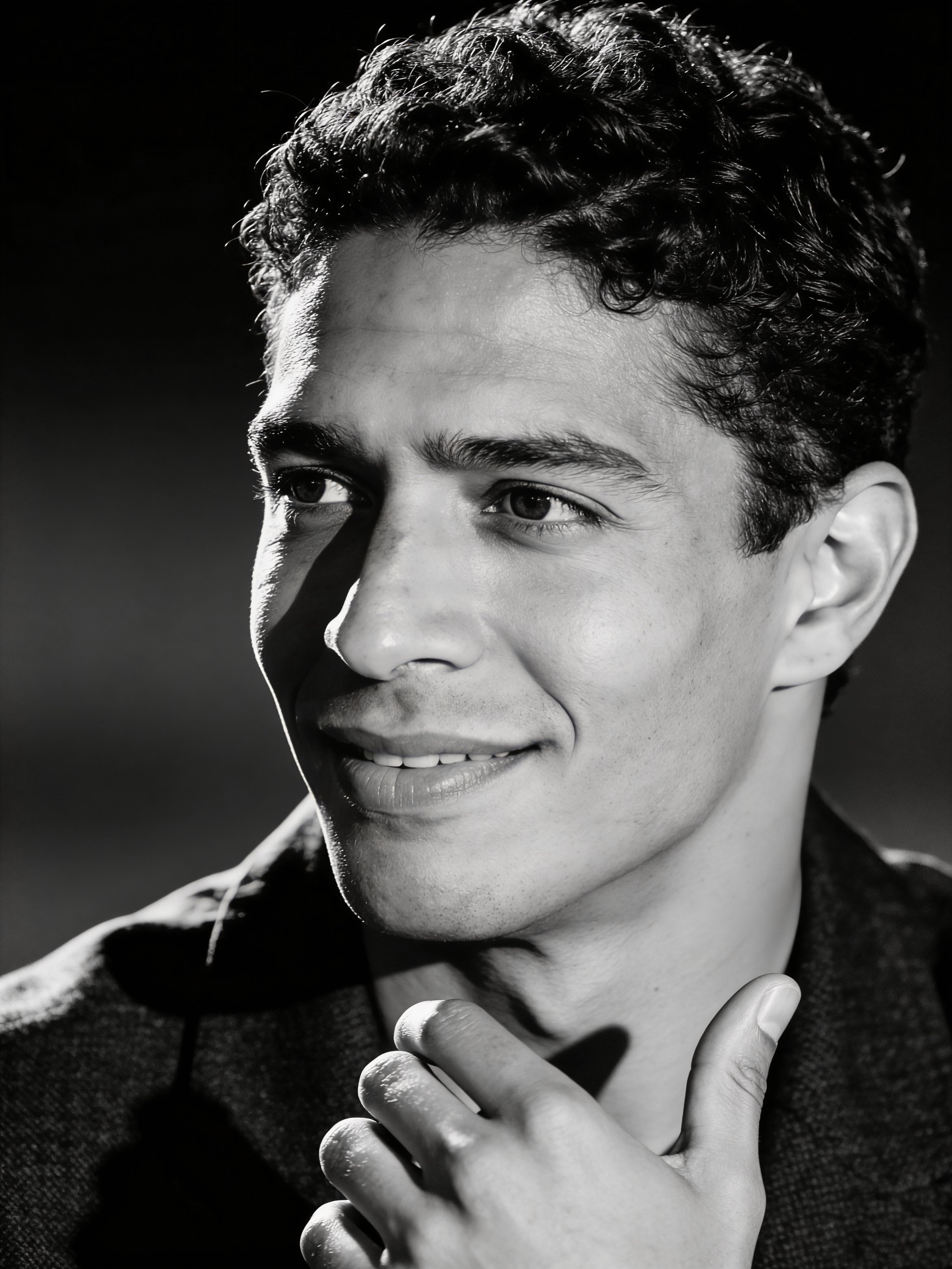
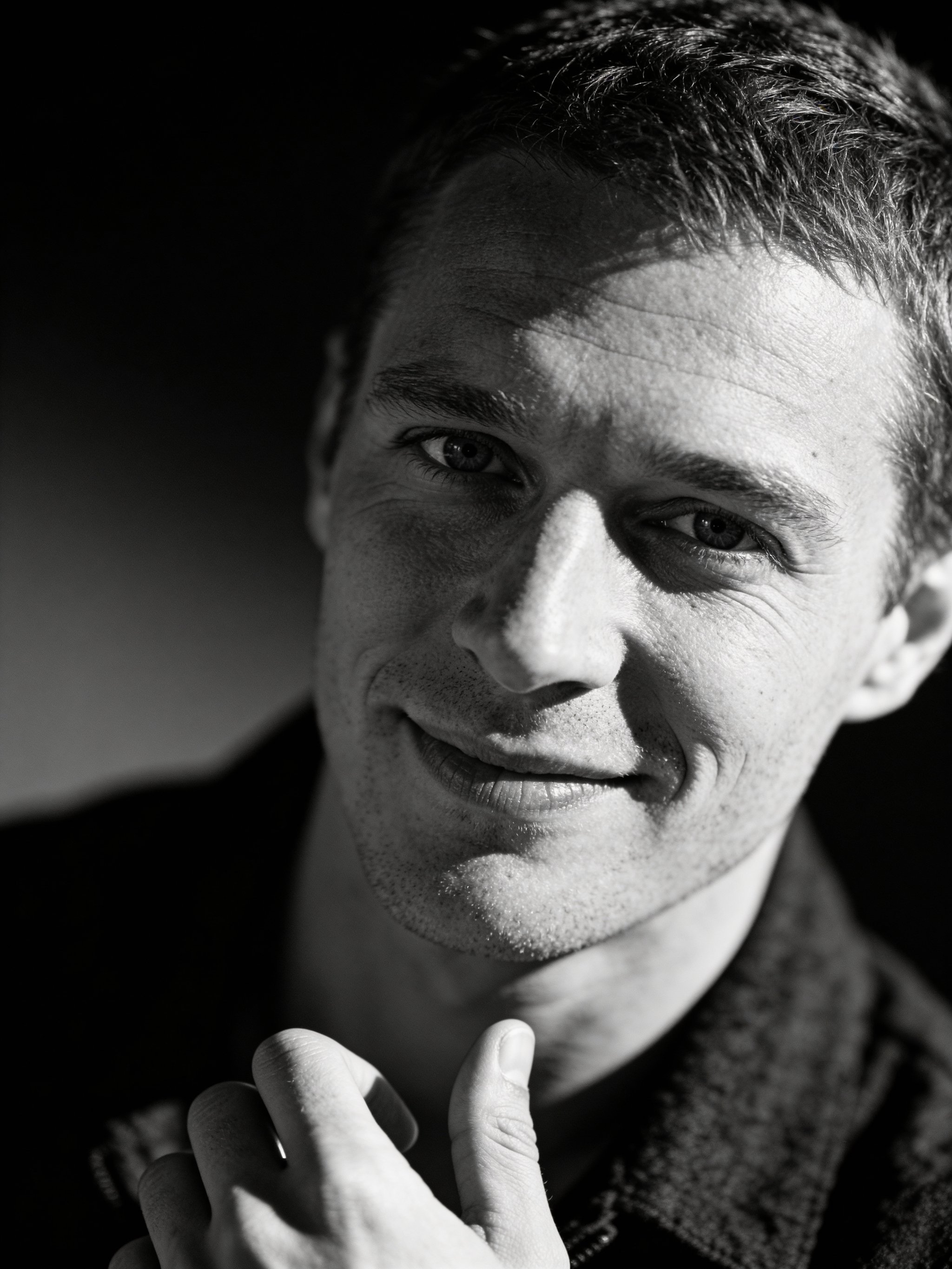
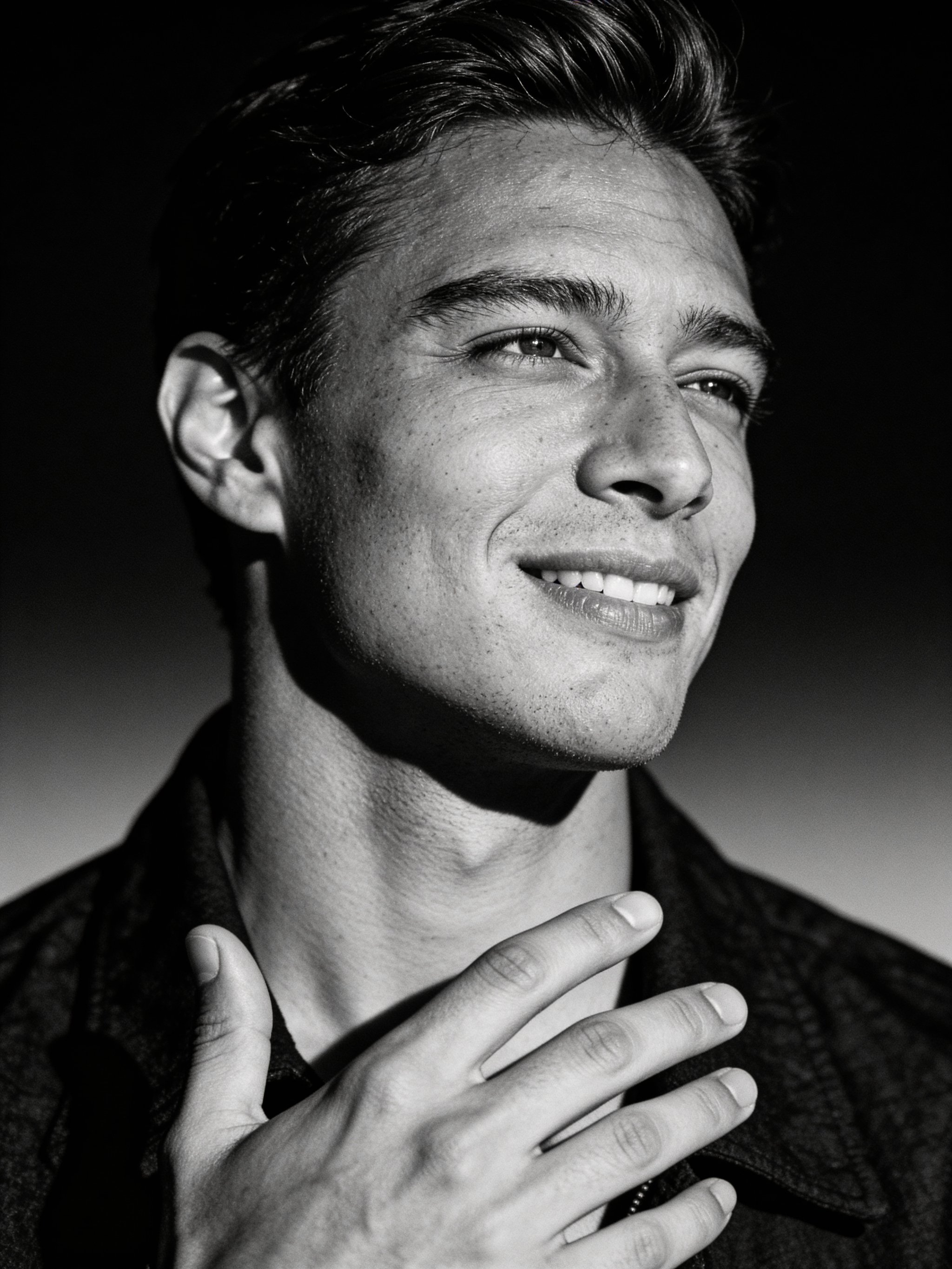
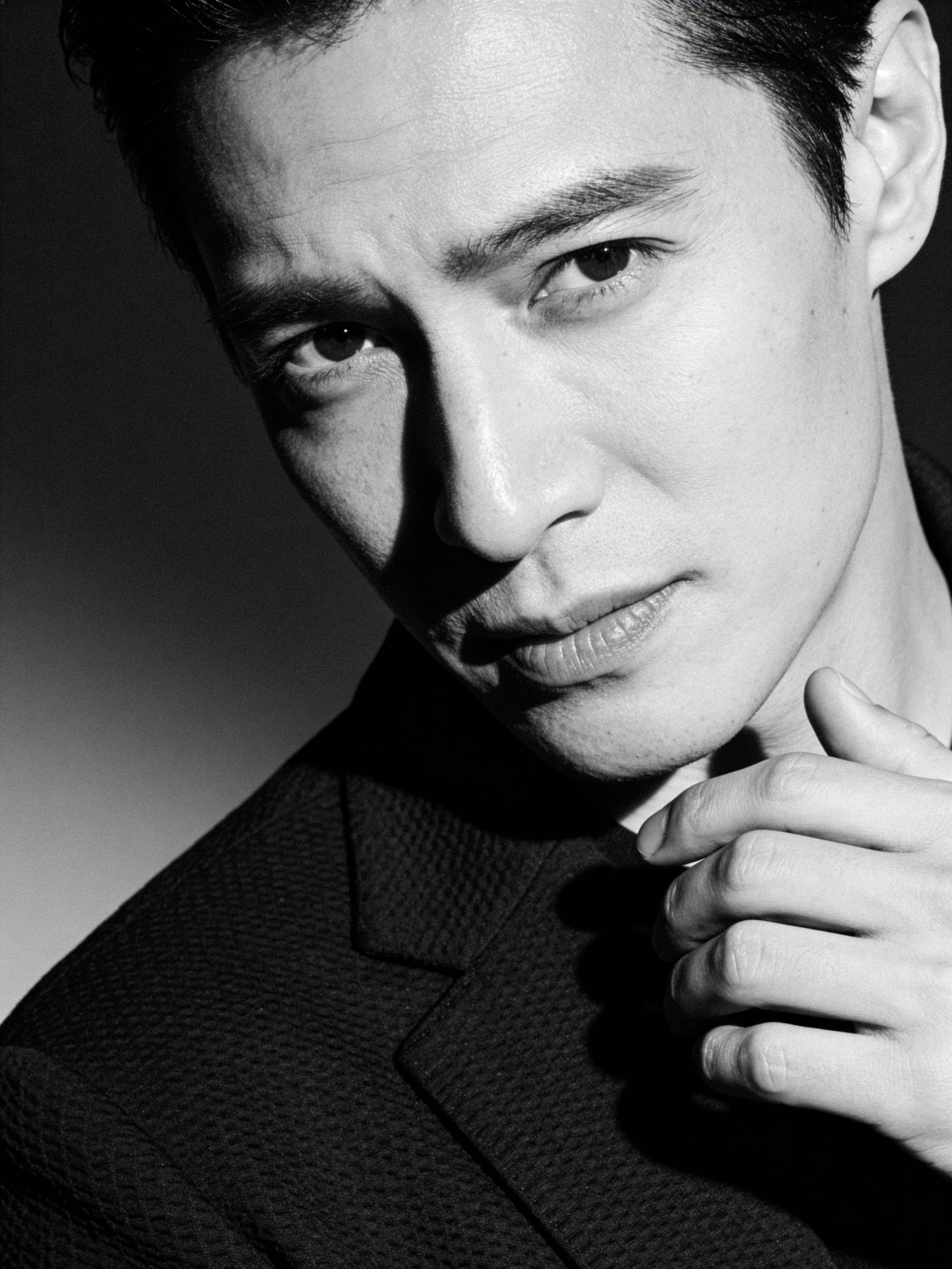
Dramatic monochrome portraits with cinematic contrast and texture.
This recipe delivers a dramatic black-and-white editorial headshot with rich grayscale tones and sculpted light. It keeps the subject’s likeness while adding a cinematic, magazine-ready finish.
Upload a clear reference photo and generate consistent portraits without training a custom model. The monochrome look is perfect for press kits, portfolio pages, and creator branding.
Why creators use this
Editorial contrast
Deep blacks and bright highlights create a premium magazine look.
Texture preserved
Natural skin detail and film grain keep the portrait authentic.
No custom model training required
Consistent, high-quality headshots without expensive model training or long setup.
How it works
Prompt template
Transform this photo into a dramatic black and white portrait in editorial style. Preserve subject’s authentic features and character. Apply these specifications: monochromatic treatment with rich grayscale tones, deep charcoal or black...
Upload a clean reference
Front-facing, sharp focus, even lighting. Avoid sunglasses and heavy filters.
Keep it monochrome
Choose simple styling so the lighting and contrast take focus.
Generate and select
Save a main headshot plus 2-3 alternates for different contexts.
Black & white headshot FAQs
Answers for sellers creating Amazon, TikTok Shop, ecommerce, and campaign-ready product images
Will it preserve my exact likeness?
Do I need to train a custom model?
Can I use the headshot commercially?
What photo works best?
Generate this at scale
Need more than one variation?
After you pick the look, multi-workflow batch generation lets you run prompts, reference images, and aspect ratios in parallel from one workspace.