Citrus soda can product shot
A bright beverage advertising shot with a condensation-covered soda can, fresh oranges, and a blue summer sky backdrop.
Generate a photo like thisExplore the prompt- Recommended Workflows
- Gemini Flash Image 31 Preview
- Recommended Aspect Ratio
- 3:4
- Reference Images Required
- No
01 / The recipe
Prompt variants
Use these as short alternate directions for Citrus soda can product shot; each variant keeps the recipe recognizable while pushing a different outcome.
{ "master_prompt": "Ultra-realistic beverage advertising photography featuring a tall aluminum soda can labeled with the fictional brand “{argument name=\"brand_name\" default=\"ZEST\"}” and flavor “{argument name=\"flavor_name\" default=\"Sparkling Orange\"}” standing upright at the center of the frame. The can has a matte turquoise-blue body decorated with a unique, generic grid pattern of bright orange fruit illustrations and bold dark typography. The surface of the can is covered with fresh condensation droplets that enhance the cold refreshing feel. Surrounding the base of the can are whole oranges and freshly cut orange halves arranged naturally, showing vibrant juicy pulp and glossy citrus textures. The background is a bright open blue sky with soft clouds, creating a fresh outdoor summer atmosphere. Lighting is natural sunlight with crisp highlights on the aluminum surface and subtle reflections on the water droplets. The design must be original and not infringe on existing beverage trademarks.", "scene_type": "commercial beverage advertising", "subject": { "type": "tall aluminum soda can", "branding": { "brand_name": "{argument name=\"brand_name\" default=\"ZEST\"}", "flavor_text": "{argument name=\"flavor_name\" default=\"Sparkling Orange\"}", "requirement": "fictional brand identity, clean bold typography, no real-world logos" }, "design_specs": { "body_color": "matte turquoise-blue", "pattern": "grid of bright orange fruit illustrations", "texture": "heavy condensation / water droplets" } }, "props": { "elements": [ "whole oranges", "freshly cut orange halves", "visible juicy pulp" ], "arrangement": "surrounding the base naturally" }, "environment": { "setting": "outdoor summer sky", "details": [ "bright open blue sky", "soft white clouds", "fresh atmosphere" ] }, "lighting": { "source": "natural sunlight", "qualities": [ "crisp highlights on aluminum", "subtle reflections in droplets", "high brightness", "vivid contrast" ] }, "composition": { "framing": "center upright", "depth": "shallow depth of field", "aesthetic": "clean, vibrant, citrus refreshment style" }, "negative_constraints": [ "existing real-world beverage logos", "copyrighted trade dress", "warped text", "misspelled brand name", "dirty fruit", "dark lighting", "studio background" ] }
02 / Make it yours
A little direction goes a long way.
Create a Citrus soda can product shot with a product-first composition that keeps the item clear, attractive, and campaign-ready. No reference image is required, so the prompt carries the subject, setting, composition, and style constraints. This recipe is useful for product hero shots, ecommerce visuals, ad concepts, catalog variations, and brand campaign images.
Best for / not ideal for
Use this section to decide whether Citrus soda can product shot is the right recipe before spending credits on variations.
Best for
- Citrus soda can product shot concepts where the example image is close to the result you want.
- Visual directions built around a product-focused look that keeps the item recognizable and commercially usable.
- Compositions that benefit from a clean environment that gives the product context and visual priority.
- Fast testing with Gemini Flash Image 31 Preview in 3:4.
Not ideal for
- Strict ecommerce packshots that need measured dimensions and compliance labels.
- Unstyled catalog images on a pure white background.
- Scenes where the product must not be reinterpreted creatively.
- Final production artwork that requires exact typography or ingredient text.
How to adapt the prompt
Keep the core idea of Citrus soda can product shot, then change the details that control identity, style, color, background, and framing.
Subject and likeness
Style intensity
Color palette
Background simplicity
Composition and crop
Common fixes
If Citrus soda can product shot is close but not usable yet, make one of these targeted prompt edits before changing everything.
Subject drift
Too busy or chaotic
Colors overpower the subject
Image feels flat
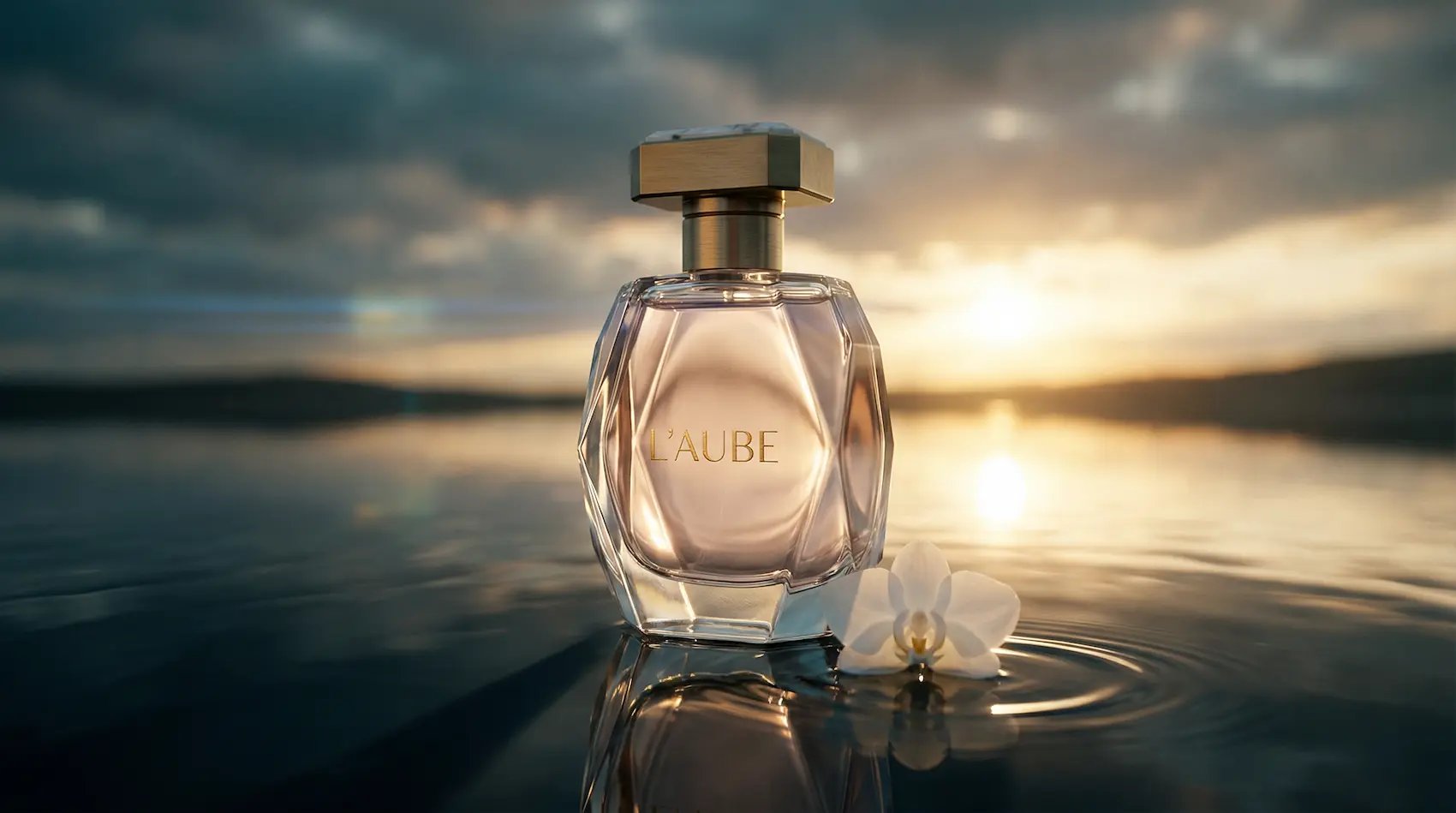
Perfume product photography
Perfume product photography builds a product-first visual for ecommerce, ads, catalog tests, and brand campaign imagery.
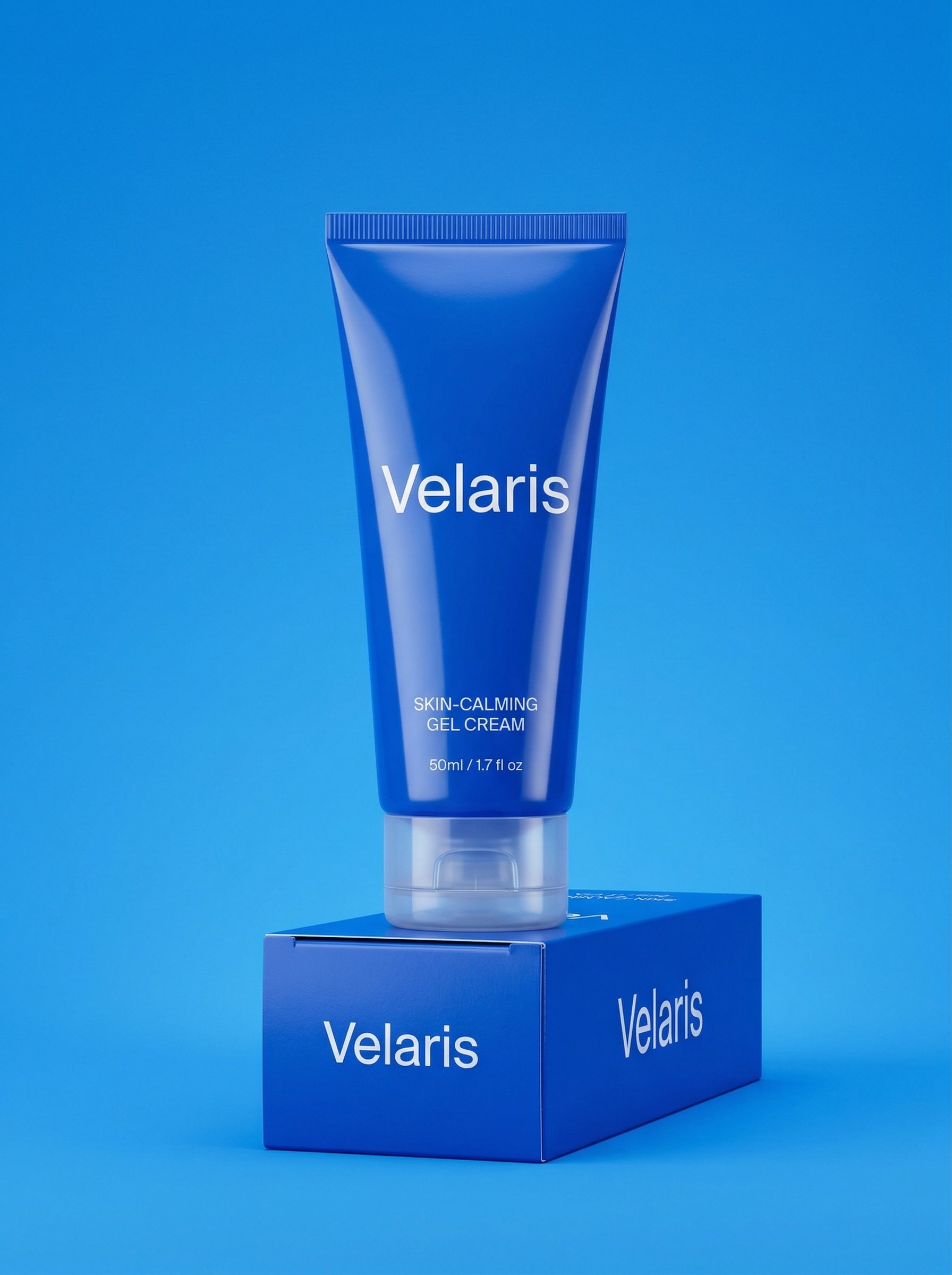
Monochrome skincare tube product shot
Monochrome skincare tube product shot builds a product-first visual for ecommerce, ads, catalog tests, and brand campaign imagery.

3D weather app widget
3D weather app widget turns weather, place, or interface ideas into compact app-style visuals.

Crochet texture portrait
Crochet texture portrait explores a fashion or editorial portrait direction with stronger styling and campaign-ready composition.

Luxury sunset sports car portrait
Luxury sunset sports car portrait turns an athlete or action moment into a polished sports visual for posters, teams, and social campaigns.
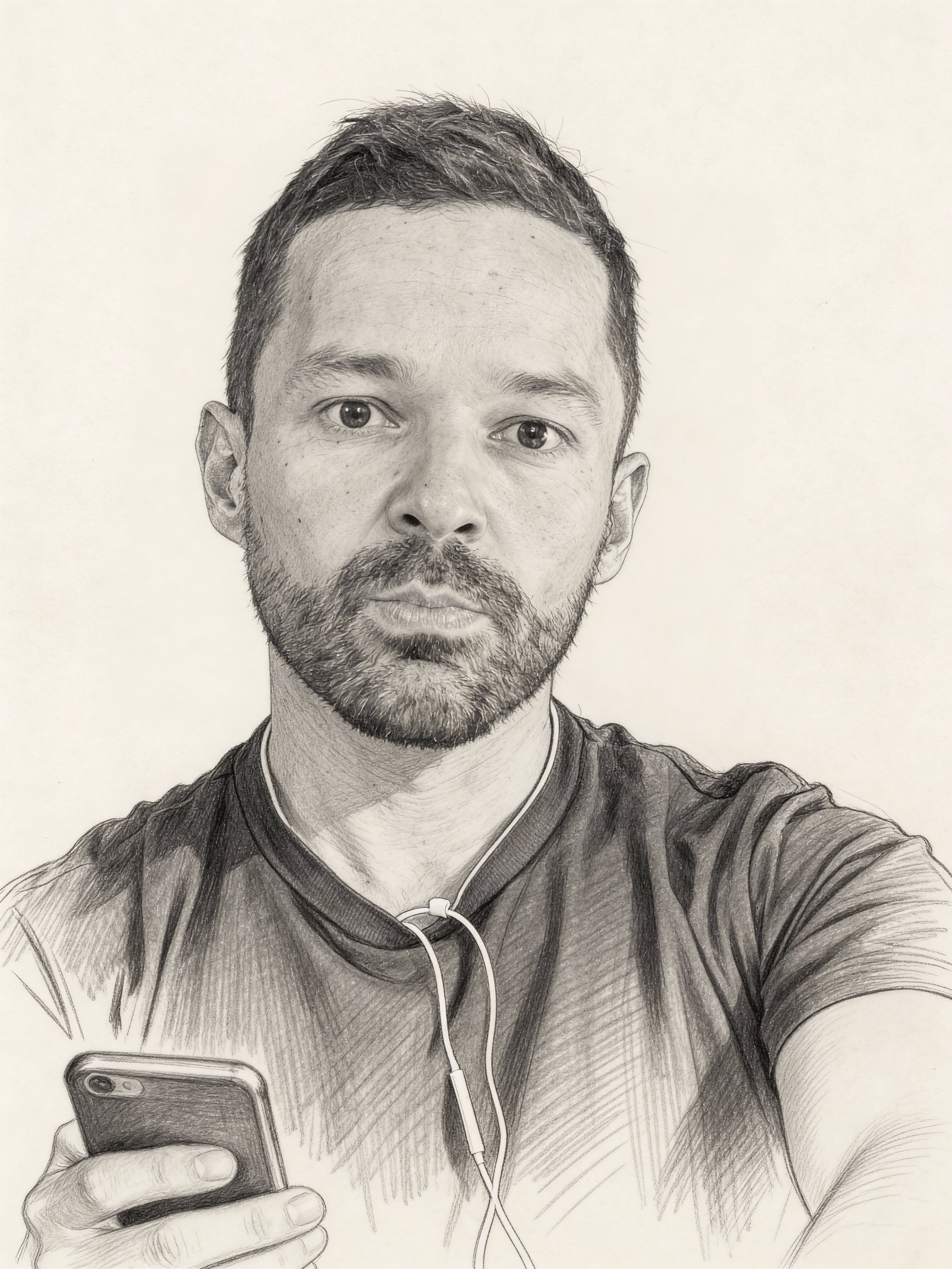
Pencil sketch portrait
Pencil sketch portrait uses a stylized art direction for portraits, avatars, posters, and expressive personal visuals.
Make it yours
Create with this recipe.
Open this recipe in the generator and add your details.
Generate a photo like this