Underwater cinematic close-up portrait
A high-detail underwater close-up with caustic light patterns, particles, and dramatic cinematic depth.
Generate a photo like thisExplore the prompt- Recommended Workflows
- Gemini 3 Pro Image
- Recommended Aspect Ratio
- 3:4
- Reference Images Required
- 1 image
01 / The recipe
Prompt variants
Use these as short alternate directions for Underwater cinematic close-up portrait; each variant keeps the recipe recognizable while pushing a different outcome.
A hyper-realistic, cinematic close-up photograph of the man from the uploaded reference image, positioned center-frame, chest-up and half-submerged in water. Strictly preserve the subject’s facial features and serious expression, with open eyes looking directly at the viewer, exactly as they appear in the source photo. Action & Environment: He is shirtless. Shimmering caustic light patterns from the water's rippling surface dance across his wet face and upper body. Suspended water droplets, particulates, and rising bubbles add significant depth and realism to the scene. Lighting & Background: The background is a deep greenish-blue to dark blue gradient, suggesting a deep environment with scattered air bubbles. The lighting is diffused underwater, casting soft shadows while creating sharp, realistic highlights on the wet skin. Technical Style: Highly detailed 4K photography, emphasizing the texture of water on skin.
02 / Make it yours
A little direction goes a long way.
Create an Underwater cinematic close-up portrait with a portrait-focused composition that keeps the person recognizable and visually engaging. Start from the reference image so the subject, source structure, or key visual details stay anchored while the style changes. This recipe is useful for profile photos, social avatars, personal branding, character studies, and portrait variations.
Best for / not ideal for
Use this section to decide whether Underwater cinematic close-up portrait is the right recipe before spending credits on variations.
Best for
- Underwater cinematic close-up portrait concepts where the example image is close to the result you want.
- Visual directions built around a portrait-first look that preserves identity while changing the visual treatment.
- Compositions that benefit from a background that frames the person without competing with facial features.
- Fast testing with Gemini 3 Pro Image in 3:4.
Not ideal for
- Formal ID photos, passport photos, or strict corporate headshots.
- Subtle retouching where the original photo should barely change.
- Product-only images with no person or character as the subject.
- Cases where exact wardrobe, pose, and lighting must be legally or medically precise.
How to adapt the prompt
Keep the core idea of Underwater cinematic close-up portrait, then change the details that control identity, style, color, background, and framing.
Subject and likeness
Style intensity
Color palette
Background simplicity
Composition and crop
Common fixes
If Underwater cinematic close-up portrait is close but not usable yet, make one of these targeted prompt edits before changing everything.
Subject drift
Too busy or chaotic
Colors overpower the subject
Image feels flat
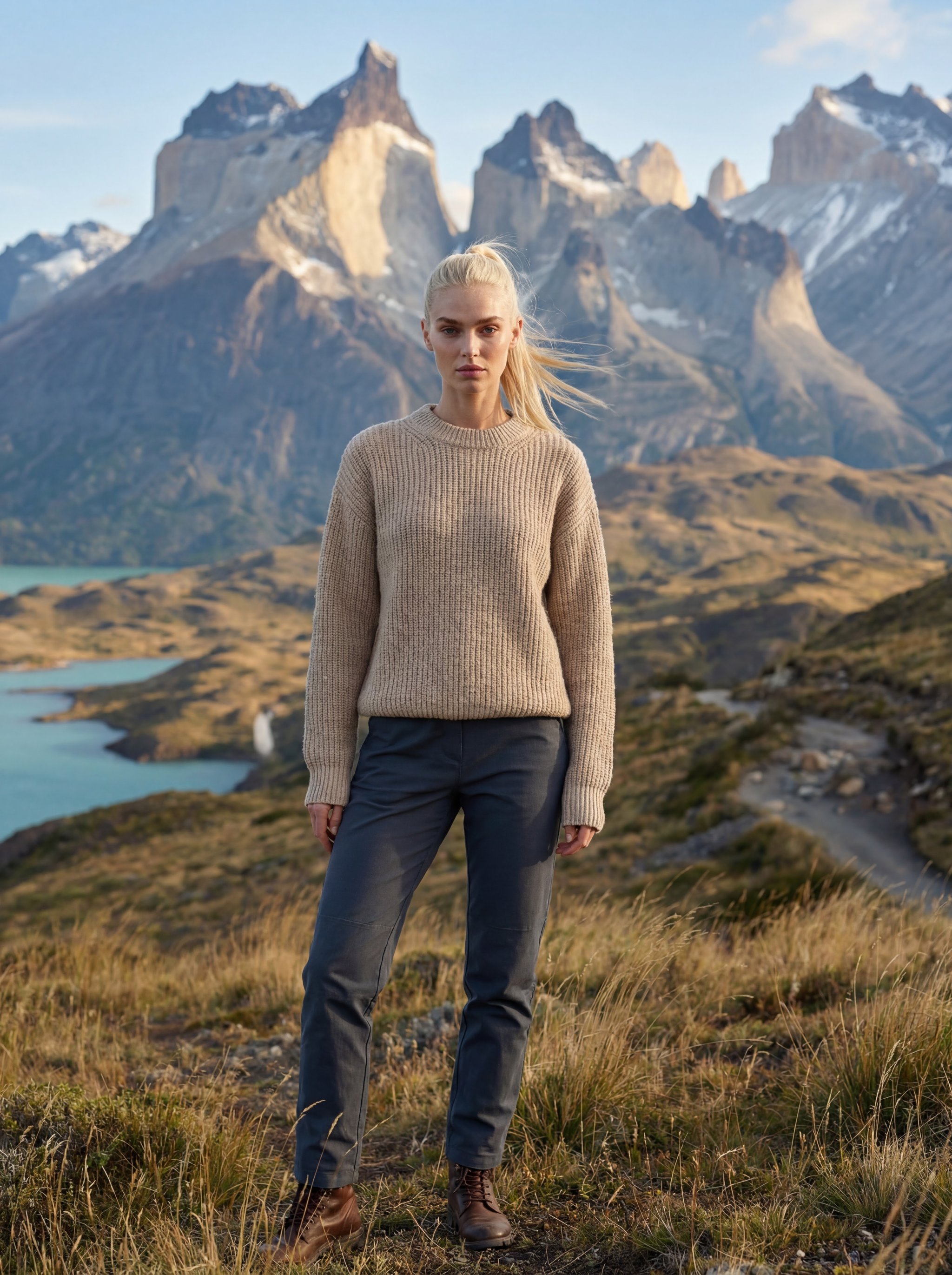
Torres del Paine luxury travel portrait
Torres del Paine luxury travel portrait creates destination-led visuals for travel campaigns, creator posts, and editorial trip concepts.
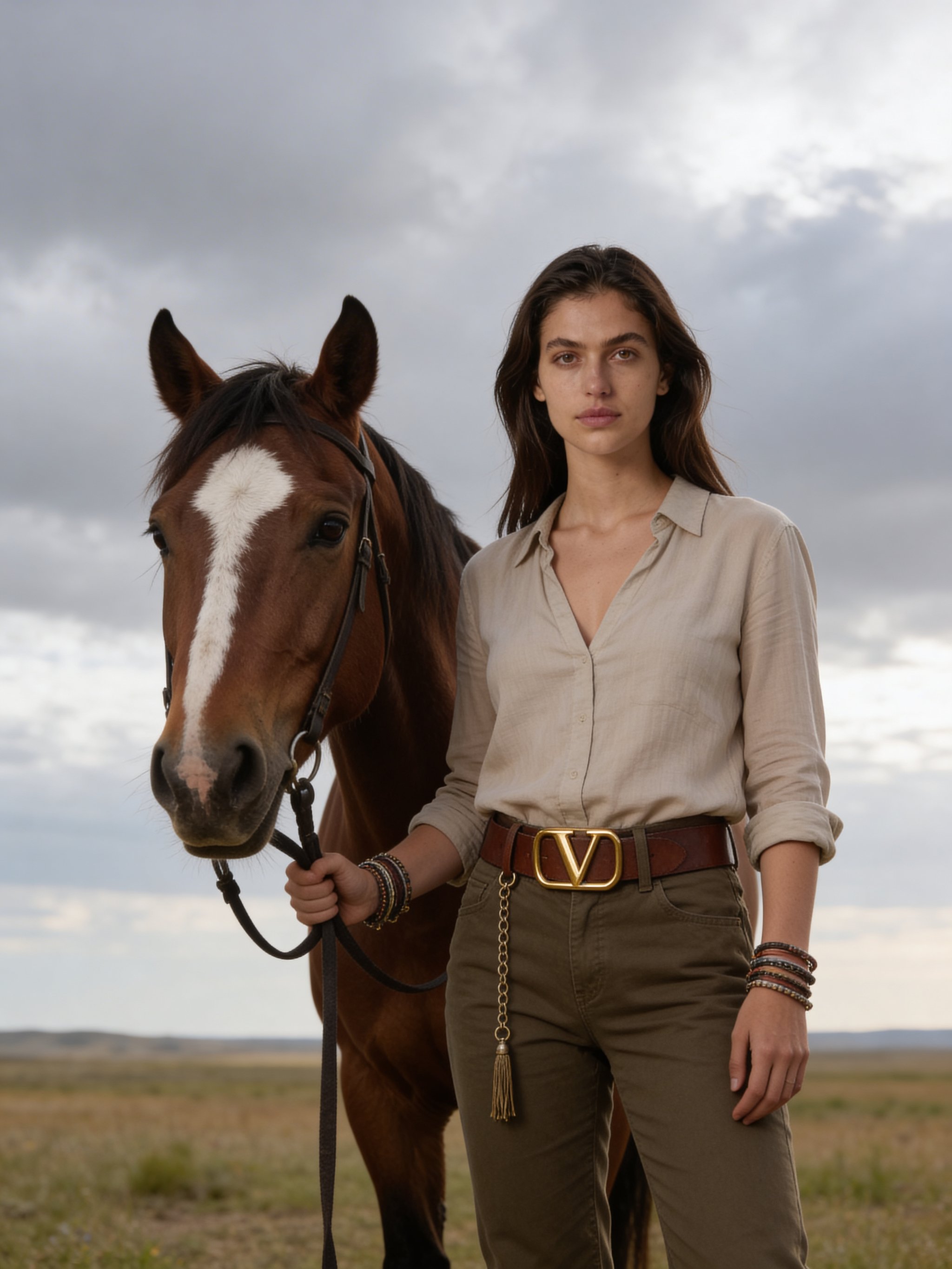
Prairie horse cinematic portrait
Prairie horse cinematic portrait focuses on a recognizable portrait result with clear subject presence and useful creative variations.
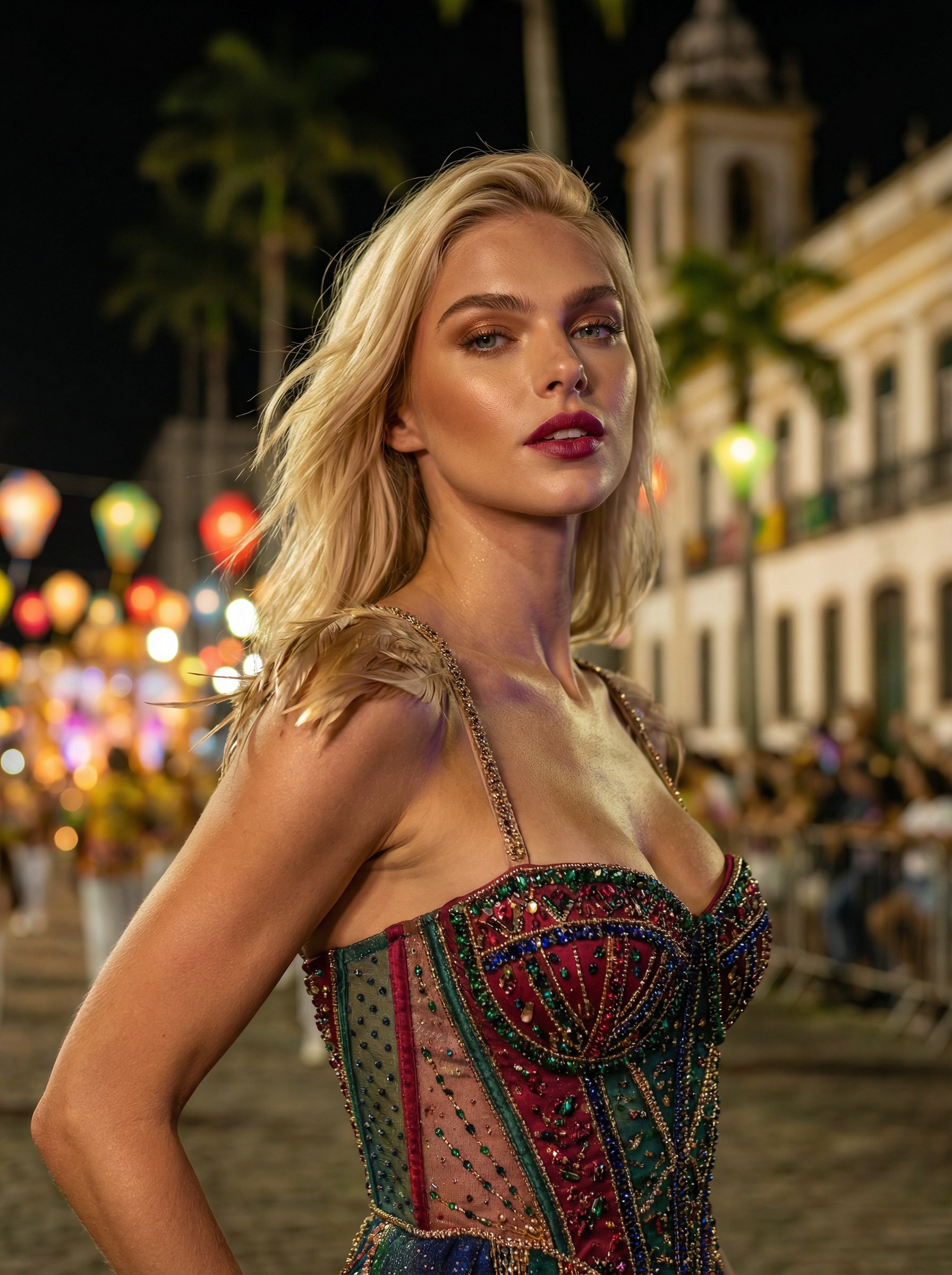
Rio carnival couture night portrait
Rio carnival couture night portrait explores a fashion or editorial portrait direction with stronger styling and campaign-ready composition.
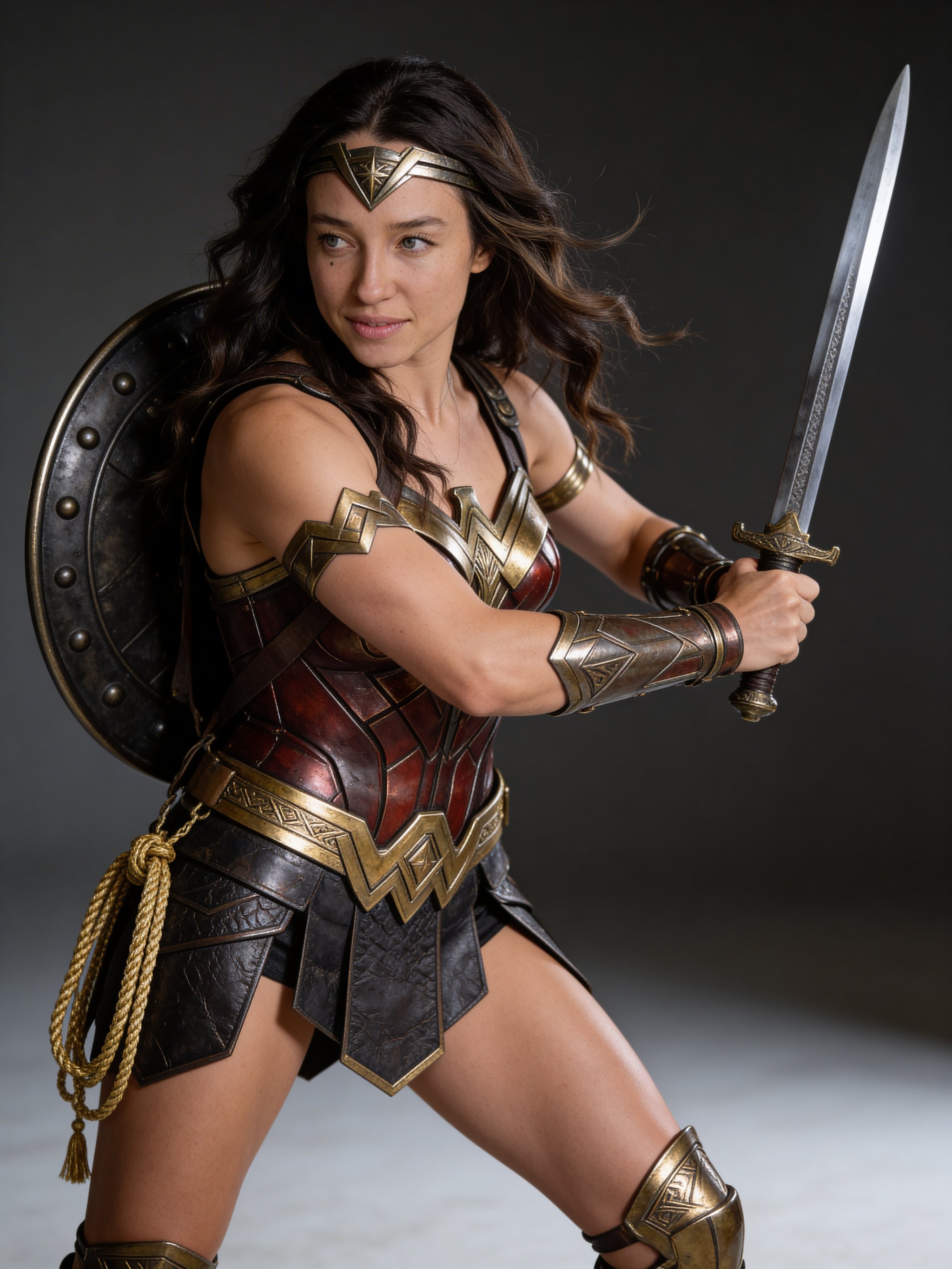
Amazon warrior fantasy portrait
Amazon warrior fantasy portrait creates a cinematic character concept with stronger costume, atmosphere, and story cues.
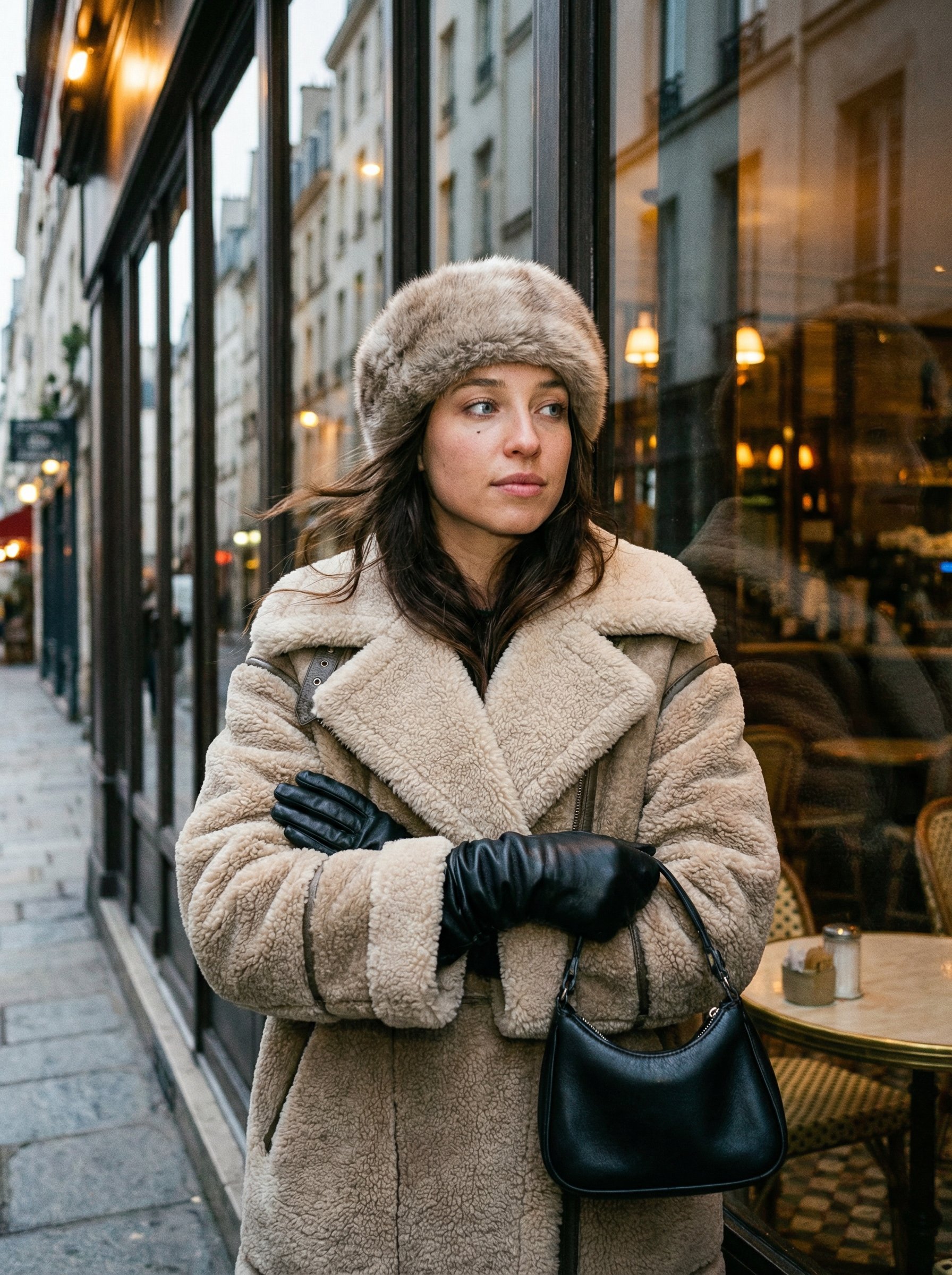
Shearling coat European cafe portrait
Shearling coat European cafe portrait explores a fashion or editorial portrait direction with stronger styling and campaign-ready composition.
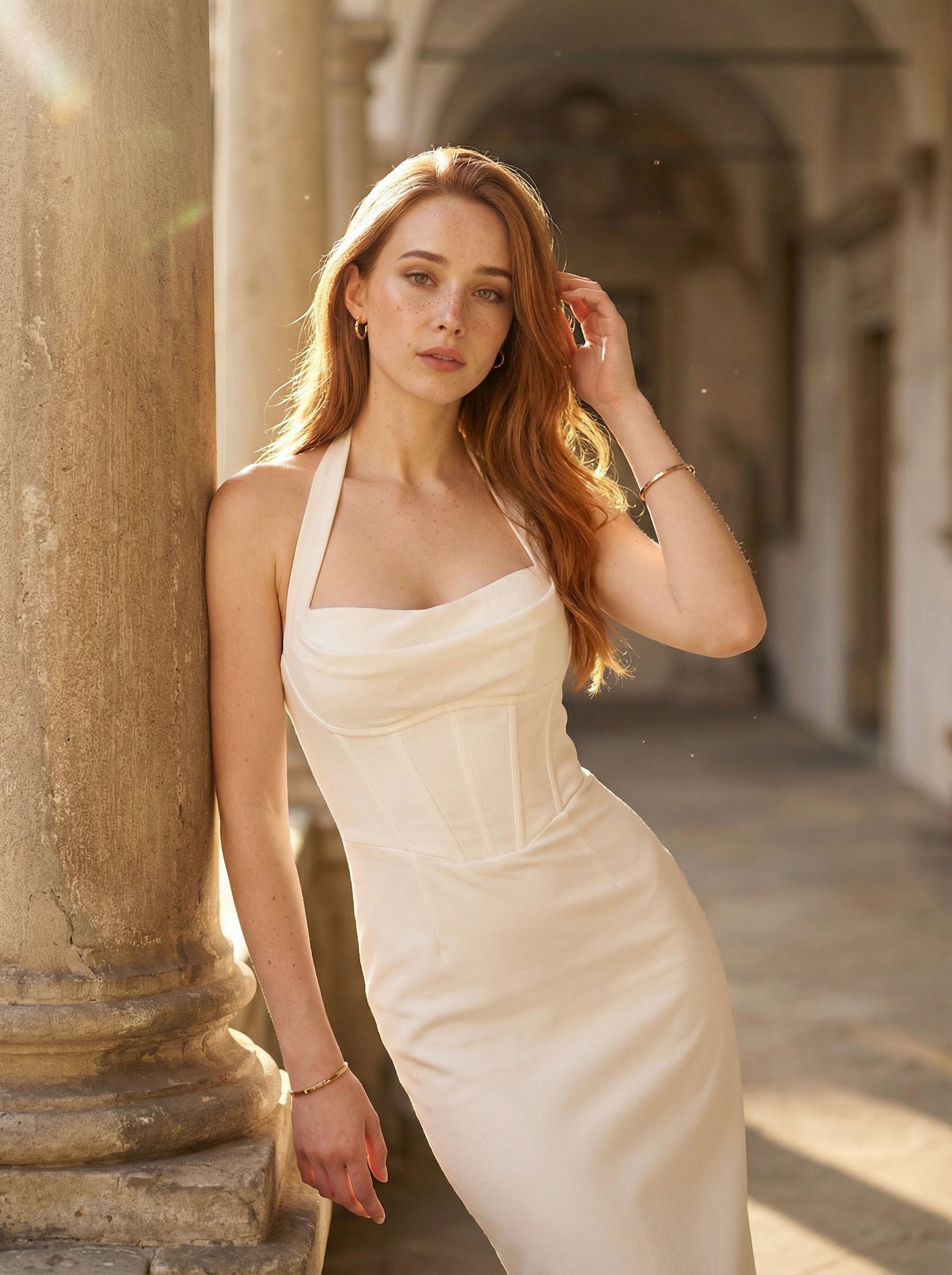
Stone corridor white halter portrait
Stone corridor white halter portrait explores a fashion or editorial portrait direction with stronger styling and campaign-ready composition.
Make it yours
Create with this recipe.
Open this recipe in the generator and add your details.
Generate a photo like this