Greenhouse restaurant flash portrait
A gritty cinematic dinner portrait with hard direct flash, lush greenhouse surroundings, and a candlelit cake detail.
Generate a photo like thisExplore the prompt- Recommended Workflows
- Gemini Flash Image 31 Preview
- Recommended Aspect Ratio
- 3:4
- Reference Images Required
- 1 image
01 / The recipe
Prompt variants
Use these as short alternate directions for Greenhouse restaurant flash portrait; each variant keeps the recipe recognizable while pushing a different outcome.
A highly detailed cinematic portrait capturing the likeness of the woman from the reference image, ensuring her facial features, deep brown eyes, and intense gaze into the lens remain perfectly preserved. The photograph utilizes a hard direct flash aesthetic, creating sharp highlights, distinct shadows, and a raw, gritty 35mm film grain texture. She is seated in a sophisticated greenhouse-style restaurant defined by deep green tones, rugged stone beams, and a magnificent glass atrium roof. Immediately behind her is a dense arrangement of lush exotic plants and a very large potted palm tree. She is leaning forward at a sophisticated glass table with a rich wooden border, her left hand elegantly propping up her chin. Her dark hair is gathered in a sophisticated high bun with a precise center parting. Her evening makeup is precise, featuring sharp, black winged "arrow" eyeliner and full lips with high-gloss shine. She wears a chic black satin sheath sleeveless dress, which reflects the flash, and a subtle shimmer highlights her décolletage and shoulders. She is accessorized with stacked gold and silver bracelets on her wrist and small, elegant hoop earrings. In front of her on the table is a plate with a slice of decadent cake topped with a single, brightly lit candle providing a warm counterpoint to the cool flash illumination.
02 / Make it yours
A little direction goes a long way.
Create a Greenhouse restaurant flash portrait with an appetizing presentation that highlights texture, color, and serving context. Start from the reference image so the subject, source structure, or key visual details stay anchored while the style changes. This recipe is useful for menu visuals, restaurant promos, food thumbnails, delivery listings, and social posts.
Best for / not ideal for
Use this section to decide whether Greenhouse restaurant flash portrait is the right recipe before spending credits on variations.
Best for
- Greenhouse restaurant flash portrait concepts where the example image is close to the result you want.
- Visual directions built around an appetizing food presentation with clear texture, color, and serving context.
- Compositions that benefit from table styling or atmosphere that supports the dish without hiding it.
- Fast testing with Gemini Flash Image 31 Preview in 3:4.
Not ideal for
- Menu documentation where portion size and ingredients must be exact.
- Clinical nutrition images or packaging compliance checks.
- Plain cutout product photos without table styling or atmosphere.
- Images that require readable label text, barcodes, or exact prices.
How to adapt the prompt
Keep the core idea of Greenhouse restaurant flash portrait, then change the details that control identity, style, color, background, and framing.
Subject and likeness
Style intensity
Color palette
Background simplicity
Composition and crop
Common fixes
If Greenhouse restaurant flash portrait is close but not usable yet, make one of these targeted prompt edits before changing everything.
Subject drift
Too busy or chaotic
Colors overpower the subject
Image feels flat
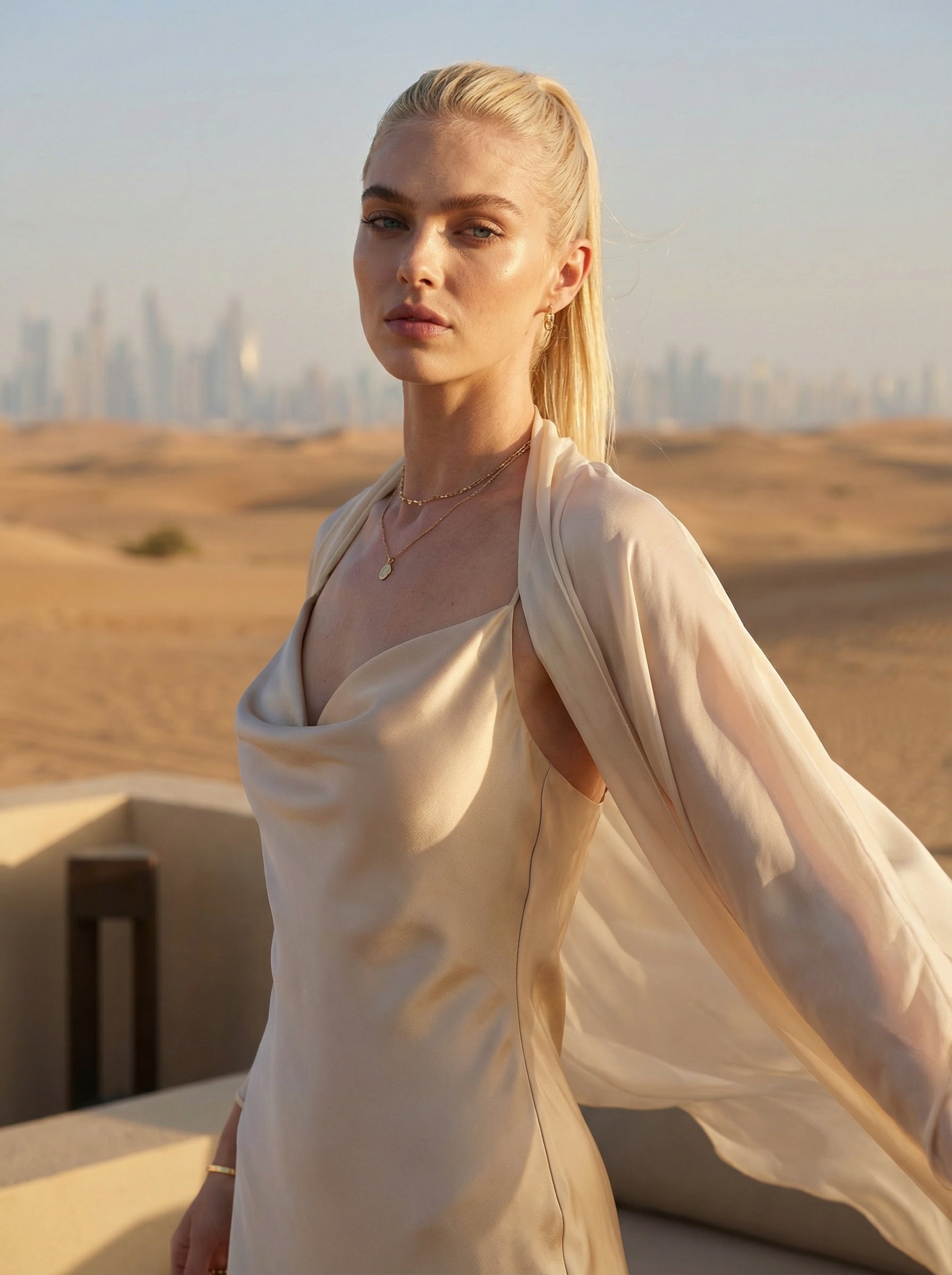
Dubai desert resort couture portrait
Dubai desert resort couture portrait explores a fashion or editorial portrait direction with stronger styling and campaign-ready composition.

Sports motorcycle outdoor portrait
Sports motorcycle outdoor portrait explores a fashion or editorial portrait direction with stronger styling and campaign-ready composition.
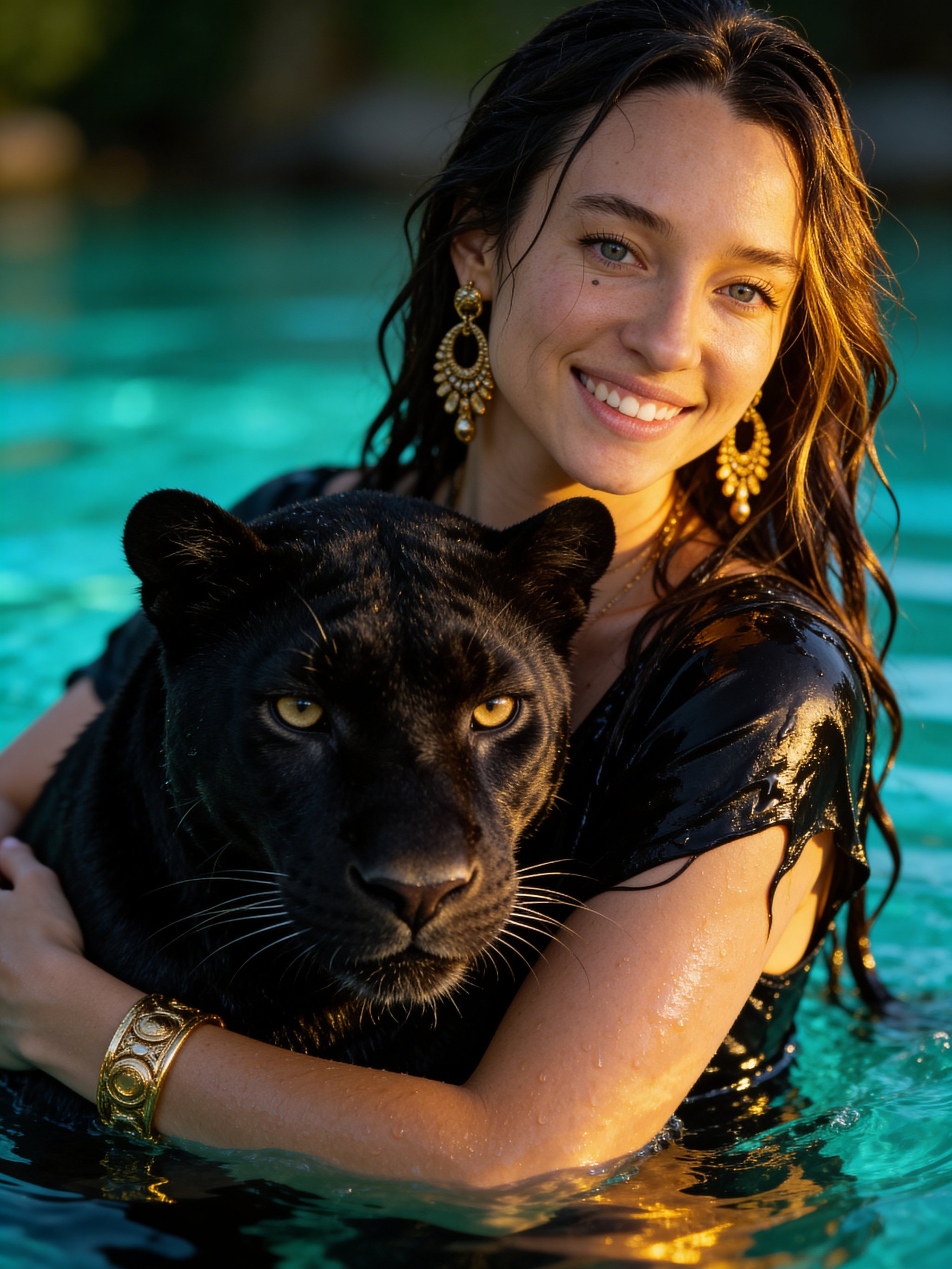
Panther Water Fantasy Portrait
Panther Water Fantasy Portrait creates a cinematic character concept with stronger costume, atmosphere, and story cues.
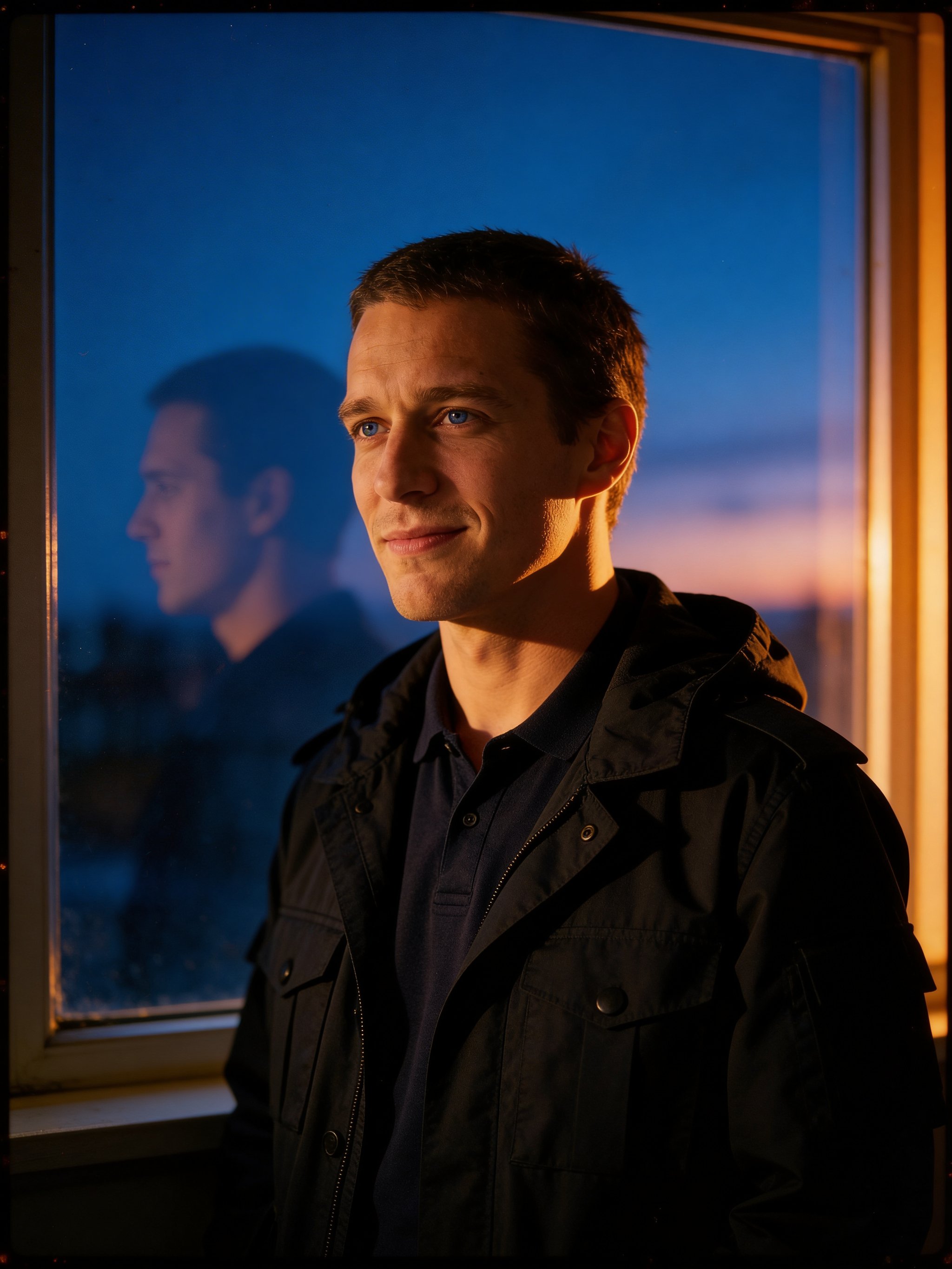
Blue Velvet film portrait
Blue Velvet film portrait focuses on a recognizable portrait result with clear subject presence and useful creative variations.
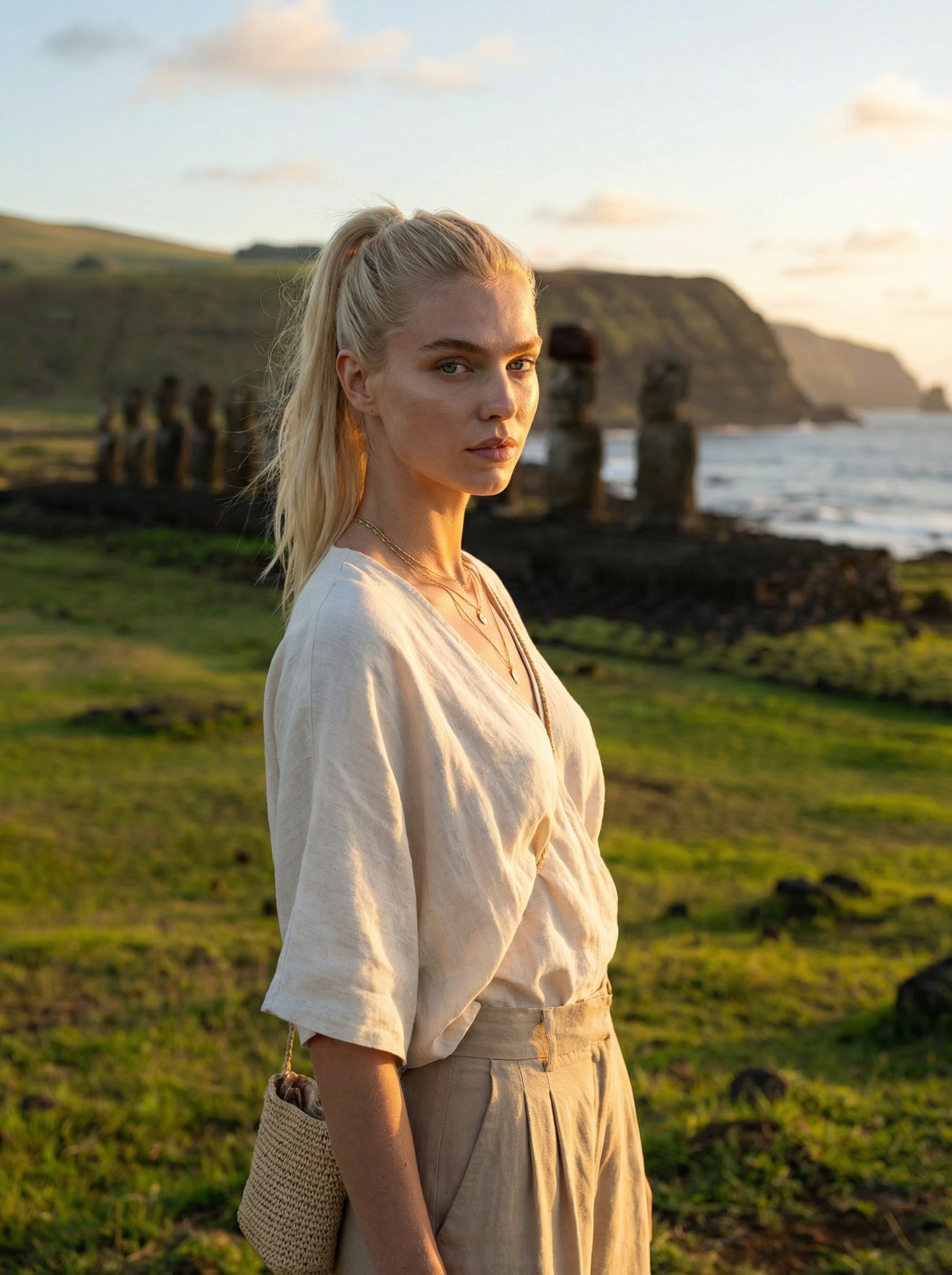
Easter Island Moai travel portrait
Easter Island Moai travel portrait creates destination-led visuals for travel campaigns, creator posts, and editorial trip concepts.
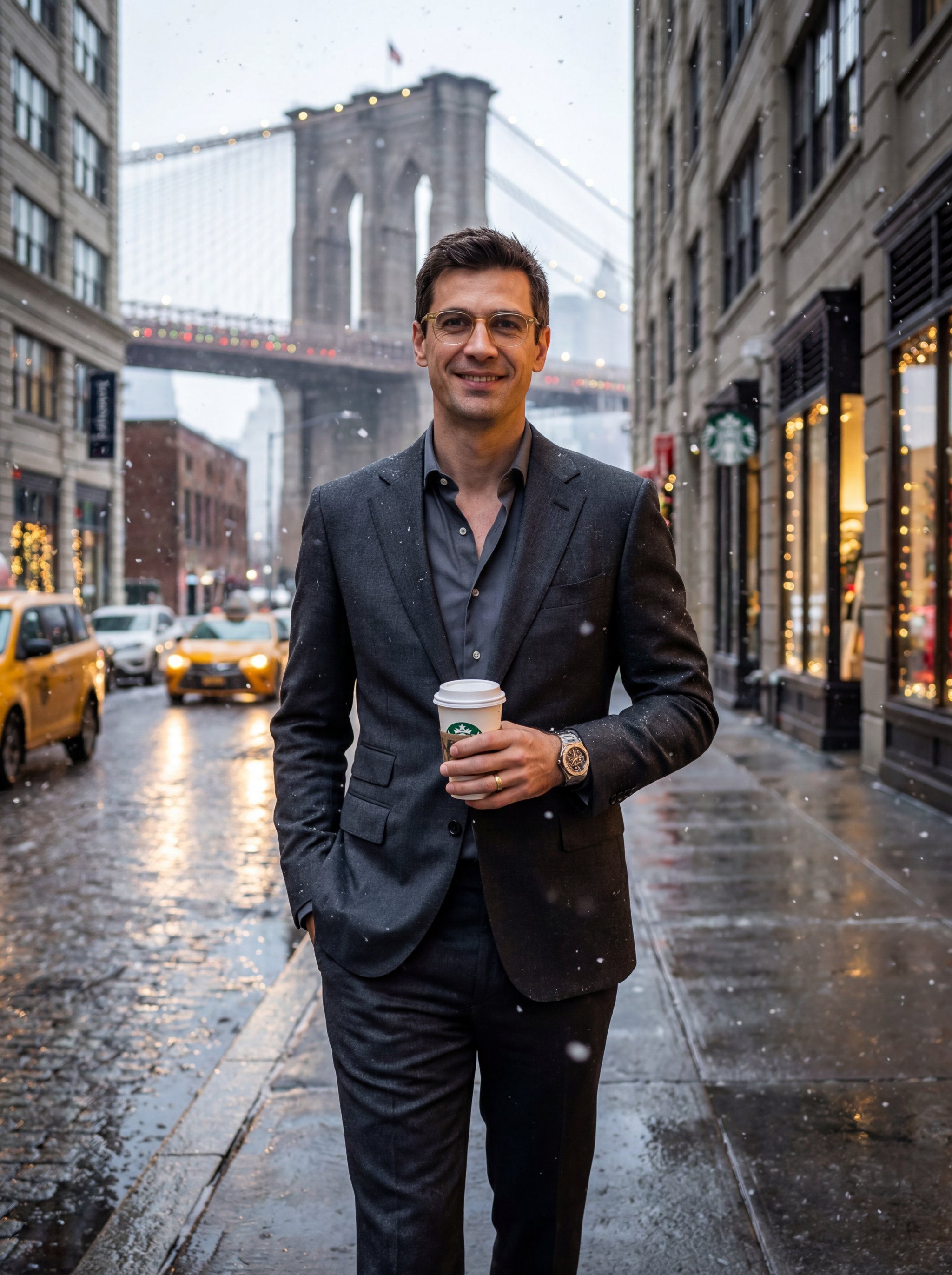
Manhattan holiday charcoal suit portrait
Manhattan holiday charcoal suit portrait focuses on a recognizable portrait result with clear subject presence and useful creative variations.
Make it yours
Create with this recipe.
Open this recipe in the generator and add your details.
Generate a photo like this