Bridal boutique virtual try-on
A clean bridal fitting-room try-on image that combines an identity reference with a bridal gown reference in realistic retail lighting.
Generate a photo like thisExplore the prompt- Recommended Workflows
- Gemini Flash Image 31 Preview
- Recommended Aspect Ratio
- 3:4
- Reference Images Required
- 2 images
How This Recipe Works
These example references are combined to produce the example result.
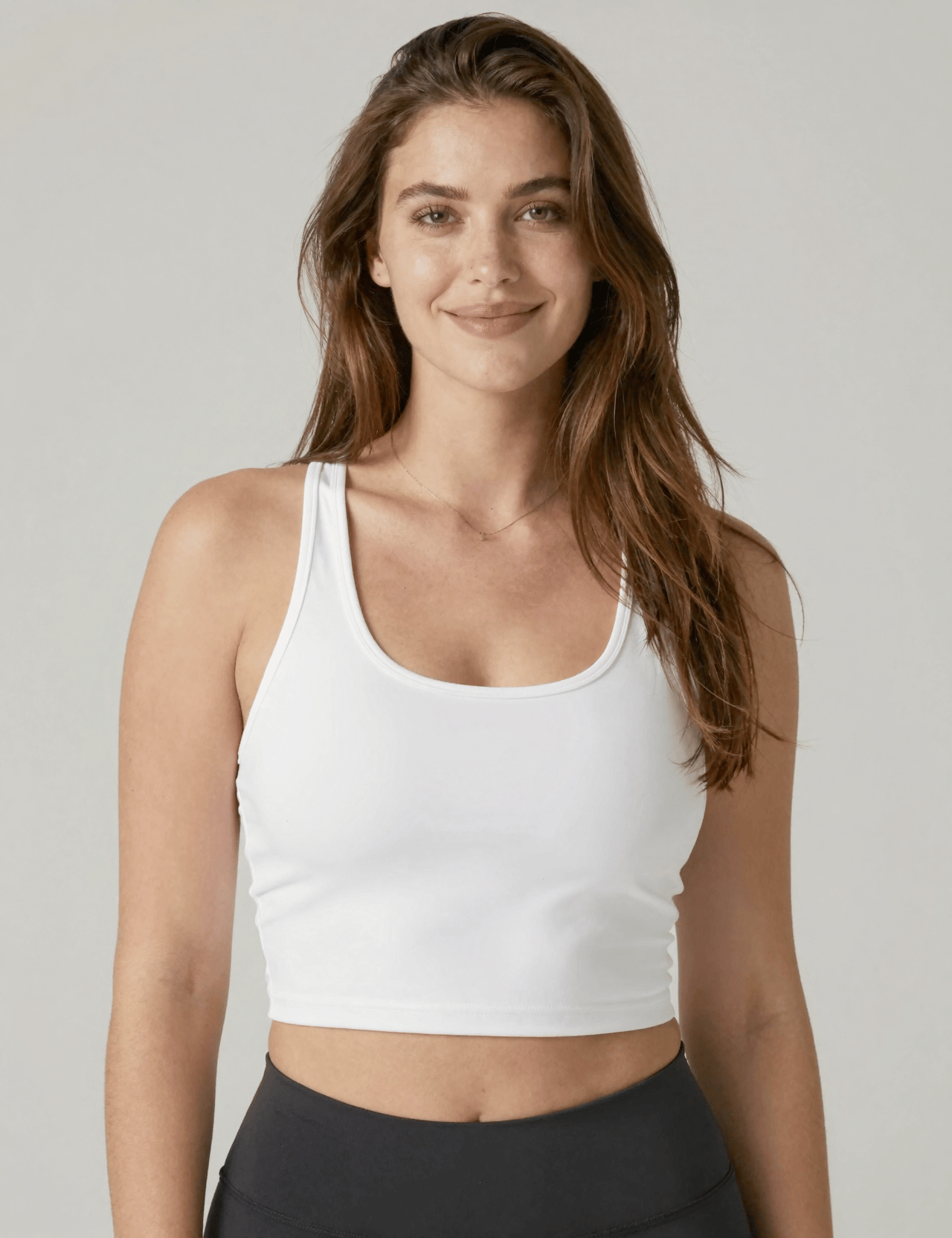
Subject reference
Extract only facial features, skin tone, hair color, and body proportions.
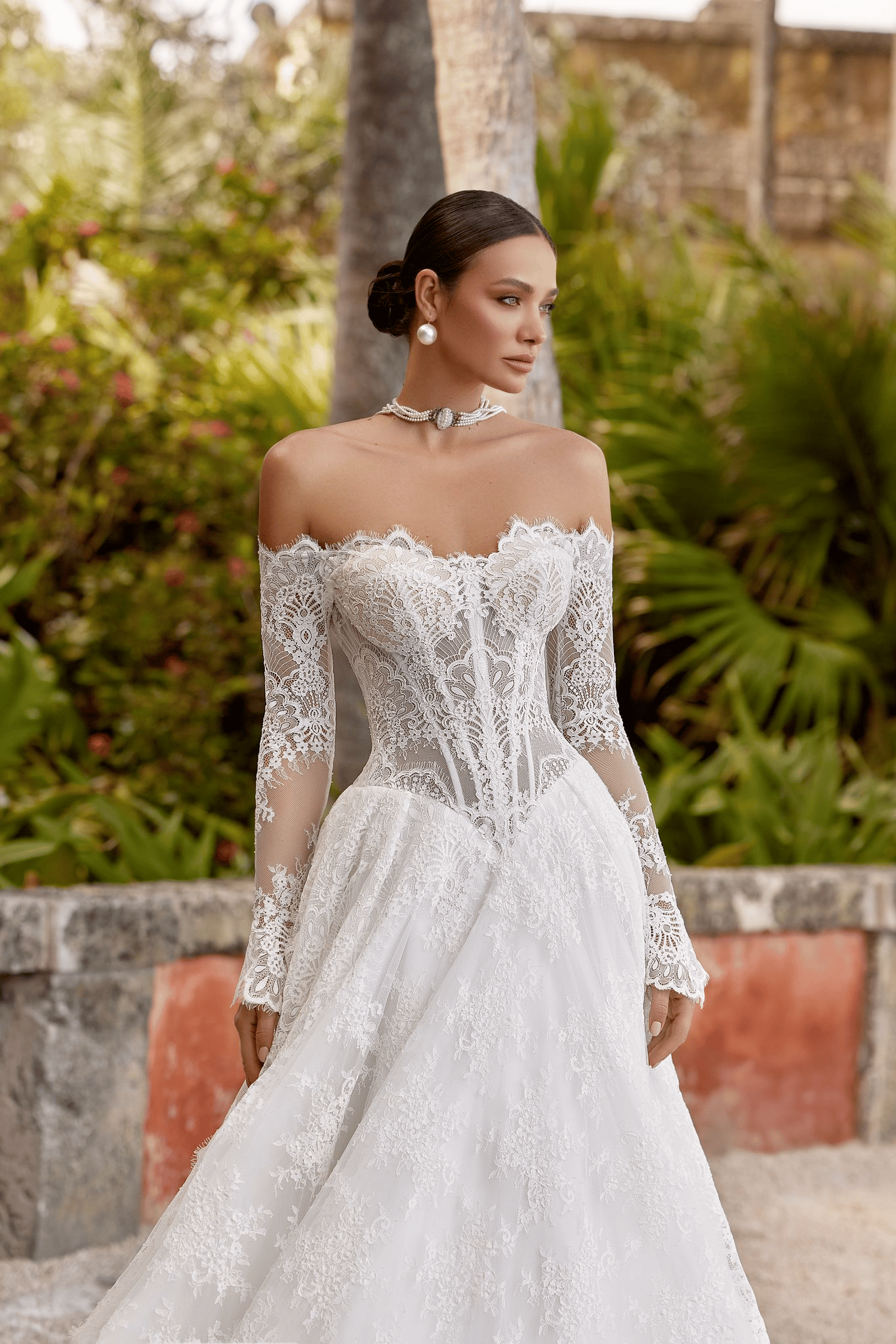
Bridal gown reference
Extract only the dress design, silhouette, fabric texture, and details.
01 / The recipe
Prompt variants
Use these as short alternate directions for Bridal boutique virtual try-on; each variant keeps the recipe recognizable while pushing a different outcome.
{ "master_prompt": "A clean, realistic virtual try-on photograph of the exact woman from Reference Image 1 wearing the bridal gown from Reference Image 2. She is standing directly facing the camera in a simple, warm, and brightly lit bridal boutique fitting room. The background is minimalist, featuring soft cream walls, a neutral rug, and a simple curtain, keeping the focus entirely on the subject and the fit of the dress. Warm, flattering indoor lighting highlights the exact fabric details, neckline, and silhouette of the gown. Her posture is natural and confident, with her arms relaxed at her sides to clearly display the dress. Shot in ultra-high resolution, photorealistic and unedited retail style.", "generation_request": { "task": "virtual_try_on", "style": "clean retail photography", "resolution": "ultra-high detail" }, "inputs": { "reference_1": { "type": "identity_source", "instruction": "Extract only facial features, skin tone, hair color, and body proportions." }, "reference_2": { "type": "wardrobe_source", "instruction": "Extract only the dress design, silhouette, fabric texture, and details." } }, "subject": { "identity_source": "match Reference Image 1 exactly", "styling": { "hair": "simple, natural everyday style matching Reference 1", "makeup": "clean, natural everyday makeup" }, "pose": { "stance": "standing straight, directly facing the camera", "arms": "relaxed at her sides, not blocking the front of the dress", "expression": "soft, natural, resting pleasant face" } }, "wardrobe": { "garment": "bridal gown strictly matching Reference Image 2", "fit": "tailored and fitting the subject naturally", "physics": "fabric hanging naturally with realistic gravity and folds" }, "environment": { "location": "simple bridal fitting room", "background_elements": "cream or warm-white walls, neutral floor rug, simple drape or mirror edge out of focus", "atmosphere": "warm, clean, minimalist, realistic" }, "lighting": { "type": "warm indoor retail lighting", "quality": "soft, even, and flattering", "purpose": "clearly illuminate the dress details and the subject's face without harsh shadows" }, "composition": { "framing": "full-body or knee-up straight-on shot", "camera_angle": "eye-level, neutral perspective", "depth_of_field": "subject and dress in sharp focus, background slightly blurred" }, "quality_control": { "critical_details":[ "Subject must face the camera directly.", "Arms must not obstruct the bodice or waist of the dress.", "The dress must match Reference 2 exactly without blending into the subject's skin.", "Lighting must be warm but neutral enough to show the true color of the dress." ], "negative_constraints":[ "side profile", "looking away", "arms crossing body", "dramatic shadows", "cluttered background", "merged references", "text", "watermarks" ] } }
02 / Make it yours
A little direction goes a long way.
Create a Bridal boutique virtual try-on with a styled editorial look with intentional color, wardrobe, lighting, and composition. Start from the reference image so the subject, source structure, or key visual details stay anchored while the style changes. This recipe is useful for fashion campaigns, social content, editorial portraits, creator profiles, and lifestyle visuals.
Best for / not ideal for
Use this section to decide whether Bridal boutique virtual try-on is the right recipe before spending credits on variations.
Best for
- Bridal boutique virtual try-on concepts where the example image is close to the result you want.
- Visual directions built around an editorial portrait direction with intentional styling, wardrobe, pose, and visual mood.
- Compositions that benefit from a location or studio setting that feels intentional without stealing focus from the subject.
- Fast testing with Gemini Flash Image 31 Preview in 3:4.
Not ideal for
- Formal ID photos, passport photos, or strict corporate headshots.
- Subtle retouching where the original photo should barely change.
- Product-only images with no person or character as the subject.
- Cases where exact wardrobe, pose, and lighting must be legally or medically precise.
How to adapt the prompt
Keep the core idea of Bridal boutique virtual try-on, then change the details that control identity, style, color, background, and framing.
Subject and likeness
Style intensity
Color palette
Background simplicity
Composition and crop
Common fixes
If Bridal boutique virtual try-on is close but not usable yet, make one of these targeted prompt edits before changing everything.
Subject drift
Too busy or chaotic
Colors overpower the subject
Image feels flat
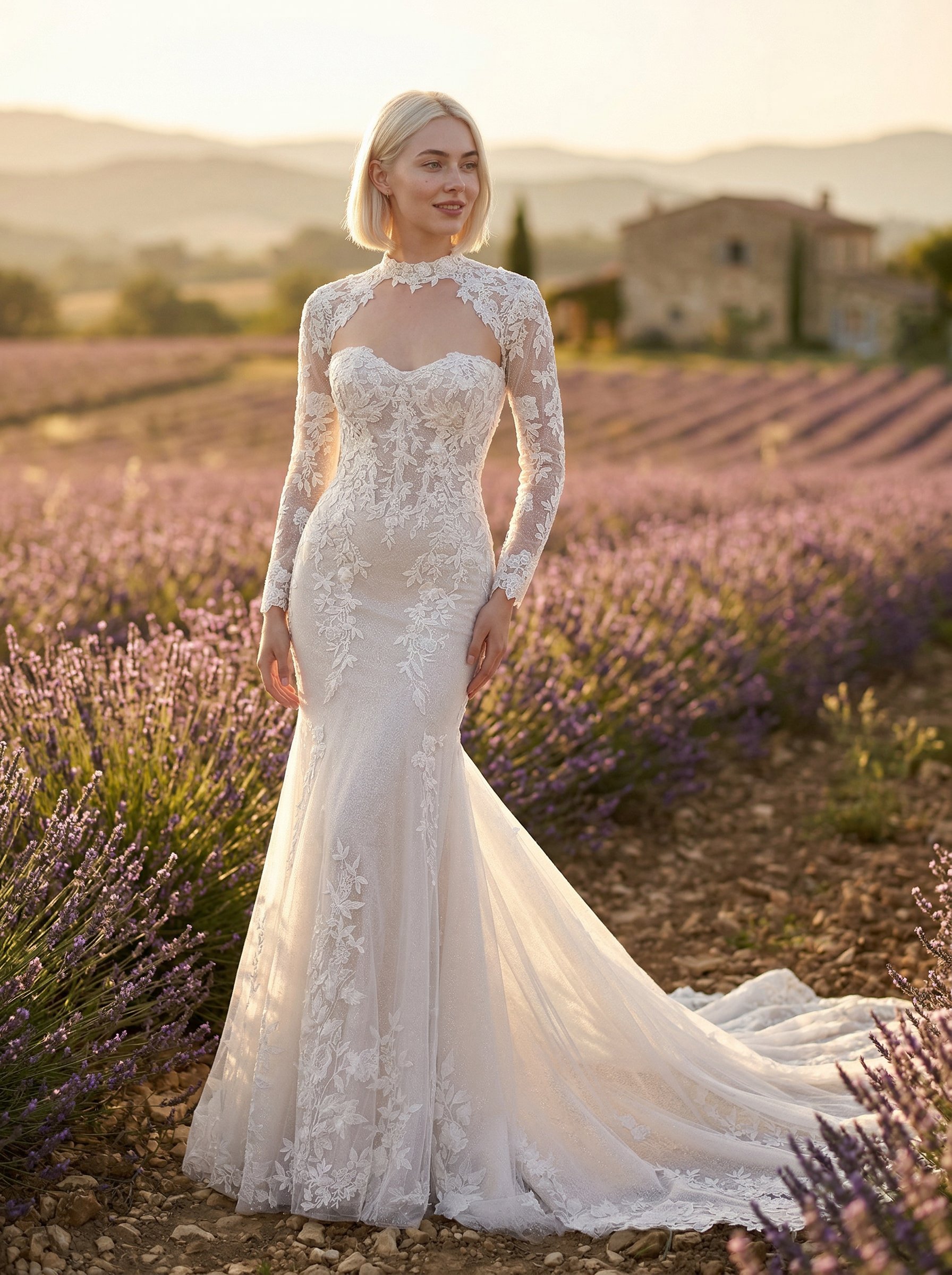
Provence lavender bridal gown portrait
Provence lavender bridal gown portrait explores a fashion or editorial portrait direction with stronger styling and campaign-ready composition.
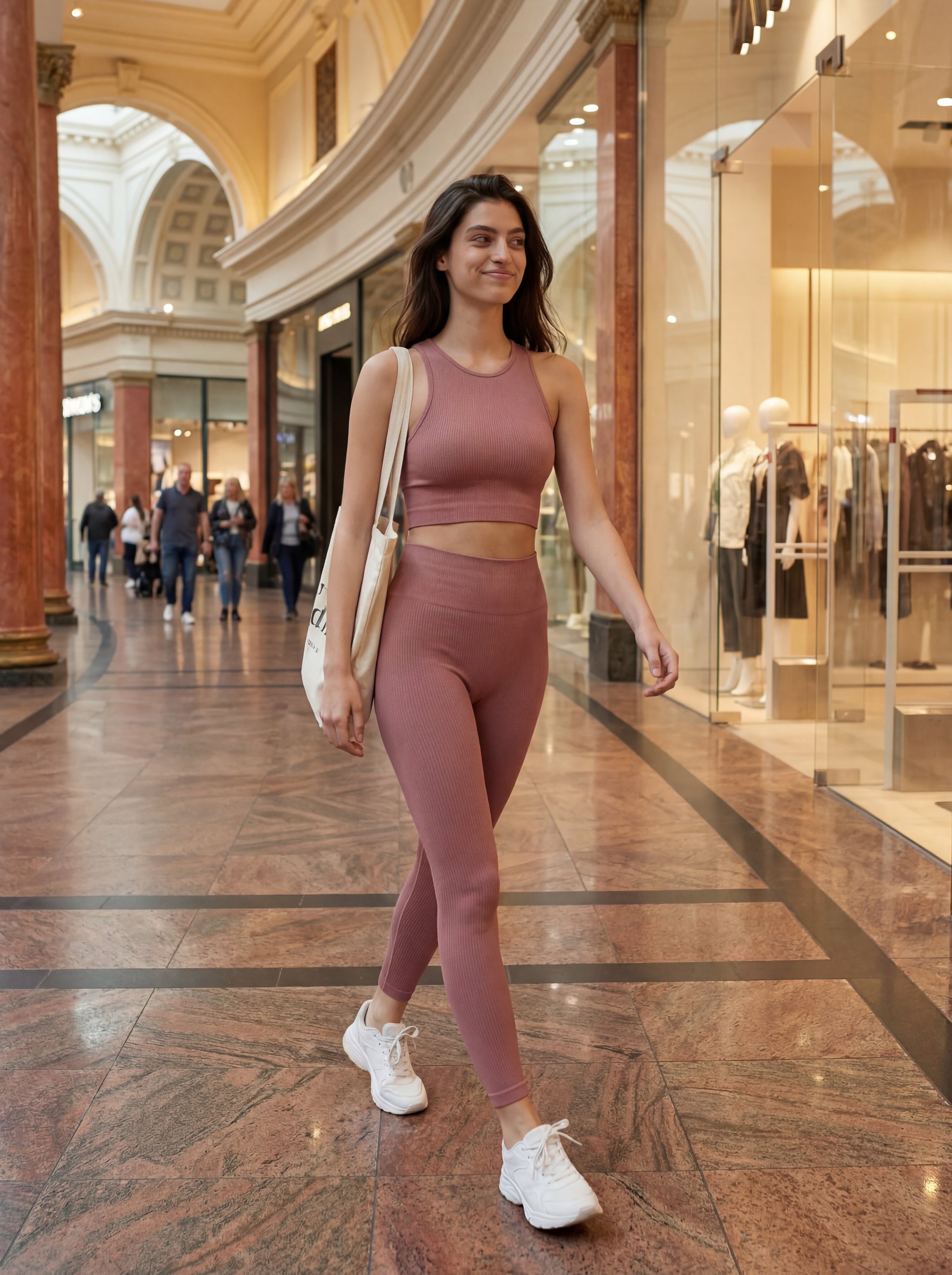
Trafford Centre lifestyle fashion portrait
Trafford Centre lifestyle fashion portrait explores a fashion or editorial portrait direction with stronger styling and campaign-ready composition.
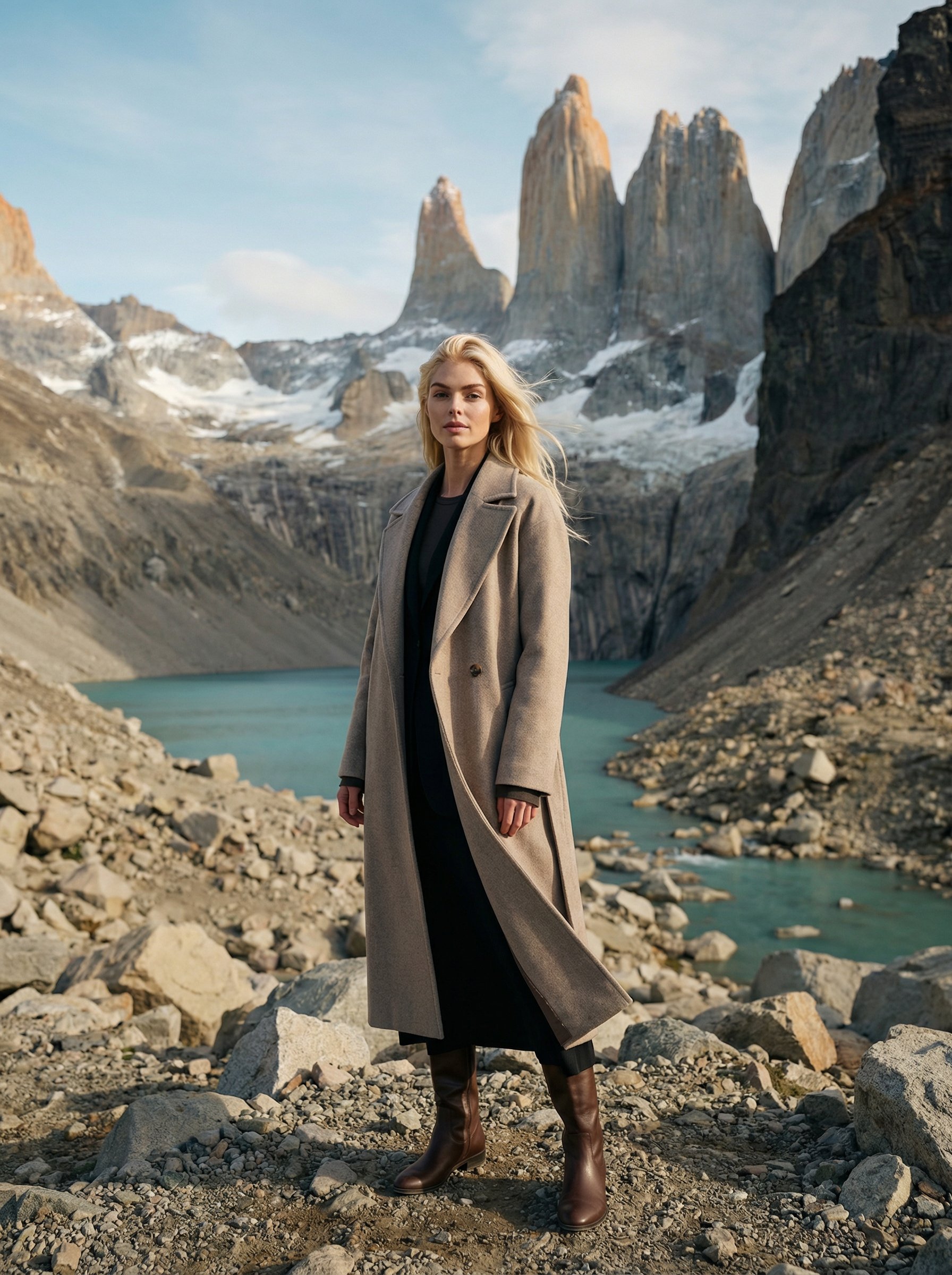
Patagonia Torres del Paine fashion portrait
Patagonia Torres del Paine fashion portrait creates destination-led visuals for travel campaigns, creator posts, and editorial trip concepts.
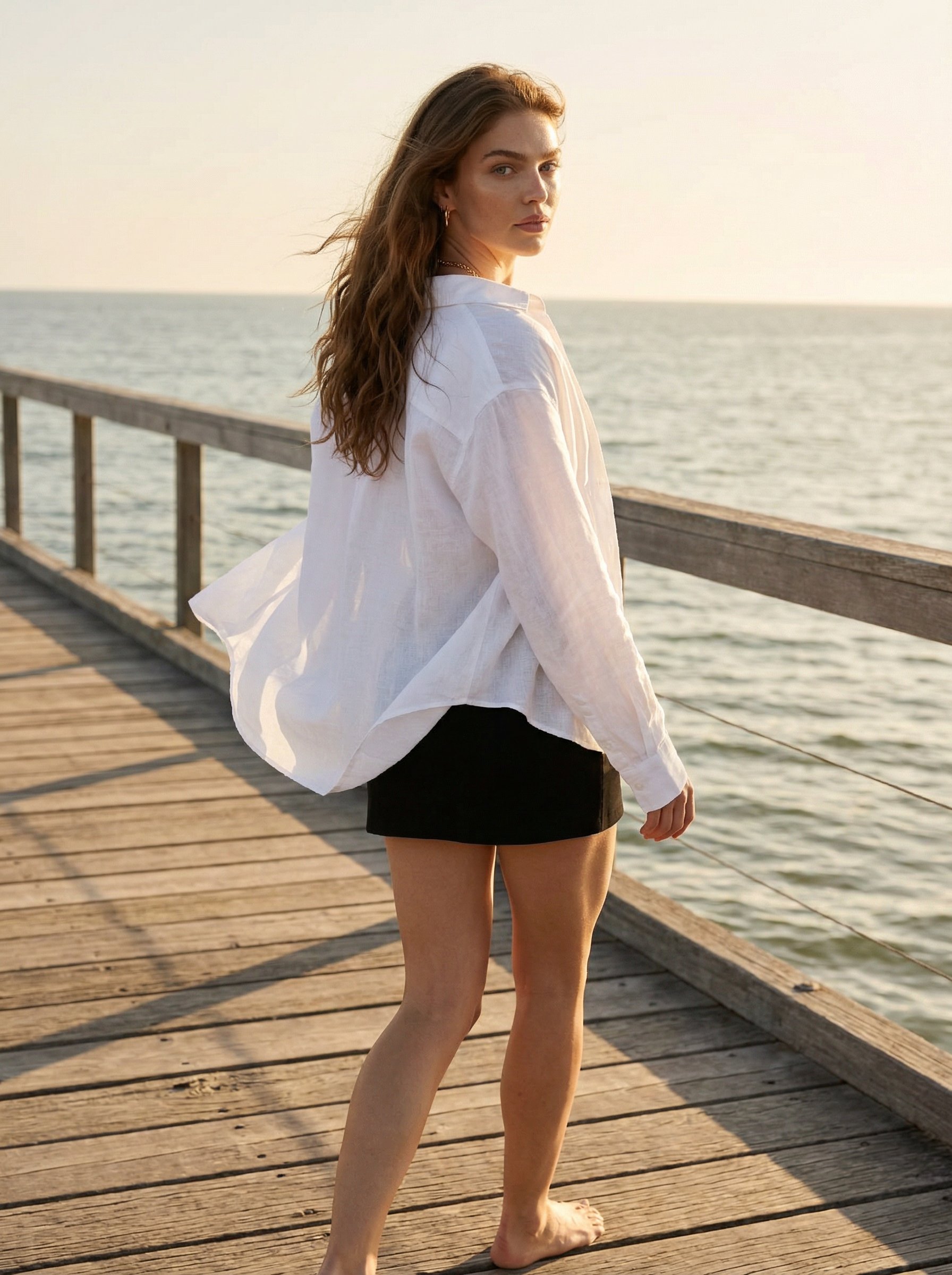
Golden Hour Pier Walk Portrait
Golden Hour Pier Walk Portrait explores a fashion or editorial portrait direction with stronger styling and campaign-ready composition.
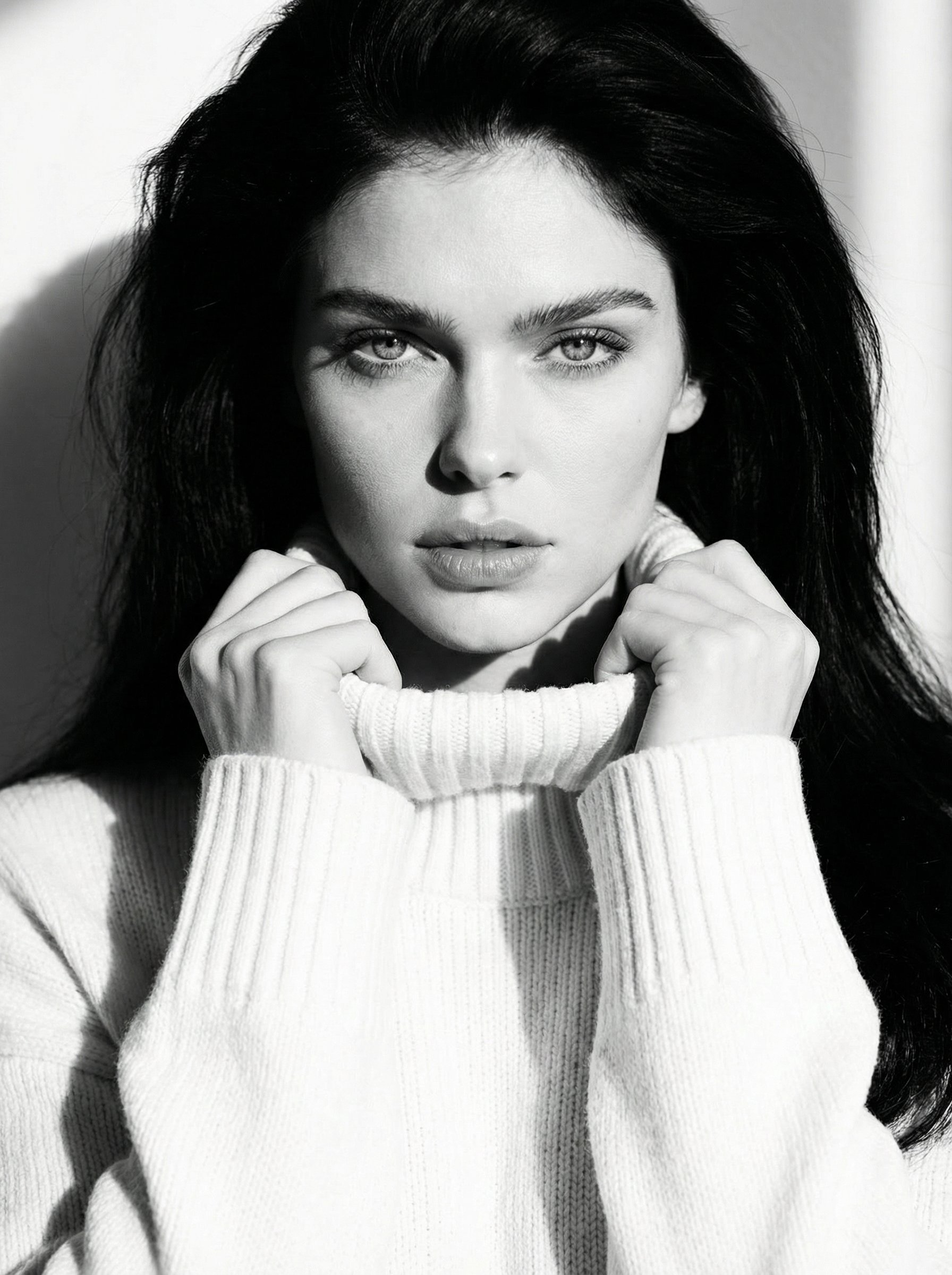
Black White Knit Sweater Editorial Portrait
Black White Knit Sweater Editorial Portrait explores a fashion or editorial portrait direction with stronger styling and campaign-ready composition.
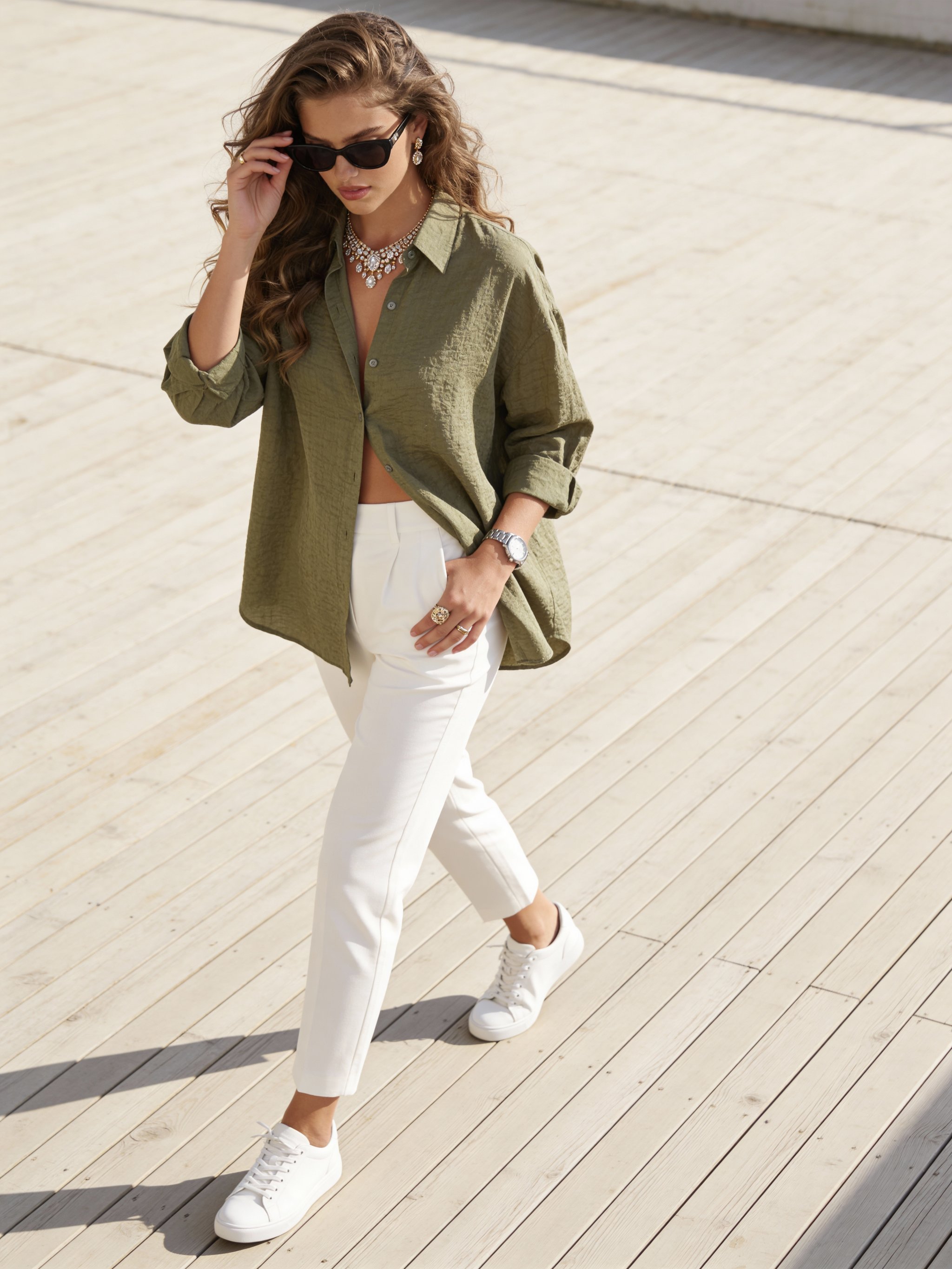
Sage green deck fashion portrait
Sage green deck fashion portrait explores a fashion or editorial portrait direction with stronger styling and campaign-ready composition.
Make it yours
Create with this recipe.
Open this recipe in the generator and add your details.
Generate a photo like this