Patagonia Torres del Paine fashion portrait
A cinematic outdoor-luxury portrait in Patagonia with Torres del Paine peaks, glacial tones, and golden-hour contrast.
Generate a photo like thisExplore the prompt- Recommended Workflows
- Gemini 3 Pro Image
- Recommended Aspect Ratio
- 3:4
- Reference Images Required
- 1 image
01 / The recipe
Prompt variants
Use these as short alternate directions for Patagonia Torres del Paine fashion portrait; each variant keeps the recipe recognizable while pushing a different outcome.
Create an ultra-realistic, 8K cinematic travel fashion portrait of a woman standing in front of the iconic Torres del Paine mountains in Patagonia, Chile. The subject is the clear focal point, posed confidently in the foreground with a calm, serene expression, looking slightly toward the camera as cold Andean wind gently moves her hair and clothing. Setting & Environment: Behind her rise the dramatic granite peaks of Torres del Paine, partially illuminated by soft golden-hour sunlight. The landscape features crisp alpine air, turquoise glacial lakes, rugged rocky terrain, and distant snow-capped ridges. The atmosphere feels expansive, majestic, and untouched, with subtle clouds drifting across a pale blue sky. Wardrobe & Styling: She wears a refined outdoor-luxury outfit suitable for a high-end adventure editorial: a long neutral-toned coat or modern trekking-inspired jacket layered over minimalist fitted clothing, paired with elegant leather boots. No logos, no bright neon colors—timeless Patagonia sophistication. Lighting & Mood: Natural golden-hour light casts soft highlights on her face and creates gentle cinematic shadows. The color palette is cool and clean (blues, stone grays, muted greens) balanced by warm sunlight. The mood is powerful, peaceful, and aspirational—like a luxury travel campaign. Camera & Quality: Shot in the style of a Canon EOS R5 with an 85mm portrait lens, shallow depth of field, razor-sharp focus on the subject, and softly blurred mountain background. Ultra-detailed skin texture, realistic fabric weave, crisp wind movement, cinematic color grading, photorealistic 8K finish. Avoid: tourists, crowds, text, logos, oversaturation, artificial CGI look, plastic skin smoothing, exaggerated anatomy, distracting props.
02 / Make it yours
A little direction goes a long way.
Create a Patagonia Torres del Paine fashion portrait with a destination-aware visual treatment that balances the subject with a recognizable place. Start from the reference image so the subject, source structure, or key visual details stay anchored while the style changes. This recipe is useful for travel campaigns, destination portraits, creator posts, editorial trip concepts, and location-led visuals.
Best for / not ideal for
Use this section to decide whether Patagonia Torres del Paine fashion portrait is the right recipe before spending credits on variations.
Best for
- Patagonia Torres del Paine fashion portrait concepts where the example image is close to the result you want.
- Visual directions built around a destination-led portrait or scene that balances the subject with a recognizable place.
- Compositions that benefit from a recognizable place or atmosphere that helps sell the destination.
- Fast testing with Gemini 3 Pro Image in 3:4.
Not ideal for
- Formal ID photos, passport photos, or strict corporate headshots.
- Subtle retouching where the original photo should barely change.
- Product-only images with no person or character as the subject.
- Cases where exact wardrobe, pose, and lighting must be legally or medically precise.
How to adapt the prompt
Keep the core idea of Patagonia Torres del Paine fashion portrait, then change the details that control identity, style, color, background, and framing.
Subject and likeness
Style intensity
Color palette
Background simplicity
Composition and crop
Common fixes
If Patagonia Torres del Paine fashion portrait is close but not usable yet, make one of these targeted prompt edits before changing everything.
Subject drift
Too busy or chaotic
Colors overpower the subject
Image feels flat
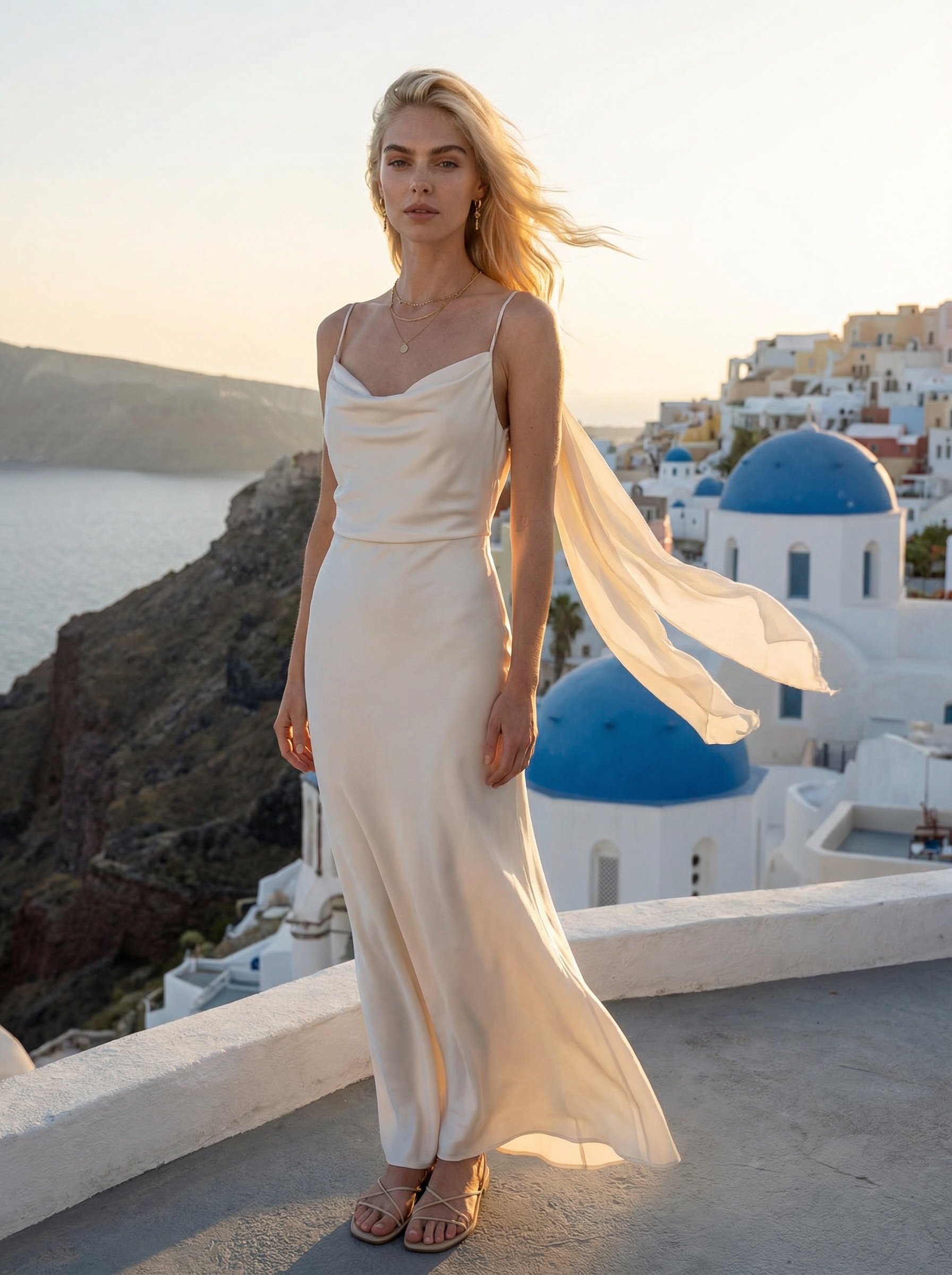
Santorini Oia sunset couture portrait
Santorini Oia sunset couture portrait creates destination-led visuals for travel campaigns, creator posts, and editorial trip concepts.
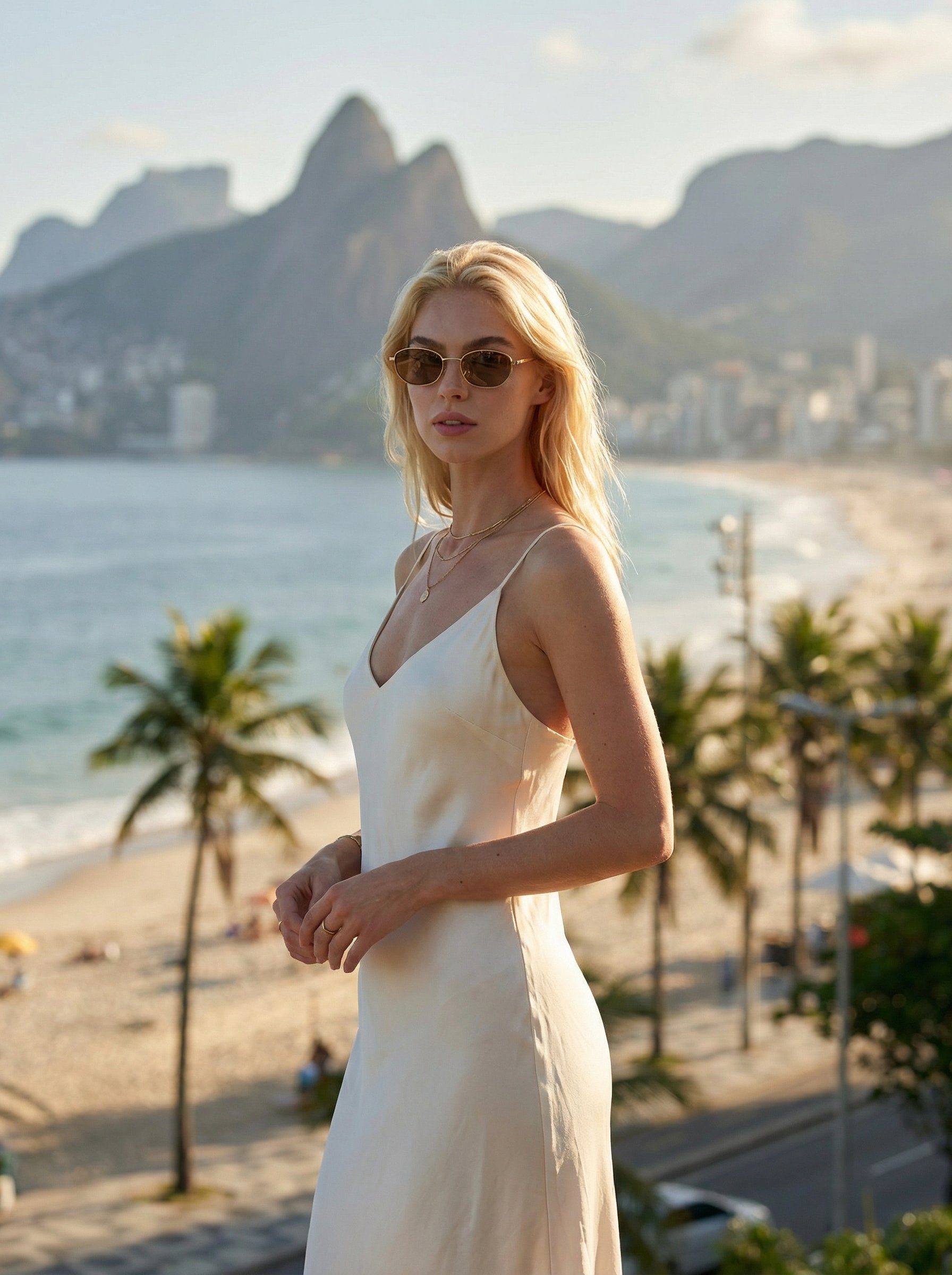
Rio Copacabana travel fashion portrait
Rio Copacabana travel fashion portrait creates destination-led visuals for travel campaigns, creator posts, and editorial trip concepts.
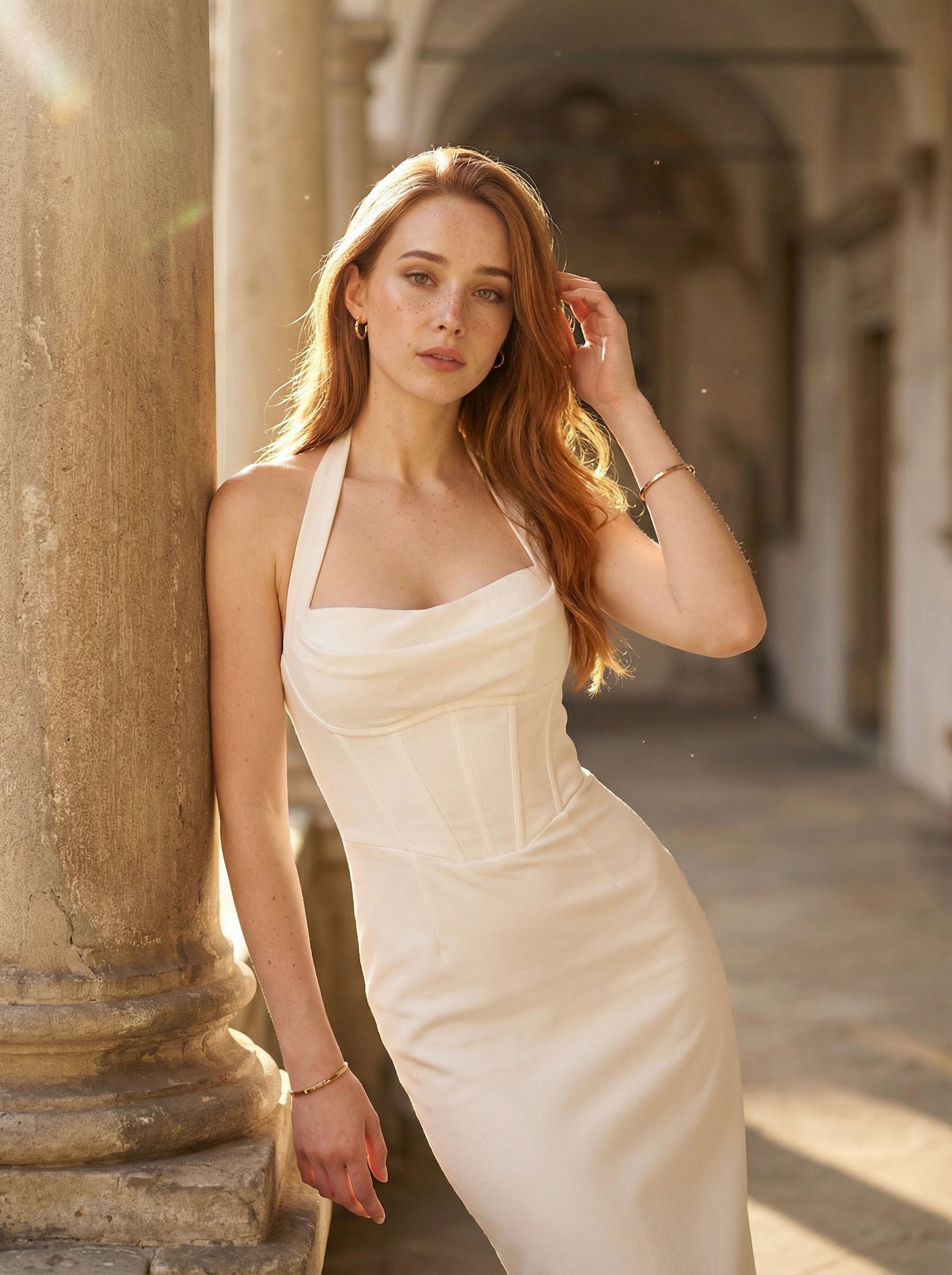
Stone corridor white halter portrait
Stone corridor white halter portrait explores a fashion or editorial portrait direction with stronger styling and campaign-ready composition.
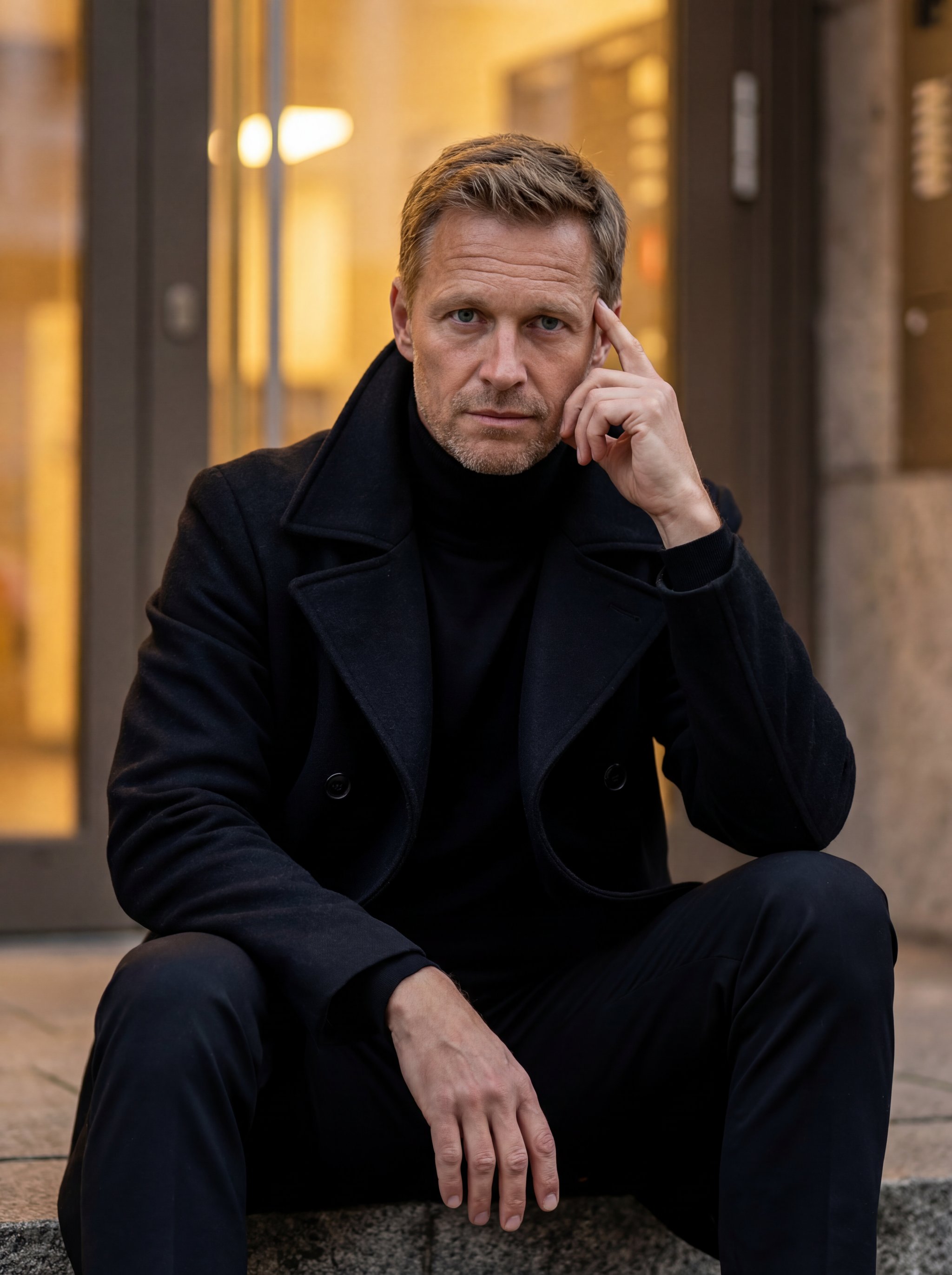
Cinematic urban steps portrait
Cinematic urban steps portrait explores a fashion or editorial portrait direction with stronger styling and campaign-ready composition.
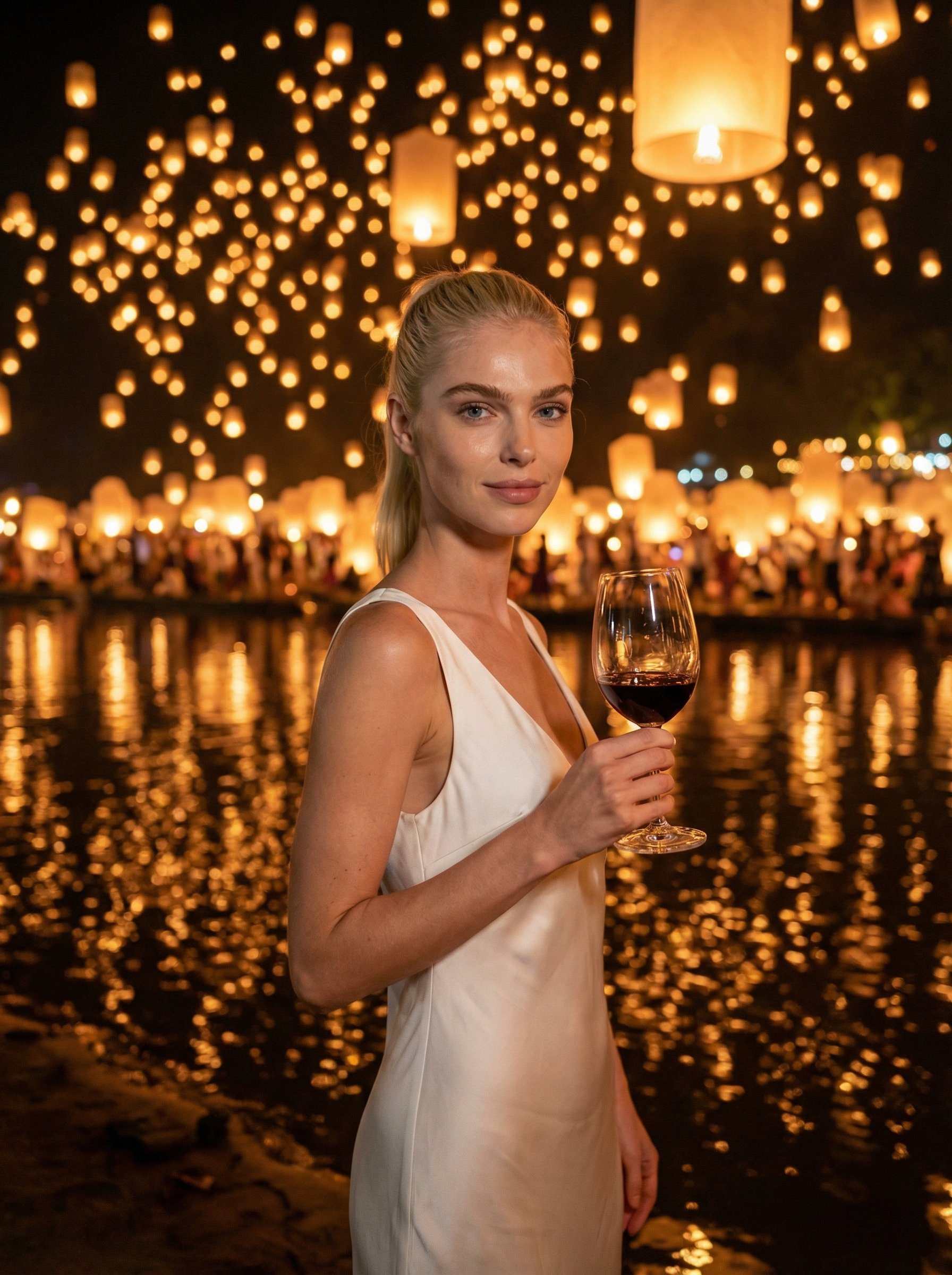
Thailand lantern festival river portrait
Thailand lantern festival river portrait creates destination-led visuals for travel campaigns, creator posts, and editorial trip concepts.
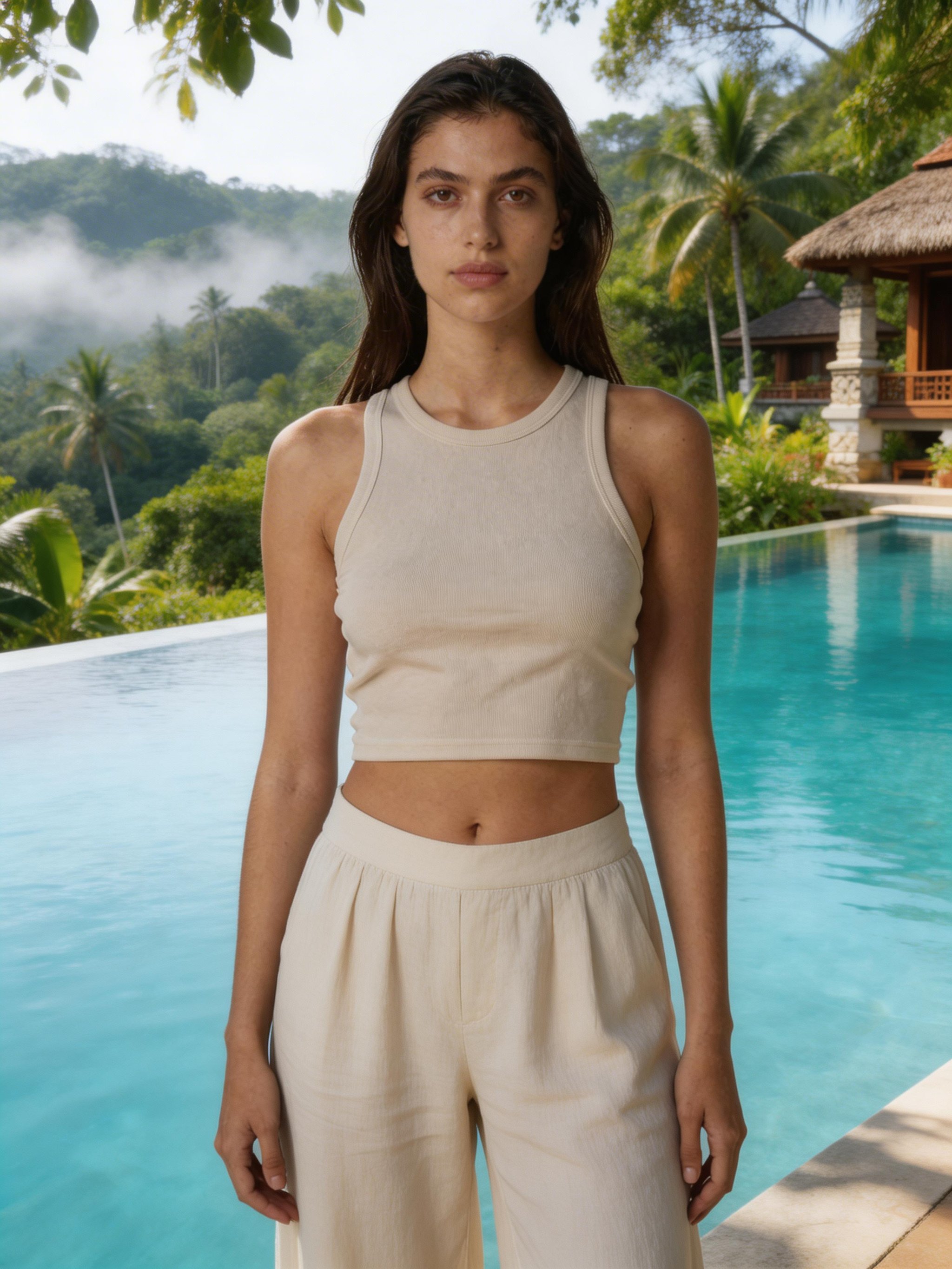
Bali jungle infinity pool luxury lifestyle portrait
Bali jungle infinity pool luxury lifestyle portrait creates destination-led visuals for travel campaigns, creator posts, and editorial trip concepts.
Make it yours
Create with this recipe.
Open this recipe in the generator and add your details.
Generate a photo like this