Isometric weather card
A 3D city card with live weather, date, and temperature.
Generate a photo like thisExplore the prompt- Recommended Workflows
- Gemini 3 Pro Image
- Recommended Aspect Ratio
- 1:1 (Square)
- Reference Images Required
- No
01 / The recipe
Prompt variants
Use these as short alternate directions for Isometric weather card; each variant keeps the recipe recognizable while pushing a different outcome.
Generate a Weather Card for **{{city}}**. **Style Mode:** {{style_mode}} (Cartoon OR Realistic) Find the current live weather, date, and temperature for this city and integrate that data into the visual scene and text overlay.
02 / Make it yours
A little direction goes a long way.
Create an Isometric weather card with a playful miniature or 3D treatment with clear scale and polished small details. No reference image is required, so the prompt carries the subject, setting, composition, and style constraints. This recipe is useful for 3D icons, collectible concepts, miniature scenes, app visuals, and playful brand assets.
Best for / not ideal for
Use this section to decide whether Isometric weather card is the right recipe before spending credits on variations.
Best for
- Isometric weather card concepts where the example image is close to the result you want.
- Visual directions built around a miniature or 3D scene with readable scale, shape, and playful detail.
- Compositions that benefit from a compact setting that makes the tiny scale and key objects easy to understand.
- Fast testing with Gemini 3 Pro Image in 1:1 (Square).
Not ideal for
- Neutral photorealistic portraits with minimal visible styling.
- Technical diagrams, product packshots, or plain background documentation.
- Projects where every line must follow brand guidelines exactly.
- Subtle face cleanup that should still look like an untouched camera photo.
How to adapt the prompt
Keep the core idea of Isometric weather card, then change the details that control identity, style, color, background, and framing.
Subject and likeness
Style intensity
Color palette
Background simplicity
Composition and crop
Common fixes
If Isometric weather card is close but not usable yet, make one of these targeted prompt edits before changing everything.
Subject drift
Too busy or chaotic
Colors overpower the subject
Image feels flat
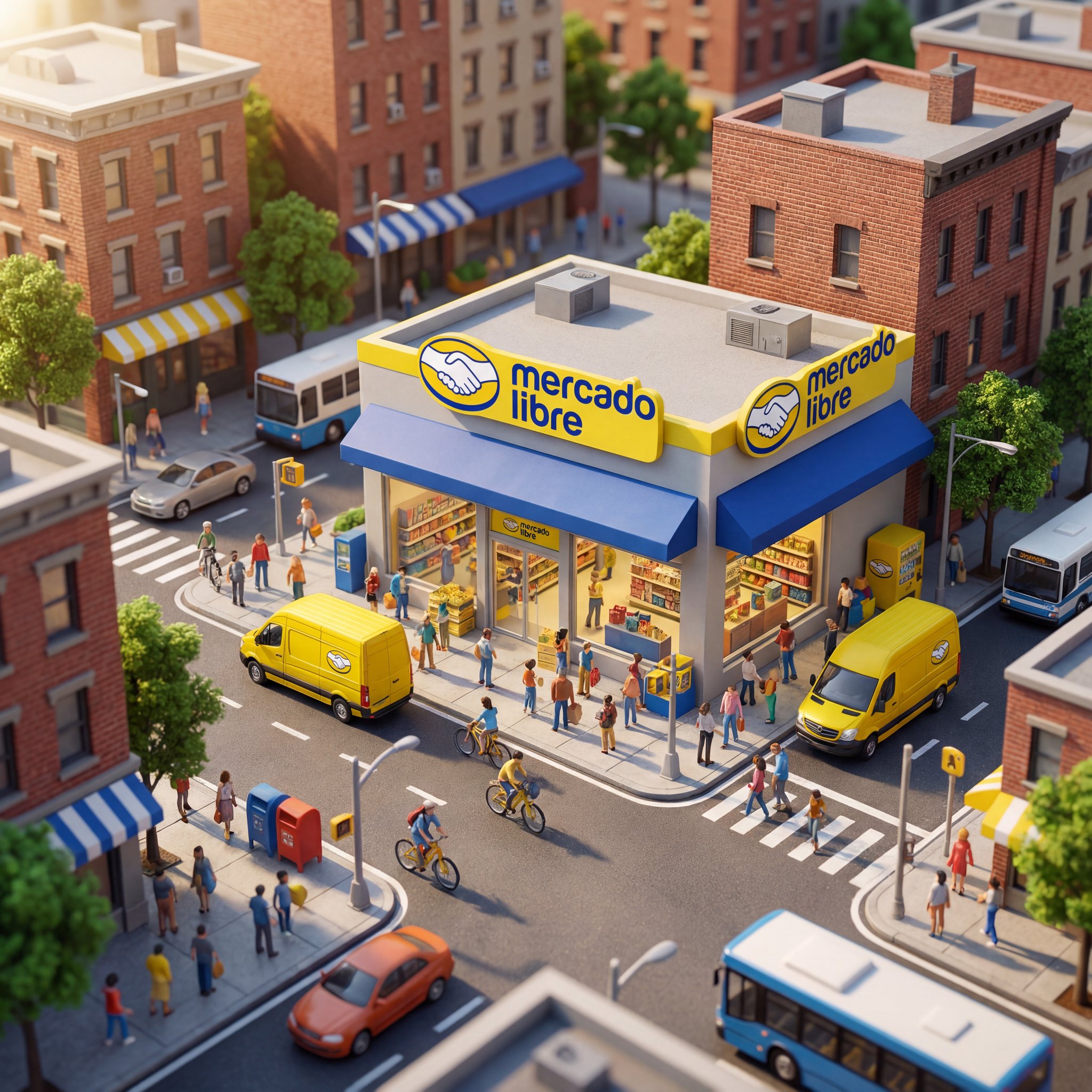
Miniature storefront city scene
Miniature storefront city scene creates a miniature or 3D-style scene with playful scale, shape, and detail.
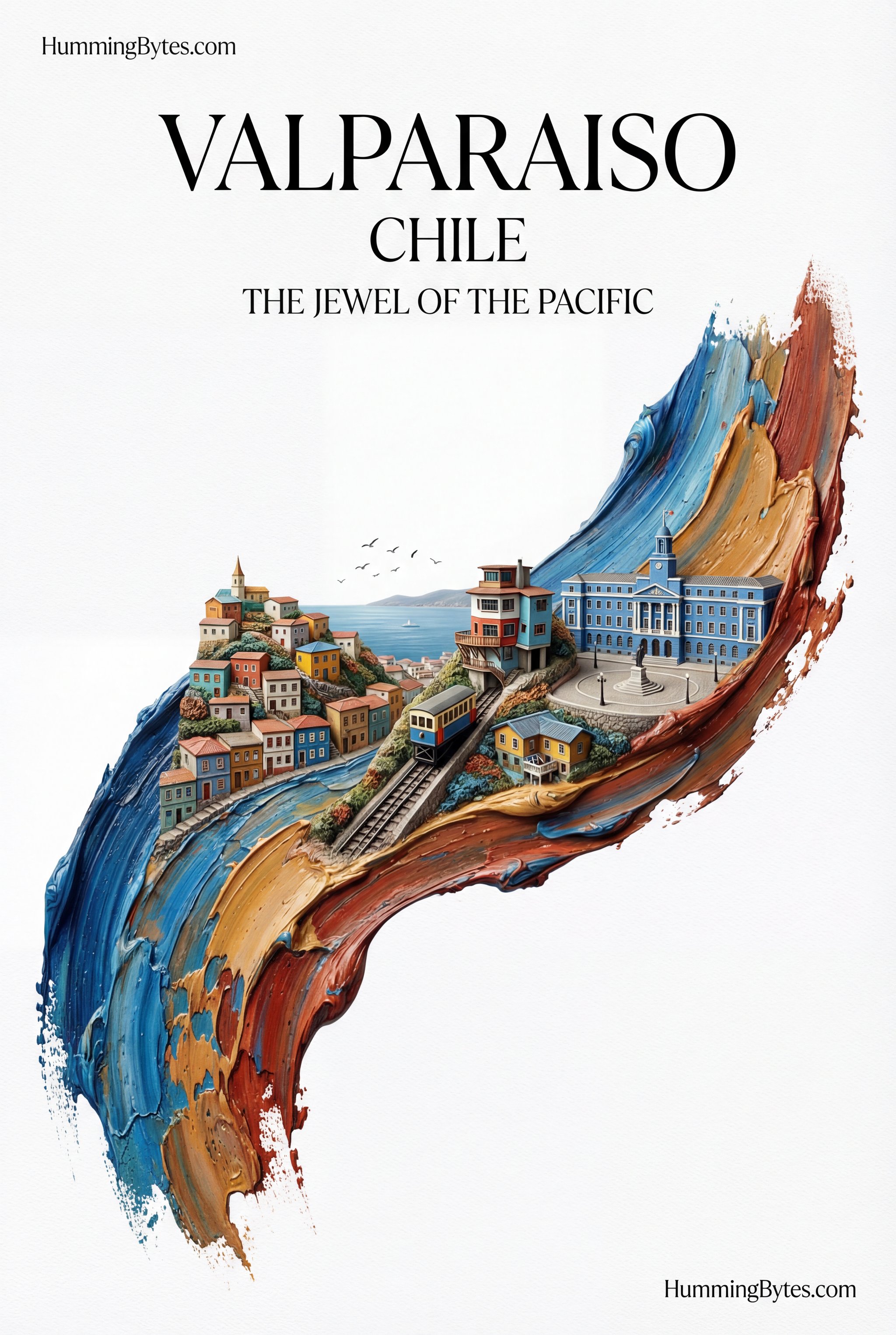
Brushstroke city poster
Brushstroke city poster uses a stylized art direction for portraits, avatars, posters, and expressive personal visuals.
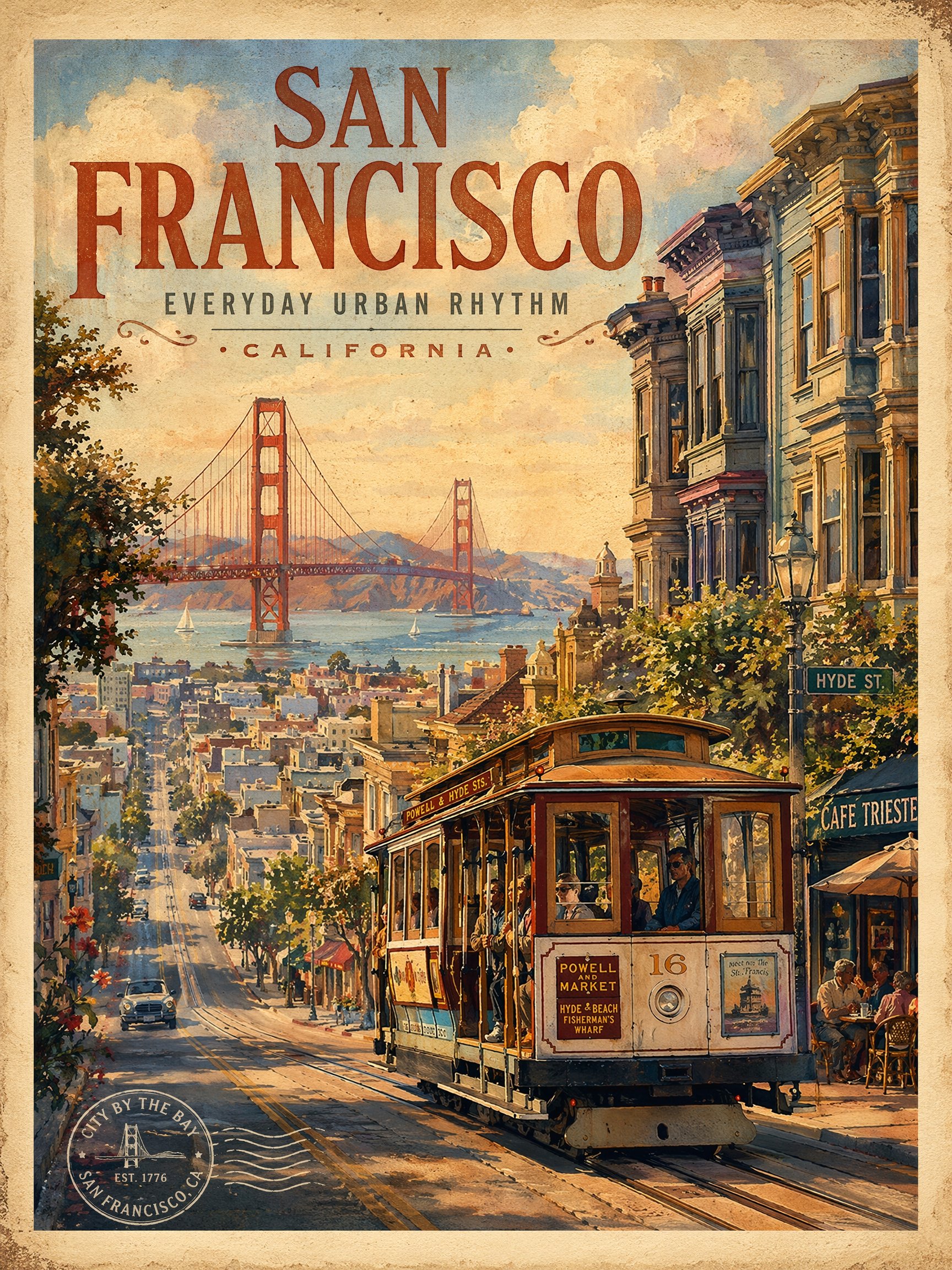
Vintage travel poster
Vintage travel poster creates destination-led visuals for travel campaigns, creator posts, and editorial trip concepts.
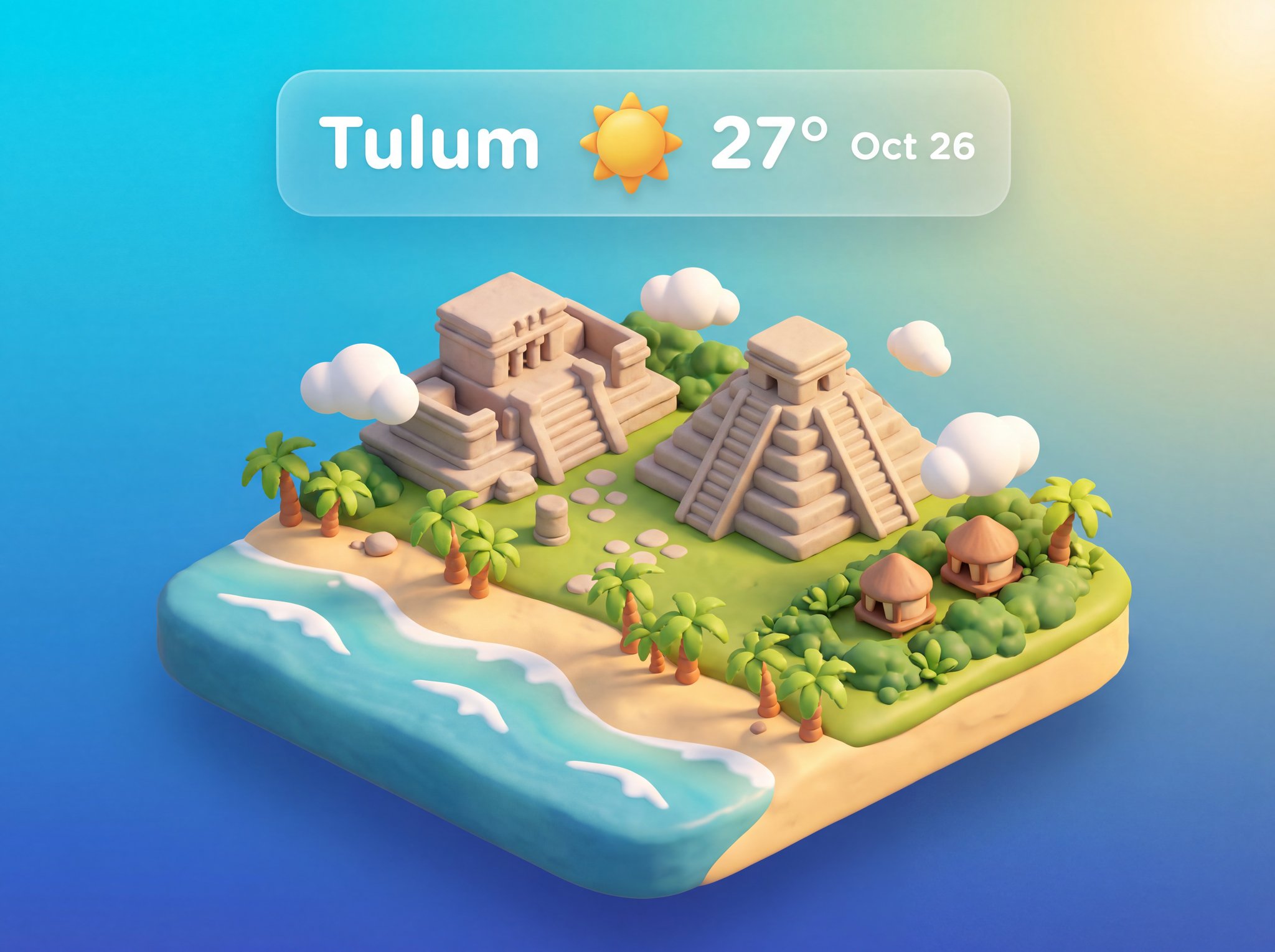
3D weather app widget
3D weather app widget turns weather, place, or interface ideas into compact app-style visuals.
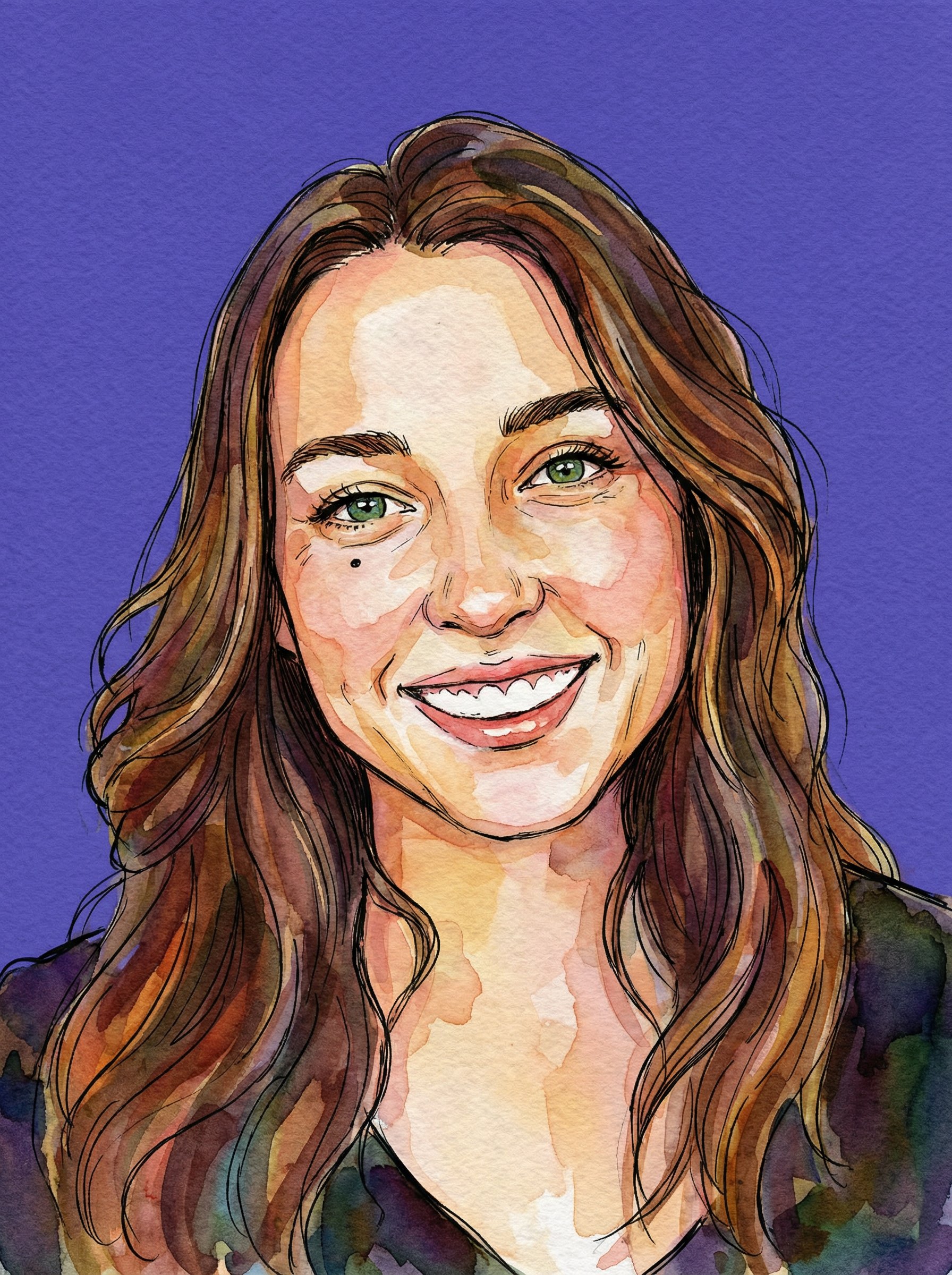
Watercolor Ink Purple Backdrop Portrait
Watercolor Ink Purple Backdrop Portrait uses a stylized art direction for portraits, avatars, posters, and expressive personal visuals.
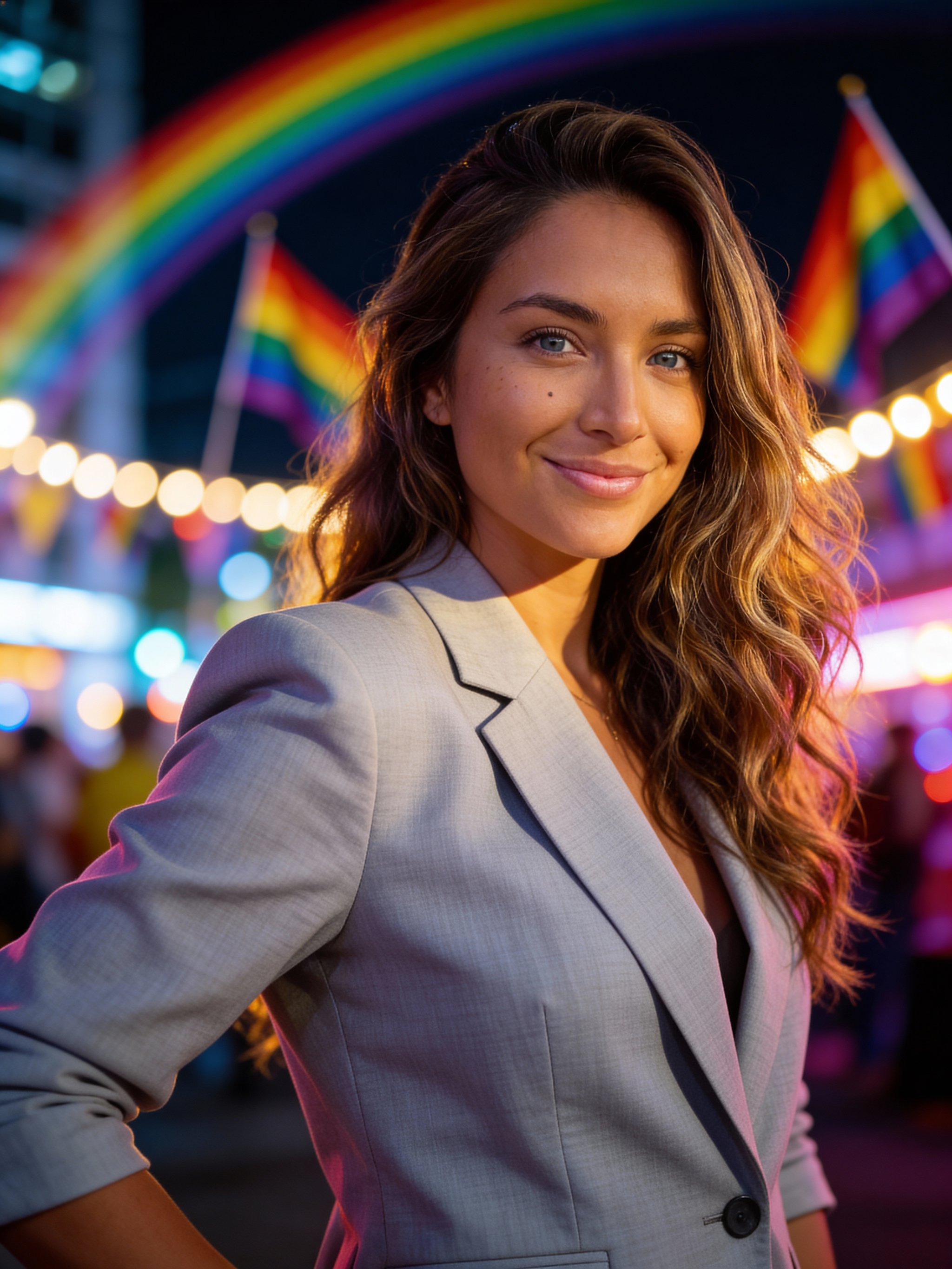
Pride month celebration portrait
Pride month celebration portrait focuses on a recognizable portrait result with clear subject presence and useful creative variations.
Make it yours
Create with this recipe.
Open this recipe in the generator and add your details.
Generate a photo like this