Food video thumbnail
A high-contrast, pop-style thumbnail with arrow + headline.
Generate a photo like thisExplore the prompt- Recommended Workflows
- Seedream 4.5
- Reference Images Required
- 1 image
01 / The recipe
Prompt variants
Use these as short alternate directions for Food video thumbnail; each variant keeps the recipe recognizable while pushing a different outcome.
Design a viral food video thumbnail using the subject from the provided reference image. Face consistency: keep the person's facial features exactly the same as the reference, but change their expression to look excited and surprised. Action: place the person on the left side of the wide frame, pointing their finger towards the right. Subject: on the right side, place a high-quality image of a delicious {{dish}}. Graphics: add a bold yellow arrow connecting the person's finger to the dish. Text: overlay large, pop-style text in the center: '{{headline}}'. Use a thick white outline and drop shadow. Background: a blurred, bright kitchen background. Style: high saturation and contrast. 3:2 aspect ratio.
02 / Make it yours
A little direction goes a long way.
Create a Food video thumbnail with an appetizing presentation that highlights texture, color, and serving context. Start from the reference image so the subject, source structure, or key visual details stay anchored while the style changes. This recipe is useful for menu visuals, restaurant promos, food thumbnails, delivery listings, and social posts.
Best for / not ideal for
Use this section to decide whether Food video thumbnail is the right recipe before spending credits on variations.
Best for
- Food video thumbnail concepts where the example image is close to the result you want.
- Visual directions built around an appetizing food presentation with clear texture, color, and serving context.
- Compositions that benefit from table styling or atmosphere that supports the dish without hiding it.
- Fast testing with Seedream 4.5 in the recipe default canvas.
Not ideal for
- Menu documentation where portion size and ingredients must be exact.
- Clinical nutrition images or packaging compliance checks.
- Plain cutout product photos without table styling or atmosphere.
- Images that require readable label text, barcodes, or exact prices.
How to adapt the prompt
Keep the core idea of Food video thumbnail, then change the details that control identity, style, color, background, and framing.
Subject and likeness
Style intensity
Color palette
Background simplicity
Composition and crop
Common fixes
If Food video thumbnail is close but not usable yet, make one of these targeted prompt edits before changing everything.
Subject drift
Too busy or chaotic
Colors overpower the subject
Image feels flat
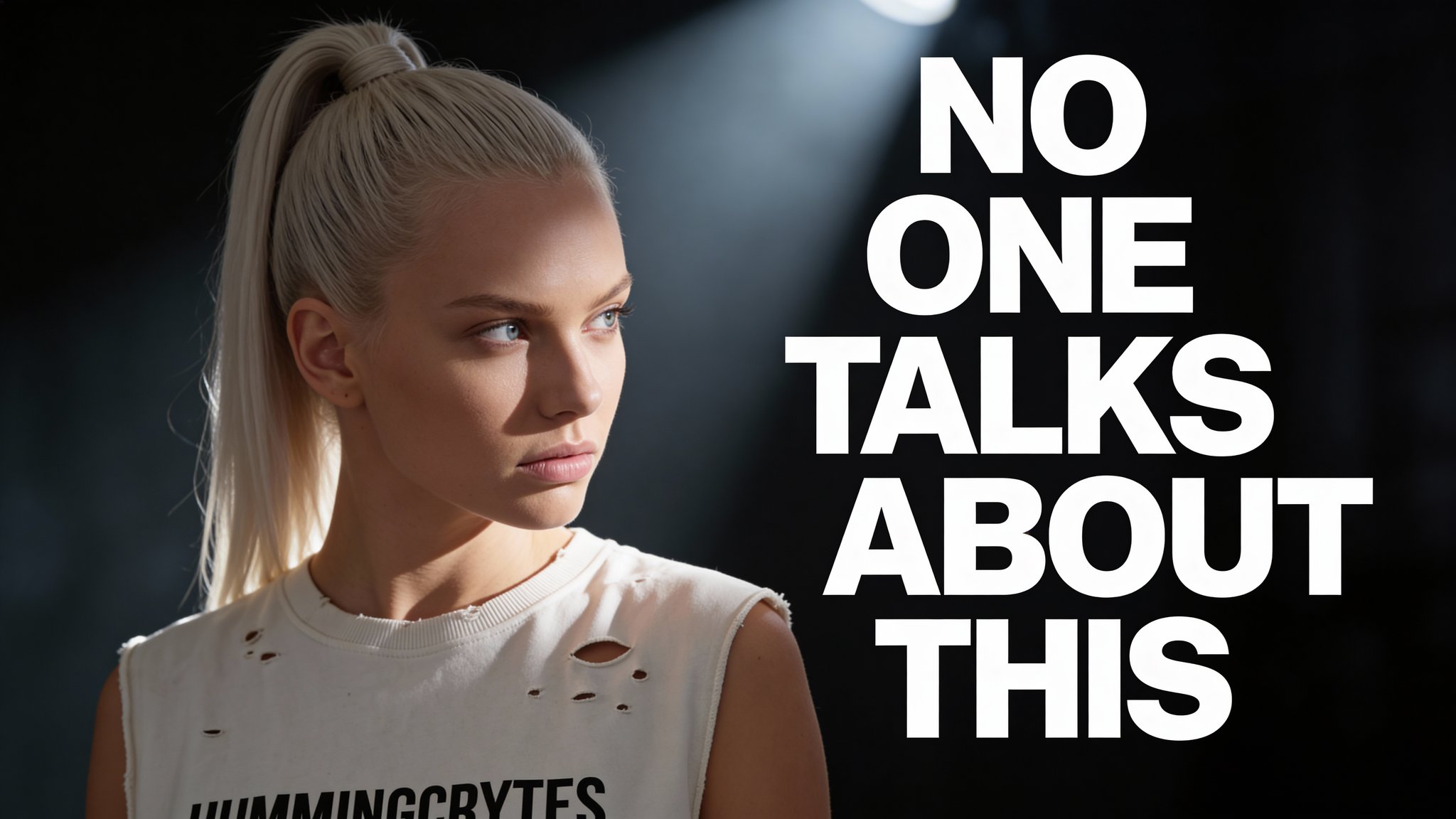
Moody YouTube thumbnail
Moody YouTube thumbnail is built for high-contrast video thumbnails, social previews, and fast-scanning campaign hooks.

High-contrast YouTube thumbnail
High-contrast YouTube thumbnail is built for high-contrast video thumbnails, social previews, and fast-scanning campaign hooks.
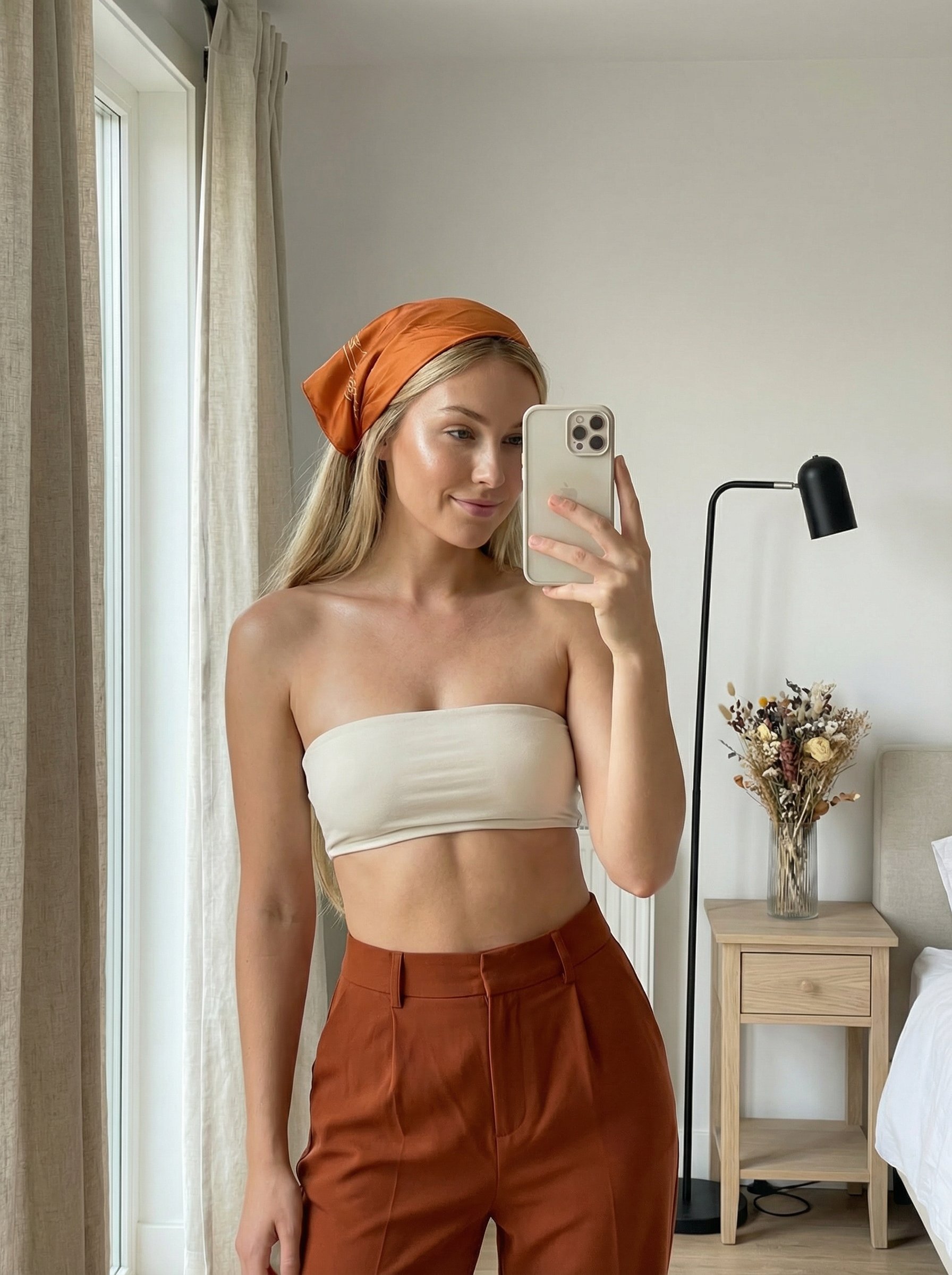
Sunlit bandana mirror selfie
Sunlit bandana mirror selfie creates feed-ready visual content for creator posts, profile campaigns, and social ads.
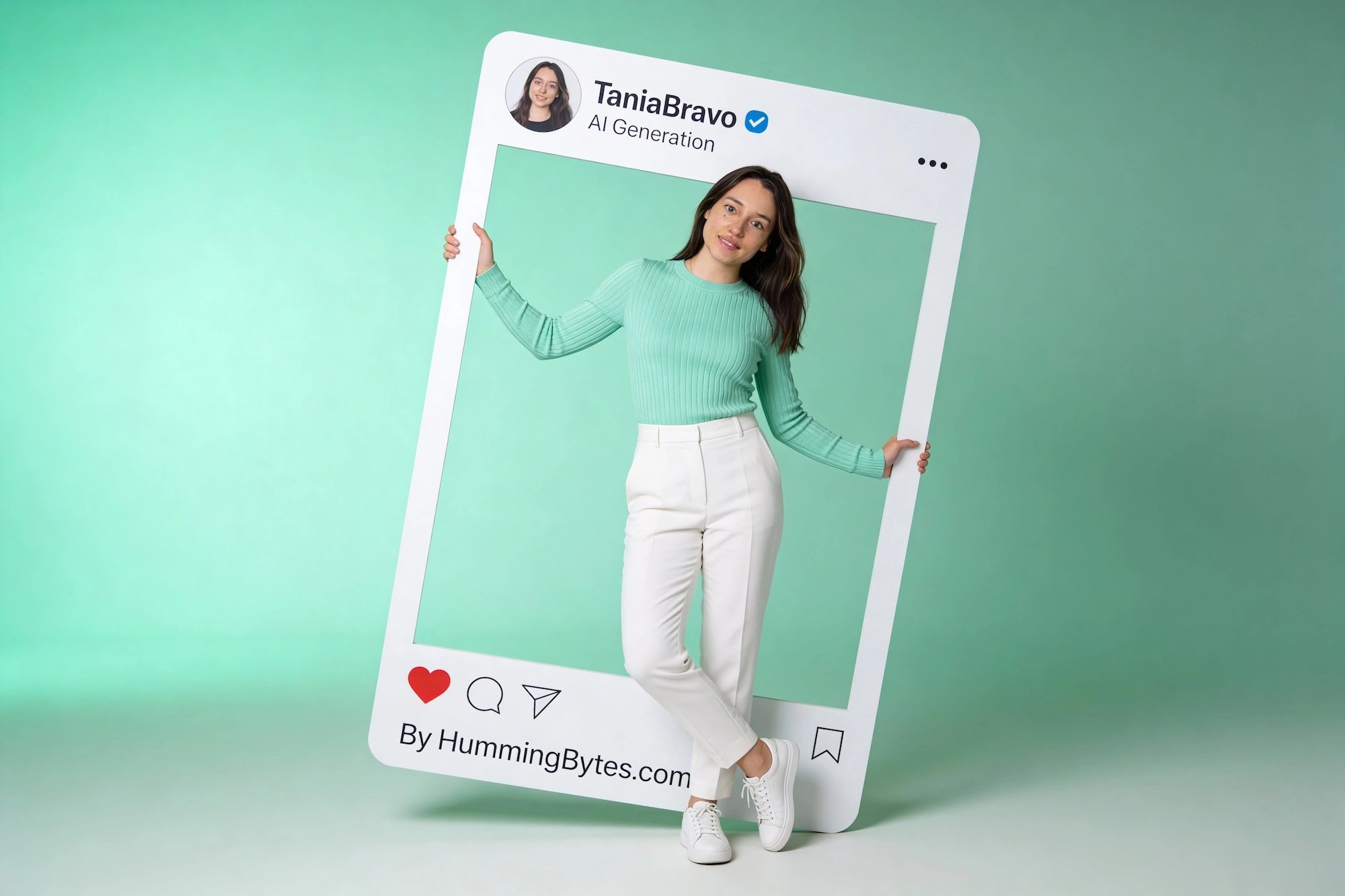
Instagram-style post
Instagram-style post creates feed-ready visual content for creator posts, profile campaigns, and social ads.
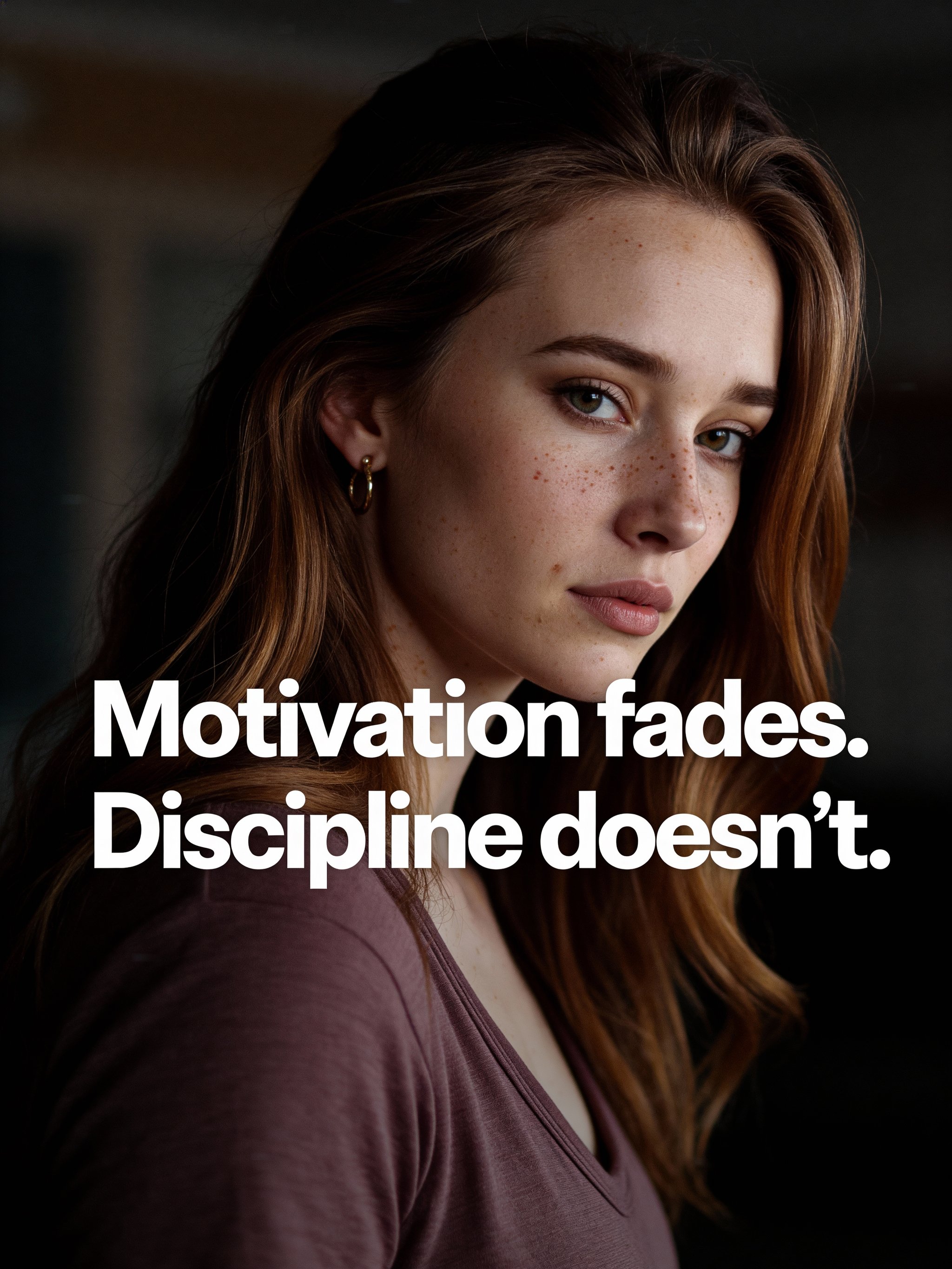
Viral quote post
Viral quote post creates feed-ready visual content for creator posts, profile campaigns, and social ads.
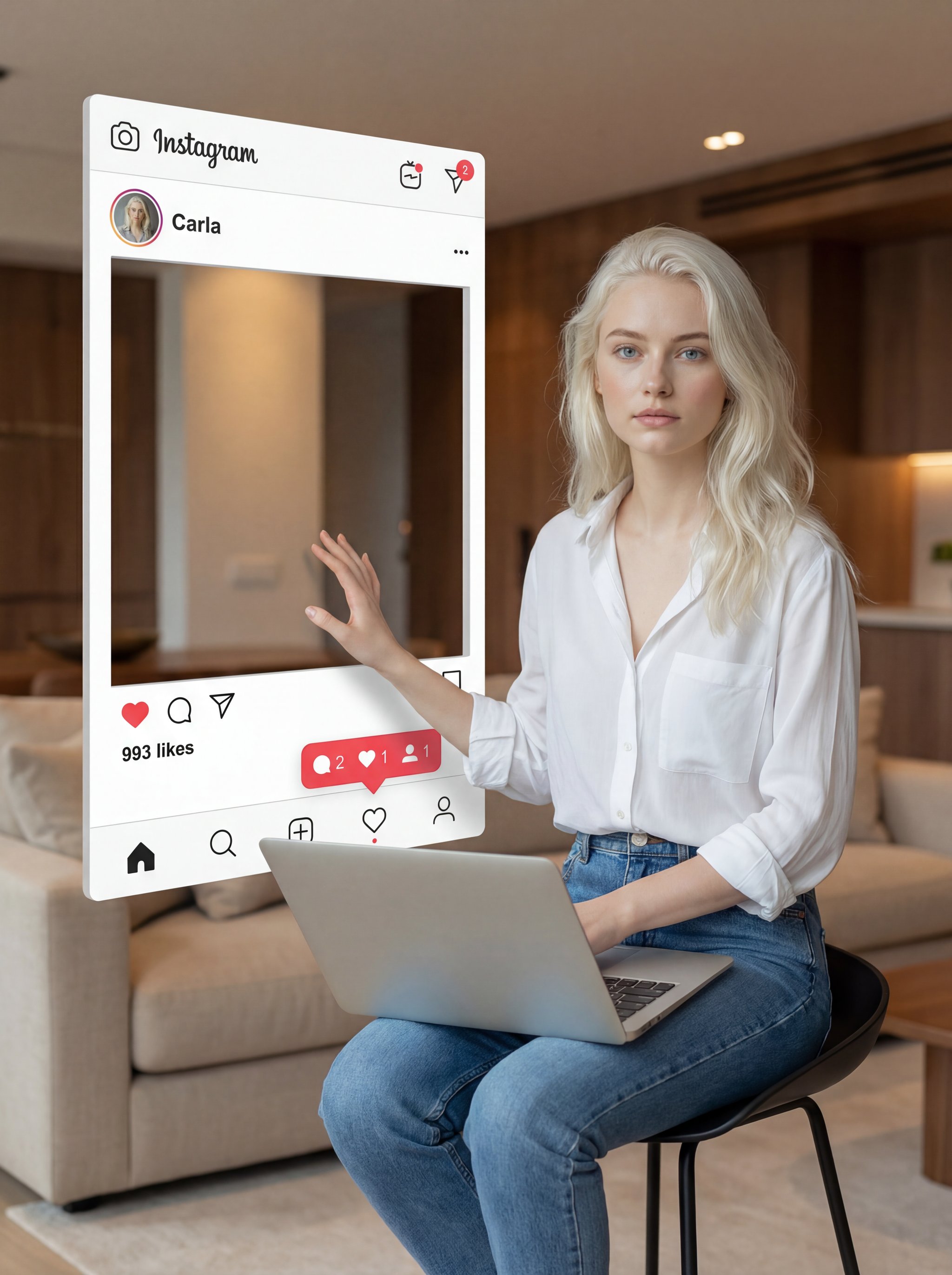
Instagram creator portrait
Instagram creator portrait creates feed-ready visual content for creator posts, profile campaigns, and social ads.
Make it yours
Create with this recipe.
Open this recipe in the generator and add your details.
Generate a photo like this